

 blocks
 DownloadLambda Better Grass Mod
Get the files on 9Minecraft
Guides
Step-by-step, in-game.
How to Enable Connected Grass Textures in Lambda Better GrassCheck Your Resource Pack Setup Lambda Better Grass does not add its own textures — it changes how existing block…How to Fix Grass That Still Looks Tiled or UnconnectedFirst, Rule Out the Obvious Connected textures only appear when the mod, a compatible resource pack, and the block…How to Get Snow on Fences and Non-Full Blocks with Better SnowWhat Better Snow Does Lambda Better Grass includes a Better Snow feature that lets snow sit realistically on blocks…How to Make Paths and Podzol Blend Smoothly Into TerrainWhy Paths Look Patchy Dirt paths, podzol, and mycelium each have their own connected-texture handling in Lambda…
Frequently asked questions
What does Lambda Better Grass actually do?
It adds connected textures to grass blocks so adjacent grass merges into one seamless surface instead of showing a grid of tiles. The same treatment applies to podzol, mycelium, paths, and crimson and warped nylium.
How do I turn on connected grass textures?
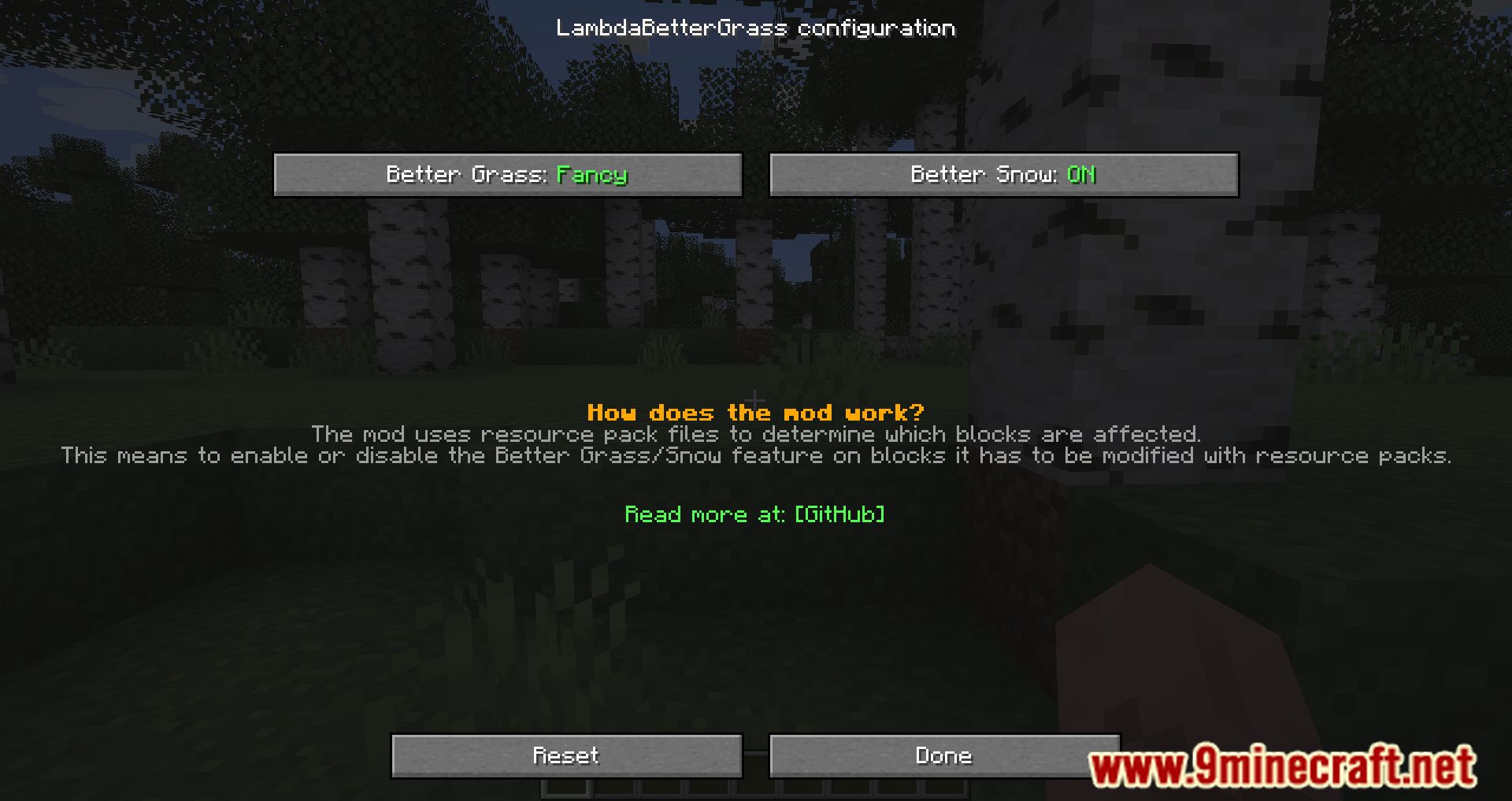
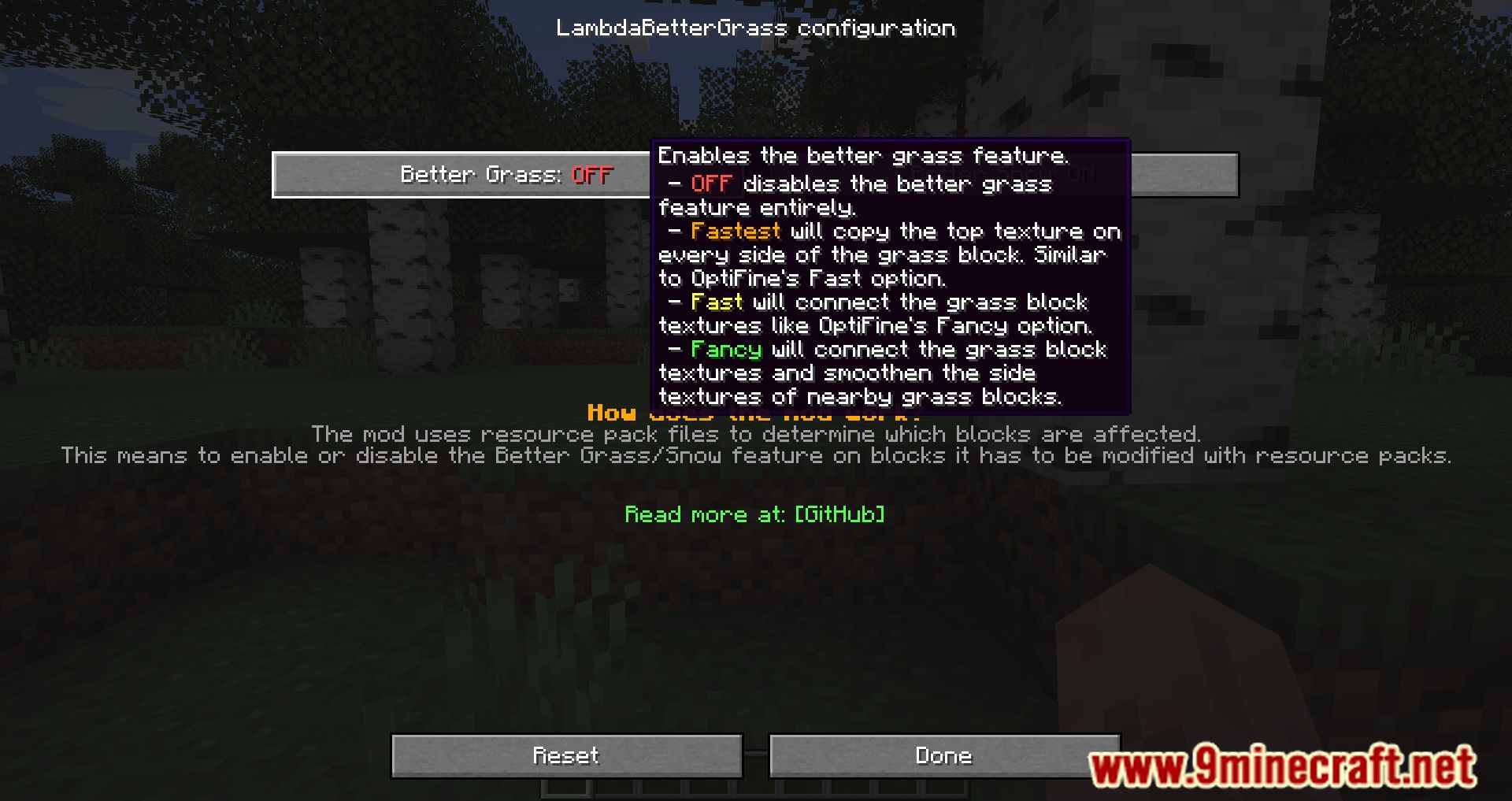
The mod works automatically once installed, so grass should connect without any setup. If nothing changes, check that the mod is actually loaded and that no other resource pack is overriding the grass block textures.
Does Lambda Better Grass need OptiFine?
Why does my grass still look tiled and unconnected?
The most common cause is a resource pack that replaces the grass block textures, since the mod needs compatible textures to blend. Try disabling other packs or moving Lambda Better Grass's assets so they take priority.
See all 10 Lambda Better Grass questions ›
Gallery
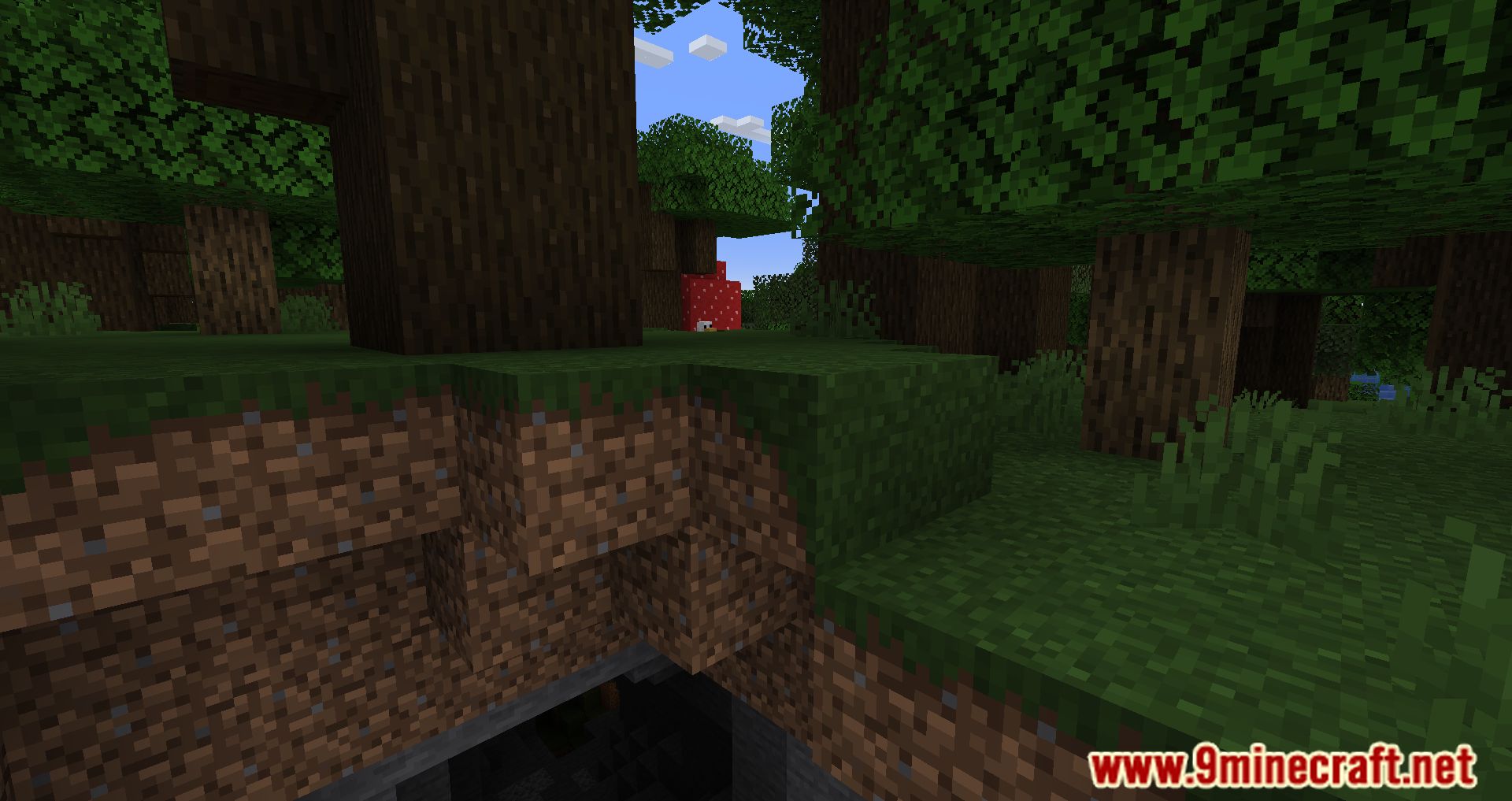
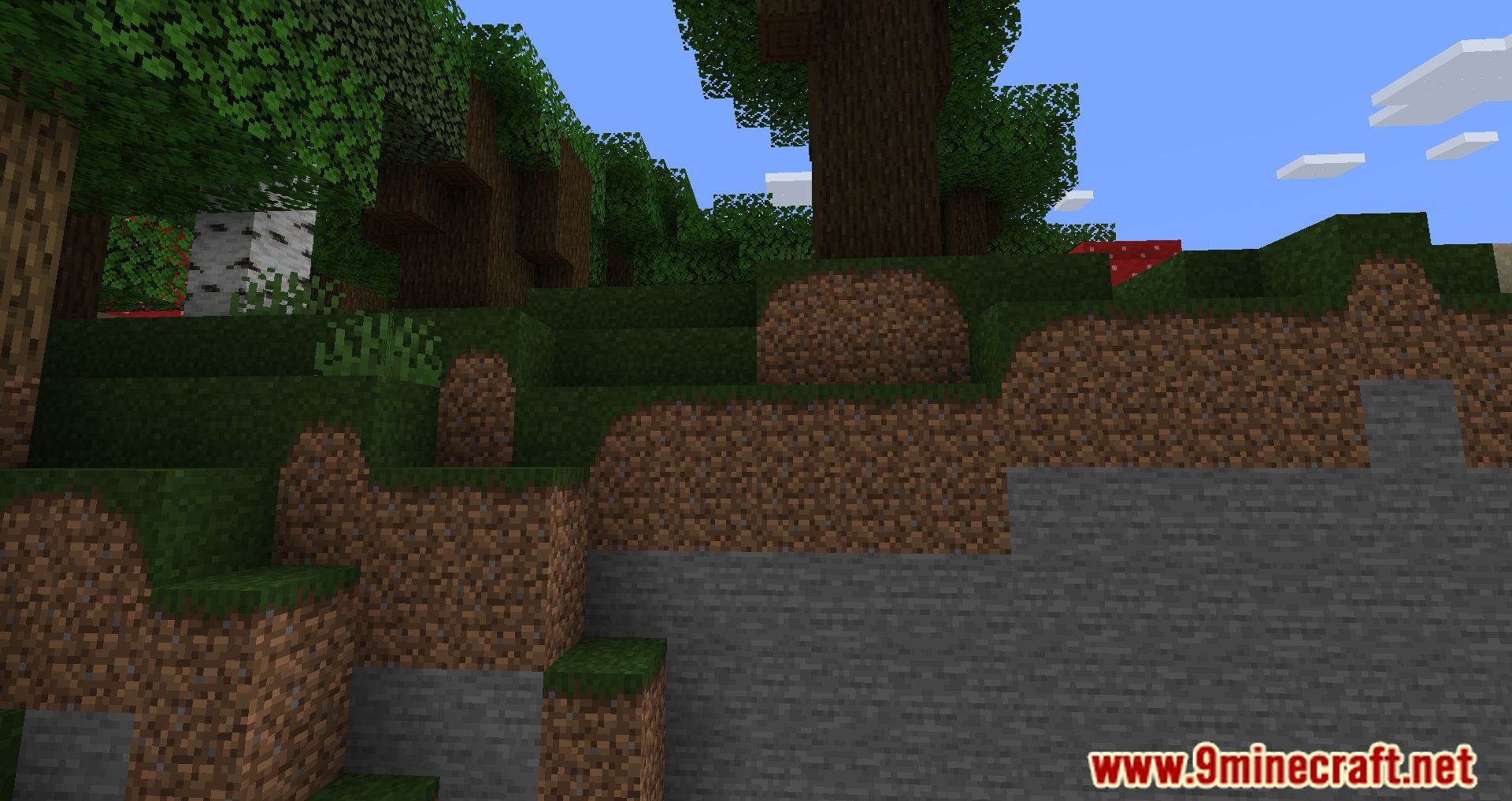
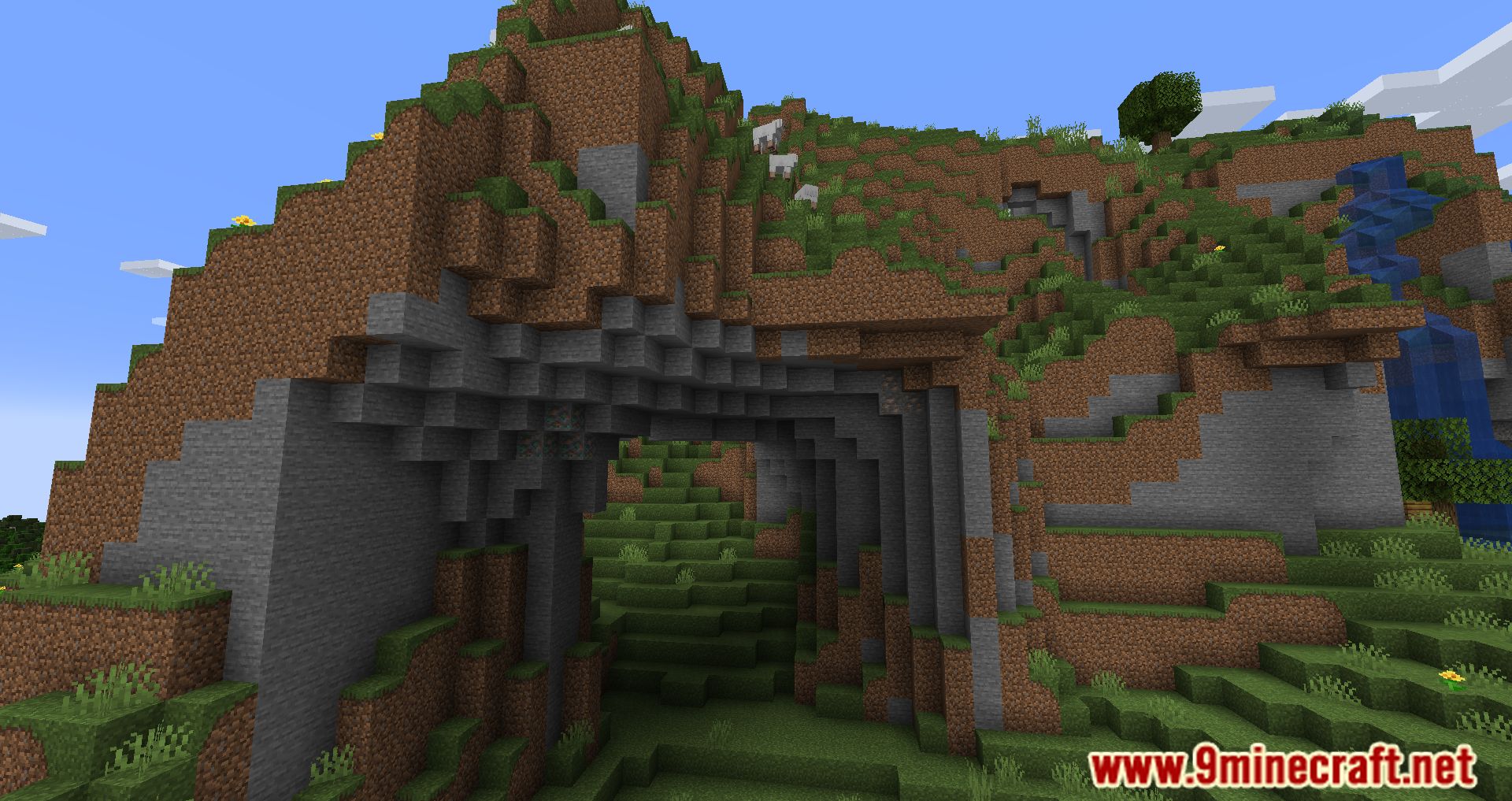
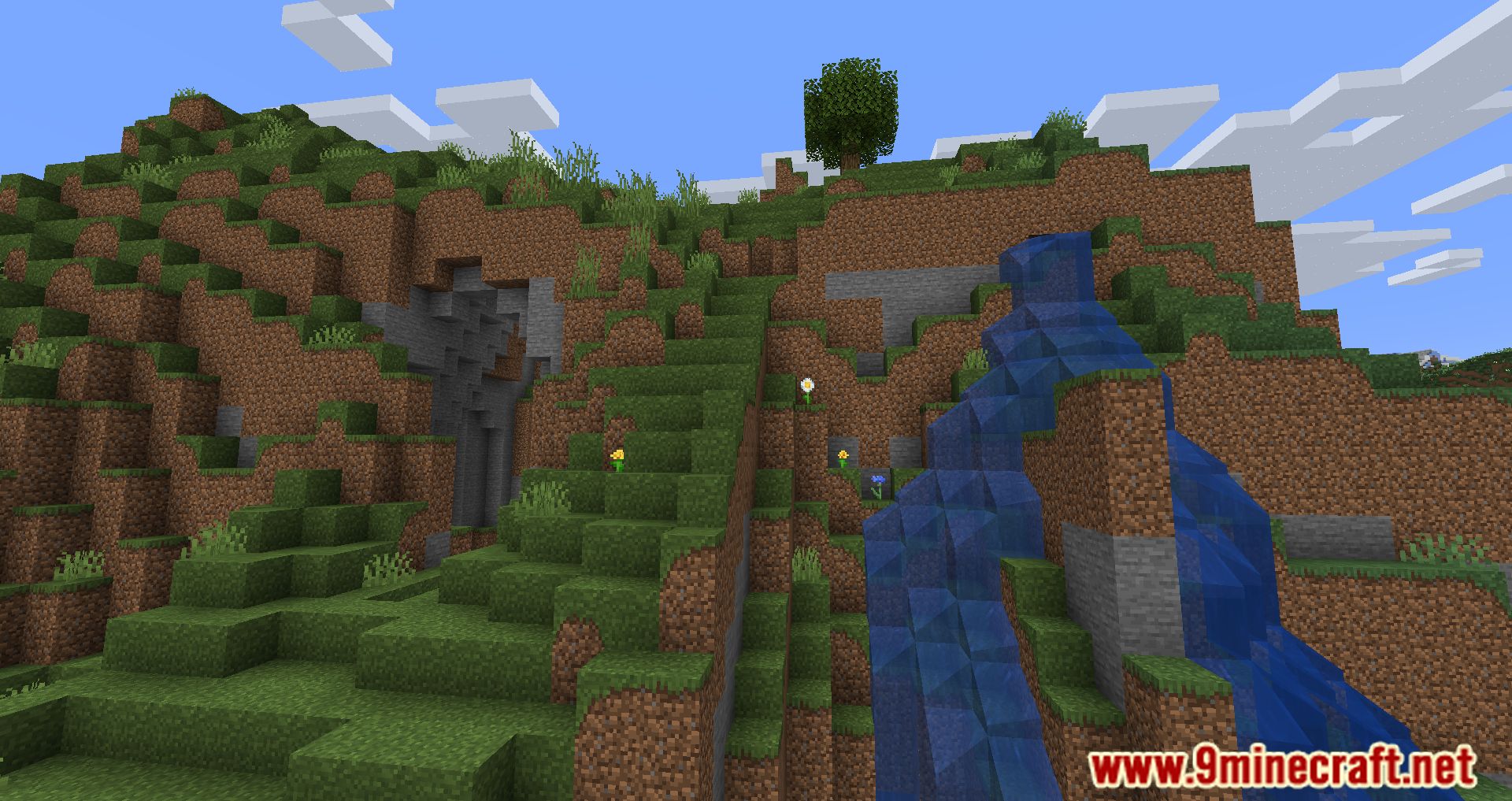
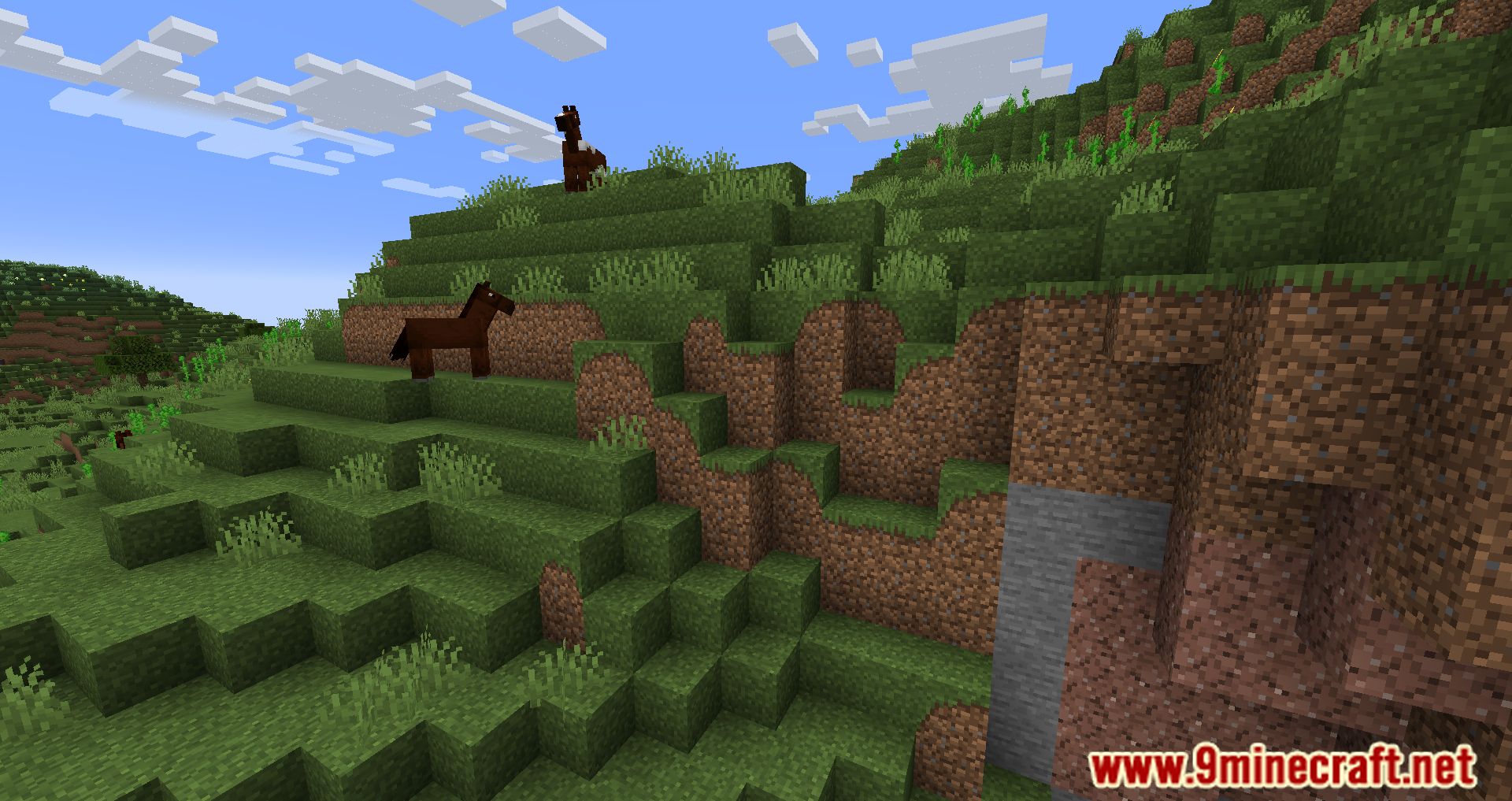
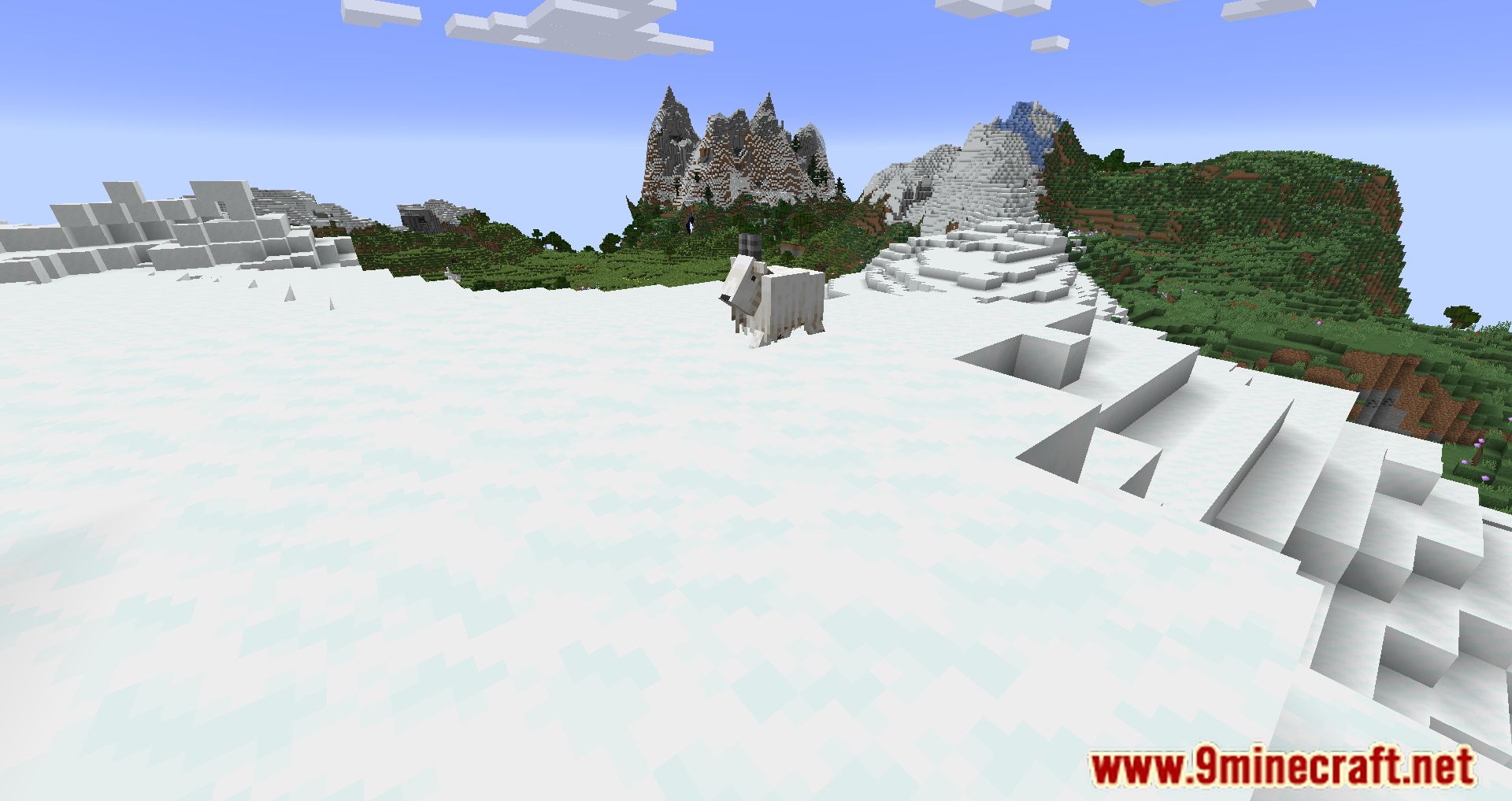
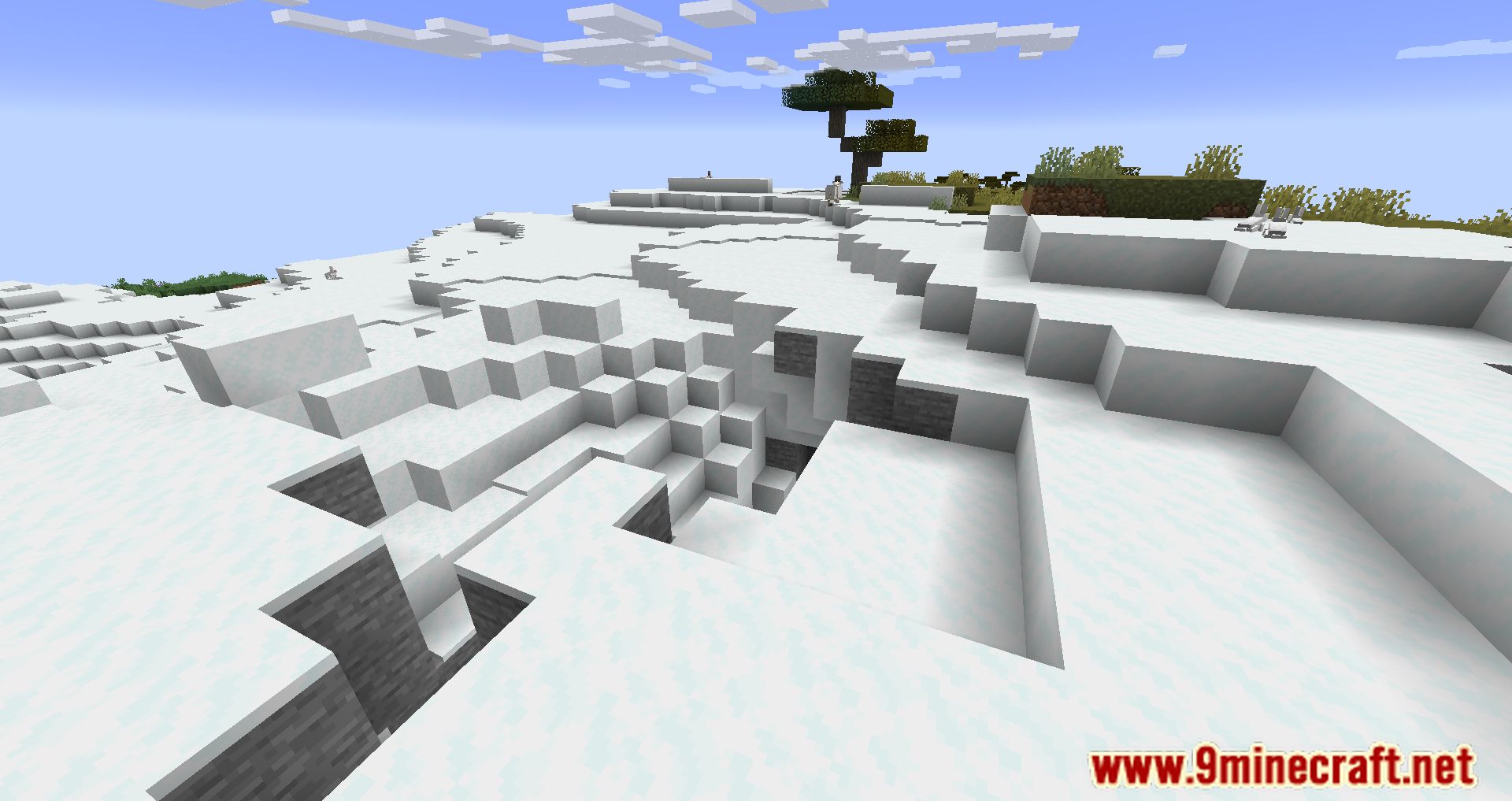
11 images from the Lambda Better Grass Mod page.
You May Also Like
Wikis that share the most with this one
More mod wikis on the site
The most downloaded mods that have a wiki here
A few wikis from each of the other kinds