

 DownloadJust Zoom Mod
Get the files on 9Minecraft
Guides
Step-by-step, in-game.
How to Adjust Zoom Level and Sensitivity in Just Zoom ModThe whole point of Just Zoom is fine control over how far you zoom and how the camera behaves while zoomed. Changing…How to Change the Zoom Keybind in Just Zoom ModIf the default zoom key clashes with another mod or your keyboard layout, you can rebind it like any other control.…How to Open and Use the Just Zoom Settings MenuAll of Just Zoom's options live in one place, reachable without leaving the game. Finding the Settings 1. Press Esc…How to Zoom Without the Spyglass Overlay or Black BarsA common reason players install Just Zoom is to get spyglass-level magnification without the vignette and frame that…
Frequently asked questions
How do I zoom in with Just Zoom Mod?
Hold down the zoom keybind (default Z, or Y on some keyboard layouts) to zoom in, and release it to return to normal view. You can also set it to toggle mode in the settings if you prefer not to hold the key.
Why isn't my zoom key working?
The zoom key may be conflicting with another mod or a vanilla keybind, so check your controls menu for conflicts. Also make sure the keybind is actually assigned and that you're not typing in chat or a search field when you press it.
How do I zoom in further than the spyglass?
While zoomed in, scroll the mouse wheel to increase or decrease the zoom level. Just Zoom Mod allows deeper magnification than the vanilla spyglass, so keep scrolling to push past what the spyglass can do.
How do I change the zoom key?
Open Options, then Controls, then Key Binds, and look for the Just Zoom category to rebind the zoom key. If you don't see it there, check the mod's own settings menu via the Spyglass button on the pause screen.
See all 10 Just Zoom questions ›
Gallery
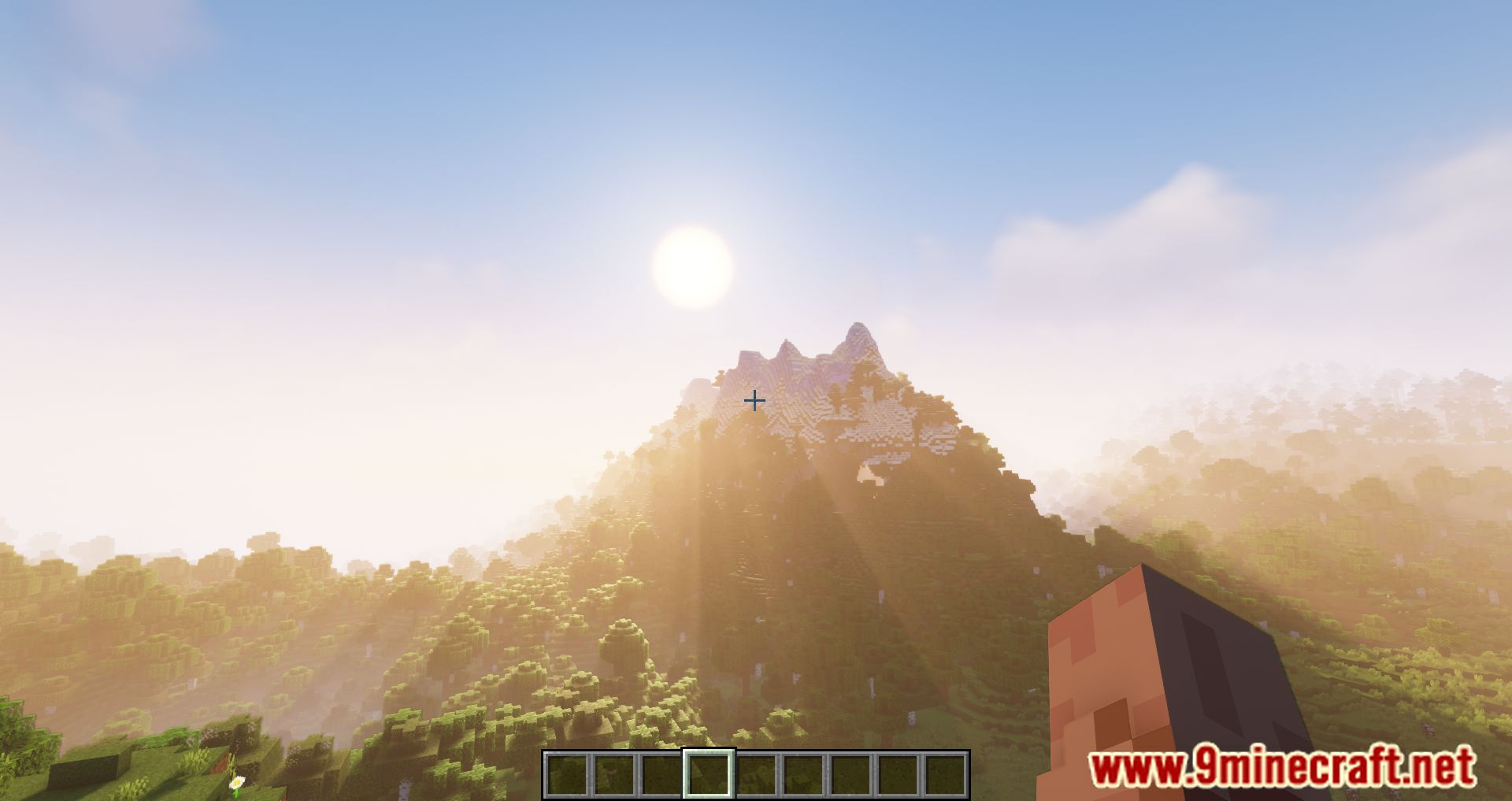
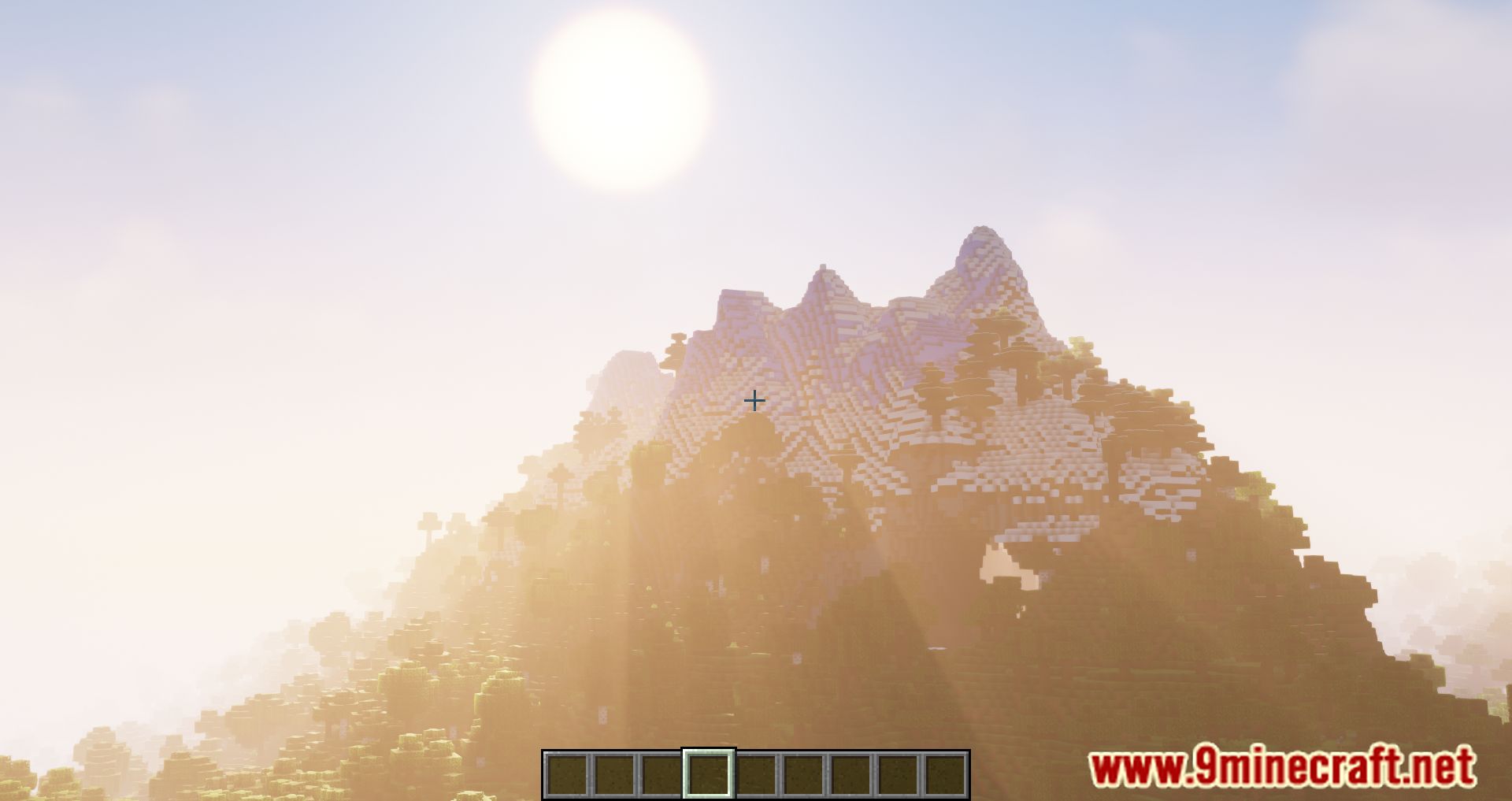
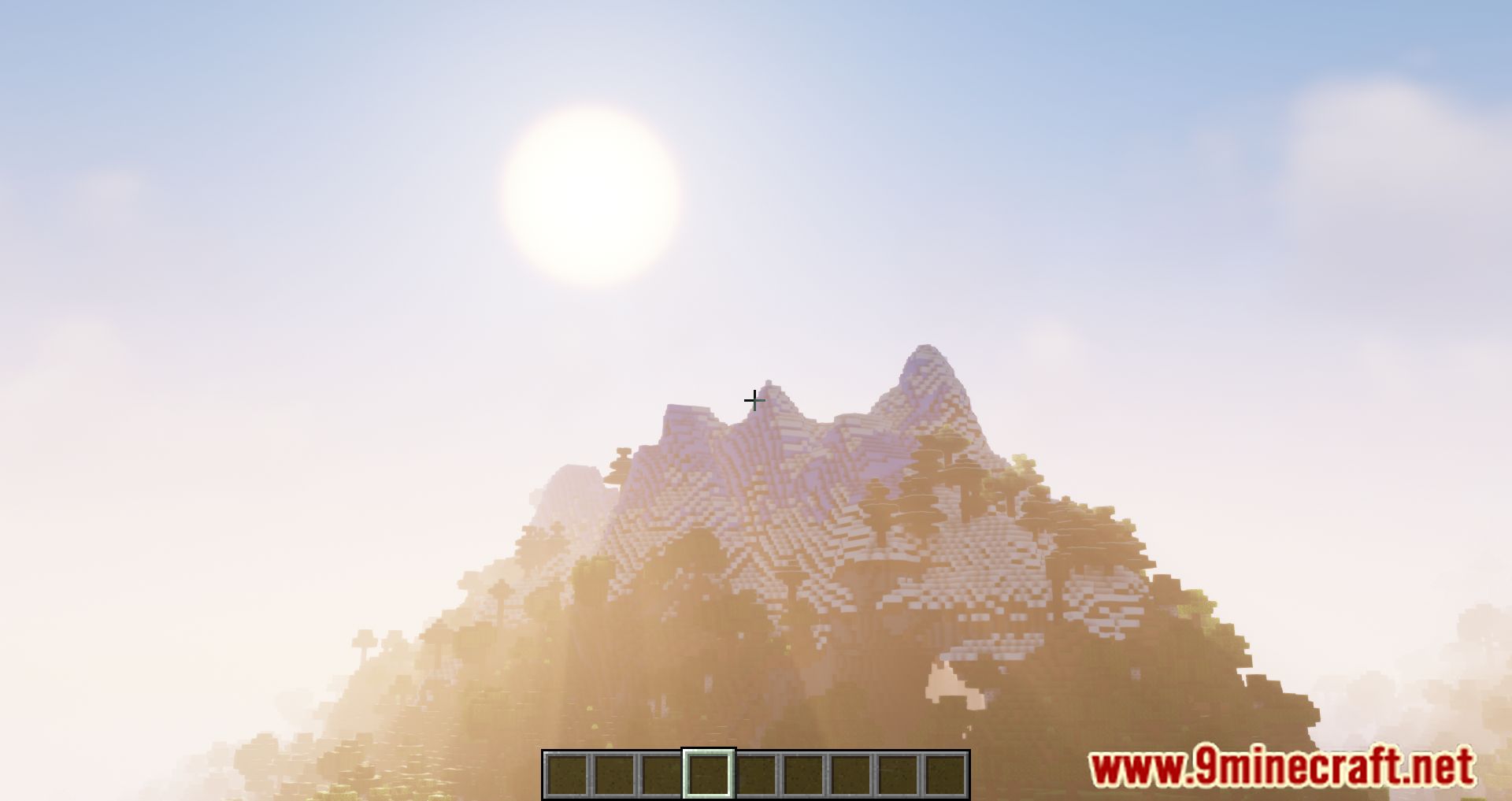
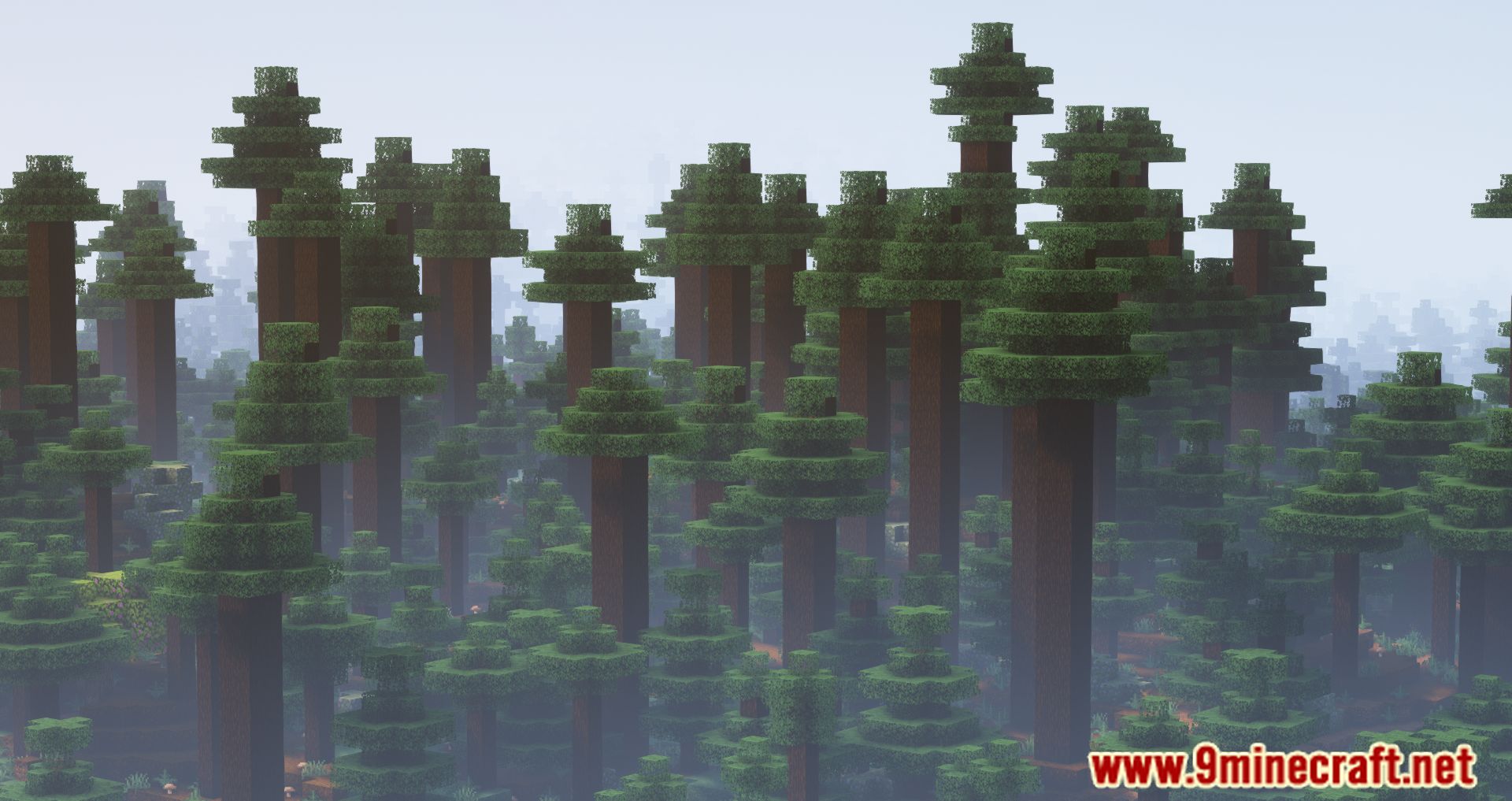
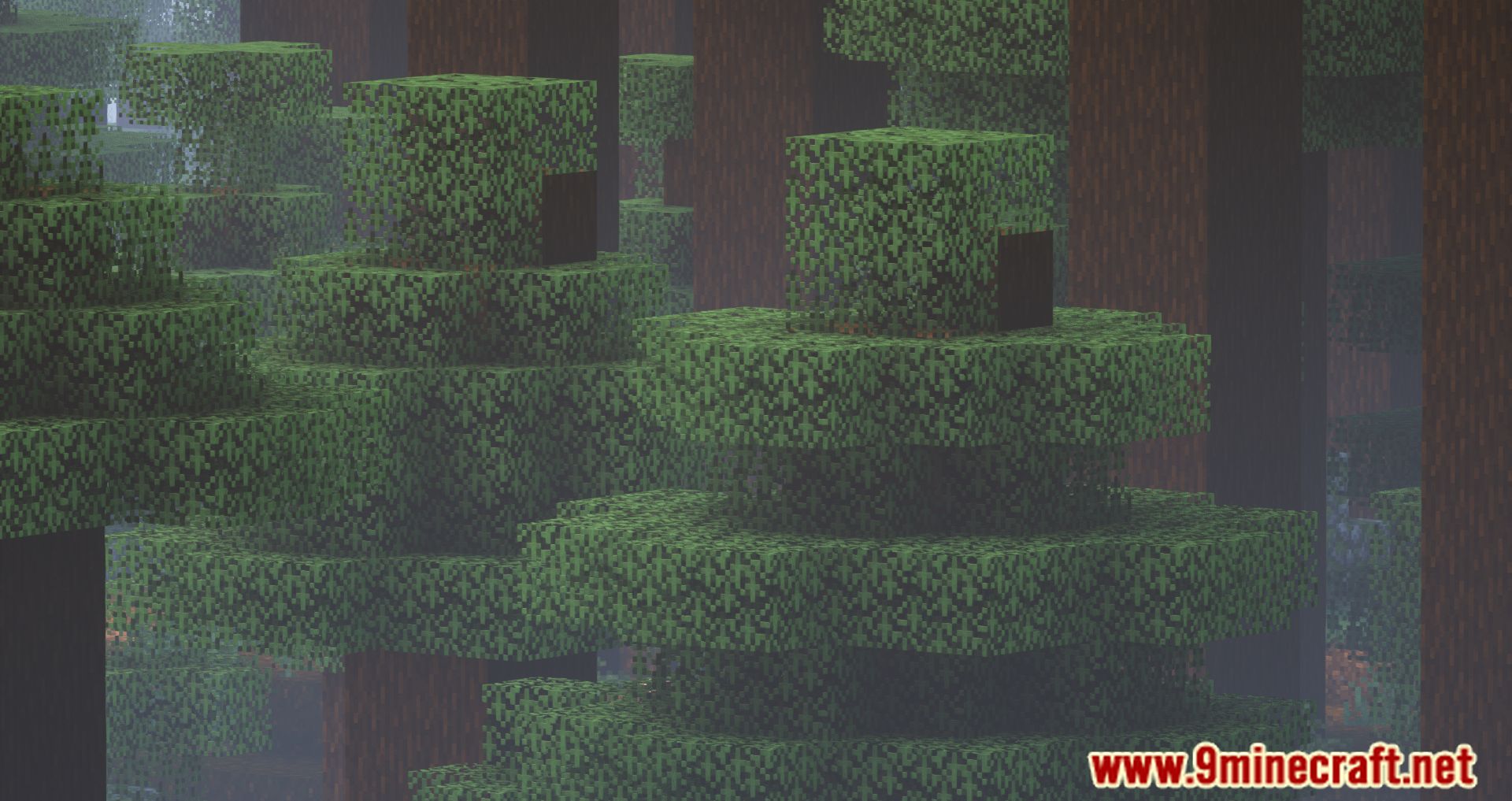
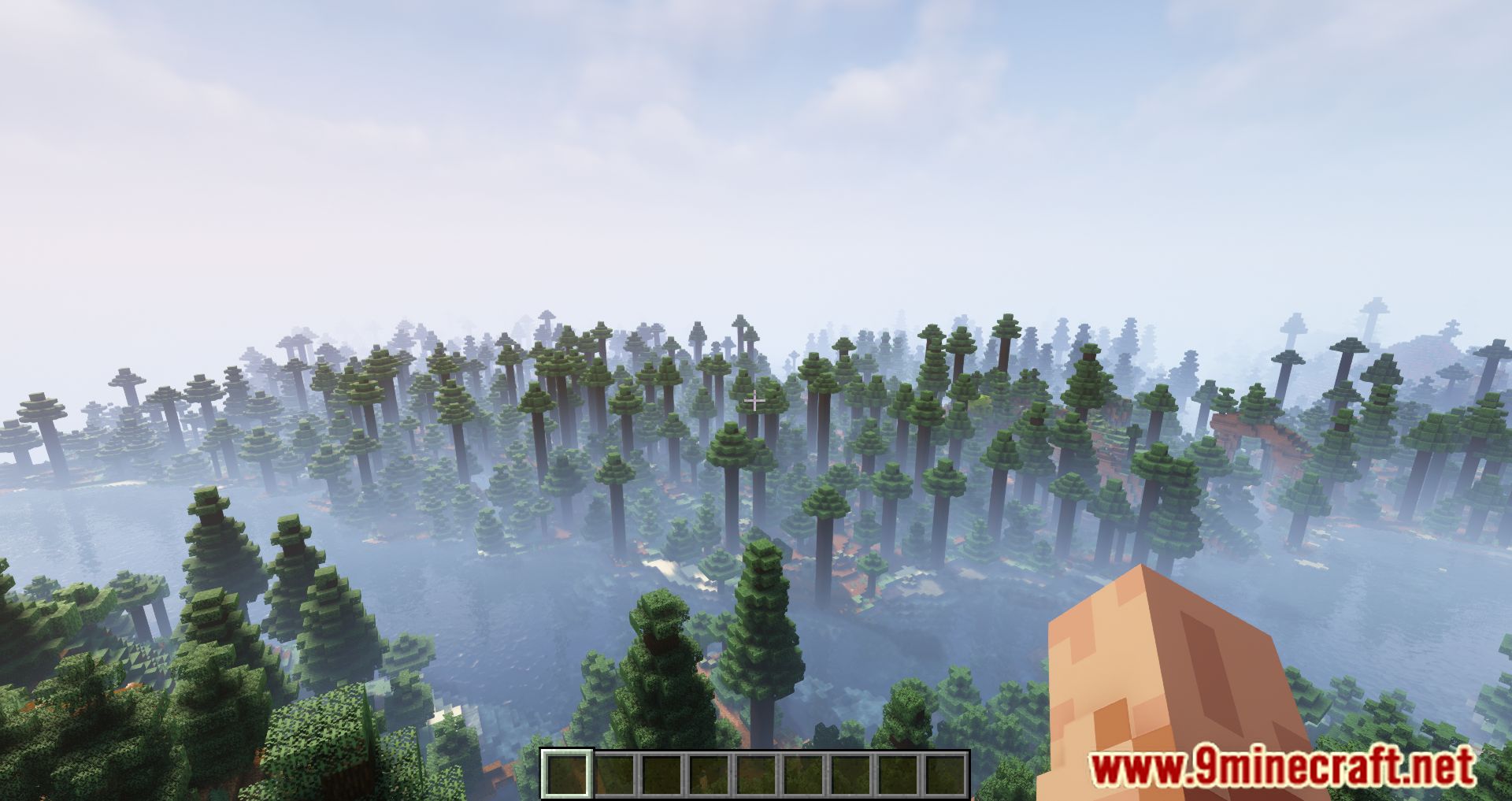
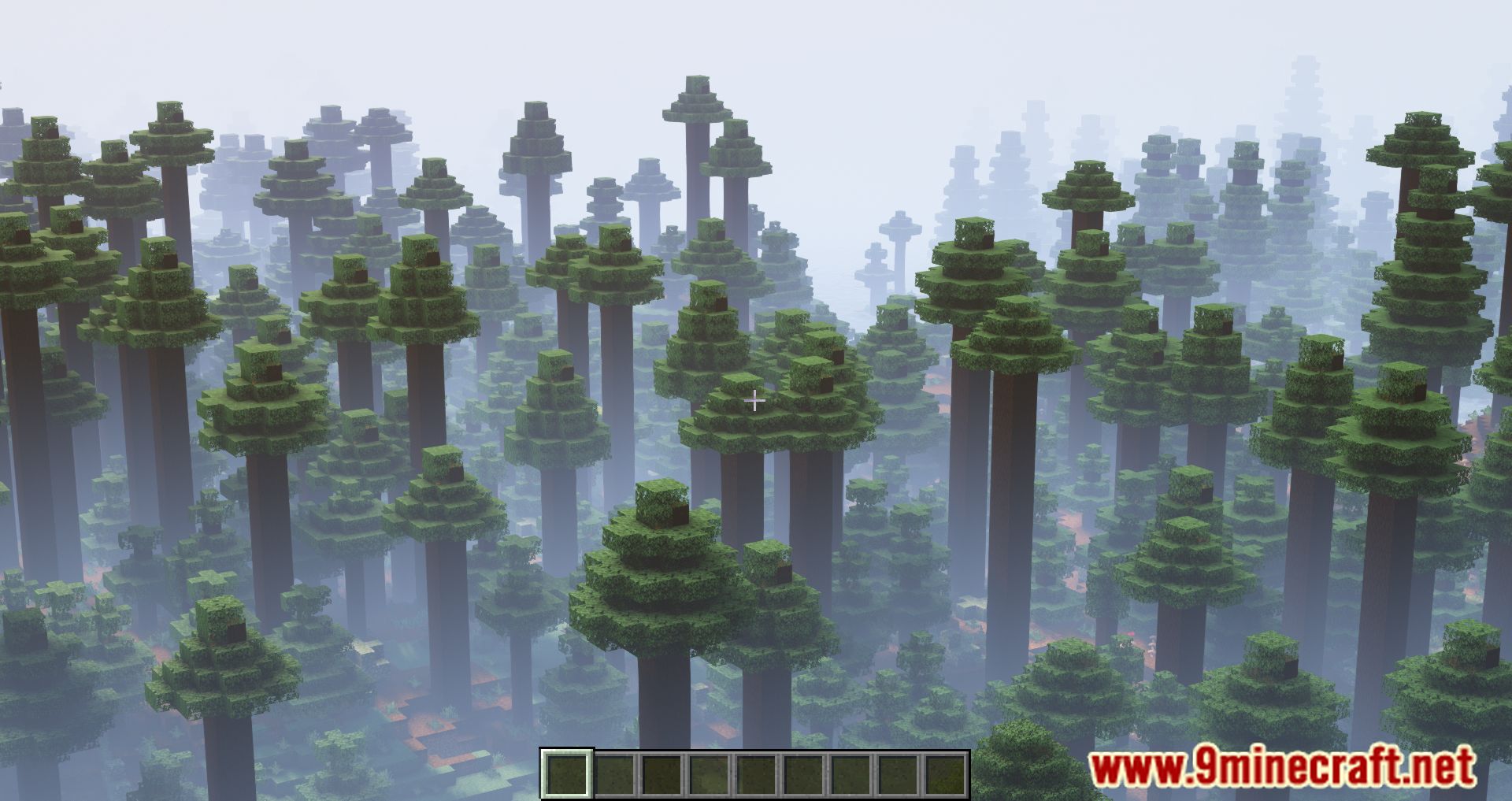
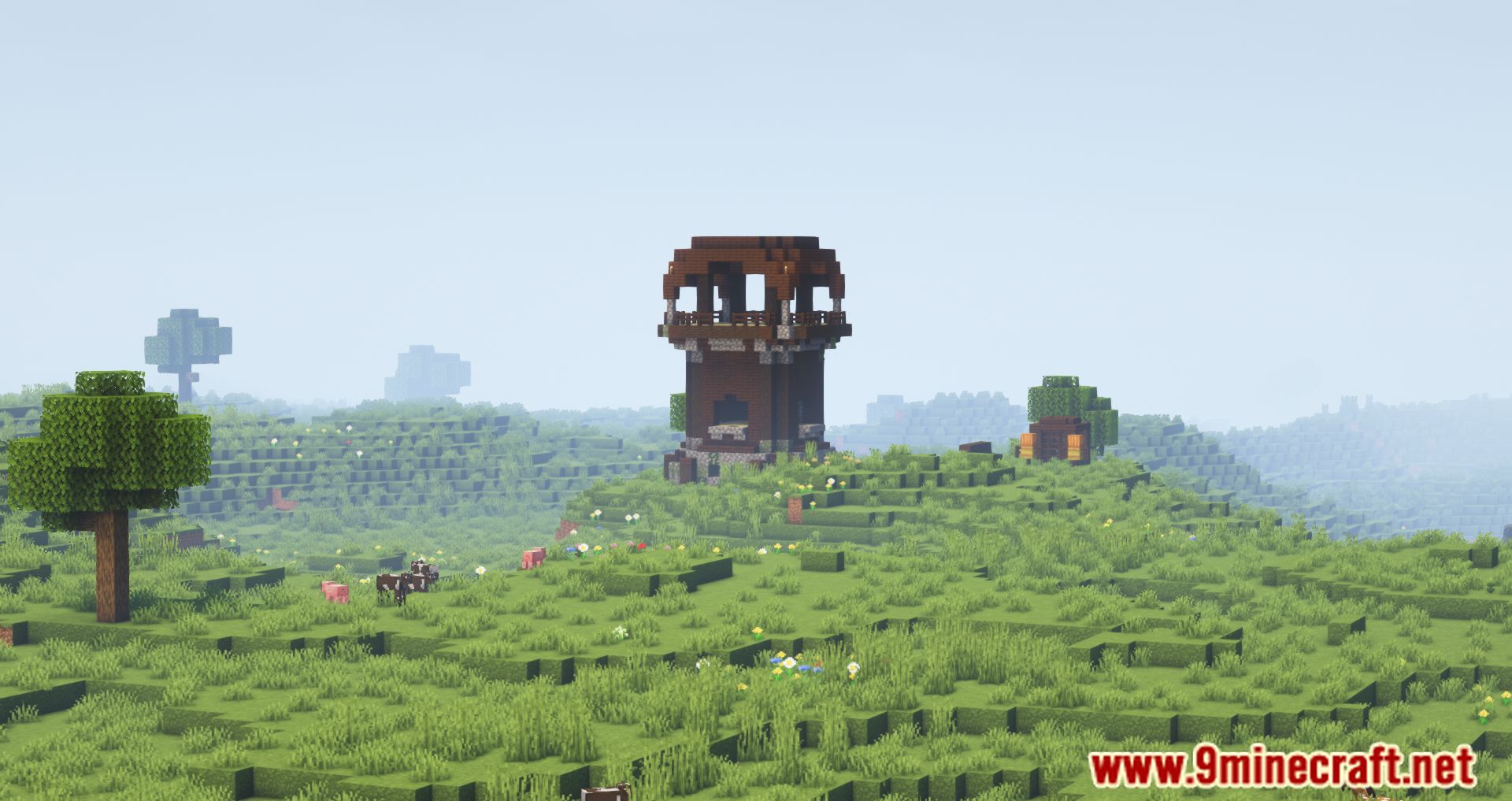
12 images from the Just Zoom Mod page.
You May Also Like
Wikis that share the most with this one
More mod wikis on the site
Just Player Heads ModJust Enough Resources ModJust Enough Professions ModJust Enough Items ModJust Enough Effect Descriptions ModJust Enough Characters ModJust Enough Calculation ModJust Another Void DimensionJust Another Spawner ModJust Another Rotten Flesh to Leather ModJust an End Anchor ModJurassic Revived
The most downloaded mods that have a wiki here
A few wikis from each of the other kinds