

 Just Enough Items
 DownloadJust Enough Resources Mod
Get the files on 9Minecraft
Guides
Step-by-step, in-game.
How to Check Ore Generation and World Gen Distributions with JEROne of JER's headline features is showing you where ores actually spawn in your world, so you can stop digging…How to Make Custom Ore Distributions with JER's DIY World-Gen ConfigJER lets pack makers define their own ore spawn distributions instead of relying on defaults. This is the DIY…How to Use /profile to Scan a World's Ore DistributionIf you're a pack maker or an experienced player who wants real numbers instead of guessing, JER's /profile command…How to View Mob Drops and Dungeon Loot in JEI with Just Enough ResourcesJust Enough Resources hooks into JEI so you can see what every mob and loot chest can give you, without ever opening…
Frequently asked questions
How do I get JER to show up in JEI?
JER works automatically once both it and JEI are installed, adding extra tabs and tooltips to JEI's existing item and mob views. If nothing appears, make sure JEI is loaded and check that you're looking at a mob or ore item rather than a crafting recipe.
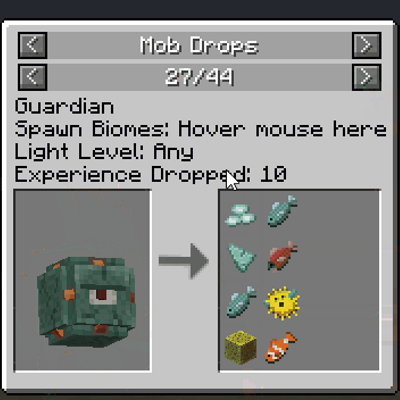
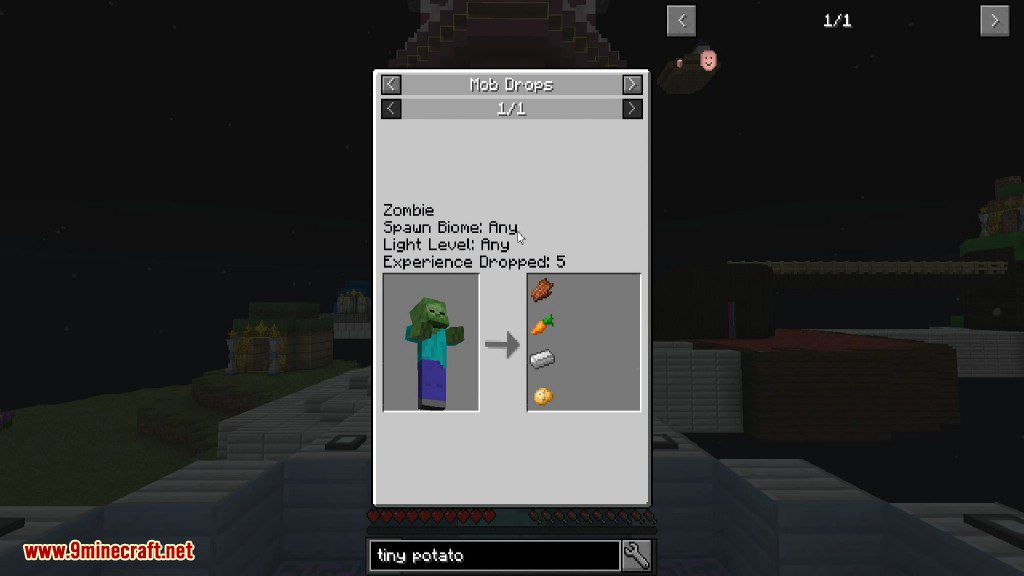
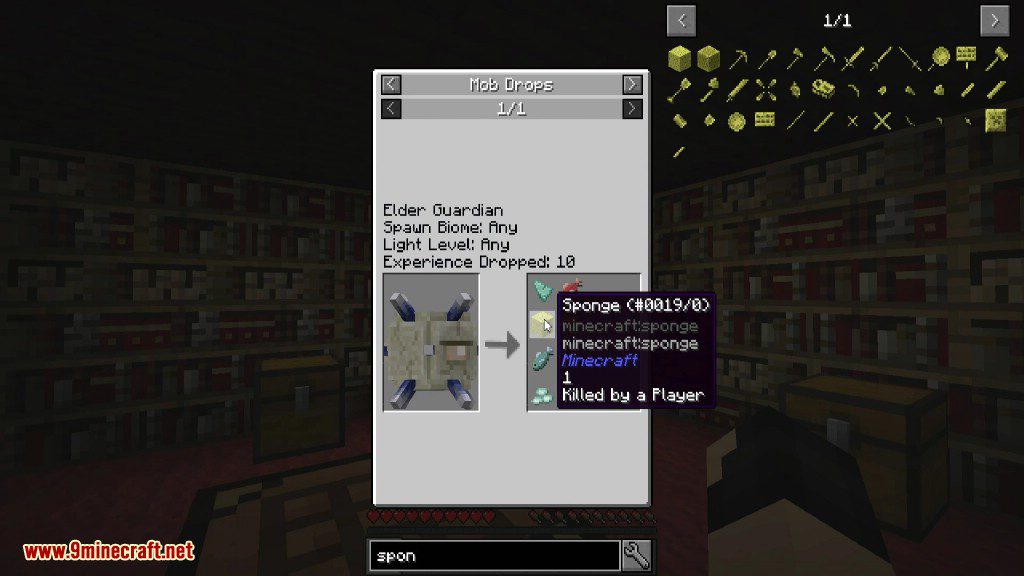
How do I see what a mob drops?
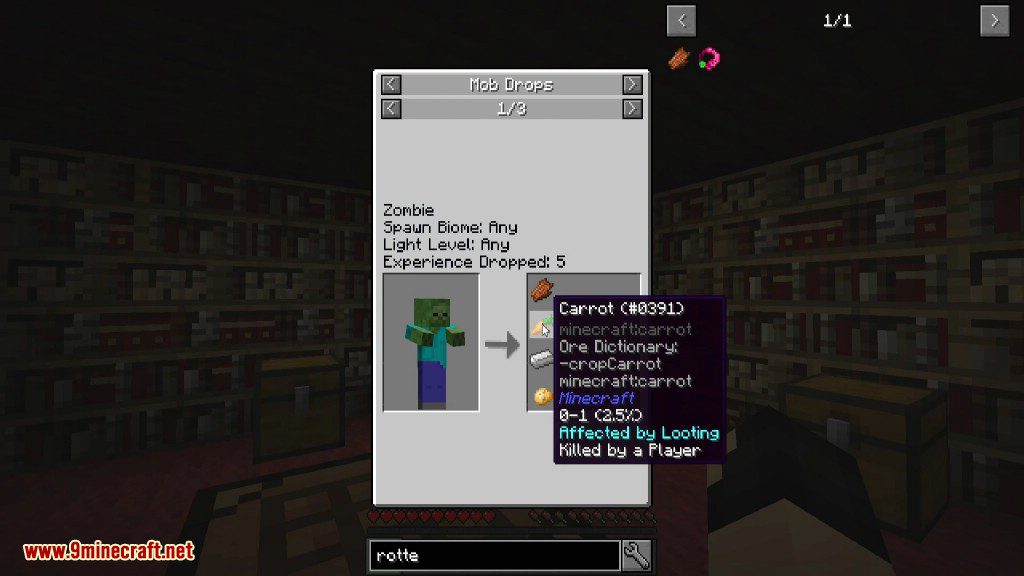
Open JEI, search for the mob's spawn egg or its entity entry, and hover over it to see the drop list JER adds. The drops are shown with their chance percentages, so you can tell rare drops from guaranteed ones.
How do I check where a specific ore spawns?
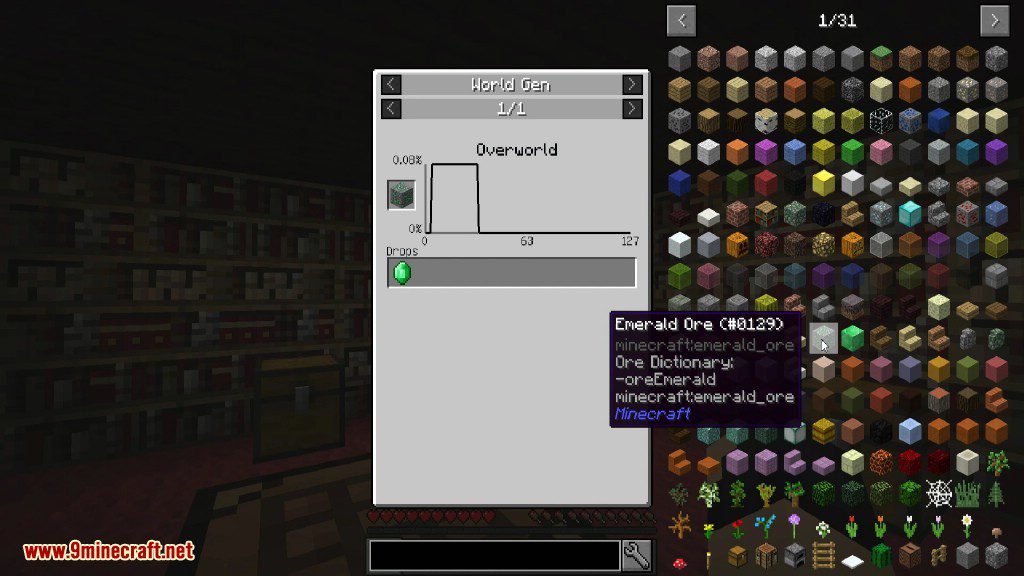
Search the ore block or its drop in JEI and hover over it; JER adds a world-gen tab showing which dimensions and Y-levels it appears at. You can also open the ore's dedicated JER page to see the distribution graph.
What does the ore distribution graph actually show?
The graph plots ore frequency against Y-level for each dimension the ore generates in, so you can see the height band where it's most common. Peaks mean more ore at that level, and flat or empty regions mean none spawns there.
See all 18 Just Enough Resources questions ›
Dependencies
Other mods needed to run this one.
Gallery
9 images from the Just Enough Resources Mod page.
You May Also Like
Wikis that share the most with this one
Just Enough BookJust Enough Guns NewJust Enough Items ModJust Enough Characters ModJust Enough Calculation ModJust Enough Professions ModJust Enough Effect Descriptions ModExcalibur Just Enough Items JEI Support Resource PackExcalibur Just Enough Items JEI Support by Ruseki_ Resource PackJust A RaftJust HammersJust Sit Mod
More mod wikis on the site
The most downloaded mods that have a wiki here
A few wikis from each of the other kinds