

 Professions Mod
 DownloadJust Enough Professions Mod
Get the files on 9Minecraft
Guides
Step-by-step, in-game.
Finding the Workstation Block for a Modded ProfessionIdentify the Profession First Modded packs add professions that vanilla players have never seen. To find the right…How to Look Up Any Villager Profession with JEIOpen the Profession Recipe Page With Just Enough Professions installed alongside JEI, you can pull up a profession's…Planning a Villager Trading Hall Using JEI Profession InfoSurvey Available Professions Before you build, decide which trades you want. Open JEI and pull up the profession list…Telling Vanilla and Modded Professions ApartUse the Shift Hover Trick When you're browsing professions in JEI, it's not always obvious which ones are vanilla and…
Frequently asked questions
How do I open the profession info in JEI?
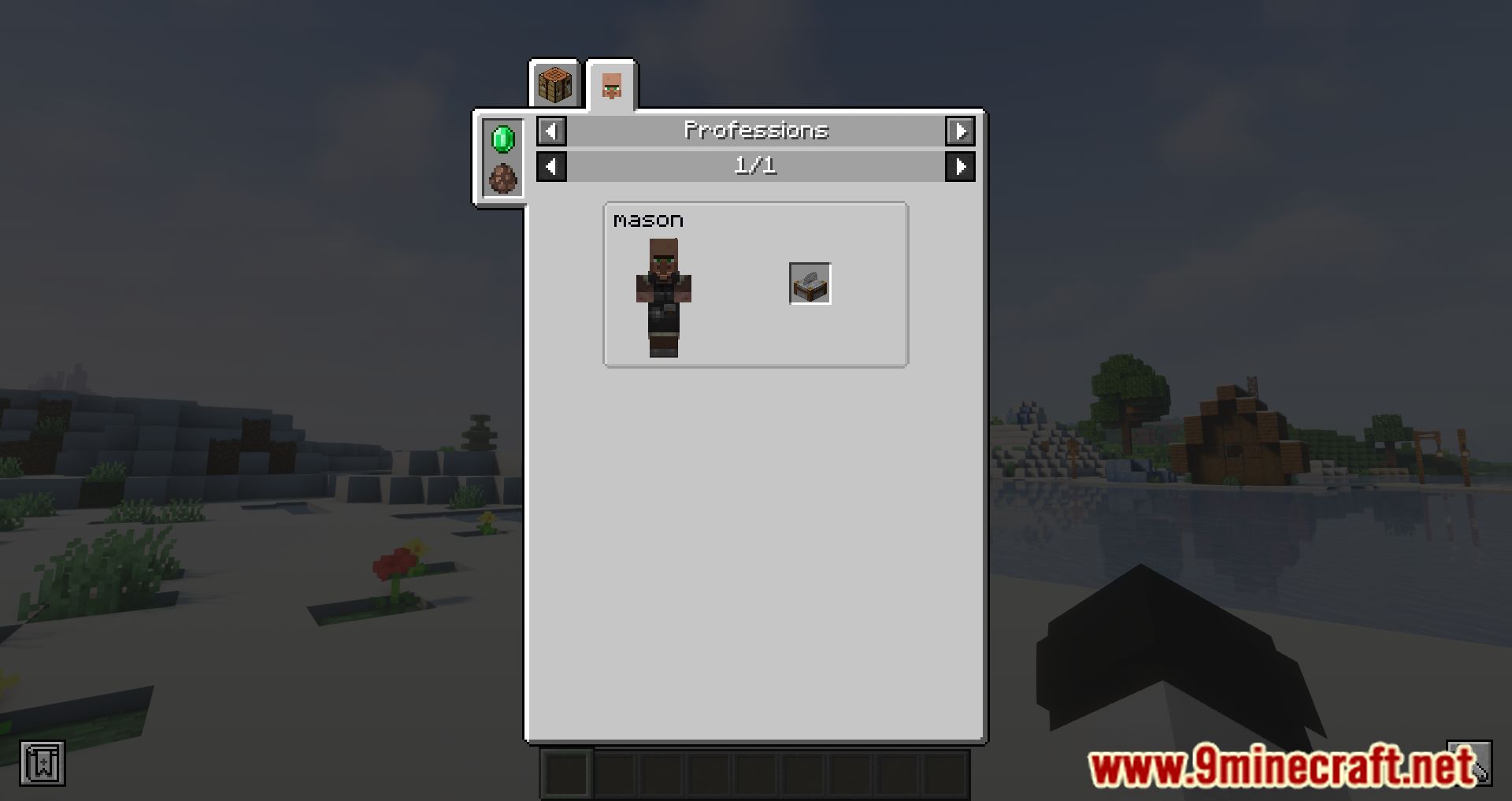
Hover over an  emerald or a villager spawn egg in your inventory and press the JEI 'Uses' key (default U). The profession entries will appear in the JEI overlay.
Why does pressing U on an emerald show nothing?
Make sure JEI is installed and the profession display is enabled in JEI's settings. Also confirm you're hovering the item itself, not an empty slot or a stack in a chest you haven't opened.
How can I tell which mod added a villager profession?
Hover over the profession's name in the JEI overlay and hold Shift. The tooltip will show the mod name that registered that profession.
How do I find the workstation block for a specific profession?
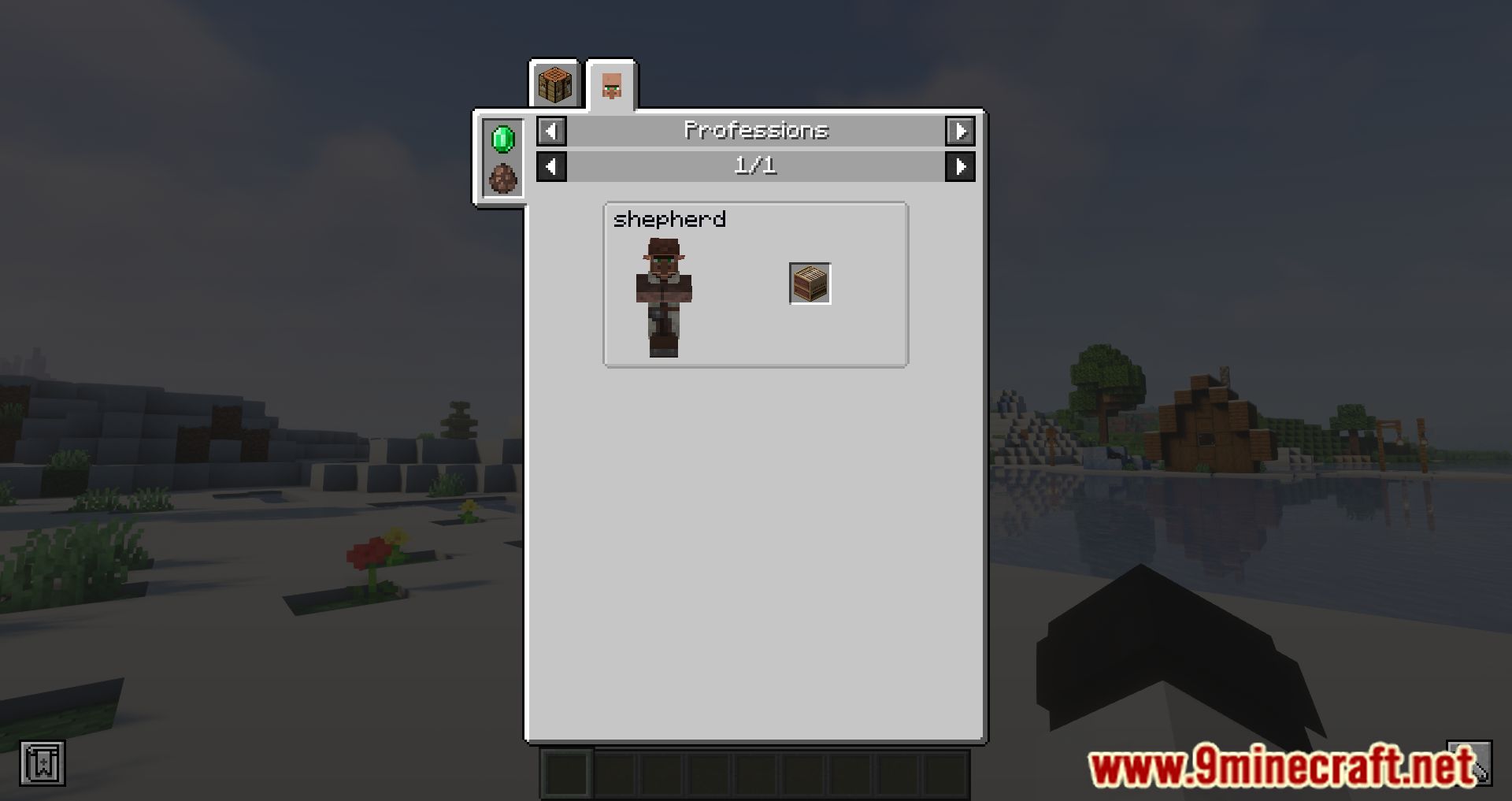
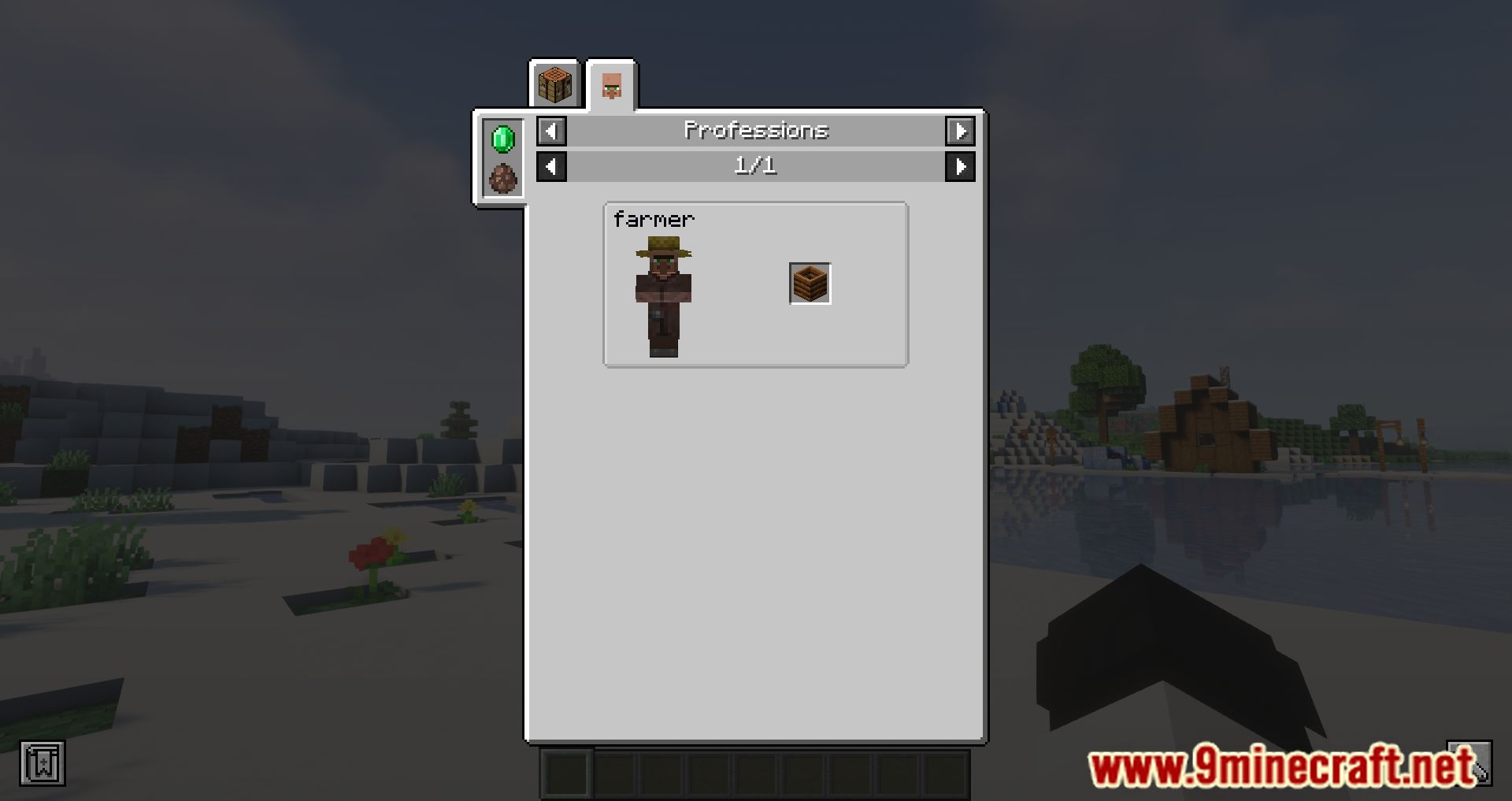
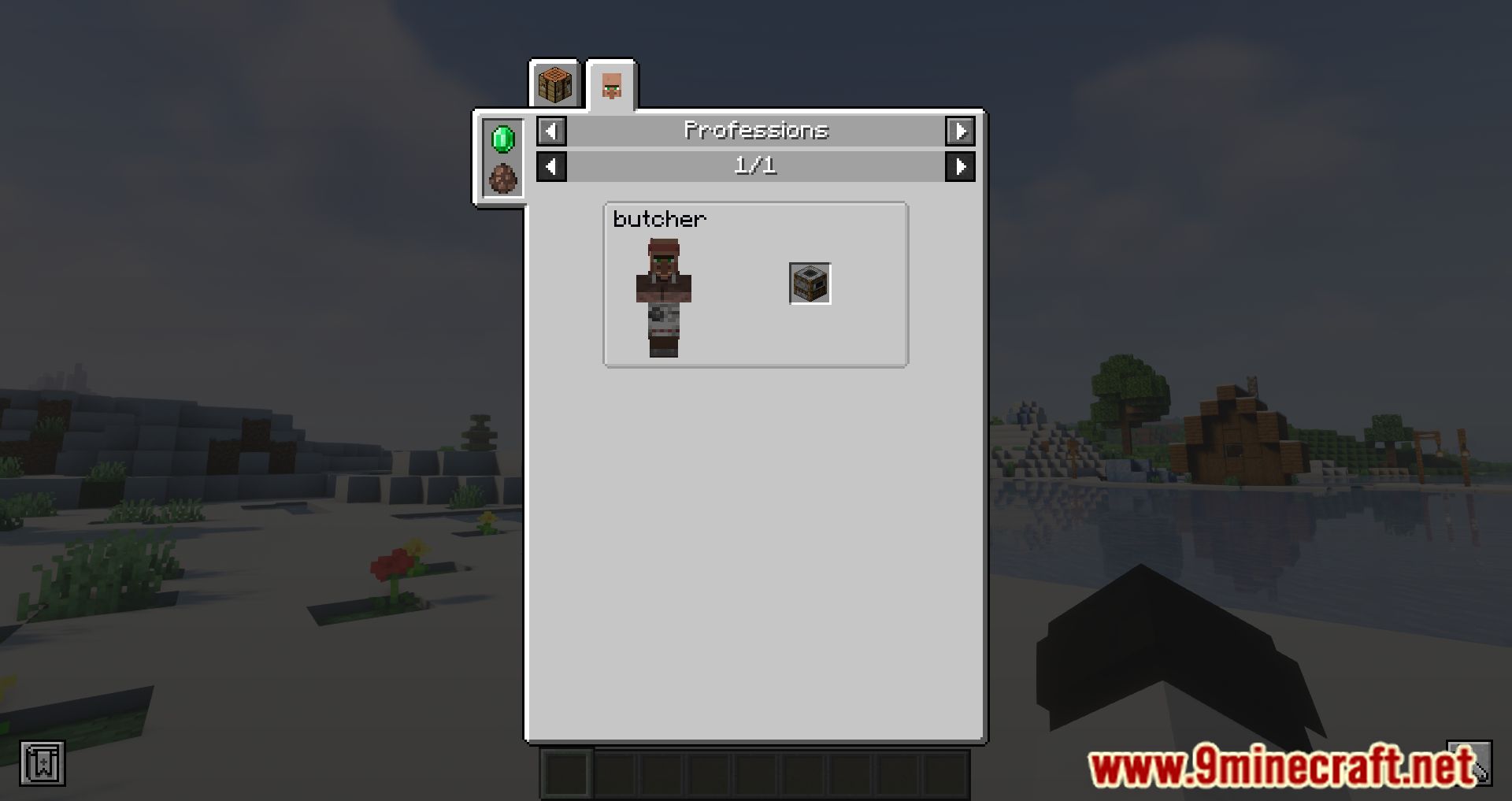
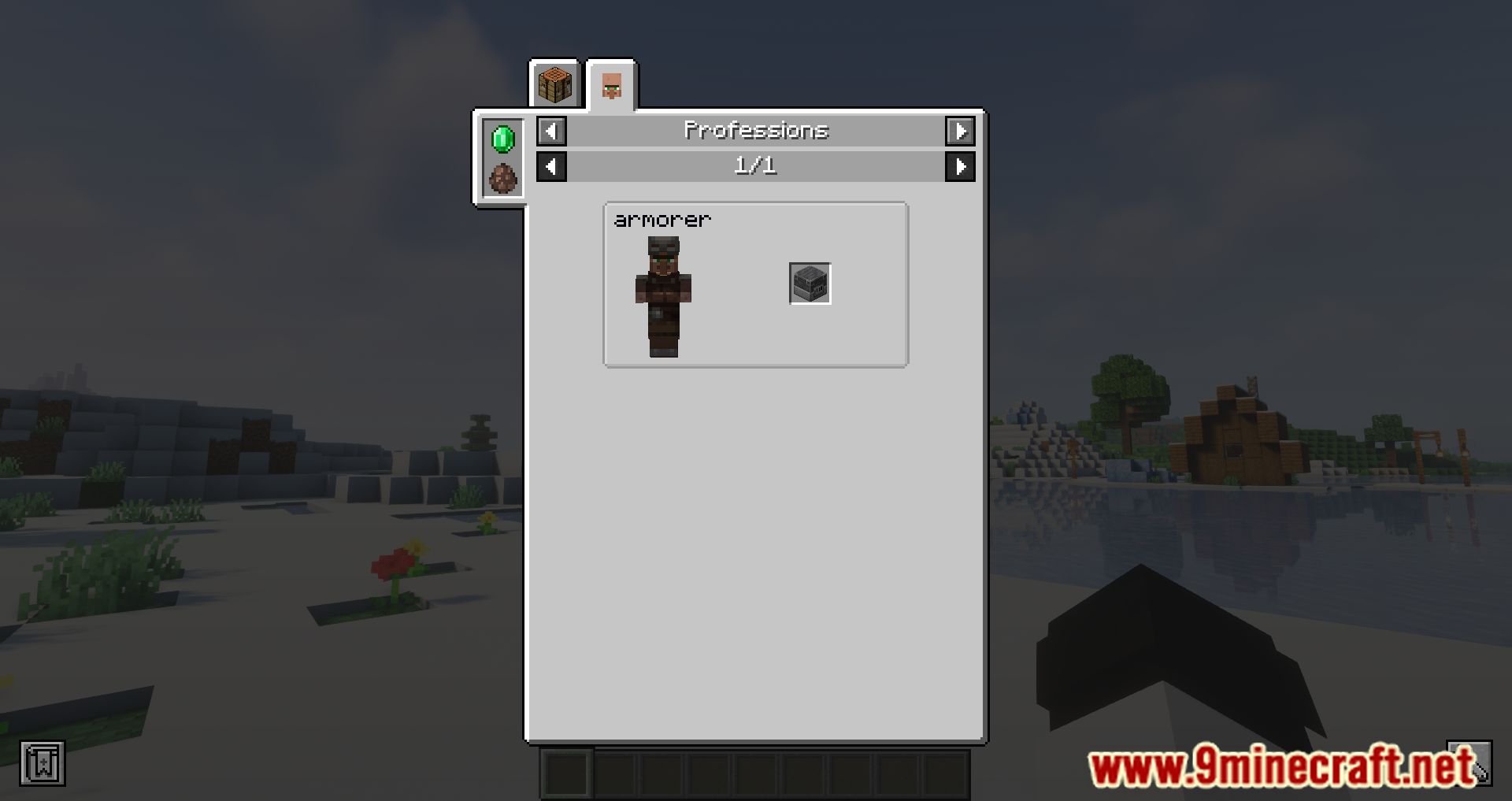
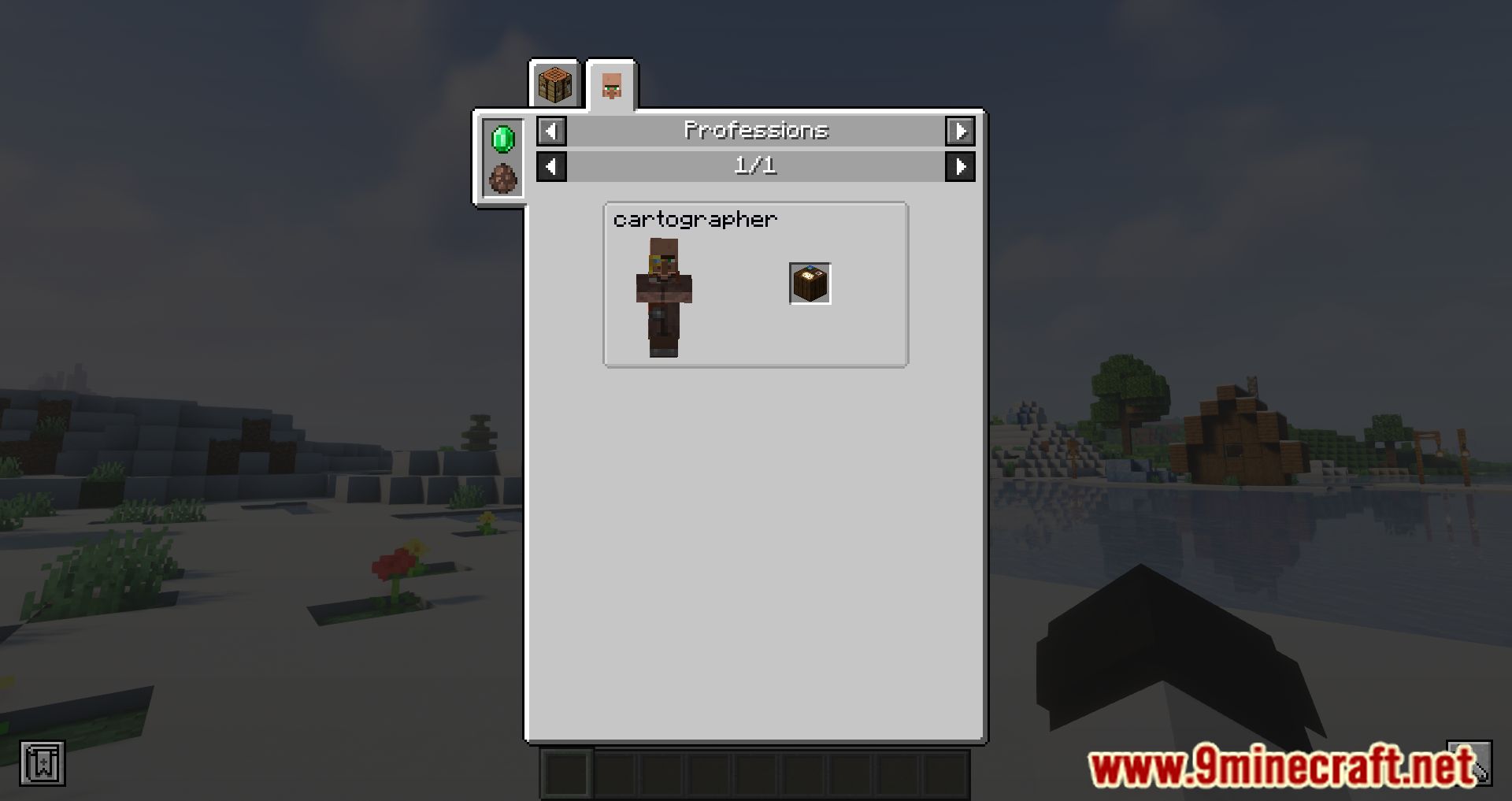
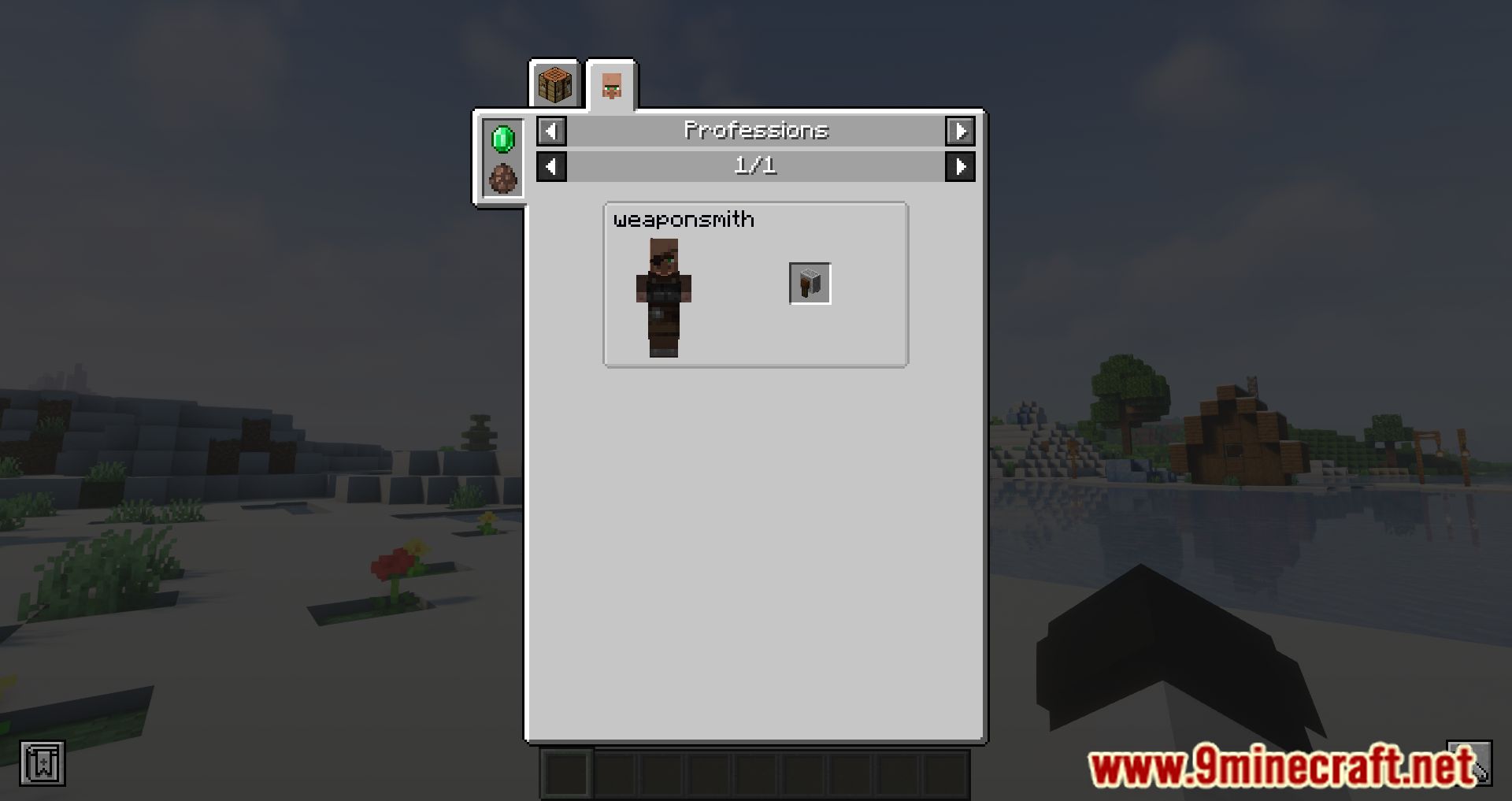
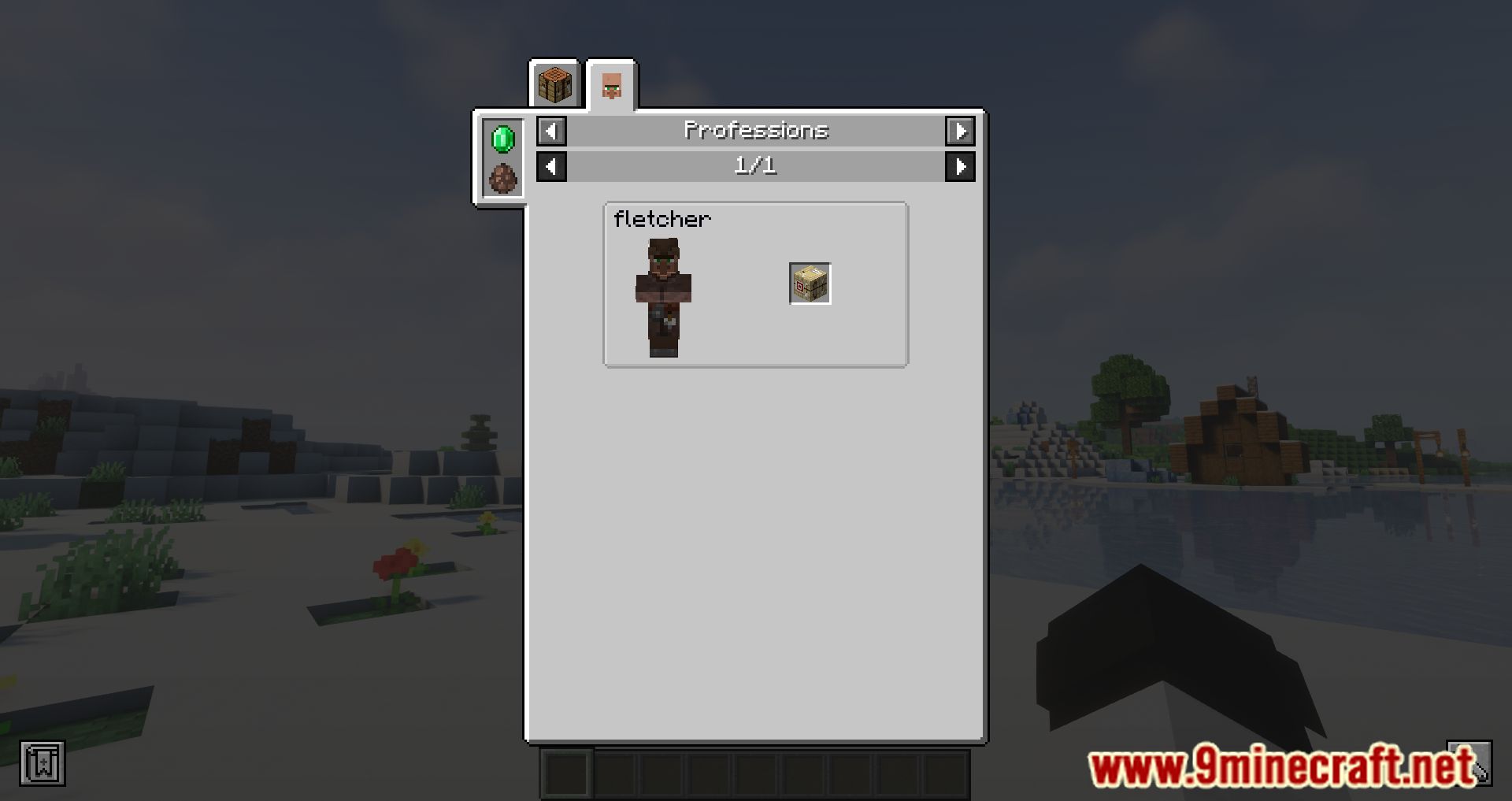
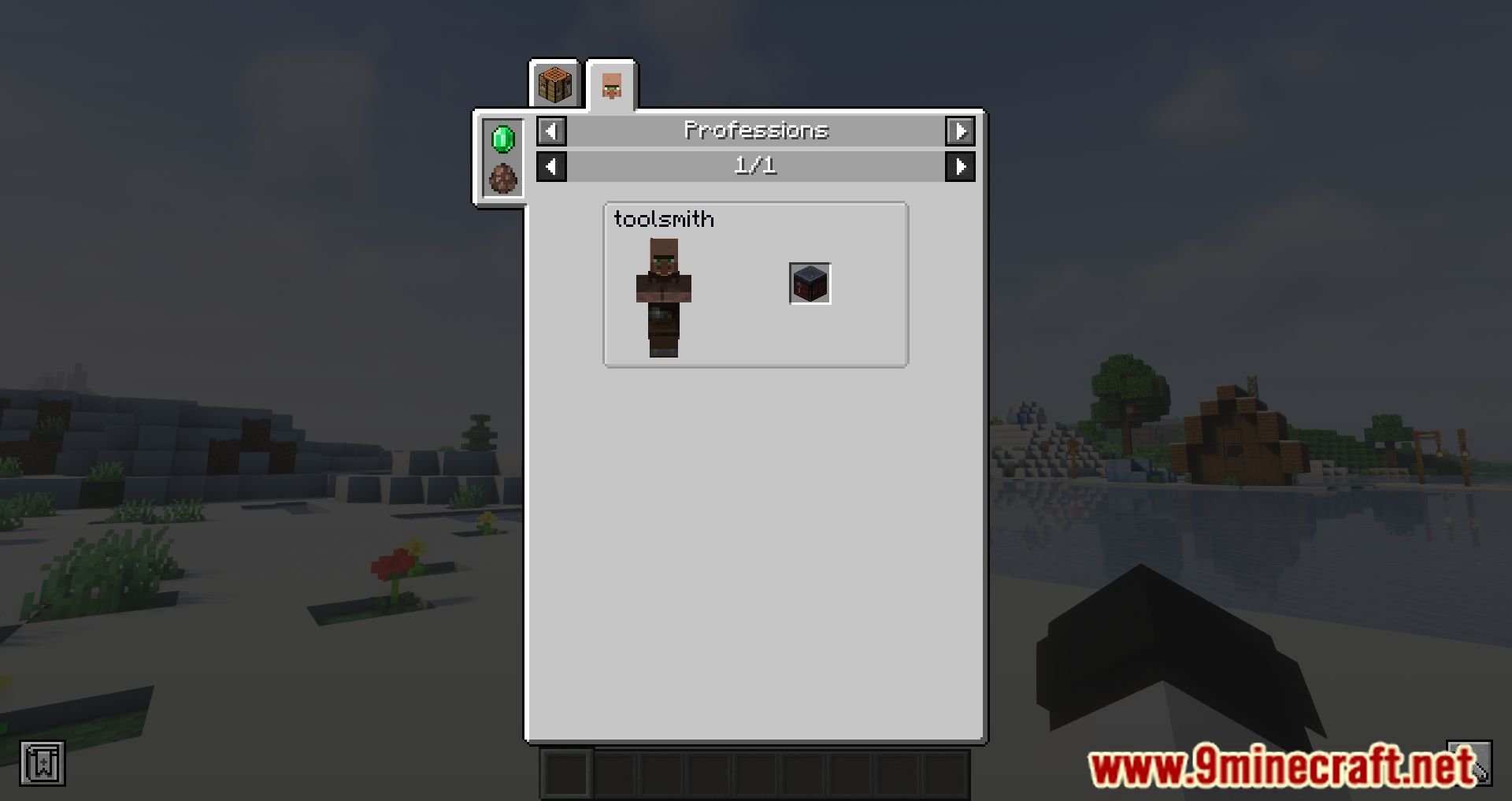
Open the profession entry in JEI and look at the workstation block shown alongside it. You can then hover that block to see its name and press R to view its recipe.
See all 20 Just Enough Professions questions ›
Gallery
10 images from the Just Enough Professions Mod page.

You May Also Like
Wikis that share the most with this one
Just Enough BookJust Enough Guns NewJust Enough Items ModJust Enough Resources ModJust Enough Characters ModJust Enough Calculation ModRoughly Enough Professions ModJust Enough Effect Descriptions ModExcalibur Just Enough Items JEI Support Resource PackExcalibur Just Enough Items JEI Support by Ruseki_ Resource PackJust A RaftJust Hammers
More mod wikis on the site
The most downloaded mods that have a wiki here
A few wikis from each of the other kinds