

 DownloadLogical Zoom Mod
Get the files on 9Minecraft
Guides
Step-by-step, in-game.
How to Change the Logical Zoom Key to a Different ButtonOpen the Controls Menu From the pause menu choose Options → Controls → Key Binds . Logical Zoom registers its zoom…How to Fix Logical Zoom Not Working When You Press CCheck for a Keybind Conflict First The most common reason zoom does nothing is that another action already owns the C…How to Stack Logical Zoom With the Spyglass for Maximum ZoomWhy Combine Them The spyglass already magnifies your view, and Logical Zoom applies its own magnification on top of…How to Use Logical Zoom Like OptiFine ZoomThe Behaviour You Expect Players coming from OptiFine expect a smooth, adjustable zoom that feels natural for…
Frequently asked questions
How do I zoom with Logical Zoom?
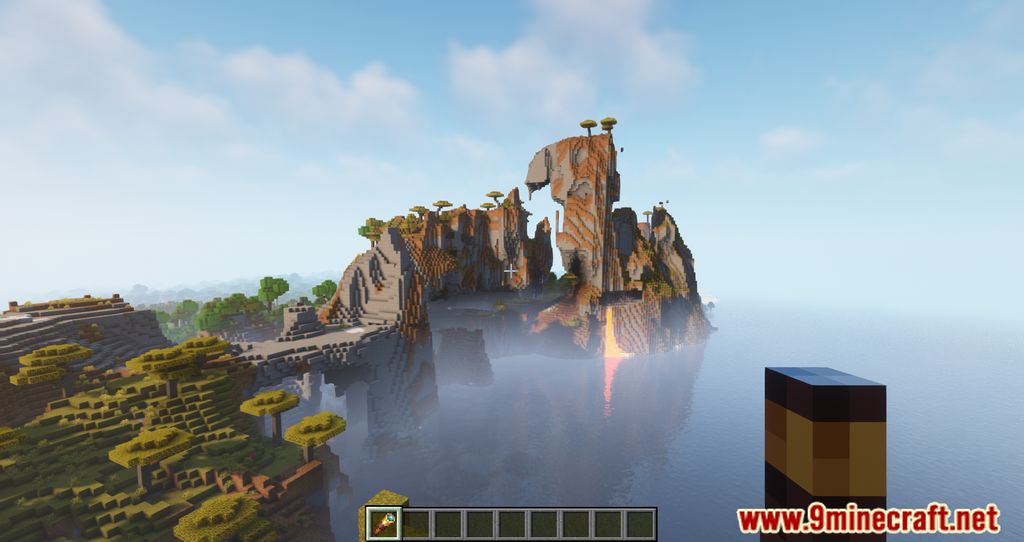
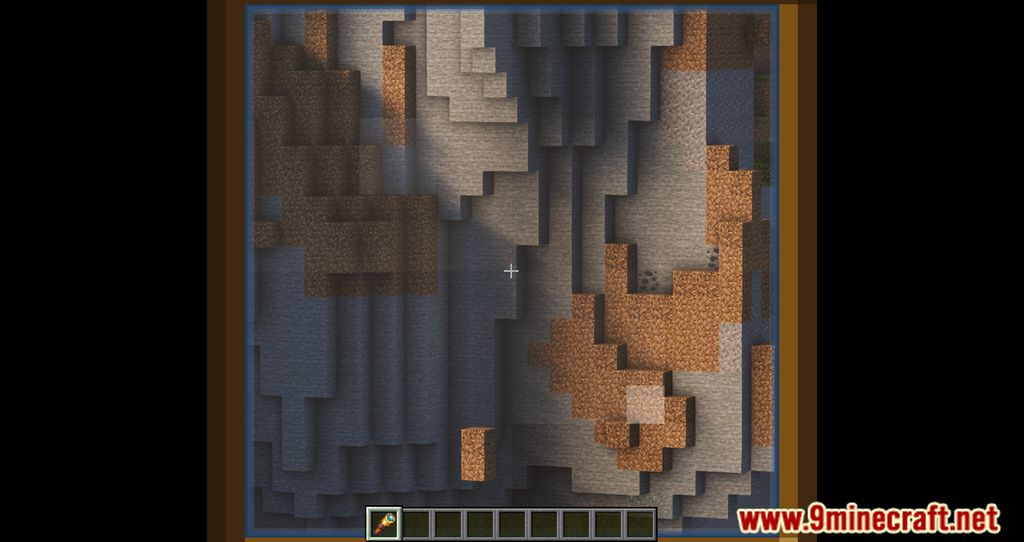
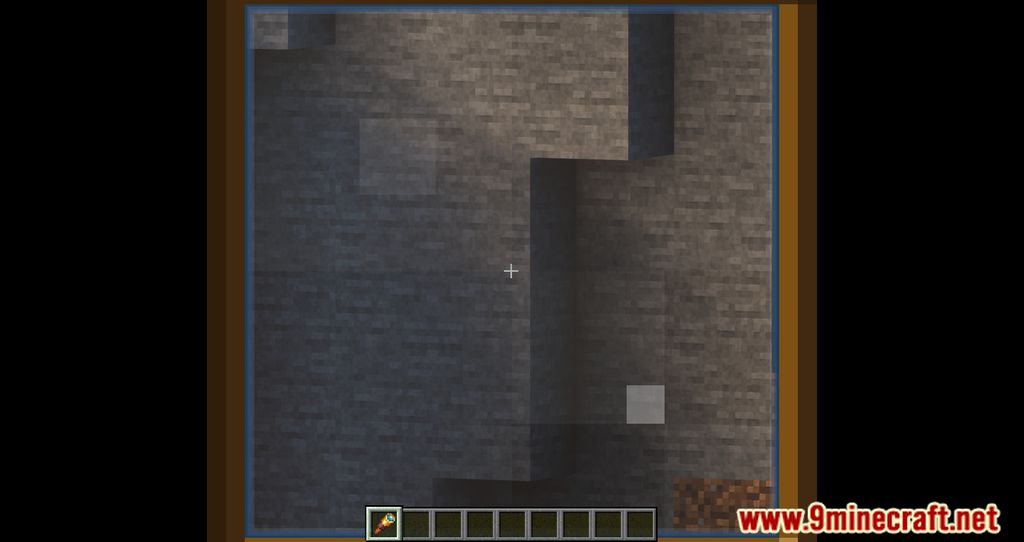
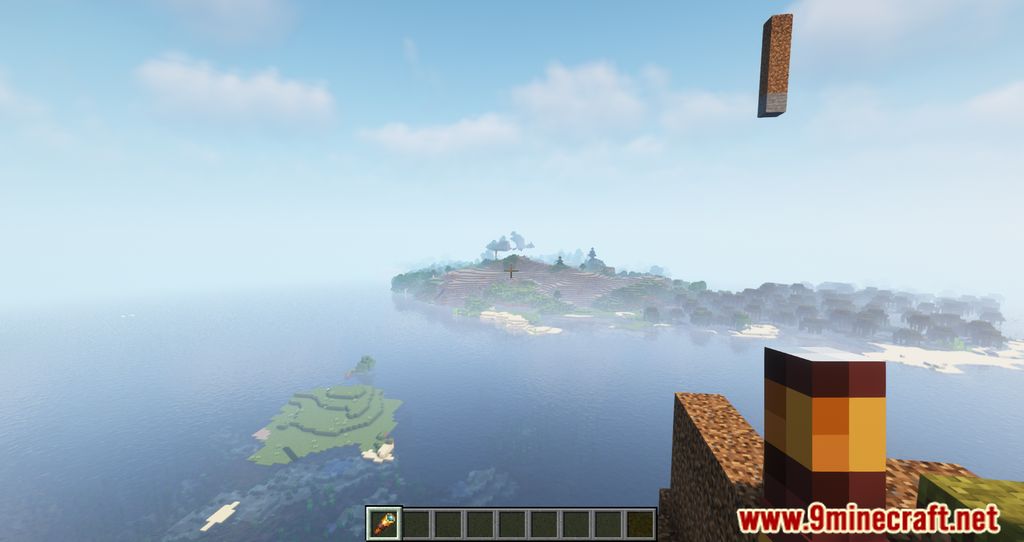
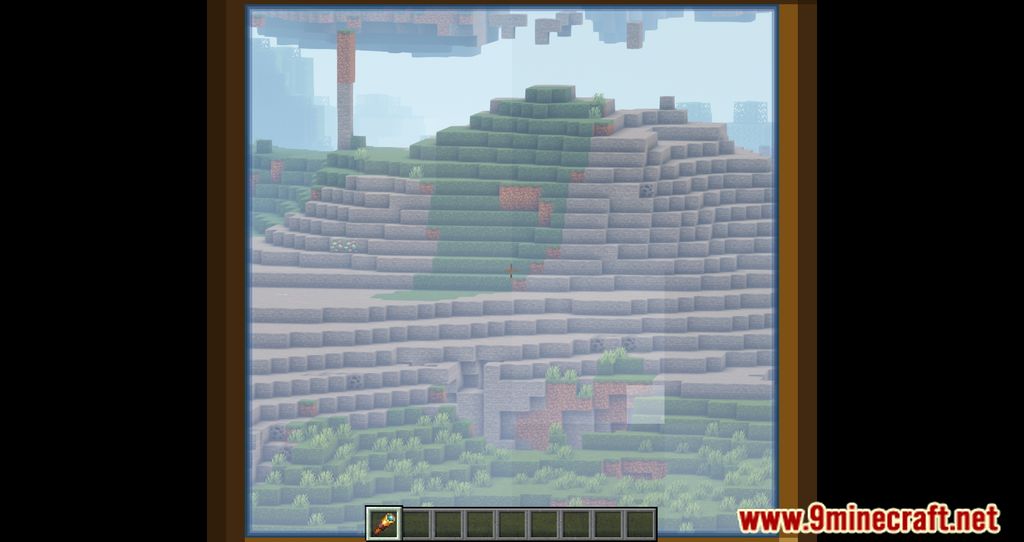
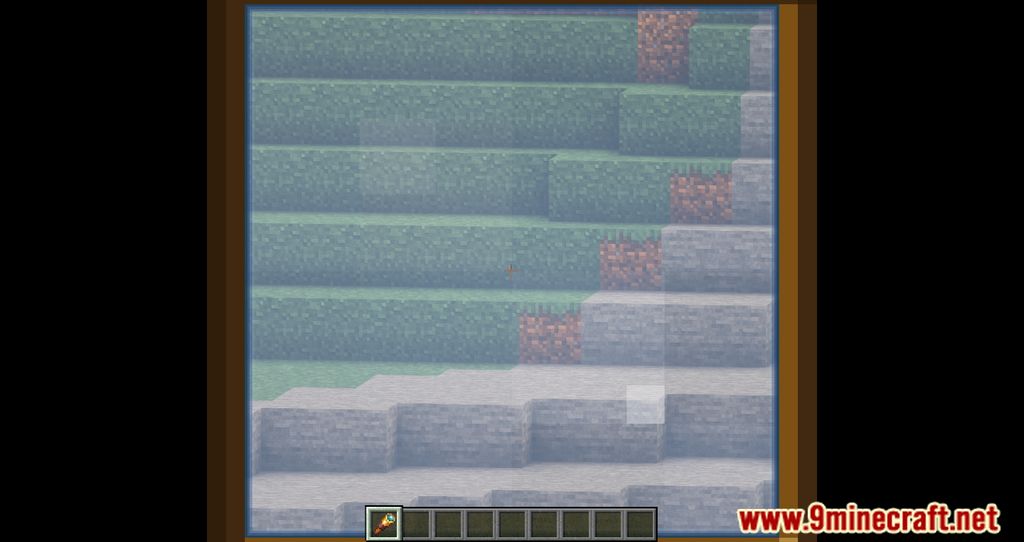
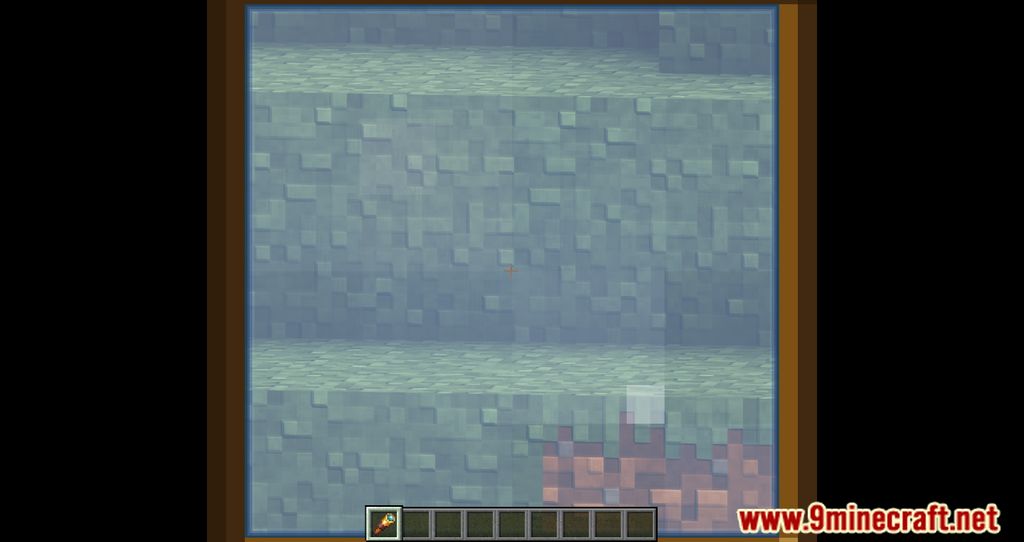
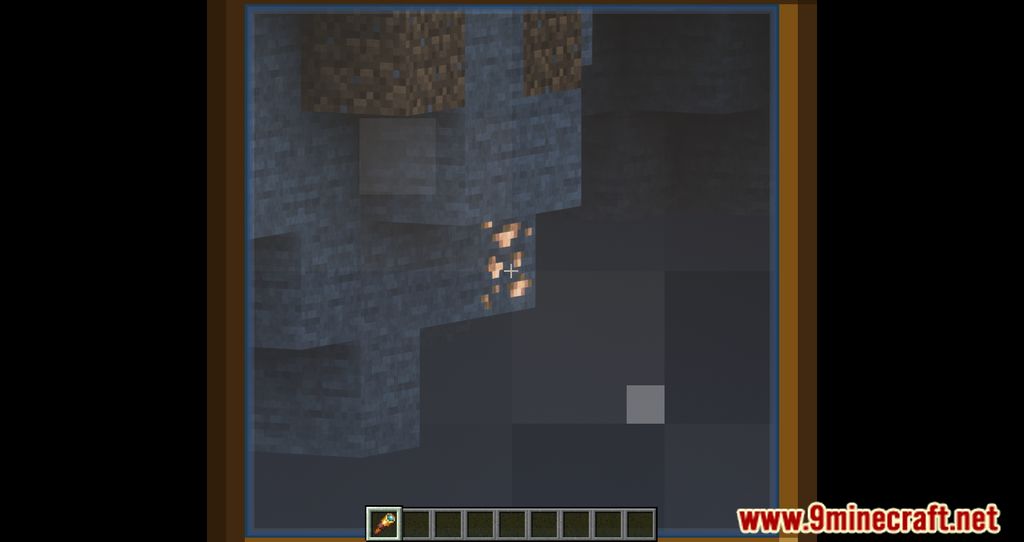
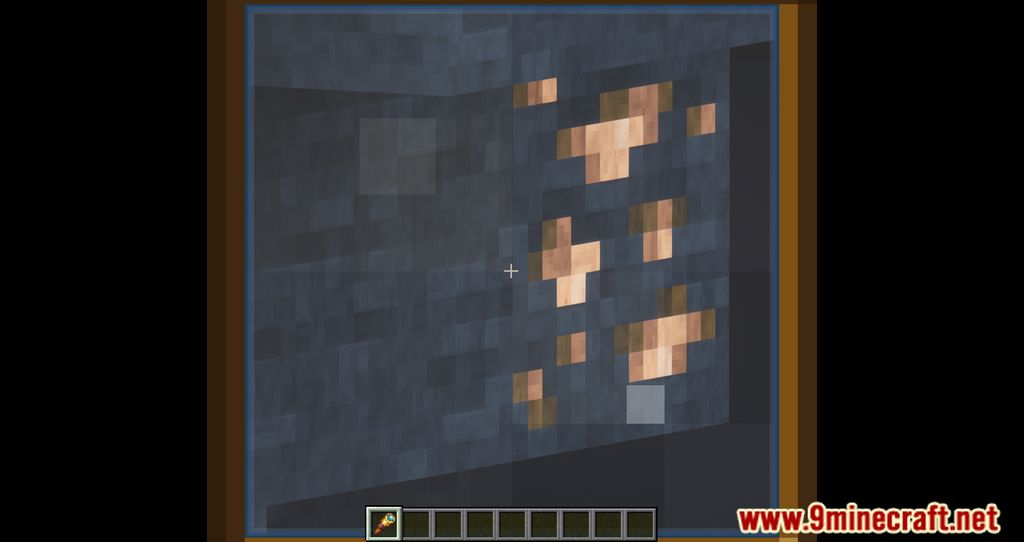
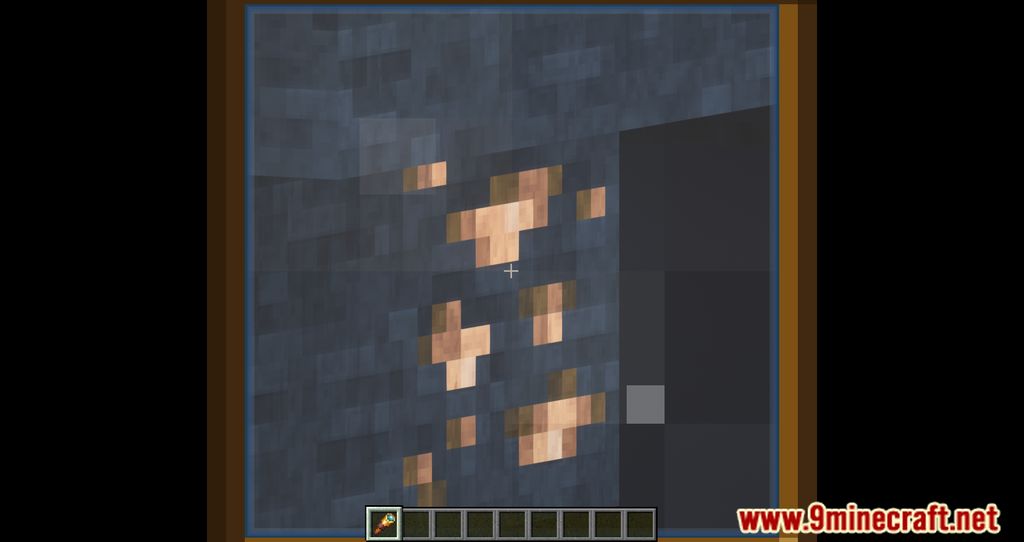
Hold the zoom hotkey, which is C by default, to zoom in while you hold it. Release the key to return to your normal view.
Why does pressing C do nothing?
The C key is probably already bound to another action like Save Tools, so the zoom never triggers. Open Controls and either assign a different key to Toggle Zoom or clear the C key from the conflicting action.
Is Logical Zoom hold-to-zoom or toggle?
It works as a hold-to-zoom by default, matching OptiFine behavior. If you want it to stay zoomed, bind a key to the Toggle Zoom option in Controls instead.
How do I change the zoom key?
Go to Options, then Controls, find the Logical Zoom keybinds, and assign your preferred button to Toggle Zoom. Make sure the key you pick isn't already used by another action.
See all 10 Logical Zoom questions ›
Gallery
12 images from the Logical Zoom Mod page.

You May Also Like
Wikis that share the most with this one
More mod wikis on the site
The most downloaded mods that have a wiki here
A few wikis from each of the other kinds