

 DownloadJust Sit Mod
Get the files on 9Minecraft
Guides
Step-by-step, in-game.
How to Change Your Sit KeybindAccessing Keybind Settings To change the key used for sitting, you need to access Minecraft's controls menu: 1. Open…How to Sit Comfortably at Your Campfire or FurnitureSetting Up Your Seating Area While Just Sit Mod doesn't create actual chairs or benches, you can roleplay sitting…How to Sit Down and Stand UpBasic Sitting Sitting is the core mechanic of Just Sit Mod. To sit down, simply press your sit keybind while standing…How to Sit While Building or DecoratingSitting for Extended Building Sessions Just Sit Mod lets you take breaks during long building projects: 1. When you…
Frequently asked questions
How do I sit down?
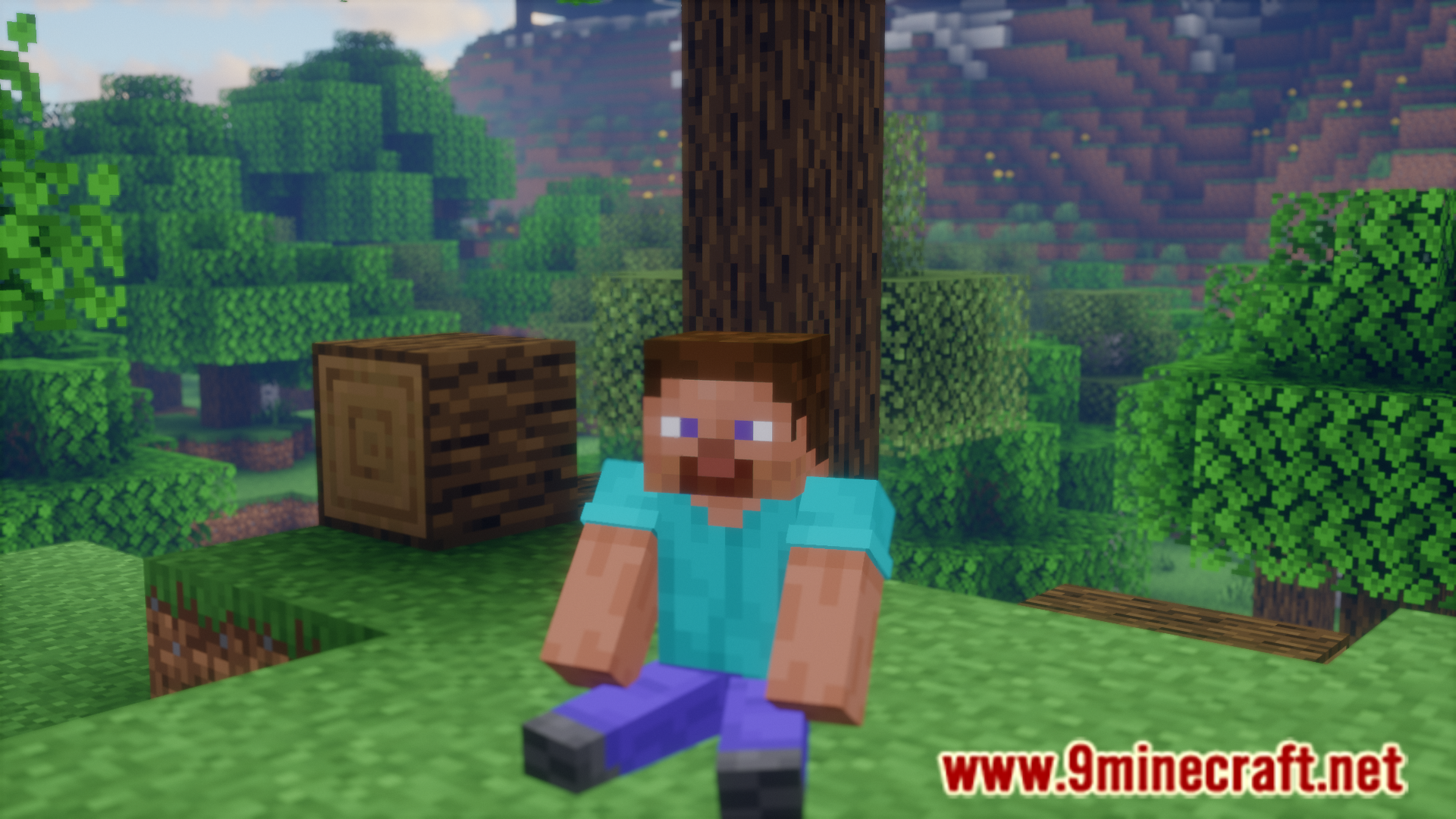
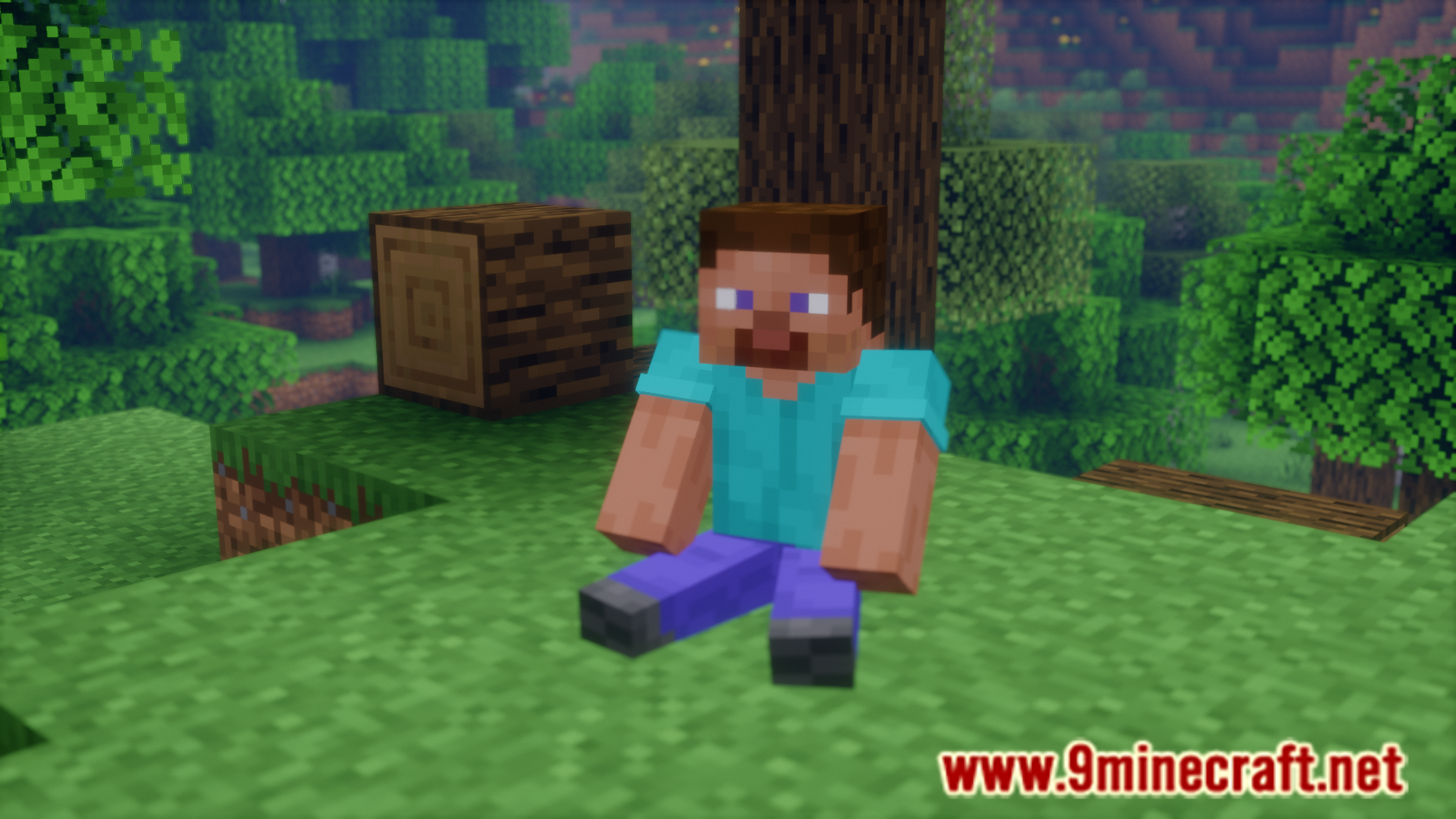
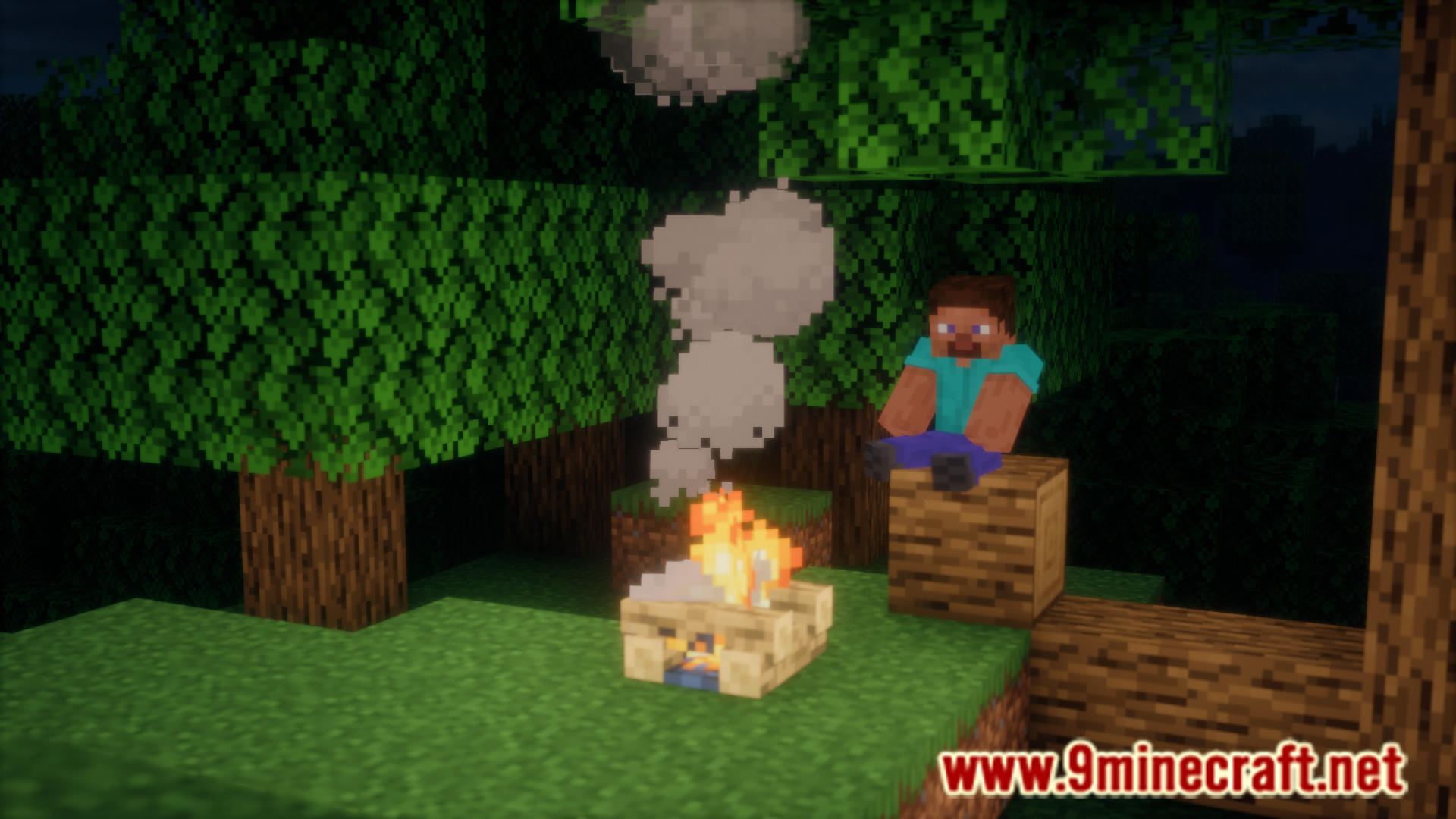
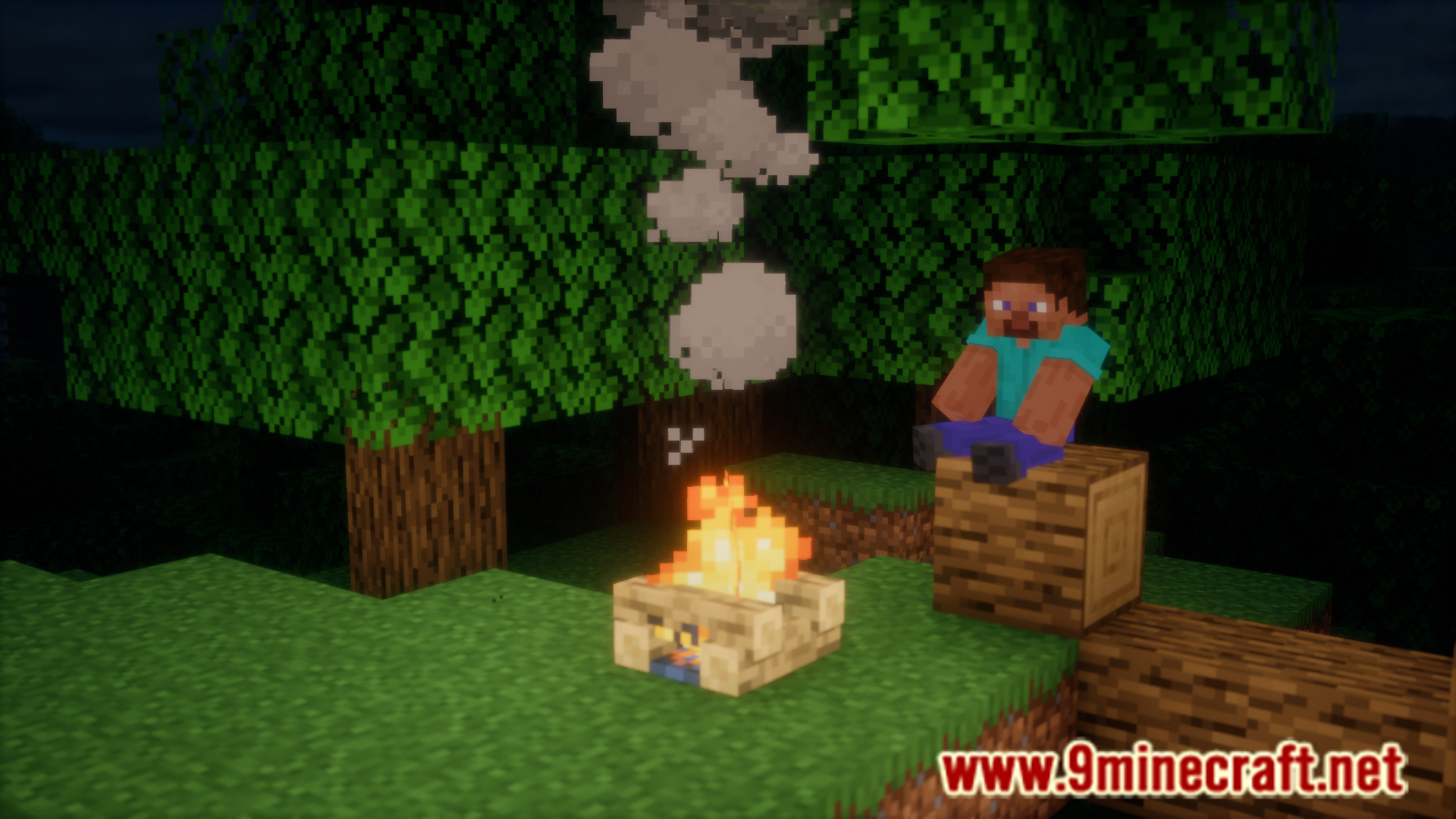
Press the V key (by default) while standing on the ground, and your character will sit down. You'll see your character model lower into a sitting position.
How do I stand back up?
Press the V key again, or press any movement key like W, A, S, or D to stand up automatically.
Can I change the keybind from V?
Yes. Open your controls settings in the pause menu, search for "Sit" in the keybind list, and assign it to any key you prefer.
What blocks can I sit on?
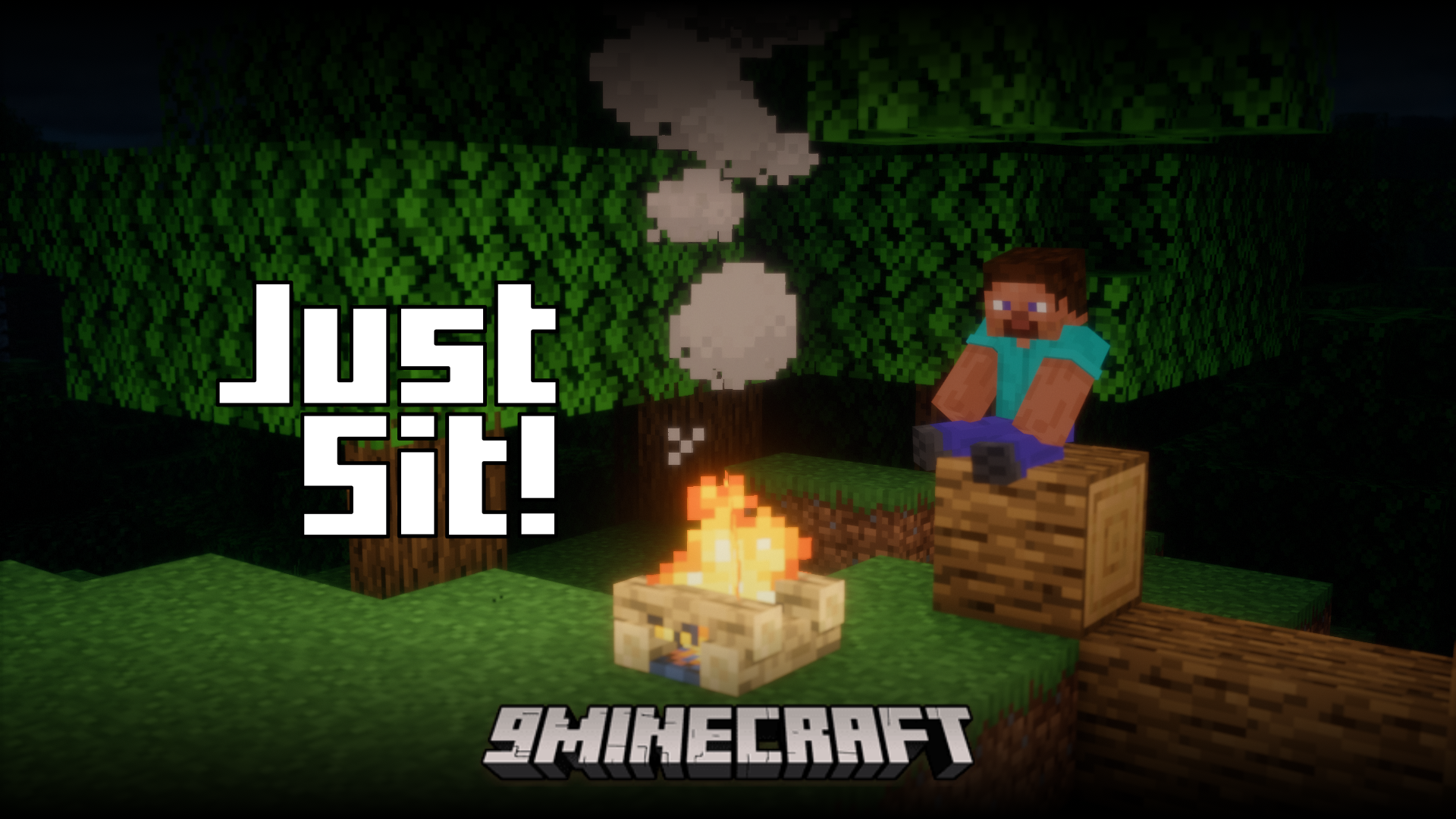
You can sit on most solid blocks, including stairs, slabs, logs, and decorative blocks like benches. Some blocks may not support sitting depending on their shape or collision box.
See all 10 Just Sit questions ›
Gallery
6 images from the Just Sit Mod page.
You May Also Like
Wikis that share the most with this one
More mod wikis on the site
The most downloaded mods that have a wiki here
A few wikis from each of the other kinds