

 DownloadInfinity Item Editor Re Mod
Get the files on 9Minecraft
Guides
Step-by-step, in-game.
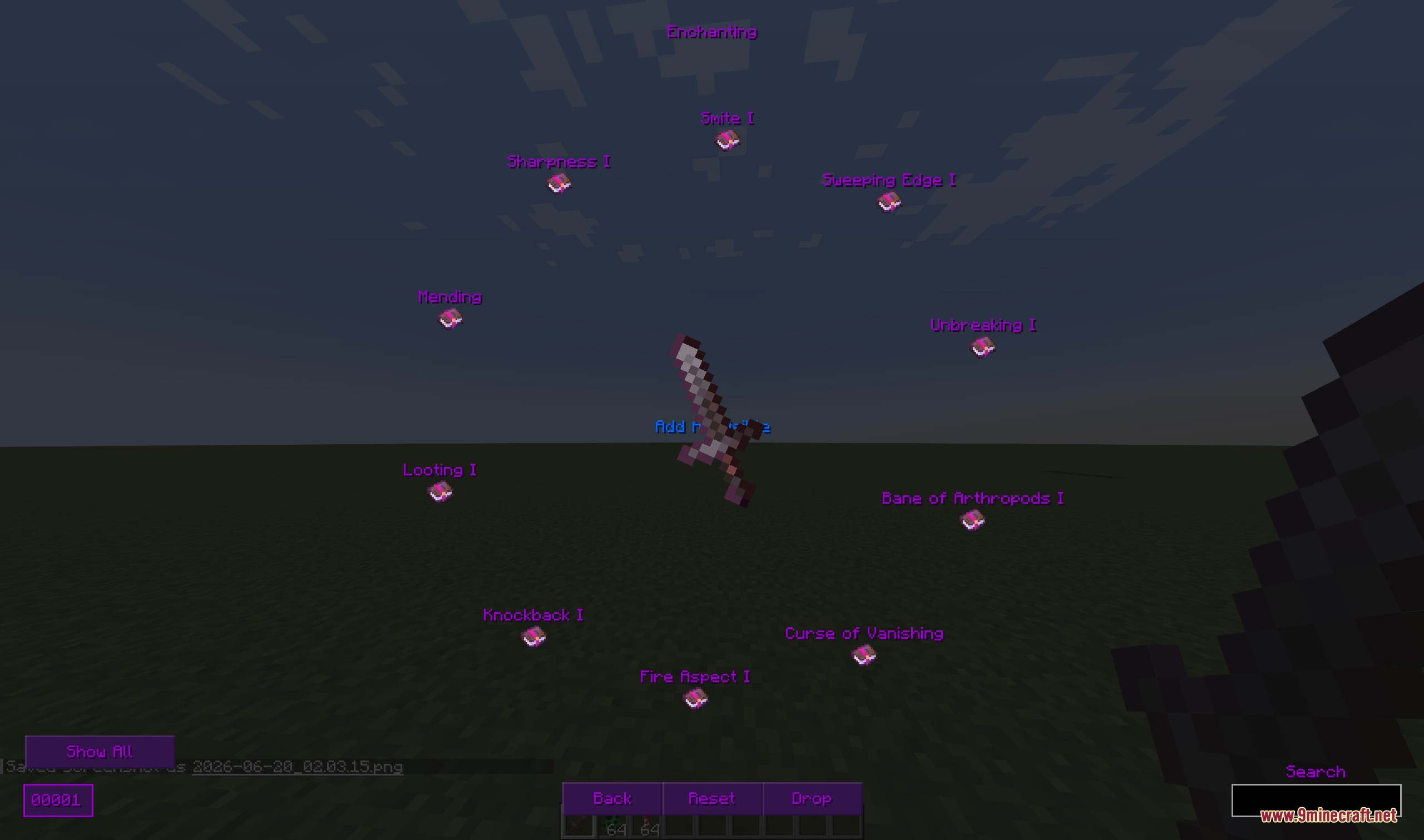
Apply Enchantments and Make Items UnbreakableAccessing Enchantment Options Open the item editor for the item you wish to enchant. Navigate to the Enchantments…Copy and Paste Item Data Between SlotsSelecting an Item to Copy Open the item editor for the item whose data you want to duplicate. Look for a Copy or Copy…Create a Custom Named Item with LoreOpening the Item Editor Hold or select the item you want to customize in your inventory. Open the Infinity Item…Edit Potion Effects and Custom PotionsOpening a Potion in the Editor Hold a potion, splash potion, or lingering potion and open the Infinity Item Editor.…
Frequently asked questions
How do I open the item editor?
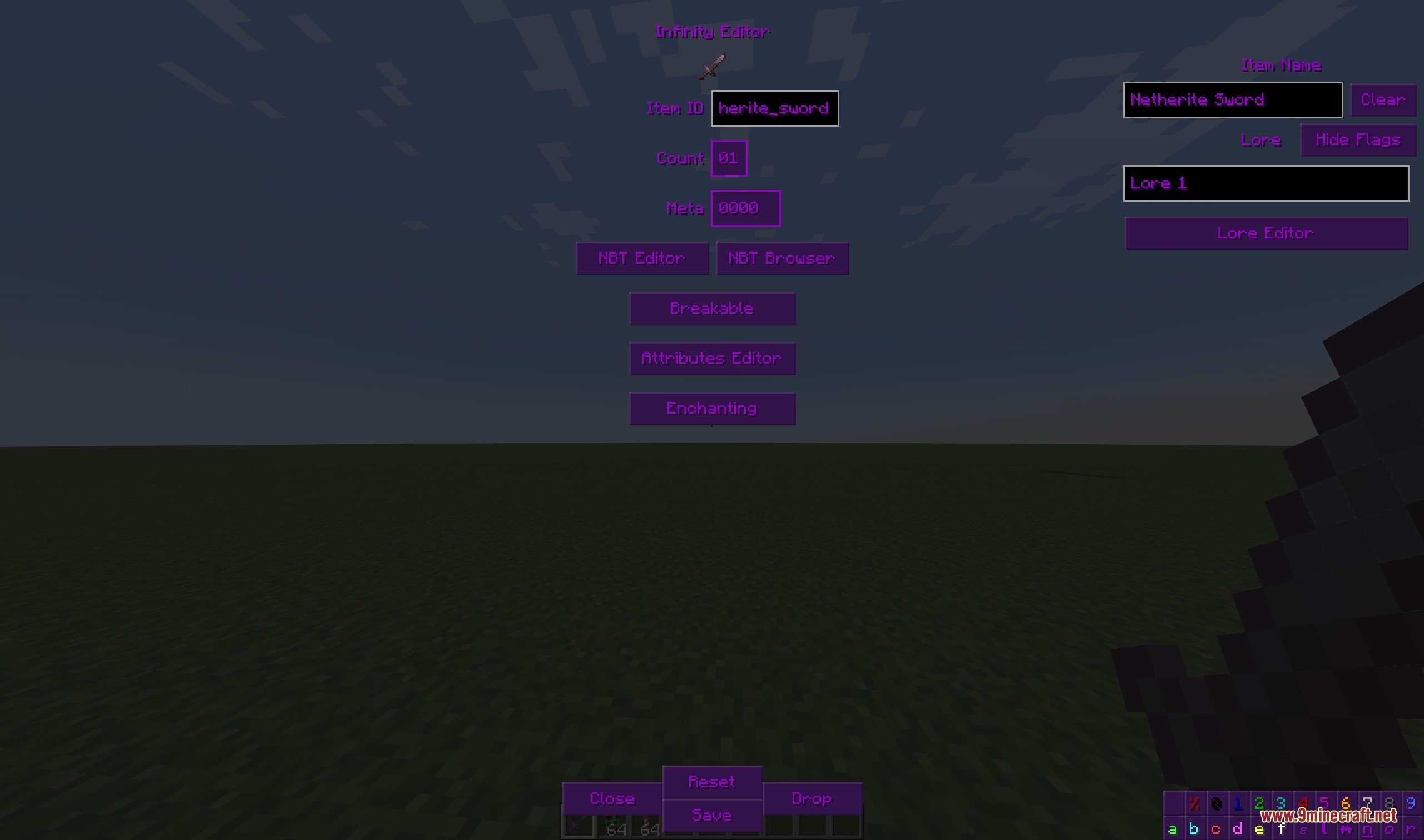
Hold an item in your hand or click on an item in a container, then press the configured keybind (default varies by mod pack). The editor window will open on your screen, showing all editable properties of that item.
Can I edit items in my inventory and containers at the same time?
Yes, you can click on items in open containers (chests, furnaces, etc.) to edit them directly without moving them to your inventory first. The editor will modify the item in its current slot.
What's the difference between the legacy layout and sidebar layout?
The legacy layout displays all editing options in a traditional menu format, while the sidebar layout uses a modern panel on the side of your screen. You can switch between them in the mod settings to find whichever feels more comfortable.
How do I copy an item's data to use on another item?
Use the copy function in the editor to save the item's NBT data, then select a different item and paste. This transfers all properties including enchantments, lore, and custom tags to the new item.
See all 10 Infinity Item Editor Re questions ›
Gallery
9 images from the Infinity Item Editor Re Mod page.
You May Also Like
Wikis that share the most with this one
Wikis on the same theme: enchant
More mod wikis on the site
The most downloaded mods that have a wiki here
A few wikis from each of the other kinds