DownloadInfinite Yellow Descent
Get the files on 9Minecraft
Guides
Step-by-step, in-game.
Exploring Themed Backroom LocationsLocation Overview Each Backroom level has distinct characteristics. Level 0 features endless yellow halls with white…How to Craft and Use the Wallpaper Block to Enter Level 0Gathering Materials Before you can enter the Backrooms, you'll need to collect three key ingredients: Yellow Concrete…Navigating Between Backroom LevelsUnderstanding Level Structure The Backrooms aren't a single space—they're a network of interconnected zones. Each…Surviving Hazardous Backroom ZonesIdentifying Dangerous Areas Not all Backroom levels are equally safe. Pitfalls is explicitly a hazard zone with…
Recipes
Every recipe the mod adds, grouped by how it is made.
Items
A
 Almond Water (Red)
 Almond Water (Green)
 Almond Water (Gray)
E
 Empty Water Bottle
F
 Firesalt Shard
 Firesteel Alloy
 Firesteel Sword
G
 Gray Key
L
 Liquid Pain
N
 Neighborhood Watch Spawn Egg
 Neon Water
P
 Partygoer Spawn Egg
 Partypooper Spawn Egg
R
 Royal Ration
S
 Shadow Dust
 Skinstealer Spawn Egg
 Smiler Repellant
 Smiler Spawn Egg
W
 Wretched Spawn Egg
Blocks
A
 Aged Concrete
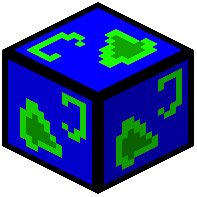 Aquatic Transporter
 Aquila Ceiling Light
 Aquila Pillar
 Aquila Sector Ceiling
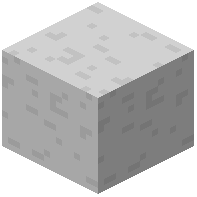 Aquila Sector Floor
B
 Black Trampoline
 Blender
C
 Carpet
 Carpet?
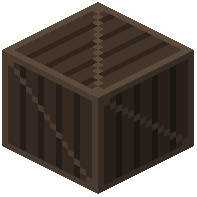 Crate
E
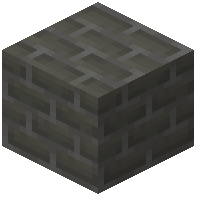 Electrical Bricks
 Elevator
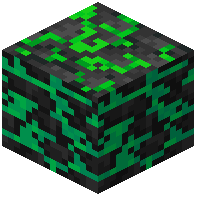 Errorslate
F
 Failed Ceiling Tiles
 False Wheat
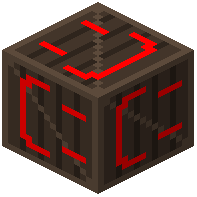 Fun Crate =)
 Fun Floor
 Fun Green Wall
 Fun Pink Wall
 Fun Purple Wall
 Fun Yellow Wall
G
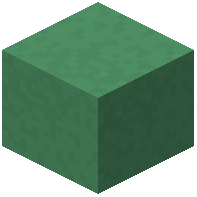 Garden Concrete
 Gilded Sector Wall
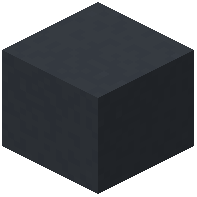 Gothic Concrete
L
 Level 11 Concrete
 Level 2 Door
 Level 2 Fire Exit
 Level 2 Pipe
 Level 3 Ceiling Light
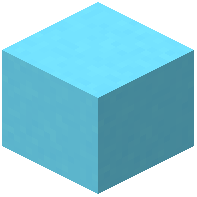 Level 4 Carpet
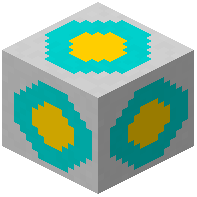 Level 5 Carpet
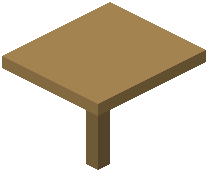 Level 5 Entry Table
 Level 6 Entry Point
O
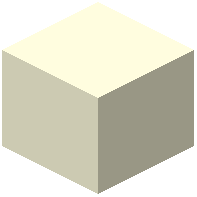 Old Ceiling Light
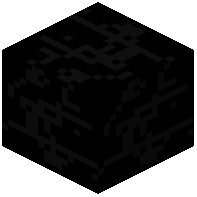 Old Wallpaper
P
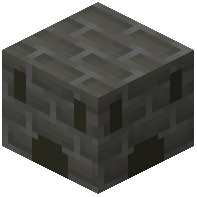 Power Outlet
 Premium Carpet
 Premium Ceiling Tiles
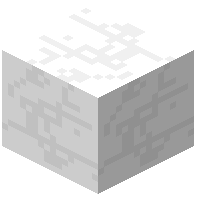 Premium Wallpaper
 Promised Carpet
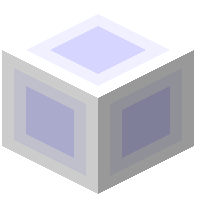 Promised Ceiling Light
 Promised Ceiling Tile
 Promised Gateway
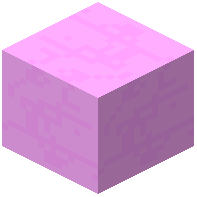 Promised Wallpaper
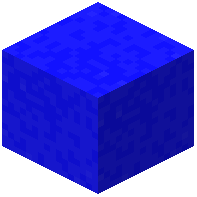 Pure Blue
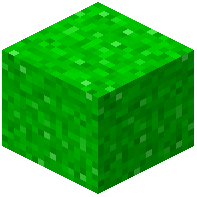 Pure Grass
 Pure White Glow
T
 Tiles
W
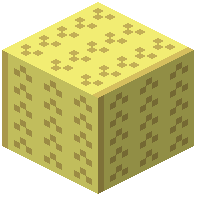 Wallpaper
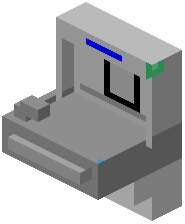 Water Fountain
 Worn Carpet
Mobs
Creatures this mod adds.
Party BalloonPartygoerPartypooperSkin StealerSmilerThe Neighborhood WatchWretch
Enchantments
Enchantments this mod adds.
Anomalous ProtectionDefense from attacks that do not belong
Frequently asked questions
How do I get into the Backrooms for the first time?
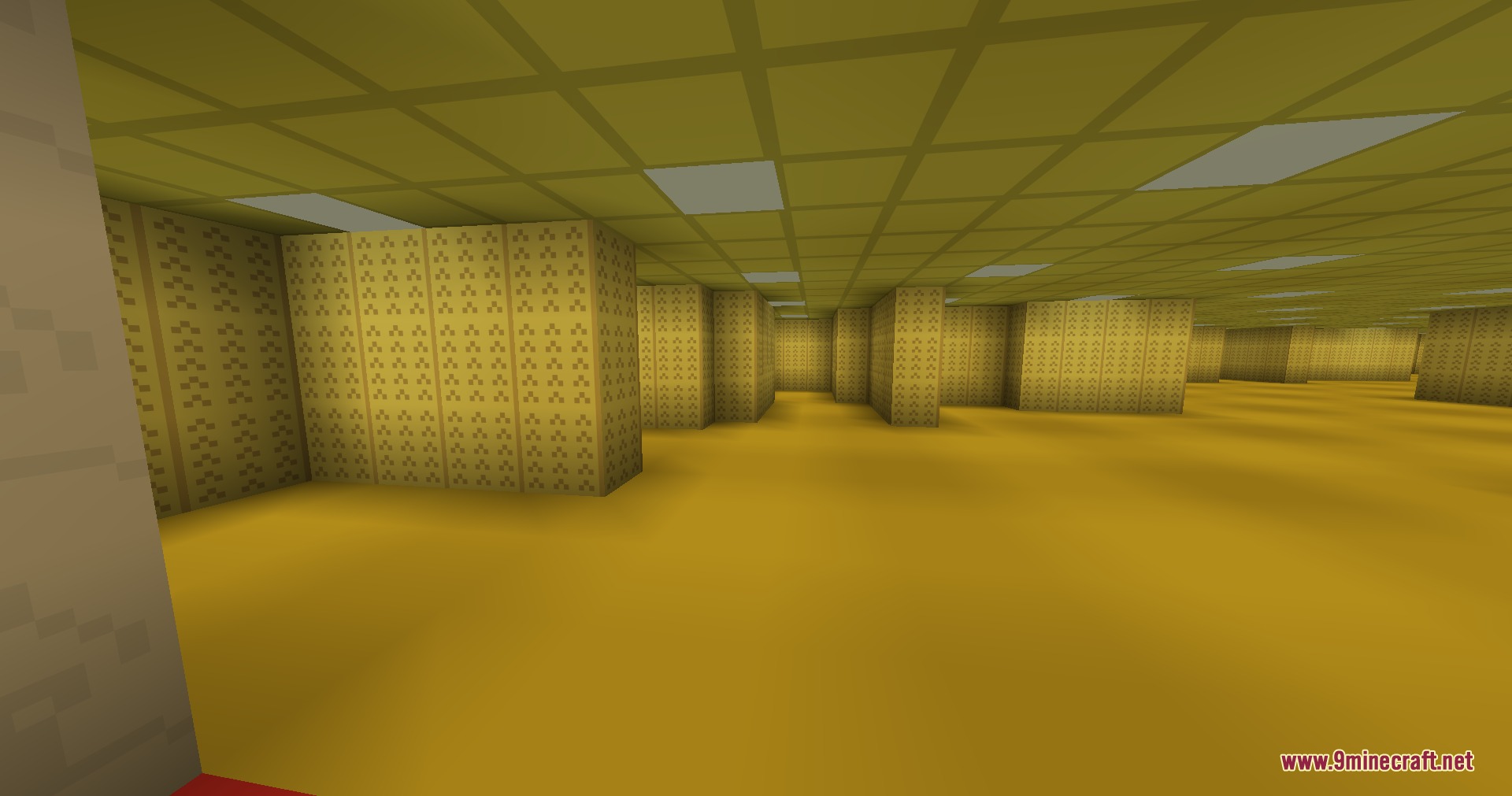
Craft a wallpaper block using yellow concrete, amethyst shards, and an ender pearl, then place it in your world. Crouch on top of the wallpaper block and you'll noclip into Level 0.
Can I go back to the normal world after entering the Backrooms?
Yes, you can noclip back out by crouching on specific blocks within the Backrooms, similar to how you entered. Look for designated noclip points in each level to return or move between zones.
What's the difference between all these levels?
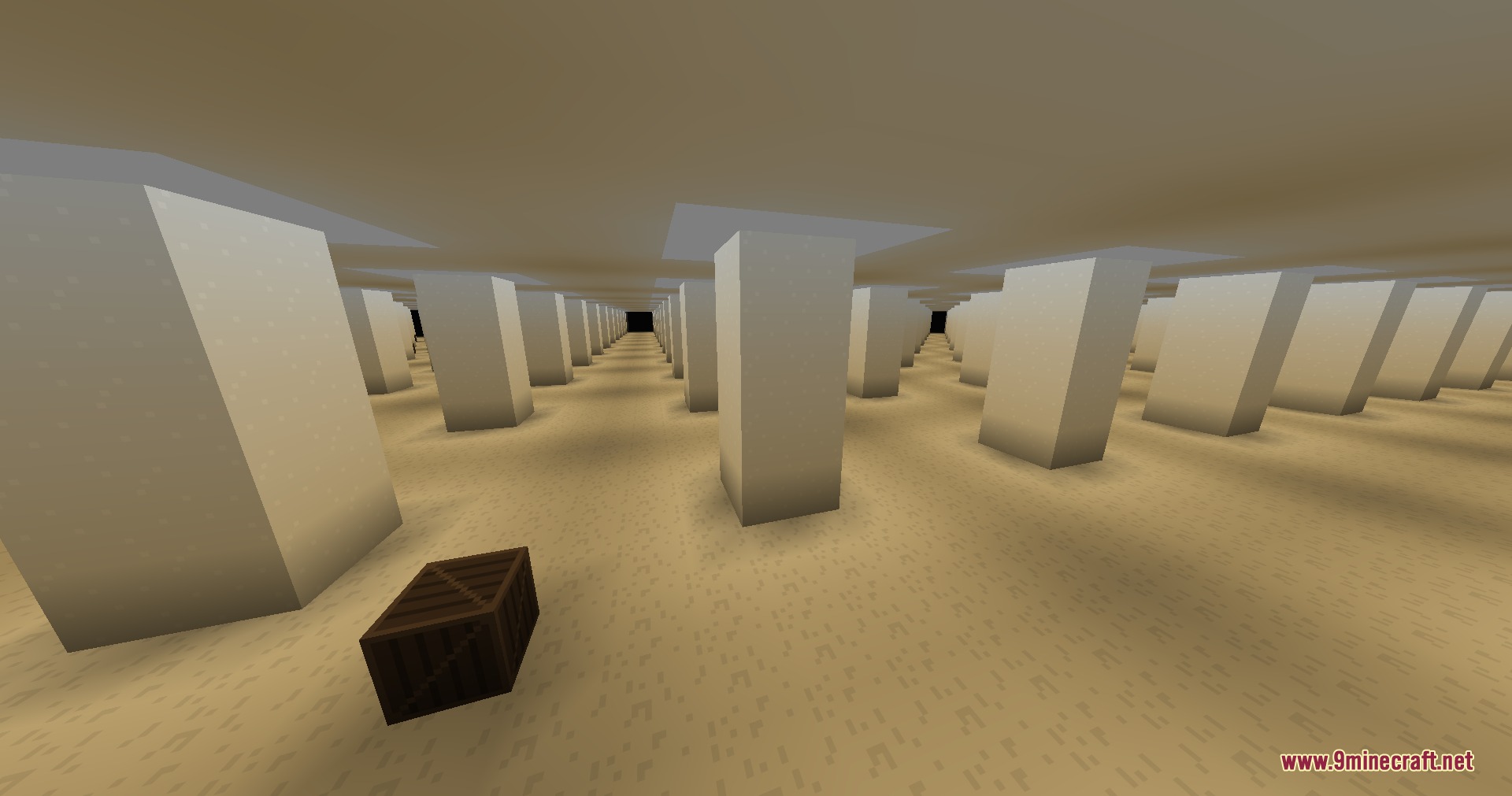
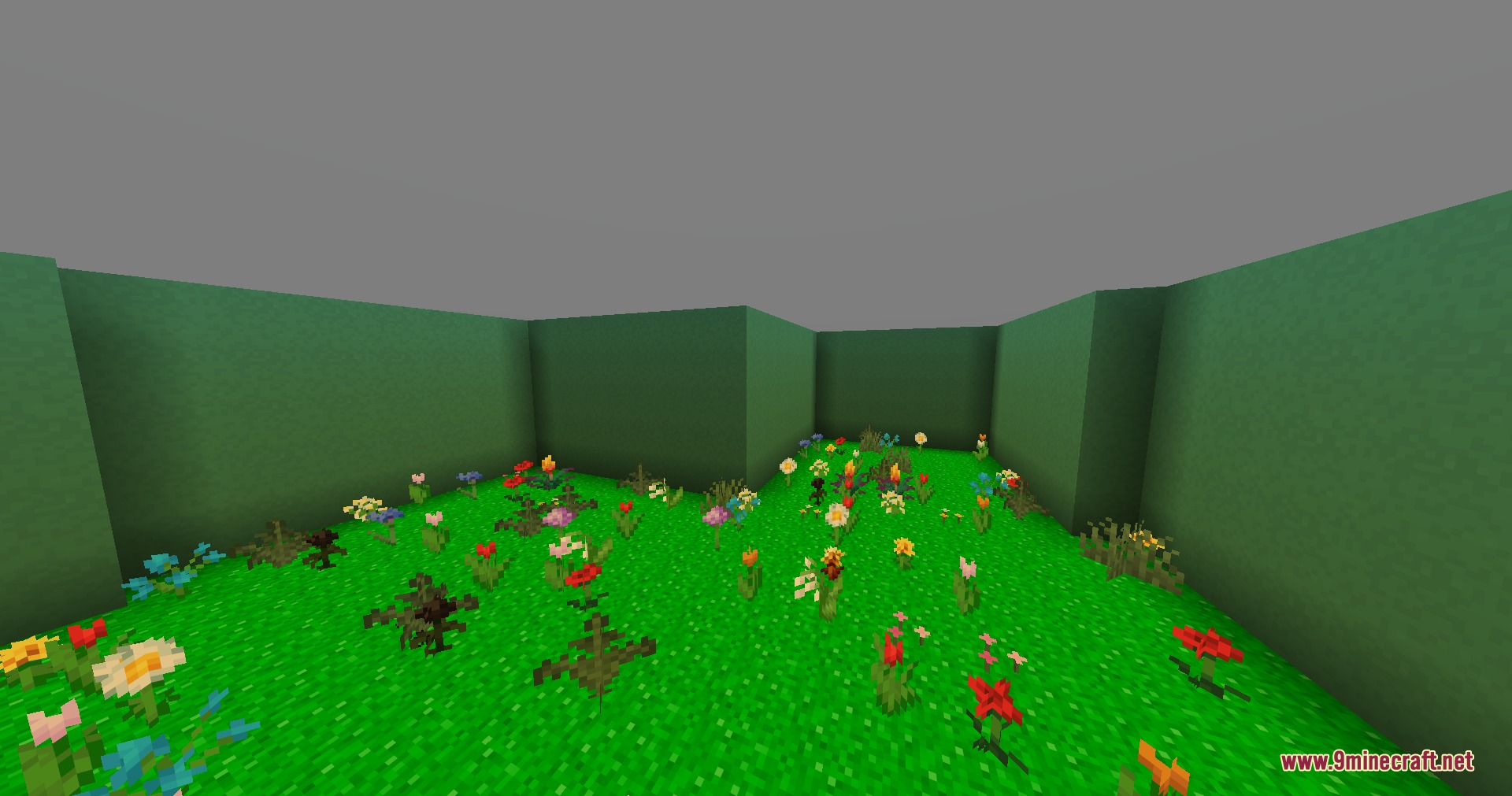
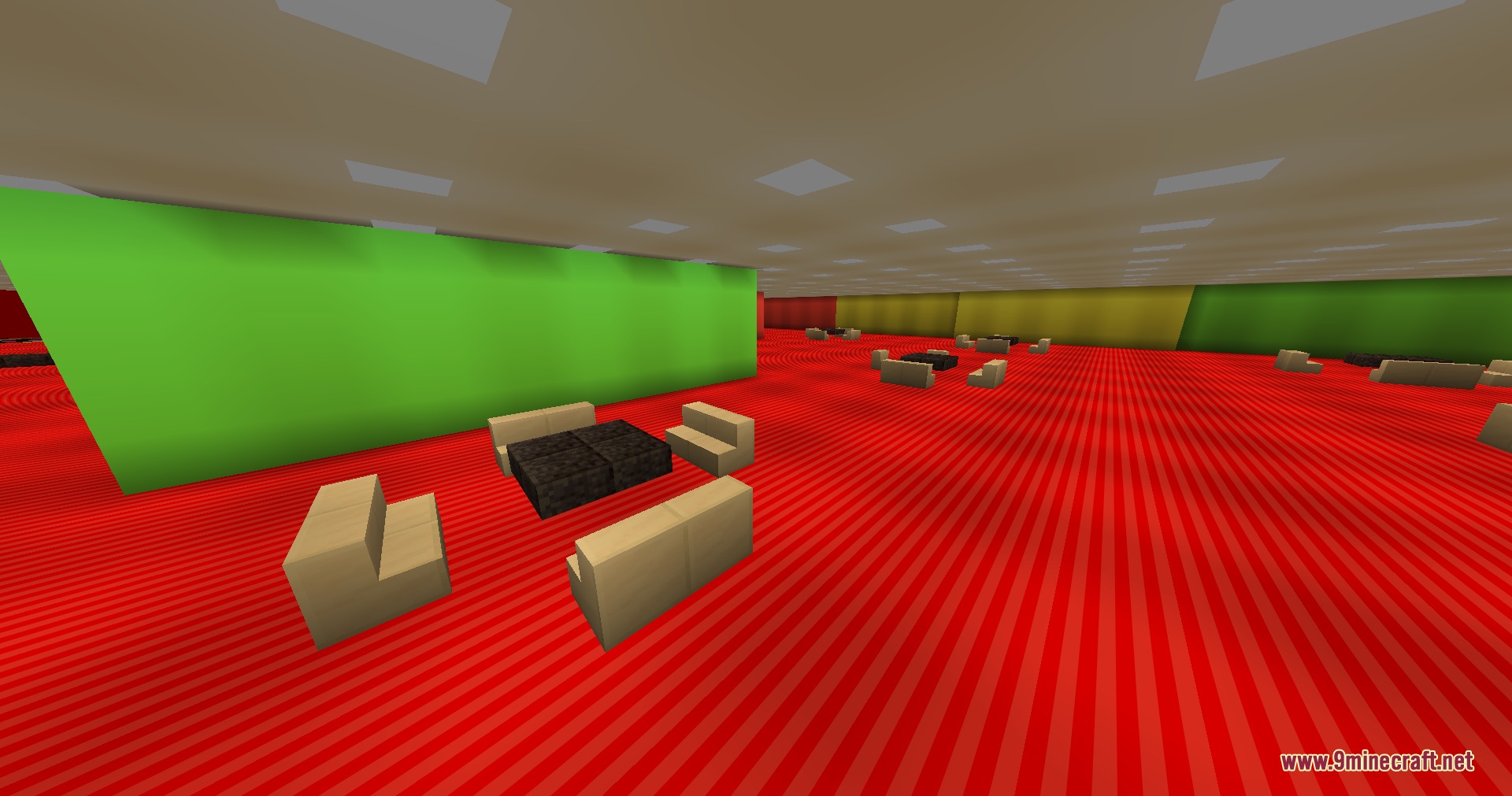
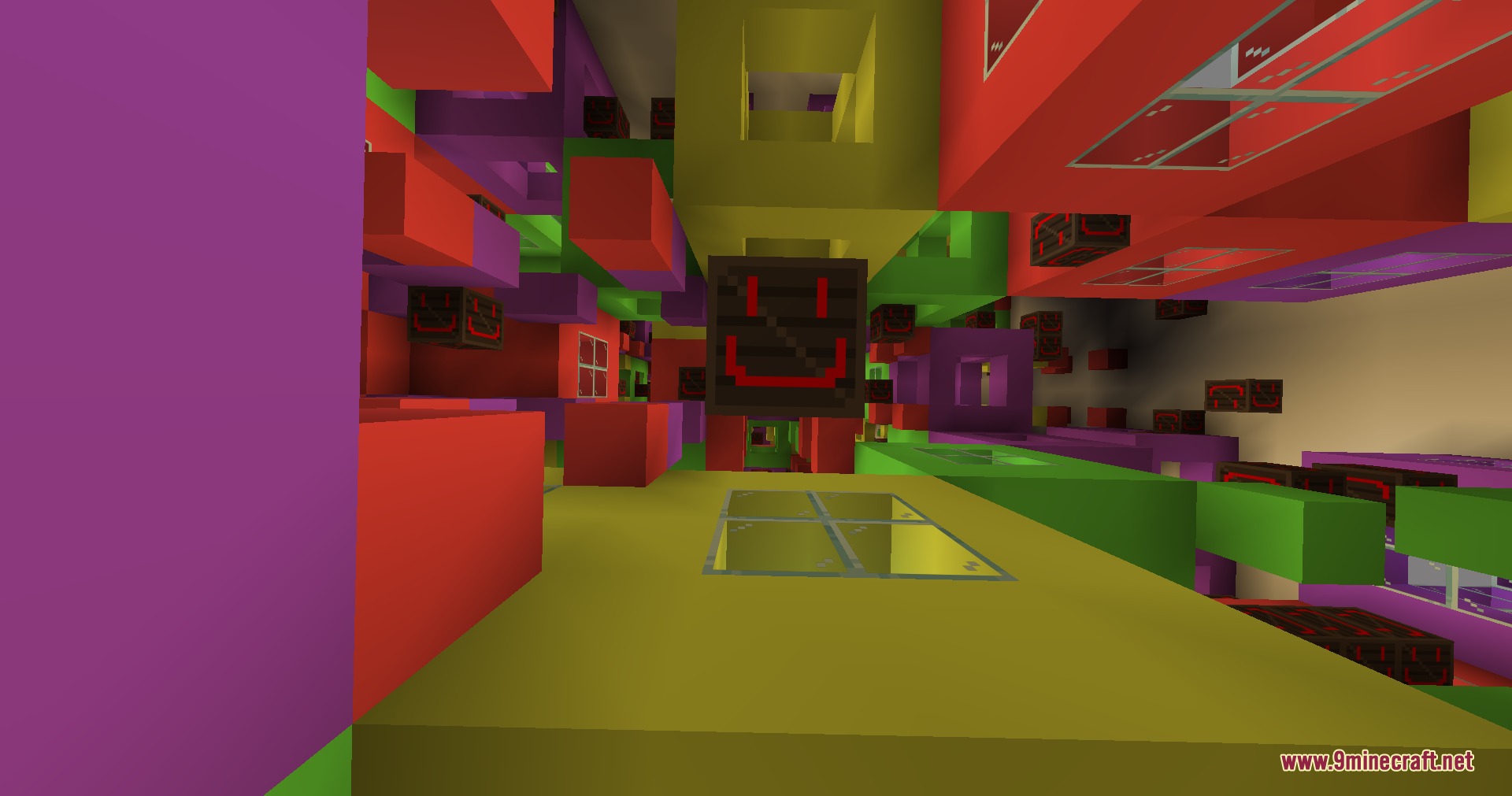
Each level has a distinct theme and environment—Level 0 is the classic yellow halls, Level 1 is habitable, Level 6 is pitch black, Level 7 is an endless ocean, and so on. Some levels like Pitfalls and The Broken are custom hazard zones with unique challenges.
How do I navigate between different Backroom levels?
Find noclip points (specific blocks you can crouch on) scattered throughout each level to move between zones. Each level typically has exits or transitions that lead to other levels or custom areas.
What should I bring to survive the Backrooms?
Bring food, torches or light sources (especially for dark levels like Level 6), and tools for mining through obstacles. Some hazard zones like Pitfalls have environmental dangers, so prepare accordingly before entering.
Are there mobs or enemies in the Backrooms?
The mod focuses on exploration and atmosphere rather than combat, though certain zones may have environmental hazards or unsettling elements. The danger comes more from getting lost or falling into pitfalls than from hostile creatures.
Can I build or place blocks in the Backrooms?
Yes, you can place and break blocks in most Backroom levels, allowing you to create paths, mark routes, or modify the environment as needed during exploration.
Why can't I noclip through the wallpaper block?
Make sure you're crouching (sneaking) directly on top of the wallpaper block—simply standing on it won't trigger the noclip. If it still doesn't work, verify the block was crafted correctly with all required ingredients.
Do I need any special mods or dependencies for this to work?
Check the mod's requirements page for any dependencies, but the mod is designed to work as a standalone addition to Minecraft. Ensure you're using a compatible Minecraft version for your installed mod version.
Is there an end goal or objective in the Backrooms?
The mod is primarily exploration-focused without a set objective—you explore the levels, discover their unique environments, and experience the liminal space atmosphere. Some players set personal goals like visiting all levels or mapping out each zone.
You May Also Like
Wikis that share the most with this one
Wikis on the same theme: furniture
More mod wikis on the site
The most downloaded mods that have a wiki here
A few wikis from each of the other kinds
Gallery
7 images from the Infinite Yellow Descent Mod page.