

 DownloadCrossstream Overlay Mod
Get the files on 9Minecraft
Guides
Step-by-step, in-game.
Display and Customize Emotes and BadgesViewing Platform Emotes and Stickers The mod automatically renders custom emotes and stickers from Twitch, 7TV, Kick,…Filter and Hide Unwanted Chat ContentSetting Up Word and User Filters The mod lets you hide messages containing specific words or phrases, keeping your…Pin and Manage Important Viewer MessagesPinning Messages During Gameplay Right-click on any chat message floating in your world or displayed in HUD mode to…Set Up Chat Display Mode for Your StreamChoosing Between World and HUD Modes The mod offers two ways to view chat: floating 3D cards in your game world, or a…
Frequently asked questions
What's the difference between floating chat and HUD mode?
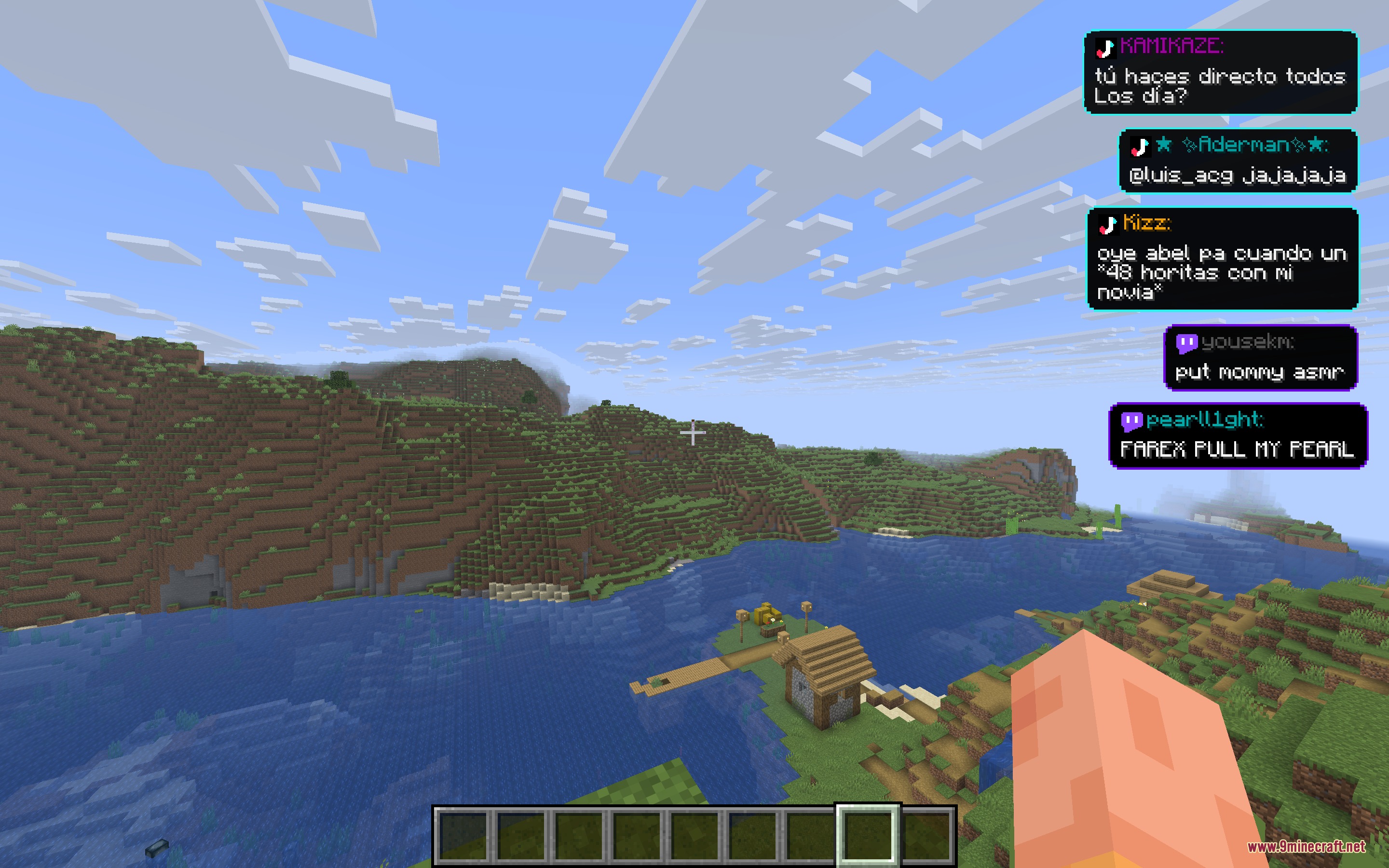
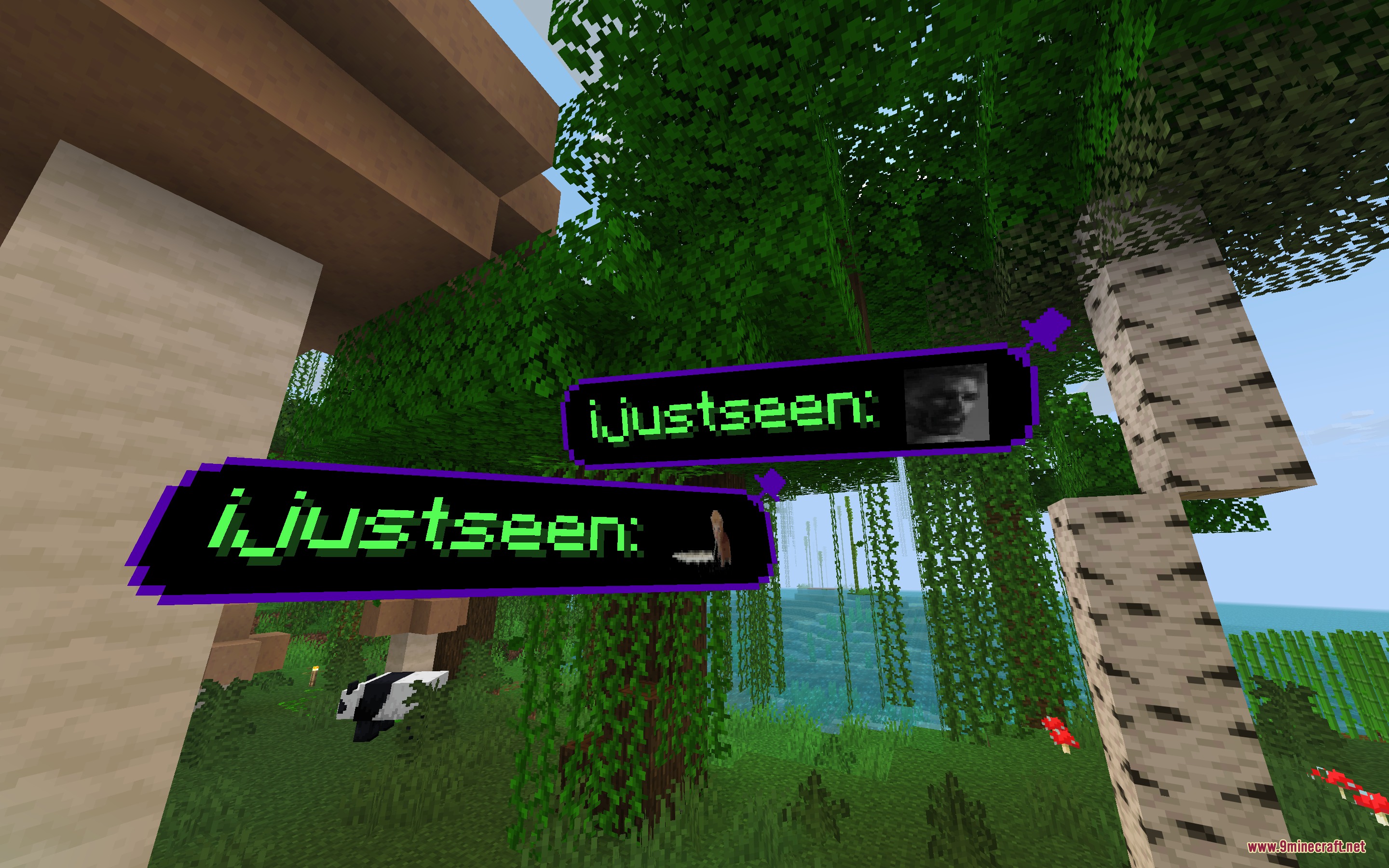
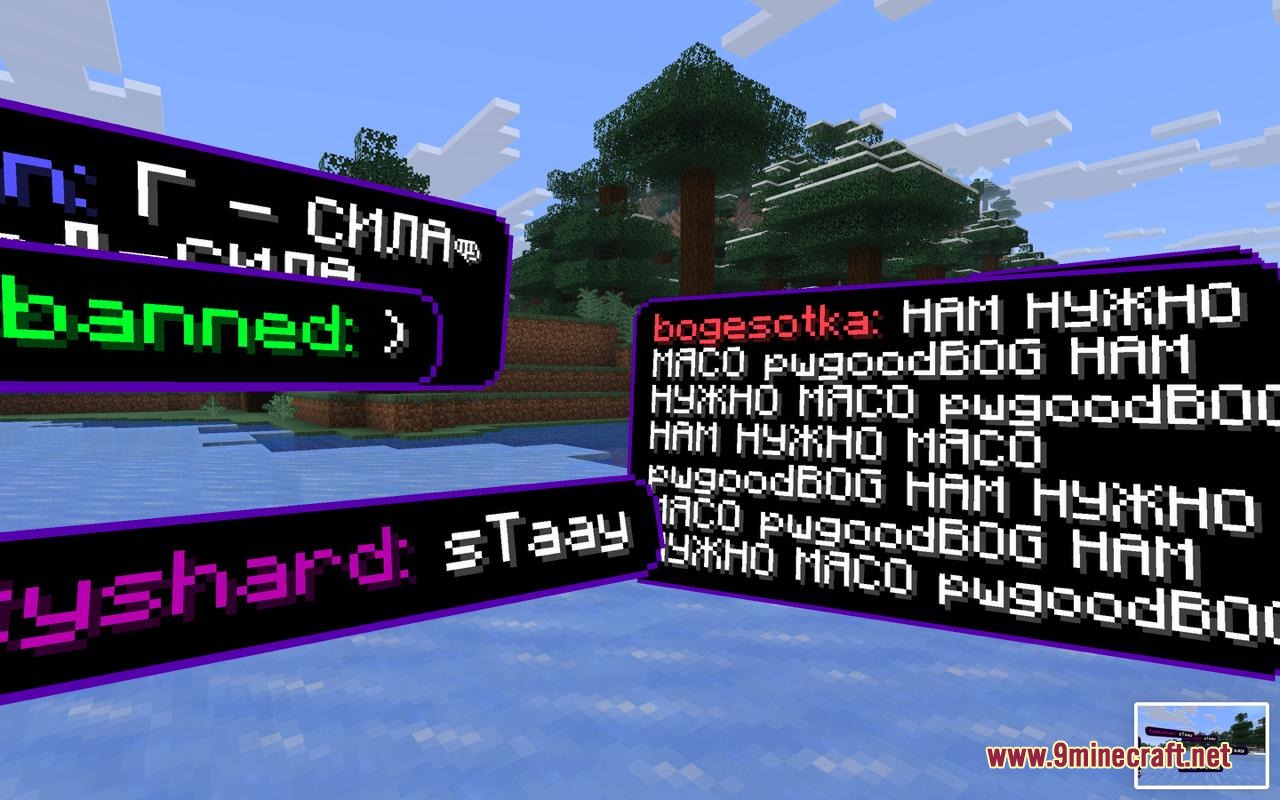
Floating chat displays messages as 3D cards that appear in your game world and move around, while HUD mode keeps chat pinned to a corner of your screen and stays visible even when you open your inventory or crafting menu. You can switch between modes in the mod settings.
How do I pin a message so it doesn't disappear?
Right-click on any chat message card in the world to pin it in place. Pinned messages will stay visible until you unpin them, even if new messages appear.
Can I hide chat from specific users or block certain words?
Yes—use the filter settings to add words or phrases you want hidden, and you can block individual users through the chat history menu. Blocked users' messages won't appear in your overlay.
See all 10 Crossstream Overlay questions ›
Gallery
8 images from the Crossstream Overlay Mod page.





You May Also Like
Wikis that share the most with this one
FPS Overlay ModOverlay Lib ModOverlay Tweaks ModEnhanced Overlay ModItem Overlay Border ModSimple Block Overlay ModEuphoria Prism Overlay ModNo Nether Portal Overlay ModA Vanilla Overlay Resource PackSmooth Pvp Overlay Resource PackCustom Damage Overlay Color ShadersFlamefrags Smp Overlay Resource Pack
More mod wikis on the site
The most downloaded mods that have a wiki here
A few wikis from each of the other kinds