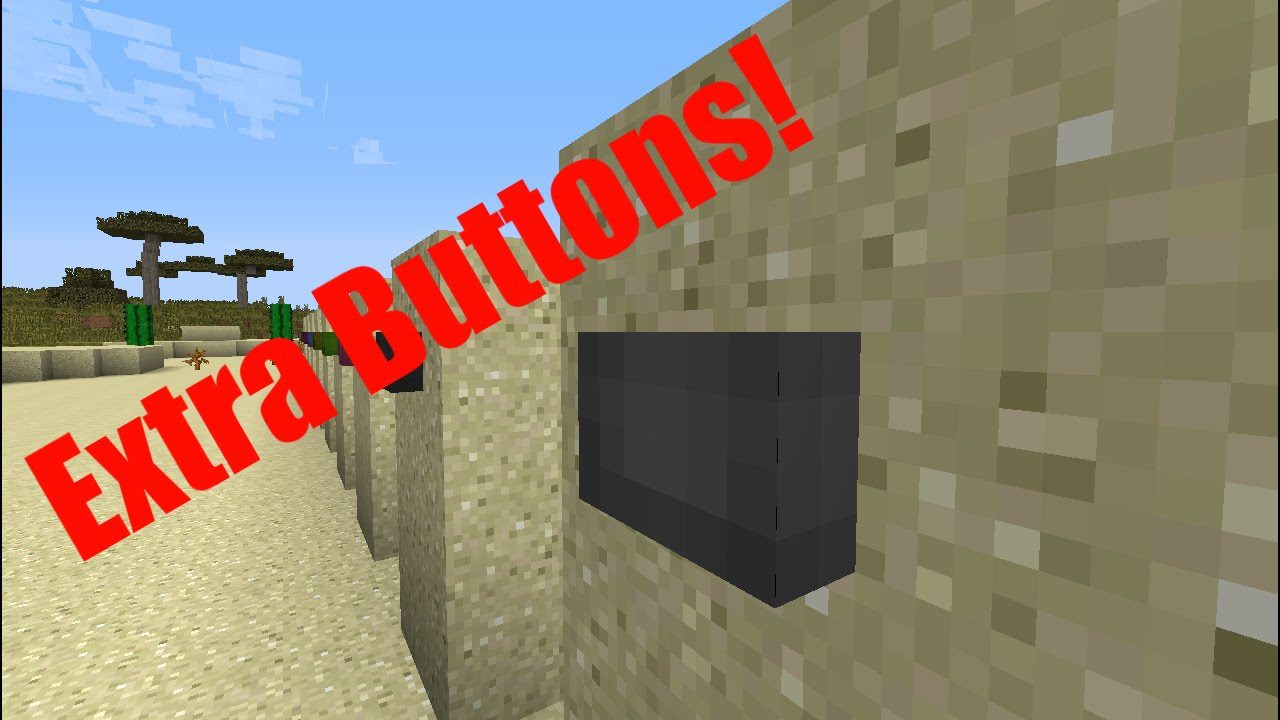
 DownloadExtra Buttons
Get the files on 9Minecraft
Guides
Step-by-step, in-game.
How to Build with the Capacitive Touch Block and Delay ButtonCapacitive Touch Block The Capacitive Touch Block is a redstone component that responds to touch rather than a…How to Craft and Use Panel ButtonsCrafting Panel Buttons Panel Buttons come in eleven wood and stone variants: Acacia Panel Button , Bamboo Panel…How to Use Entity Detector Rails and Entity Powered RailsEntity Detector Rail The Entity Detector Rail detects entities on the track and outputs a redstone signal. Lay it as…How to Use Illuminated Toggle ButtonsWhat They Do Illuminated Toggle Buttons come in sixteen colors: Black, Blue, Brown, Cyan, Gray, Green, Light Blue,…
Recipes
Every recipe the mod adds, grouped by how it is made.
Blocks
A
 Acacia Panel Button
B
 Bamboo Panel Button
 Birch Panel Button
 Black Illuminated Toggle Button
 Blue Illuminated Toggle Button
 Brown Illuminated Toggle Button
C
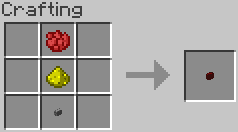
 Capacitive Touch Block
 Cherry Panel Button
 Crimson Panel Button
 Cyan Illuminated Toggle Button
D
 Dark Oak Panel Button
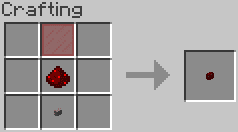
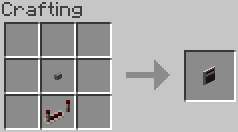
 Delay Button
E
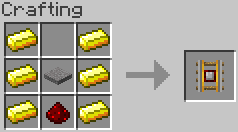
 Entity Detector Rail
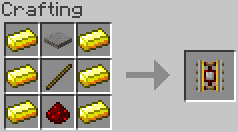
 Entity Powered Rail
G
 Gray Illuminated Toggle Button
 Green Illuminated Toggle Button
J
 Jungle Panel Button
L
 Light Blue Illuminated Toggle Button
 Light Gray Illuminated Toggle Button
 Lime Illuminated Toggle Button
M
 Magenta Illuminated Toggle Button
 Mangrove Panel Button
O
 Oak Panel Button
 Orange Illuminated Toggle Button
P
 Pink Illuminated Toggle Button
 Purple Illuminated Toggle Button
R
 Red Illuminated Toggle Button
S
 Spruce Panel Button
 Stone Panel Button
W
 Warped Panel Button
 White Illuminated Toggle Button
Y
 Yellow Illuminated Toggle Button
Frequently asked questions
How do I craft an Oak Panel Button?
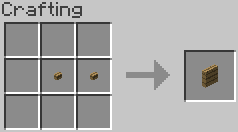
Craft it using a shaped crafting recipe with oak-related ingredients arranged in the recipe grid. It is one of the wood-type Panel Button variants alongside Acacia, Birch, Jungle, Spruce, Dark Oak, Mangrove, Cherry, Bamboo, Crimson, and Warped Panel Buttons.
What is the difference between a Panel Button and a regular button?
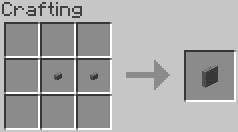
Panel Buttons are a distinct set of button blocks in this mod, available in every wood type plus Stone. They are crafted via shaped recipes and placed like normal buttons.
How do I make a Stone Panel Button?
Use the shaped crafting recipe for the Stone Panel Button in a crafting grid. It is the only non-wood Panel Button in the mod.
How do I craft an Illuminated Toggle Button?
Illuminated Toggle Buttons are crafted with a shaped recipe and come in all 16 dye colors: White, Orange, Magenta, Light Blue, Yellow, Lime, Pink, Gray, Light Gray, Cyan, Purple, Blue, Brown, Green, Red, and Black. Place the colored variant you want and use the matching recipe.
What does an Illuminated Toggle Button do?
It is a toggle-style button block that stays in its toggled state rather than popping back like a standard button. It is available in all 16 dye colors.
How do I get a Delay Button?
Craft the Delay Button using its shaped crafting recipe. It functions as a button block with a built-in delay before its signal changes.
What is the Capacitive Touch Block used for?
The Capacitive Touch Block is a craftable block obtained via a shaped recipe. It acts as a touch-sensitive activation block in builds.
How do I craft the Entity Detector Rail?
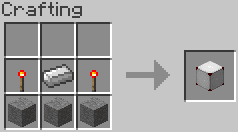
Use the shaped crafting recipe for the Entity Detector Rail. It is a rail block that detects entities, separate from the Entity Powered Rail.
What is the Entity Powered Rail?
The Entity Powered Rail is a craftable rail block made with a shaped recipe. It is distinct from the Entity Detector Rail and both are part of the mod's rail additions.
Which wood types have Panel Buttons?
Panel Buttons exist for Acacia, Bamboo, Birch, Cherry, Crimson, Dark Oak, Jungle, Mangrove, Oak, Spruce, Warped, and Stone. Each is crafted with its own shaped recipe.
Can I get a colored toggle button in every dye color?
Yes, Illuminated Toggle Buttons cover all 16 dye colors from White through Black. Each color has its own shaped crafting recipe.
How many button and rail blocks does this mod add?
The mod adds 32 registered blocks total, including Panel Buttons for each wood type plus Stone, 16 colored Illuminated Toggle Buttons, the Delay Button, Capacitive Touch Block, Entity Detector Rail, and Entity Powered Rail. All are made with shaped crafting recipes.
You May Also Like
Wikis that share the most with this one
Wikis on the same theme: redstone
More mod wikis on the site
The most downloaded mods that have a wiki here
A few wikis from each of the other kinds
Gallery
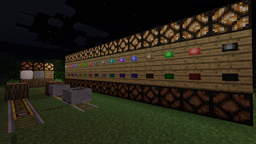
9 images from the Extra Buttons Mod page.