

 antennas
 DownloadXNet Mod
Get the files on 9Minecraft
Guides
Step-by-step, in-game.
Connecting Networks Wirelessly with the Wireless Router and AntennaBuild the Antenna The wireless link is built from an Antenna Base , an Antenna , and an Antenna Dish . Place the…Extending Connector Reach with the Connector Upgrade KitWhy Reach Matters A basic Connector must touch both the cable and the target block. When the block you want to…How to Build a Basic XNet Network with Connectors and CablesPlace the Controller and Run Cable Start every network with a Controller . Place it down, then attach a network cable…Using the Controller to Move Items Between InventoriesOpen the Controller Interface Right-click the Controller to open its configuration screen. The Controller is the…
Recipes
Every recipe the mod adds, grouped by how it is made.
Items
 Advanced Blue Connector
 Advanced Green Connector
 Advanced Red Connector
 Advanced Routing Connector (NOT)
 Advanced Yellow Connector
 Blue Connector
 Blue Network Cable
 Connector Upgrade Kit
 Green Connector
 Green Network Cable
 Red Connector
 Red Network Cable
 Routing Connector
 Routing Network Cable
 Yellow Connector
 Yellow Network Cable
Blocks
 AntennaAntenna Base
 Antenna Dish
 Controller
 Facade
 Redstone Proxy
 Redstone Proxy (update)
 Router
 Wireless Router
Frequently asked questions
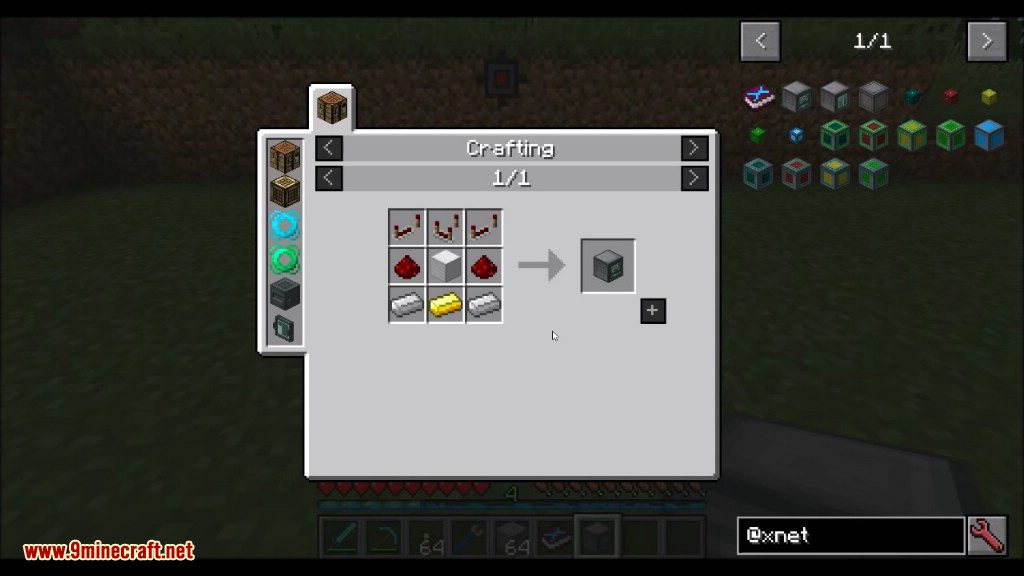
How do I craft a Controller?
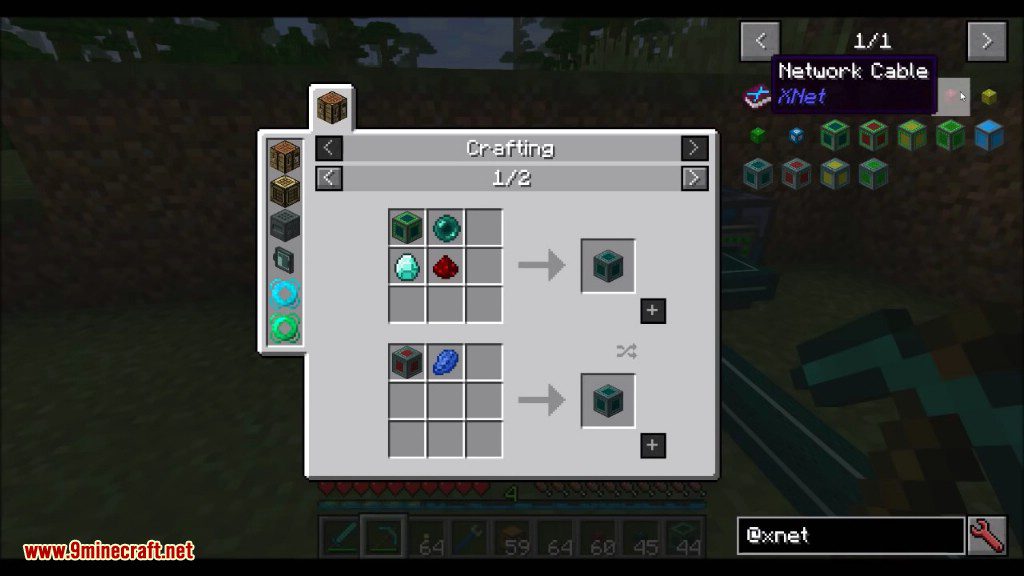
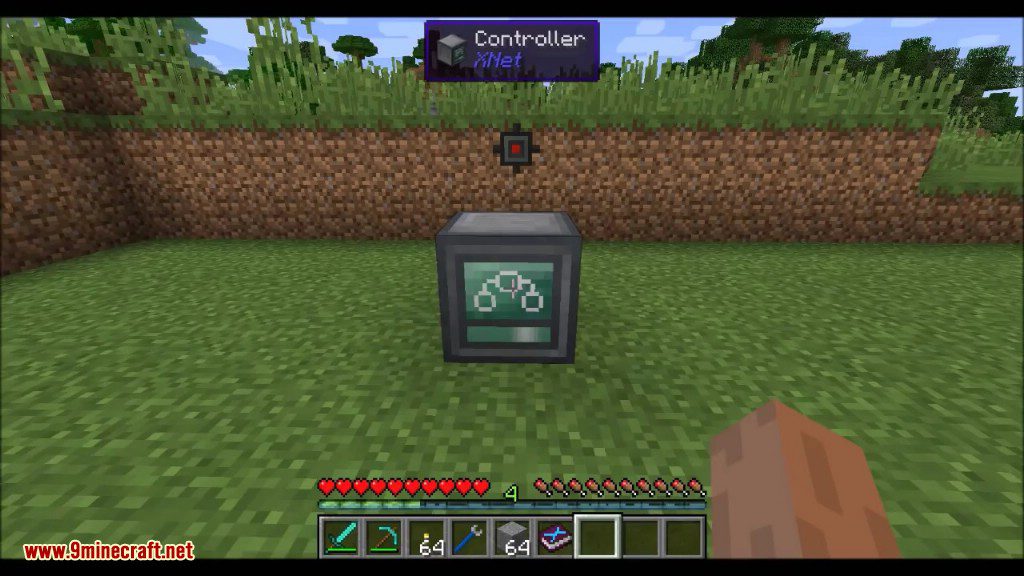
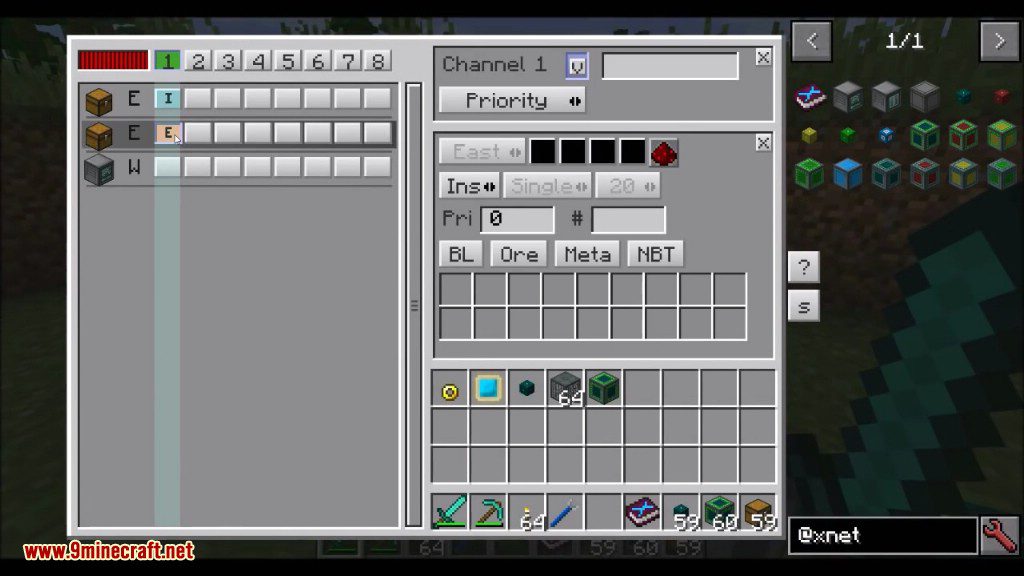
The Controller is a block crafted through a shaped  crafting recipe. Place it as the central hub of your network to manage connected connectors and routers.
Controller is a block crafted through a shaped crafting recipe. Place it as the central hub of your network to manage connected connectors and routers.How do I make network cables?
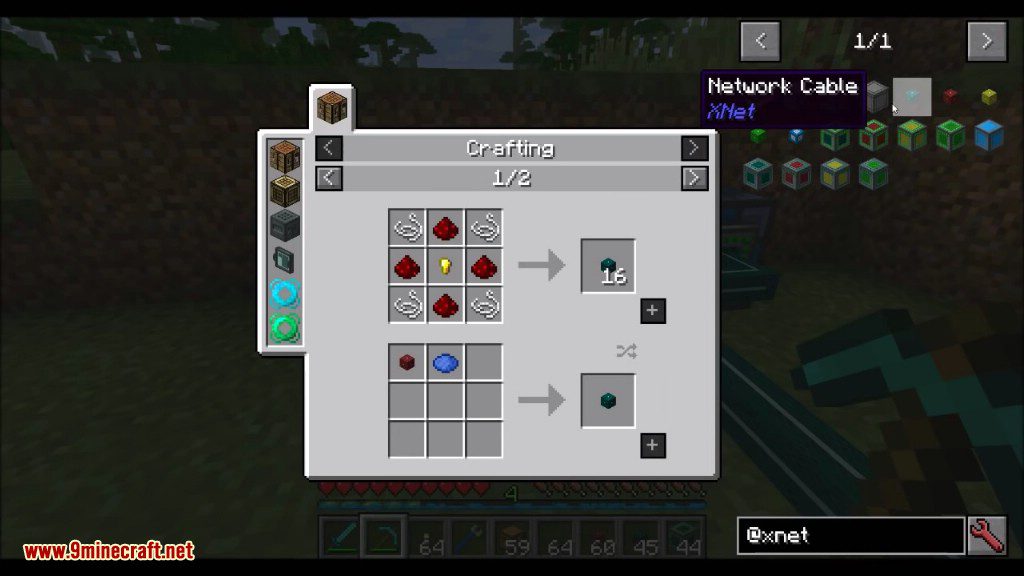
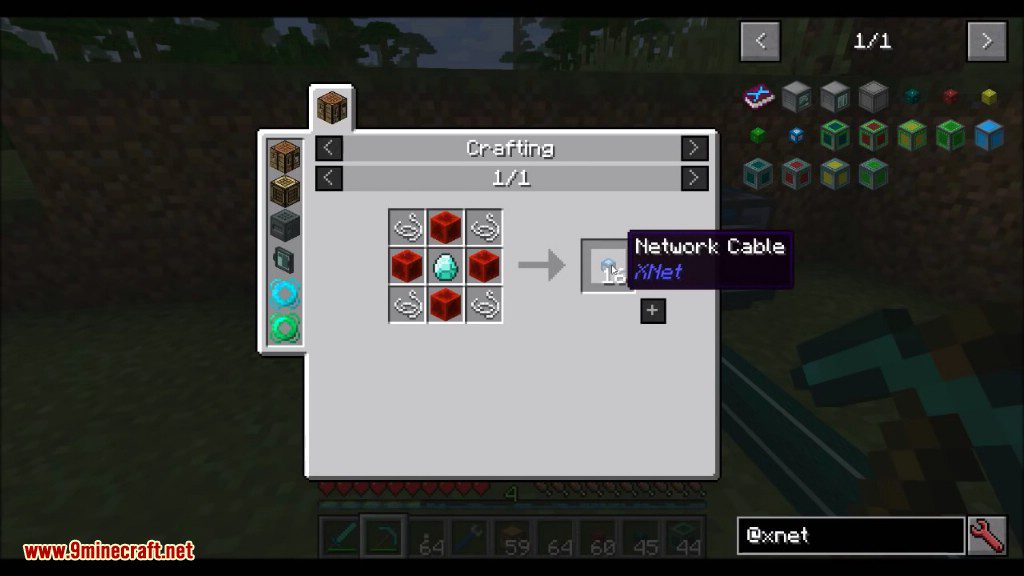
Each color of network cable—Blue, Green, Red, Yellow, and Routing—is made via crafting recipes. Use the matching cable color to connect same-colored connectors together.
crafting recipes. Use the matching cable color to connect same-colored connectors together.What is the difference between a Connector and an Advanced Connector?
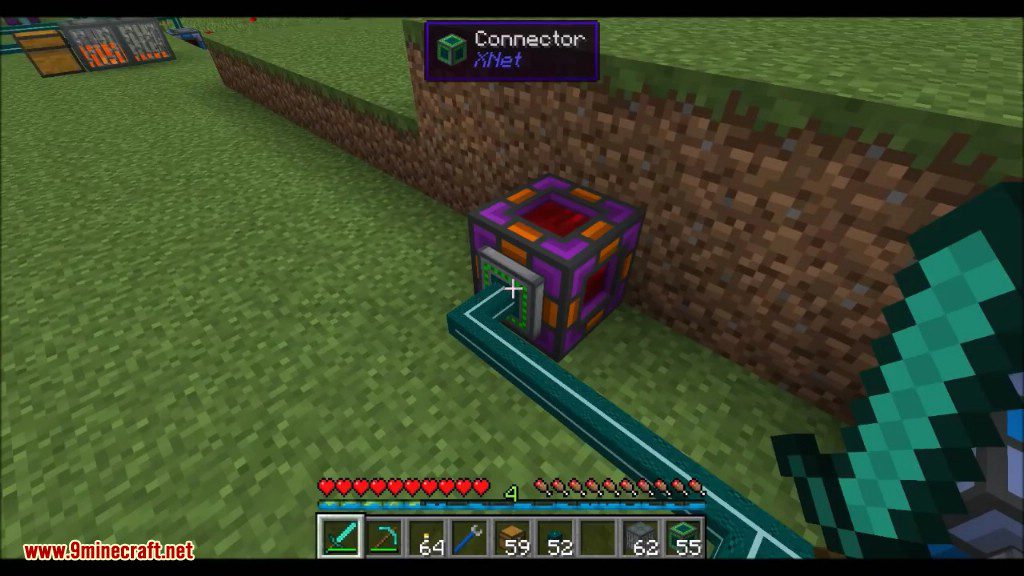
Basic connectors (Blue, Green, Red, Yellow, Routing) link blocks to the network, while Advanced connectors of the same colors provide upgraded functionality. You can also apply a Connector Upgrade Kit to convert a basic connector into an advanced one.
Connector Upgrade Kit to convert a basic connector into an advanced one.How do I craft a Connector Upgrade Kit?
The Connector Upgrade Kit is made with a crafting recipe. Use it on a placed basic connector to upgrade it to its Advanced variant.
Connector Upgrade Kit is made with a crafting recipe. Use it on a placed basic connector to upgrade it to its Advanced variant.Gallery
10 images from the Xnet Mod page.
You May Also Like
Wikis that share the most with this one
Wikis on the same theme: redstone
More mod wikis on the site
The most downloaded mods that have a wiki here
A few wikis from each of the other kinds