

 DownloadExtra Armor Info Mod
Get the files on 9Minecraft
Guides
Step-by-step, in-game.
Configure HUD Icon PositionsAccess the Configuration Menu Open your in-game settings and navigate to the mod configuration options. Look for the…Enable or Disable Individual Armor Info IconsOpen Mod Configuration Access the Extra Armor Info Mod settings through your in-game configuration menu. You'll find…Monitor Knockback Resistance While FightingWhat Knockback Resistance Does Knockback resistance reduces how far you're pushed back when hit by attacks,…Understand Armor Toughness DisplayWhat Toughness Means Armor toughness is a secondary armor stat that reduces damage from strong attacks and…
Frequently asked questions
Where do the armor info icons appear on my screen?
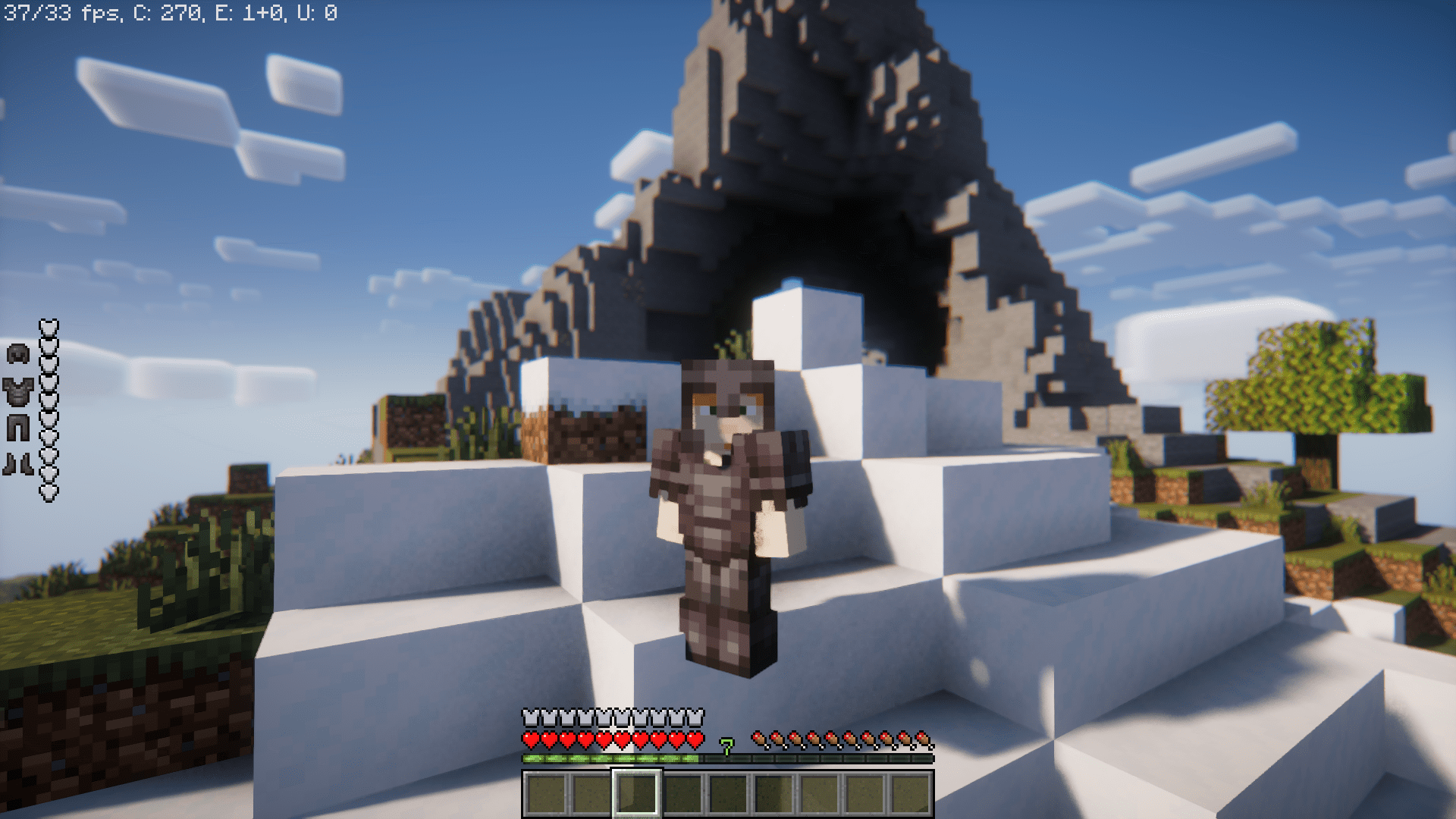
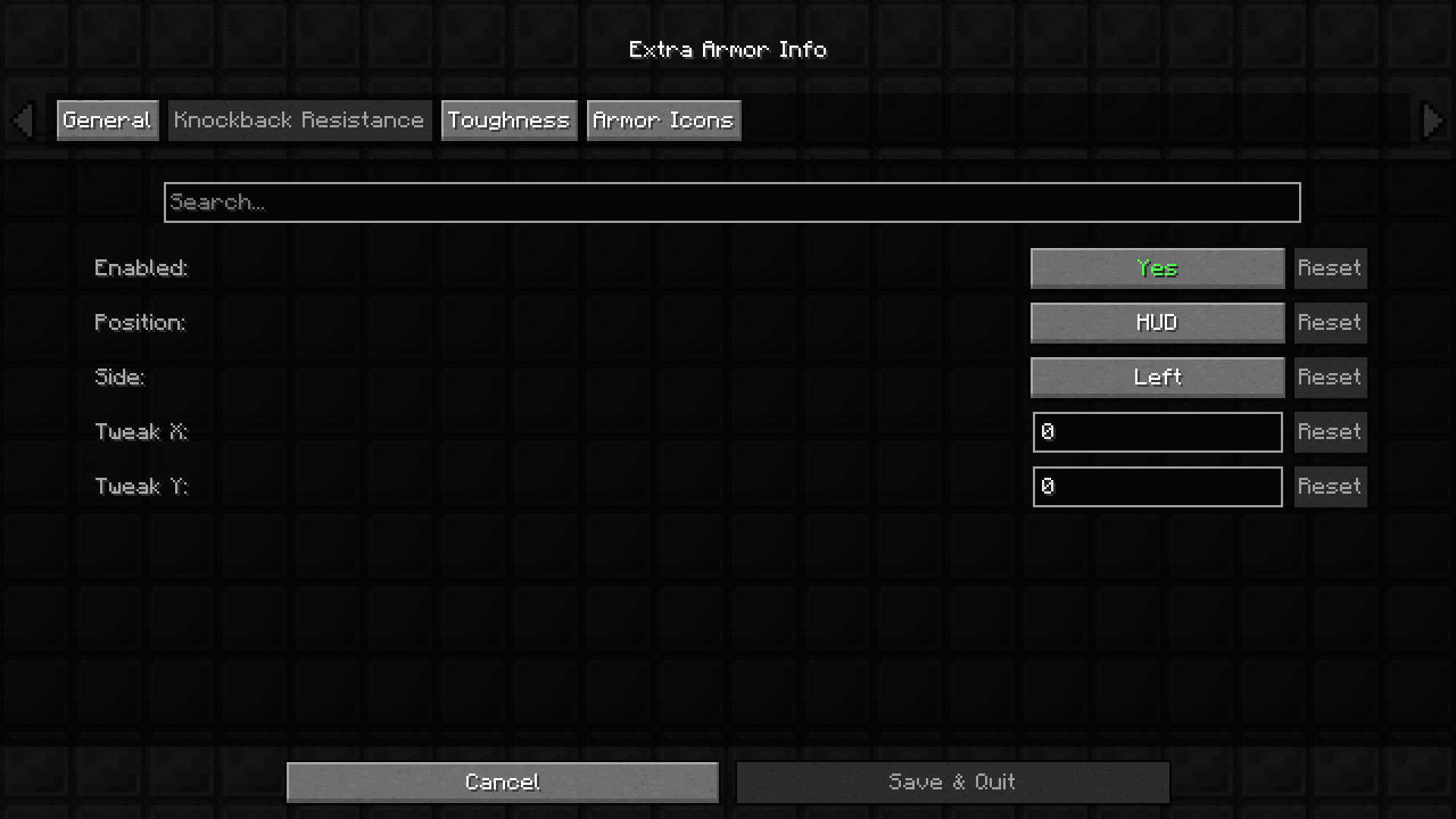
By default, the toughness and knockback resistance icons appear near your armor bar in the HUD. You can reposition them using the in-game config options—open the mod settings and adjust the X and Y coordinates to place them wherever you prefer.
How do I turn off the toughness icon but keep knockback resistance showing?
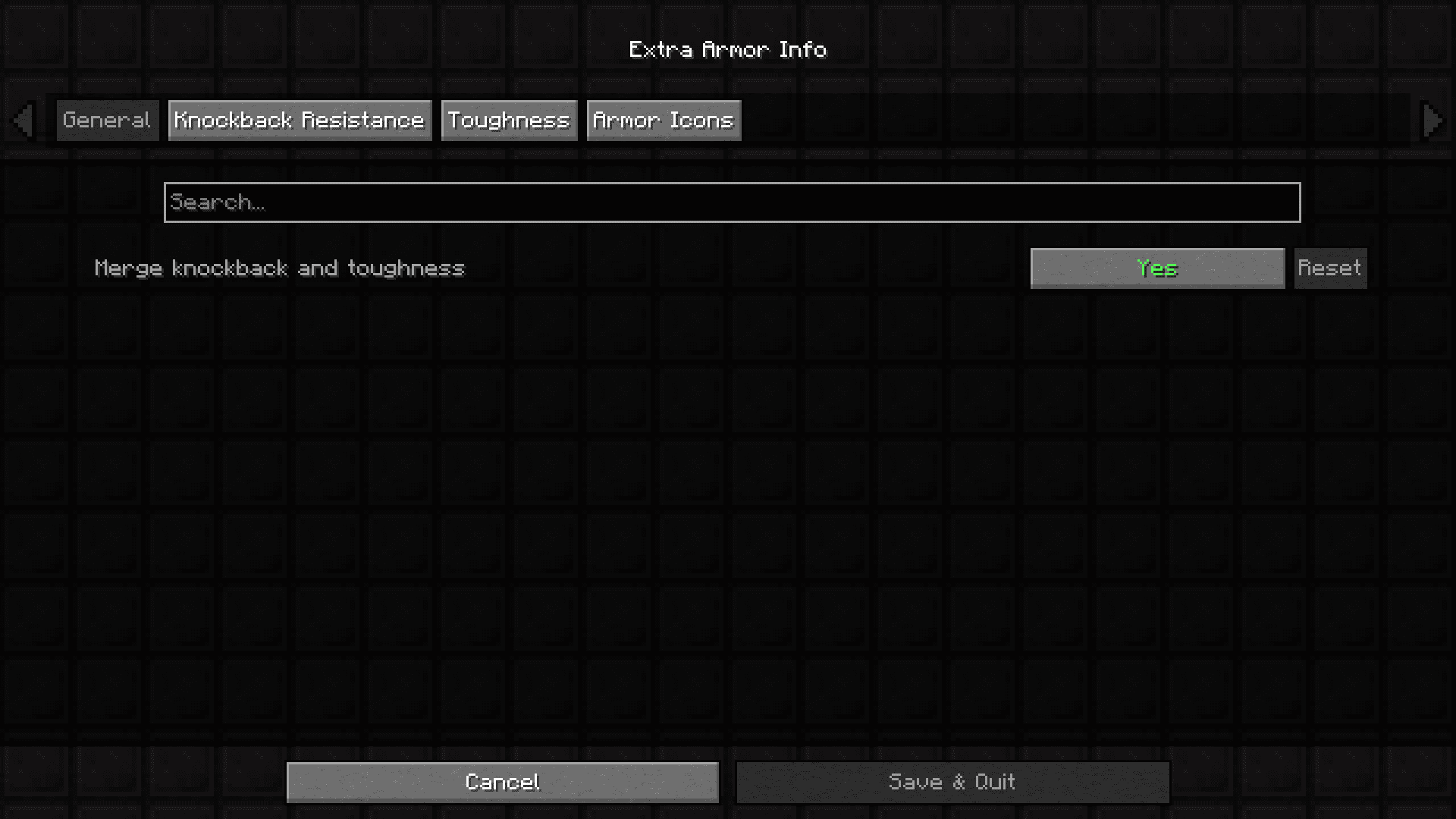
Open the mod's in-game config menu and look for the individual toggle options for each icon type. You can disable toughness while leaving knockback resistance enabled, or vice versa.
What does the armor toughness icon actually tell me?
The toughness icon displays how much armor toughness your equipped set provides, which reduces damage from strong hits. Higher toughness means you take less damage from sources like critical hits or attacks from powerful mobs.
Why should I monitor knockback resistance while fighting?
Knockback resistance determines how much you get pushed back when hit. Monitoring it helps you understand which armor pieces or enchantments are protecting you from being knocked around, which is especially useful in PvP or when fighting near cliffs.
See all 10 Extra Armor Info questions ›
Gallery
7 images from the Extra Armor Info Mod page.
You May Also Like
Wikis that share the most with this one
Wikis on the same theme: armor
More mod wikis on the site
The most downloaded mods that have a wiki here
A few wikis from each of the other kinds