

 DownloadExpressive Player Poses Mod
Get the files on 9Minecraft
Guides
Step-by-step, in-game.
Create Roleplay Scenes with Group PosesCoordinate Poses with Other Players Use poses to stage scenes and roleplay scenarios. Since all players see poses…Set Up Custom Keybinds for PosesAccess Keybind Settings Installing the mod on your client unlocks the ability to bind poses to dedicated keys instead…Troubleshoot Poses Not WorkingVerify Server Has the Mod Poses only work on servers running Expressive Player Poses. If commands fail, the server…Use Poses on a Vanilla-Compatible ServerJoin Any Fabric Server One of this mod's key features is server-side compatibility . You don't need the mod installed…
Frequently asked questions
How do I start using poses after installing the mod?
Type a pose command in chat like /sit, /lay, /spin, or /crawl to activate a pose on your character. Your character will stay in that pose until you move, jump, or type another command to change it.
Do I need the mod installed on my client to see other players' poses?
No, the mod works server-side so vanilla clients can join and see poses without installing anything. Installing it on your client adds smoother animations and lets you set custom keybinds for faster pose switching.
Can I use poses on a regular vanilla server?
No, the server must have the mod installed to run poses. However, once it's on the server, any player can use poses whether they have the mod installed or not.
How do I set up keybinds so I don't have to type commands?
Install the mod on your client, open your keybind settings, and assign keys to each pose command. This only works if you have the mod installed—vanilla clients must use chat commands.
See all 10 Expressive Player Poses questions ›
Gallery
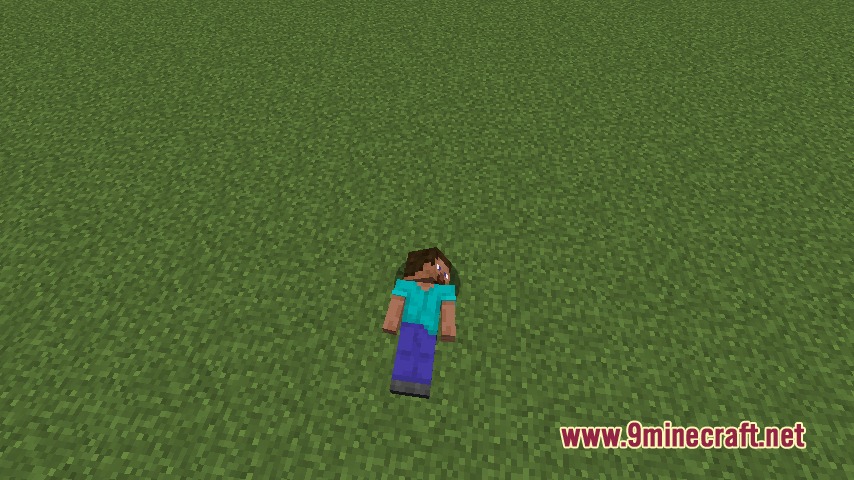
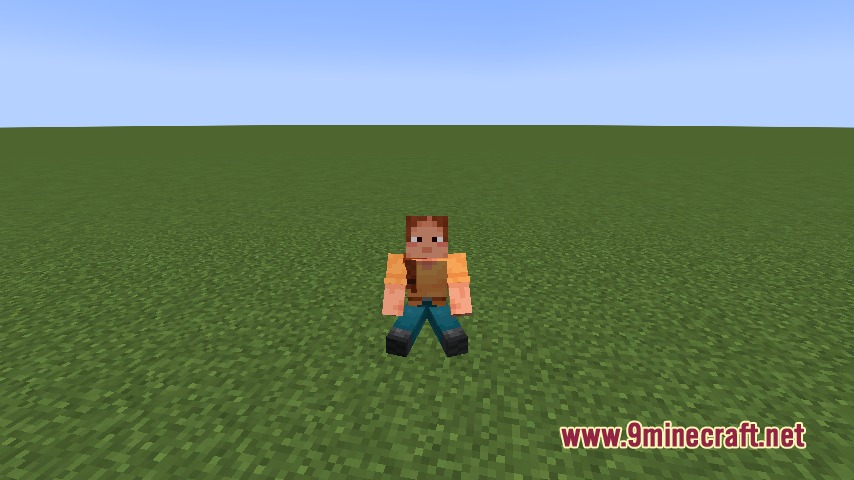
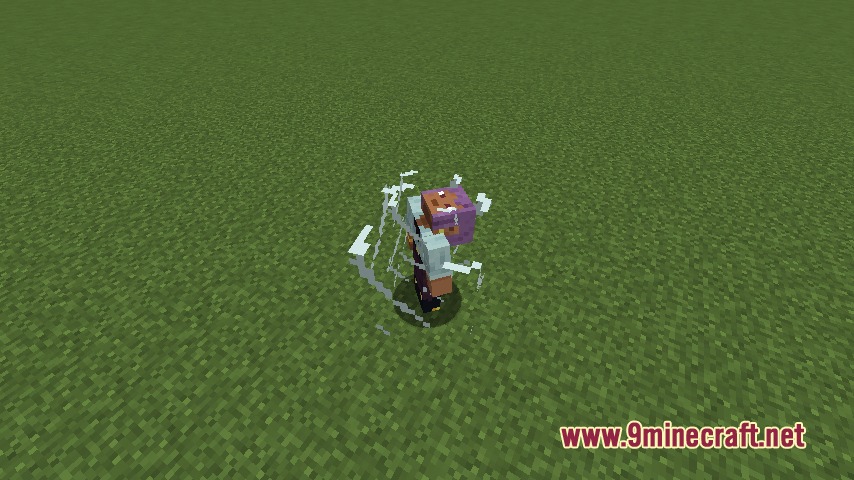
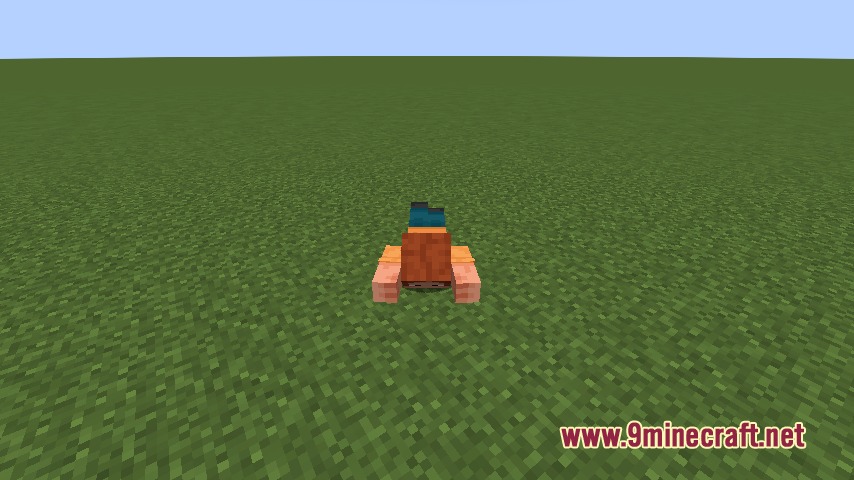
5 images from the Expressive Player Poses Mod page.
You May Also Like
Wikis that share the most with this one
More mod wikis on the site
The most downloaded mods that have a wiki here
A few wikis from each of the other kinds