

 DownloadEnhanced Searchability Mod
Get the files on 9Minecraft
Guides
Step-by-step, in-game.
Finding a Resource Pack QuicklyUsing the Search Bar When you have many resource packs installed, the resource pack selection screen can become…Locating a Multiplayer Server in Your ListSearching Your Server List If you frequently connect to different multiplayer servers, finding the right one in a…Managing Multiple Resource Packs EfficientlyOrganizing Packs with Search When you have many resource packs, the search feature helps you organize your workflow.…Troubleshooting Search When Packs or Servers Don't AppearWhen Search Isn't Finding Your Item If the search bar isn't returning results for a pack or server you know exists,…
Frequently asked questions
Where do I find the search bar after installing the mod?
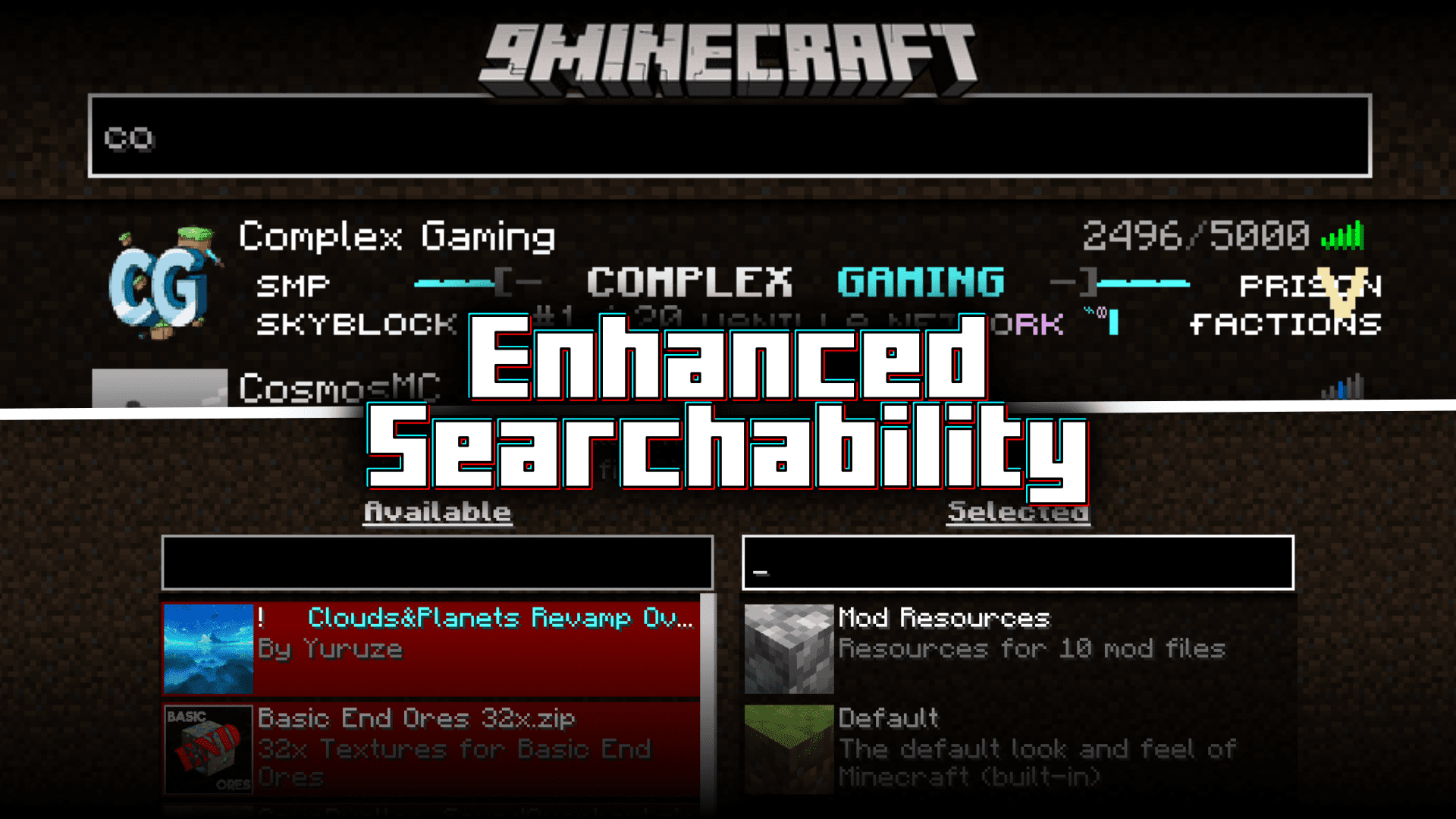
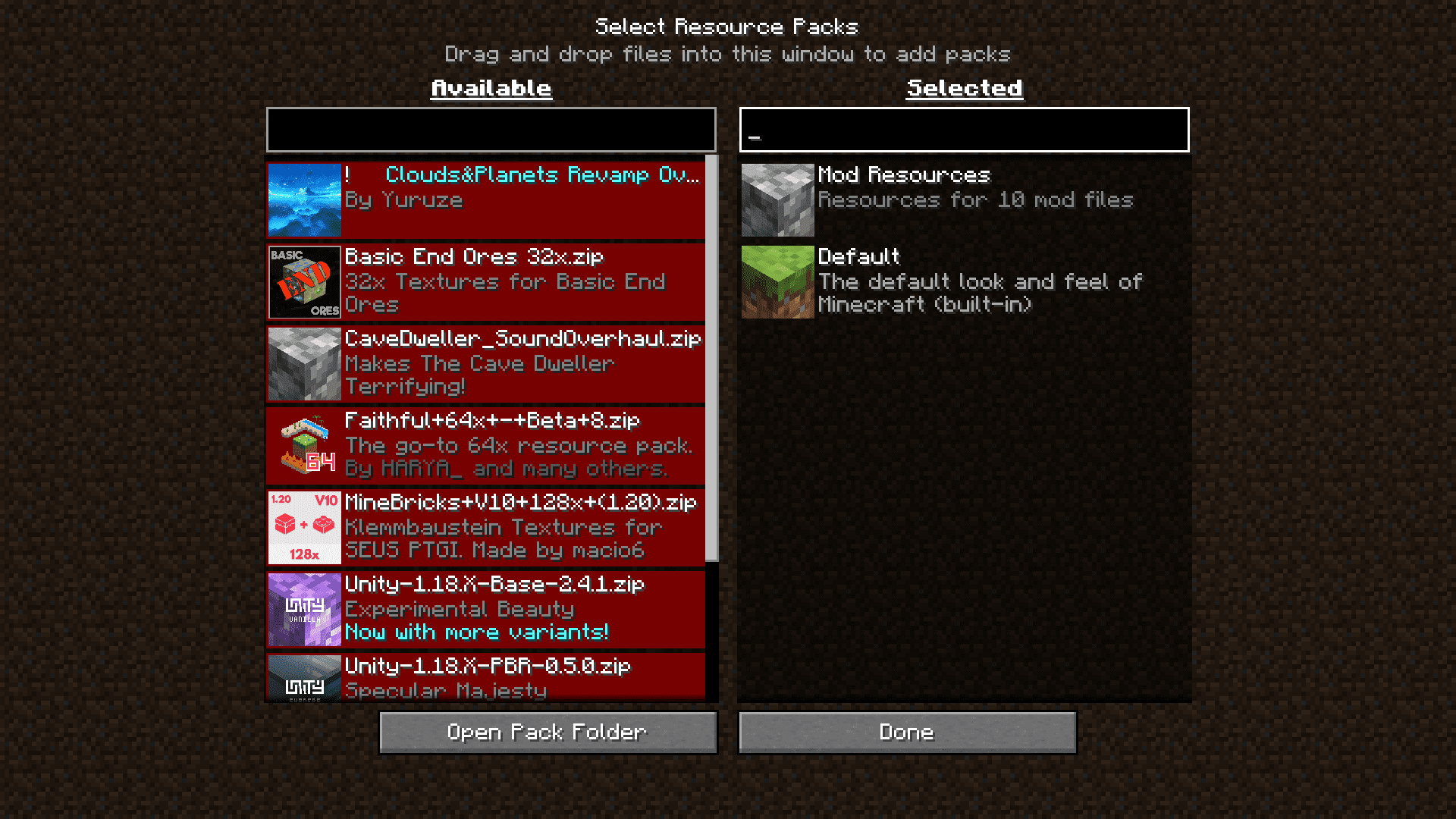
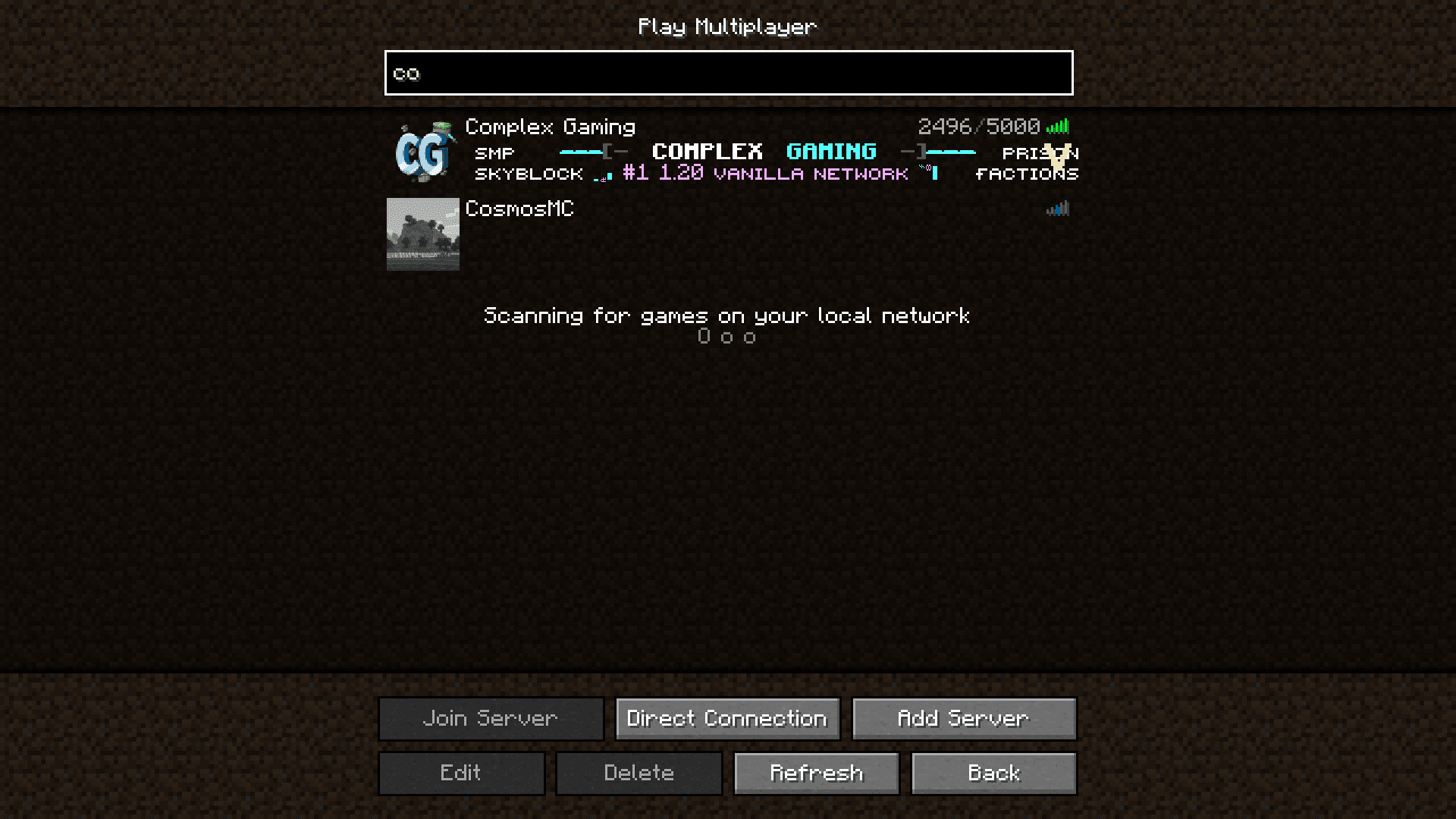
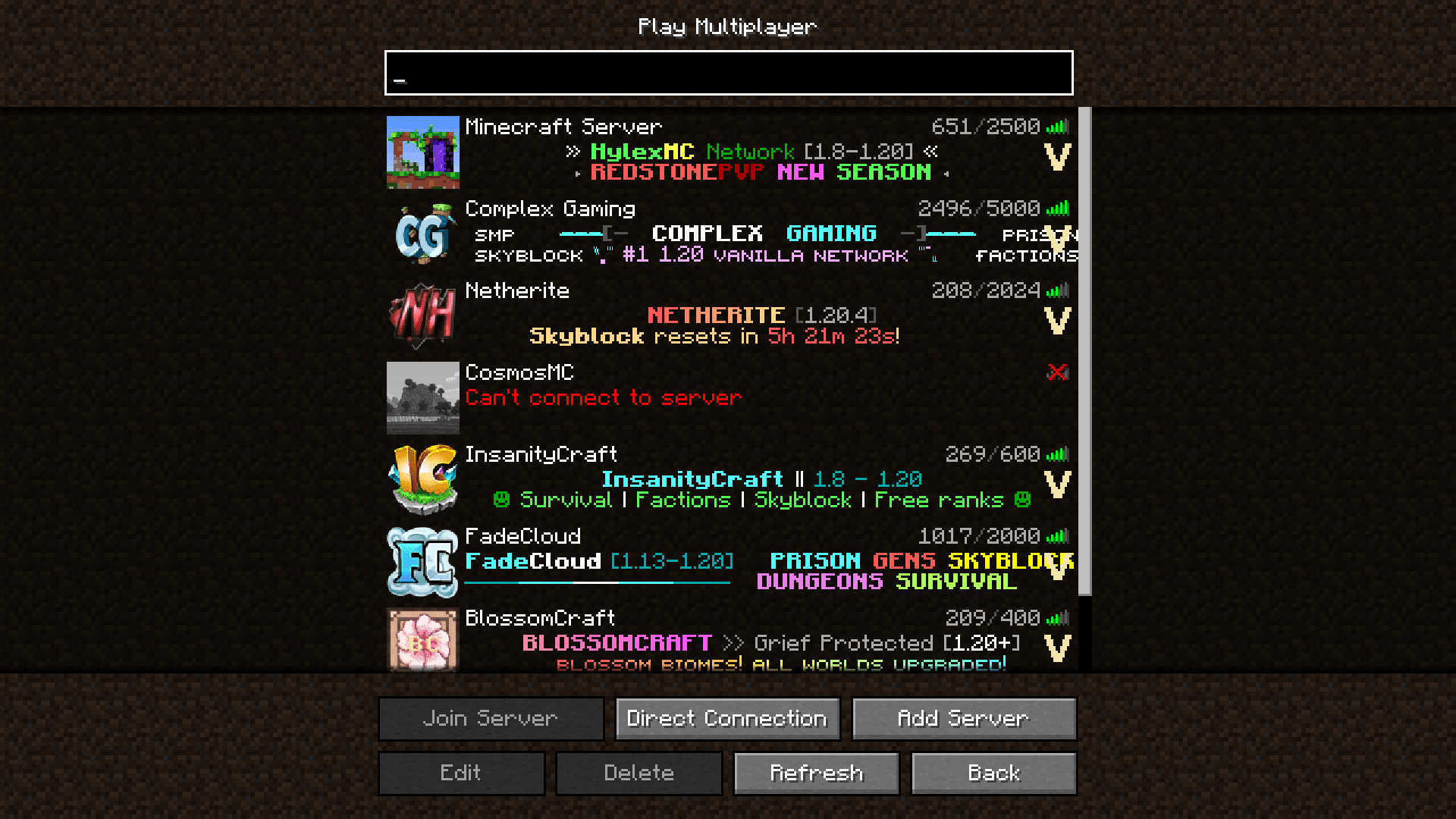
The search bar appears at the top of your resource pack selection screen and your multiplayer server selection screen. Simply open either screen from the main menu and you'll see the text input field ready to use.
Does the search work with partial names or do I need the exact name?
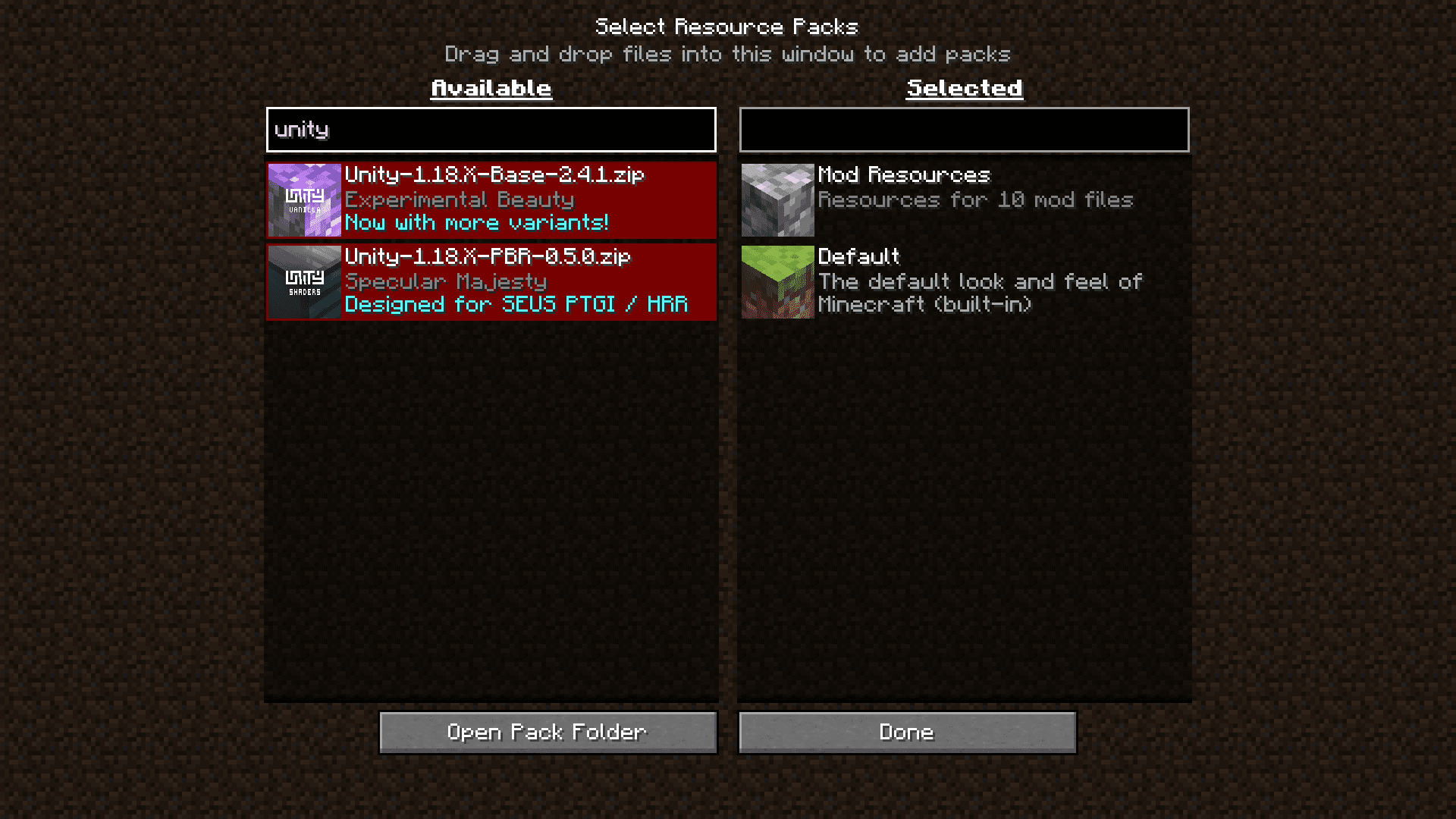
The search works with partial matches, so typing even a few letters of your resource pack or server name will filter the list to show relevant results.
What happens if I clear the search box—do all items come back?
Yes, clearing the search box or deleting all text will immediately show your full list of resource packs or servers again.
See all 10 Enhanced Searchability questions ›
Gallery
5 images from the Enhanced Searchability Mod page.
You May Also Like
Wikis that share the most with this one
More mod wikis on the site
The most downloaded mods that have a wiki here
A few wikis from each of the other kinds