

 DownloadCoordinates Display Mod
Get the files on 9Minecraft
Guides
Step-by-step, in-game.
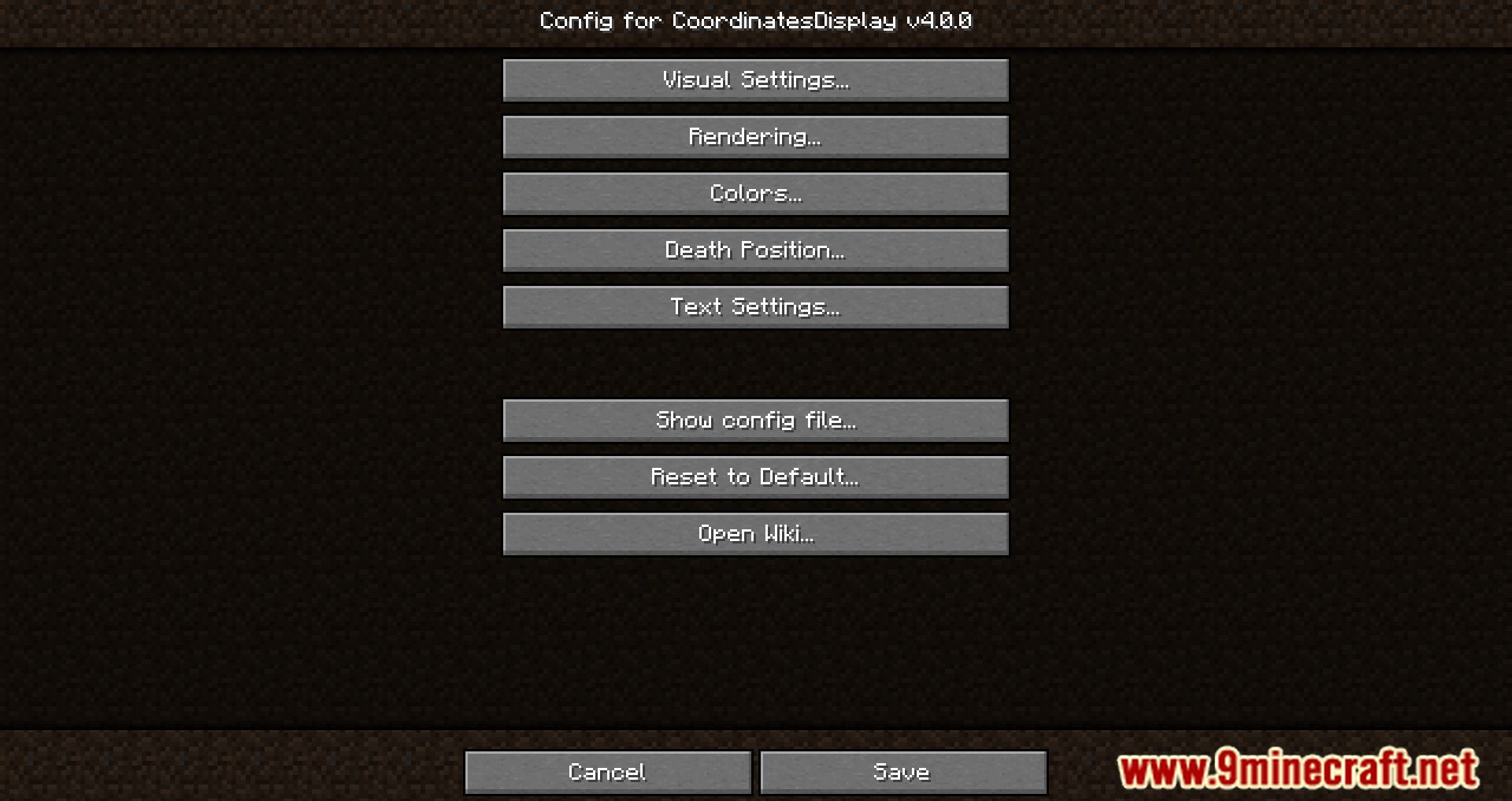
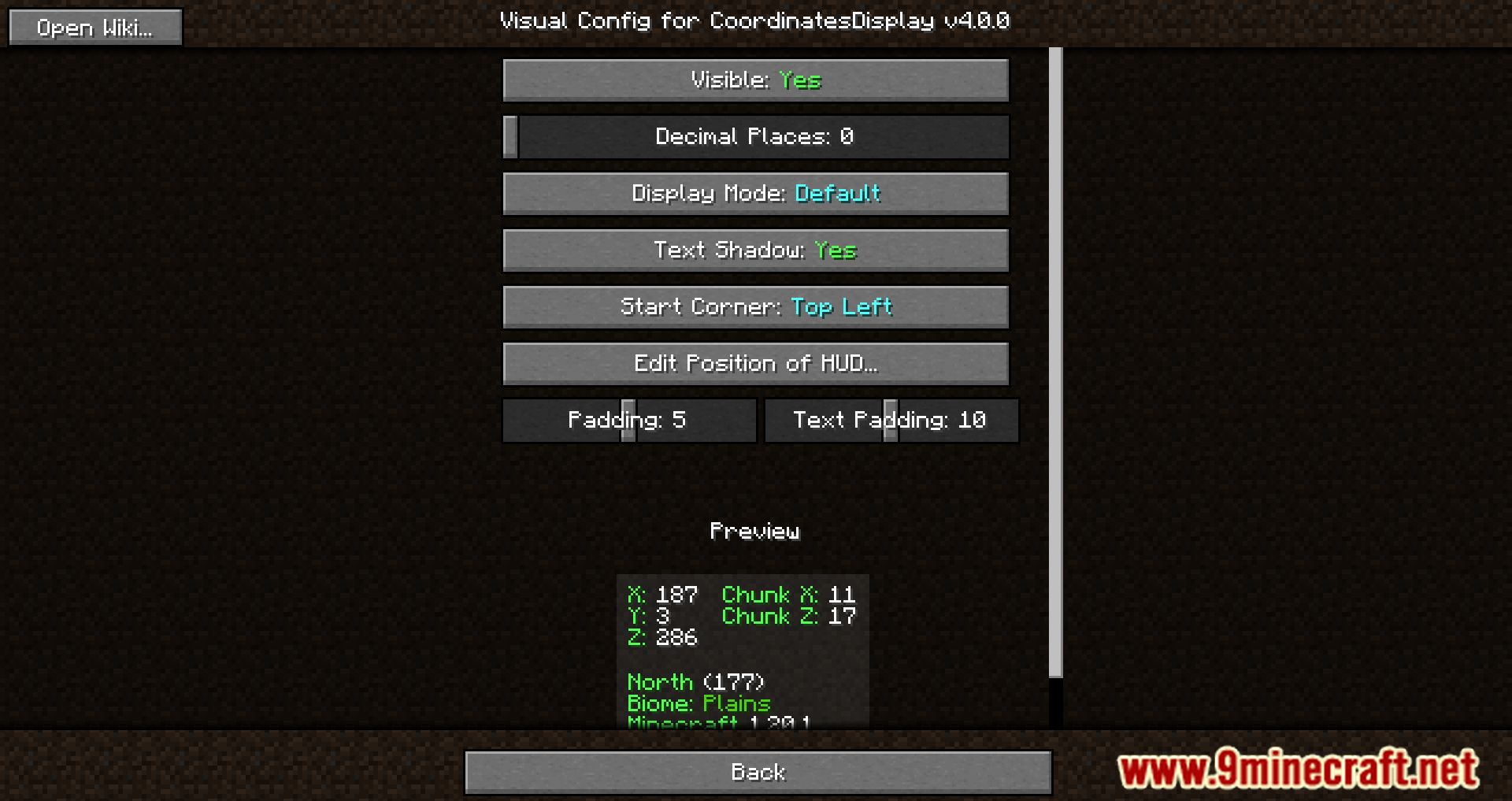
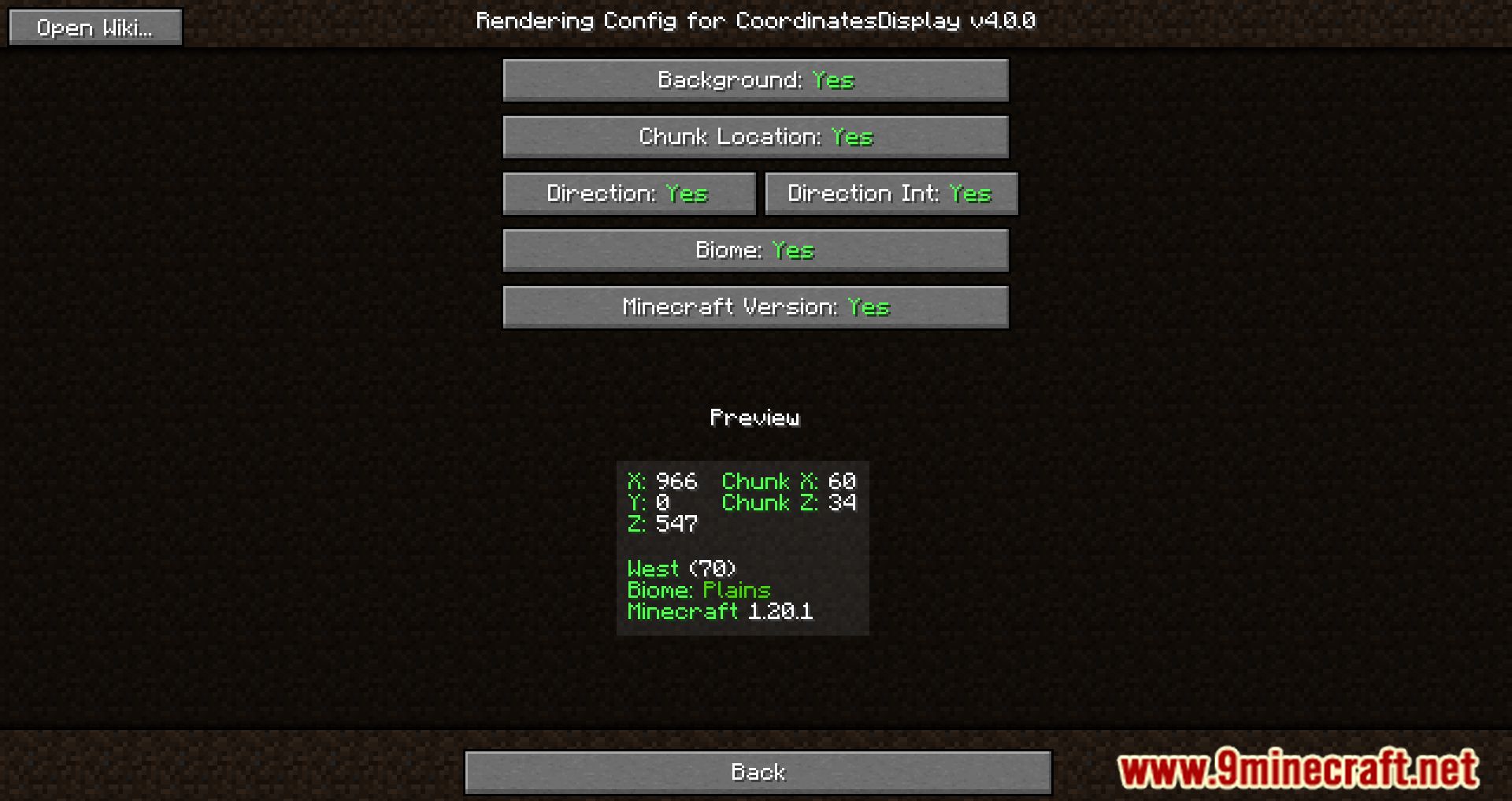
How to Customize What Information the Coordinates HUD DisplaysOpen Rendering Settings The mod splits its options into Visual Settings (how the HUD looks) and Rendering Settings…How to Hide or Show the Coordinates HUDToggling visibility Open the mod's config screen and locate the Visible toggle under Visual Settings. It is set to…How to Make the Coordinates HUD Smaller and Less DistractingSwitch to Minimum Mode If the full readout feels cluttered , enable Minimum Mode in Visual Settings. This swaps the…How to Move the Coordinates HUD to a Different Corner of Your ScreenUsing the Change Position option Open the mod's config screen and find the Change Position of HUD button under Visual…
Frequently asked questions
How do I open the Coordinates Display settings?
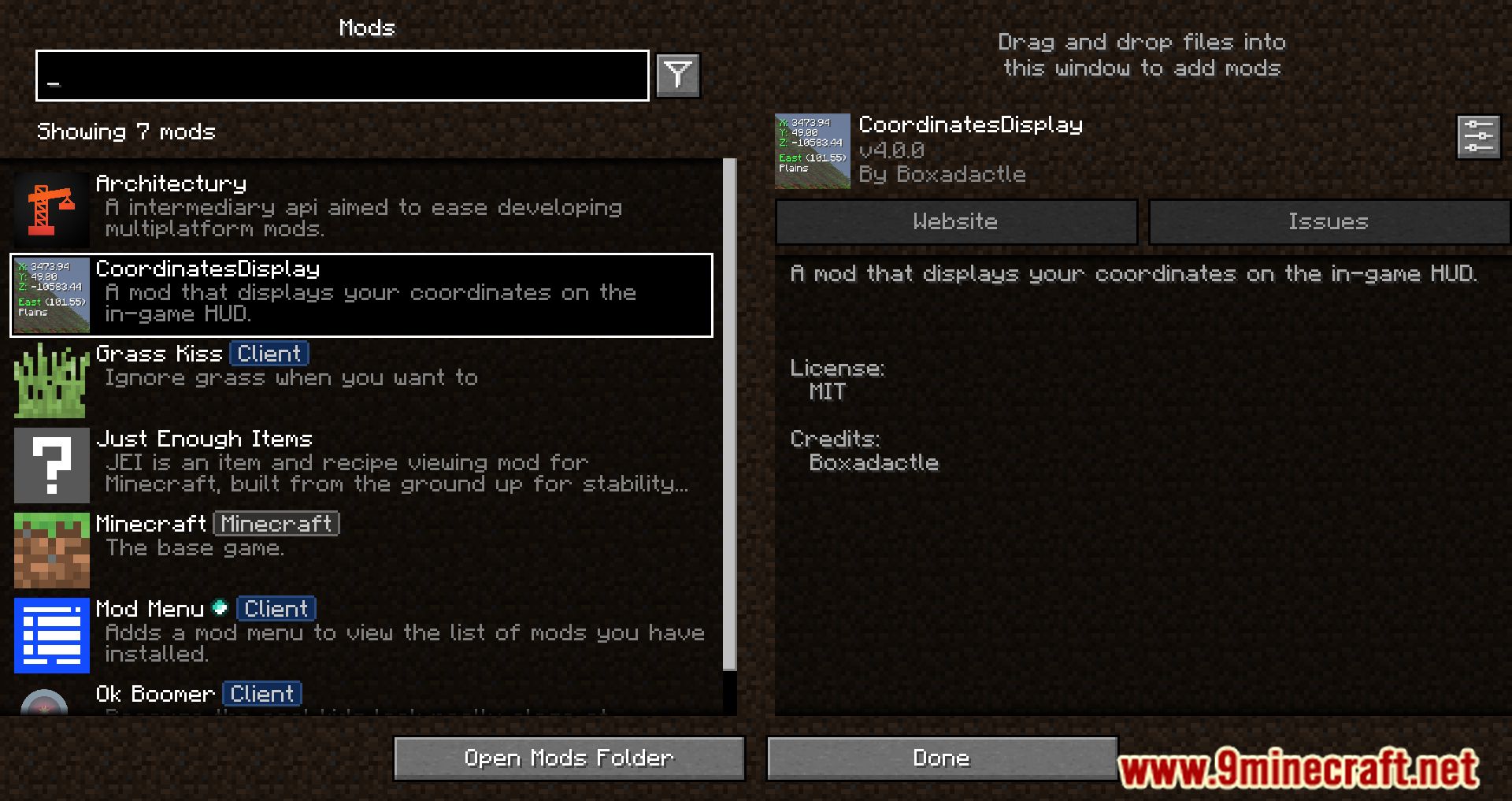
Open the mod's settings through your  mod menu or config screen, then use the Visual Settings and Rendering Settings sections to change the HUD. There is no in-world hotkey by default, so you configure it from the menu.
How do I turn the coordinates HUD on or off?
In Visual Settings, toggle the Visible option. When it is off the HUD disappears entirely; turn it back on to show it again.
How do I move the HUD to a different corner?
Click Change Position of HUD, then move the HUD with your mouse and click again to lock it in place. Press Escape to exit without moving it.
How do I make the HUD smaller or less distracting?
Enable Minimum Mode for a compact, minimal style, and adjust Padding and Text Padding to tighten the spacing. You can also hide the background in Rendering Settings for a cleaner look.
See all 10 Coordinates Display questions ›
Gallery
12 images from the Coordinates Display Mod page.
You May Also Like
Wikis that share the most with this one
More mod wikis on the site
The most downloaded mods that have a wiki here
A few wikis from each of the other kinds