DownloadBedrock Coordinates
Get the files on 9Minecraft
Guides
Step-by-step, in-game.
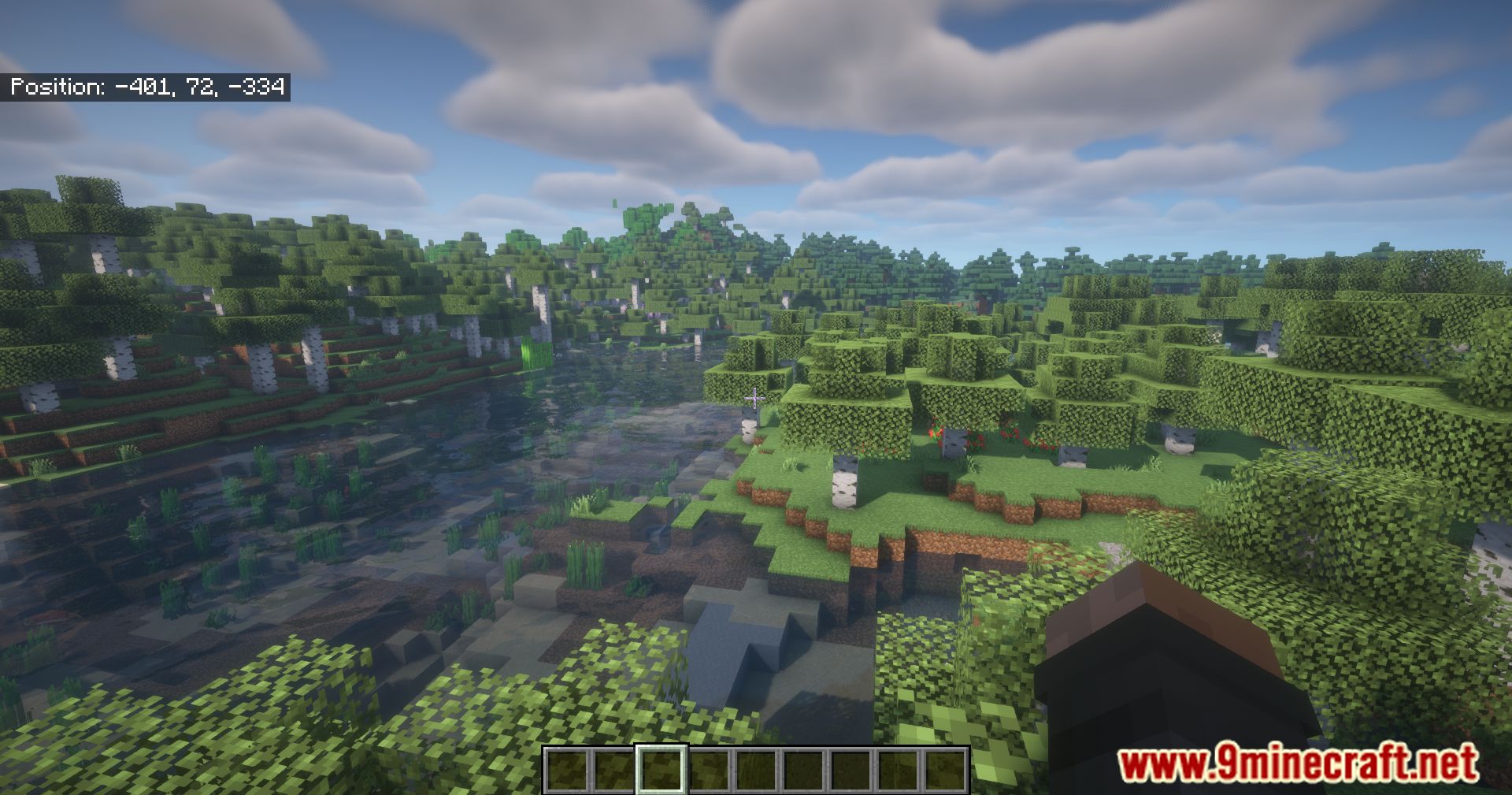
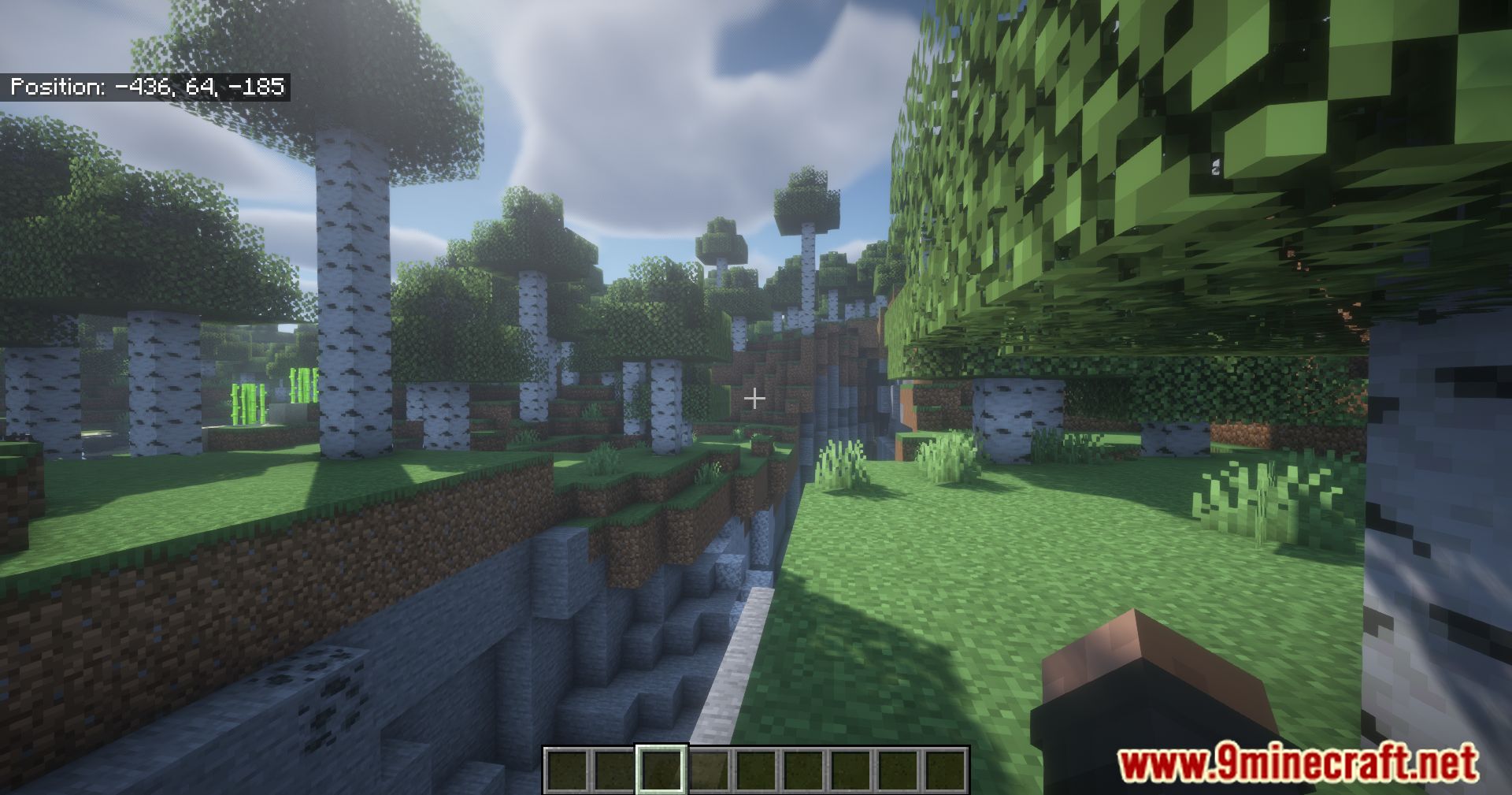
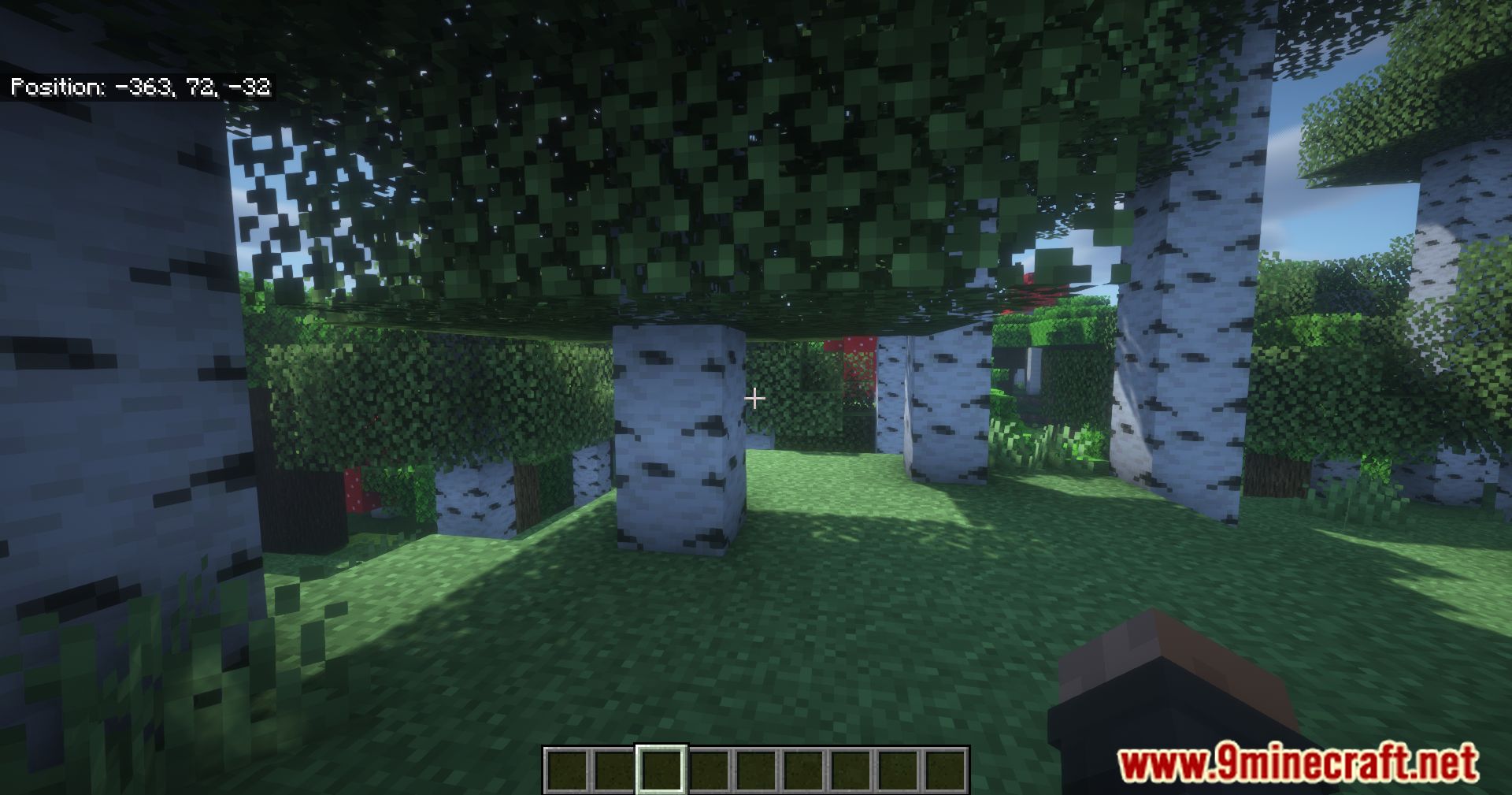
Customize Coordinate Display Position and StyleAccess Configuration Settings The mod likely includes configuration options to adjust how your coordinates appear.…Display Your Coordinates On ScreenEnable the Coordinate Display The mod displays your current X, Y, and Z coordinates in a Bedrock Edition style format…Toggle the Coordinate Display On and OffAccess the Toggle Option While the coordinate display is enabled by default, you may want to hide it temporarily or…Use Coordinates for Multiplayer Navigation and SharingShare Locations with Other Players On multiplayer servers, coordinates are essential for meeting up and sharing…
Recipes
Every recipe the mod adds, grouped by how it is made.
Items
 Bedrock Chunk
 Bedrock Pickaxe
Blocks
B
 Bedrock Door
 Bedrock Glass
 Bedrock Glass Pane
 Bedrock Lamp
 Bedrock Slab
 Bedrock Stairs
 Bedrock Trapdoor
 Bedrock Wall
C
 Chiseled Polished Bedrock Bricks
 Compact Deepslate
 Compact Obsidian
P
 Polished Bedrock
 Polished Bedrock Brick Slab
 Polished Bedrock Brick Stairs
 Polished Bedrock Brick Wall
 Polished Bedrock Bricks
 Polished Bedrock Slab
 Polished Bedrock Stairs
 Polished Bedrock Wall
Frequently asked questions
How do I turn on the coordinate display?
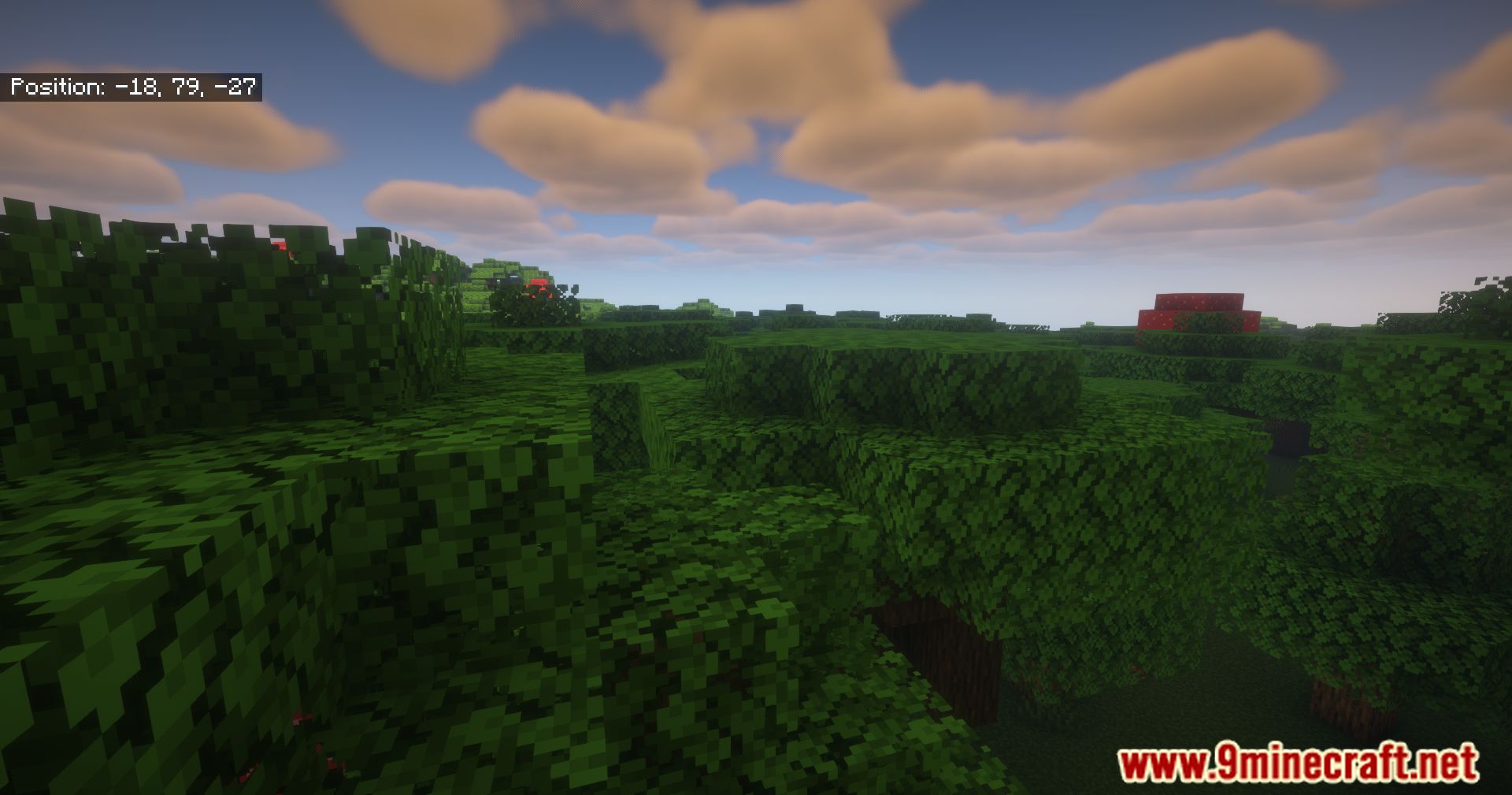
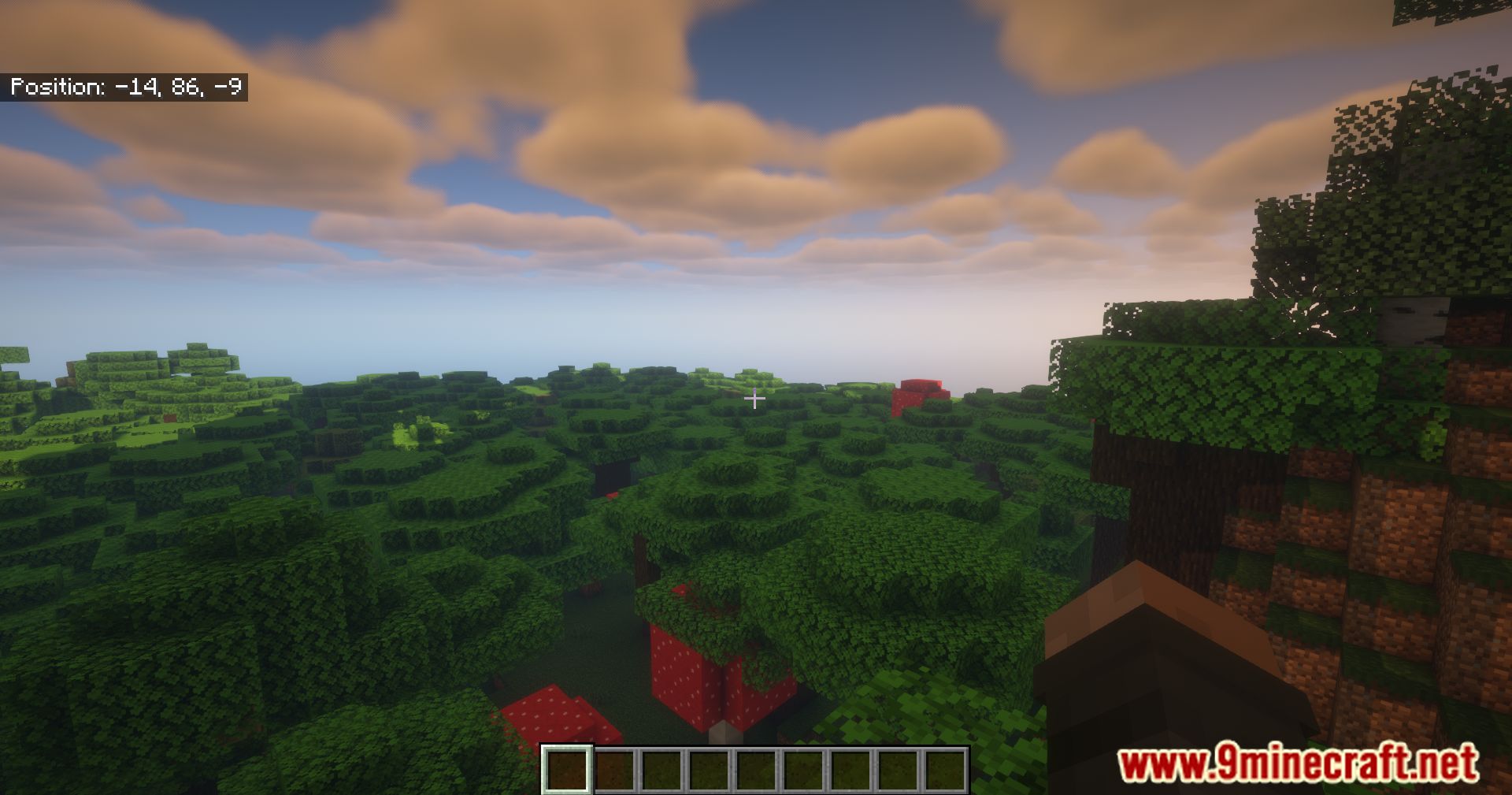
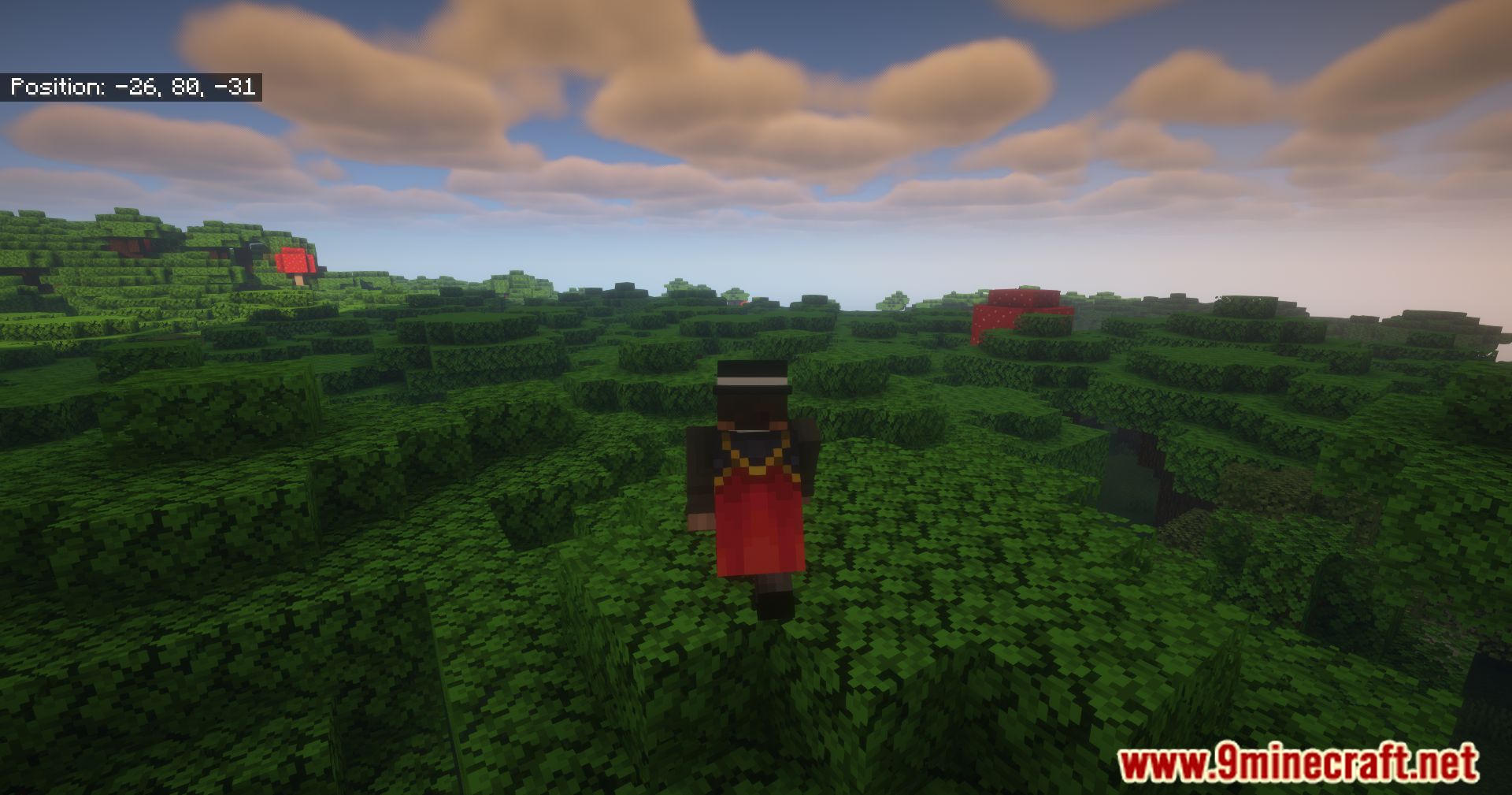
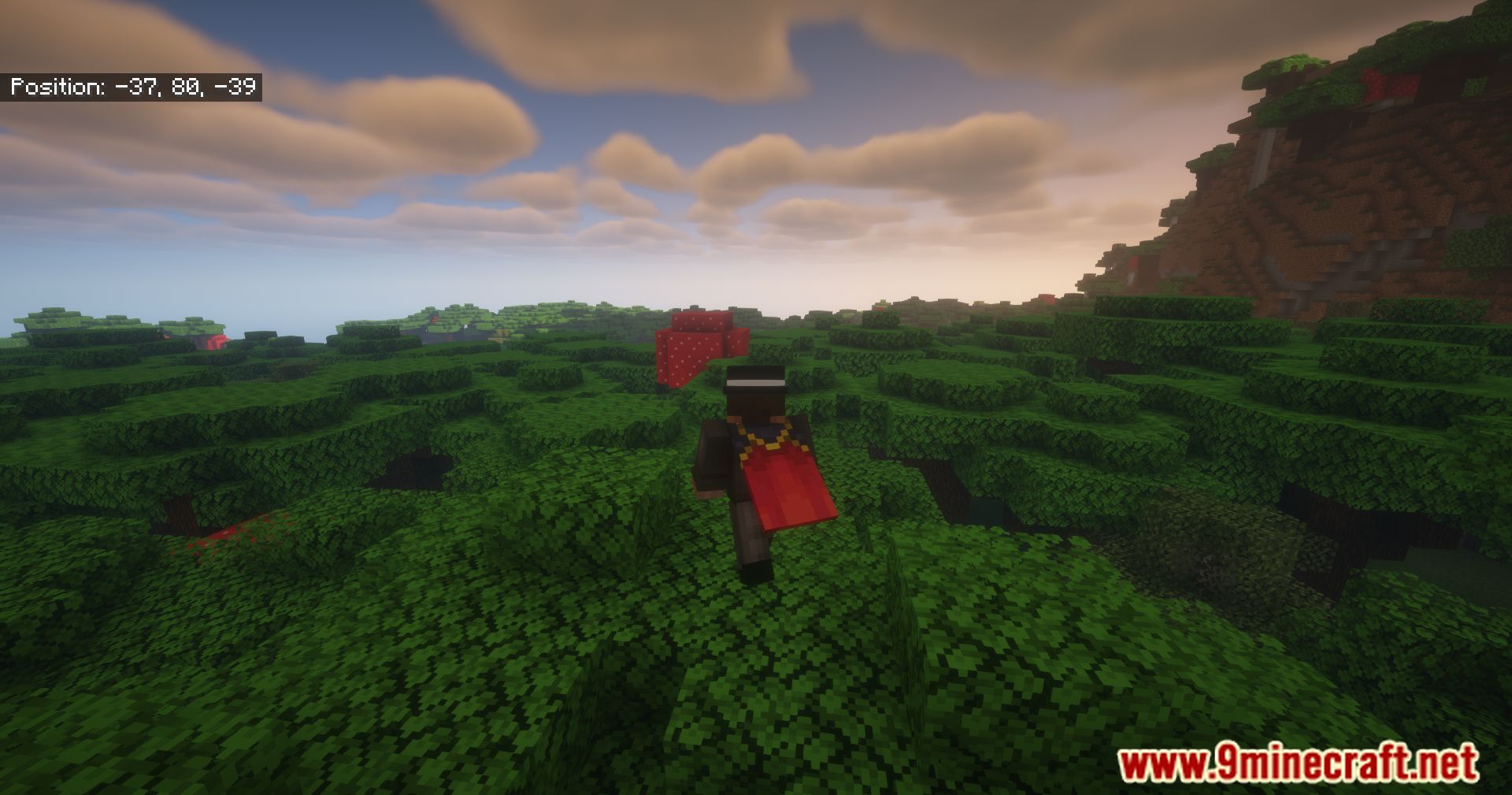
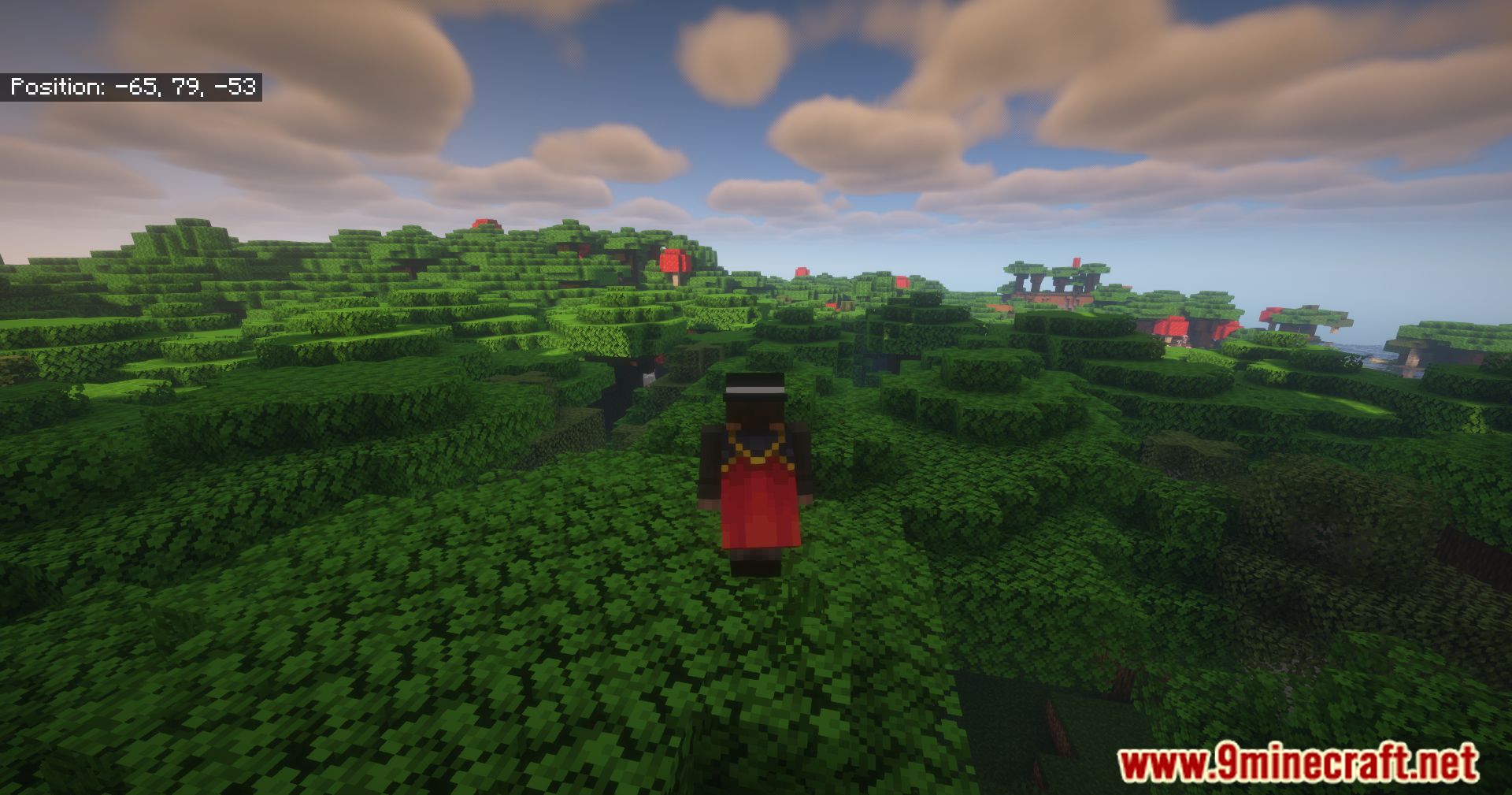
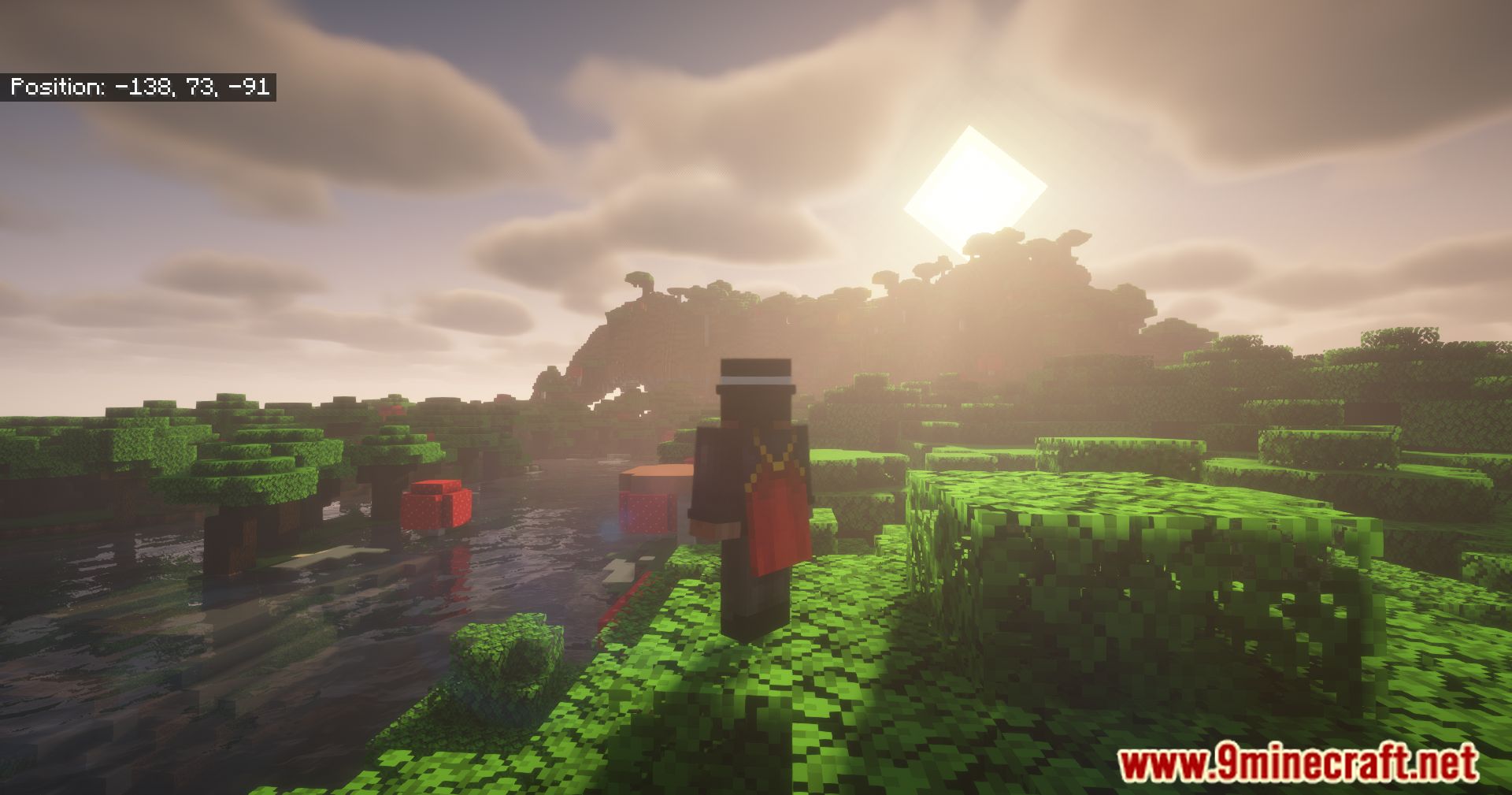
The coordinate display should appear on your HUD by default when you load into a world. If you don't see it, check that the mod is properly installed and enabled in your mod loader.
Can I hide the coordinates?
Yes, you can toggle the coordinate display on and off using a keybind (check your controls settings) or through the mod's configuration menu.
Where can I move the coordinates to on my screen?
You can customize the position of the coordinate display through the mod's settings—most commonly by editing the config file or using an in-game settings menu to choose corners or edges of your screen.
Does this mod work in multiplayer?
Yes, the coordinate display works in multiplayer servers and shows your position just like in single-player. You can share your coordinates with other players for navigation and meeting up.
Will this mod lag my game?
No, this mod is designed to be lightweight and minimalistic, so it should have negligible impact on your performance.
Can I change the color or size of the text?
Yes, you can customize the appearance of the coordinate display (color, size, and style) through the mod's configuration options to match your preference.
Does it show y coordinates?
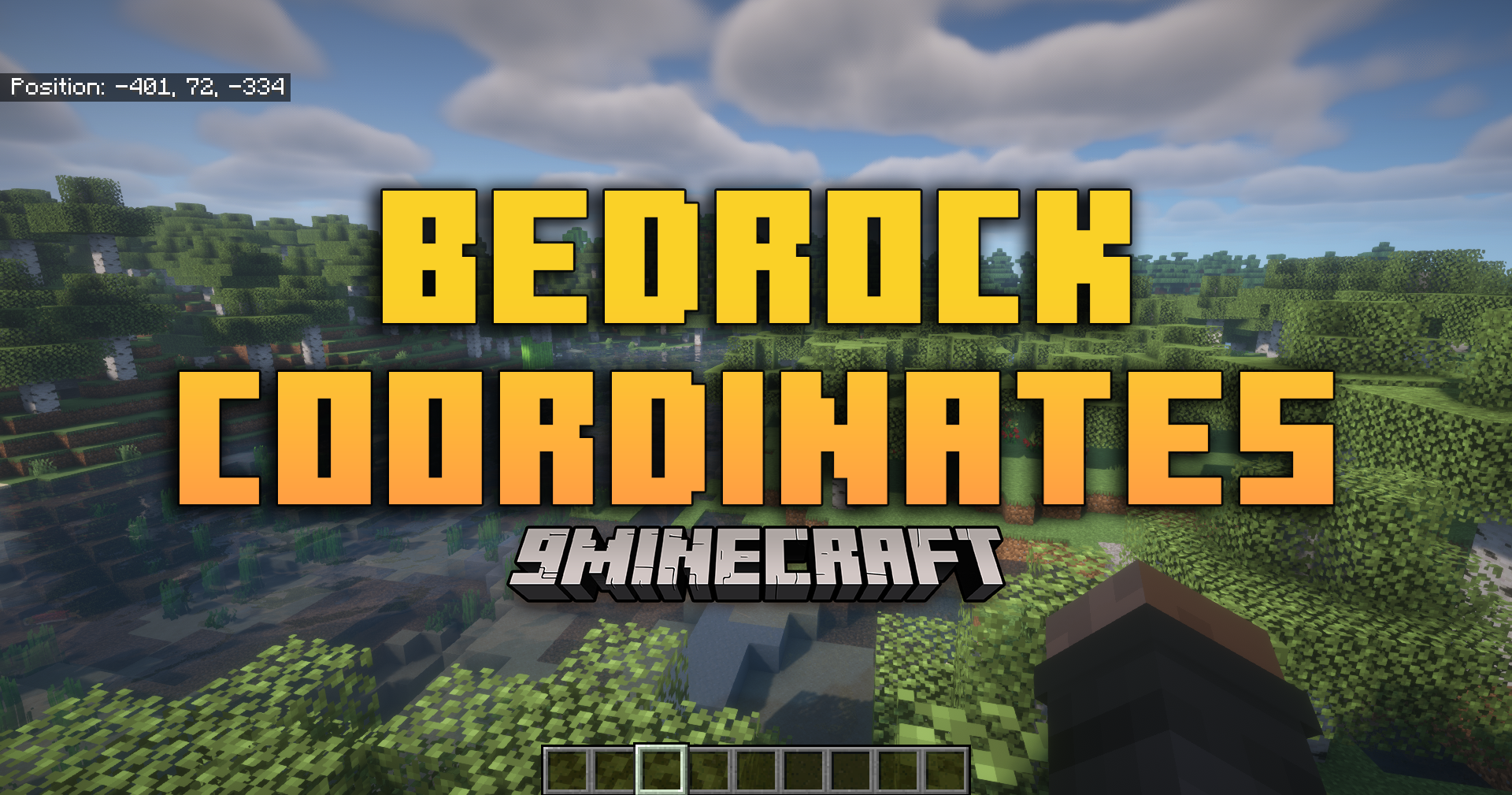
Yes, the mod displays your full position including X, Y, and Z coordinates, just like Bedrock Edition does.
Does this work with other mods?
This mod is compatible with most other mods since it only adds a HUD element and doesn't modify game mechanics. If you experience conflicts, check that you're using compatible mod loader versions.
Can I turn off just one coordinate like y?
Depending on the mod's configuration options, you may be able to customize which coordinates display—check your config file or settings menu for display options.
Does the coordinate display update in real time?
Yes, the coordinates update continuously as you move, so you always see your current position.
You May Also Like
Wikis that share the most with this one
Wikis on the same theme: wall
More mod wikis on the site
The most downloaded mods that have a wiki here
A few wikis from each of the other kinds
Gallery
11 images from the Bedrock Coordinates Mod page.