

 DownloadCookey Mod
Get the files on 9Minecraft
Guides
Step-by-step, in-game.
Configure Sneaking Camera Transition SpeedAccess Animation Settings Open the Cookey Mod configuration menu and navigate to camera or animation settings. Find…Disable Camera Shake from Potion EffectsOpen Cookey Mod Settings Access the mod's configuration menu from your mod launcher or in-game settings panel. Find…Enable Legacy Console Edition Eating and Drinking AnimationsAccess the Configuration Menu Open the Cookey Mod config screen through your mod menu or settings. Look for the…Prevent Eating from Cancelling Swing AnimationsUnderstand the Default Behavior Cookey Mod modifies swing and use item logic so that eating or drinking no longer…
Frequently asked questions
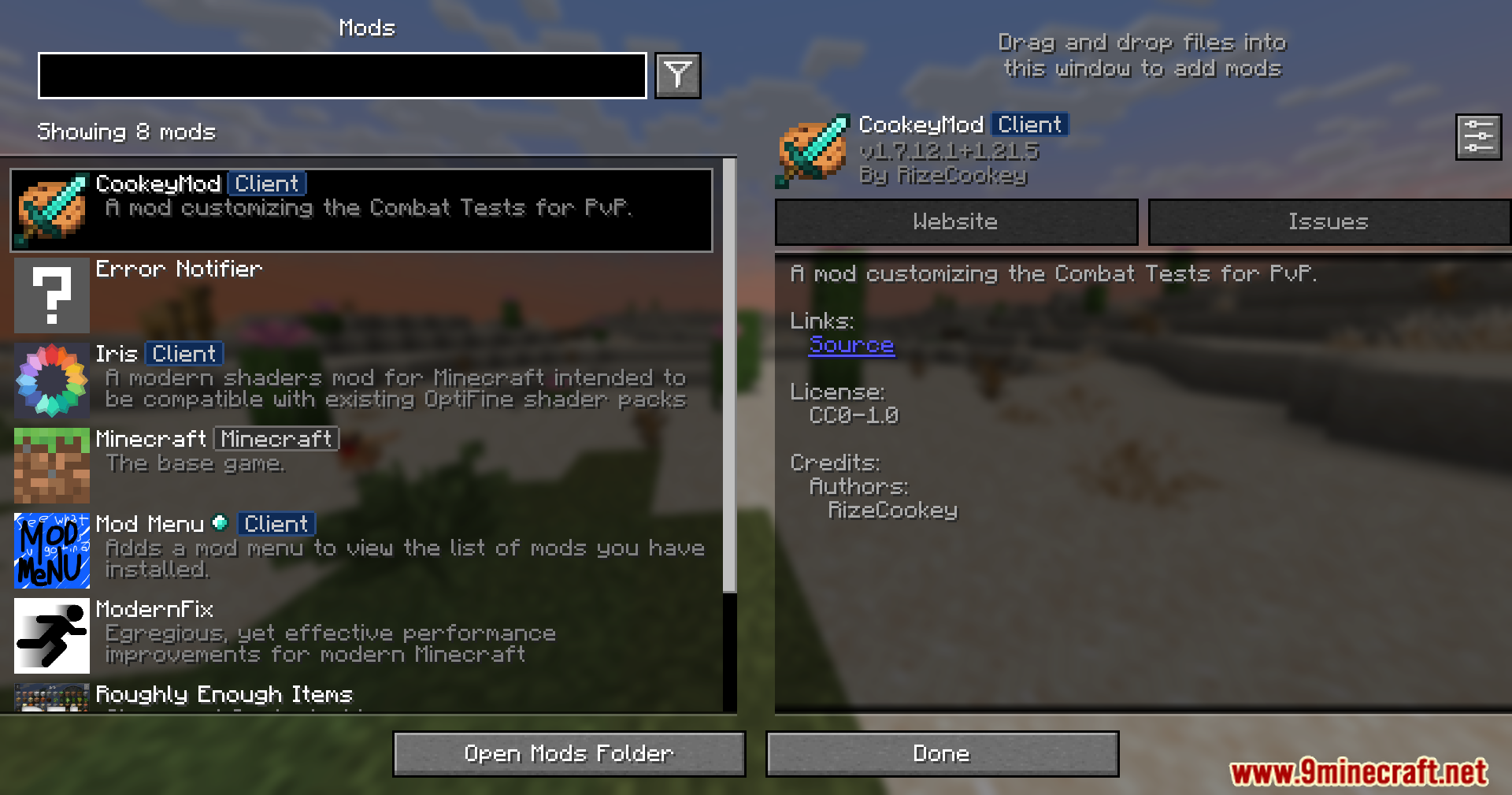
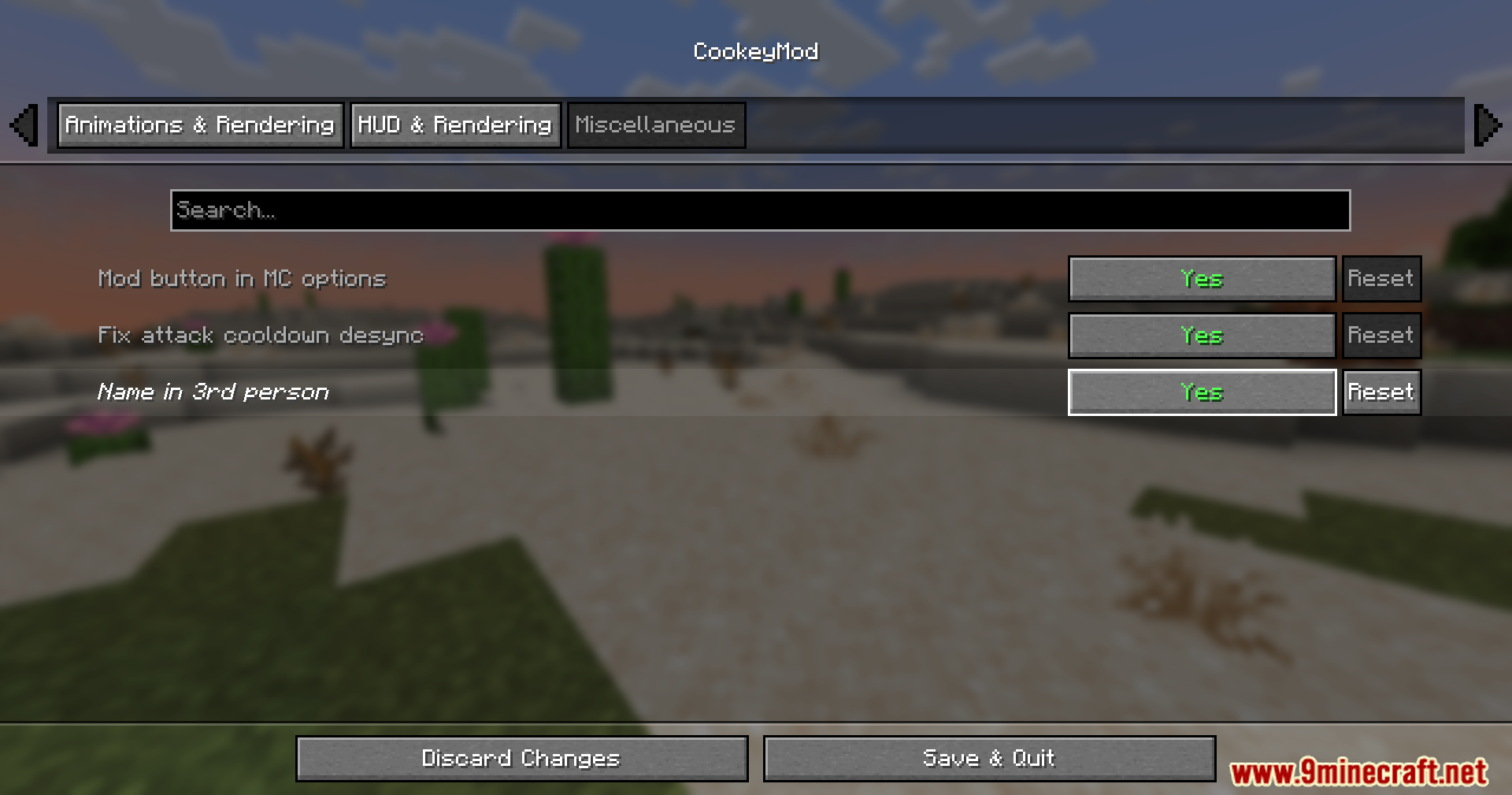
How do I open the Cookey Mod settings?
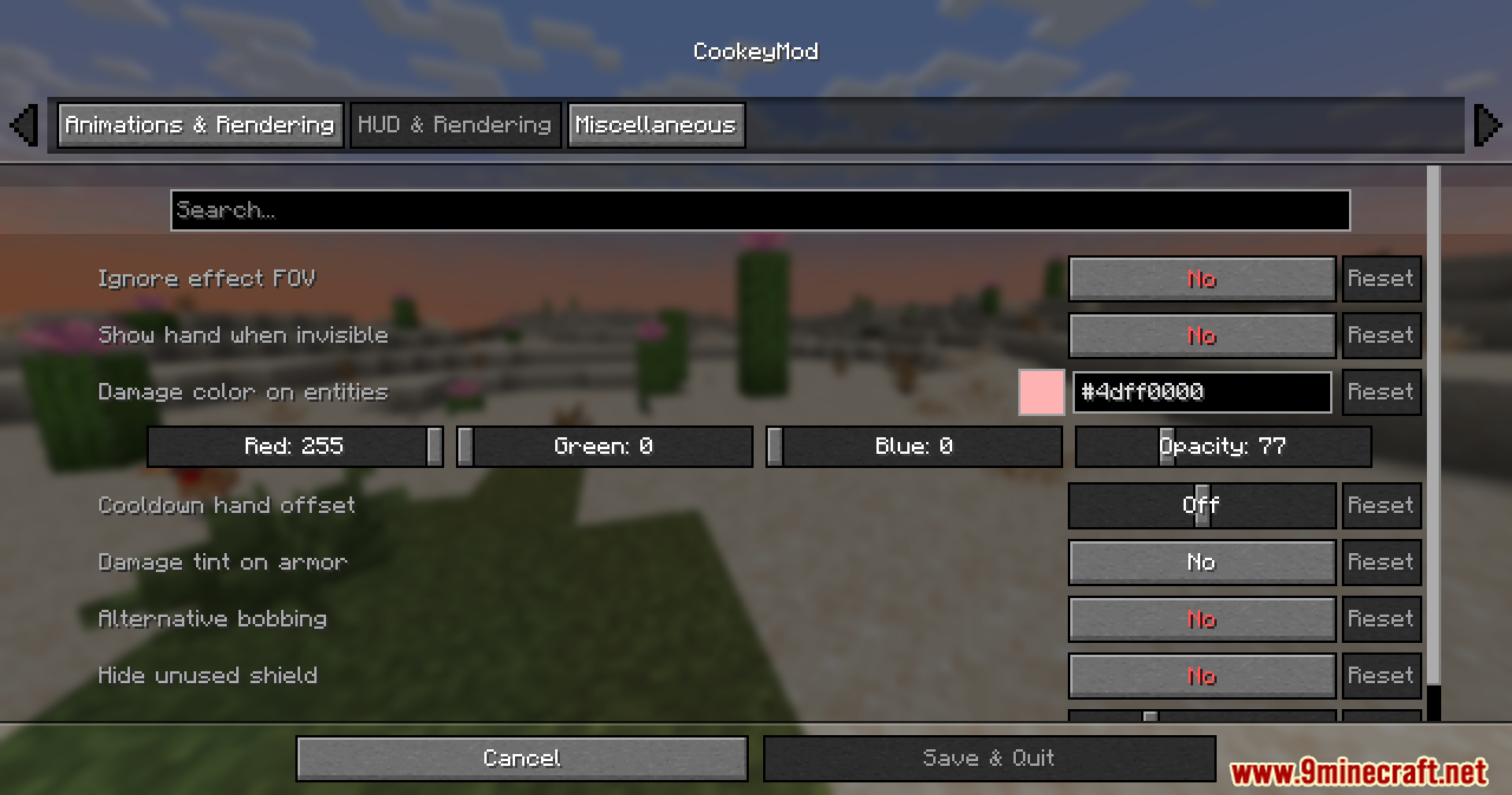
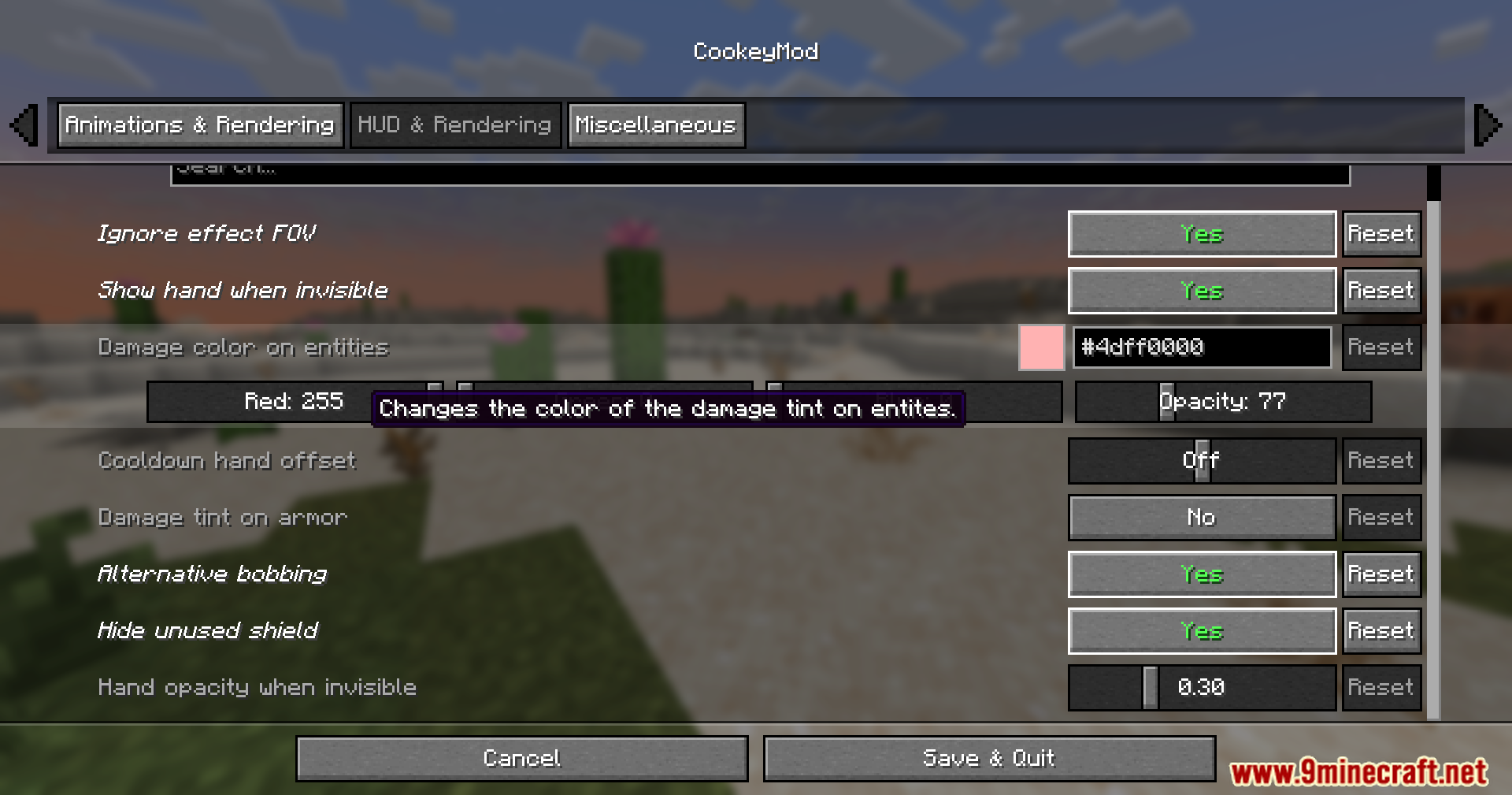
Press the configured key (default is usually a specific keybind in your controls menu) to open the mod's settings screen, or access it through the Mod Menu if installed. All features can be toggled and adjusted from this menu.
Why is my eating animation still showing in first-person?
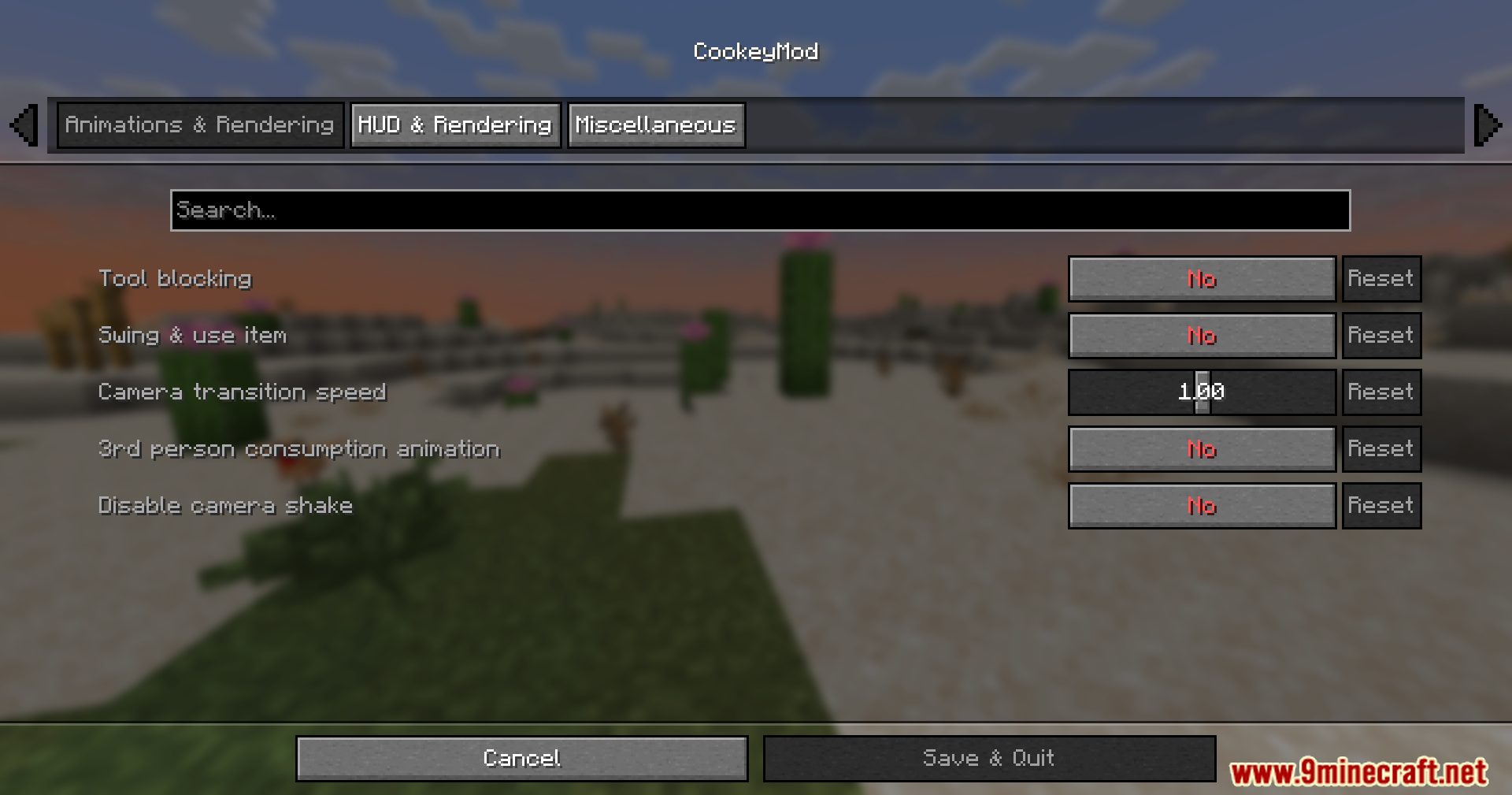
The legacy console eating animation option only affects third-person view. In first-person, Minecraft's default eating animation will still play; enable the option in settings to see the console-style animation when viewing yourself from third-person.
Can I block with tools like swords and axes?
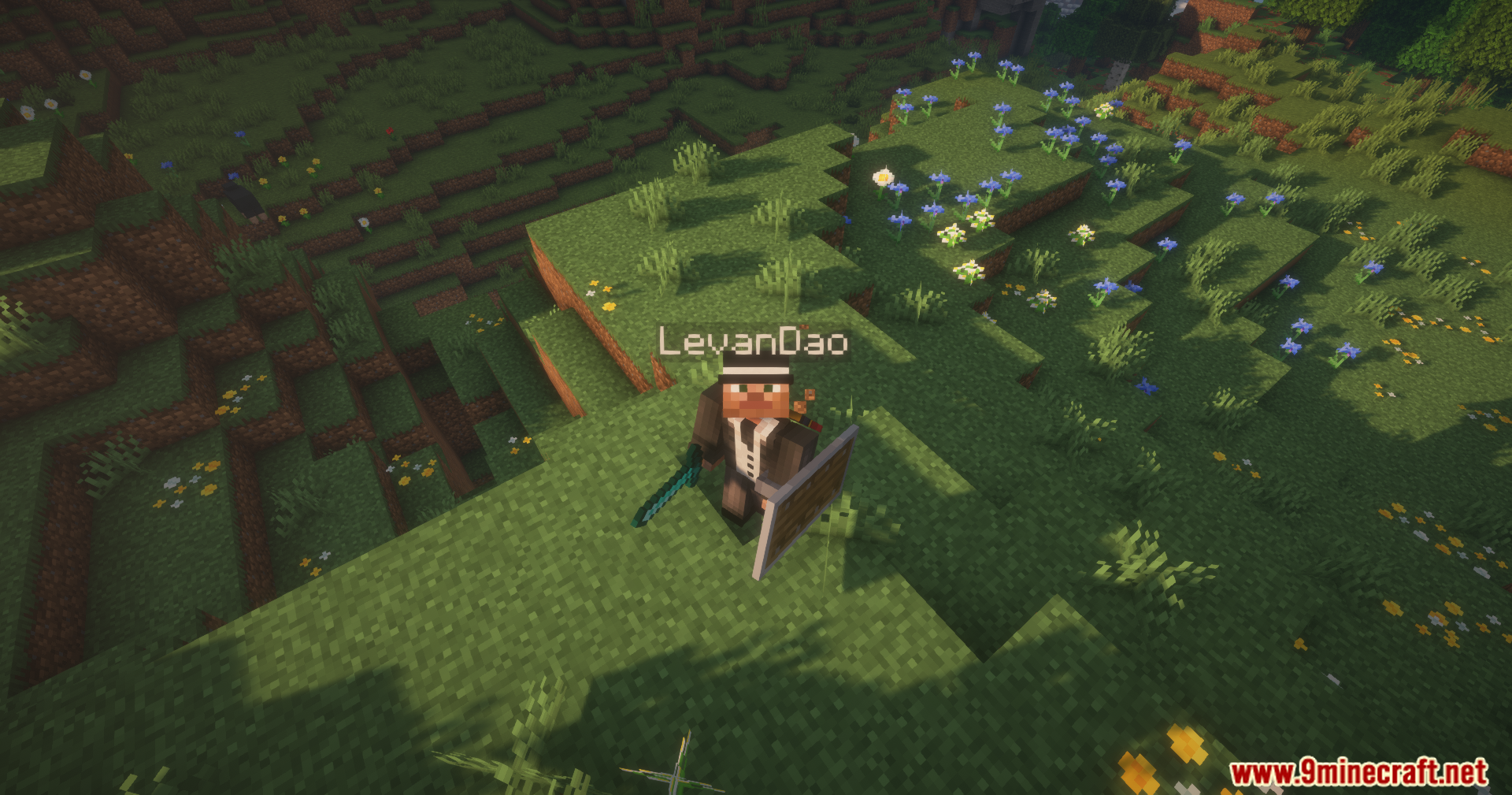
Yes—when you hold a shield and attack with any tool, the tool blocking animation will play instead of the normal swing, mimicking 1.8-style PvP behavior. This is purely visual and doesn't change combat mechanics.
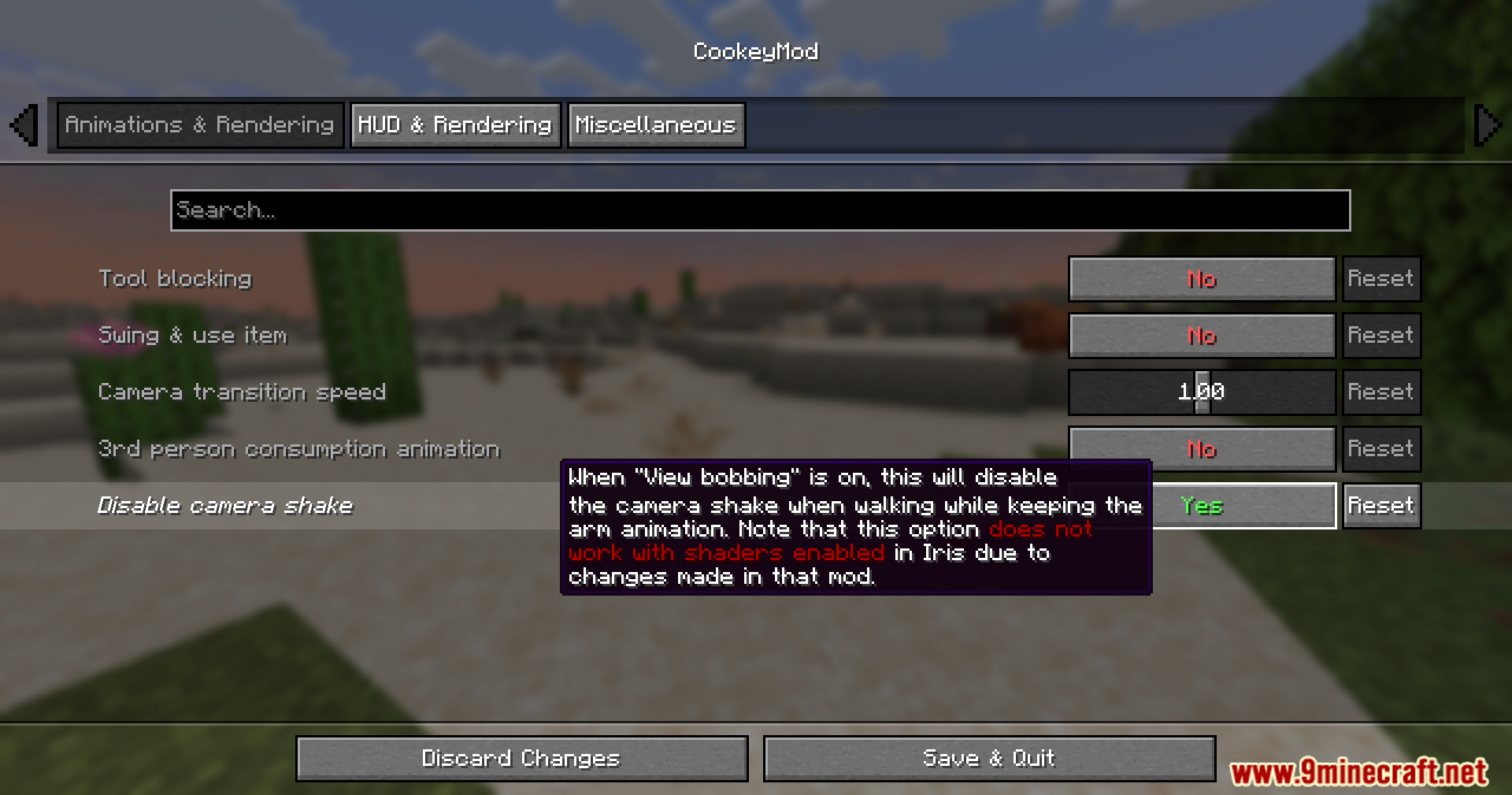
My camera shakes when I get hit or drink potions. How do I stop it?
In the Cookey Mod settings, disable the camera shake option. You can keep hand bobbing enabled separately if you prefer—these are independent toggles.
Gallery
12 images from the Cookey Mod page.

You May Also Like
Wikis that share the most with this one
Wikis on the same theme: food
More mod wikis on the site
The most downloaded mods that have a wiki here
A few wikis from each of the other kinds