

 DownloadCool Elytra Roll Mod
Get the files on 9Minecraft
Guides
Step-by-step, in-game.
Customize Flight Controls and SensitivityAccessing Configuration 1. Open your mod settings or configuration menu (usually accessible from the main menu or…Master Pitch and Yaw ControlsUnderstanding Pitch and Yaw Pitch : Tilting your camera up and down (nose of aircraft pointing higher or lower) Yaw :…Perform a Barrel RollPrerequisites Barrel rolls require Realistic flight mode to be active. Switch to it using your keybind before…Switch Between Flight ModesUnderstanding the Three Modes Cool Elytra Roll Mod offers three distinct flight experiences: Vanilla : Standard…
Frequently asked questions
How do I enable camera roll when flying with elytra?
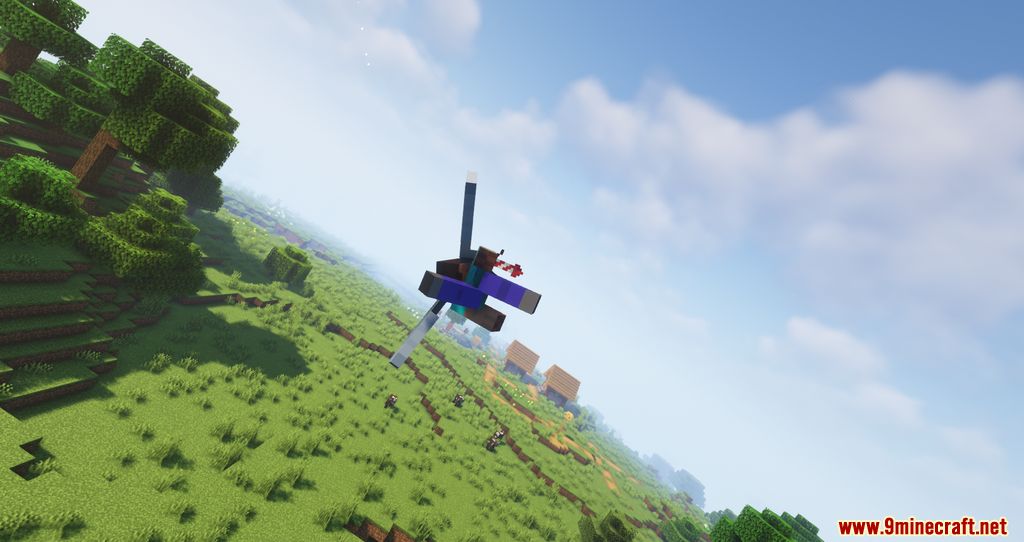
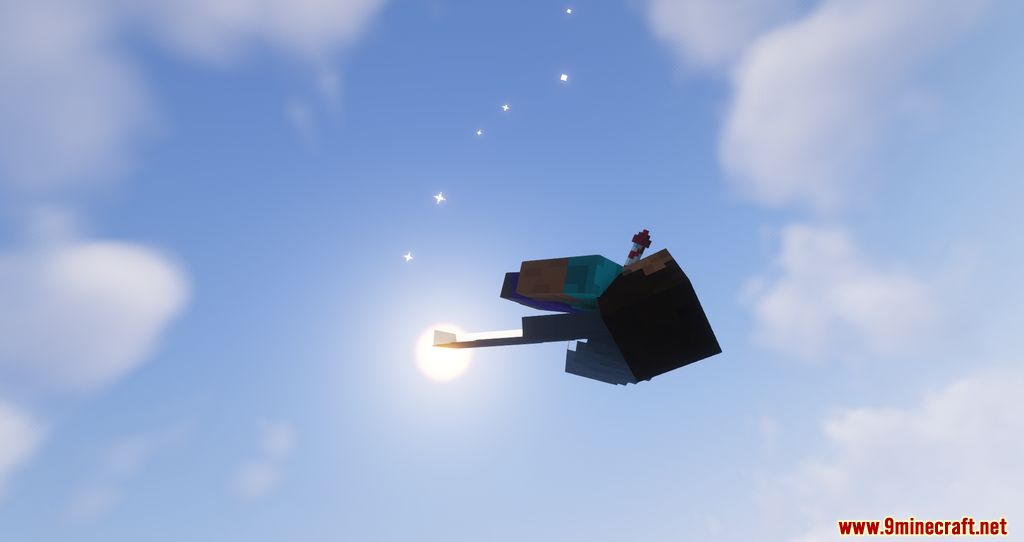
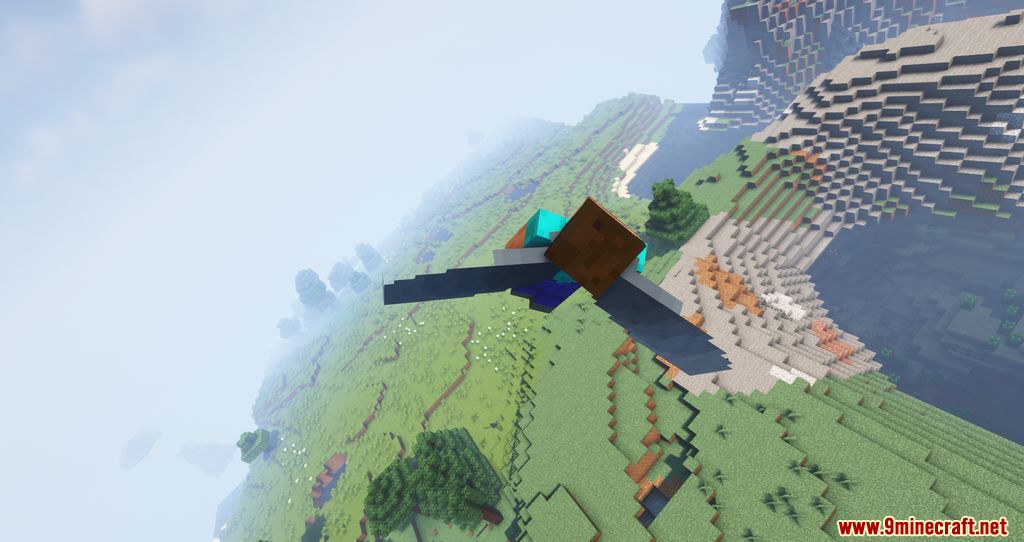
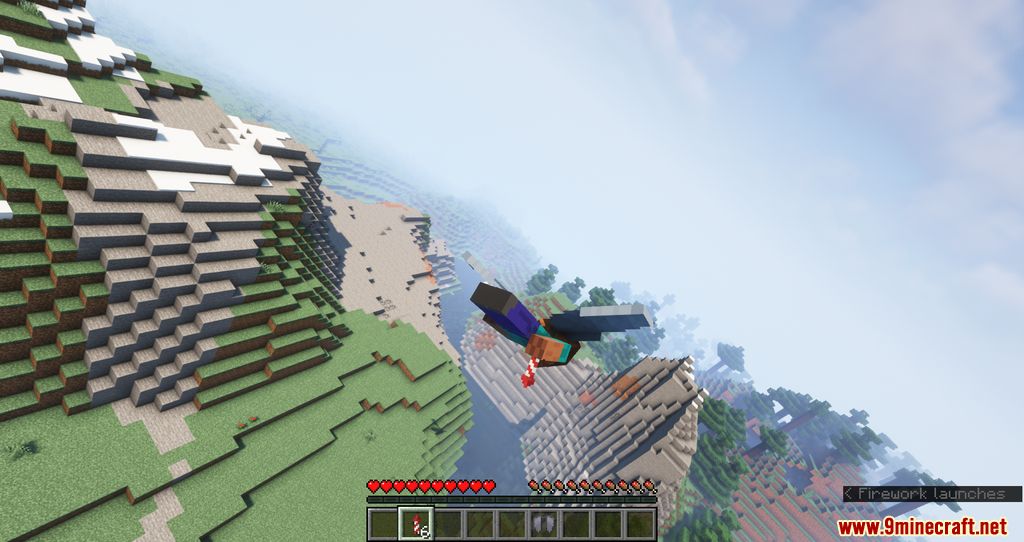
Camera roll is enabled by default when you equip elytra and start flying. If it's not working, check your keybinds in the mod settings to ensure flight mode controls are bound, and verify you're in a flight mode other than Vanilla.
What's the difference between Classic and Realistic flight modes?
Classic mode applies subtle camera tilting as you turn, while Realistic mode gives you full 3-axis control (roll, pitch, and yaw) to perform advanced maneuvers like loops and barrel rolls. Classic is closer to vanilla feel, Realistic is more like piloting an aircraft.
How do I do a barrel roll?
Switch to Realistic mode, then use your roll controls (typically mouse or a bound key) to rotate your camera continuously while flying forward. The barrel roll combines forward momentum with continuous rolling rotation.
Why does my camera feel too sensitive or too sluggish?
Open the mod config and adjust the responsiveness sliders for pitch, yaw, and roll to match your preference. You can also tune roll smoothing to make camera motion more or less fluid.
See all 10 Cool Elytra Roll questions ›
Gallery
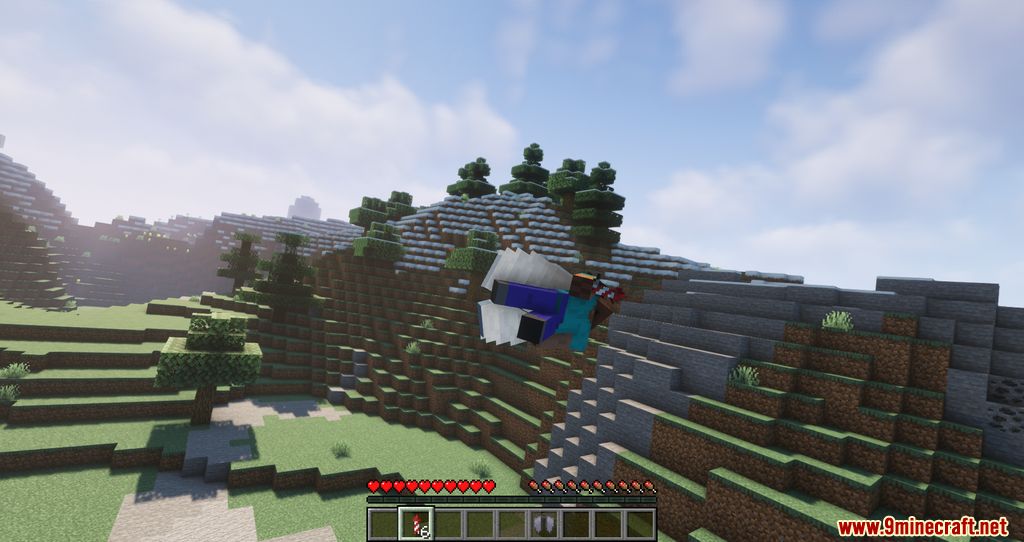
10 images from the Cool Elytra Roll Mod page.





You May Also Like
Wikis that share the most with this one
More mod wikis on the site
The most downloaded mods that have a wiki here
A few wikis from each of the other kinds