

 DownloadBook Copy Mod
Get the files on 9Minecraft
Guides
Step-by-step, in-game.
Copy a Book's Contents to Another WorldUsing the /bookcopy Command To transfer a book from your current world to a different world, you'll need to copy its…Save Book Contents for Long-Term StorageSaving Books Between Sessions If you want to preserve a book's contents permanently without losing them, use the save…Transfer Multiple Books Between Worlds EfficientlyCopying Several Books at Once If you need to move multiple books to another world, you can do this systematically…Troubleshoot Book Copy IssuesCommon Problems and Solutions Book Won't Copy Make sure you're holding a written book, not a blank book and quill.…
Frequently asked questions
How do I copy a book to use in another world?
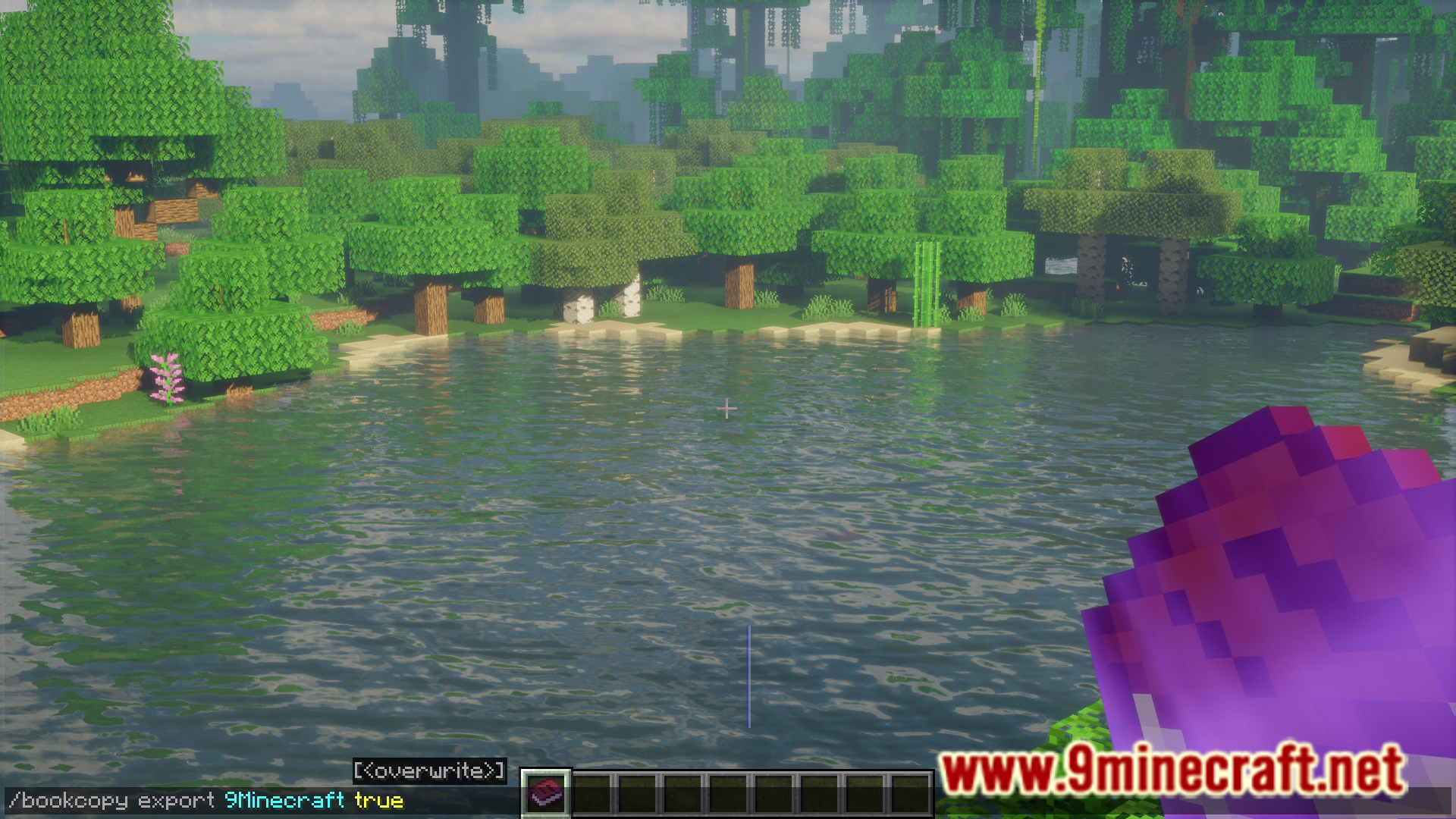
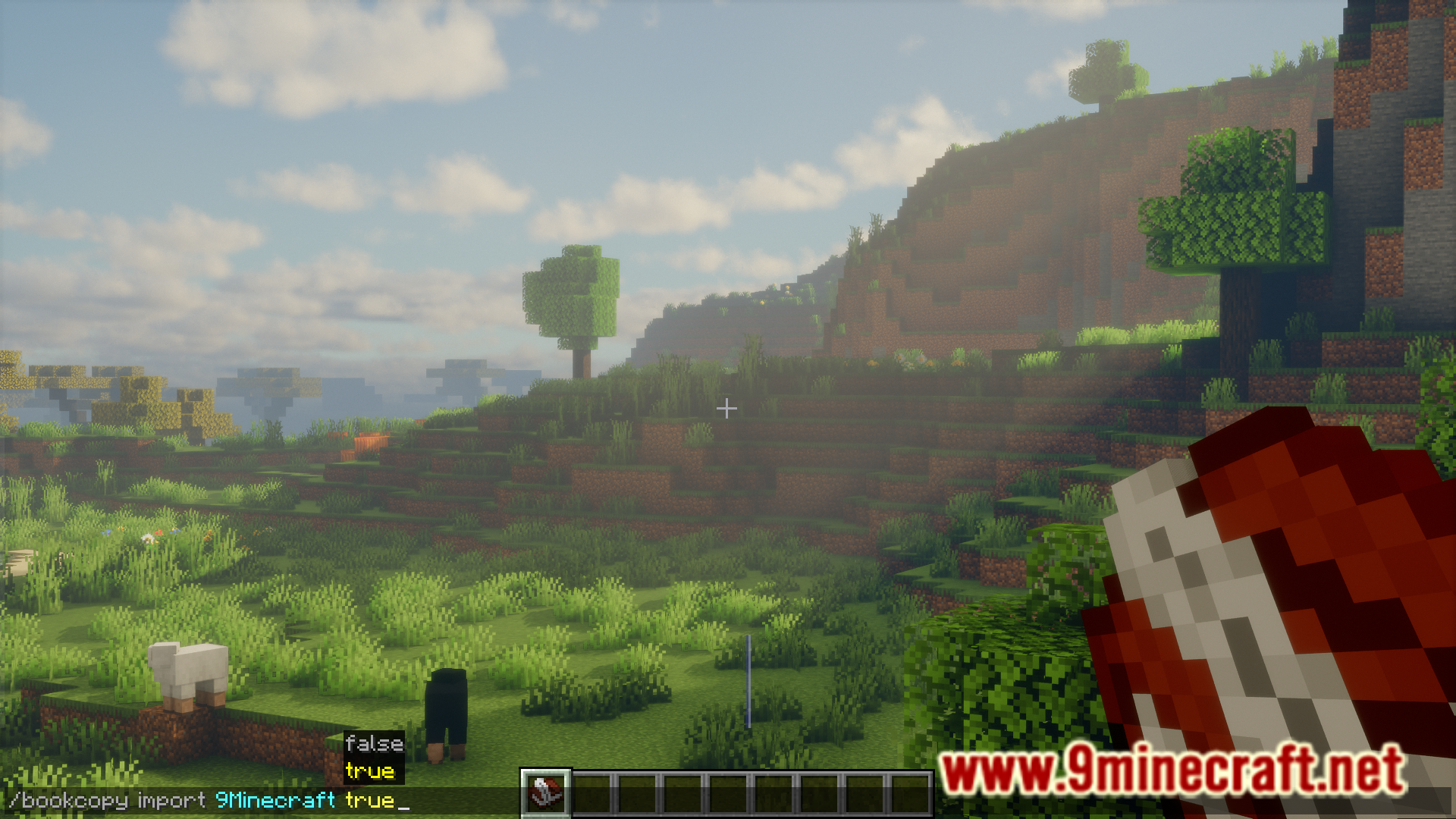
Hold the written book in your hand and use the /bookcopy command to copy its contents. The book data is then stored and ready to paste into any other world where you have the mod installed.
What's the difference between copy and save?
Copy temporarily stores a book's contents in your current session, while save preserves the book data permanently so you can access it even after closing and reopening Minecraft.
Can I paste a book I copied into a new world?
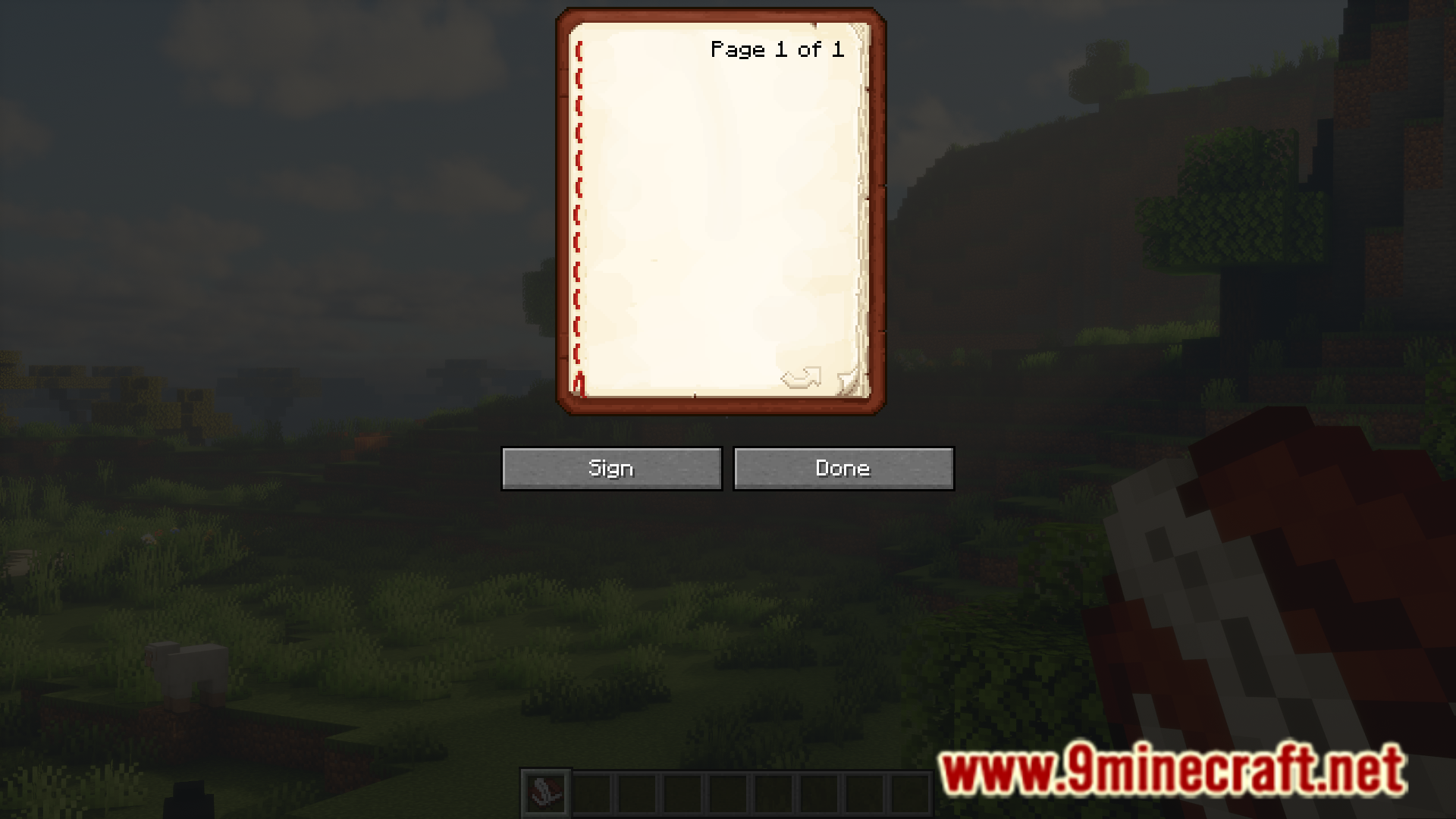
Yes, once you've copied or saved a book, join any other world with the mod installed and use the paste command to create a new written book with the same contents.
Do I need the original book to paste its contents elsewhere?
No, once you've copied or saved the book data, you don't need the original book anymore—the contents are stored independently and can be pasted multiple times.
See all 10 Book Copy questions ›
Gallery
7 images from the Book Copy Mod page.
You May Also Like
Wikis that share the most with this one
Wikis on the same theme: cat
More mod wikis on the site
The most downloaded mods that have a wiki here
A few wikis from each of the other kinds