

 DownloadBlock Meter Mod
Get the files on 9Minecraft
Guides
Step-by-step, in-game.
Check Alignment Between Separate BuildsCreating Multiple Reference Boxes Block Meter's ability to display multiple cuboids at once makes it perfect for…Measure a Building's Exact DimensionsSetting Up Your Measurement Hold any item in your hand and press your BlockMeter key to activate the mod. You'll be…Plan and Visualize a New Structure Before BuildingPreviewing Your Build Space Use Block Meter to outline the footprint of a structure you want to build before placing…Use Block Meter in Multiplayer to See Other Players' MeasurementsMultiplayer Measurement Sharing When Block Meter is installed on a multiplayer server, you can see cuboid…
Frequently asked questions
How do I start measuring?
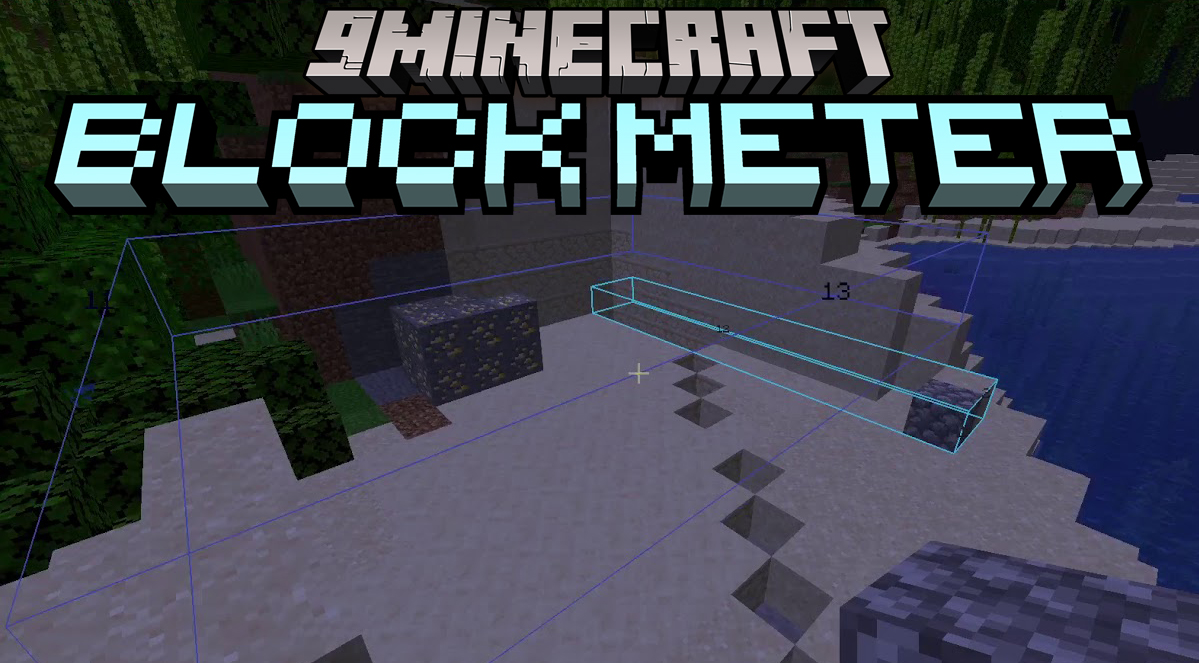
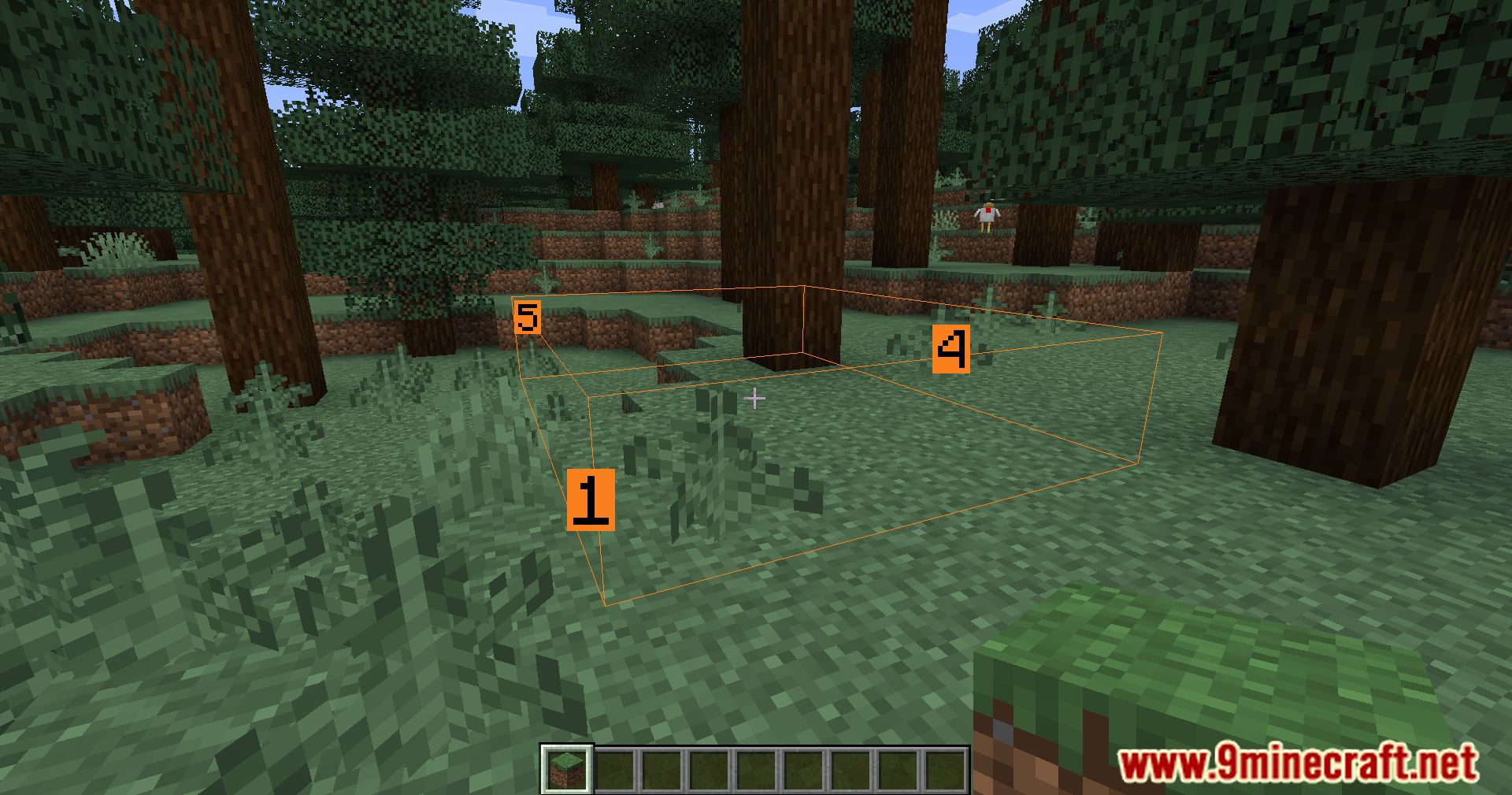
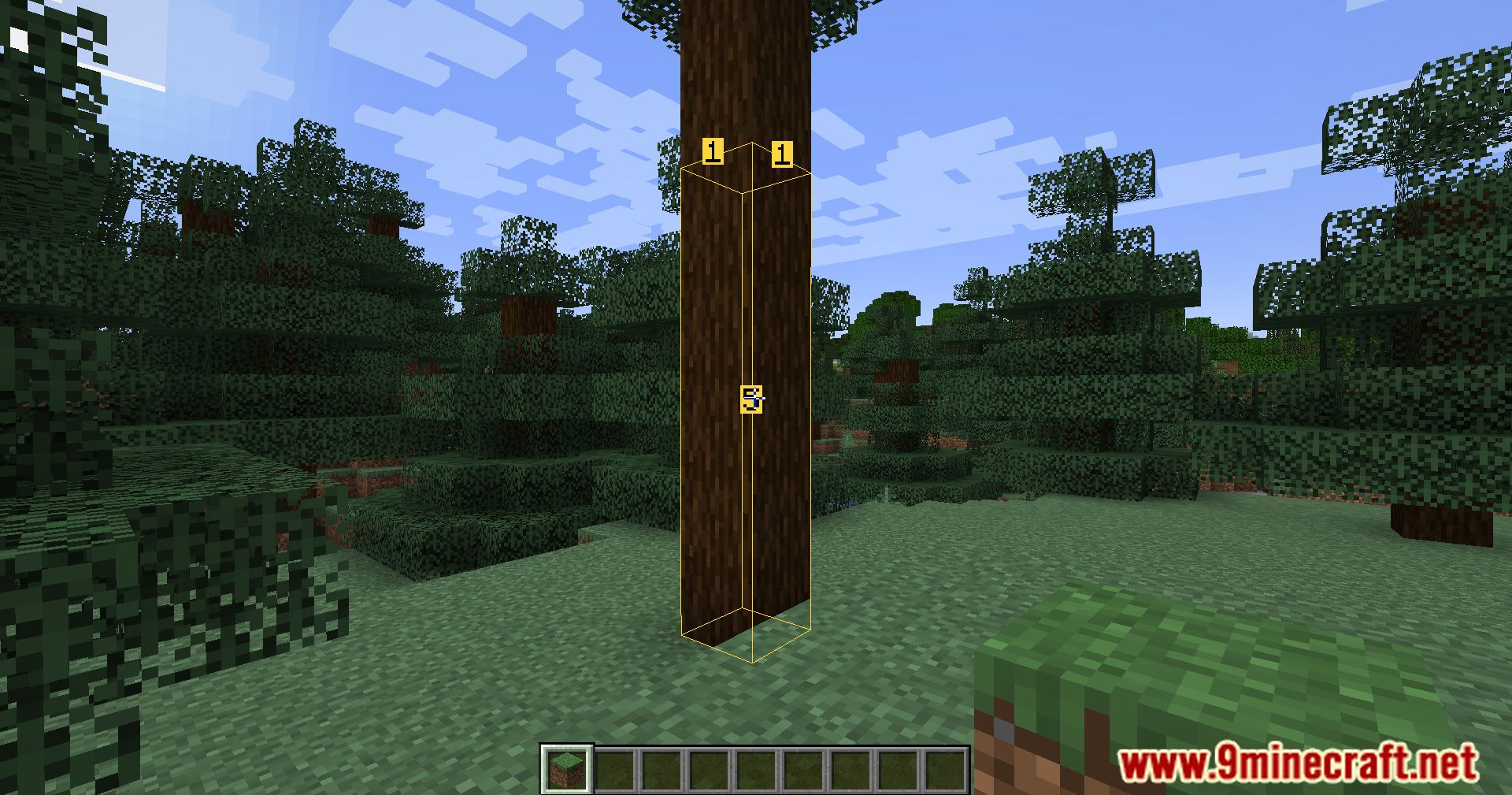
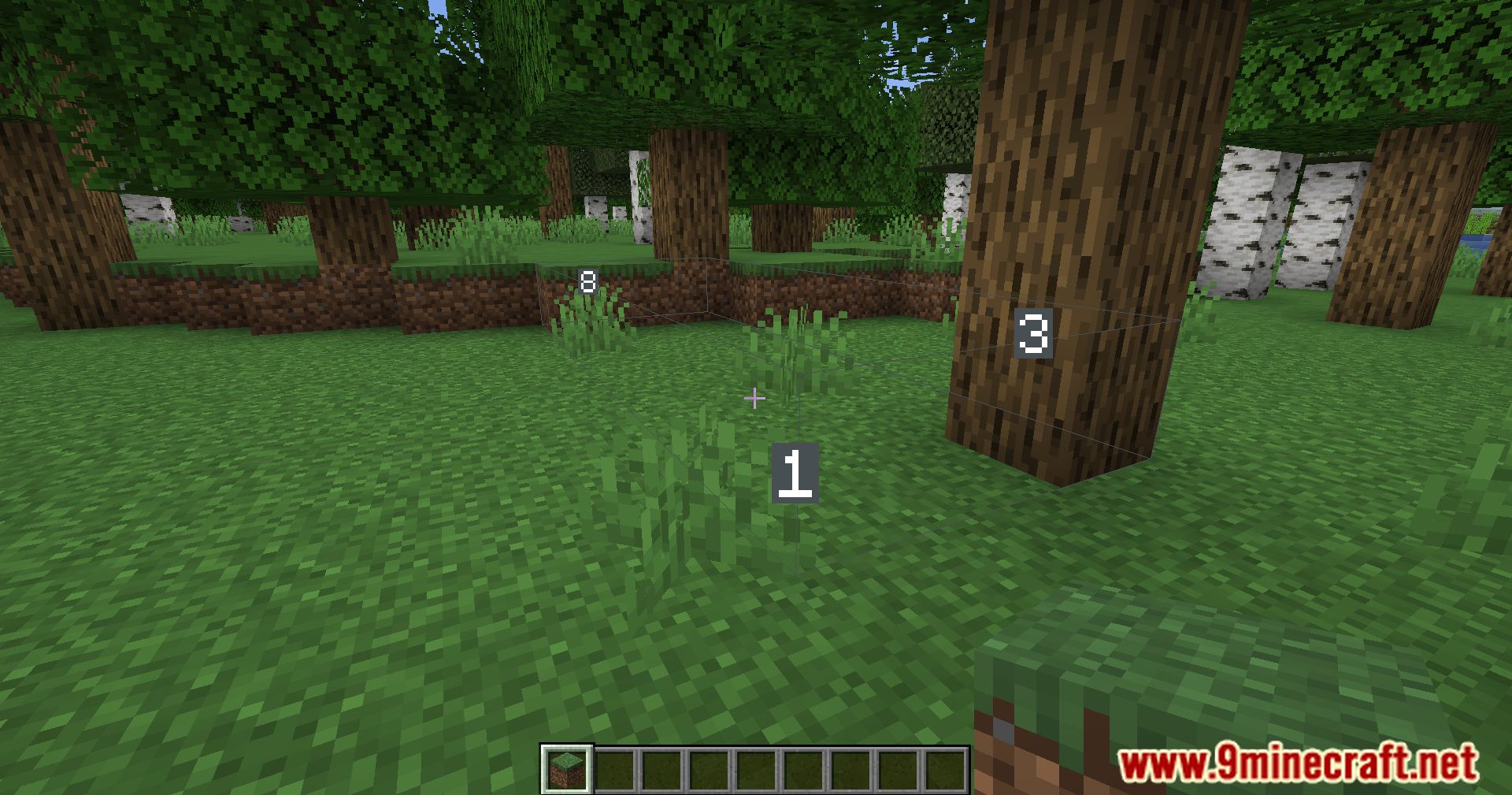
Hold any item in your hand, press your BlockMeter key to activate the mod, then right-click once to set your first point and right-click again to set your second point. The cuboid will display between these two points.
Can I have multiple measurement boxes at the same time?
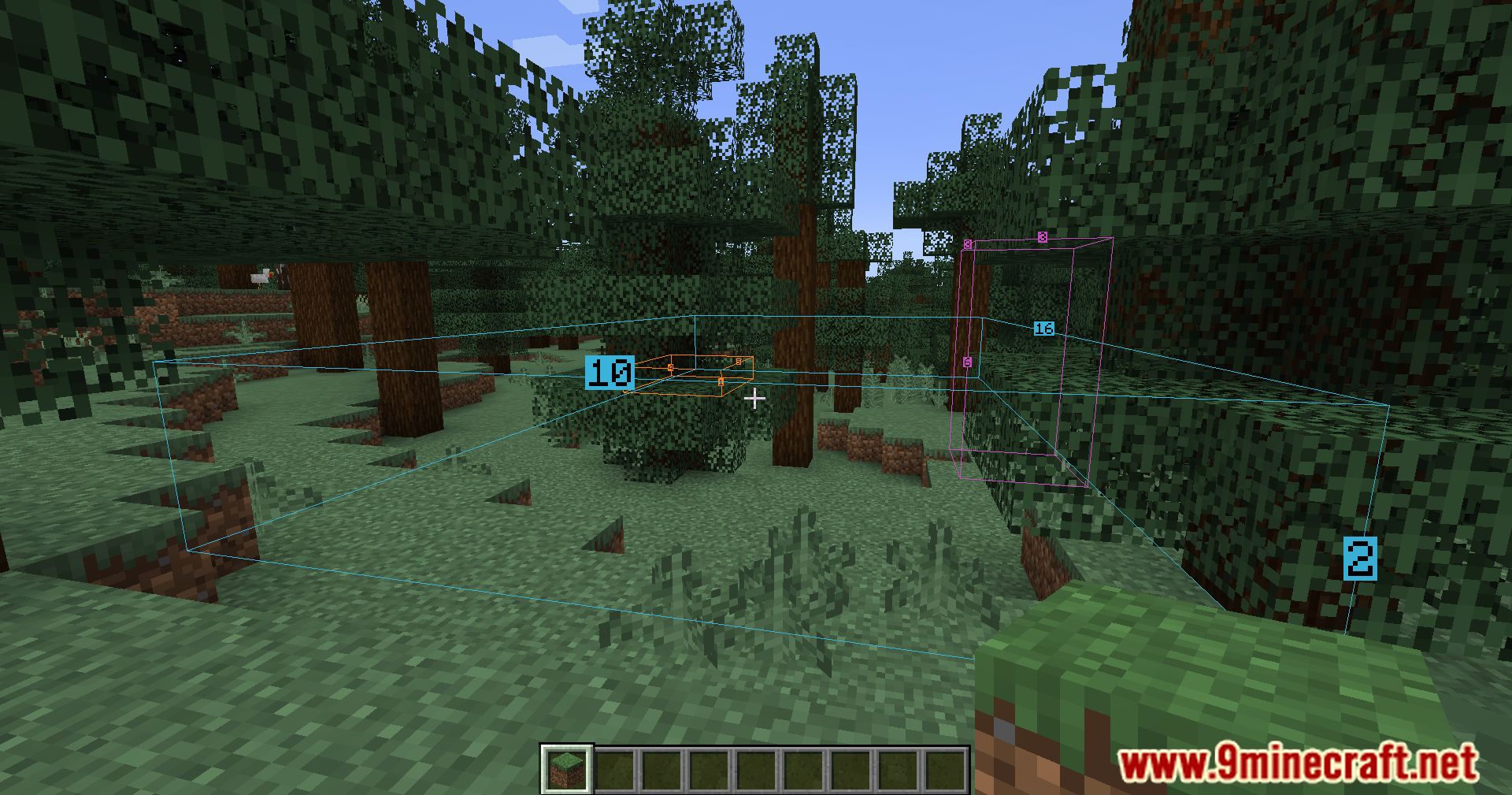
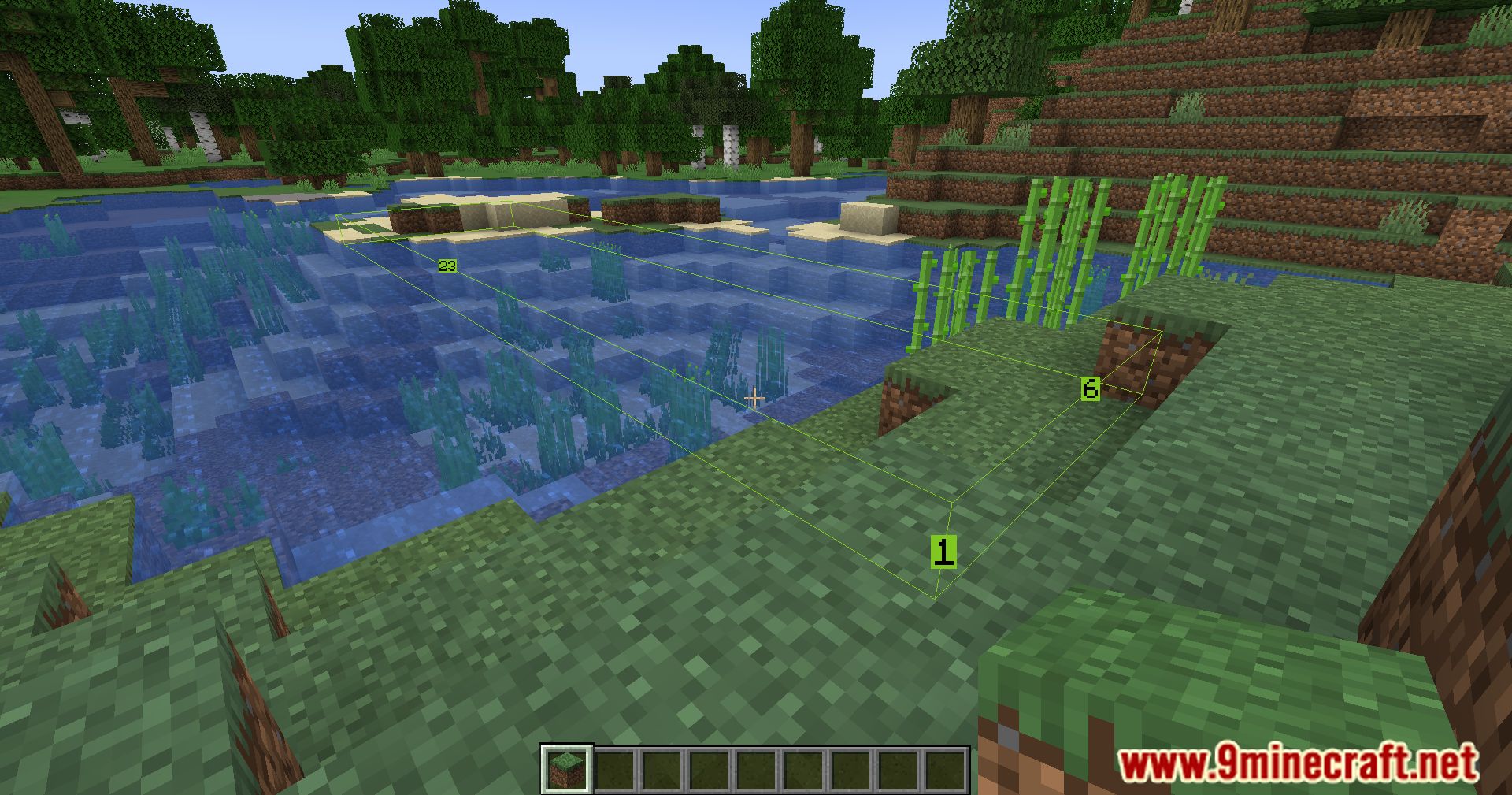
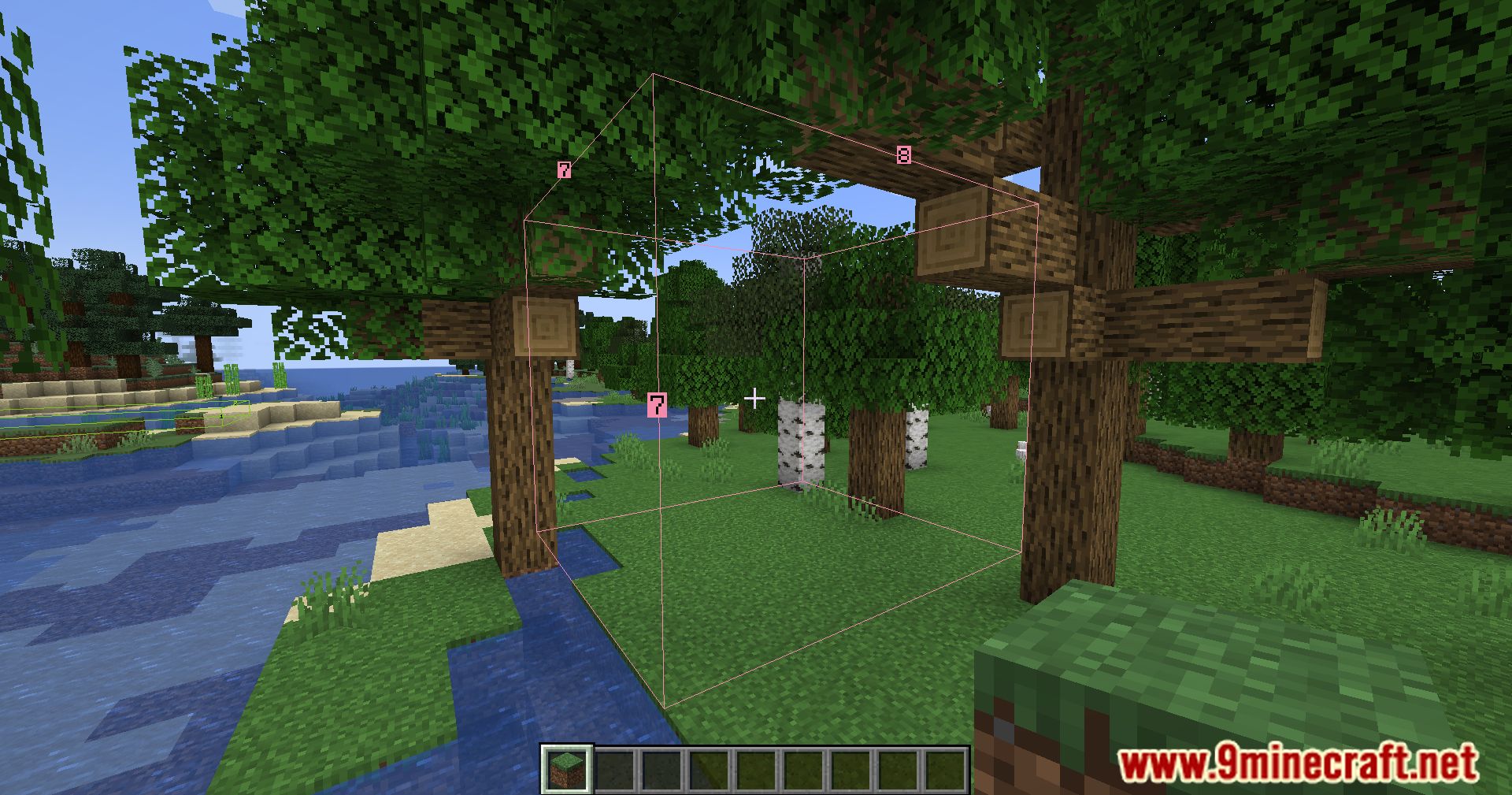
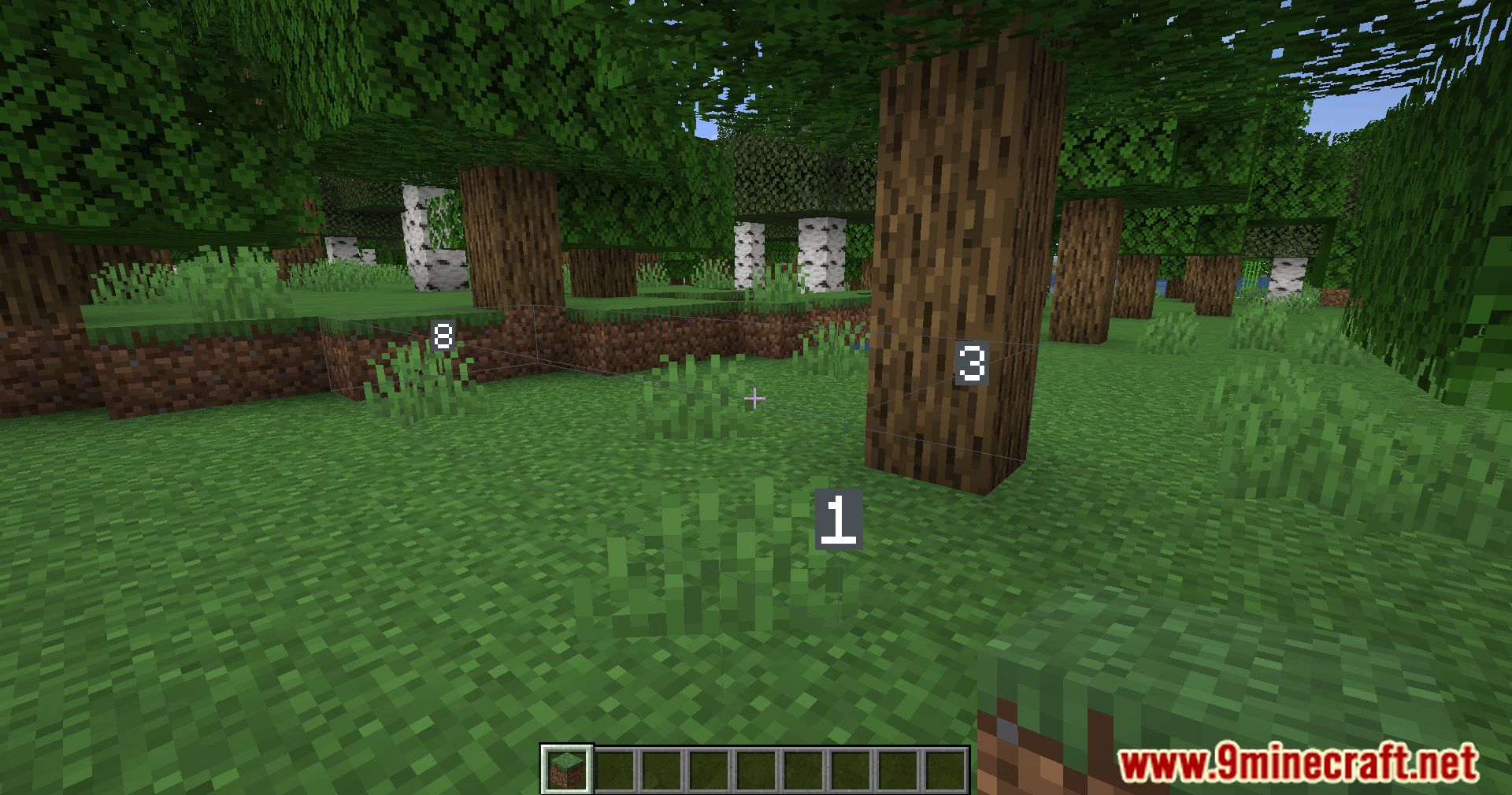
Yes, you can create and keep multiple cuboids active simultaneously. Each time you set two new points, a new box is added without removing previous ones.
How do I remove a measurement box?
Press Shift + your BlockMeter key to remove the last box you created, or press Ctrl + your BlockMeter key to clear all boxes at once.
Can I edit a box after I've made it?
Yes, crouch (sneak) and right-click on an existing cuboid to edit it and set new measurement points.
See all 10 Block Meter questions ›
Gallery
11 images from the Block Meter Mod page.
You May Also Like
Wikis that share the most with this one
Wikis on the same theme: cat
More mod wikis on the site
The most downloaded mods that have a wiki here
A few wikis from each of the other kinds