

 DownloadBlock-Accurate 3D Item Model
Get the files on 9Minecraft
Guides
Step-by-step, in-game.
Comparing 3D Models to Placed BlocksCraft or Obtain a Block Start by crafting or finding a functional block that has a custom 3D model, such as an…Setting Up the Resource Pack CorrectlyAccess Resource Packs Menu From the main menu, navigate to Options → Resource Packs . This opens the resource pack…Viewing 3D Models of Your Inventory ItemsOpen Your Inventory Once the mod is active, open your inventory to see 3D item models replace the flat sprites you're…Viewing Colored and Dyed Armor PiecesObtain Base Armor Items To see dyed 3D models, you first need the base items. Obtain wolf armor from armadillo…
Frequently asked questions
Why do my items still look flat after installing the pack?
Make sure the pack is moved to the active list (right side) in your Resource Packs menu, not just selected. You may also need to close and reopen your inventory or restart your world for changes to take effect.
Do the 3D models work in multiplayer servers?
Yes, resource packs are client-side only, so you'll see the 3D models on any server without needing the server to have the mod installed.
Which minecart variants have 3D models?
How do I see the 3D armor on my character?
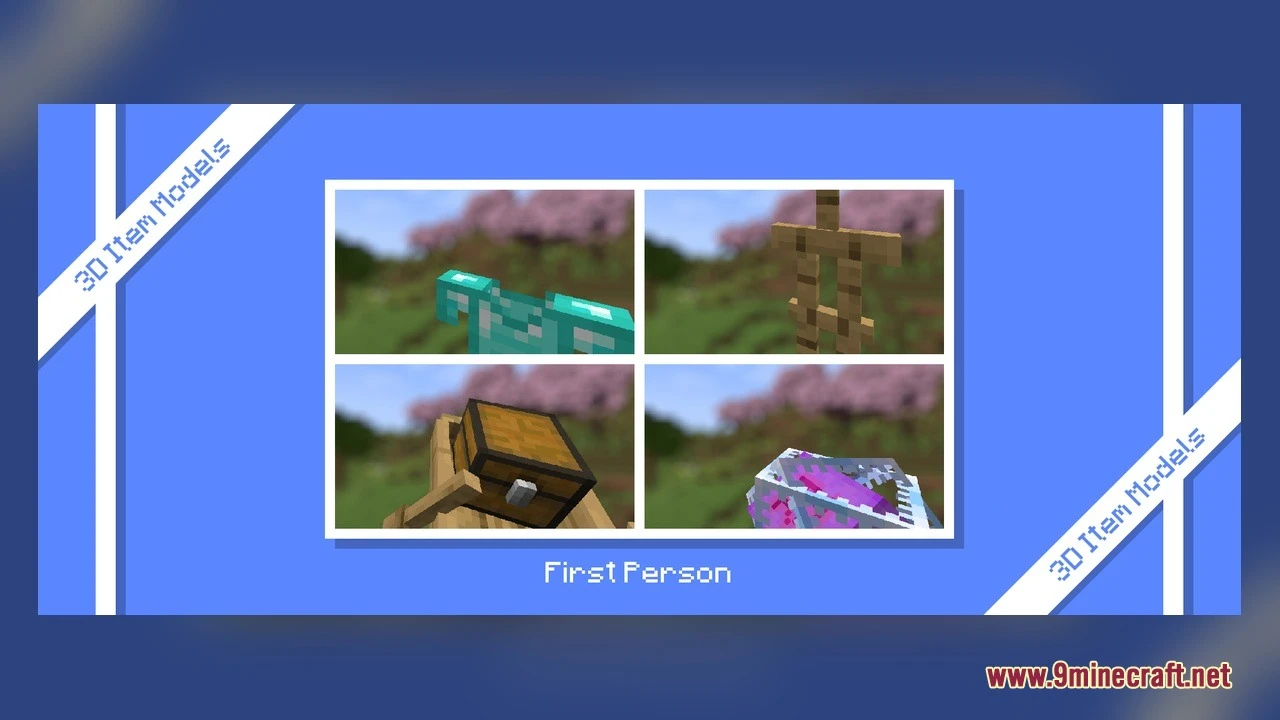
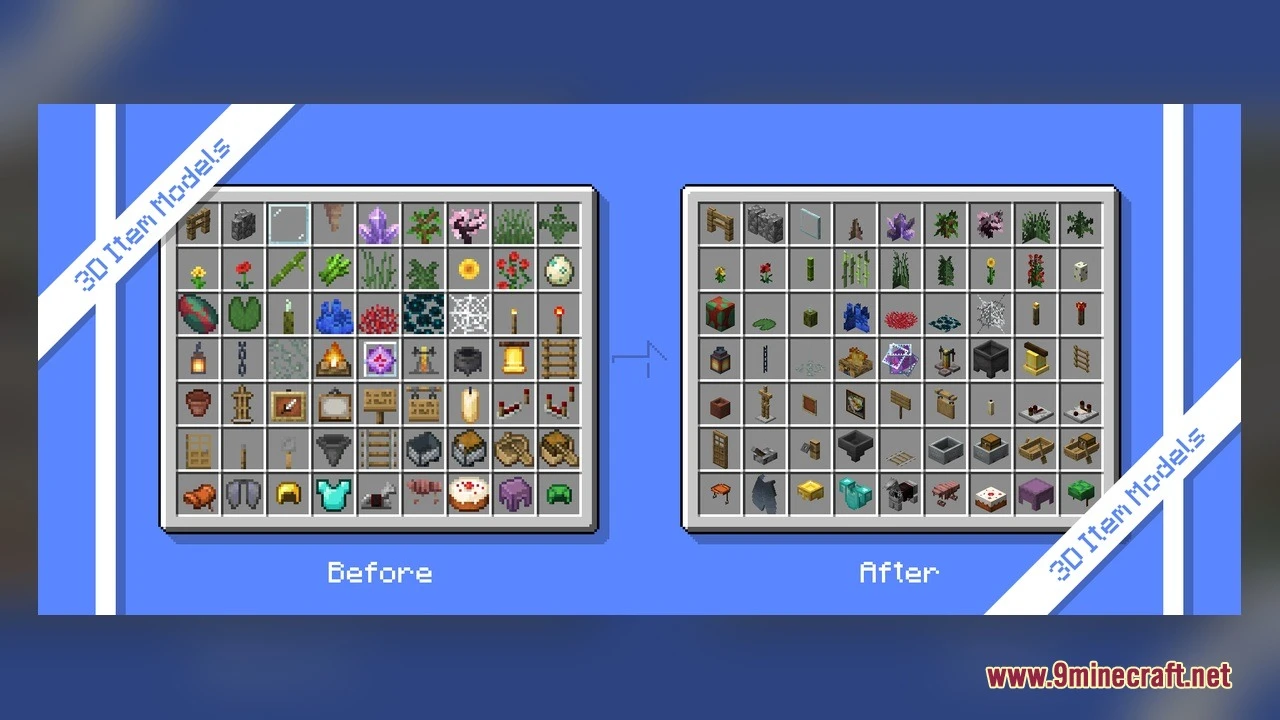
The pack replaces inventory sprites with 3D models; to see armor on your character model, you need to equip it in your armor slots. Wolf armor and horse armor will display as 3D items in your inventory before equipping.
See all 10 Block-Accurate 3D Item Model questions ›
Gallery
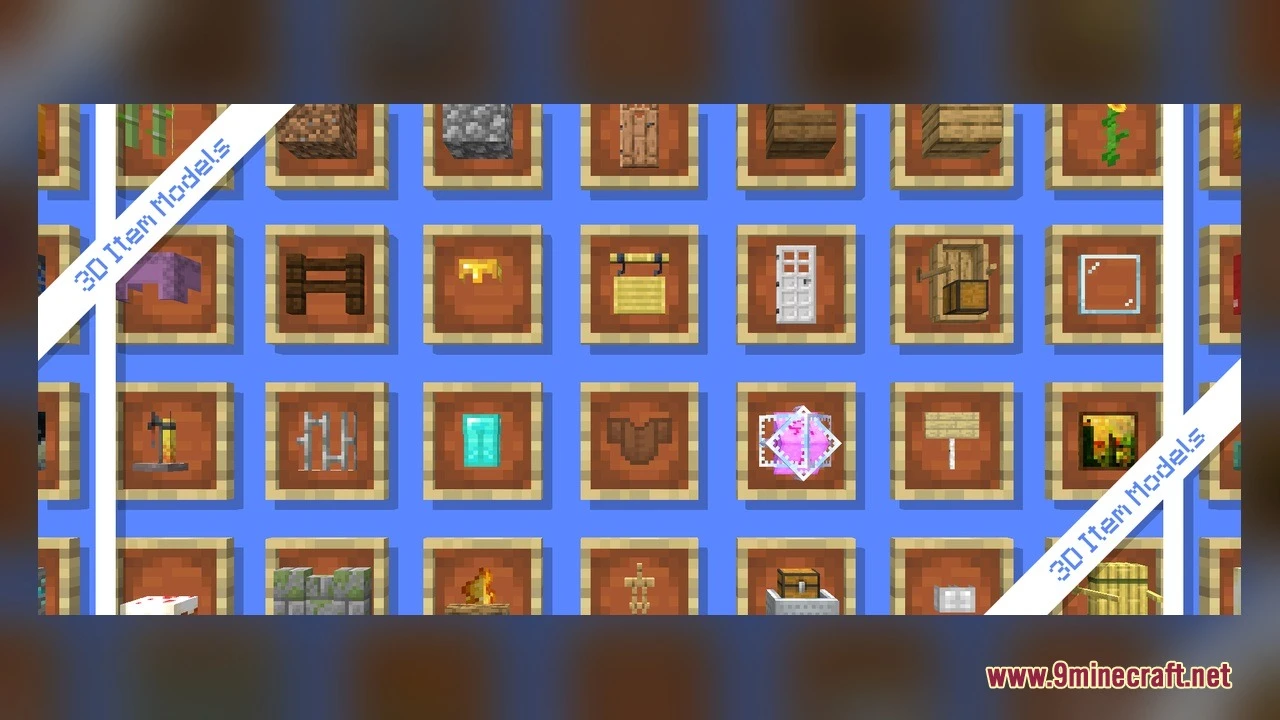
5 images from the Block Accurate 3D Item Model page.
You May Also Like
Wikis that share the most with this one
More mod wikis on the site
The most downloaded mods that have a wiki here
A few wikis from each of the other kinds