

 DownloadBlock Blocker Mod
Get the files on 9Minecraft
Guides
Step-by-step, in-game.
Create Different Block Rules for Different Worlds or RegionsCheck Configuration Structure Open config > blockblocker-common.toml and examine whether the mod supports…Prevent Players from Breaking Specific BlocksIdentify the Block ID First, determine the exact block ID you want to protect. You can find this by holding the block…Stop Players from Placing Certain BlocksLocate the Configuration File Open your mod folder and navigate to config > blockblocker-common.toml . This file…Troubleshoot Blocks That Aren't Being ProtectedVerify the Block ID Double-check that you've entered the correct block ID. Block names can be tricky—use the exact…
Frequently asked questions
Where do I configure which blocks are blocked?
Open the mod folder, navigate to config, and edit the blockblocker-common.toml file. This is where you specify which blocks cannot be placed or broken.
How do I stop players from breaking a specific block?
Add the block's ID to the unbreakable blocks list in blockblocker-common.toml, then save and reload the server. Players will no longer be able to break that block.
Can I prevent players from placing certain blocks?
Yes, add the block's ID to the unplaceable blocks list in blockblocker-common.toml. The mod will prevent placement of those blocks server-wide.
Do I need to restart the server after editing the config?
Yes, you'll need to restart or reload the server for changes to blockblocker-common.toml to take effect.
See all 10 Block Blocker questions ›
Gallery
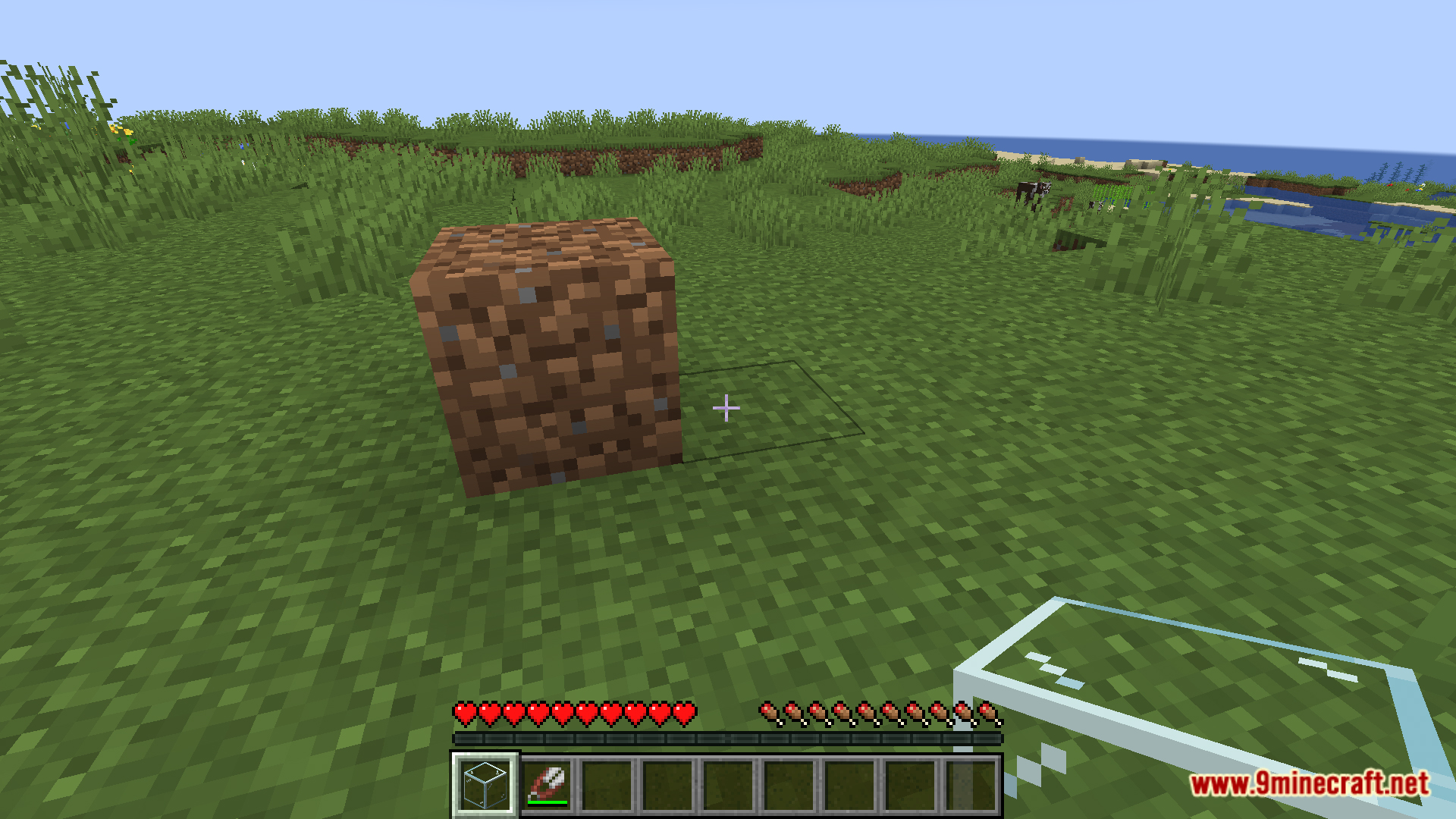
6 images from the Block Blocker Mod page.

You May Also Like
Wikis that share the most with this one
More mod wikis on the site
The most downloaded mods that have a wiki here
A few wikis from each of the other kinds