

 DownloadBad Mobs
Get the files on 9Minecraft
Overview
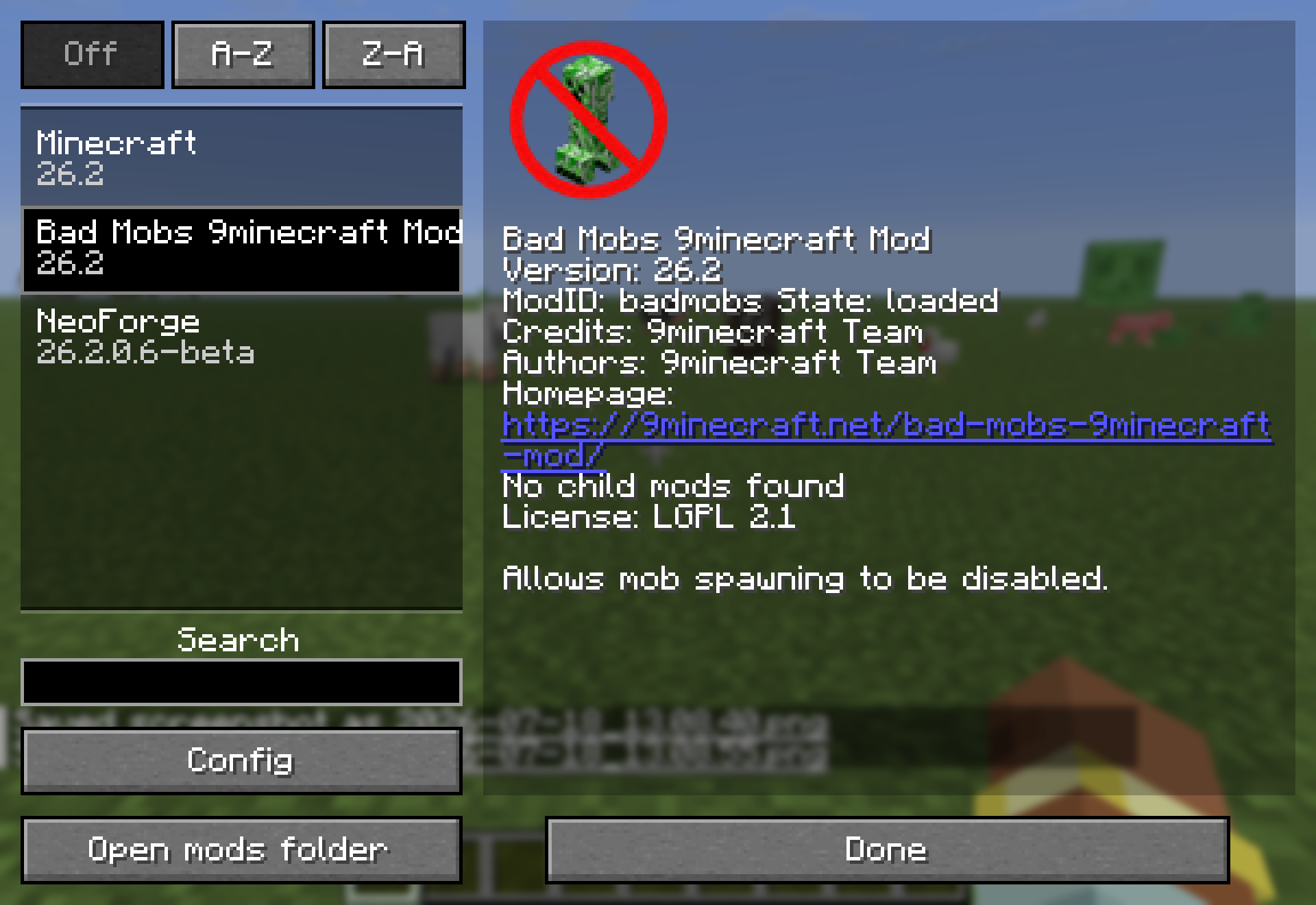
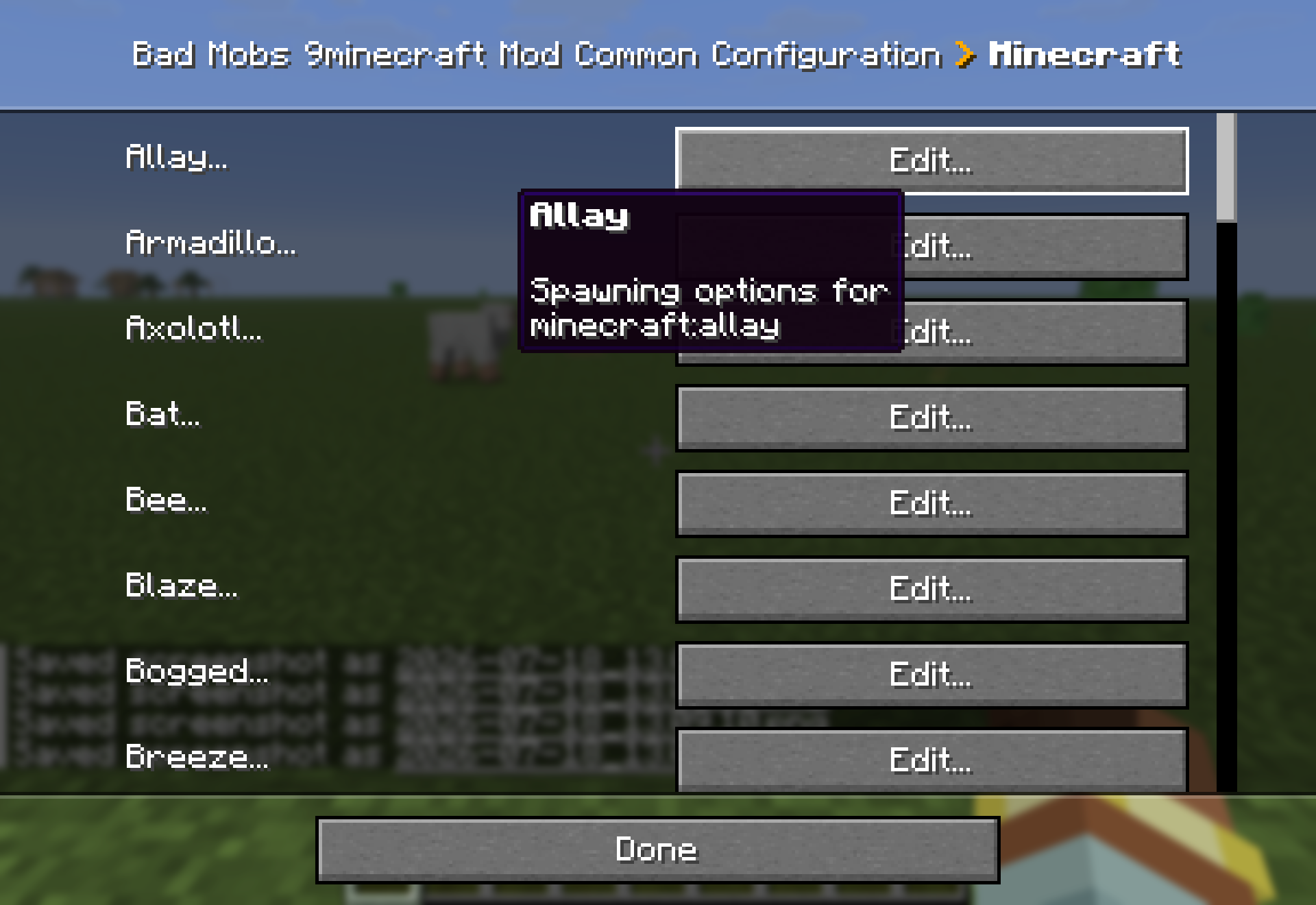
Bad Mobs (mod id badmobs) is a lightweight utility mod that lets you disable spawning per entity. Every entity registered in the game - vanilla and modded alike - automatically gets its own section in the mod's configuration, where you decide whether that creature may appear in your world and by which routes.
Blocked entities are removed the moment they try to join the world, so a blacklisted mob never actually shows up - whether it came from natural spawning, a monster spawner, a spawn egg or a mob conversion, depending on which options you turned off.
Typical uses:
- Protect builds by disabling only creepers while keeping every other monster.
- Make a peaceful-feeling world that still keeps selected hostile mobs.
- Turn off a single annoying creature added by another installed mod.
- Curate exact spawn lists for adventure maps and servers.
Bad Mobs is a standalone utility mod with no library dependencies and no commands - everything is driven by its configuration. The original mod is by Darkhax (github.com/Darkhax-Minecraft/BadMobs), released under the LGPL 2.1 license.
Bad Mobs (mod id badmobs) is a lightweight utility mod that lets you disable spawning per entity. Every entity registered in the game - vanilla and modded alike - automatically gets its own section in the mod's configuration, where you decide whether that creature may appear in your world and by which routes.
Blocked entities are removed the moment they try to join the world, so a blacklisted mob never actually shows up - whether it came from natural spawning, a monster spawner, a spawn egg or a mob conversion, depending on which options you turned off.
Typical uses:
- Protect builds by disabling only creepers while keeping every other monster.
- Make a peaceful-feeling world that still keeps selected hostile mobs.
- Turn off a single annoying creature added by another installed mod.
- Curate exact spawn lists for adventure maps and servers.
Bad Mobs is a standalone utility mod with no library dependencies and no commands - everything is driven by its configuration. The original mod is by Darkhax (github.com/Darkhax-Minecraft/BadMobs), released under the LGPL 2.1 license.
Guides
Step-by-step, in-game.
Frequently asked questions
What does the Bad Mobs Mod let me control?
Does Bad Mobs work with mobs added by other mods?
Does Bad Mobs need to be installed on the client?
See all 14 Bad Mobs questions ›
Gallery
6 images from the Bad Mobs 9Minecraft Mod page.

You May Also Like
Wikis that share the most with this one
Wikis on the same theme: world
More mod wikis on the site
The most downloaded mods that have a wiki here
A few wikis from each of the other kinds