

 DownloadBackslot Mod
Get the files on 9Minecraft
Overview
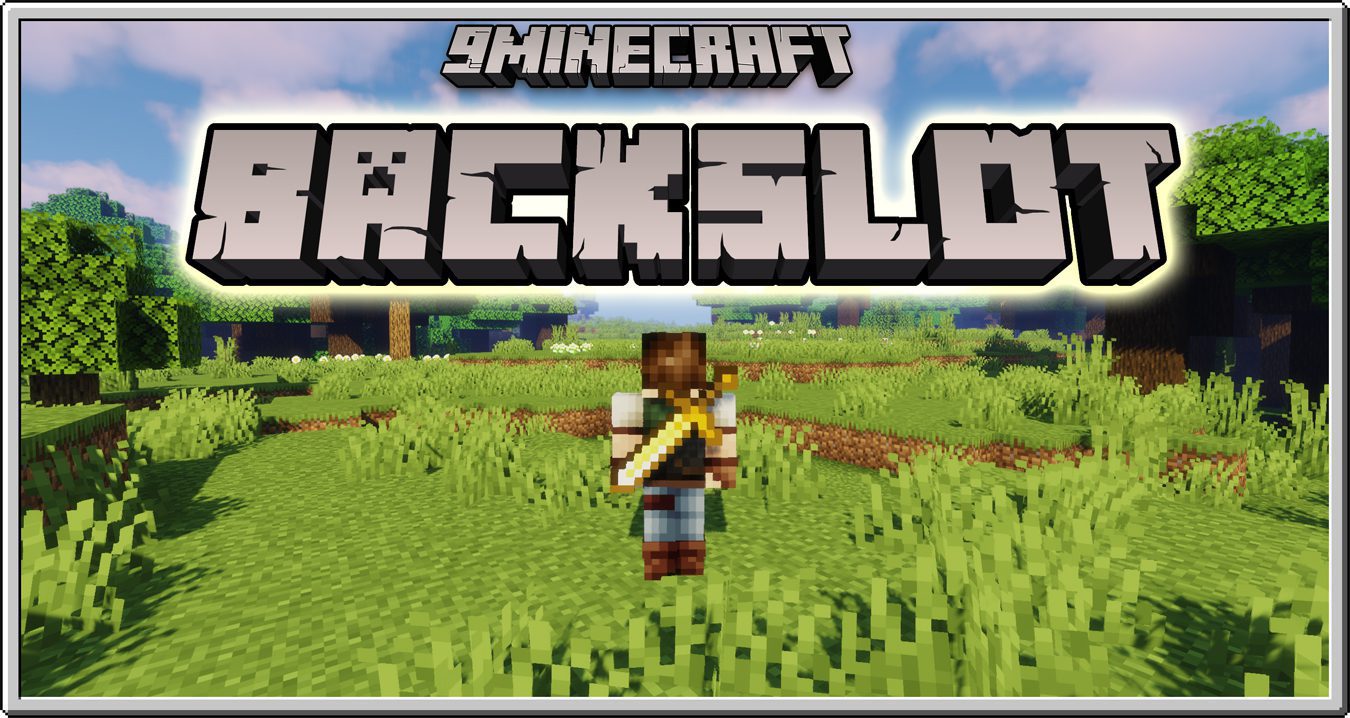
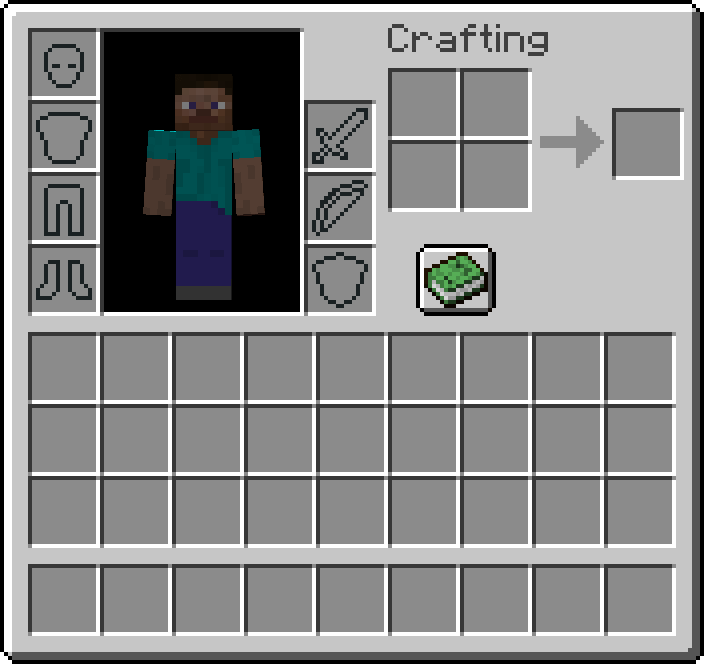
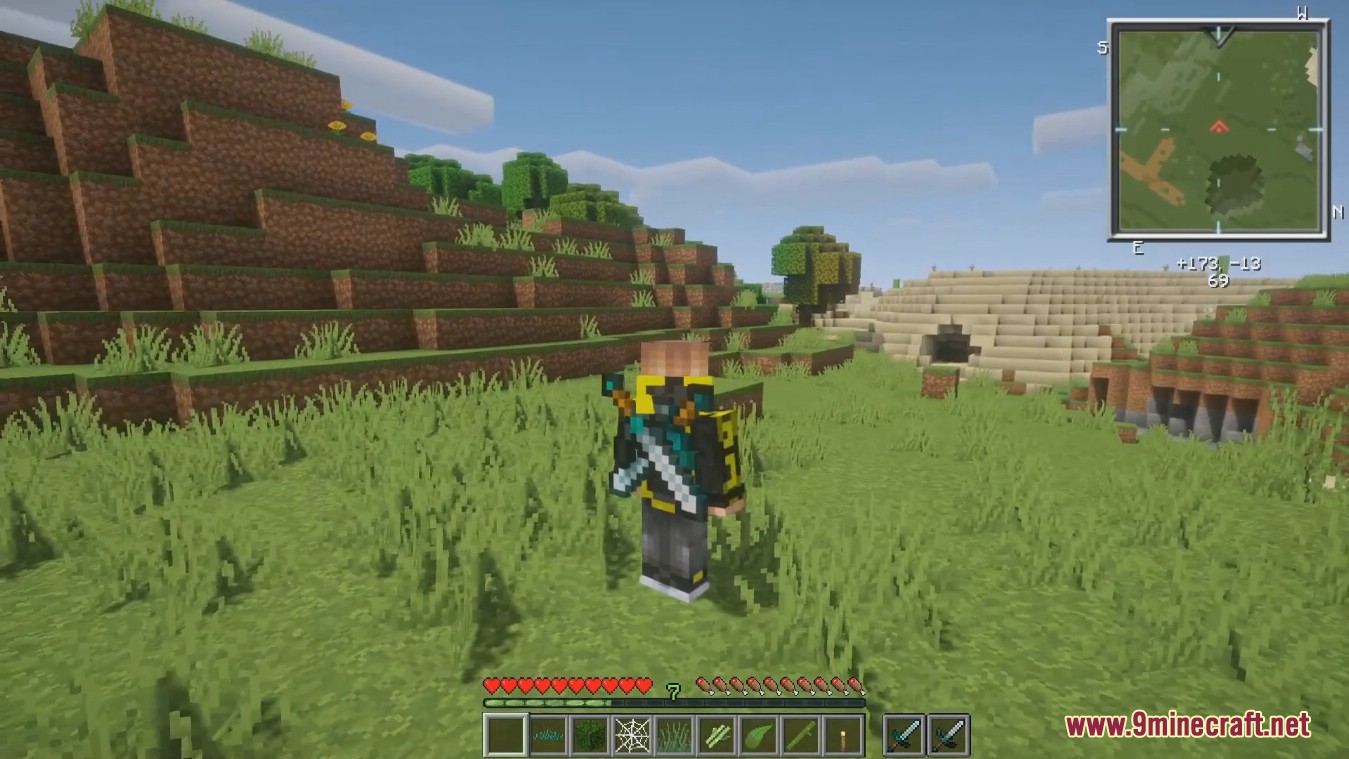
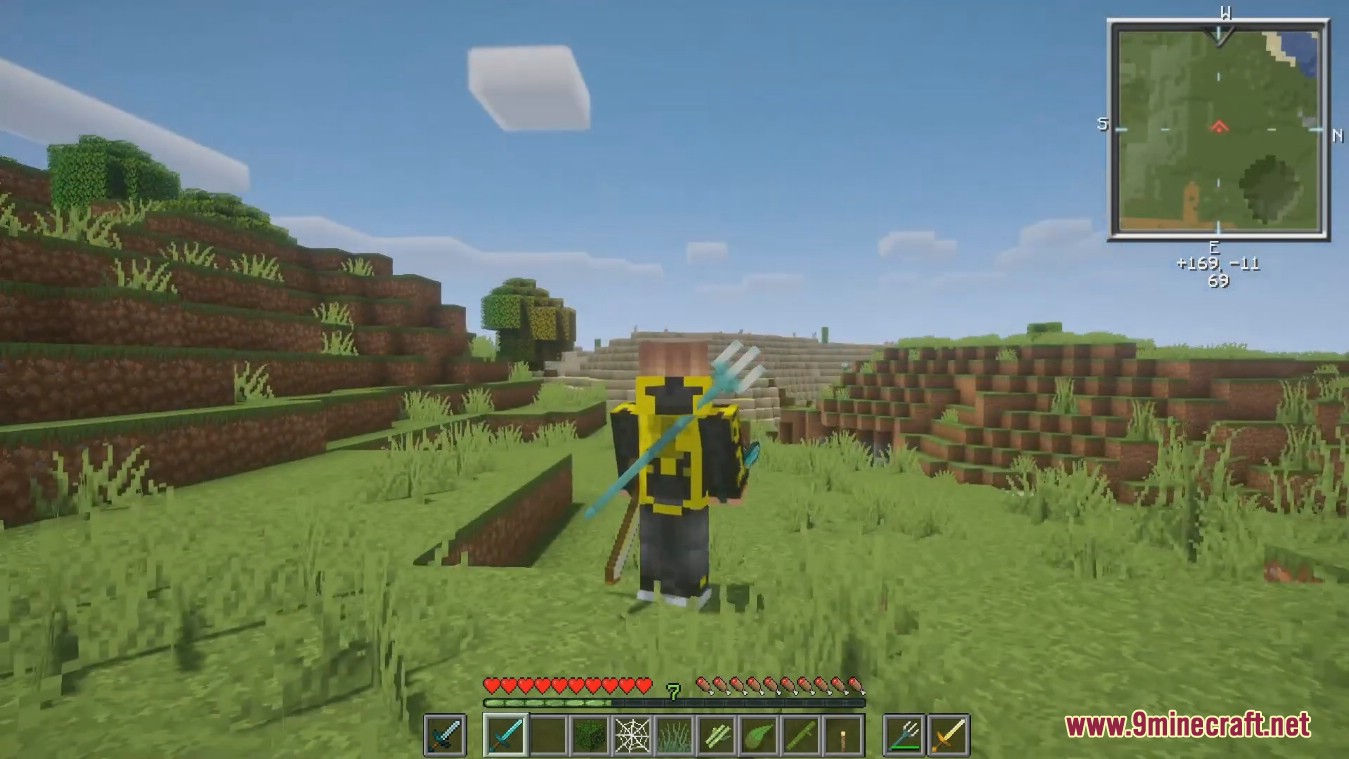
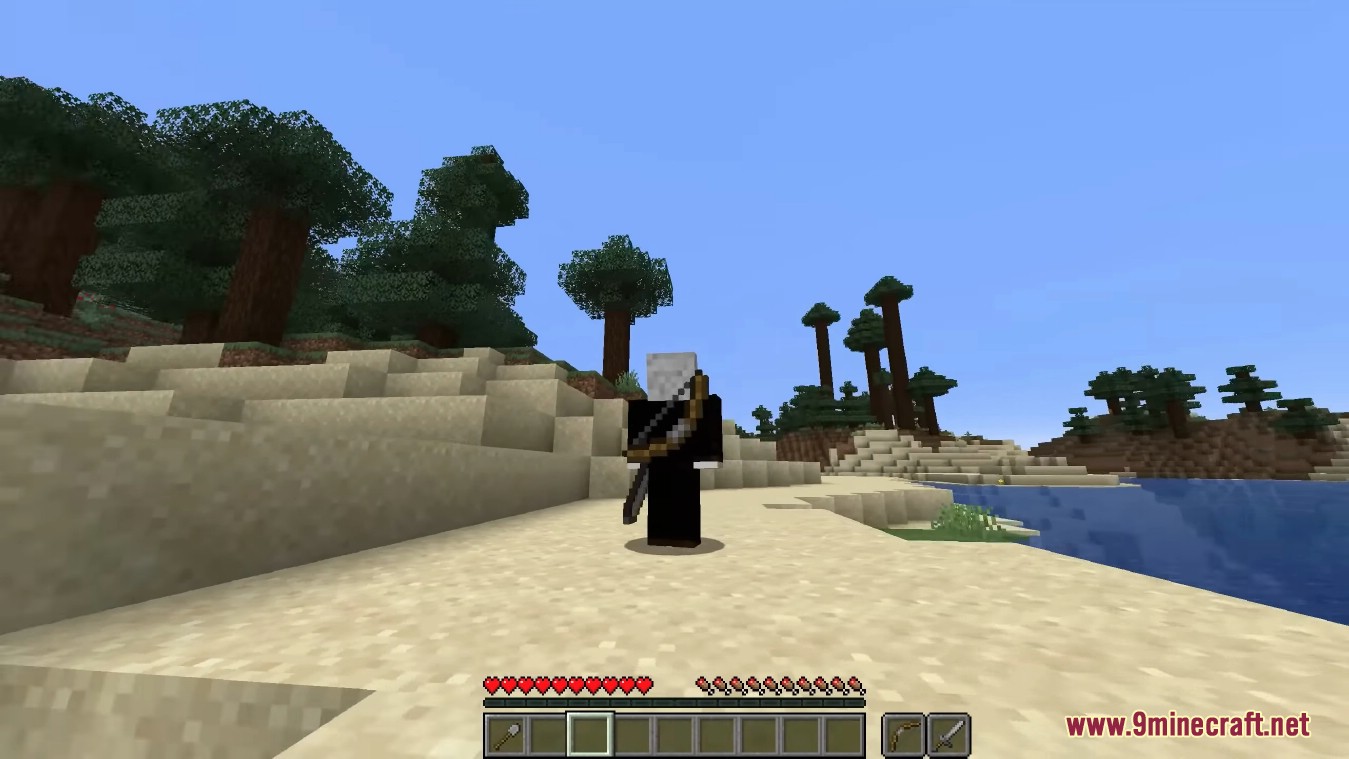
BackSlot is a functional and aesthetic mod designed to enhance the player's appearance and inventory management. Inspired by the character Dai from the Dragon Quest series, the mod adds two specialized slots to the player's inventory: the Back Slot and the Belt Slot.
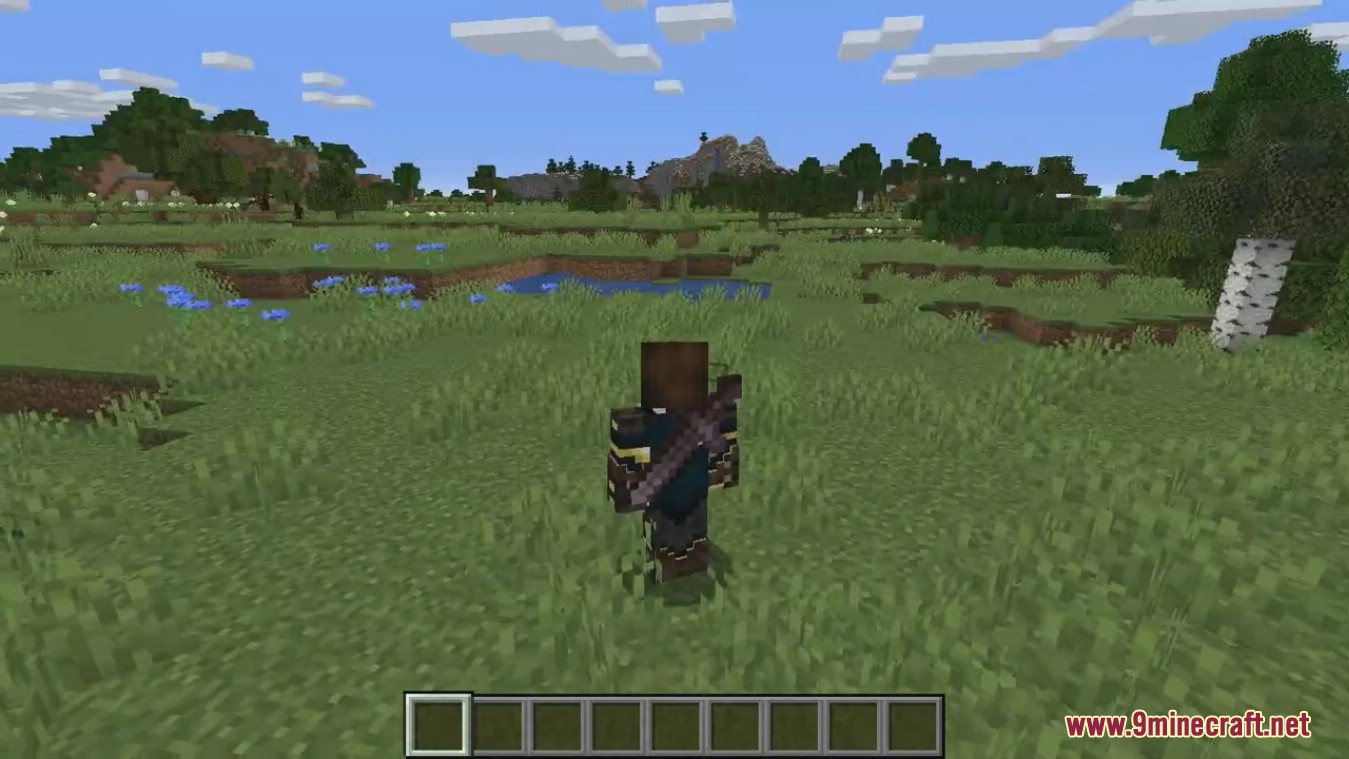
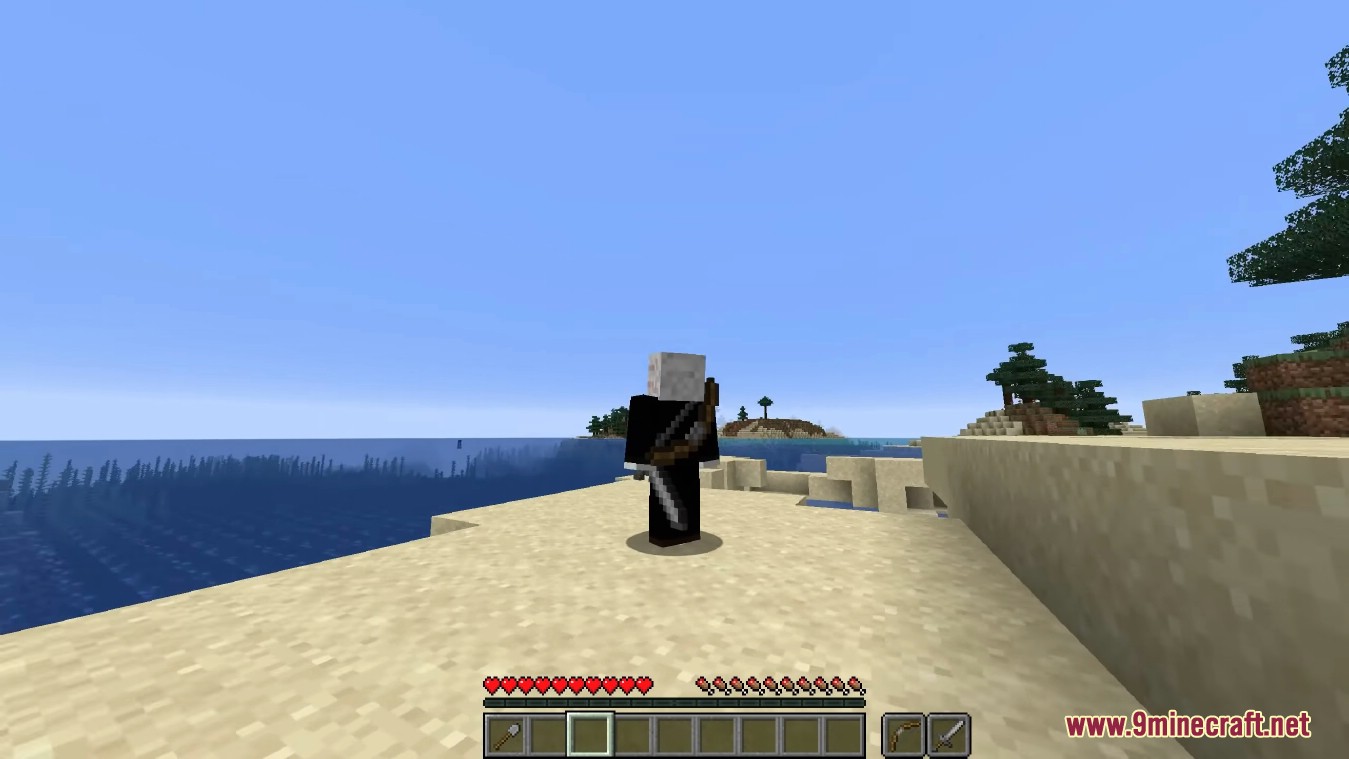
Unlike standard inventory slots, items placed in these positions are rendered directly on the player's character model. This allows for a 'heroic' look where weapons like swords, tridents, and bows are visible even when not actively held in the hand. The mod is purely focused on utility and rendering; it does not introduce new blocks, entities, or items to the game world, ensuring high compatibility with vanilla-plus and overhaul modpacks.
In-game Screenshots
Guides
Step-by-step, in-game.
Frequently asked questions
How do I put items in my back and belt slots?
What items can go in the back slot?
What items can go in the belt slot?
Can I equip items from back and belt slots without opening my inventory?
See all 20 Backslot questions ›
Gallery
7 images from the Backslot Mod page.
You May Also Like
Wikis that share the most with this one
Wikis on the same theme: tool
More mod wikis on the site
The most downloaded mods that have a wiki here
A few wikis from each of the other kinds