

 DownloadWorld Pre Generator Mod
Get the files on 9Minecraft
Overview
World Pre Generator is a server-side utility mod (which can also be used in single-player) that allows administrators to pre-generate chunks in any dimension. By generating terrain, structures, and lighting in advance, the mod eliminates the heavy CPU load typically caused when players explore new areas. This results in a much smoother gameplay experience, especially on servers with high player counts or heavy modpacks.
Key Features
- Multi-Dimension Support: Pre-generate the Overworld, Nether, The End, or any modded dimension.
- Flexible Radius: Define generation areas using either block-based or chunk-based coordinates.
- Persistence: Generation tasks are saved and will automatically resume after a server restart.
- Performance Modes: Choose between Serial (one by one) or Semi-Parallel generation to balance speed and stability.
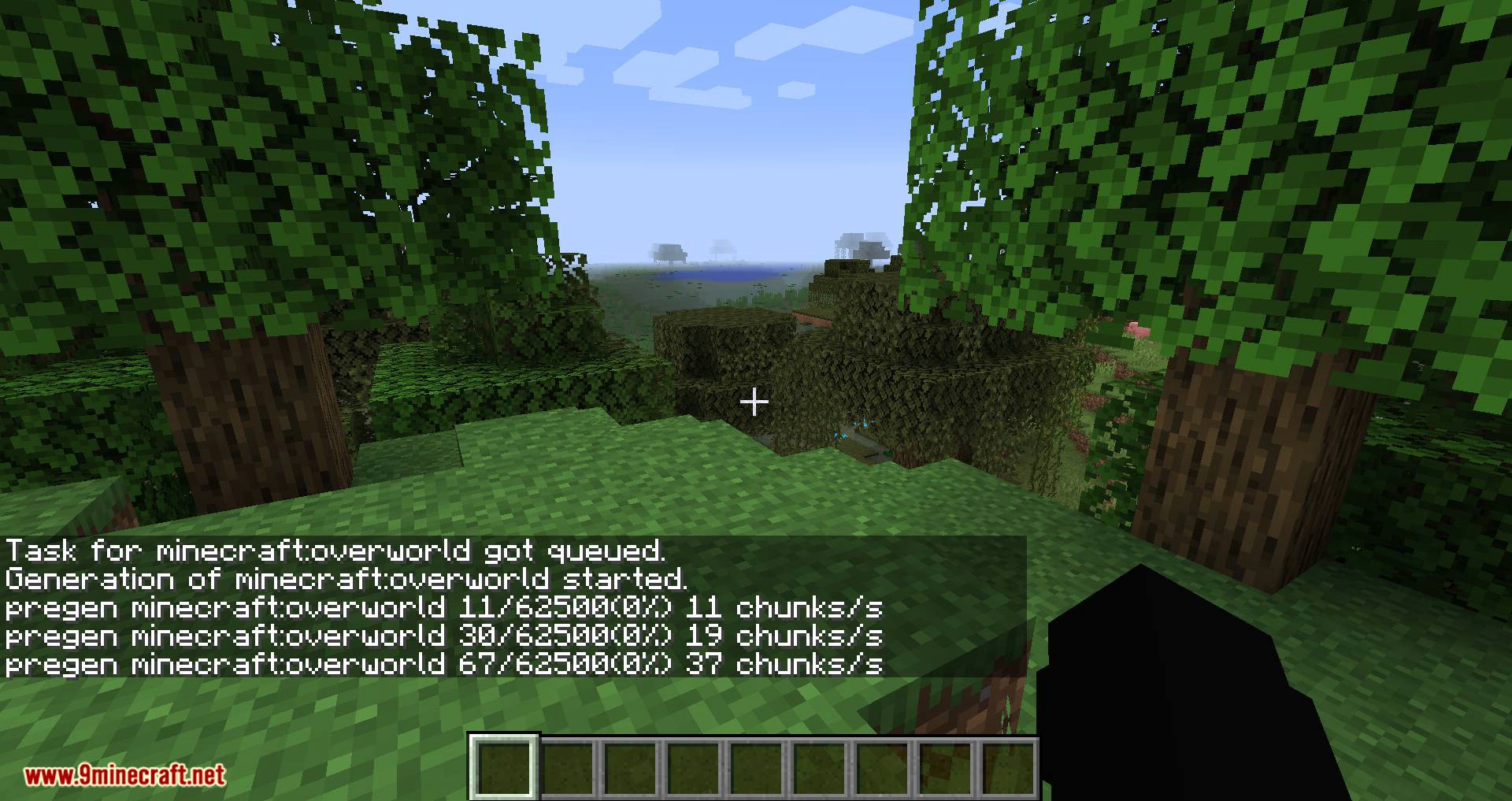
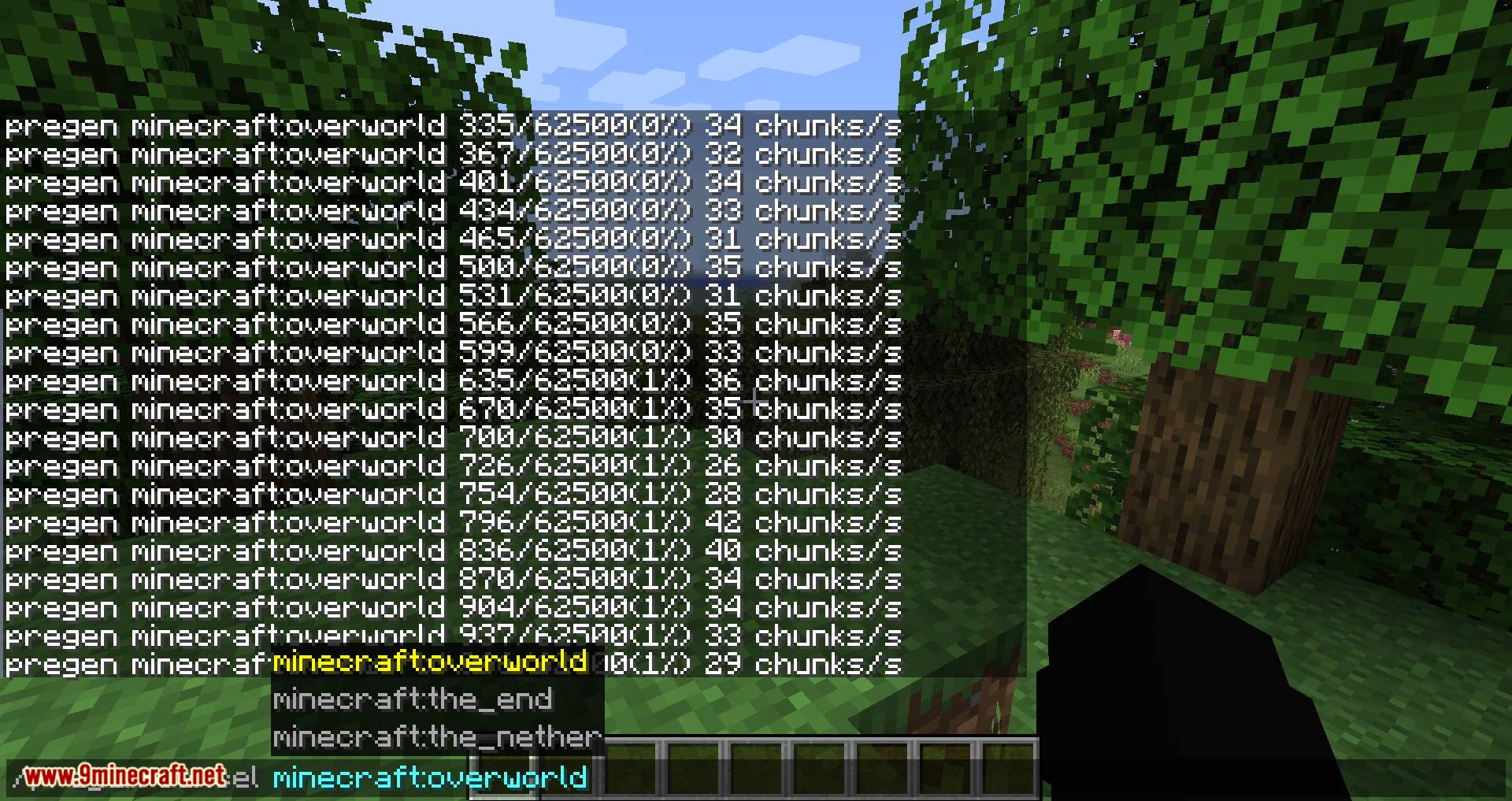
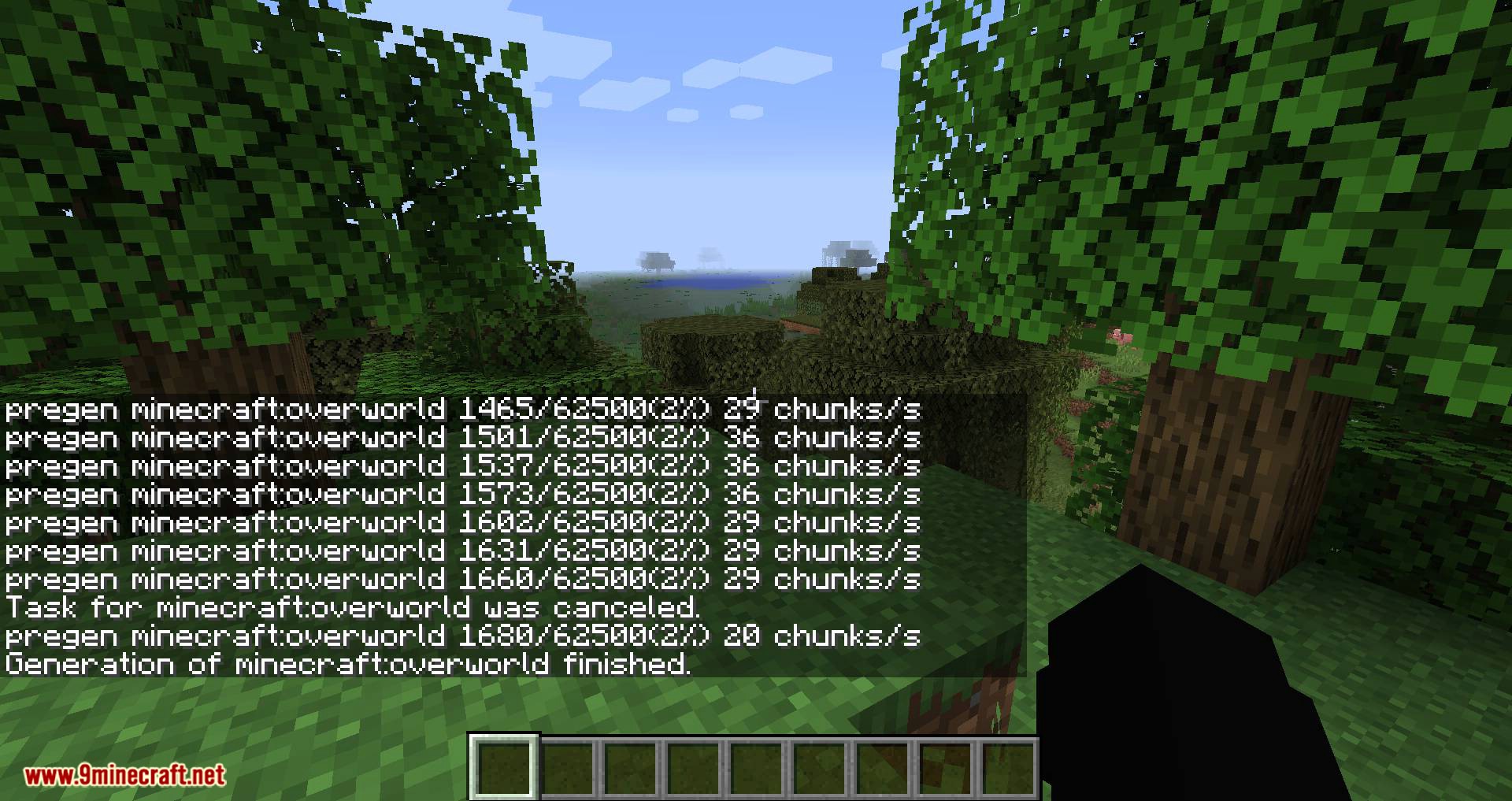
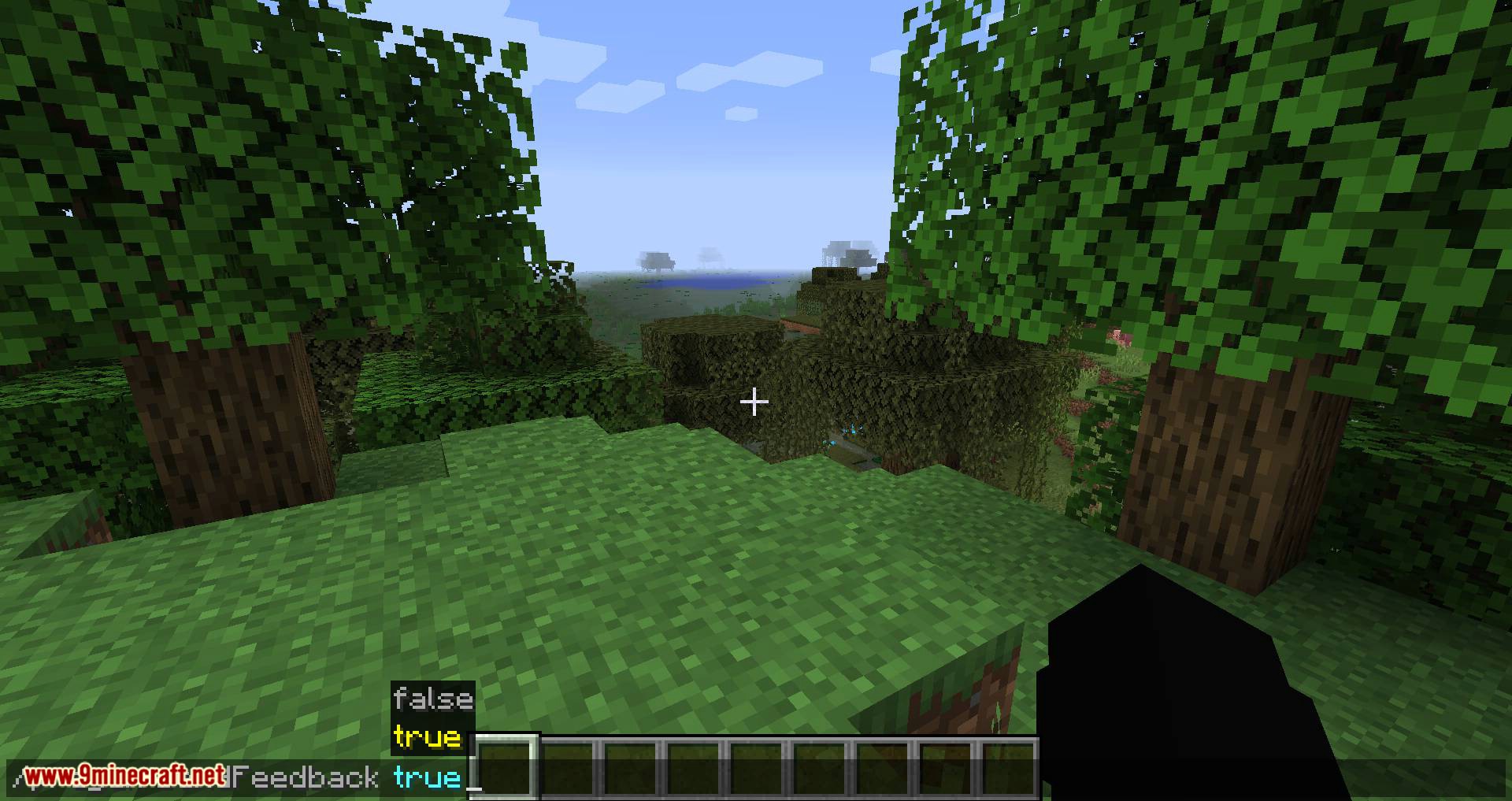
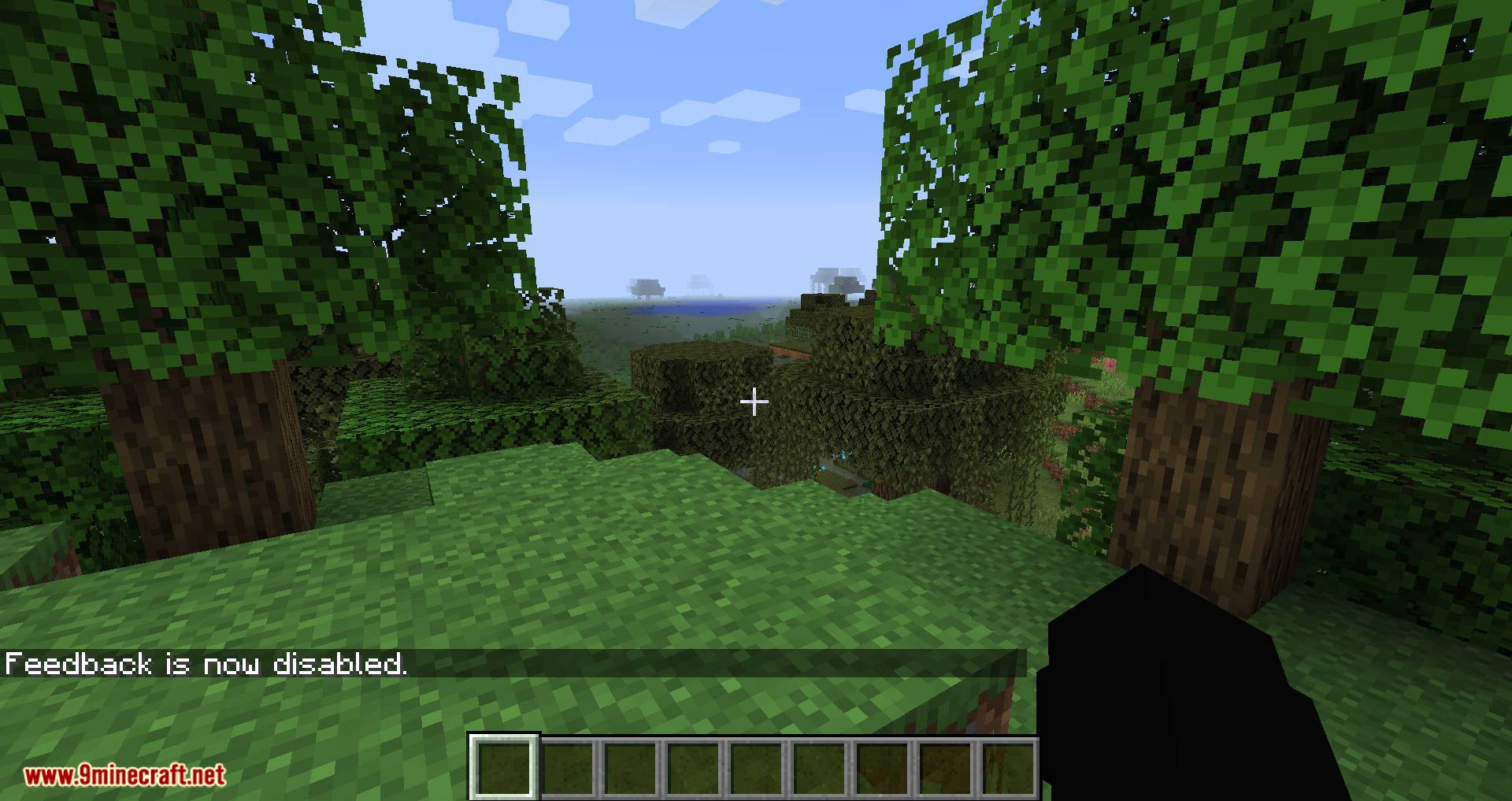
- Feedback System: Real-time progress updates sent to the console or online players.
Guides
Step-by-step, in-game.
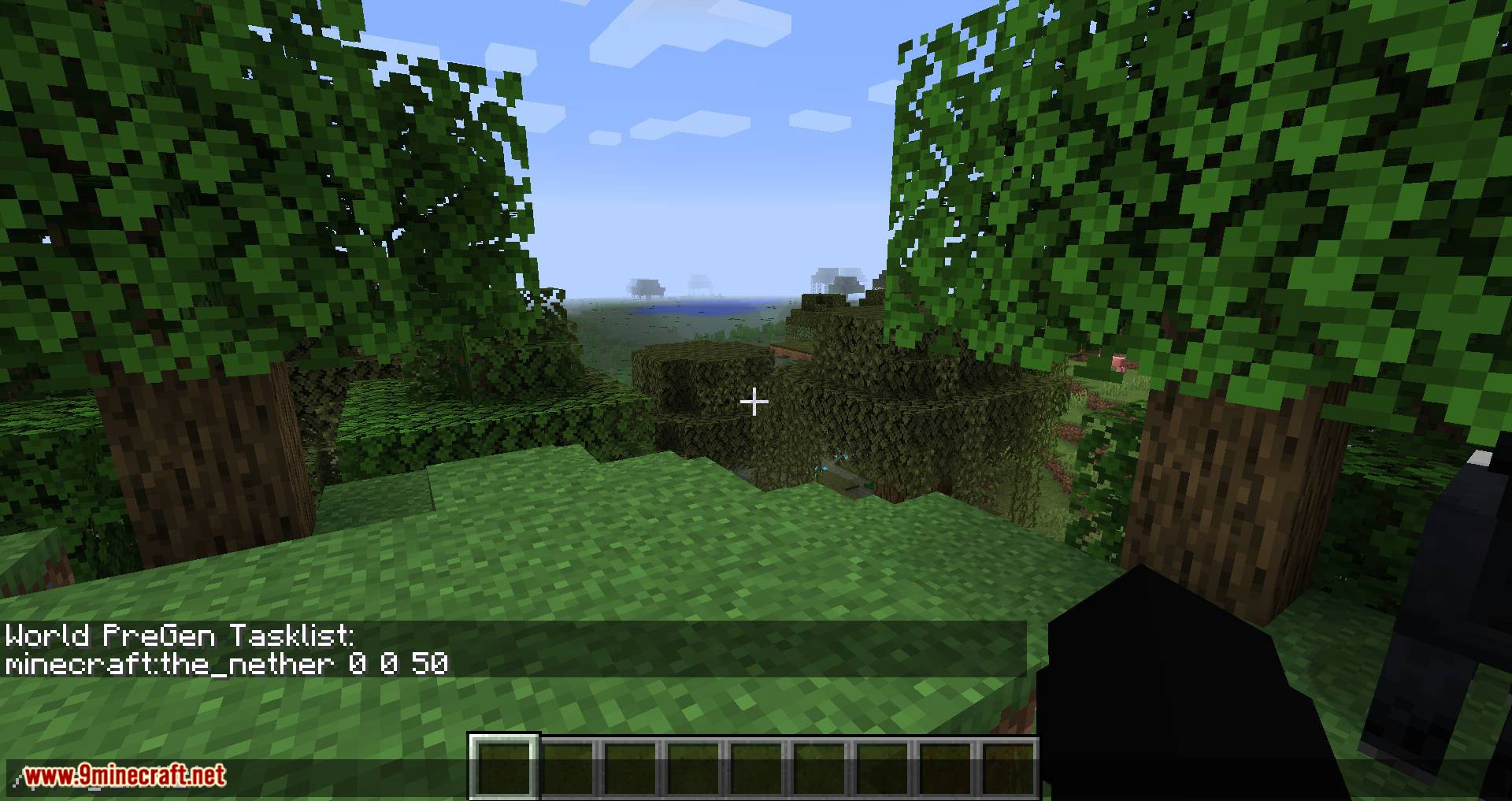
Checking Progress and Verifying Pre-Generated ChunksWatching the Run The mod shows progress while it works — typically a count of chunks completed against the total, and…Choosing the Right Area and Radius to Pre-GenerateThink About Where You Actually Travel Pre-generating the entire world is rarely worth it. Instead, pick the region…How to Pre-Generate Chunks for Your Existing WorldBefore You Start Pre-generation writes a lot of data to disk, so make a backup of your world folder first. Running…Reducing Lag While Pre-GeneratingWhy Pre-Generation Is Heavy Generating chunks is CPU-intensive and writes many region files to disk. Running it on a…
Frequently asked questions
How do I start pre-generating chunks?
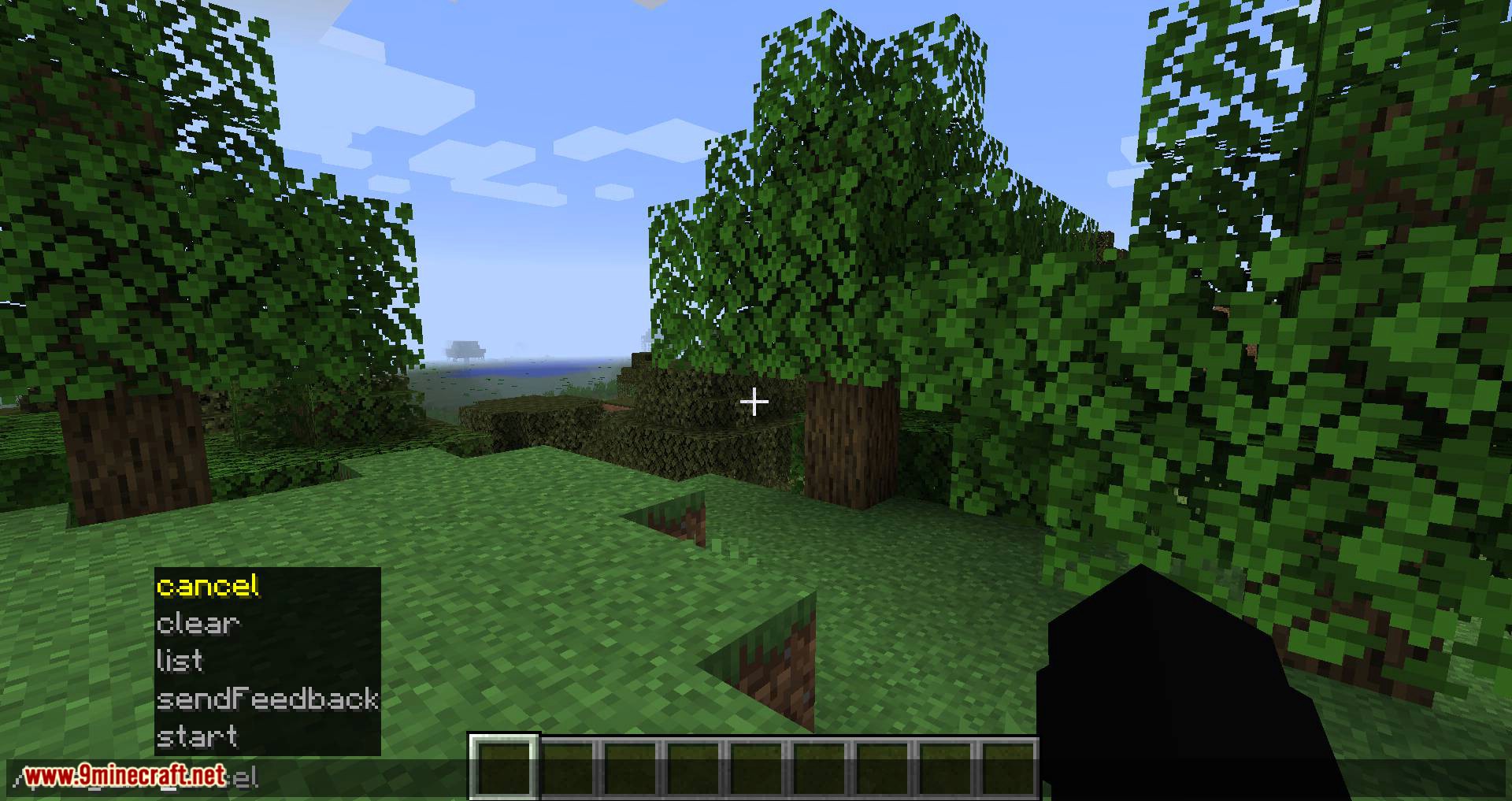
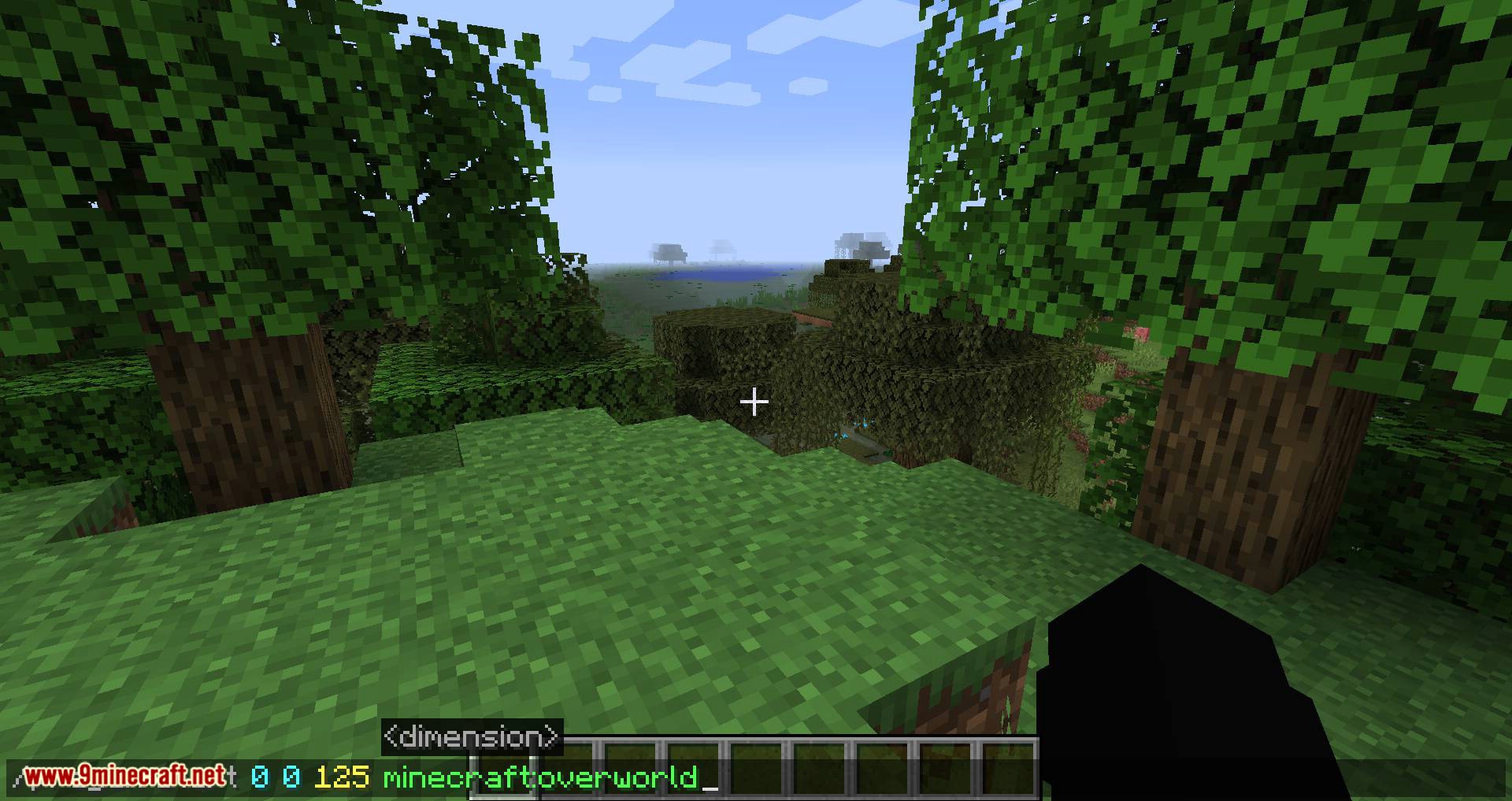
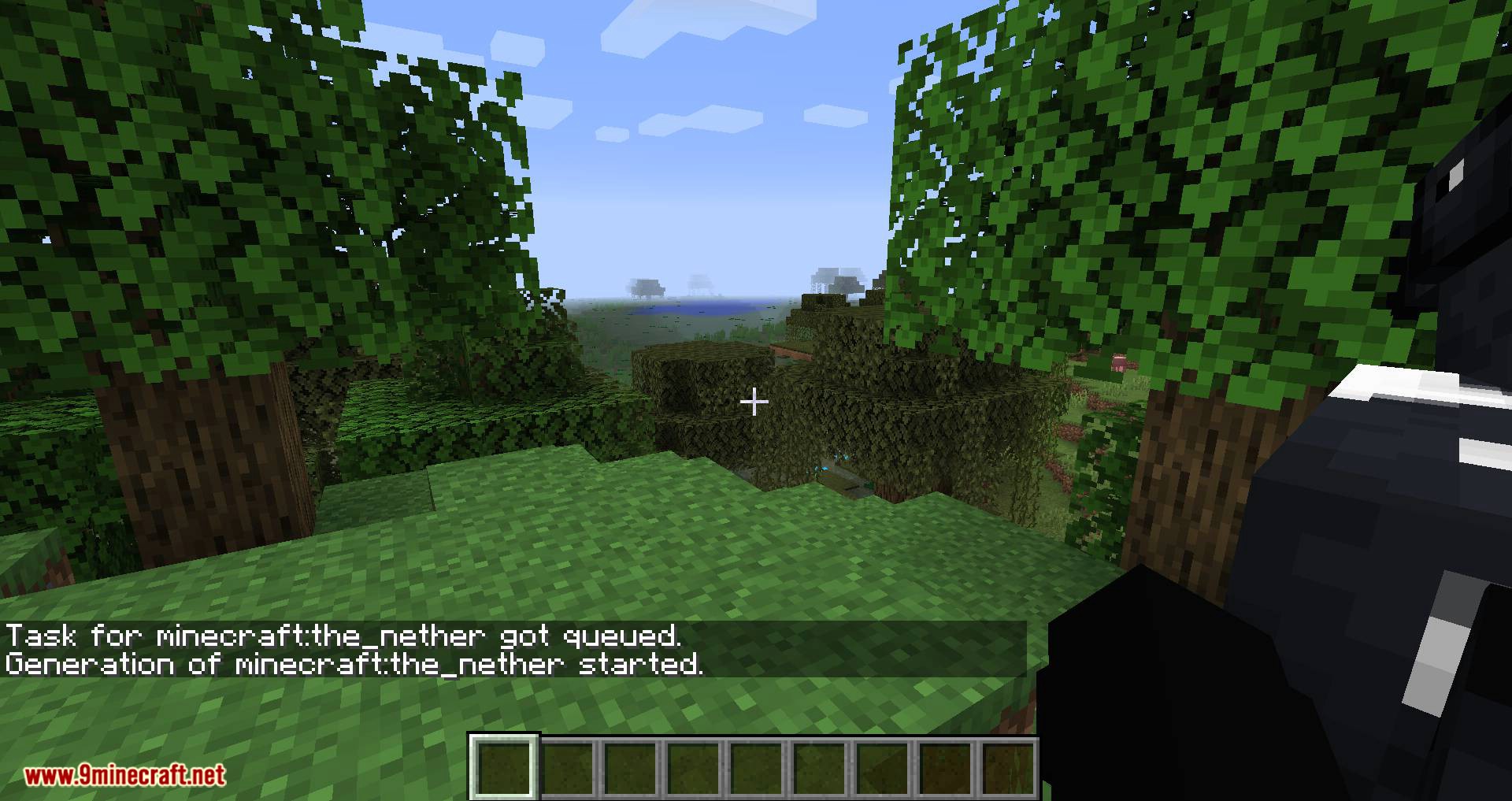
Run the mod's pre-generation command from chat or the server console, specifying the center point and radius you want covered. The mod then generates chunks in the background while you keep playing, so you don't need to stand around waiting.
Does pre-generating work on my existing world?
Yes, you can pre-generate chunks for a world you've already been playing in. The mod only generates chunks that don't exist yet, so already-explored areas are left untouched.
How do I stop pre-generation once it's running?
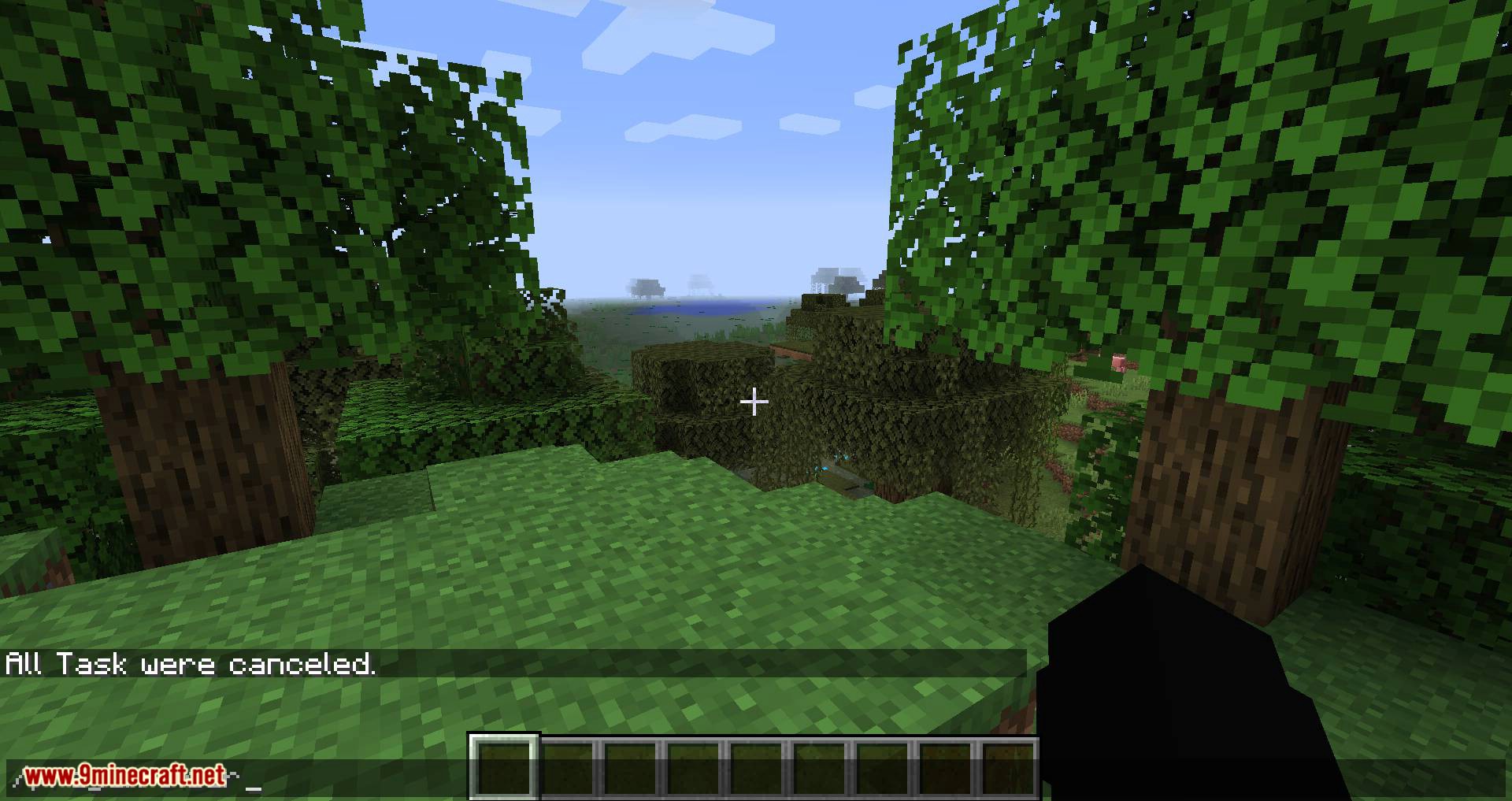
Use the mod's stop or cancel command to halt an in-progress pre-generation task. Progress made up to that point is kept, so you can resume later without starting over.
Can I keep playing while chunks generate?
Yes, pre-generation runs in the background and you can continue playing normally. Expect some extra lag or reduced tick rate while it works, especially on lower-end machines.
See all 19 World Pre Generator questions ›
Gallery
11 images from the World Pre Generator Mod page.
You May Also Like
Wikis that share the most with this one
Wikis on the same theme: world
More mod wikis on the site
The most downloaded mods that have a wiki here
A few wikis from each of the other kinds