Wiki 9Minecraft Litematica Wiki
Litematica Wiki

Litematica Wiki & Guide

wiki.9minecraft.net/litematica-mod/

The community wiki and guide for Litematica — recipes, items, tags and mechanics, kept current for every Minecraft version the mod supports.

0recipes · MC 1.21.1
0recipes · MC 1.20.1
0wiki pages
2MC versions
Updated 2 days ago24.2M downloads8.2K followersLicense: GNU Lesser General Public License v3.0 only

About this mod

Description

Litematica is a modern schematic mod primarily targeting light mod loaders like LiteLoader on MC 1.12.x, Rift on MC 1.13.x and Fabric on MC 1.14+.

There is also a Forge version, but currently only for MC 1.12.2. For later MC versions there are currently only third party ports such as Forgematica.

Litematica has all the main features (plus a bunch more) of the old Schematica mod, except for the printer, which is not planned for Litematica itself, but instead is left to extension mods (see: aria1th printer or the other printer).

Compatibility with shaders

Litematica's rendering doesn't currently work properly with shaders (even with Iris) in 1.21.3+. So when you need to use Litematica (schematic rendering), disable shaders.

In older MC versions the rendering works better with shaders, at least with Iris, but also depending on the shader pack. Some shader packs break the rendering pretty badly, but some used to work pretty nicely. Optifine in general is/was a lot more problematic, pretty much you can't use shaders at all with Optifine if you use Litematica. The general recommendation is to use Sodium (and Iris) instead of Optifine.

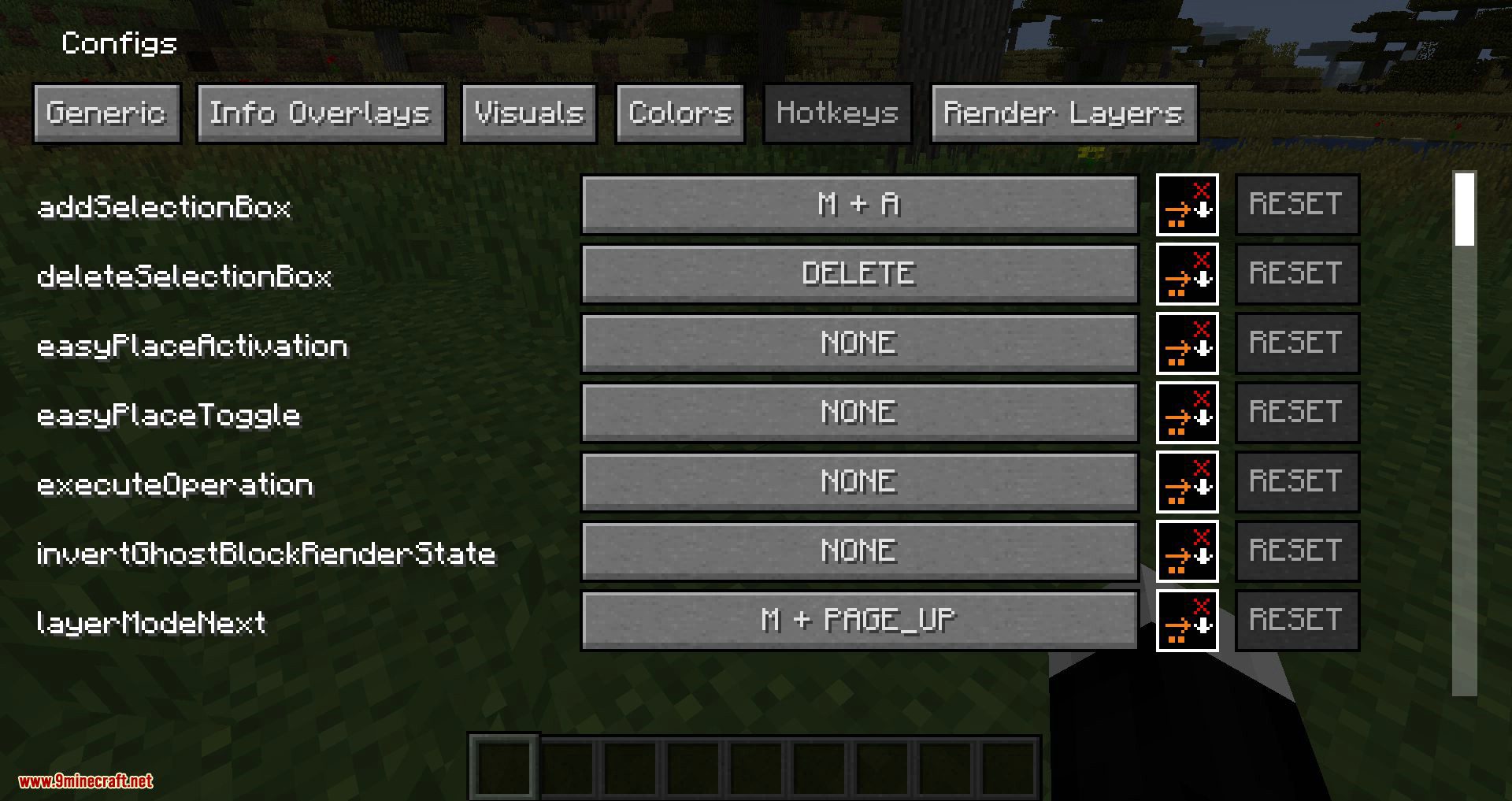
Hotkeys

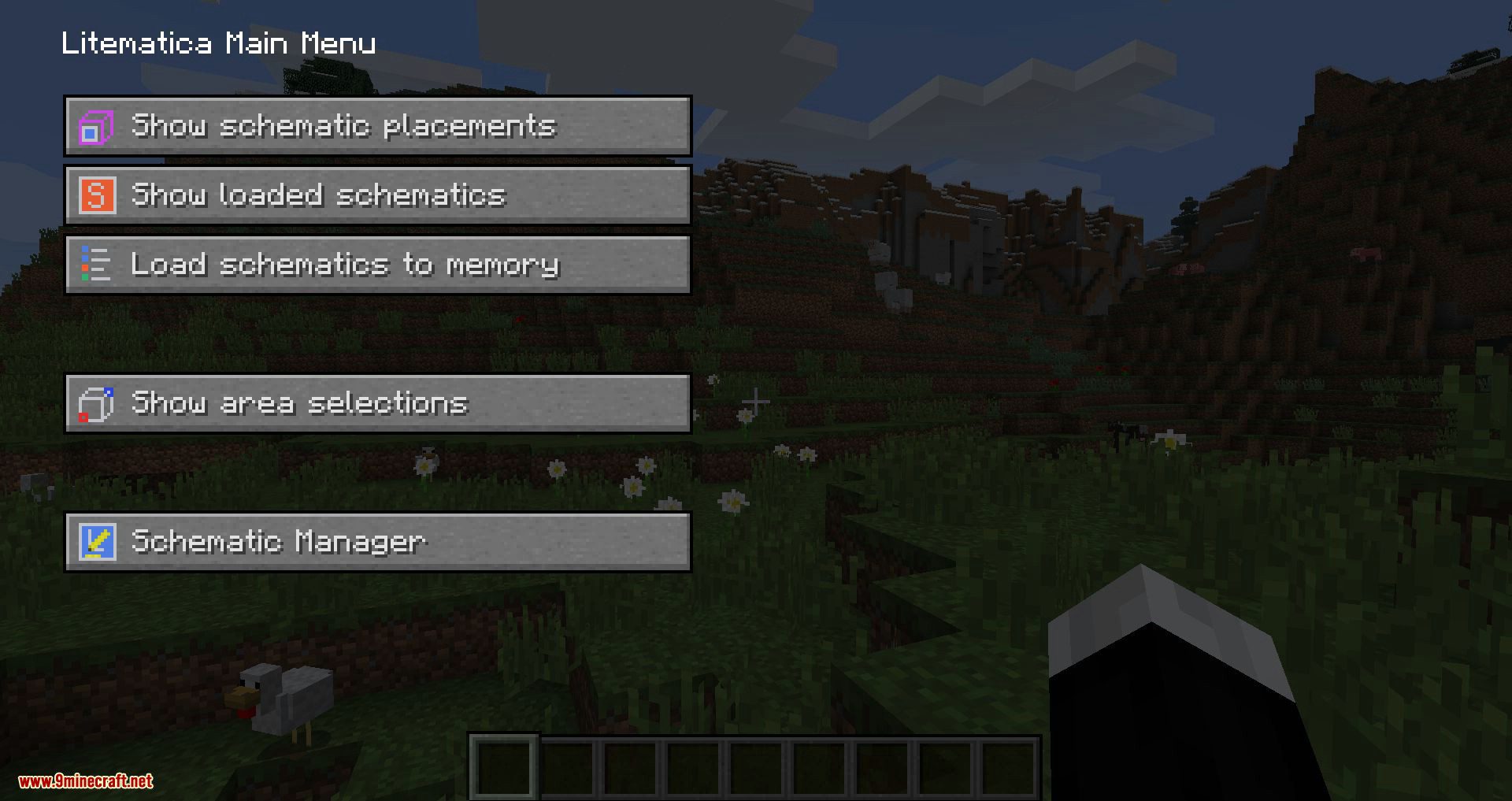
The default hotkey to open the Litematica main menu is M.

Note: If you use a non-QWERTY keyboard layout, then the keys may be different, such as M becoming , on AZERTY.

Other common default hotkeys:
  • M + C - The direct hotkey to open the config menu
  • M + R - Toggle ON/OFF ALL rendering from Litematica
  • M + G - Toggle ON/OFF just schematic rendering ("ghost blocks" - all HUDs for example will still render)
  • M + T - Toggle ON/OFF the "tool item" (which is by default a stick) functionality
  • M + P - Directly open the Schematic Placements menu/list
  • M + V - Open the Schematic Verifier menu
  • Numpad minus - Open the placement configuration menu for the currently selected placement
  • Numpad multiply - Open the Area Editor menu
  • Page Up/Down - Change the selected layer in the render layers settings
  • M + Page Up/Down - Change the render layers mode
  • Ctrl + scroll (holding the tool) - Cycle the "tool mode" (there is also a button for this in the lower left corner of the main menu)
  • Alt + scroll (holding the tool) - Nudge/move the selected placement or area selection box or corner (depending on the tool mode) in the direction the player is looking at
  • Ctrl + M - Toggle or cycle the "sub-mode" or main setting of some of the "tool modes", such as pasteReplaceBehavior in Paste mode, the Corners vs. Expand behavior in Area Selection mode, or the Area vs. Placement behavior of the Delete mode

Warning for multiplayer

The Easy Place mode feature may get you banned on some servers!

The Easy Place feature will always be clicking on the target position's air block, and this can easily be detected by anti-cheat systems. So this can result in at least two things: The block placement will just be rejected and you just get client-side ghost blocks, or some anti-cheat system flags that as cheating and auto-bans you from the server. So before using Easy Place, find out of it's allowed on the server!

If you have Optifine...

In general I don't recommend using Optifine (with Litematica, or otherwise) due to the various rendering issues it causes. Instead I would recommend using Sodium and/or Iris if you want shaders.

If you have Optifine installed, then there are some options that you most likely will need to disable in Optifine, or otherwise it will break the schematic rendering:

  • If you get glitchy weird triangles, then in 1.16+ first try updating to the latest Litematica version. If that doesn't work, then set shaders to OFF (not Internal) and restart the game.
  • Render Regions probably needs to be disabled to prevent weird rendering issues (the schematic partially rendering in weird places)
  • Fast Render might also need to be disabled if there are still some weird HUD/GUI rendering issues

Documentation

There is a wiki. The wiki is still being worked on, and it will probably have a new address at some point (or rather there will be a new wiki in a new location with a lot more coverage).

Other/older documentation and explanations, some FAQ answers

Here is a Reddit post that explains the very basics of the mod:

  • https://old.reddit.com/r/Minecraft/comments/cqdmkk/anyone_can_help_me_how_do_i_make_schematics_with/exeug78/

Litematica - Easy Place support on servers

  • https://old.reddit.com/r/litematica/comments/1c7j79l/easy_place_on_server/l0hzmkt/
Misc explanations on Reddit or my Discord server

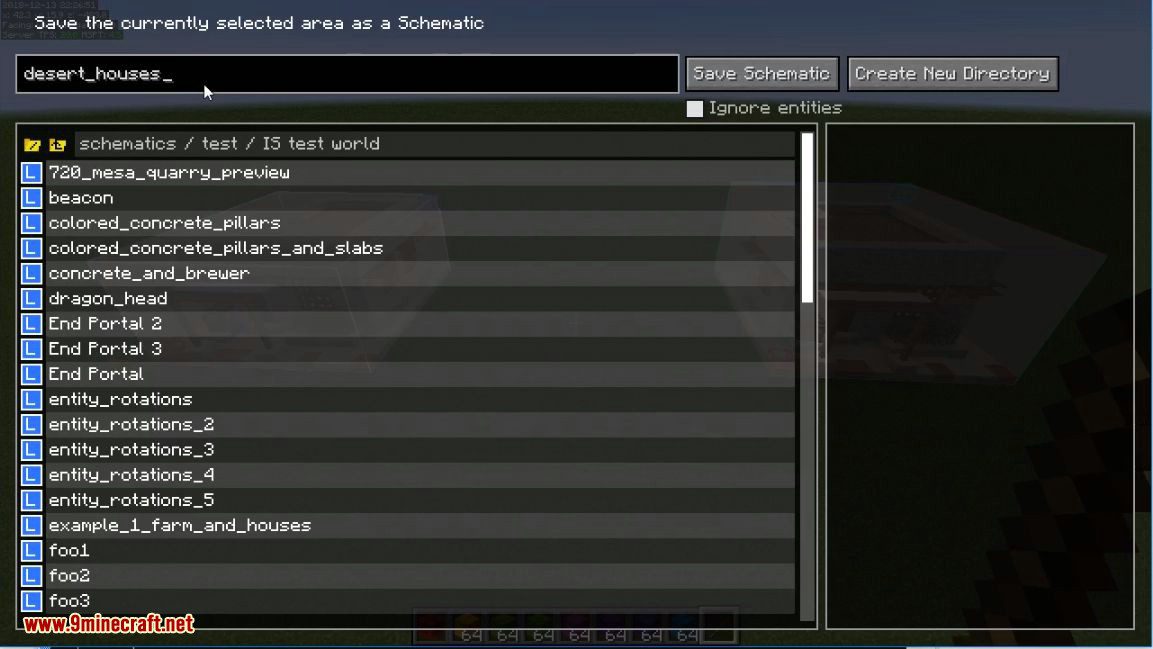
Schematic format conversions:

  • https://old.reddit.com/r/Minecraft/comments/oabwea/schem_files_work_in_litematica_but_schematic/h3ju3sy/

Litematica Normal selection mode with sub-regions:

  • https://old.reddit.com/r/feedthebeast/comments/r9n9mi/litematicas_addselectionbox_keybind_wont_work/
  • https://old.reddit.com/r/feedthebeast/comments/r9n9mi/litematicas_addselectionbox_keybind_wont_work/hnpe9yg/

Litematica - hiding an area selection:

  • https://github.com/maruohon/litematica/discussions/755#discussioncomment-6772682
  • https://old.reddit.com/r/fabricmc/comments/yw9r5y/litematica_1192_issues/ixr7l5h/

Litematica - can't create new selection sub-regions (in Simple mode):

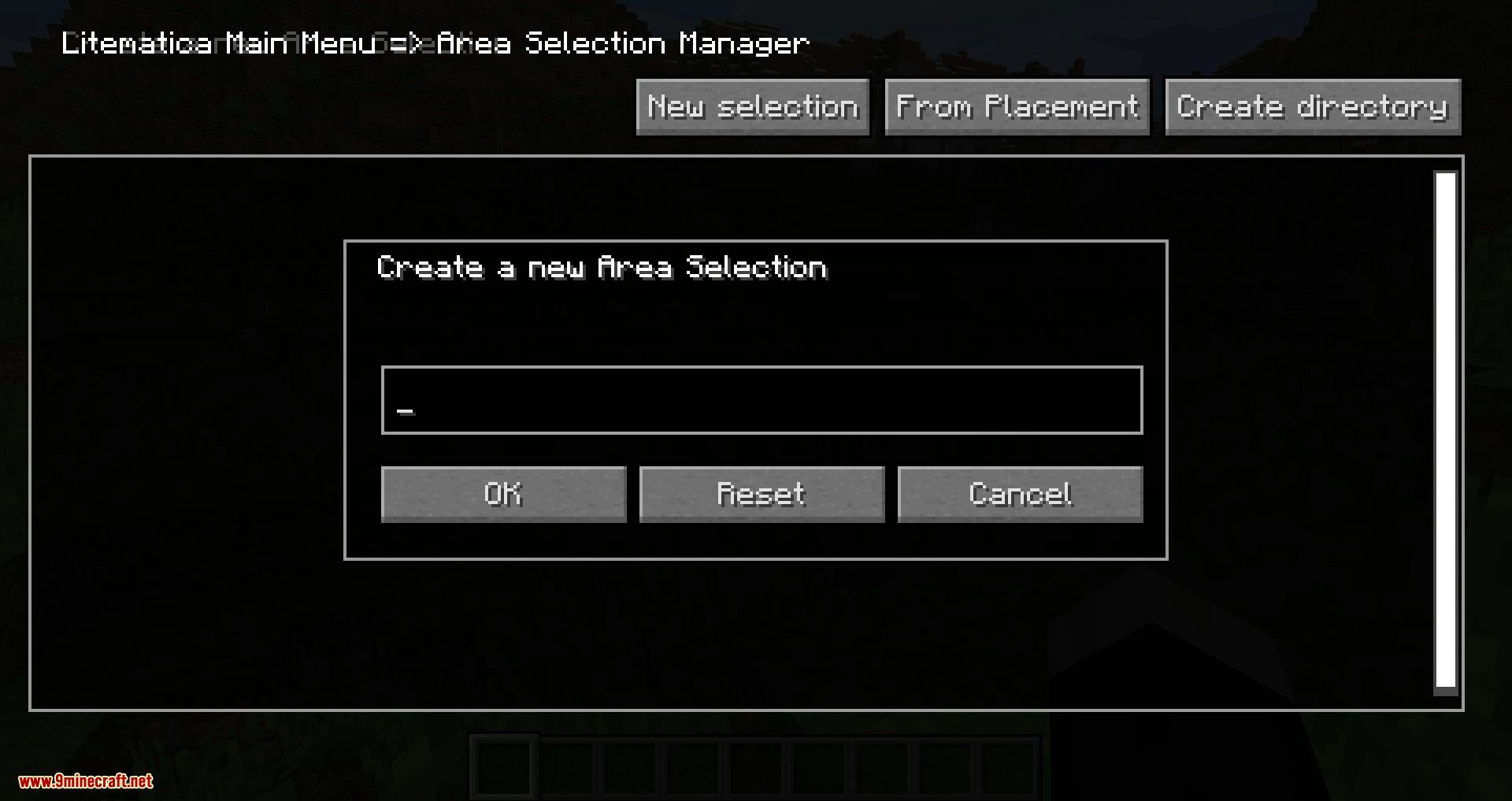
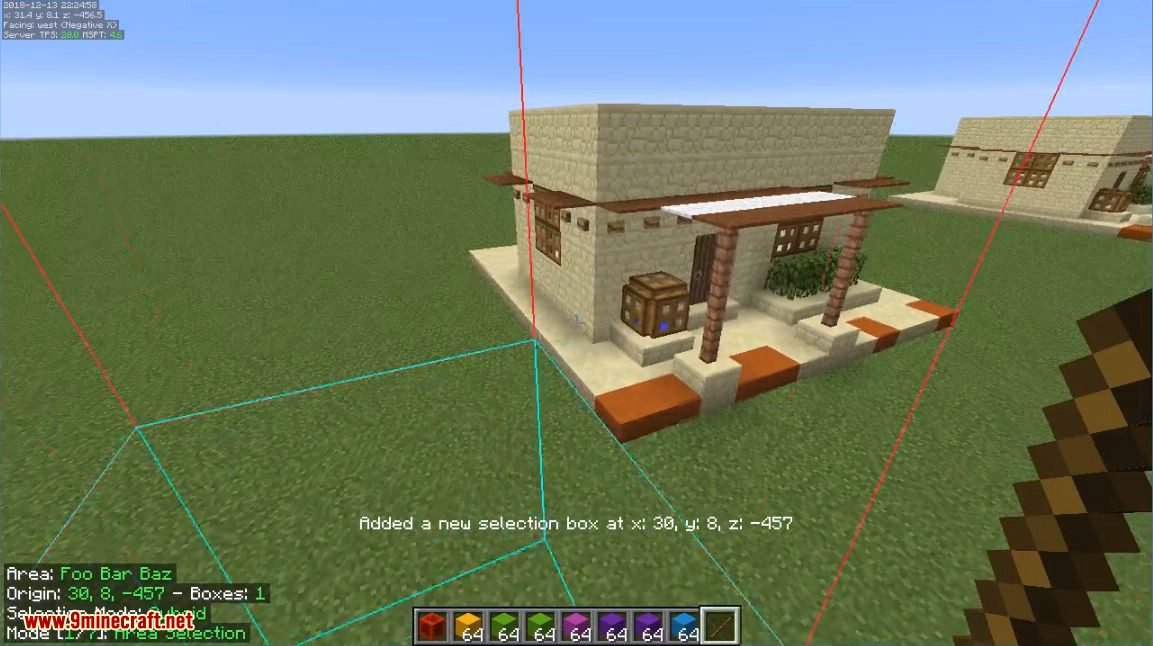
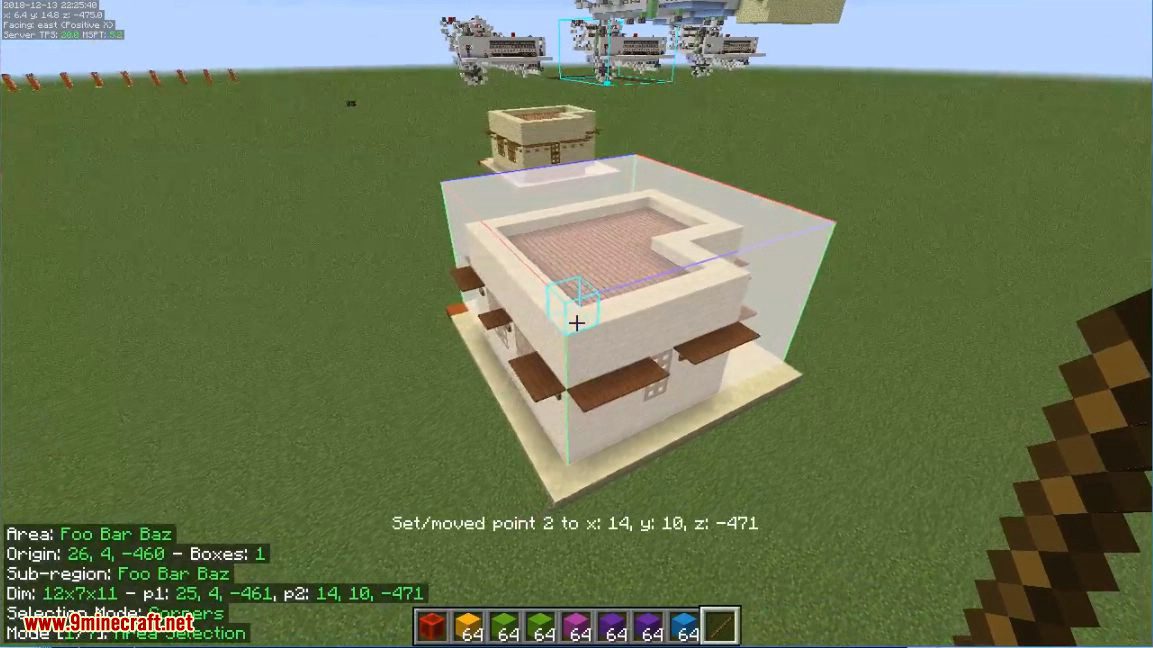
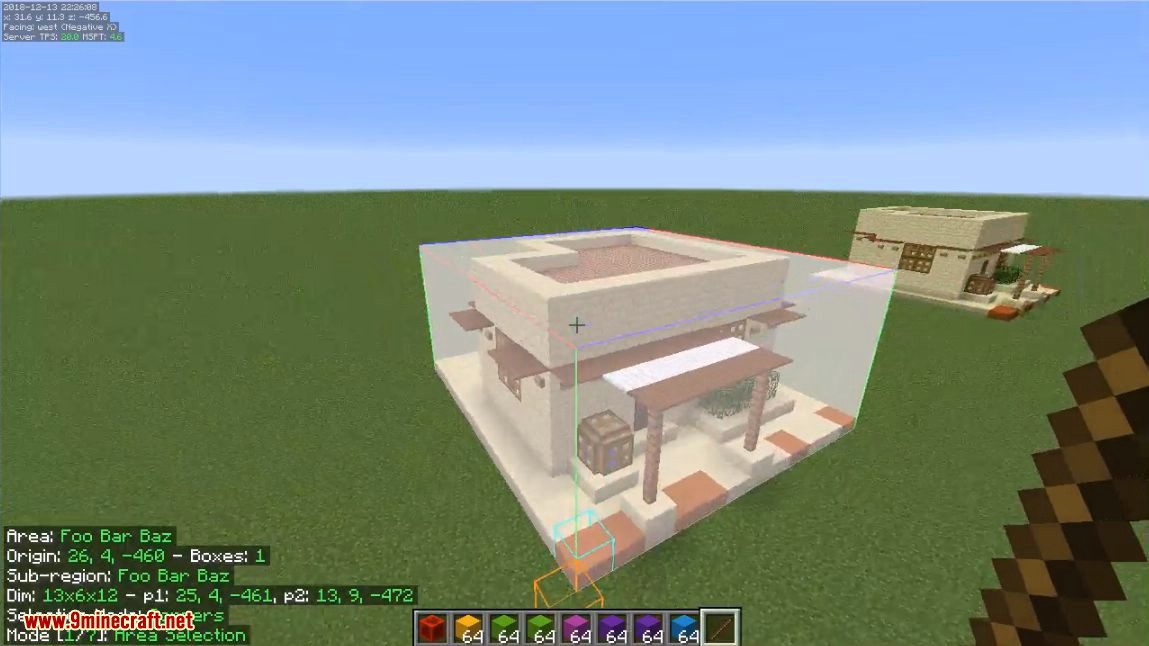
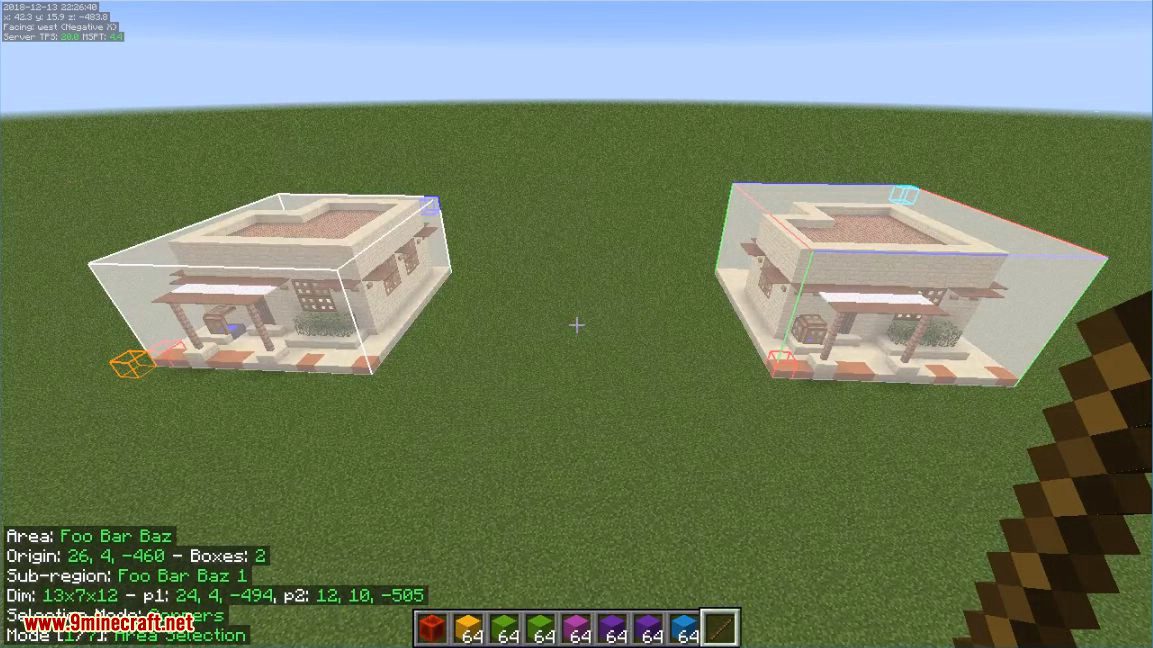
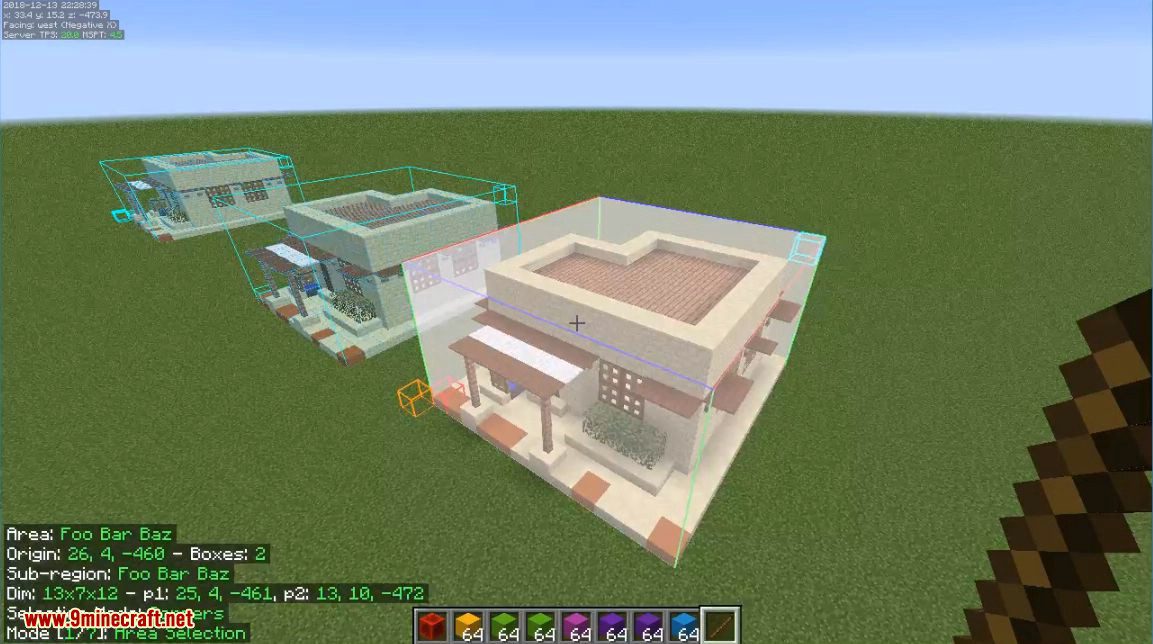
Litematica - Normal/Multi-Region area selection tutorial:

  • https://github.com/maruohon/litematica/issues/716#issuecomment-1596121219

(Description truncated.)

Compatibility

Which Minecraft versions and mod loaders the mod supports.

LoaderMC 26.2MC 26.1.2MC 26.1.1MC 26.1MC 1.21.11MC 1.21.10MC 1.21.9MC 1.21.8MC 1.21.7MC 1.21.6MC 1.21.5MC 1.21.4
Fabric
Forge
Liteloader
Ornithe
Rift

Dependencies

Other mods required (or optional) to run this mod.

MaLiLib (required)

Recent updates

Latest releases with the author's changelog notes.

0.28.7 2026-09-04 · fabric · MC 26.2
  • disable: 'materialListContainerScan' from "Stormatica"
  • fix: Material List GUI by combining the "Export" buttons into a Cycle List for the ability to add multiple Export types in the same Button Width.
  • fix: 'missingOnly' raw materials export
  • fix: Bottom of "File Save" Browser Height to it looks a bit less clunky.
  • fix: BlockAttached, Leashed (To Fence), and Home_pos tags from saving / load

...

0.27.13 2026-09-04 · fabric · MC 26.1, 26.1.1, 26.1.2
  • disable: 'materialListContainerScan' from "Stormatica"
  • fix: Material List GUI by combining the "Export" buttons into a Cycle List for the ability to add multiple Export types in the same Button Width.
  • fix: 'missingOnly' raw materials export
  • fix: Bottom of "File Save" Browser Height to it looks a bit less clunky.
  • fix: BlockAttached, Leashed (To Fence), and Home_pos tags from saving / load

...

0.26.15 2026-09-04 · fabric · MC 1.21.11
  • disable: 'materialListContainerScan' from "Stormatica"
  • fix: Material List GUI by combining the "Export" buttons into a Cycle List for the ability to add multiple Export types in the same Button Width.
  • fix: 'missingOnly' raw materials export
  • fix: Bottom of "File Save" Browser Height to it looks a bit less clunky.
  • fix: BlockAttached, Leashed (To Fence), and Home_pos tags from saving / load

...

0.28.6 2026-08-29 · fabric · MC 26.2
  • add: materialListCountEnderCache by using Chest Tracker / Ender Cache
  • add: ignoreCropAge ( #383 )
  • fix: Verifier rendering sub regions
  • fix: disable entity hitbox rendering while Schematic Rendering / Schematic Entity rendering is disabled
  • fix: Put All Tab under Render Layers Edit Screen
0.27.12 2026-08-29 · fabric · MC 26.1, 26.1.1, 26.1.2
  • add: materialListCountEnderCache by using Chest Tracker / Ender Cache
  • add: ignoreCropAge ( #383 )
  • fix: Verifier rendering sub regions
  • fix: disable entity hitbox rendering while Schematic Rendering / Schematic Entity rendering is disabled
  • fix: Put All Tab under Render Layers Edit Screen
Material List Screen
Material List HUD
Material List HUD
Schematic Verifier Screen
Schematic Verifier Highlights

Mods in the same category as this one.

FerriteCoreMod MenuYetAnotherConfigLib (YACL)Xaero's Minimap[ETF] Entity Texture FeaturesXaero's World Map

Developer resources

Source codeReport an issue

Version history

Litematica 0.15.4 (MC 1.20.1) → 0.19.61 (MC 1.21.1): 0 recipes added · 0 recipes removed · 0 recipes updated.