

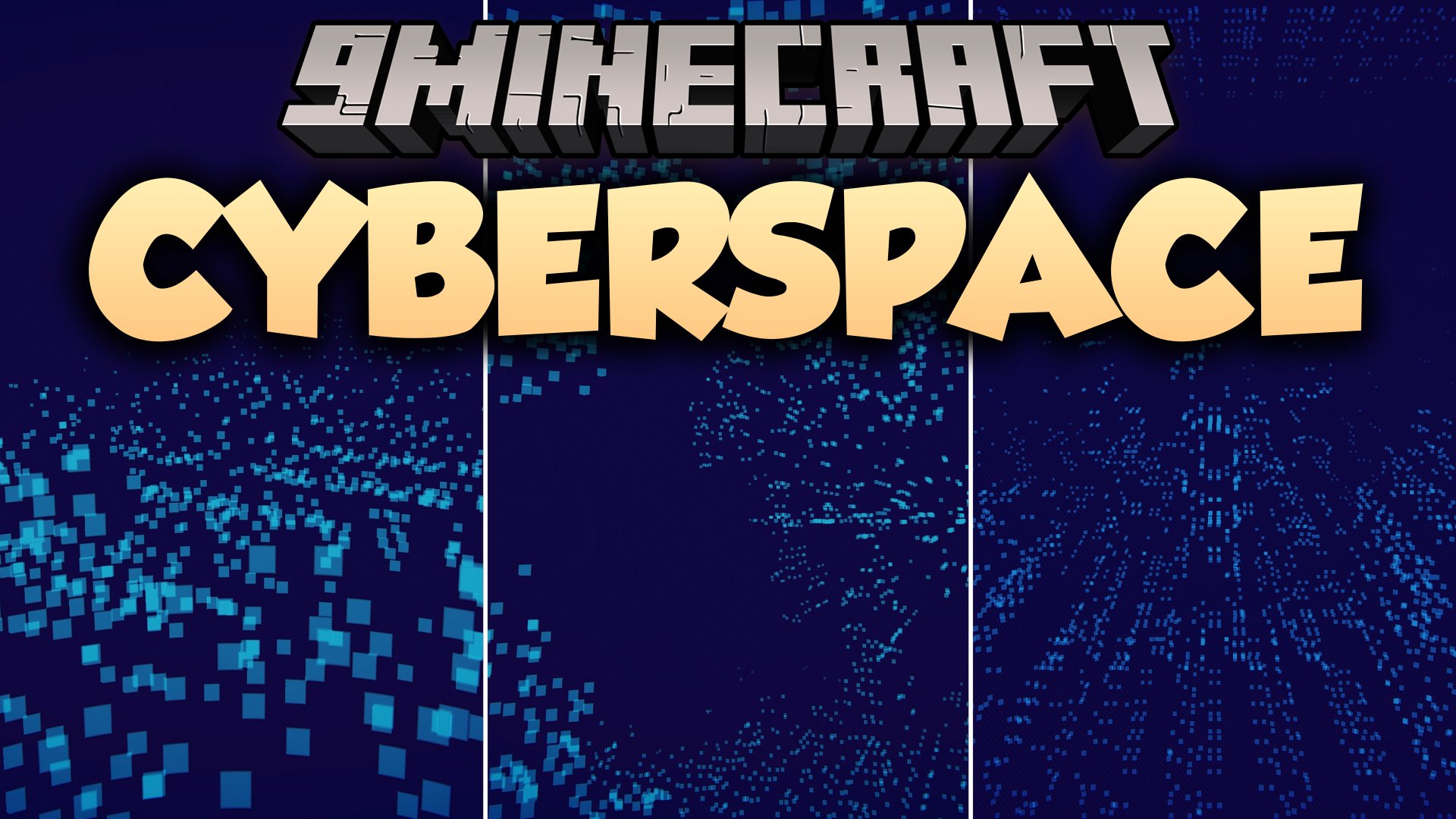
 DownloadCyberspace Shaders
Get the files on 9Minecraft
Guides
Step-by-step, in-game.
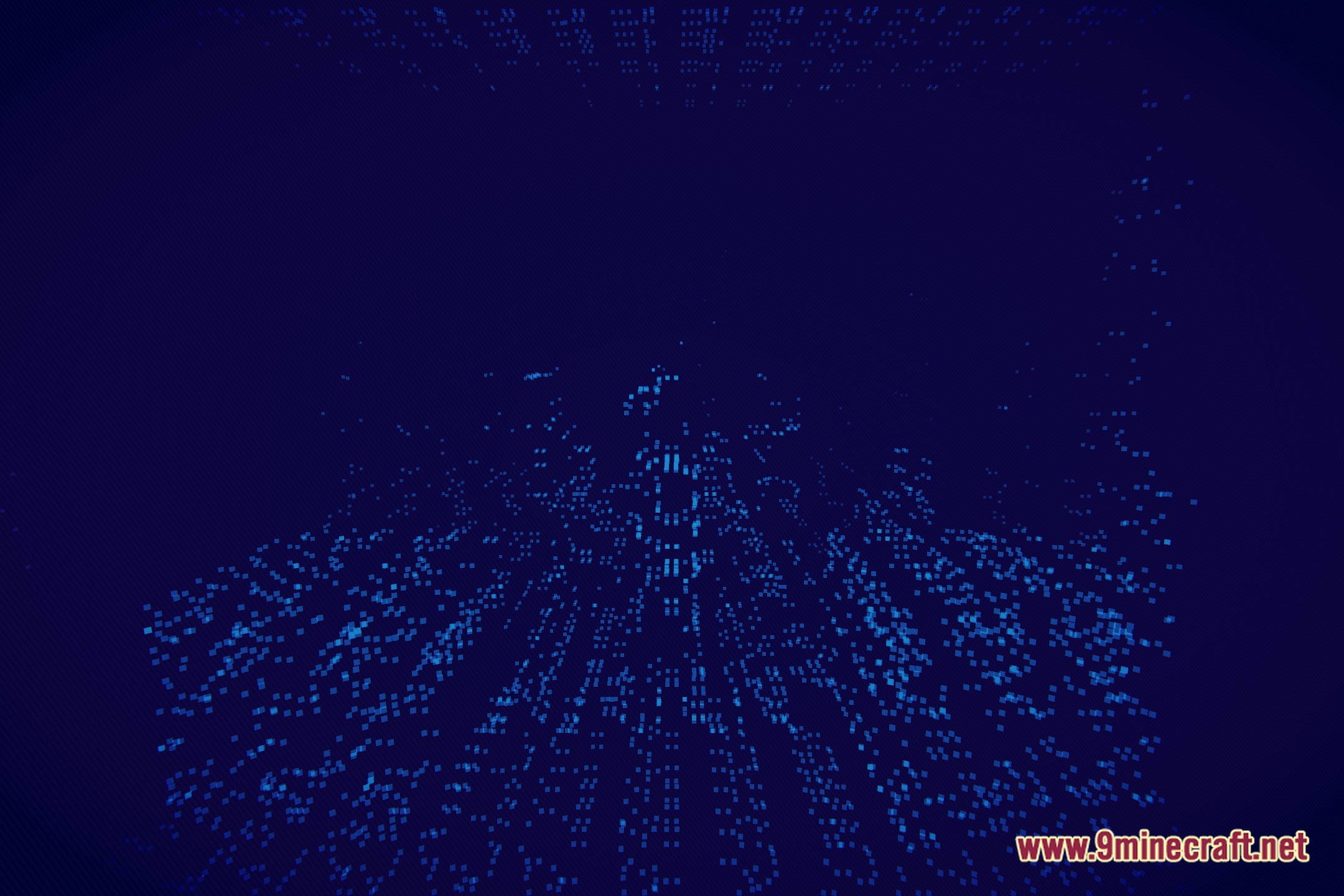
Adjust Shader Intensity and Glow SettingsAccess Shader Options Open your shader settings menu while in-game. Most shader packs integrate with your graphics…Create Striking Screenshots and Builds with the LiDAR AestheticUnderstand What Photographs Well The LiDAR look emphasizes geometric shapes and contrast . Blocky, angular structures…Improve Visibility in Dark Areas and CavesUnderstand the Shader's Lighting Model Cyberspace Shaders replaces traditional lighting with a point-cloud grid…Optimize Performance on Low-End ComputersVerify Shader Settings Are Minimal Cyberspace Shaders is already optimized for low-end hardware, but check your…
Frequently asked questions
How do I turn on Cyberspace Shaders after installing it?
Open your Video Settings, go to Shaders, and select Cyberspace Shaders from the list. The effect applies immediately to your world.
Why is my world too dark and I can't see anything?
Use the shader's intensity or brightness slider in the shader options menu to increase visibility. You can also adjust glow settings to make neon points brighter without affecting the dark aesthetic.
Can I use Cyberspace Shaders with other mods?
Yes, it works with most mods since it only affects visuals. However, mods that heavily modify lighting or add custom blocks may look unusual with the LiDAR effect applied.
My FPS dropped when I enabled the shader. How do I fix it?
Lower your render distance and disable shadow quality in the shader settings. Cyberspace Shaders is optimized for low-end hardware, so reducing other graphics settings should restore smooth performance.
See all 10 Cyberspace Shaders questions ›
Gallery
8 images from the Cyberspace Shaders page.






You May Also Like
Wikis that share the most with this one
Wikis on the same theme: space
More shader wikis on the site
The most downloaded mods that have a wiki here