

 DownloadDappled Shaders
Get the files on 9Minecraft
Guides
Step-by-step, in-game.
Adjust Dappled Shaders' Color Warmth and SaturationAccess Shader Settings Open the shader options menu while in-game by pressing the key bound to shader settings…Enhance Night Vision and Low-Light VisibilityAdjust Night Lighting Open shader settings and find controls for night-time ambient light or moonlight intensity.…Optimize Dappled Shaders for Better PerformanceIdentify Performance Options Enter the shader settings menu and look for performance or quality presets. Dappled…Preserve Water Clarity While Using Dappled ShadersLocate Water Rendering Options Access the shader settings menu and find the water or liquid rendering section.…
Frequently asked questions
How do I enable Dappled Shaders after installing it?
Launch Minecraft, go to Options > Video Settings > Shaders, then locate and select Dappled Shaders from your shader pack folder. The shader will apply immediately to your world.
Why does my world look too dark or too bright with Dappled Shaders on?
Open the shader options menu (usually by pressing Right Shift while in-game) and adjust the Brightness or Exposure slider to match your preference. You can also tweak the Color Warmth setting to reduce intensity if the golden tones feel overwhelming.
Can I use Dappled Shaders with resource packs?
Yes, Dappled Shaders works with most resource packs, though some may conflict with the shader's custom lighting and colors. Test your favorite resource pack with the shader enabled—vanilla and fantasy-themed packs typically work best.
Does Dappled Shaders work in all biomes or just forests?
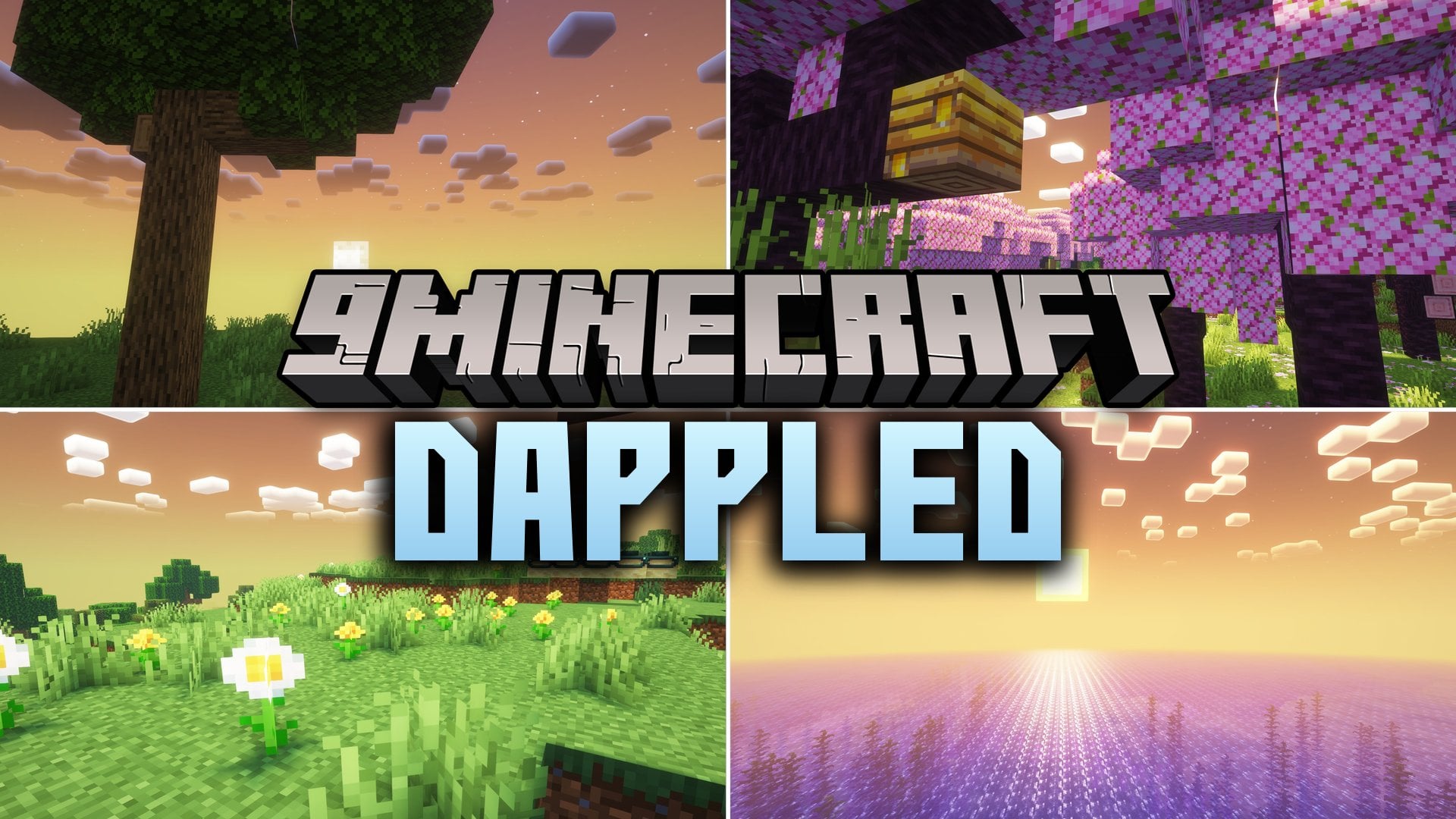
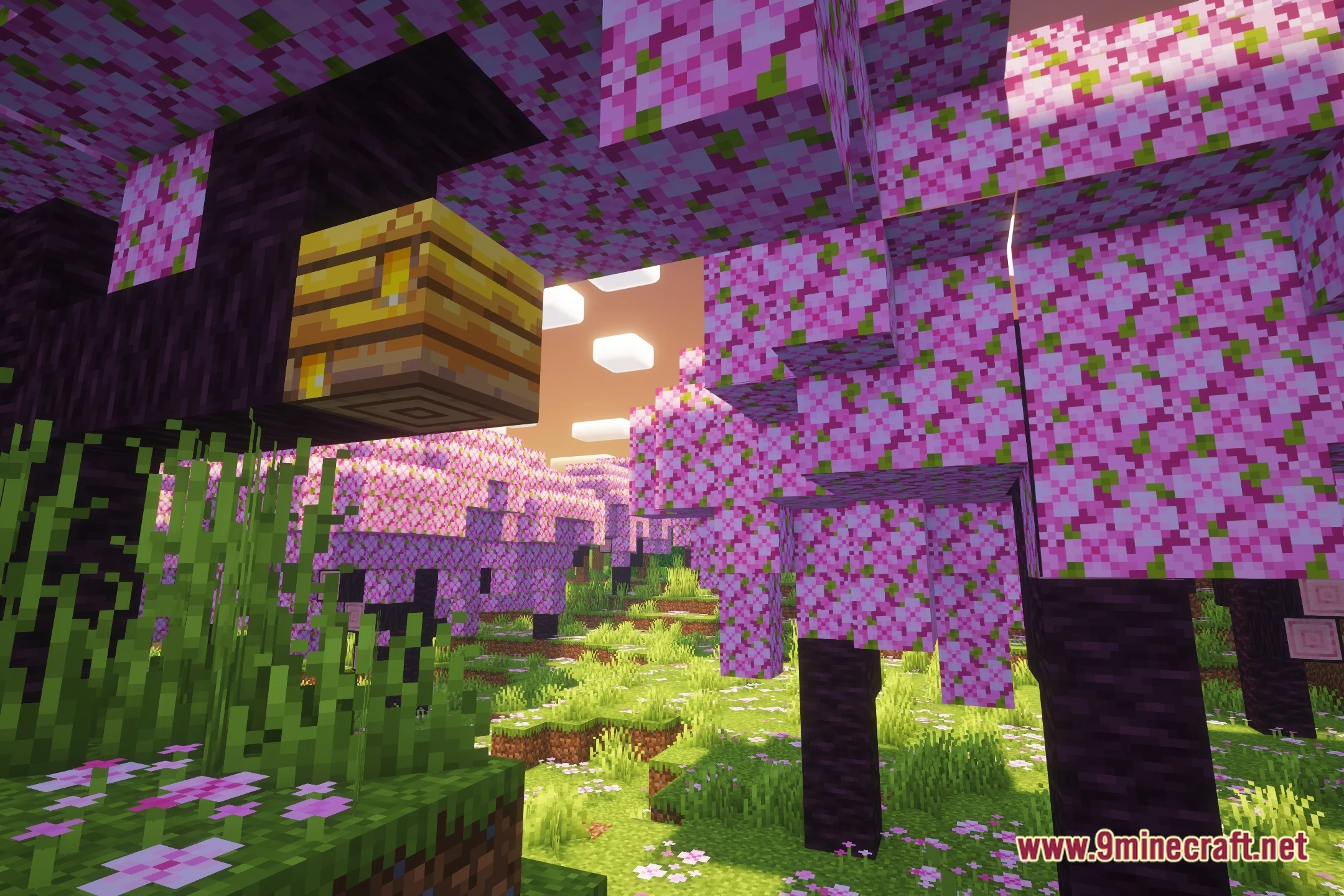
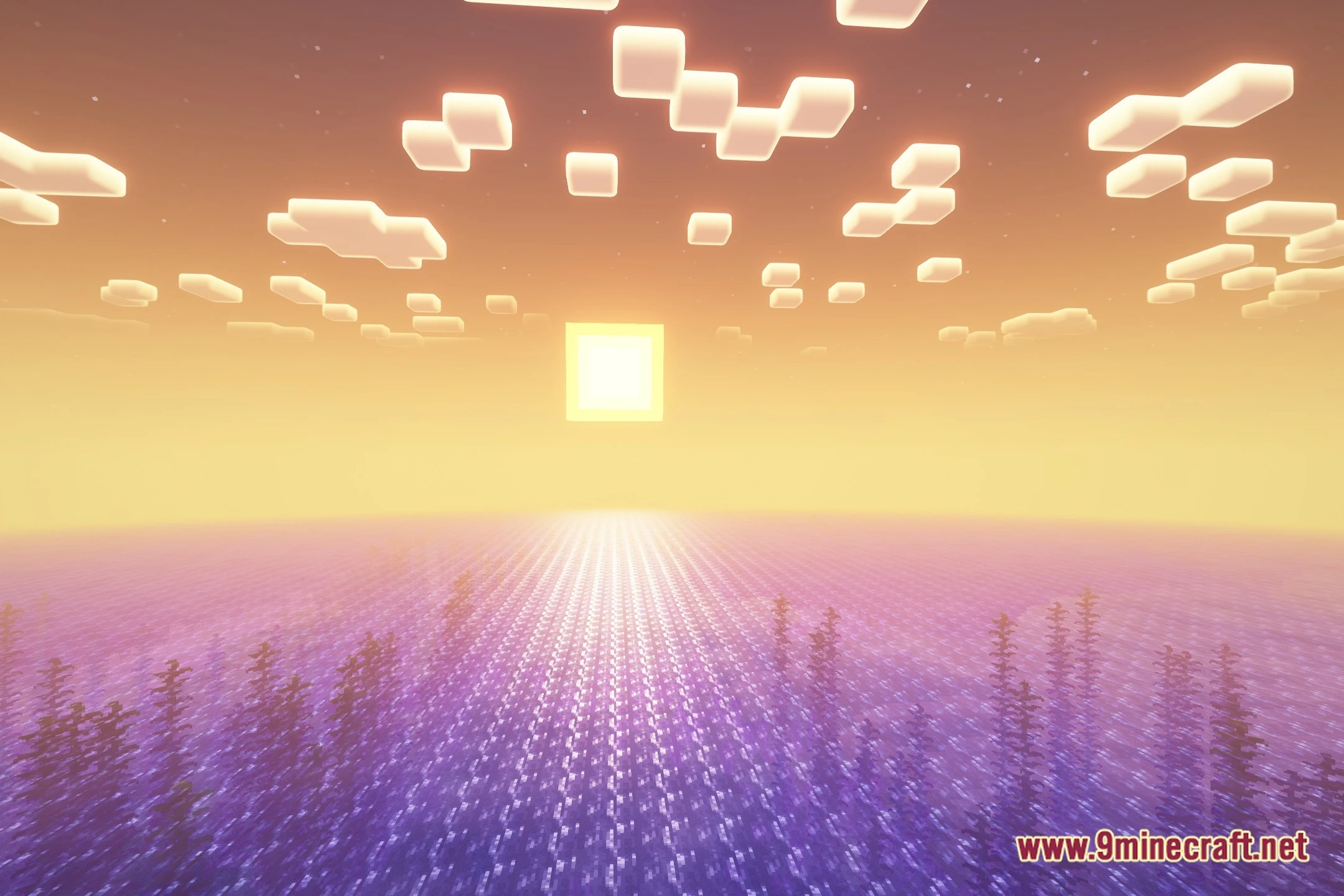
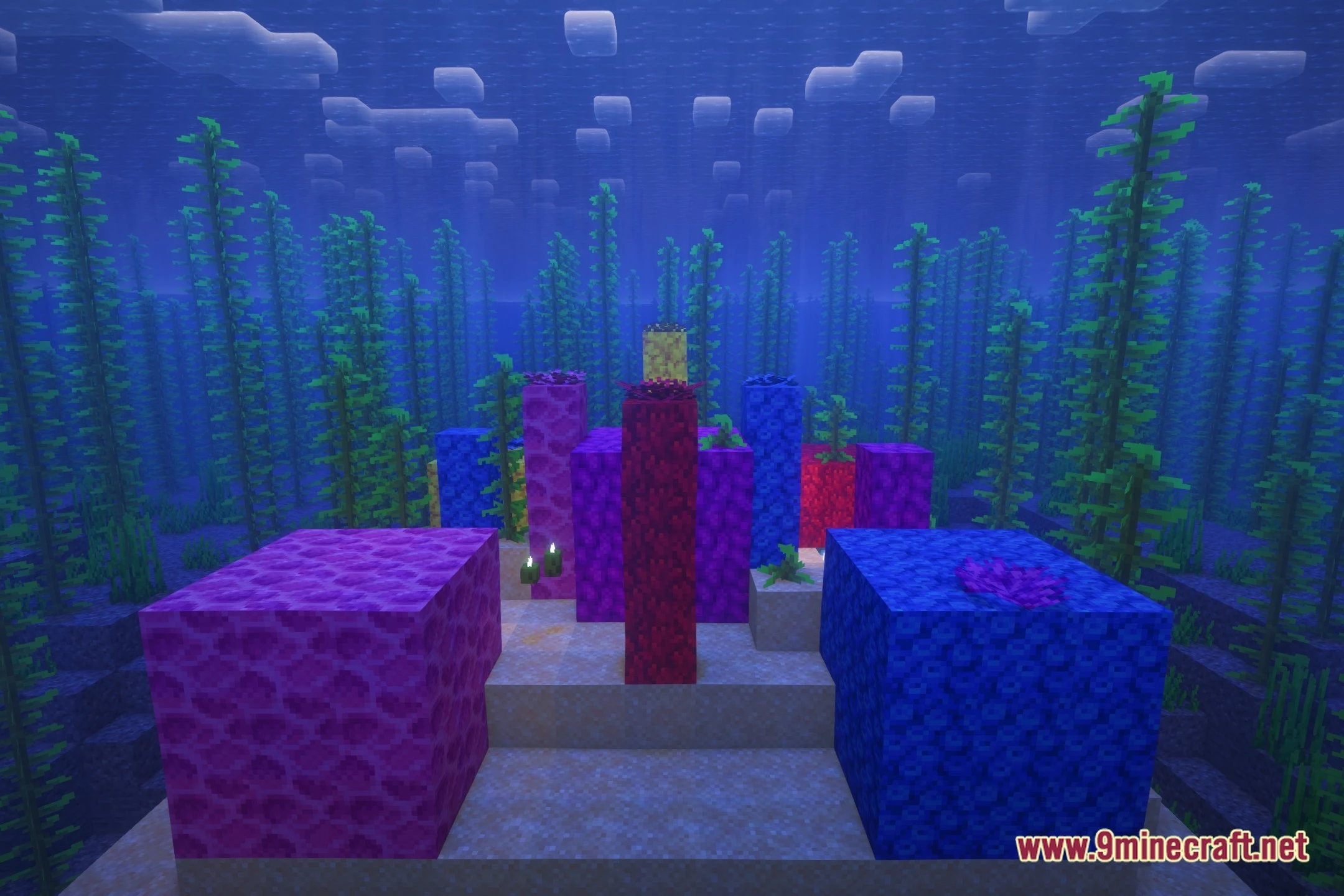
Dappled Shaders applies its warm autumn lighting globally across all biomes, including plains, mountains, deserts, and oceans. The golden tones and ambient shadows adapt to each biome's natural colors rather than replacing them entirely.
See all 10 Dappled Shaders questions ›
Gallery
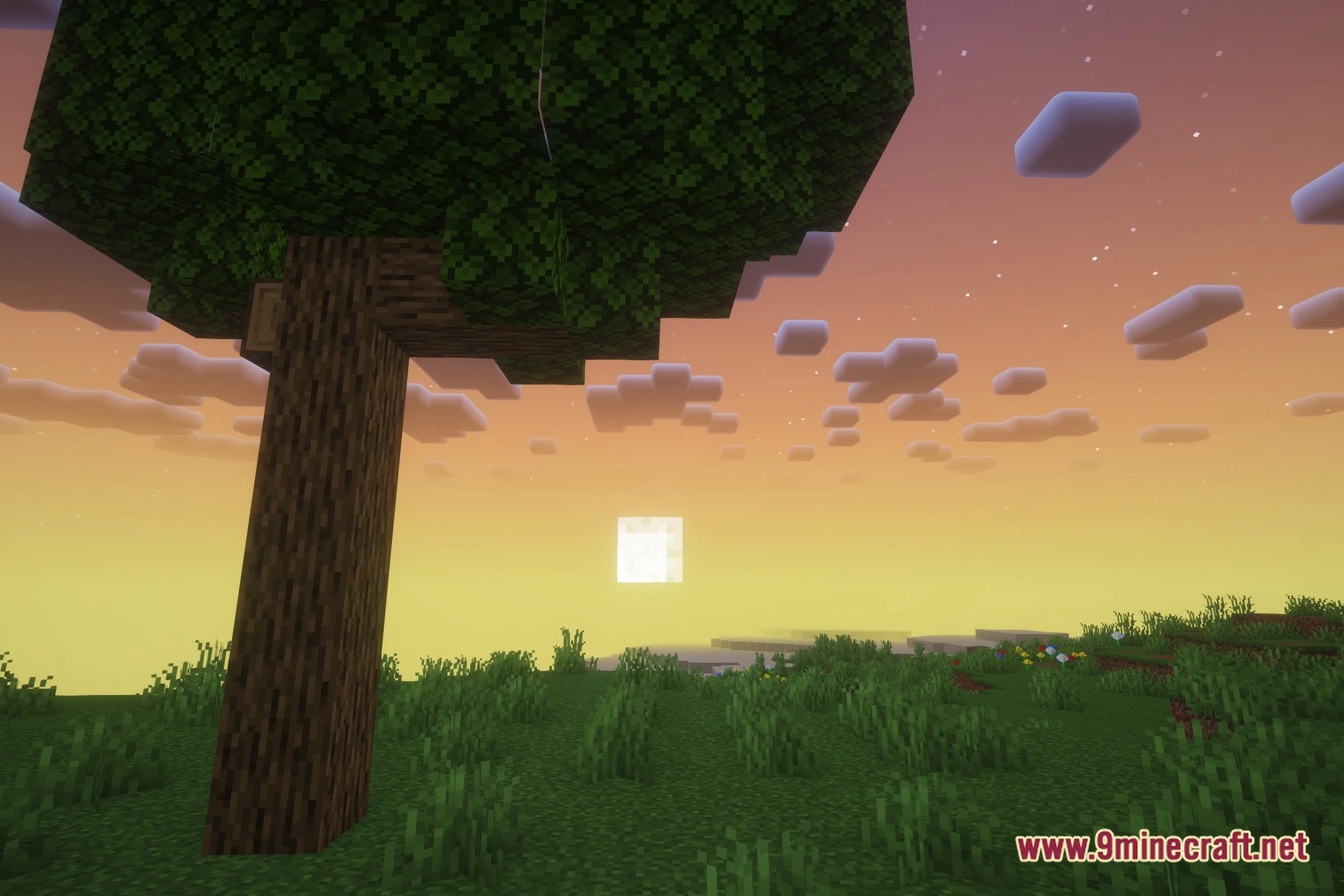
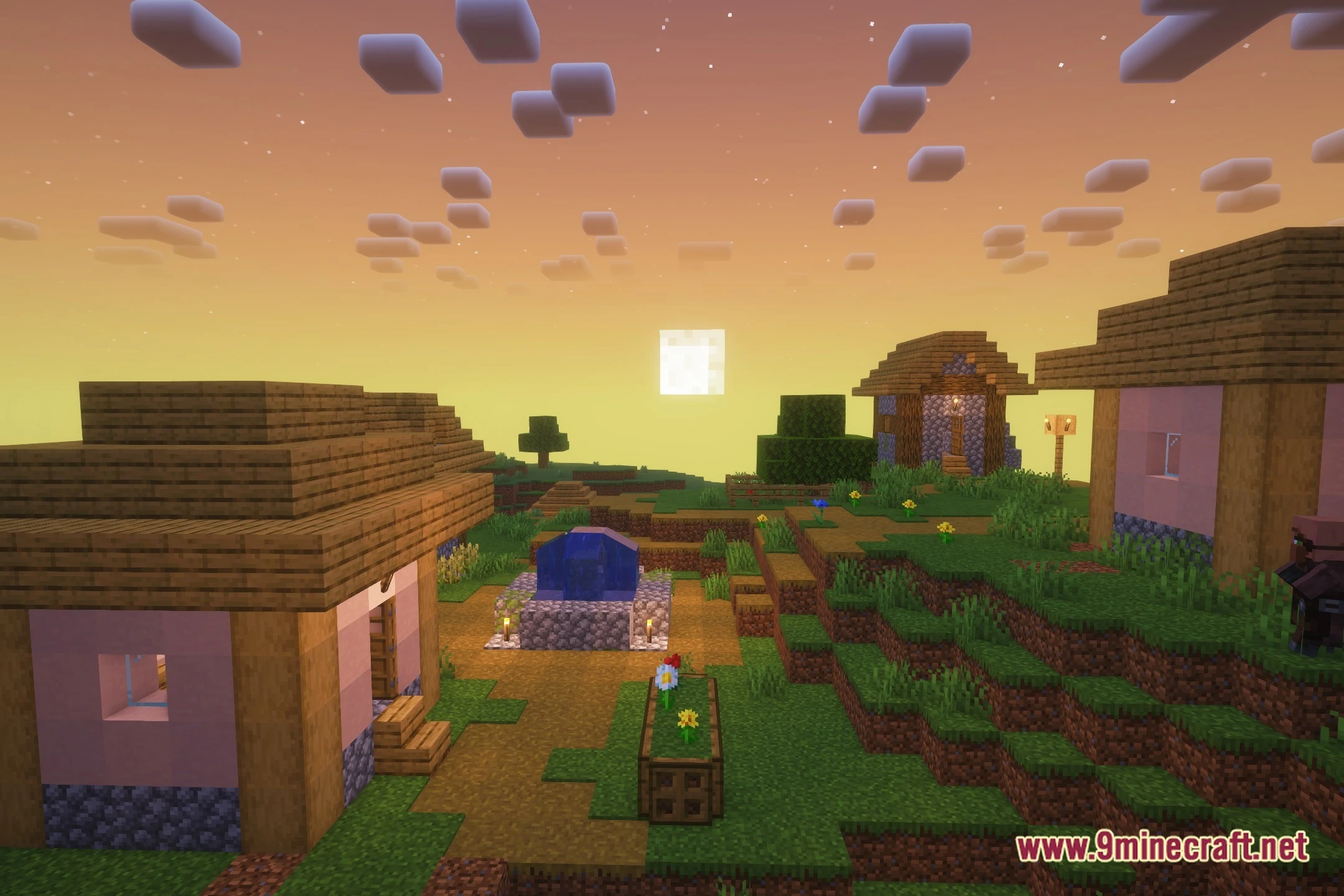
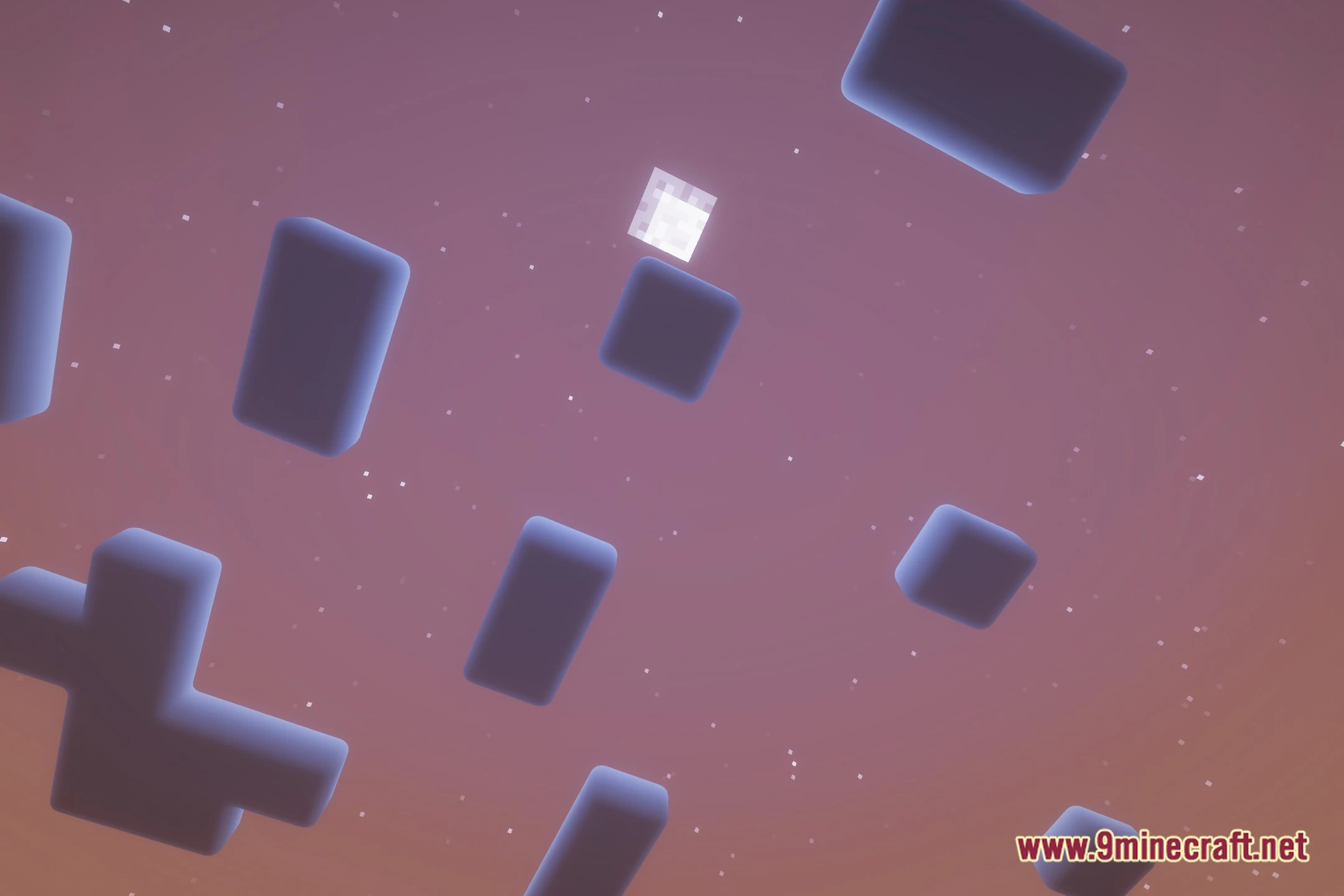
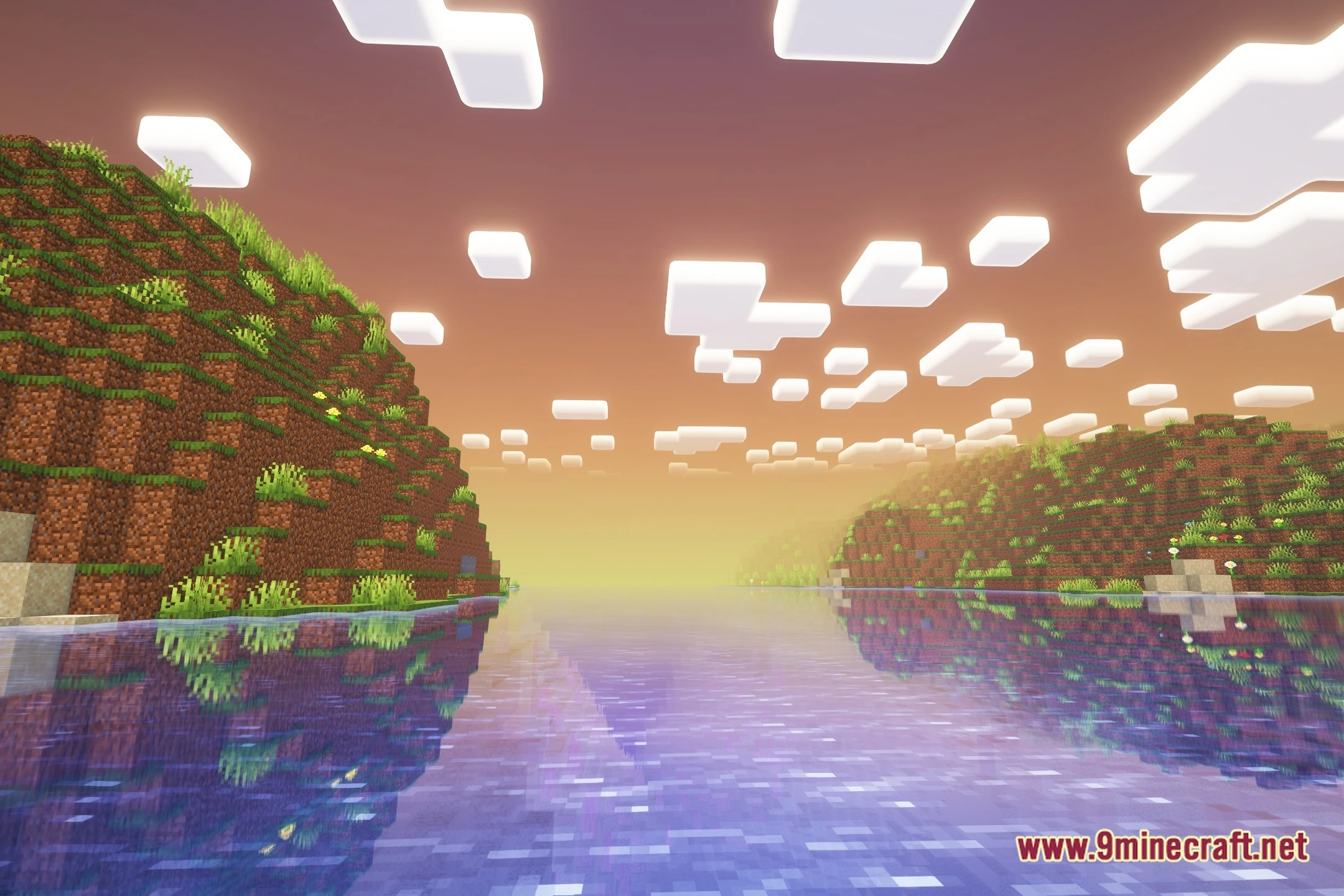
12 images from the Dappled Shaders page.



You May Also Like
Wikis that share the most with this one
Wikis on the same theme: light
More shader wikis on the site
 Danix Low End Shaders
The most downloaded mods that have a wiki here