

 DownloadSmart Back Packs
Get the files on 9Minecraft
Guides
Step-by-step, in-game.
Enable Item Magnet to Auto-Collect DropsCraft or Obtain a Magnet Upgrade The magnet upgrade pulls dropped items directly into your backpack without you…Set Up Auto-Feeding to Stay Fed While MiningGather the Auto-Feeder Upgrade Craft or find an auto-feeder upgrade for your backpack. This upgrade will…Upgrade Your Backpack to the Next TierUnderstand Tier Progression Backpacks progress from leather (early game) through coal, iron, gold, diamond, and…Use Soulbound to Recover Items After DeathUnderstand Soulbound Protection The soulbound upgrade prevents your backpack and its contents from being lost when…
Recipes
Every recipe the mod adds, grouped by how it is made.
Items
67 items · showing 24. Browse all →
 Advanced Magnet Upgrade
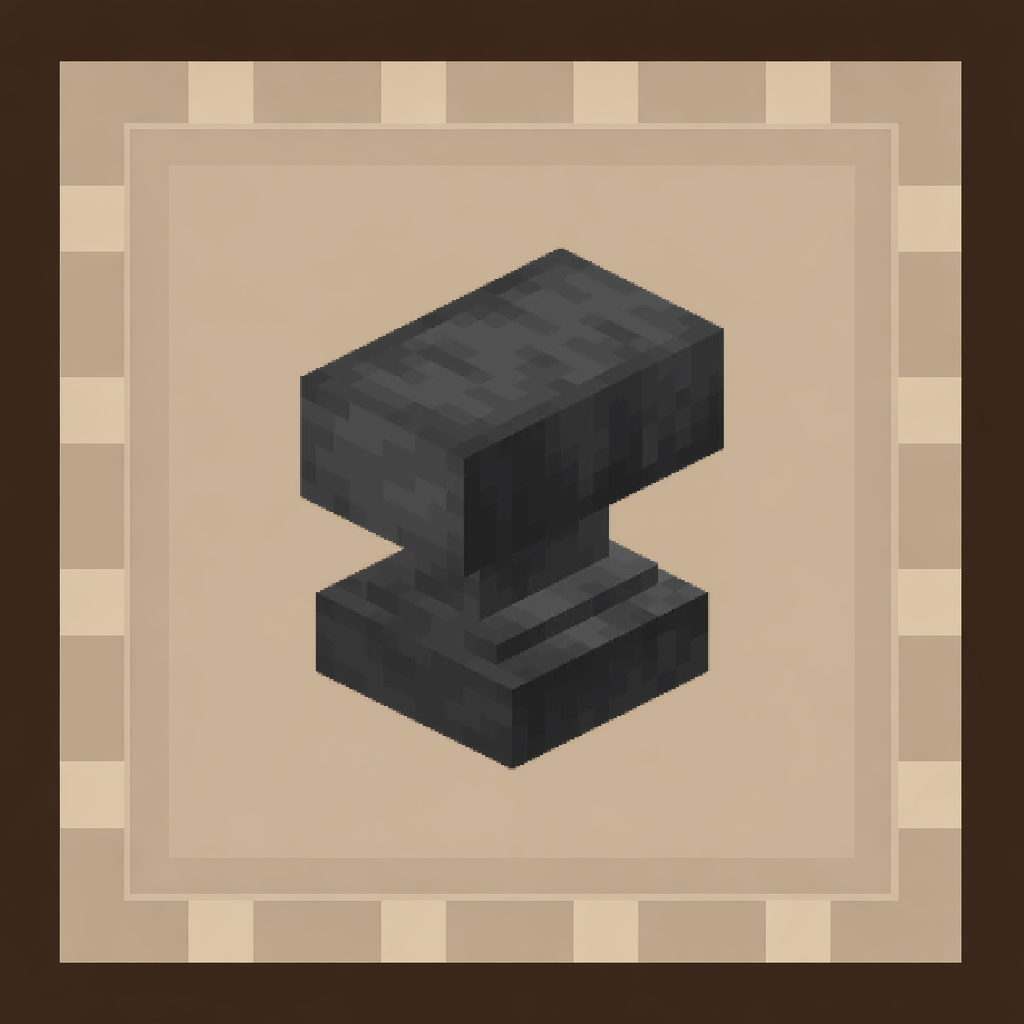 Anvil Upgrade
 Auto Feed Upgrade
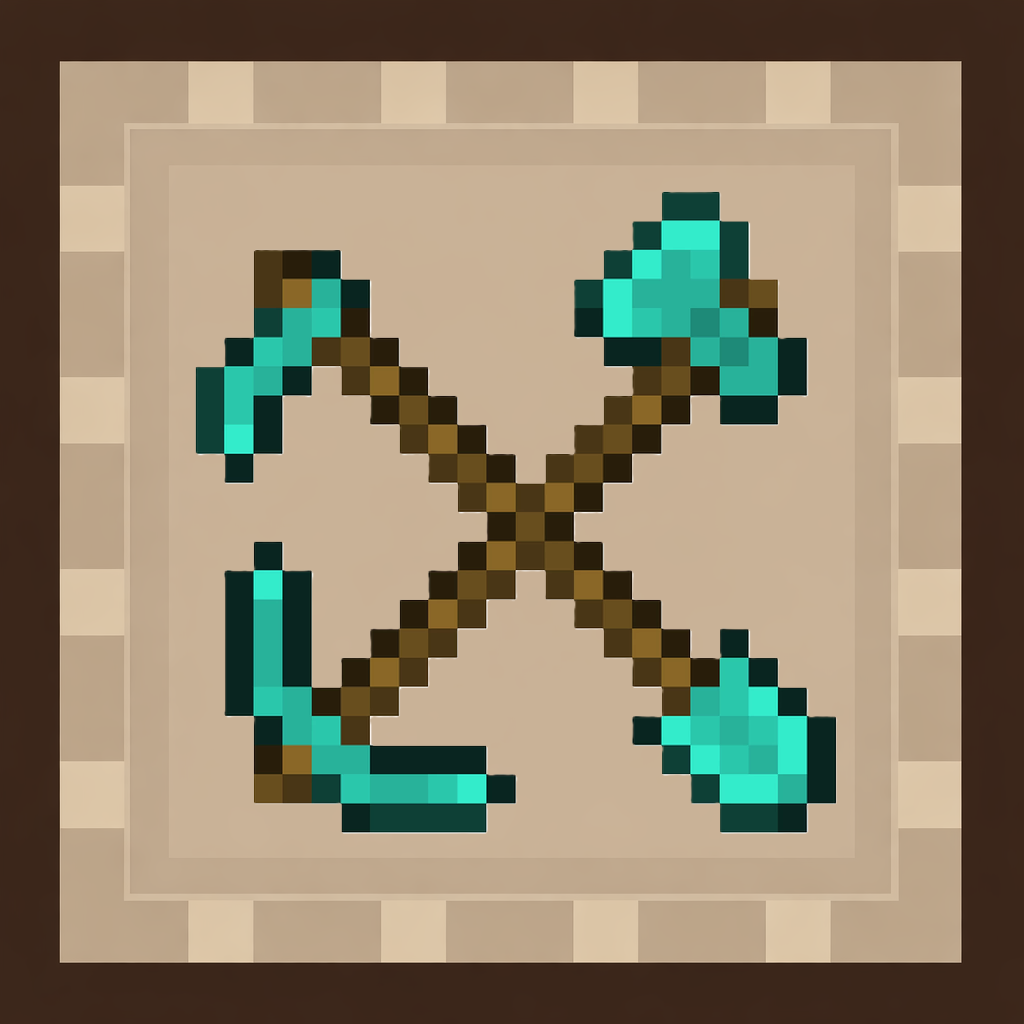 Auto Tool Upgrade
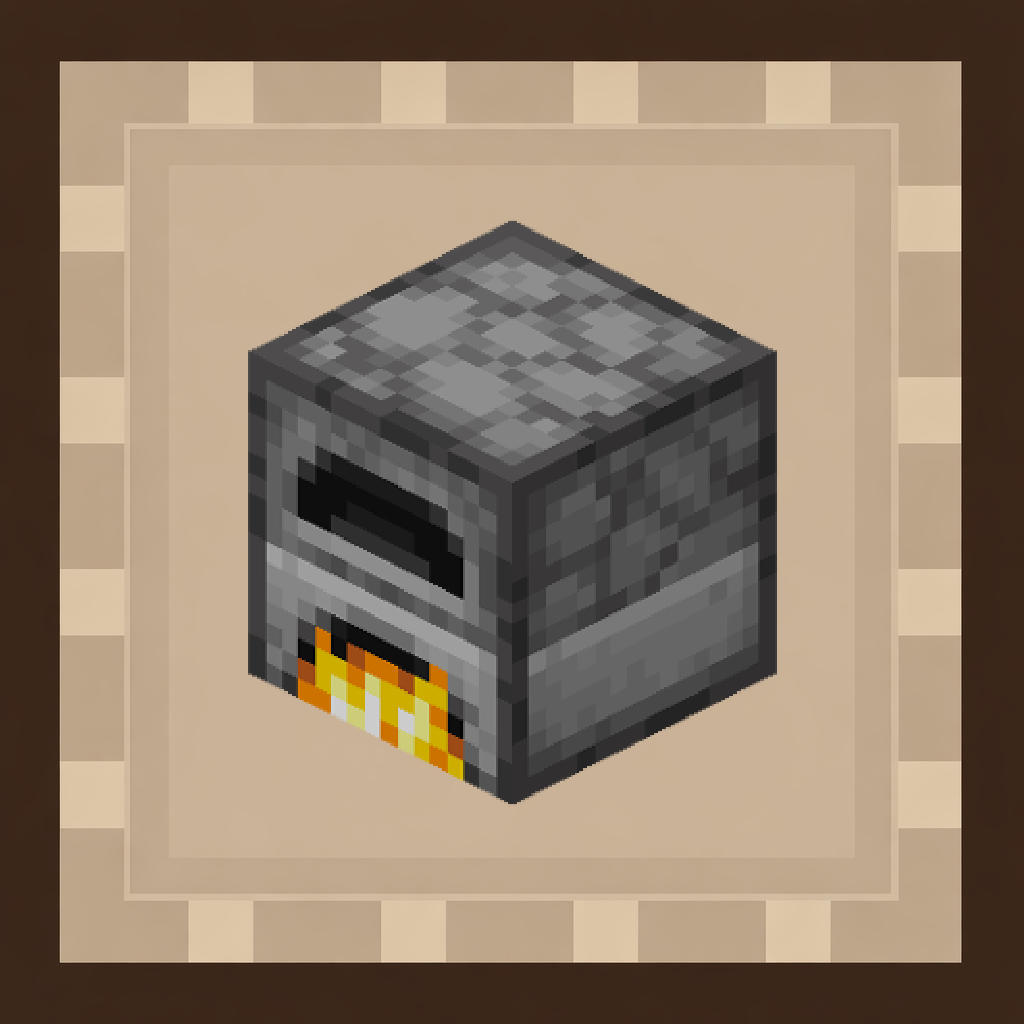 Auto-Smelting Upgrade
 Backpack Link Upgrade
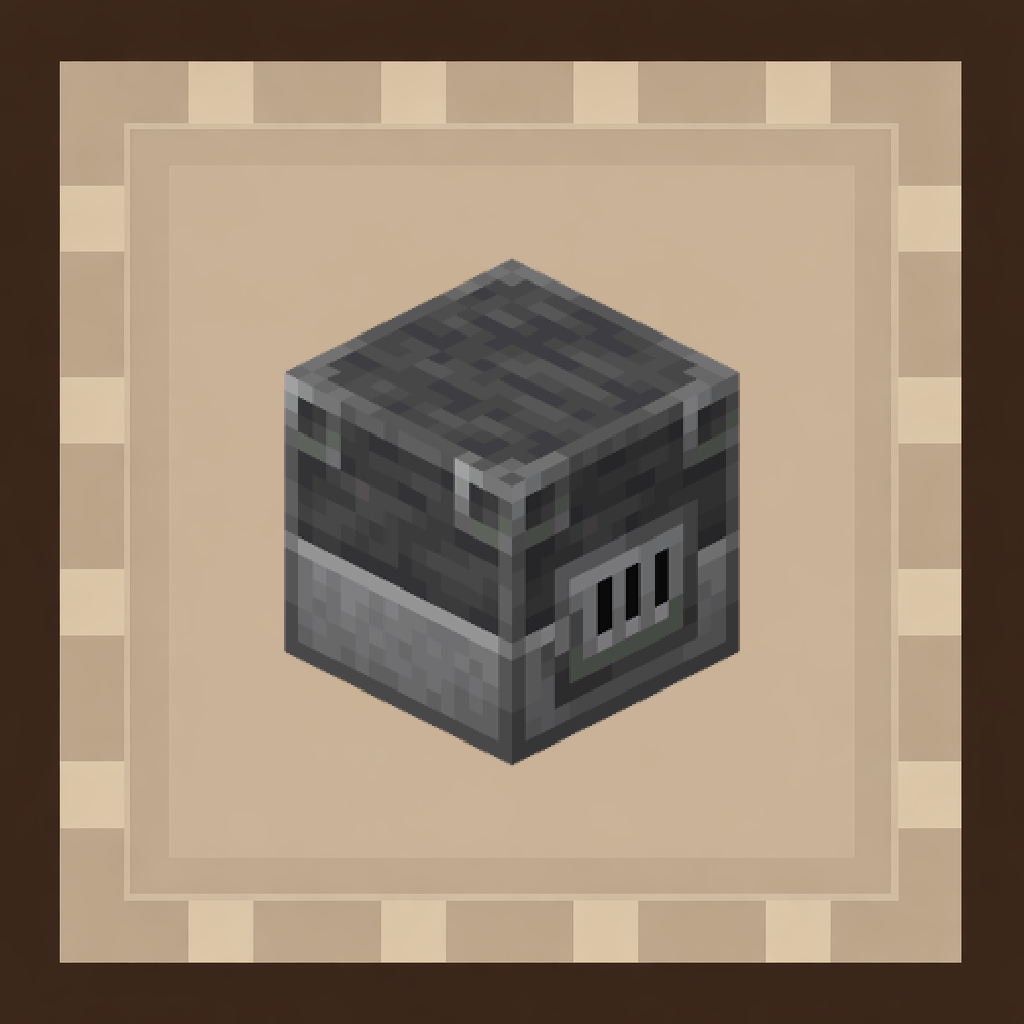 Blast Furnace Upgrade
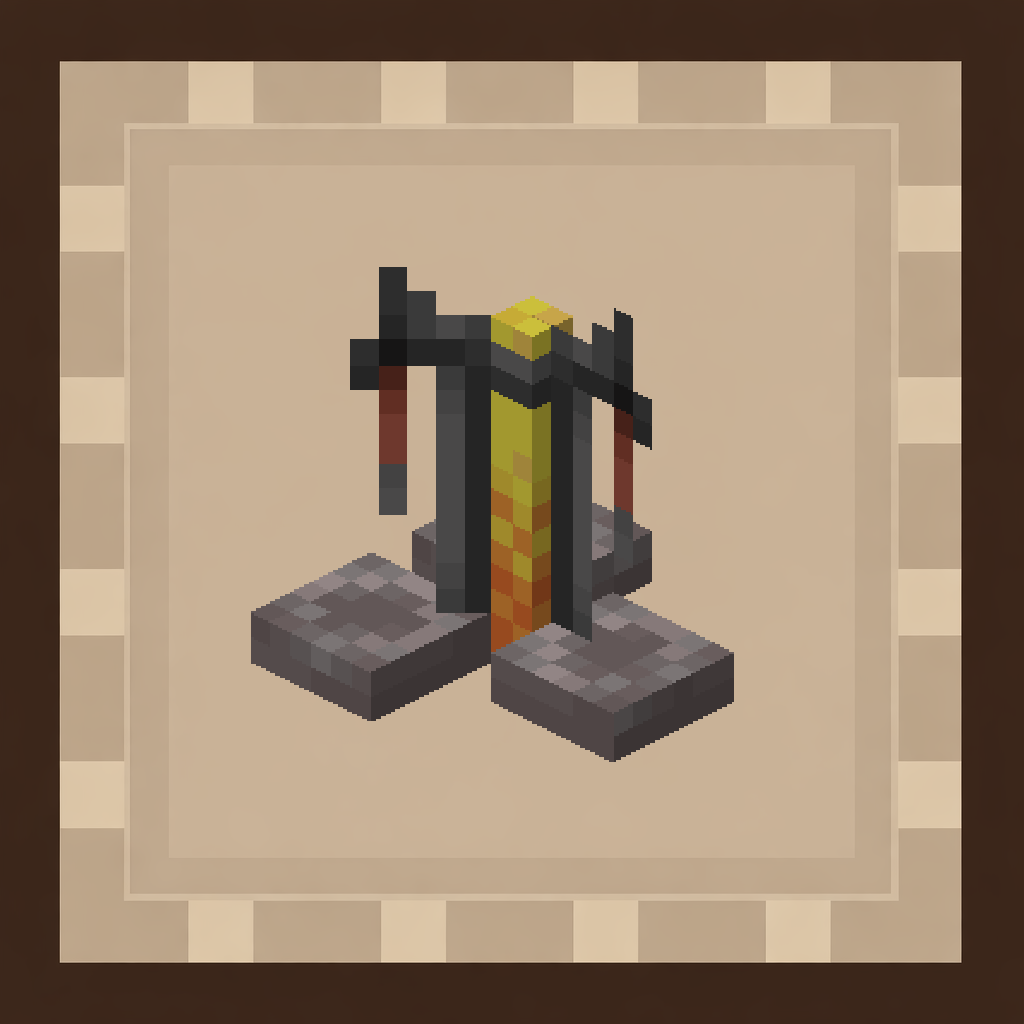 Brewing Stand Upgrade
 Builder Upgrade
 Capacitor Upgrade
 Capacity Warning Upgrade
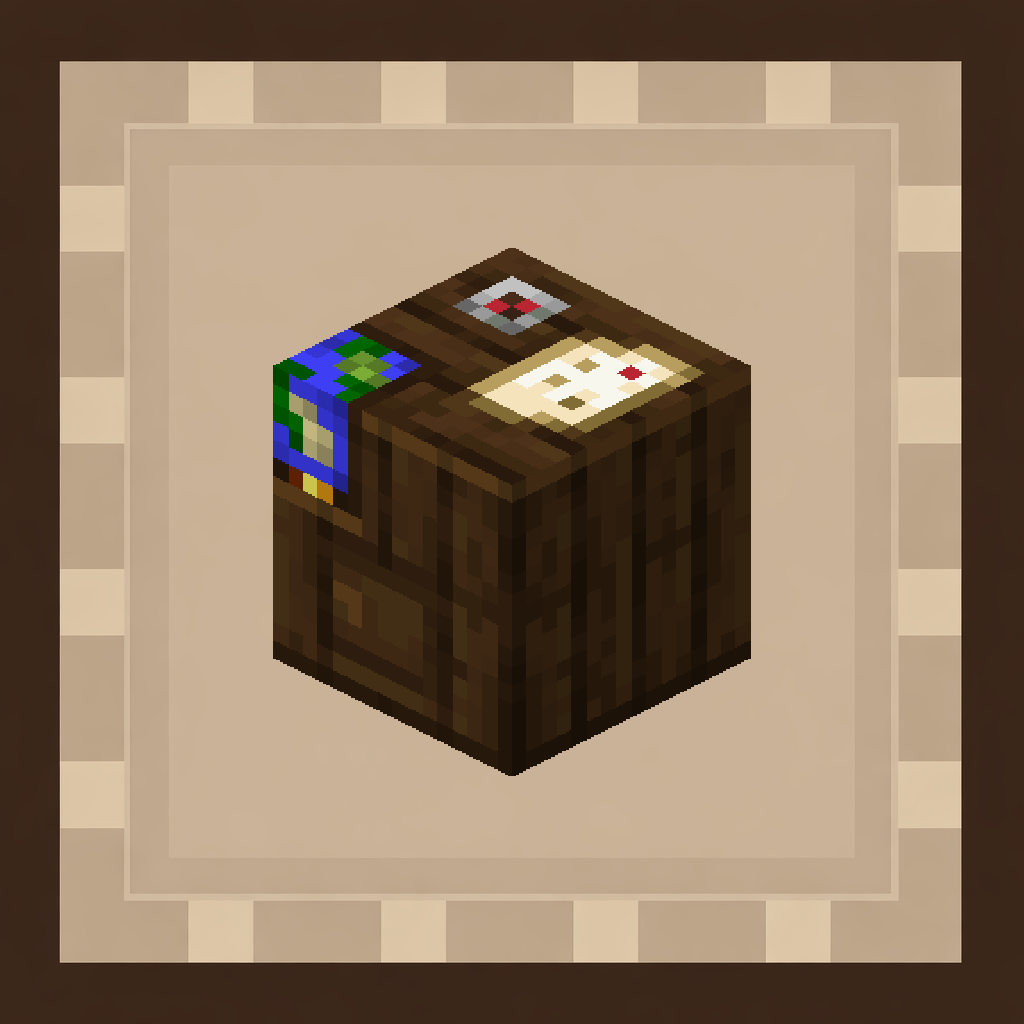 Cartography Table Upgrade
 Chunk Loader Upgrade
 Coal Backpack
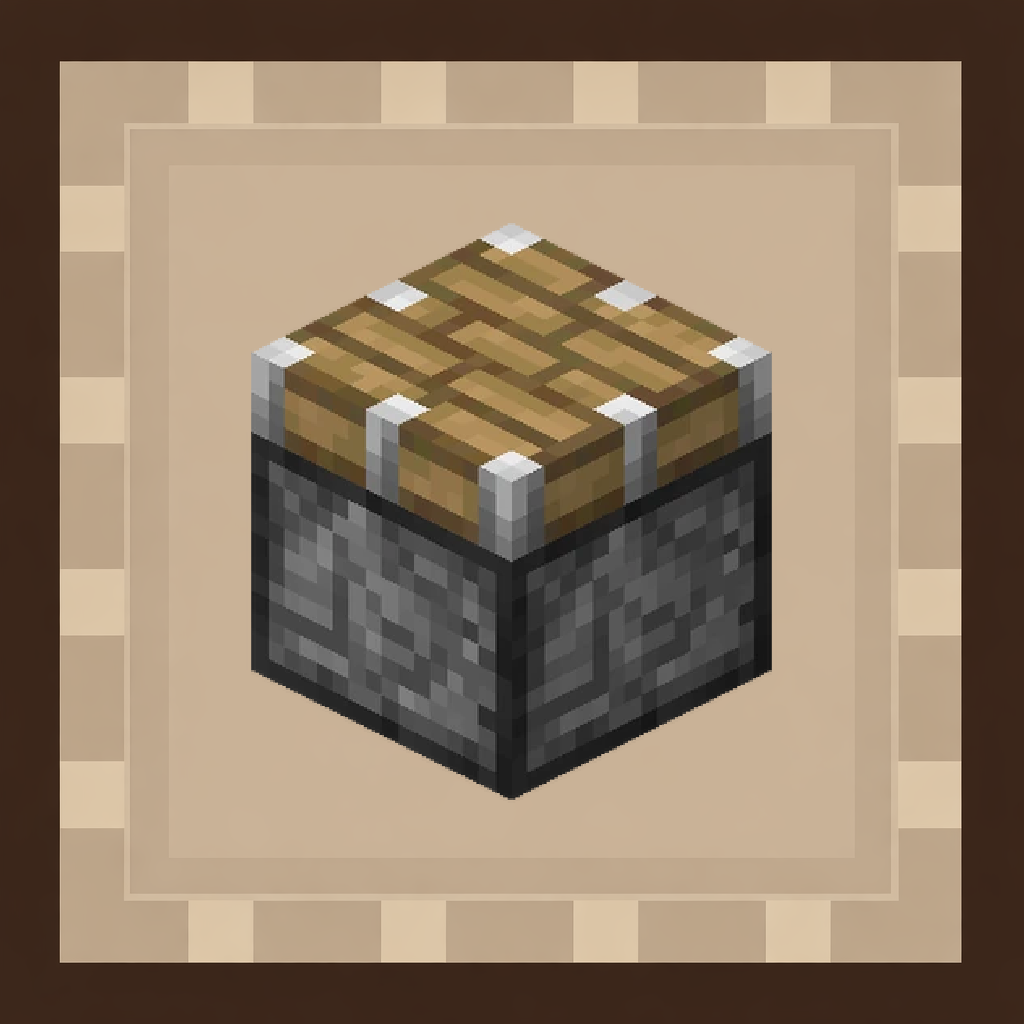 Compression Upgrade
 Copper Backpack
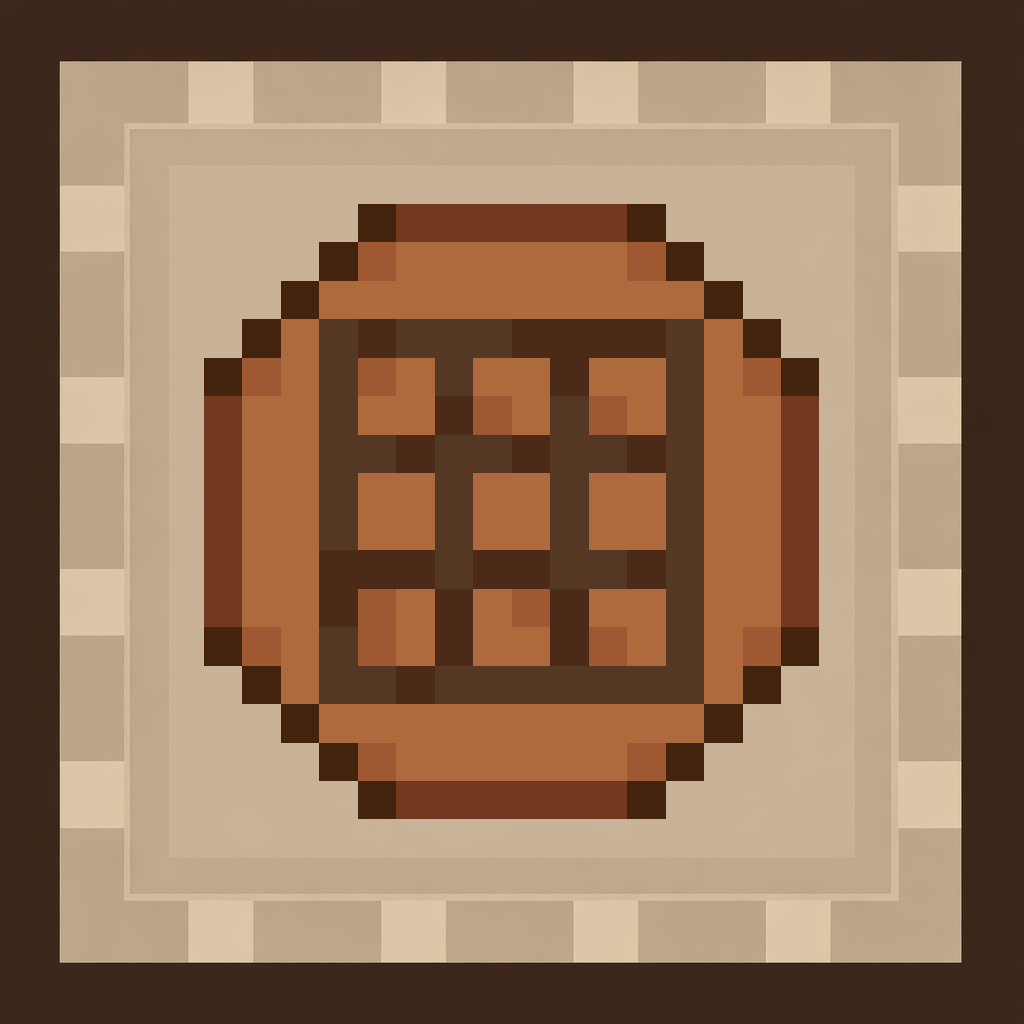 Crafting Table Upgrade
 Deposit Upgrade
 Diamond Backpack
 Emerald Backpack
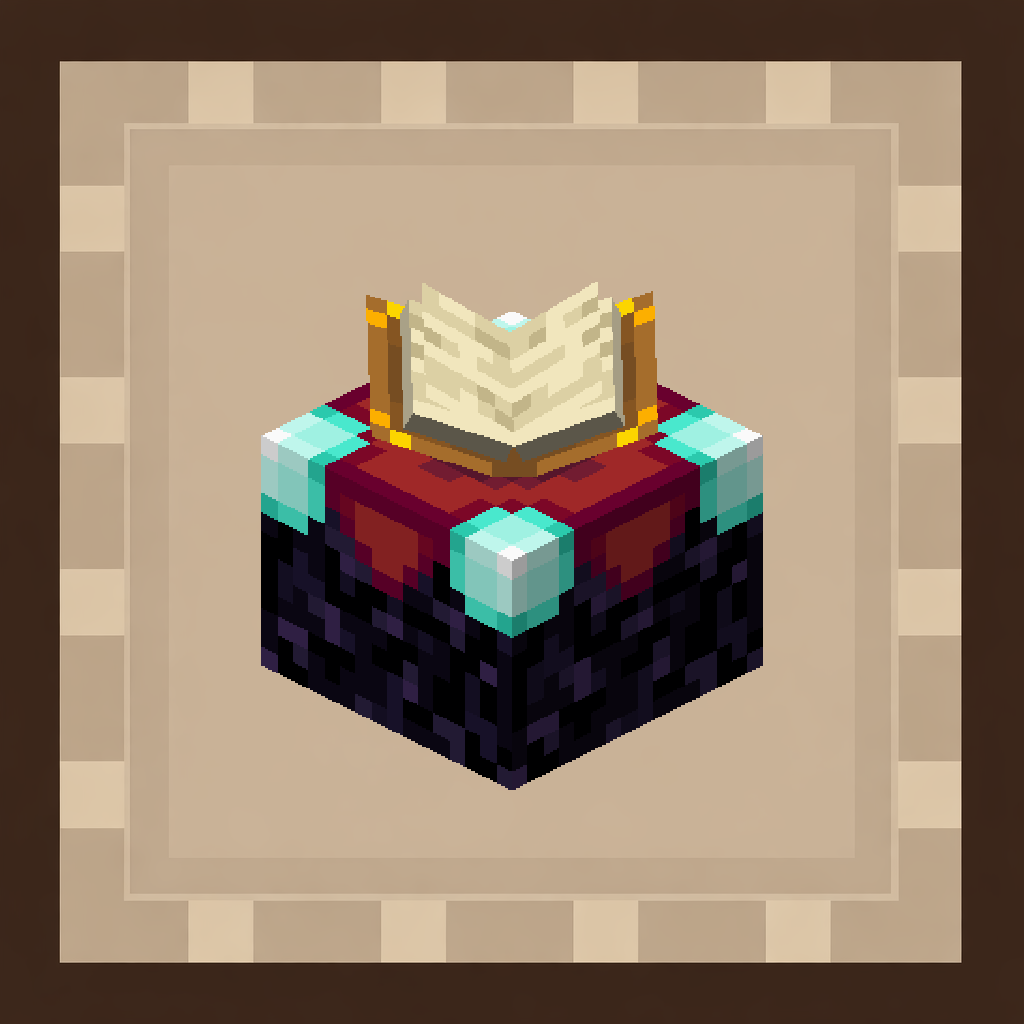 Enchanting Table Upgrade
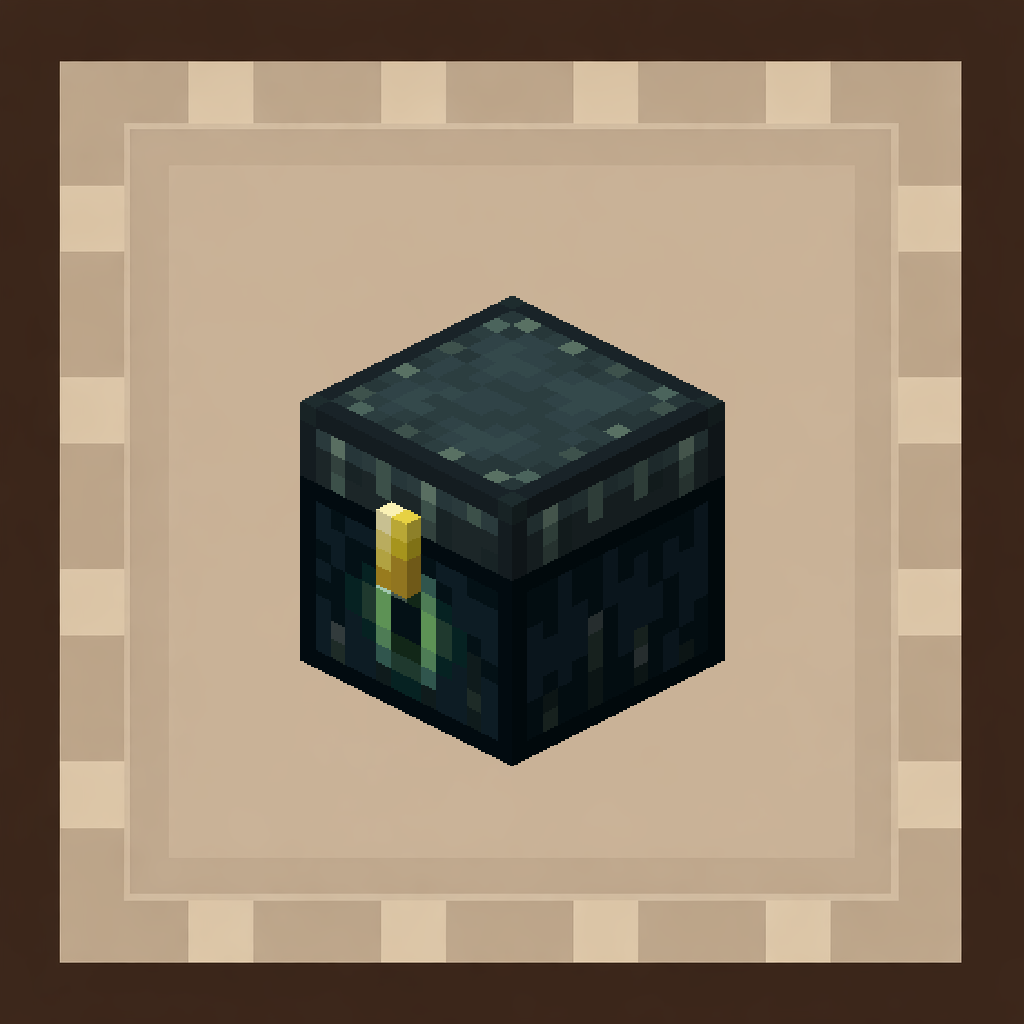 Ender Chest Upgrade
 Filter Upgrade
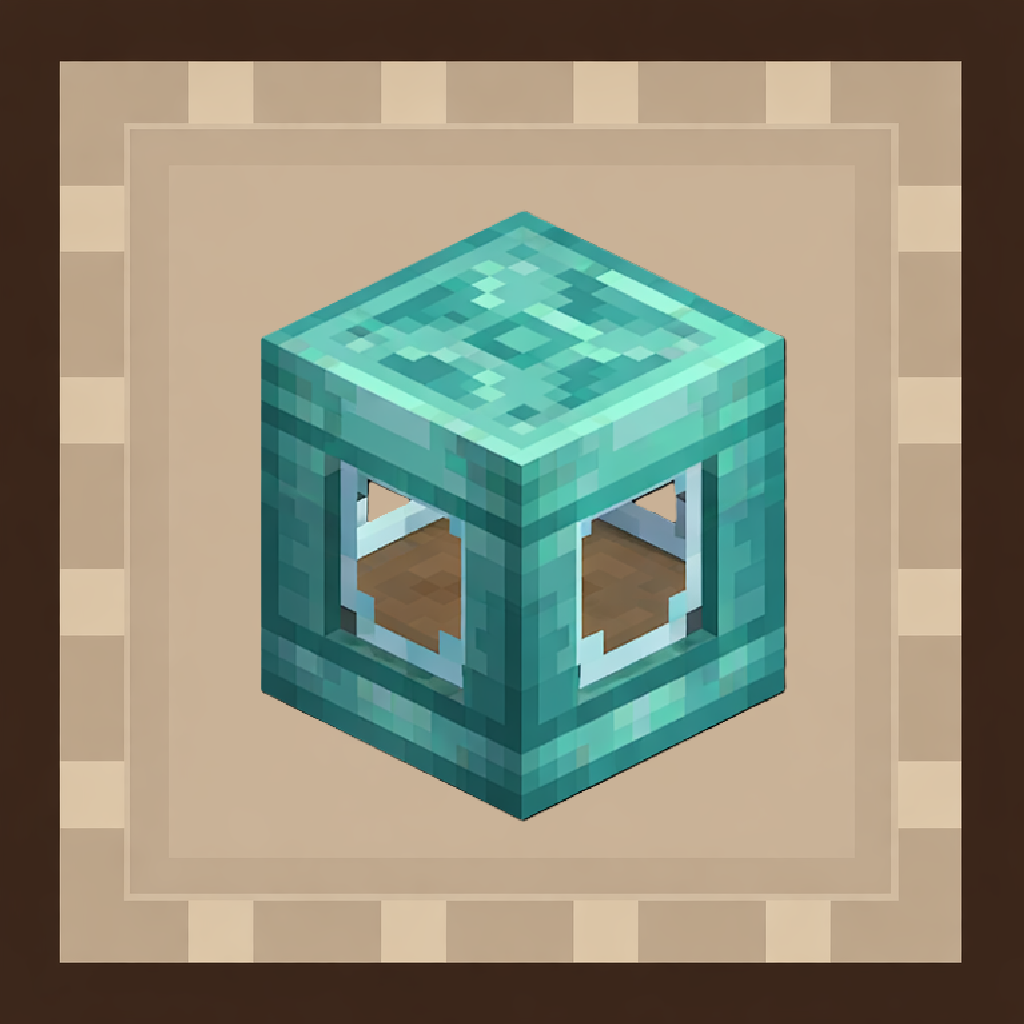 Fluid Storage Upgrade
Frequently asked questions
How do I craft my first backpack?
Craft a Leather Backpack using basic materials like leather and wood at a crafting table. Once you have it, place it in your back slot in your inventory to wear it, or place it on the ground to access its storage like a chest.
What's the difference between wearing a backpack and placing it down?
Wearing a backpack in your back slot lets you carry it while moving and access it from anywhere. Placing it on the ground as a block lets you use certain upgrades that only work when the bag is placed, like crafting tables or smelters.
How do I enable the item magnet to pick up drops automatically?
Open your backpack's menu and add a Magnet upgrade to it. Once installed, the magnet will automatically pull dropped items into your bag when they're nearby, so you don't have to manually pick everything up.
Can I set up auto-feeding so I don't starve while mining?
Yes—add an Auto-Feeder upgrade to your backpack. Once enabled, it will automatically consume food from your bag's inventory to keep your hunger bar full while you're mining or exploring.
How do I upgrade my backpack to a higher tier?
Craft a higher-tier backpack (Iron, Gold, Diamond, or Netherite) and place your old backpack inside it. Your items and upgrades will transfer to the new bag, which has more storage slots and upgrade space.
What happens to my items if I die?
By default, your backpack drops like any other item. Add a Soulbound upgrade to your bag to make it stay with you after death instead of being lost—this is especially useful for end-game bags with valuable items.
Can I store liquids and energy in my backpack?
Yes, higher-tier backpacks can store liquids like water and lava, as well as energy for machines. You'll need the appropriate upgrades installed to enable these features.
Do backpacks work with my chests and barrels?
Yes, backpacks can connect to chests and barrels to move items between them automatically. This lets you set up item sorting and storage networks without manually transferring everything.
What should I do if my tool is about to break?
Add a Tool Swap upgrade to your backpack. It will automatically switch to a fresh copy of your tool when the current one is about to break, so you never run out of durability mid-adventure.
Can I put a crafting table inside my backpack?
Yes—add a Crafting upgrade to your backpack when it's placed on the ground. You can then craft items directly from your bag's inventory without needing a separate crafting table nearby.
You May Also Like
Wikis that share the most with this one
Wikis on the same theme: backpack
More mod wikis on the site
The most downloaded mods that have a wiki here
A few wikis from each of the other kinds
Gallery
9 images from the Smart Back Packs Mod page.


