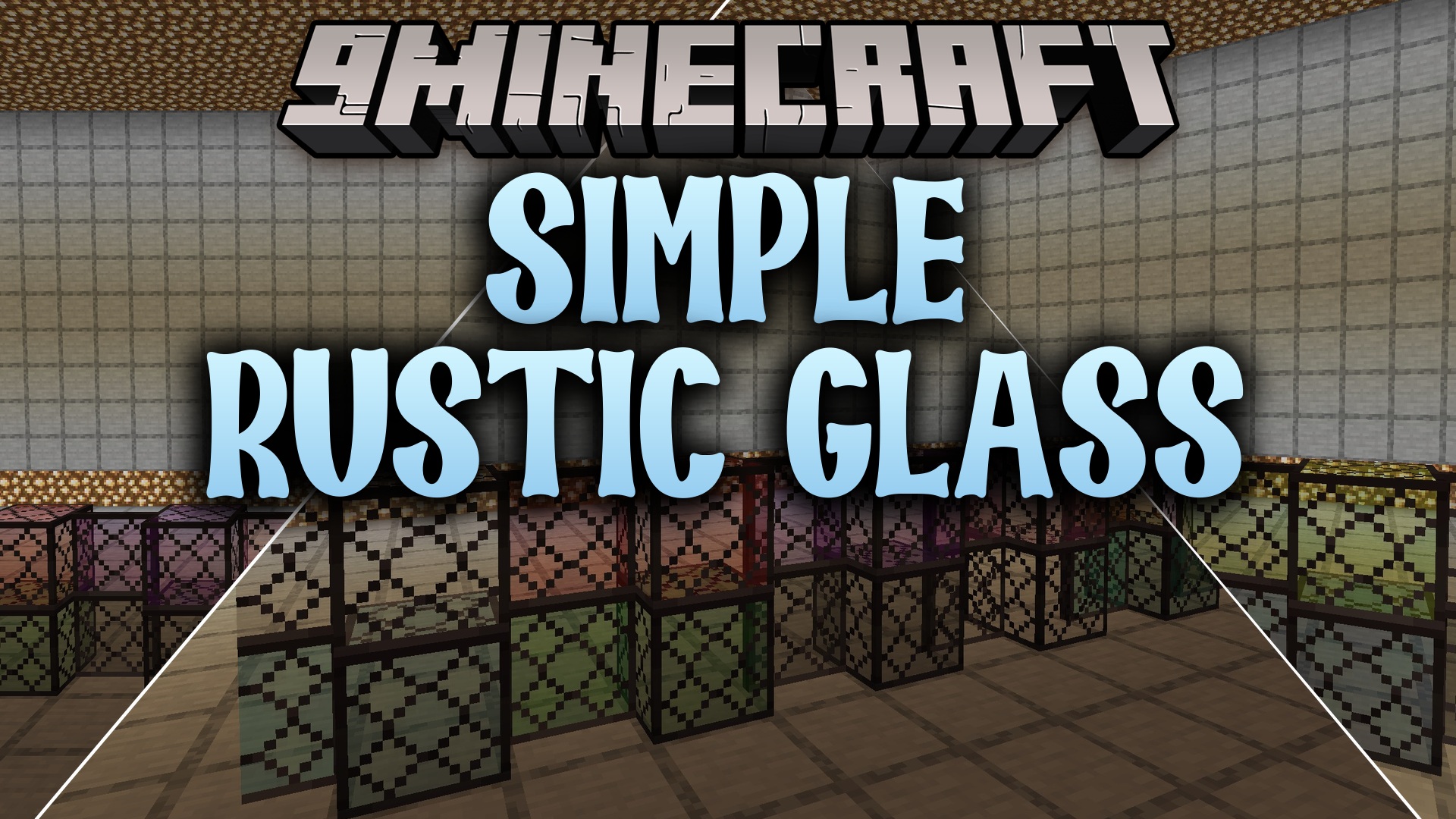
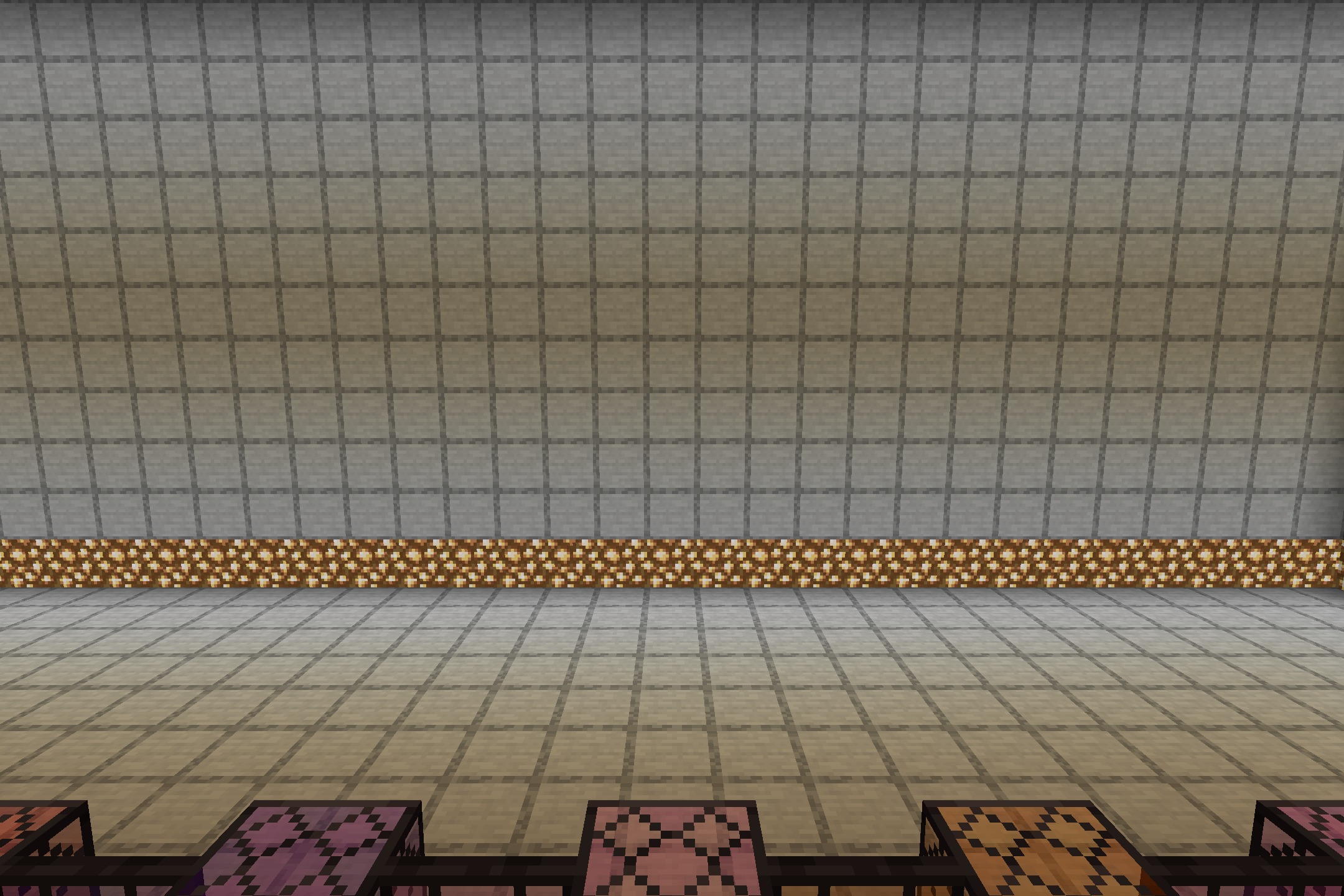
DownloadSimple Rustic Glass Resource Pack
Get the files on 9Minecraft
Guides
Step-by-step, in-game.
Building a Rustic Medieval Castle with Framed Glass WindowsPlanning Your Window Layout Start by sketching out where you want windows on your castle walls. The dark-iron borders…Creating Colored Stained Glass Accents in Cottage InteriorsChoosing Your Color Palette Decide which stained glass colors fit your cottage's theme. Warmer tones like orange and…Designing Skylights and Ceiling Glass PanelsPlanning Overhead Glass Skylight design benefits greatly from rustic framing. The dark borders create visible…Mixing Clear and Stained Glass for Decorative Window PatternsCreating Visual Contrast Combine clear glass with stained variants to build decorative window designs. The uniform…
Blocks
B
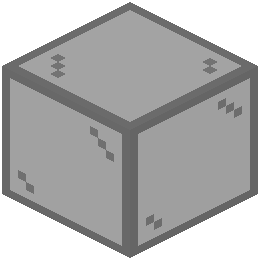 Black Stained Glass
 Blue Stained Glass
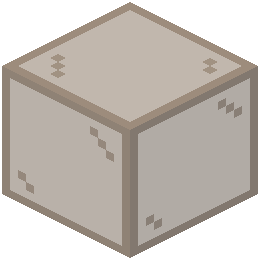 Brown Stained Glass
C
 Cyan Stained Glass
G
 Glass
 Gray Stained Glass
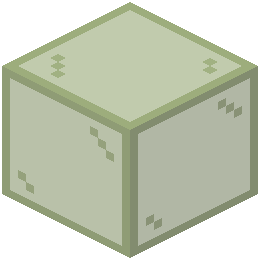 Green Stained Glass
L
 Light Blue Stained Glass
 Light Gray Stained Glass
 Lime Stained Glass
M
 Magenta Stained Glass
O
 Orange Stained Glass
P
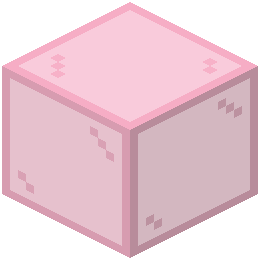 Pink Stained Glass
 Purple Stained Glass
R
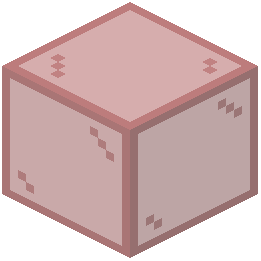 Red Stained Glass
W
 White Stained Glass
Y
 Yellow Stained Glass
What this pack changes
Every texture group the pack replaces, counted from the pack itself.
| Area | Textures replaced |
|---|---|
| Blocks | 34 |
Pack format 18 (Minecraft 1.20.2)34 texture files in total
Frequently asked questions
Do I need to craft anything or does the pack just work when I load it?
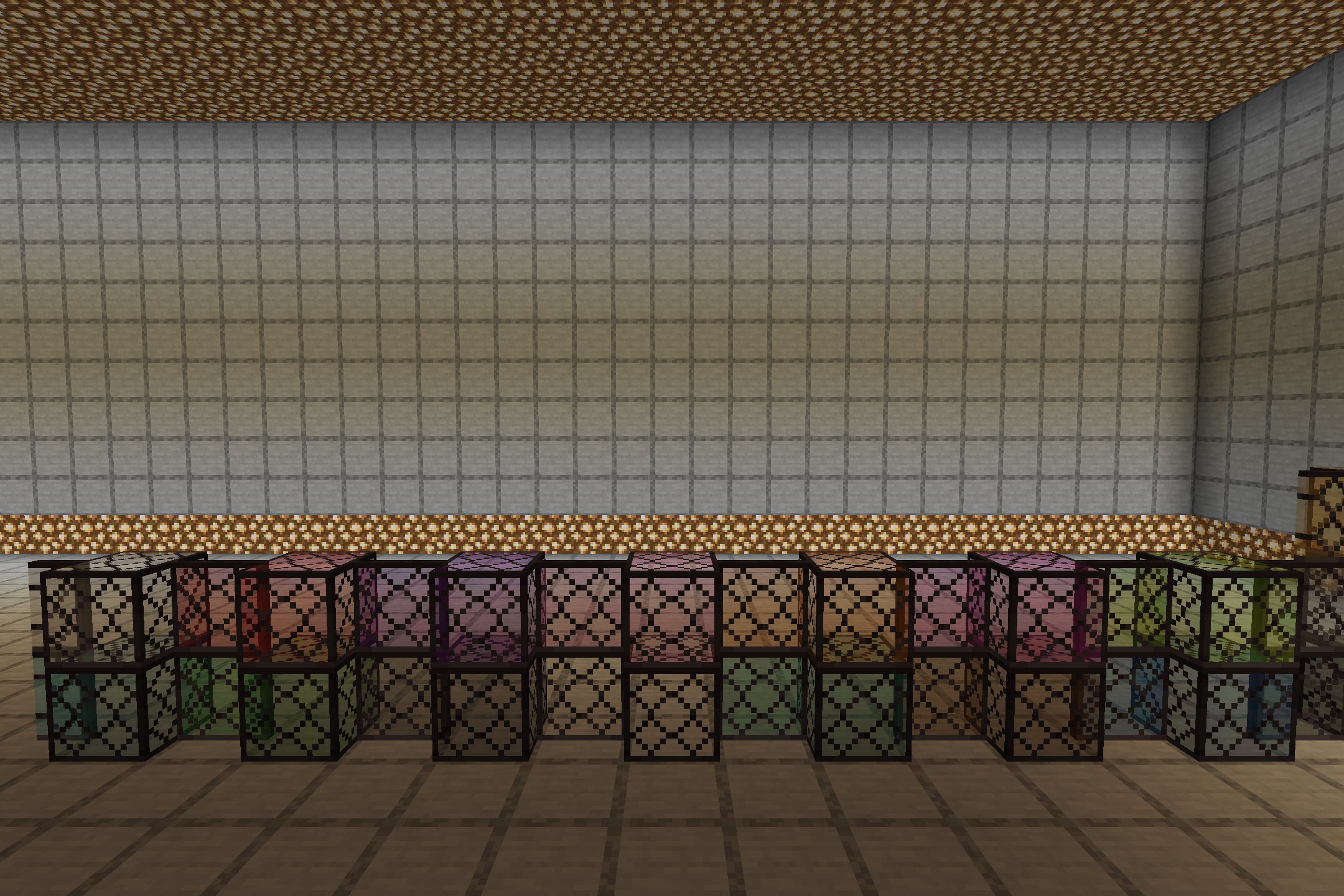
The pack works automatically once activated in your resource pack list—no crafting or setup required. All vanilla glass and stained glass blocks will display the dark-iron borders instantly.
Will this work with my existing world or do I need to start a new one?
It works with existing worlds immediately. Any glass blocks already placed will show the new rustic frames as soon as you load in.
Does the dark border make it harder to see through windows?
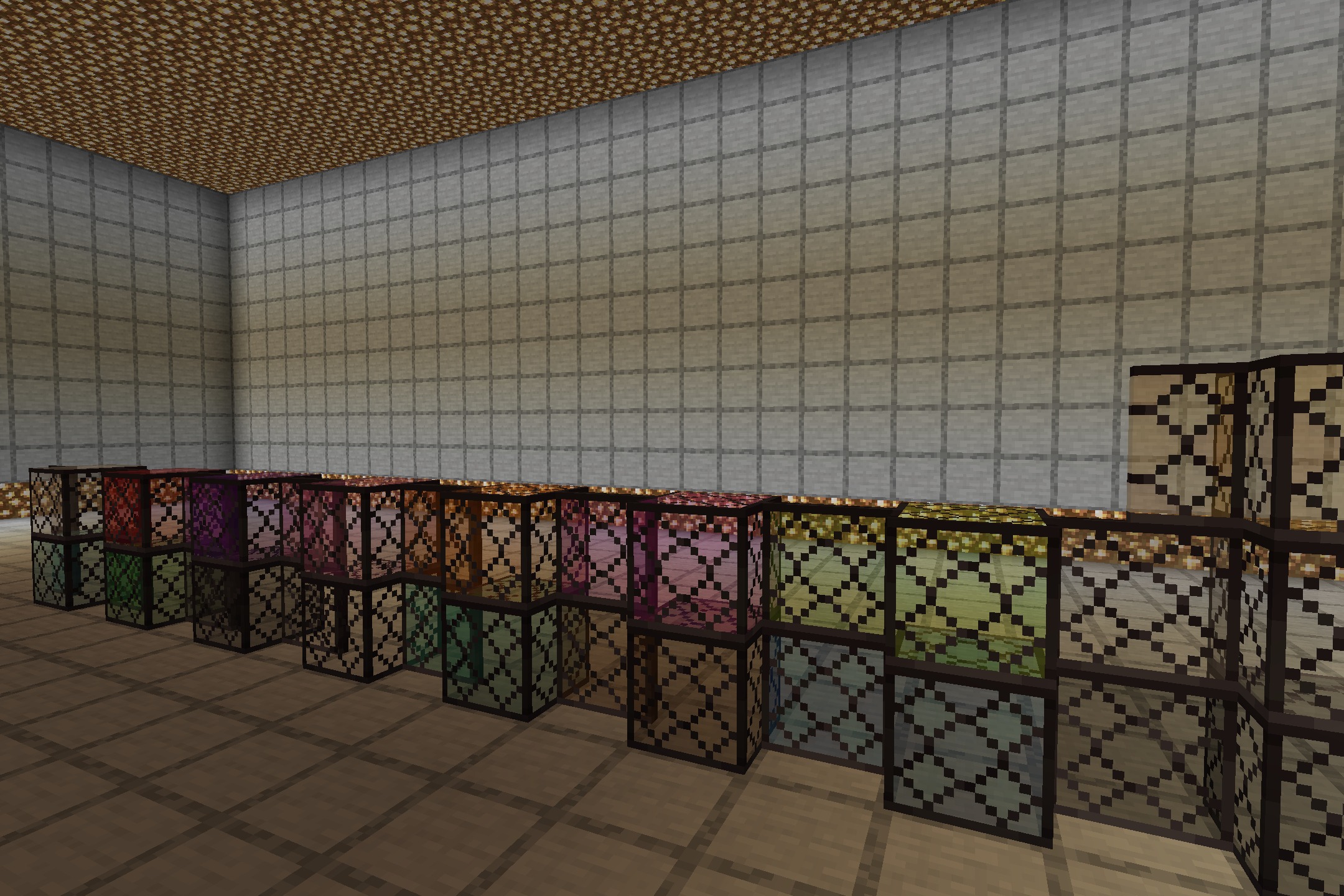
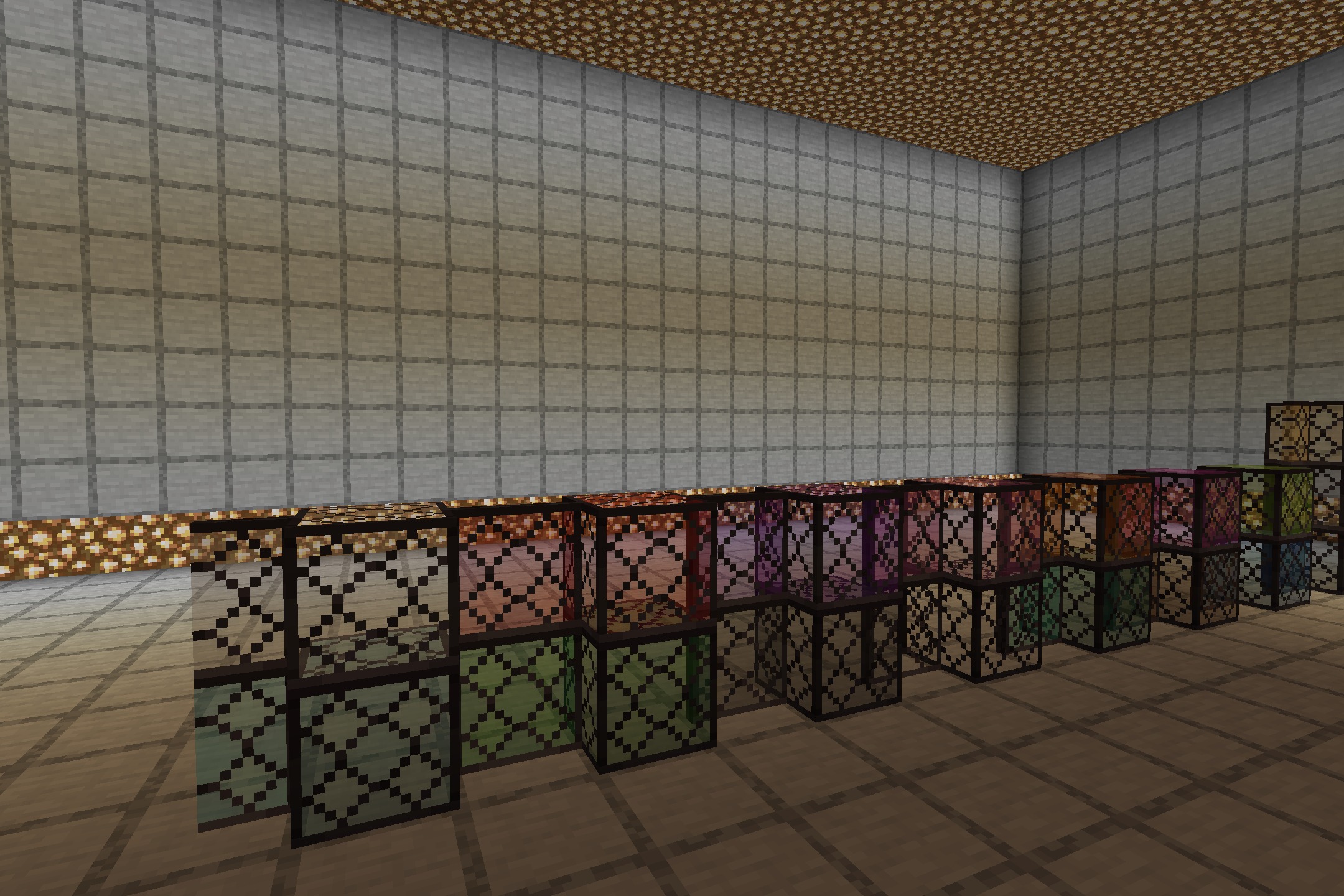
No, the center of each glass pane remains completely clear for visibility. The dark-iron frame only appears around the edges of the block.
Can I use this with other resource packs at the same time?
Yes, but pack load order matters. Place Simple Rustic Glass higher in your resource pack list than other packs if you want its frames to take priority.
Does this affect glass panes, glass blocks, or both?
The pack reskins all vanilla glass variants, including both glass blocks and glass panes, with the rustic dark-iron border treatment.
Will the frames show up on stained glass the same way as clear glass?
Yes, every stained glass color gets the matching dark-iron border, so the rustic aesthetic stays consistent across all glass types.
Does this pack change anything besides glass blocks?
No, it only modifies glass and stained glass blocks. Everything else in your world remains unchanged.
What Minecraft versions does this work with?
Check the mod's download page for the specific versions supported, as resource packs are version-dependent.
Will this cause lag or performance issues?
Resource packs have minimal performance impact. This pack should run smoothly on most systems since it only changes textures, not game mechanics.
Can I disable the frames on just some glass blocks?
Not without editing the pack files yourself. The frames apply to all glass blocks when the pack is active.
You May Also Like
Wikis that share the most with this one
Wikis on the same theme: glass
More resource pack wikis on the site
Simple Realistic Resource PackSimple Outlined Ores Resource PackSimple Lower Grass Sides Resource PackSimple Kite Shield Resource PackSimple Hotbar Resource PackSimple Grass Flowers Resource PackSilly Moves Resource PackSideShieldTexturePack Resource PackShureees Potions Resource Pack Shureee’s Block Icons Resource PackShrimp’s Immersive Interfaces Resource PackShort Swords Resource Pack
The most downloaded mods that have a wiki here
A few wikis from each of the other kinds
Gallery
5 images from the Simple Rustic Glass Resource Pack page.