

 DownloadPrivate’s Skies Resource Pack
Get the files on 9Minecraft
Guides
Step-by-step, in-game.
Adjust Sky Brightness and Fog EffectsUnderstanding Fog and Brightness Settings Private's Skies controls not just color but also how fog and atmospheric…Combine Private's Skies with Other Resource PacksUnderstanding Resource Pack Layering Resource packs load in order of priority—packs listed higher in your settings…Customize Sky Colors for Specific BiomesLocating the Sky Color Files Private's Skies stores its biome sky configurations in the resource pack's skies folder.…Restore Default Skies for Specific BiomesIdentifying Which Biomes to Restore If you want to keep Private's Skies overall but revert certain biomes to vanilla…
Frequently asked questions
How do I know if Private's Skies is actually working?
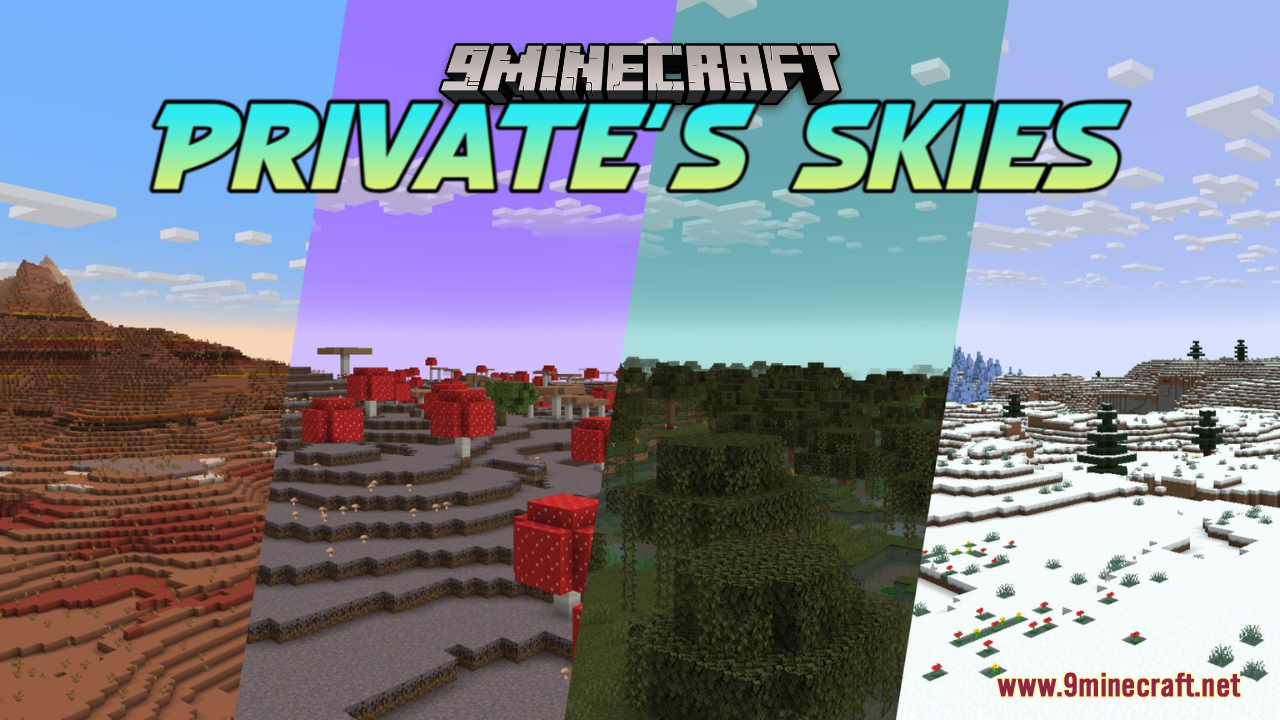
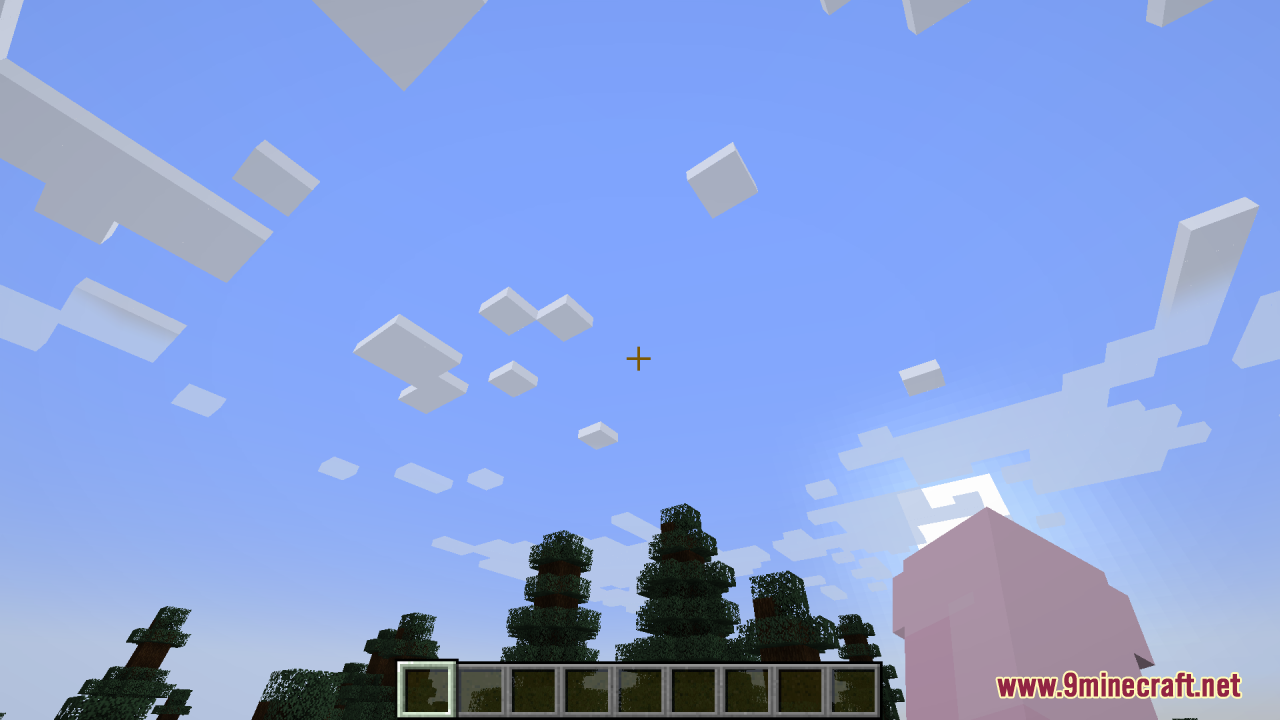
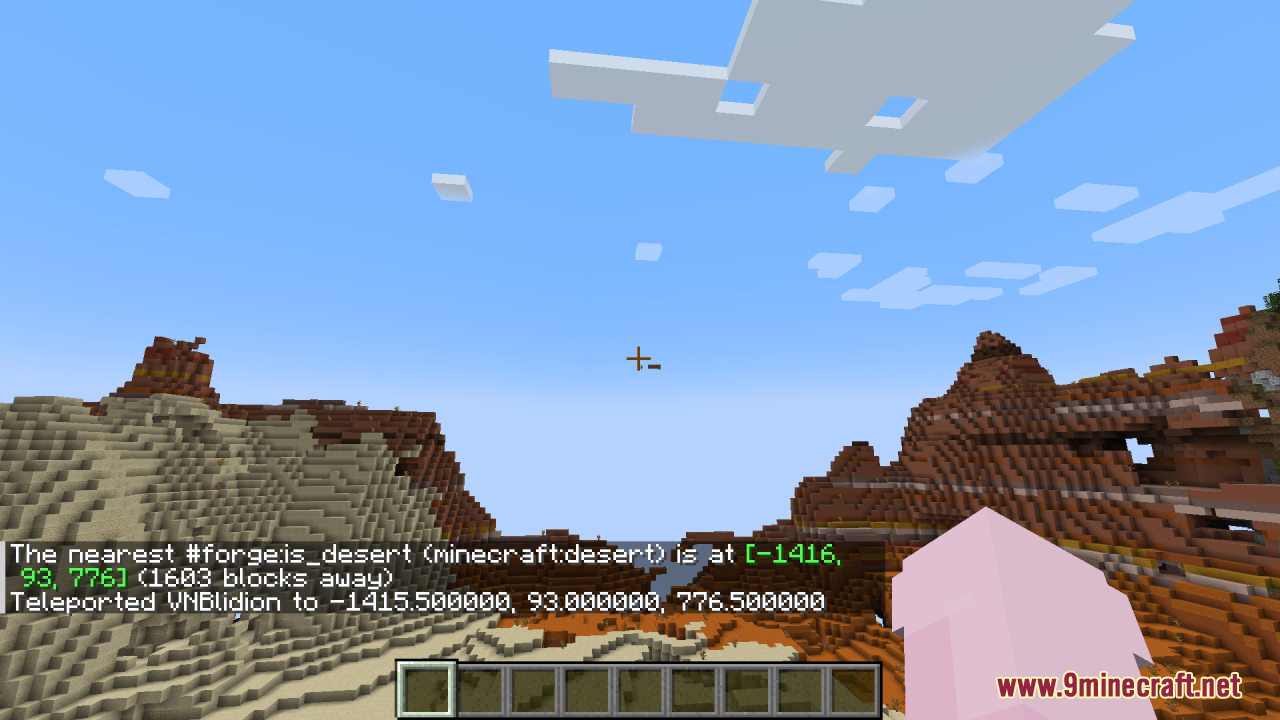
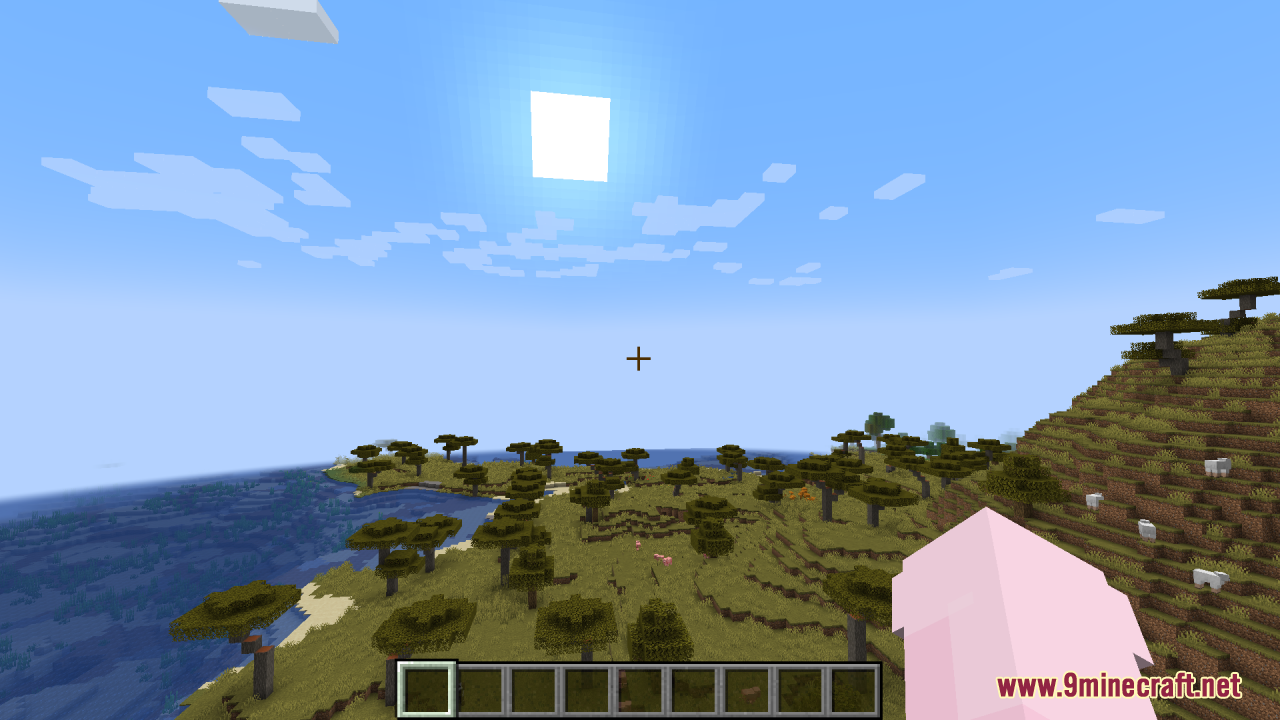
Load a world and look at the sky in different biomes—you should see distinct color palettes that differ from vanilla Minecraft. If the sky still looks default, check that the resource pack is enabled and ranked above any conflicting packs in your resource pack list.
Can I use Private's Skies with shader mods?
Yes, Private's Skies works alongside shader mods like Complementary or BSL, though the final sky appearance depends on how your shader processes the underlying colors. Test in-game to see if you like the combination, as some shaders may override or blend the sky colors differently.
Why does my sky look washed out or too bright?
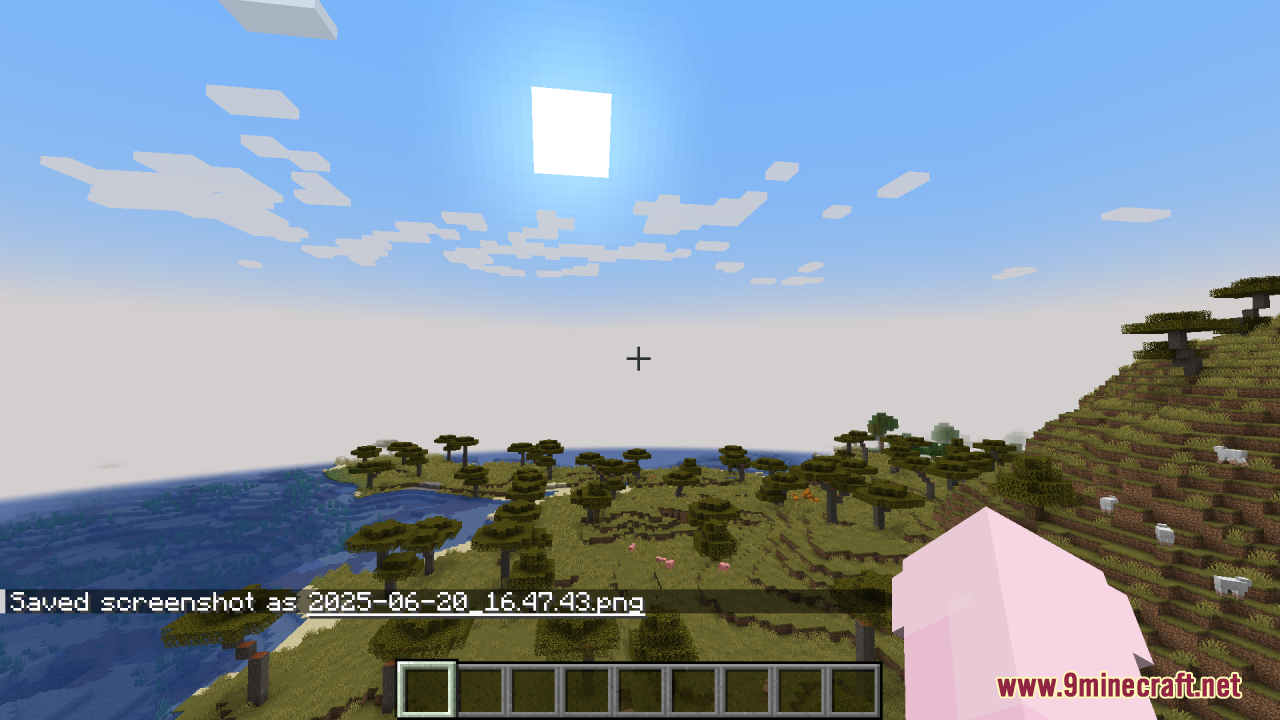
This usually happens if another resource pack is ranked higher and overriding Private's Skies, or if your brightness/gamma settings are too high. Check your resource pack order in settings and adjust in-game brightness to find the right balance for the new sky tones.
Do I need to create a new world for the skies to appear?
No, the resource pack applies to existing worlds immediately once enabled. If you don't see changes, try reloading the world or restarting the game.
See all 10 Private’s Skies questions ›
Gallery
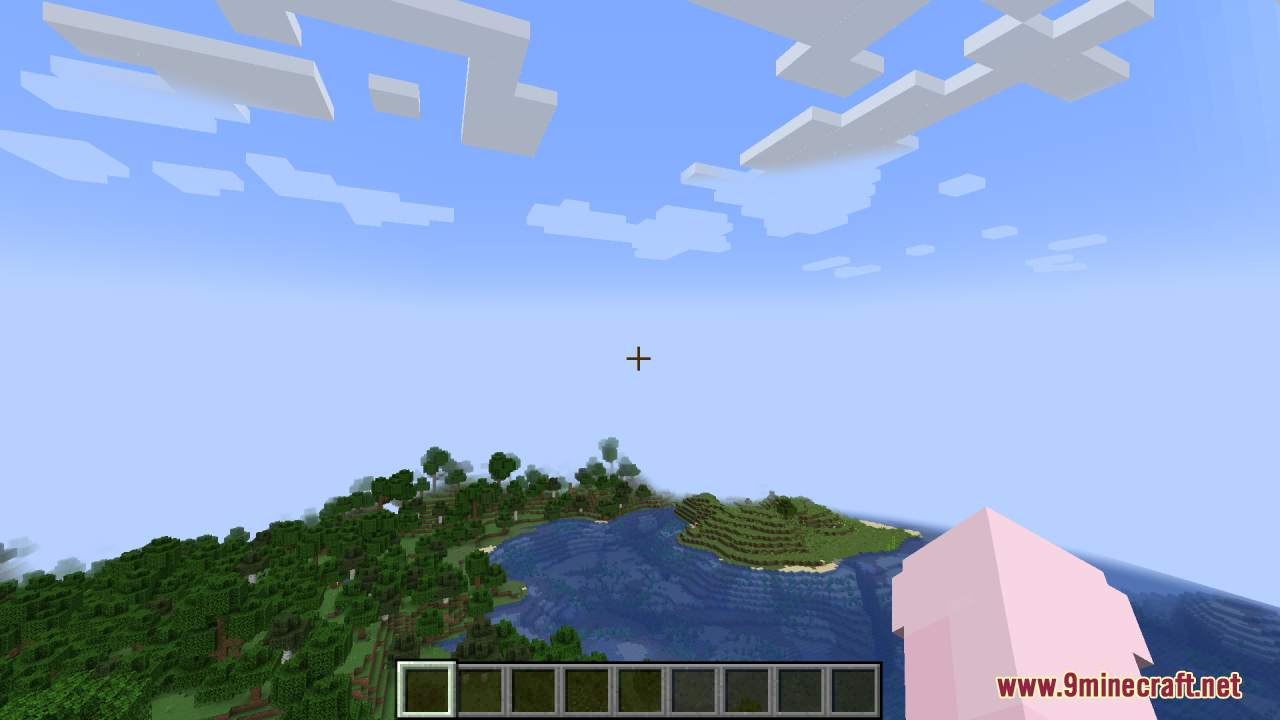
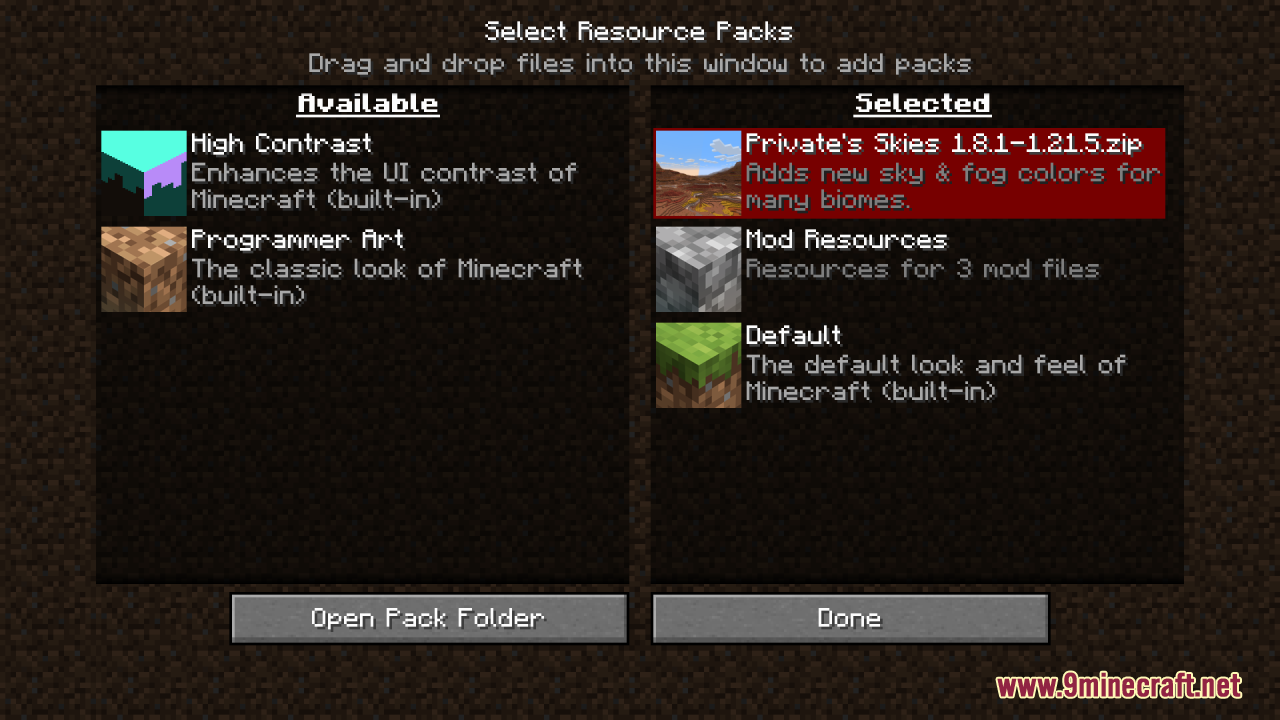
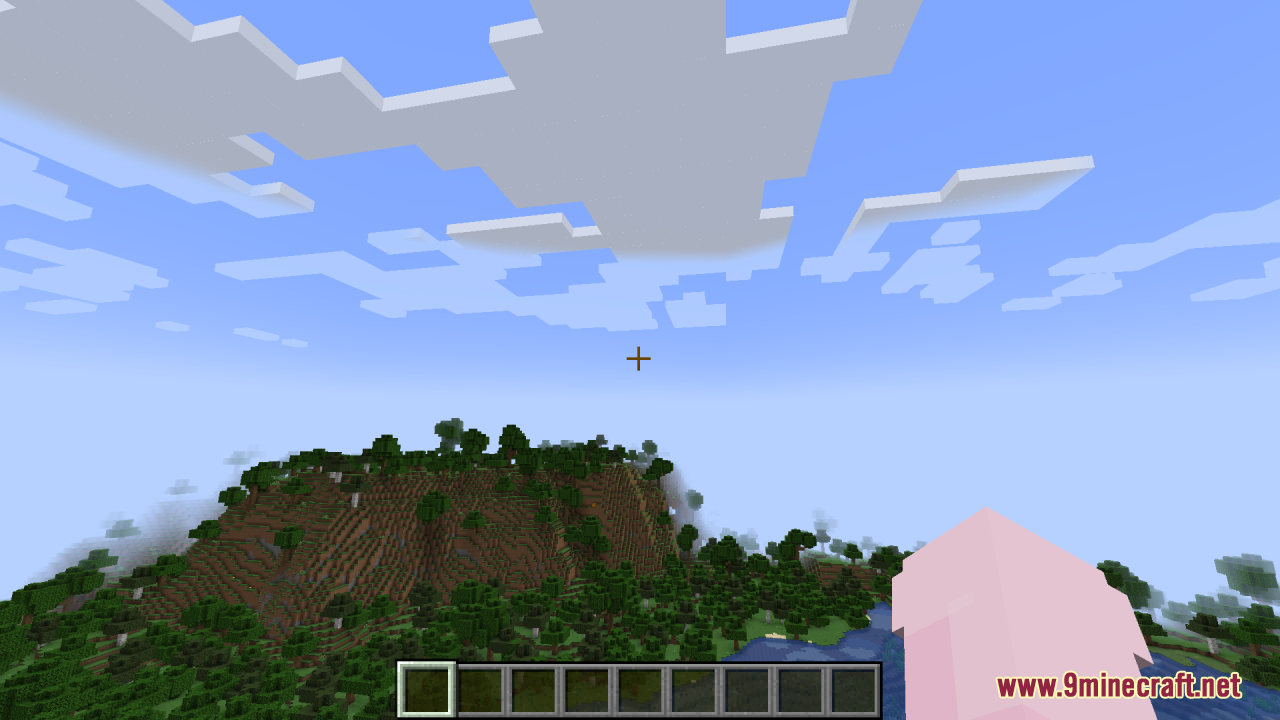
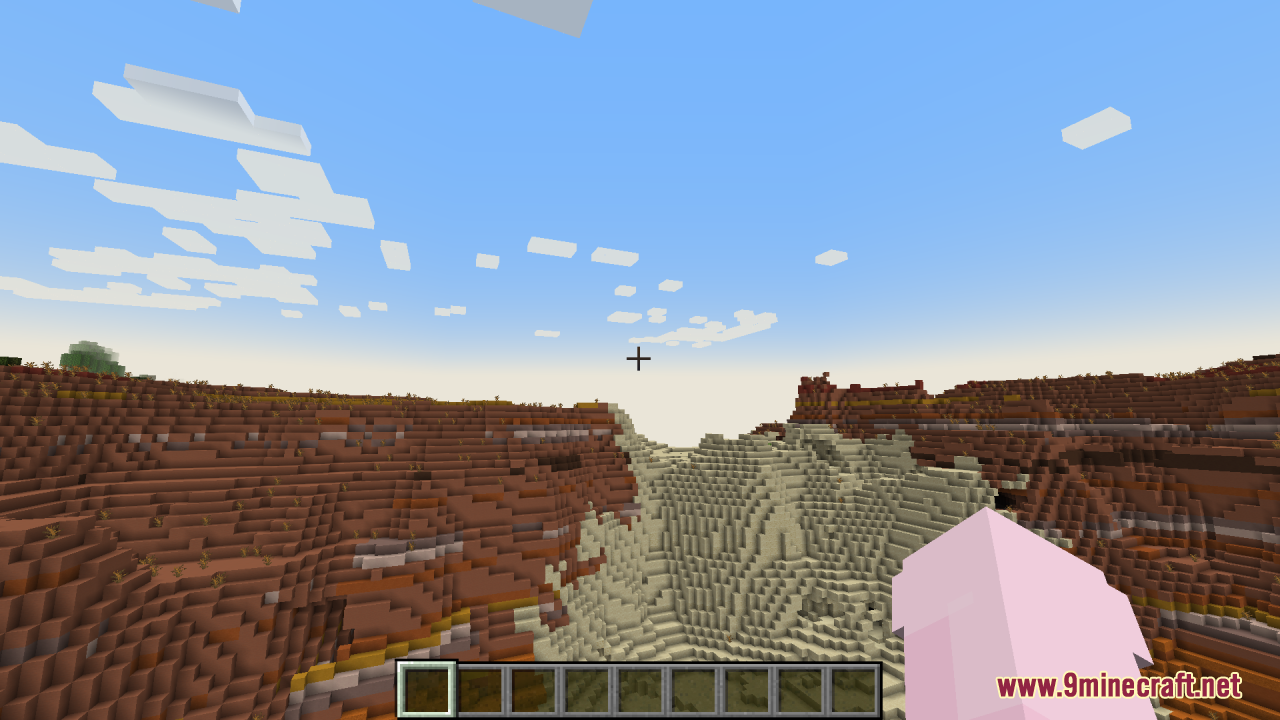
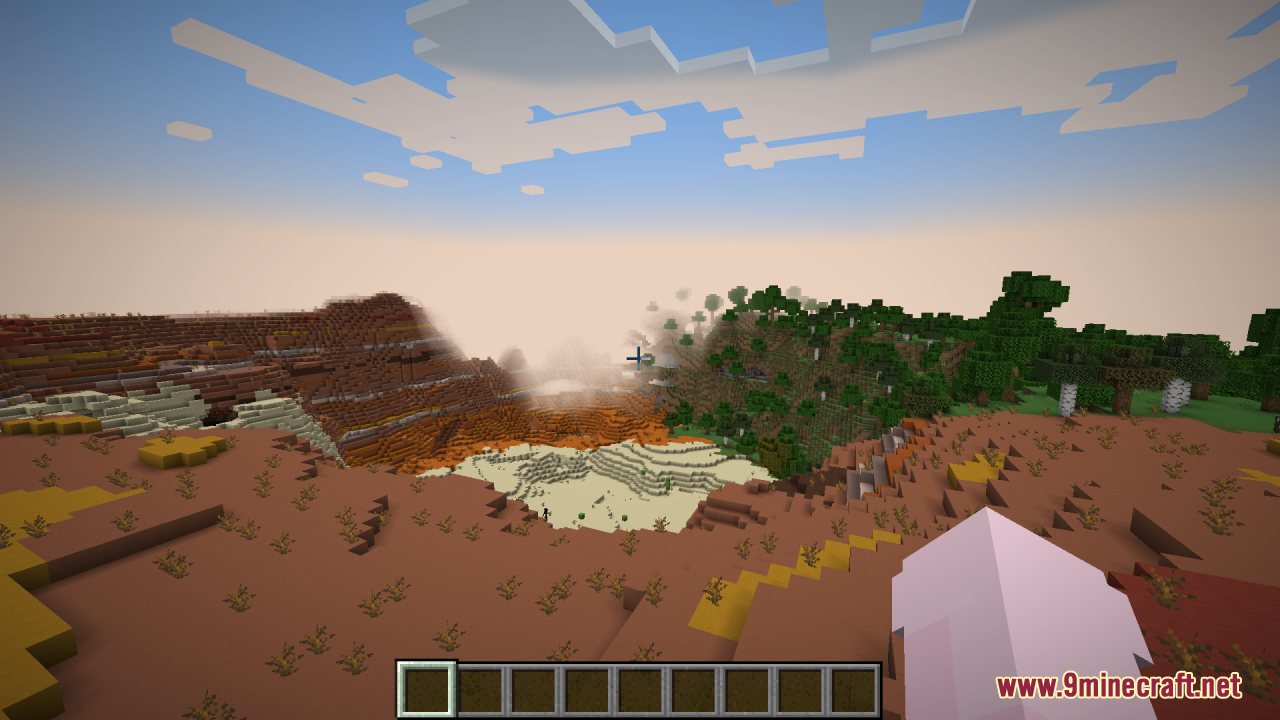
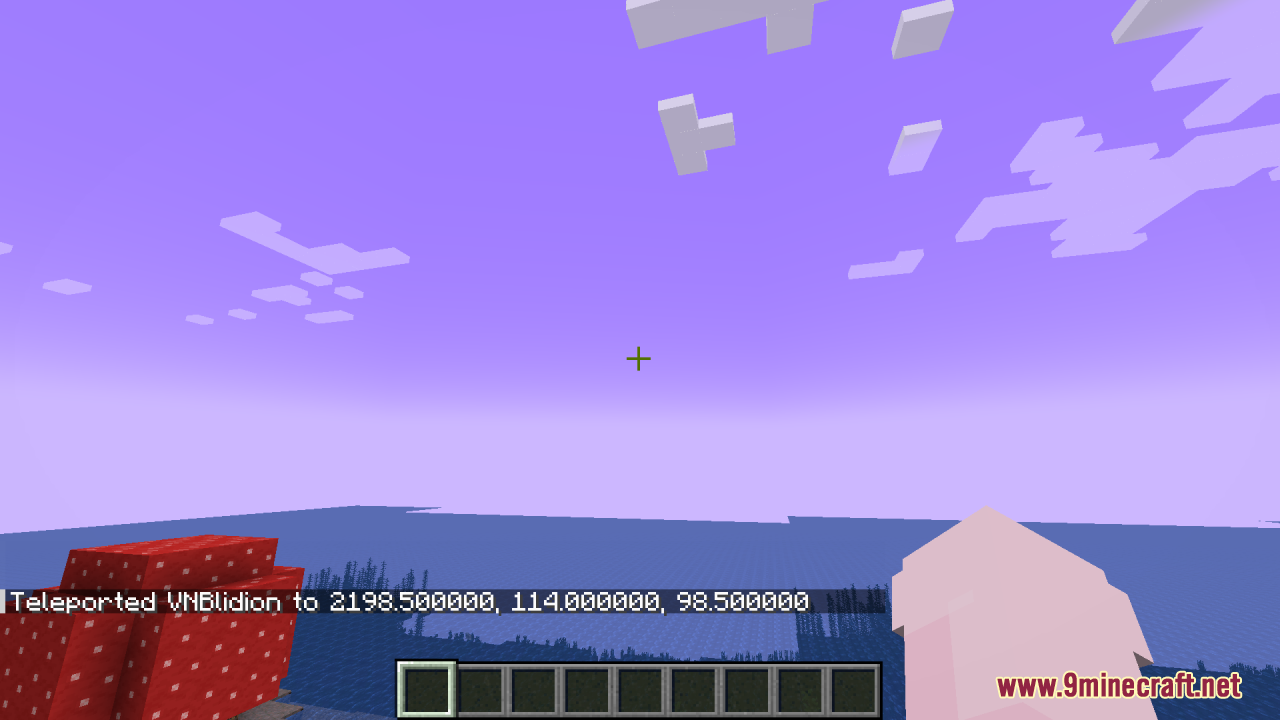
12 images from the Privates Skies Resource Pack page.
You May Also Like
Wikis that share the most with this one
 Prism Skies Shaders
More resource pack wikis on the site
Pristine Vein Deposits Resource PackPrismic Patterned Depth Resource PackPrismatic Aura Sparkle Resource PackPrismatic Atmosphere Resource PackPrism Glyph Standard Resource PackPrimes Hd Textures Free 32X Resource PackPrimal Horizon Shifters Resource Pack Pride Pack Resource PackPretty Realistic Pbr Resource PackPretty Dark UI Resource PackPrettier Parrots Resource PackPPL Alternative GUI Resource Pack
The most downloaded mods that have a wiki here
A few wikis from each of the other kinds