

 DownloadChase The Skies Resource Pack
Get the files on 9Minecraft
Guides
Step-by-step, in-game.
Combining Chase the Skies with Shader Packs for Enhanced VisualsCompatibility Considerations Chase the Skies Resource Pack works alongside shader packs, but the combination requires…Experiencing the Chase the Skies Panorama in Your WorldViewing the Main Menu Panorama The resource pack replaces your main menu background with the vibrant Chase the Skies…Optimizing Resource Pack Performance on Lower-End SystemsUnderstanding Resource Pack Demands Chase the Skies uses high-resolution imagery and detailed panoramas, which can…Spotting Happy Ghasts and Thematic Mob TexturesFinding Happy Ghasts The Chase the Skies Resource Pack includes a cheerful redesign of Ghast textures. To encounter…
Frequently asked questions
How do I see the Chase the Skies panorama in my world?
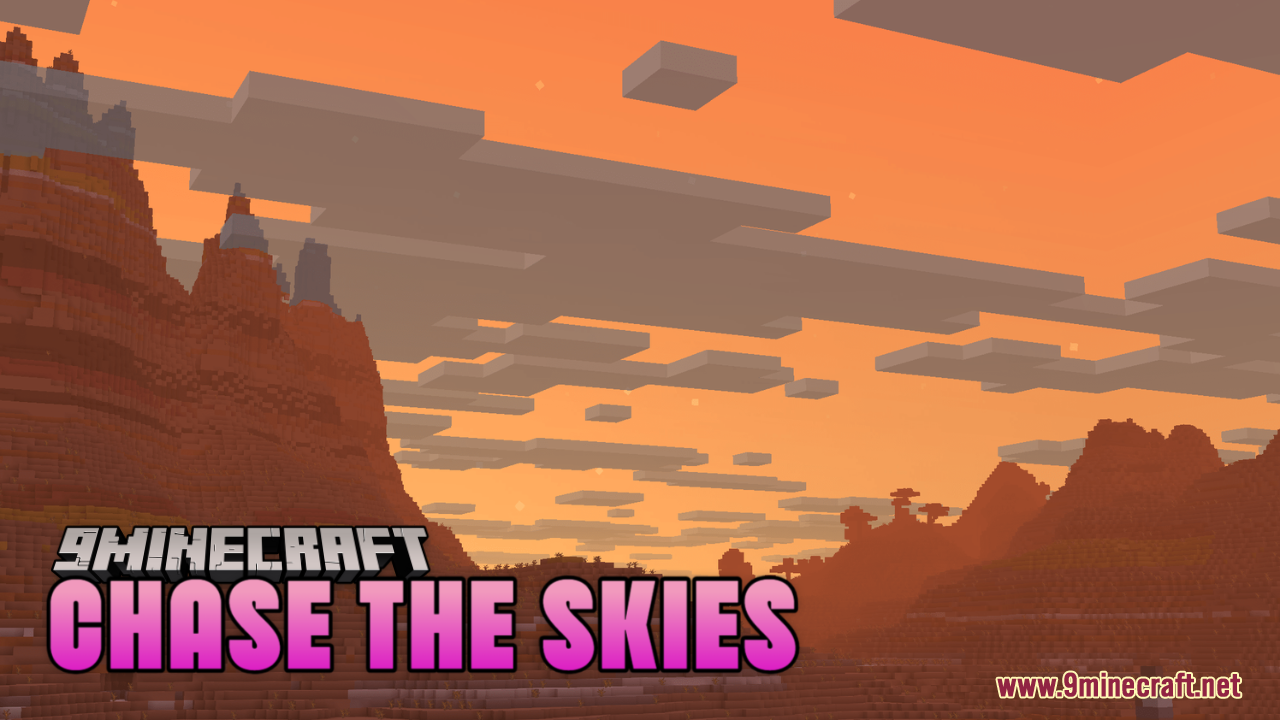
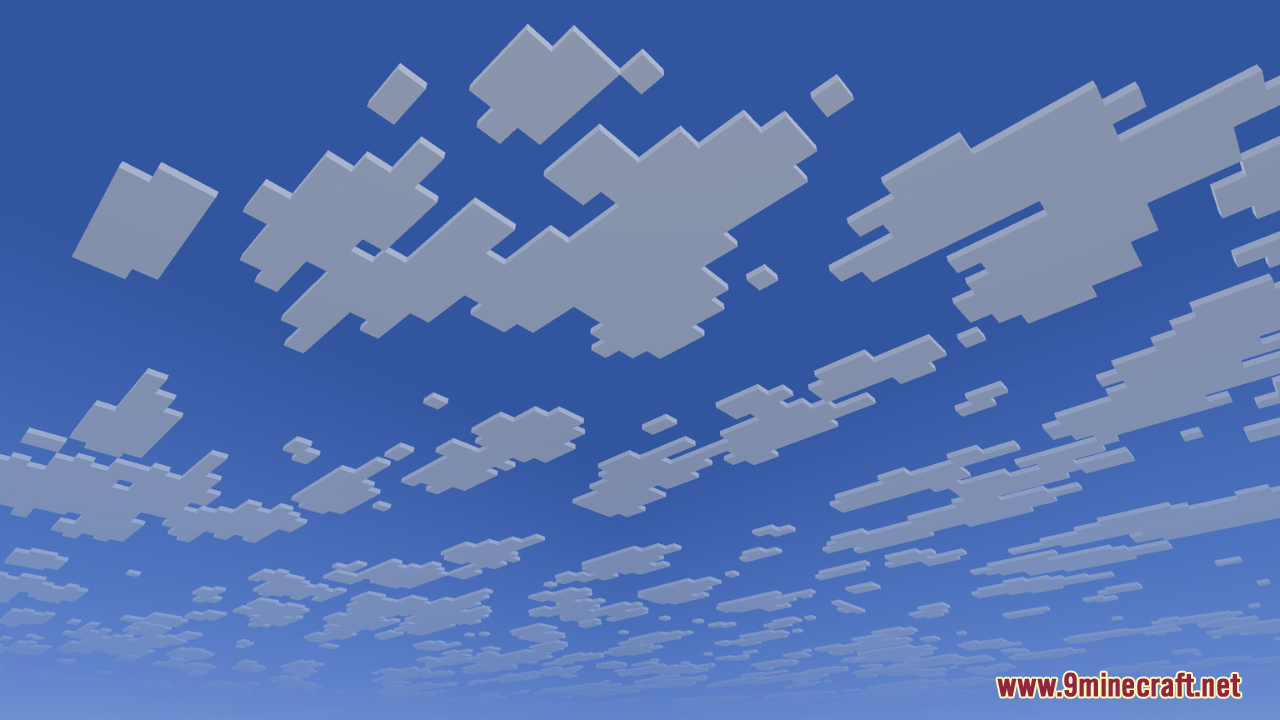
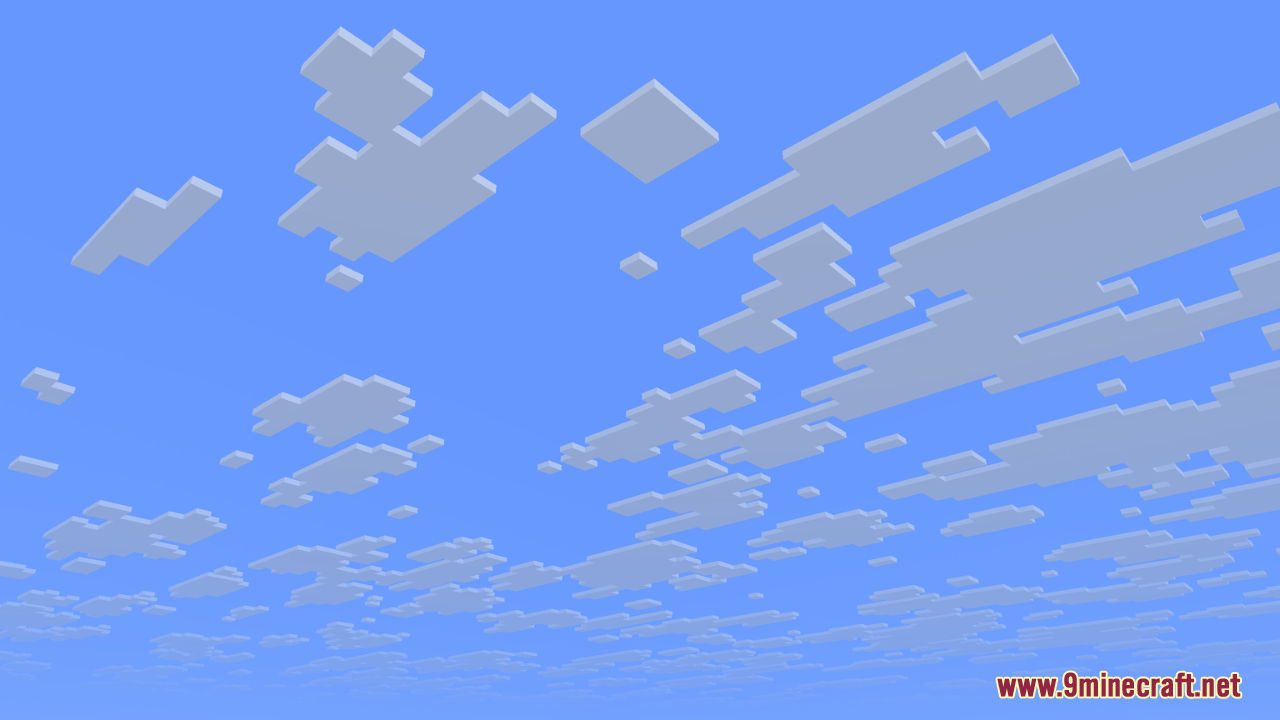
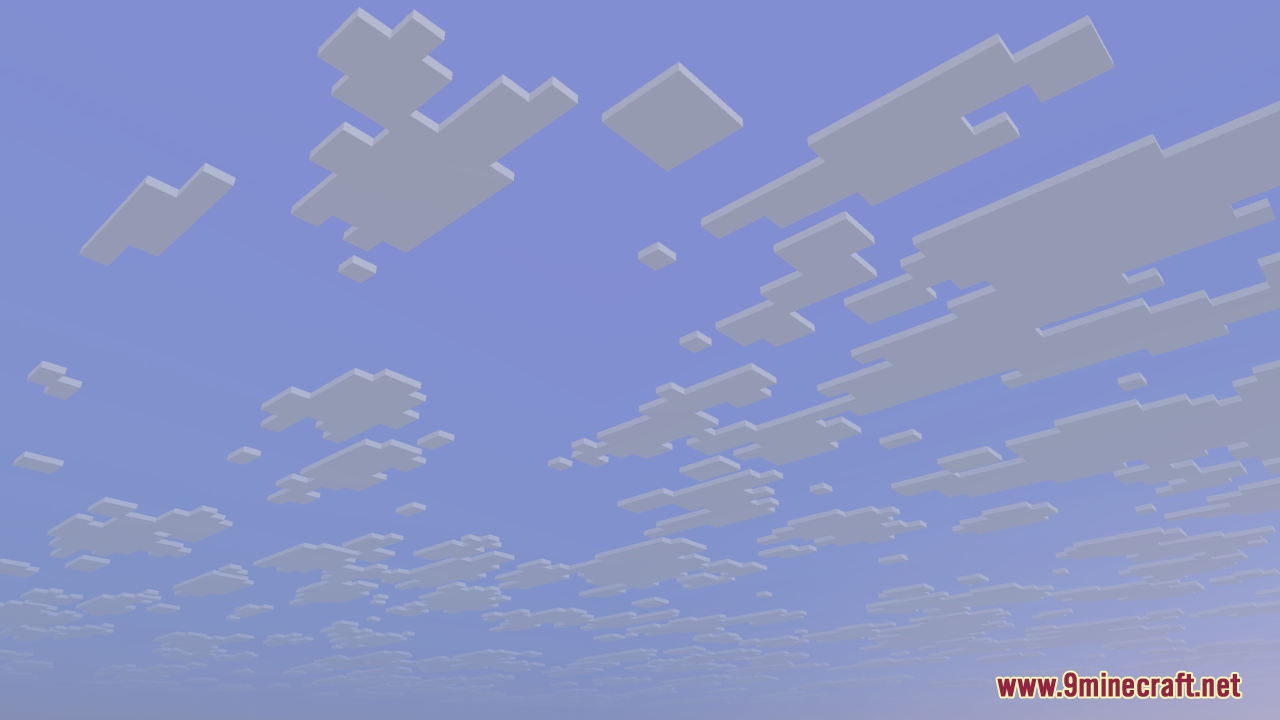
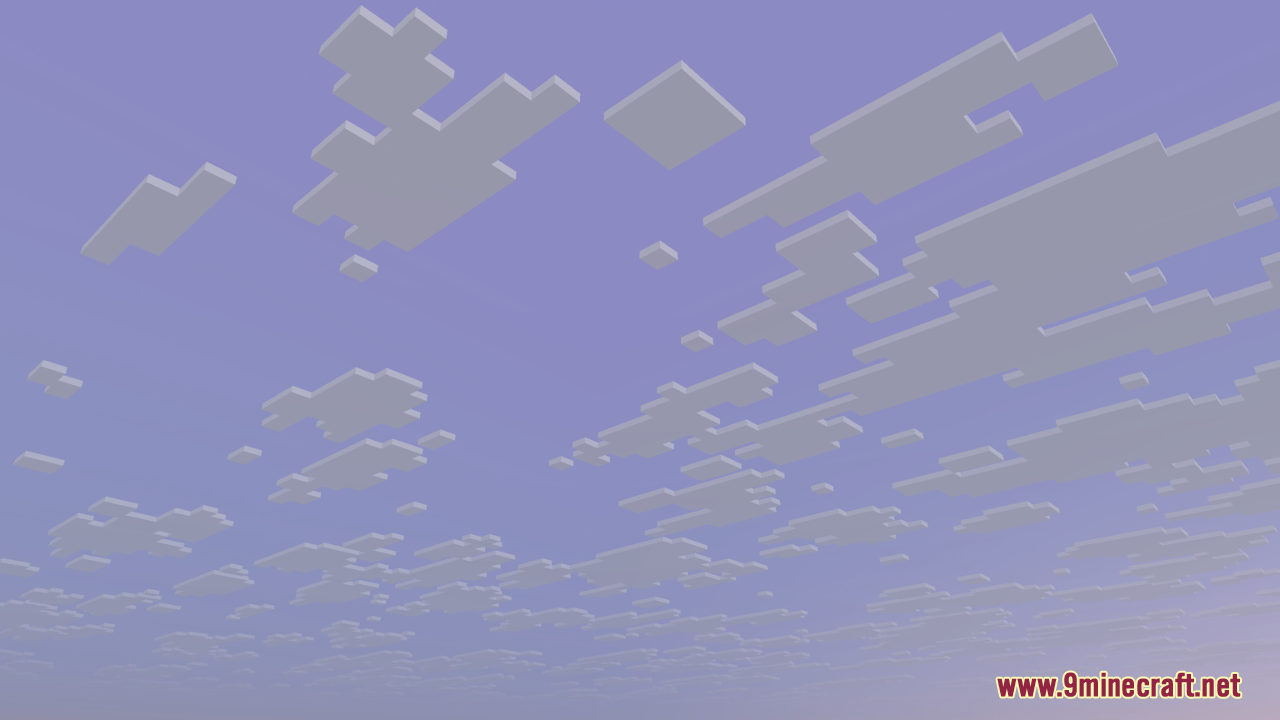
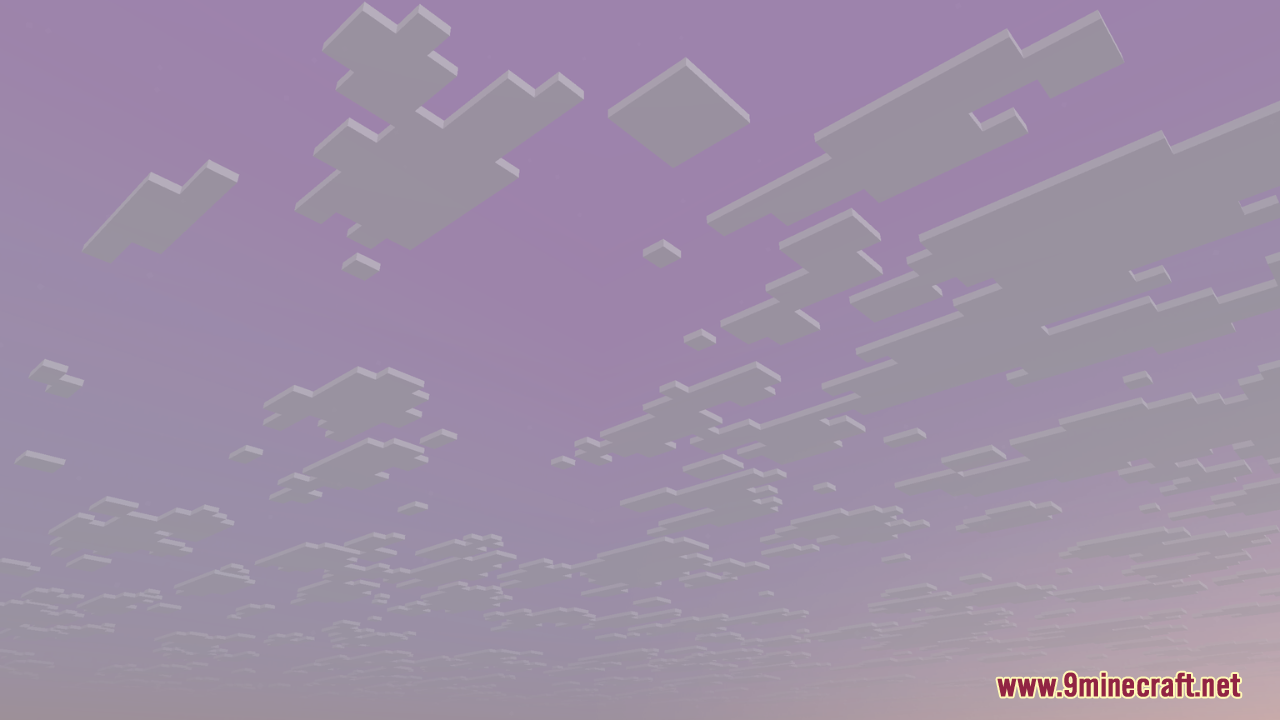
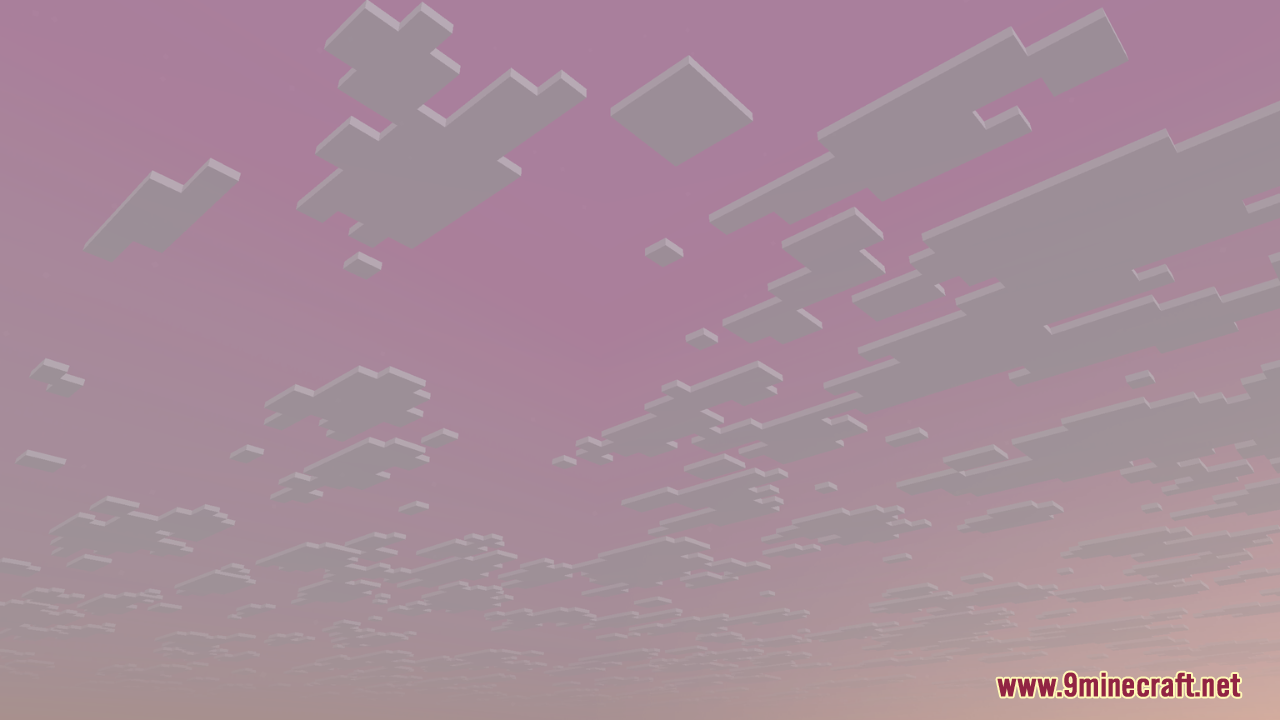
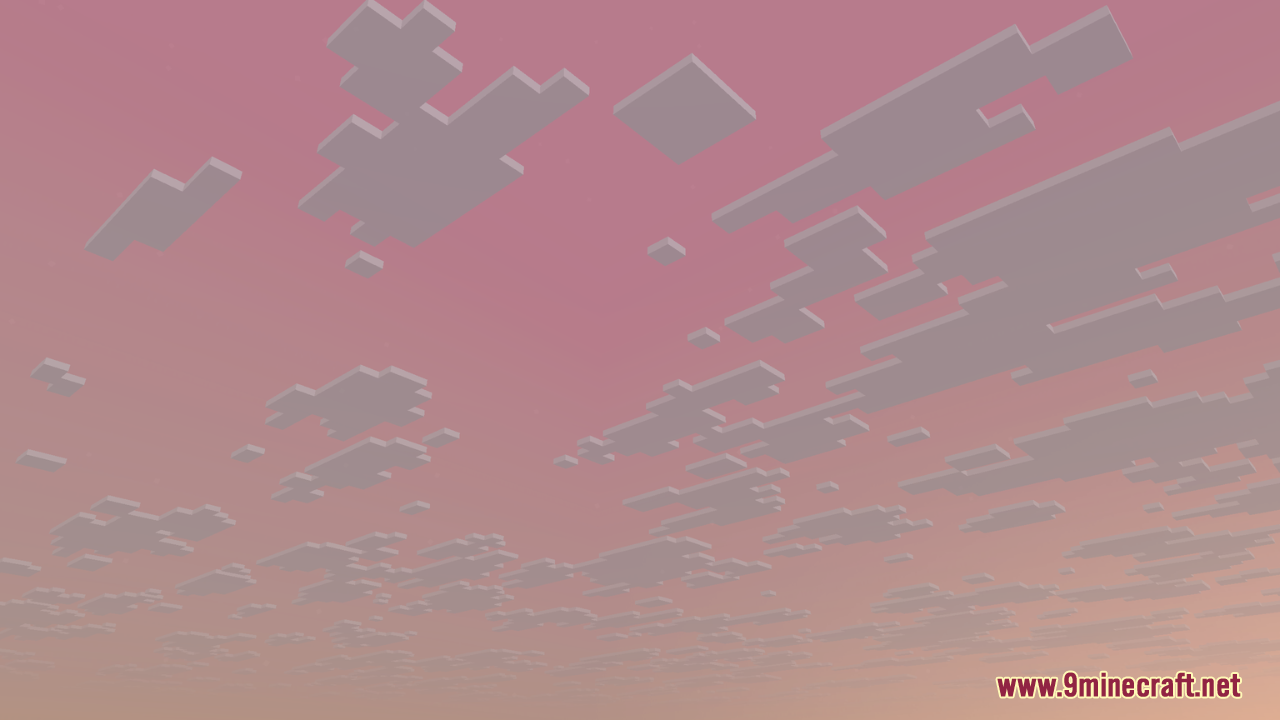
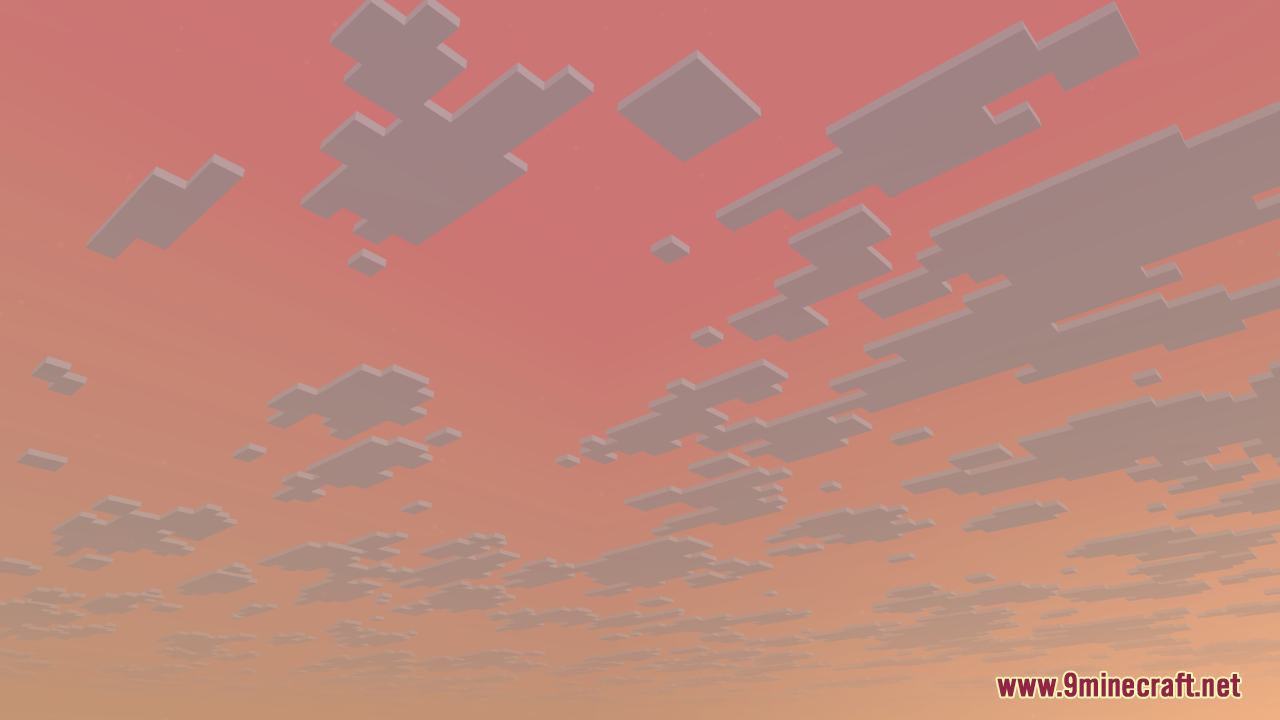
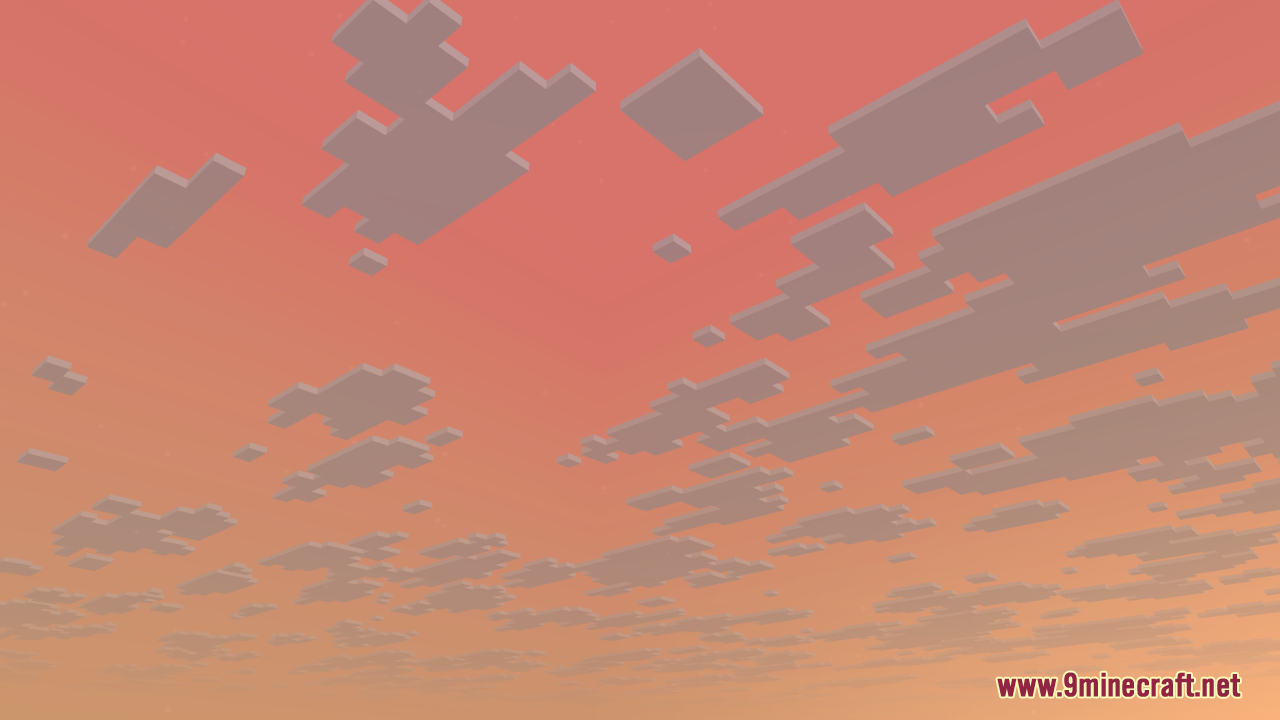
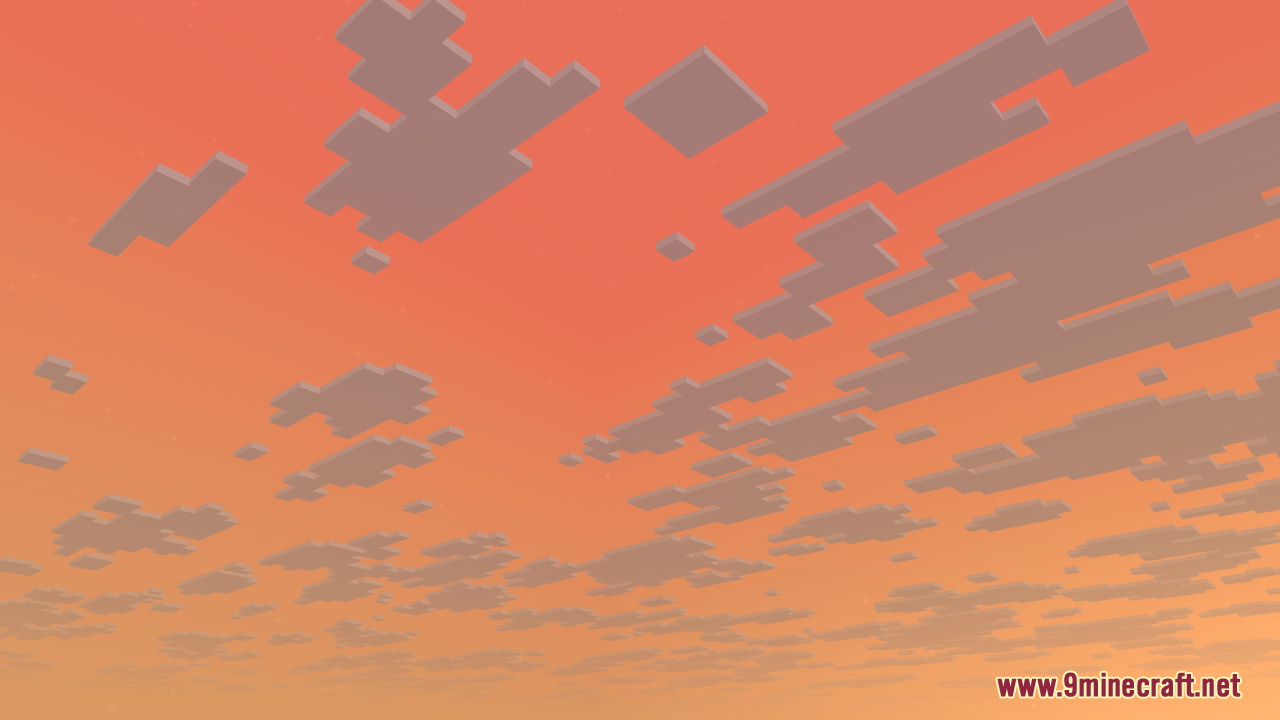
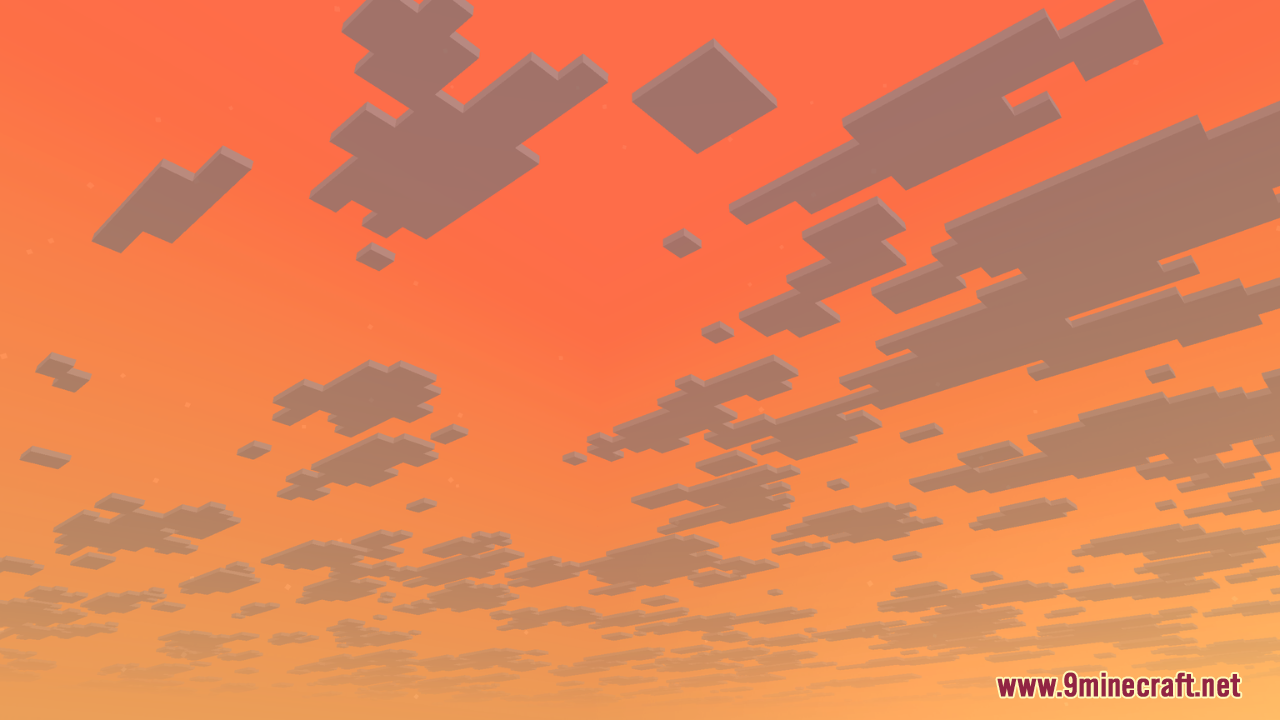
The panorama displays automatically in your main menu once the resource pack is active. To see it in-game, you'll need to be in a dimension where the sky is visible—the Overworld shows the vibrant Chase the Skies sky by default when the pack is enabled.
Do I need a shader pack to use this resource pack?
No, the resource pack works standalone and provides enhanced visuals on its own. However, pairing it with a shader pack can amplify the cinematic effect, especially for lighting and atmospheric depth.
Will this resource pack change my gameplay or add new blocks?
No, this is purely a visual resource pack—it only changes textures, panoramas, and sky visuals. It doesn't add new items, blocks, or alter any game mechanics.
How do I spot the Happy Ghasts?
Happy Ghasts appear as retextured ghasts with a friendlier, more cheerful appearance. They spawn naturally in the Nether like regular ghasts, but their new textures make them visually distinct and thematic to the Chase the Skies aesthetic.
See all 10 Chase The Skies questions ›
Gallery
12 images from the Chase The Skies Resource Pack page.
You May Also Like
Wikis that share the most with this one
 Prism Skies Shaders
More resource pack wikis on the site
Char1Ies Backrooms Resource PackChaos Pvp Pack Resource PackCenturion Ships Resource PackCentral Crosshair Resource PackCatppuccin UI Resource PackCatgirl Beds Resource PackCat Creepers Resource PackCassette Music Disc Resource PackCassette Music Disc 9Minecraft Resource PackCartooncraft Resource PackCartoon Texture Concept Update 120 Resource PackCarrot Farmer Totem Of Undying Resource Pack
The most downloaded mods that have a wiki here
A few wikis from each of the other kinds