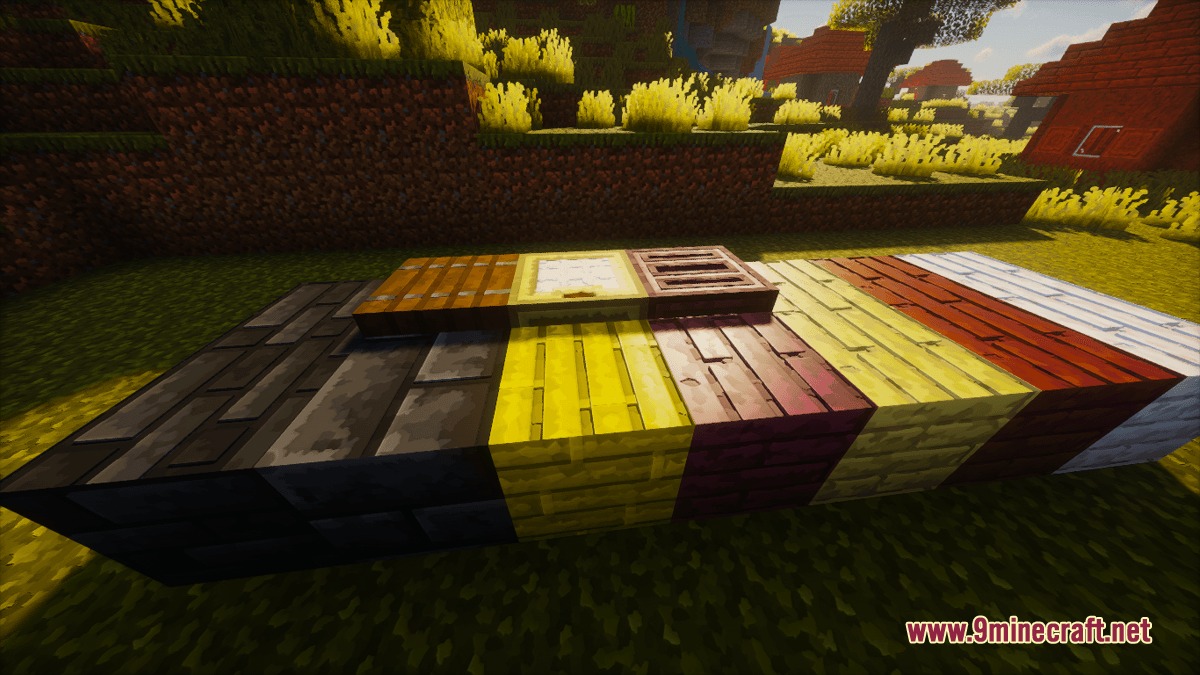
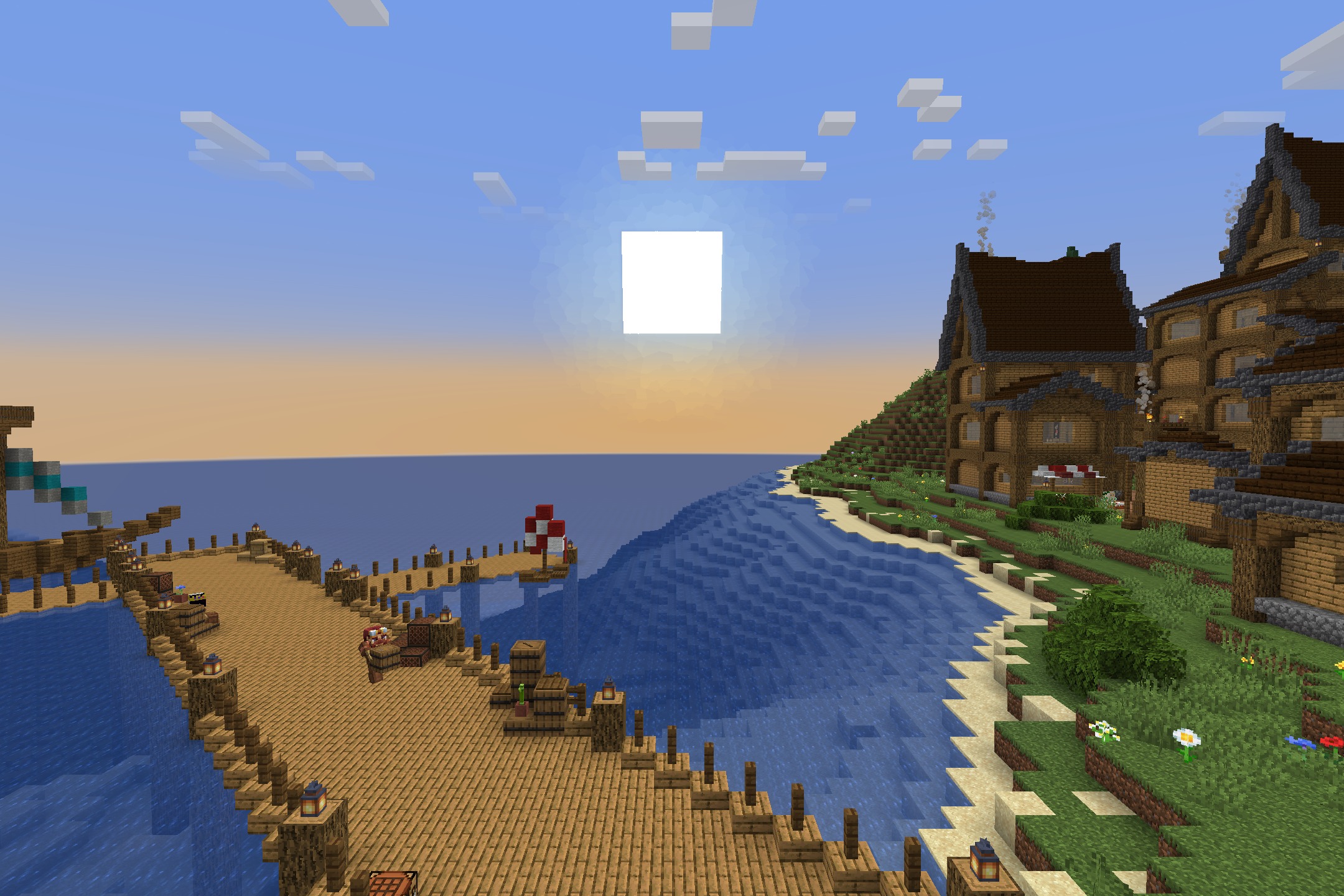
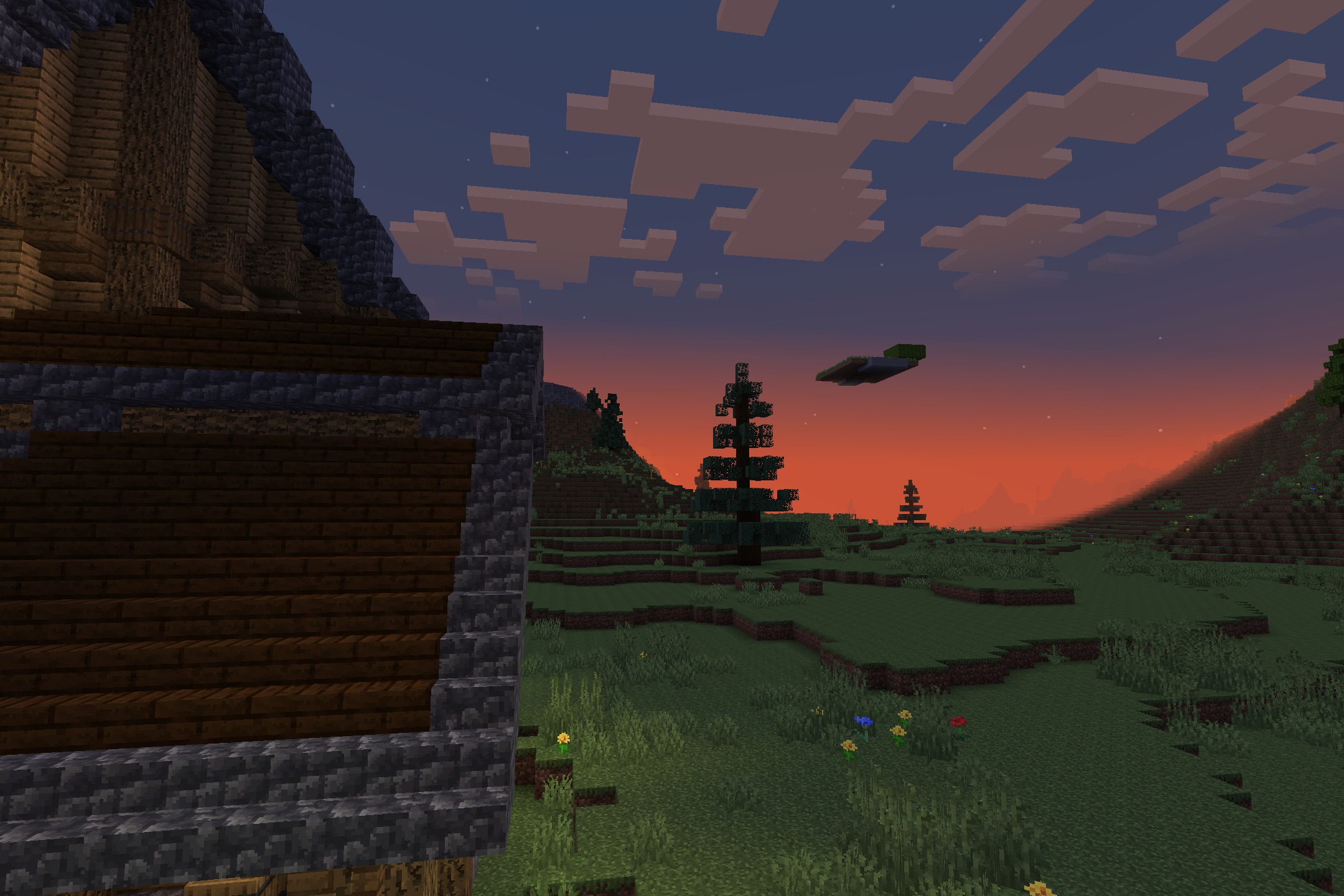
DownloadPrismic Patterned Depth Resource Pack
Get the files on 9Minecraft
Contents (8)
Guides
Step-by-step, in-game.
Choose the Right Resolution for Your SystemResolution Options Available Prismic Patterned Depth scales across multiple resolutions to match your hardware and…Enable PBR Effects and Realistic ReflectionsInstall a Compatible Shaderpack Prismic Patterned Depth includes built-in PBR material maps, but you need a…Maintain Vanilla Aesthetics While Using Geometric PatternsUnderstanding Pattern Consistency Prismic Patterned Depth repaints every vanilla block with clean geometric designs…Troubleshoot Missing or Incorrect TexturesVerify Pack Installation If blocks appear with default textures or missing patterns: 1. Confirm the resource pack is…
Items
 Prismarine Crystals
 Prismarine Shard
Blocks
220 blocks · showing 24. Browse all →
 Acacia Leaves
 Acacia Log
 Acacia Planks
 Acacia Trapdoor
 Activator Rail
 Andesite
 Anvil
 Bamboo Planks
 Bamboo Trapdoor
 Birch Leaves
 Birch Log
 Birch Planks
 Birch Trapdoor
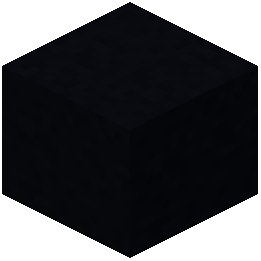 Black Concrete
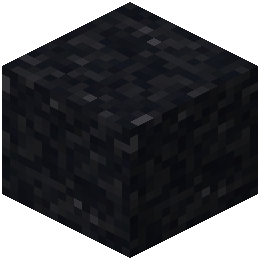 Black Concrete Powder
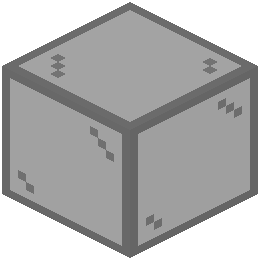 Black Stained Glass
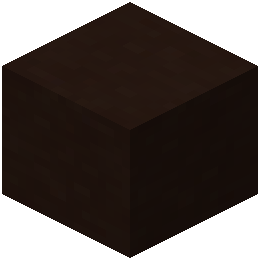 Black Terracotta
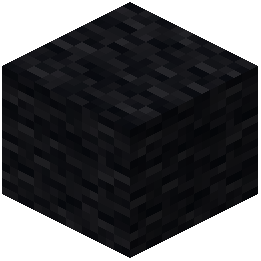 Black Wool
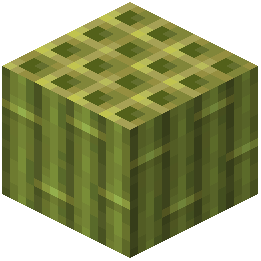 Block of Bamboo
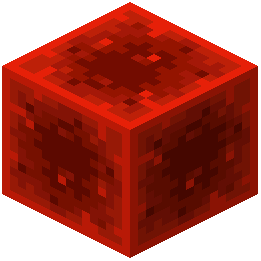 Block of Redstone
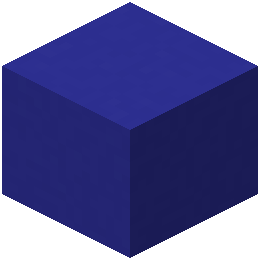 Blue Concrete
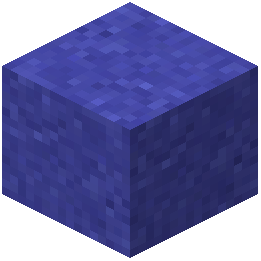 Blue Concrete Powder
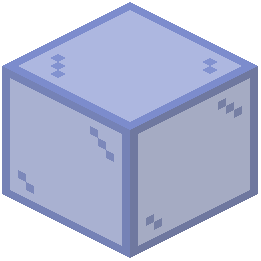 Blue Stained Glass
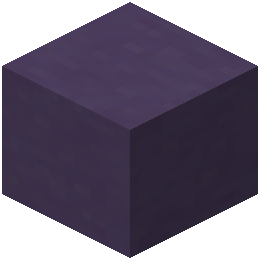 Blue Terracotta
What this pack changes
Every texture group the pack replaces, counted from the pack itself.
| Area | Textures replaced |
|---|---|
| Blocks | 701 |
| GUI & menus | 265 |
| Items | 4 |
| Sky & weather | 2 |
| Font | 2 |
Pack format 16–999 (Minecraft 1.20–1.21.9)974 texture files in total
Extra features
Custom font
Reworked GUI
Frequently asked questions
Do I need a shaderpack to use this resource pack?
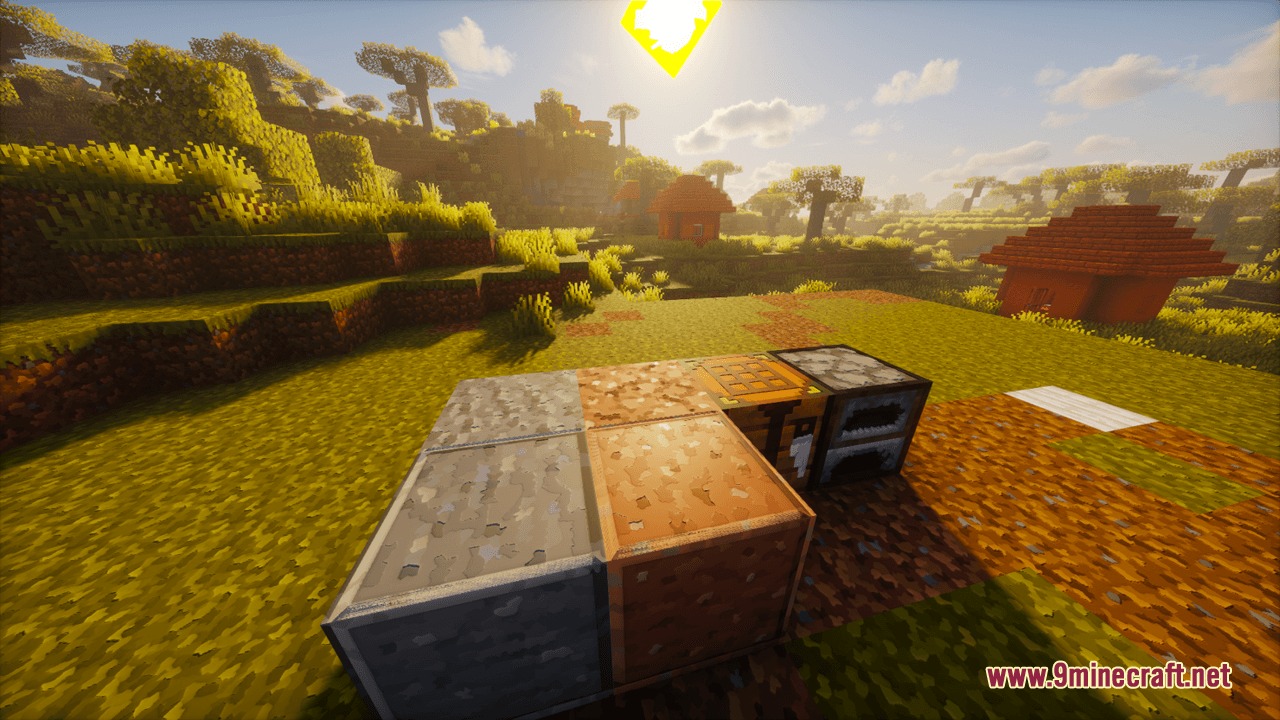
No, the pack works fine without one—blocks will display their geometric patterns with vanilla lighting. However, installing a compatible shaderpack like BSL or Bliss will activate the built-in PBR material maps, giving you realistic reflections and 3D depth effects on surfaces.
Will my builds look weird with these geometric patterns?
No, the pack preserves vanilla color palettes so your builds stay recognizable and true to their original theme. The geometric patterns are decorative overlays that enhance surfaces without changing the fundamental appearance of your world.
What resolution should I pick for my computer?
Start with 32x if you have a lower-end system or want maximum performance, then try higher resolutions if your GPU handles it smoothly. The pack scales across multiple resolutions, so you can find the sweet spot between visual quality and frame rate.
Why are some of my blocks showing missing textures or looking wrong?
Make sure the resource pack is positioned above any conflicting packs in your load order, and verify it's the correct resolution for your settings. If problems persist, try regenerating your resource pack cache by restarting the game.
Can I use this pack with other resource packs at the same time?
Yes, but place Prismic Patterned Depth higher in your resource pack list than other packs to prevent conflicts. If another pack also retextures blocks, whichever is loaded first will take priority.
How do I enable PBR effects to see the realistic reflections?
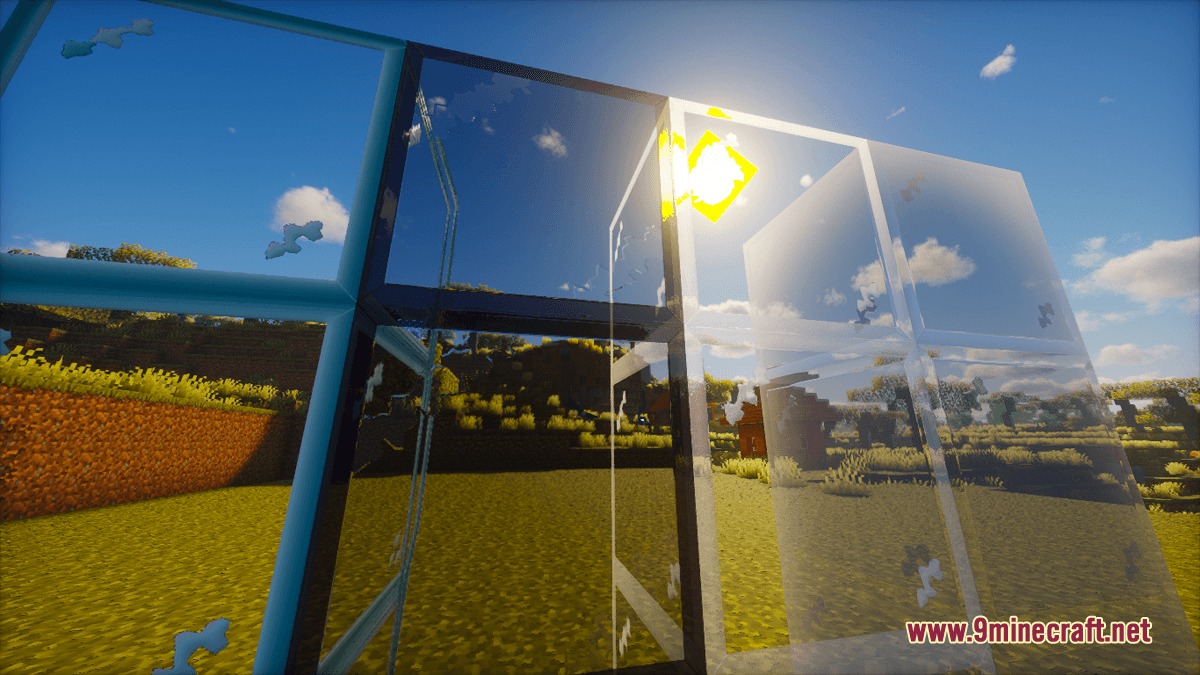
Install a PBR-compatible shaderpack and enable it in your video settings, then the material maps built into this pack will automatically activate. You should see reflections and depth on surfaces like glass, water, and polished blocks.
Will using this pack with a shaderpack hurt my FPS?
The pack itself has minimal performance impact, but shaderpacks are demanding—use a lighter shaderpack if you're getting frame drops. Lower resolutions and disabling advanced shader features will help maintain playable performance.
Do the patterns work on custom blocks from other mods?
No, this pack only retextures vanilla Minecraft blocks. Modded blocks will keep their default or mod-provided textures.
Can I use this with Optifine or Sodium?
Yes, the pack is compatible with both optimization mods. If you're using Optifine, make sure connected textures and other visual features are configured to avoid conflicts with the geometric patterns.
Do I need to change any game settings for the patterns to look right?
No special settings are required, but enabling mipmapping and anisotropic filtering in your video options will make the patterns look sharper and cleaner at a distance.
You May Also Like
Wikis that share the most with this one
Sea Depth ModelLuminous Depth Mod Depth Style ShadersDMS Depth Map Shaders
 Depth of Field Test3 ShadersUniversal Depth of Field ModPretty Dark UI Resource PackPretty Realistic Pbr Resource Pack
 Pride Pack Resource PackPrimal Horizon Shifters Resource PackPrimes Hd Textures Free 32X Resource PackPrism Glyph Standard Resource Pack
Depth Style ShadersDMS Depth Map ShadersDepth of Field Test3 ShadersUniversal Depth of Field ModPretty Dark UI Resource PackPretty Realistic Pbr Resource PackPride Pack Resource PackPrimal Horizon Shifters Resource PackPrimes Hd Textures Free 32X Resource PackPrism Glyph Standard Resource PackMore resource pack wikis on the site
Prismatic Aura Sparkle Resource PackPrismatic Atmosphere Resource PackPrettier Parrots Resource PackPPL Alternative GUI Resource PackPotato Graphics Resource PackPop-out ClocksPoly Smooth Vanilla Resource PackPollachius Resource PackPokemon Atmosphere Resource PackPoke Discs Resource PackPogs Fresher Ores Glowing Resource Pack PMW Precipitation Redone Resource Pack
The most downloaded mods that have a wiki here
A few wikis from each of the other kinds
Gallery
11 images from the Prismic Patterned Depth Resource Pack page.