

 DownloadPlain & Precious Resource Pack
Get the files on 9Minecraft
Guides
Step-by-step, in-game.
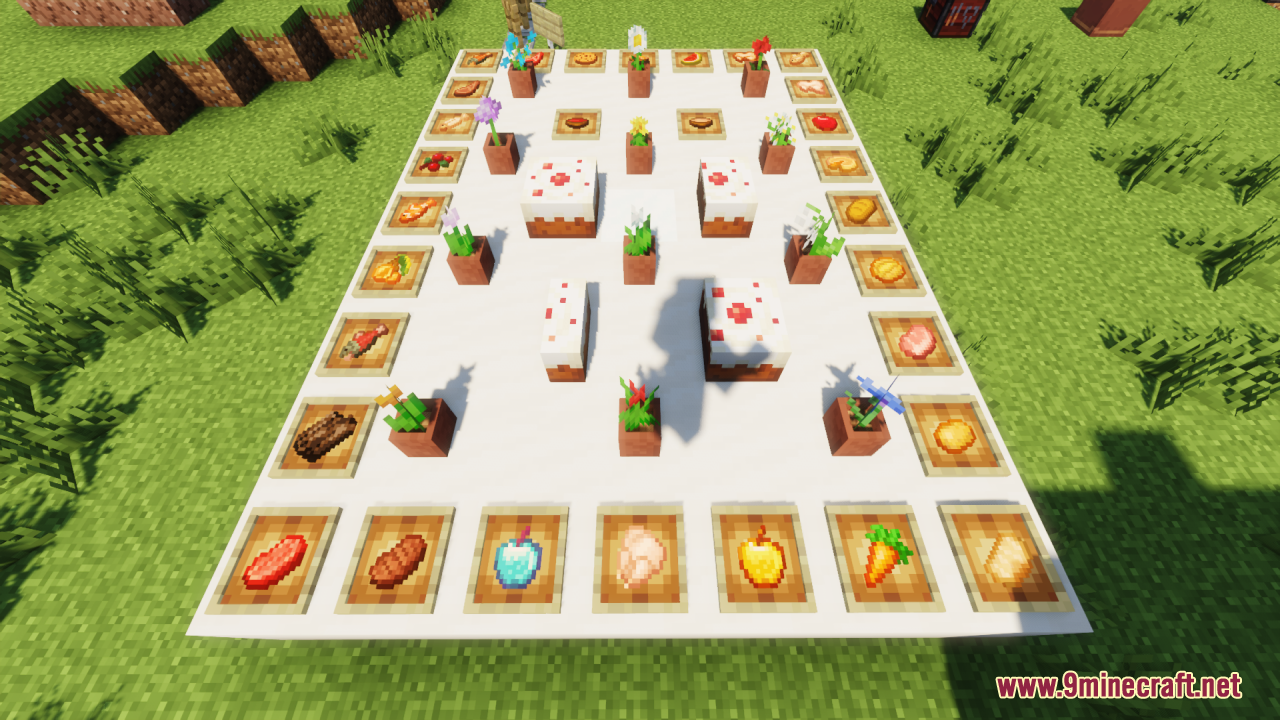
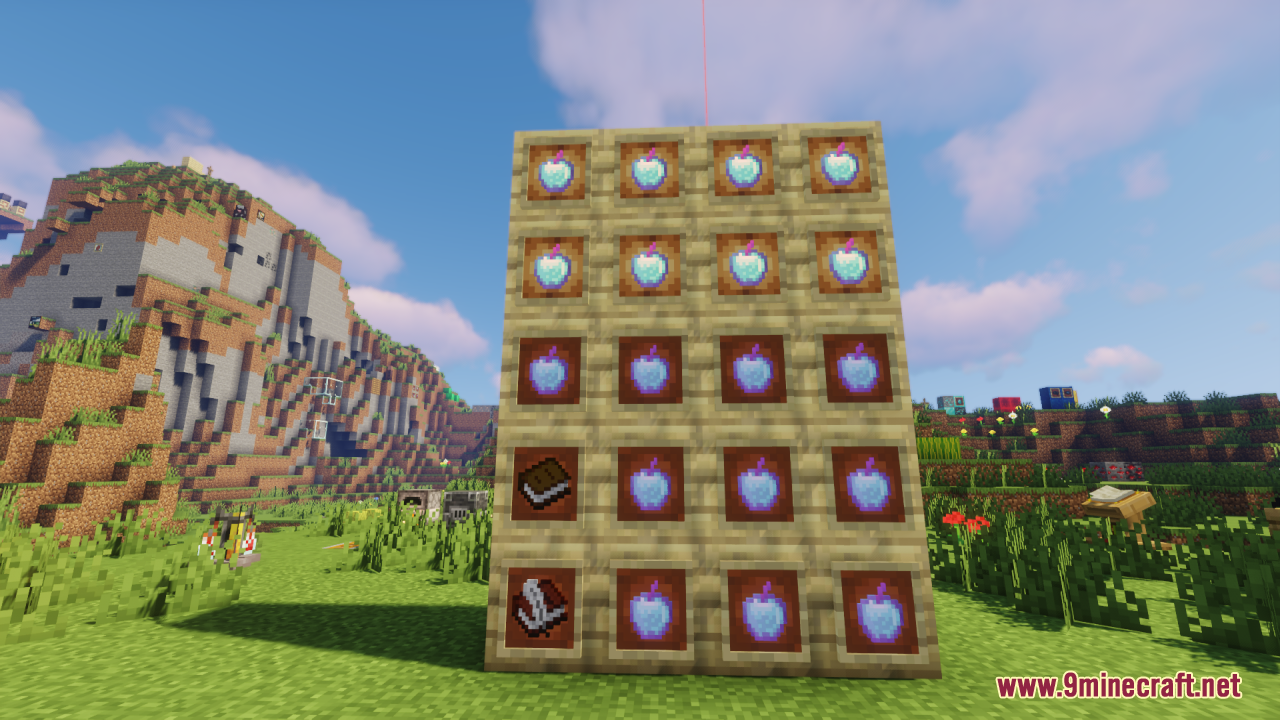
Choosing Between Plain & Precious and Other Resource PacksWhen to Use Plain & Precious This pack is ideal if you want: Vanilla-faithful aesthetics — no radical art direction…Enjoying Consistent Block Textures Across Your WorldWhat Consistency Means Here Plain & Precious refines block textures so they feel cohesive — colors align better,…Getting the Best Visual Quality from Fluid AnimationsUnderstanding the Enhanced Fluid System Plain & Precious improves how water, lava, and other fluids animate and flow.…Making Item Icons Clearer and More ReadableWhy Item Clarity Matters Plain & Precious refreshes item textures to be sharper and more distinct from one another.…
Frequently asked questions
Do I need to restart Minecraft after installing this resource pack?
Yes, you'll need to restart Minecraft for the resource pack to load properly. After installation, launch the game, go to Options > Resource Packs, and confirm Plain & Precious is selected and moved to the active side.
Why do my fluids look the same as before?
Make sure Plain & Precious is positioned above any conflicting resource packs in your active list—resource packs higher in the list override those below. If it's at the top and fluids still look unchanged, try restarting the game.
Can I use this with other resource packs at the same time?
Yes, but Plain & Precious works best when it's the highest-priority pack in your list, since it's designed to enhance vanilla textures without clashing with other packs. If you stack it below another pack, those textures will override it.
Will this resource pack work with mods that add new blocks?
Plain & Precious only provides textures for vanilla blocks and items, so mod-added content will use default textures unless another resource pack covers it. It won't cause conflicts, but newly added blocks won't benefit from the enhancements.
See all 10 Plain & Precious questions ›
Gallery
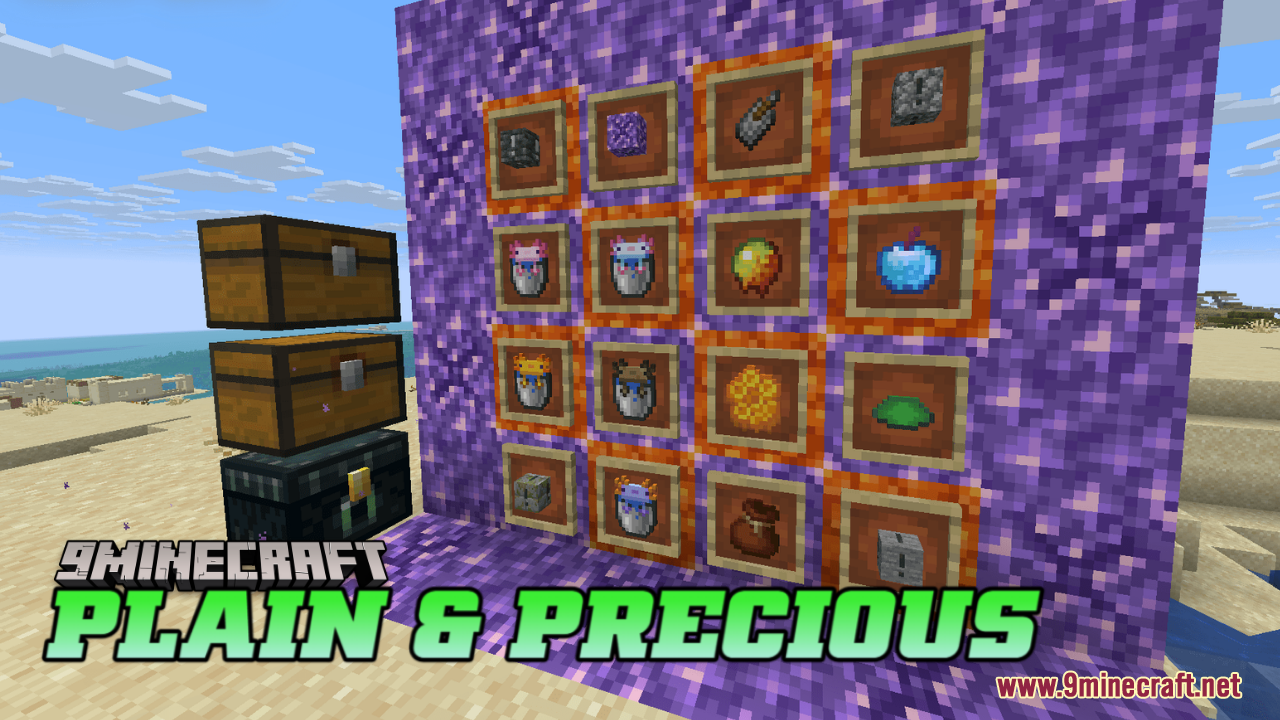
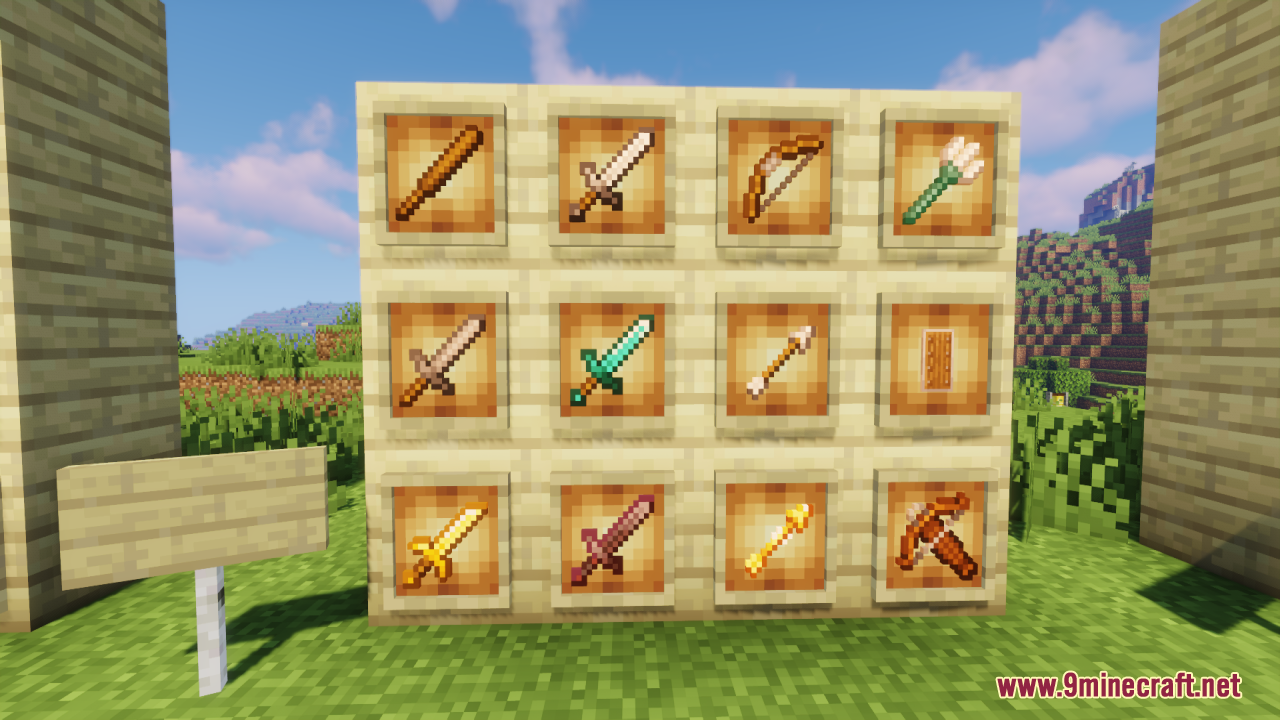
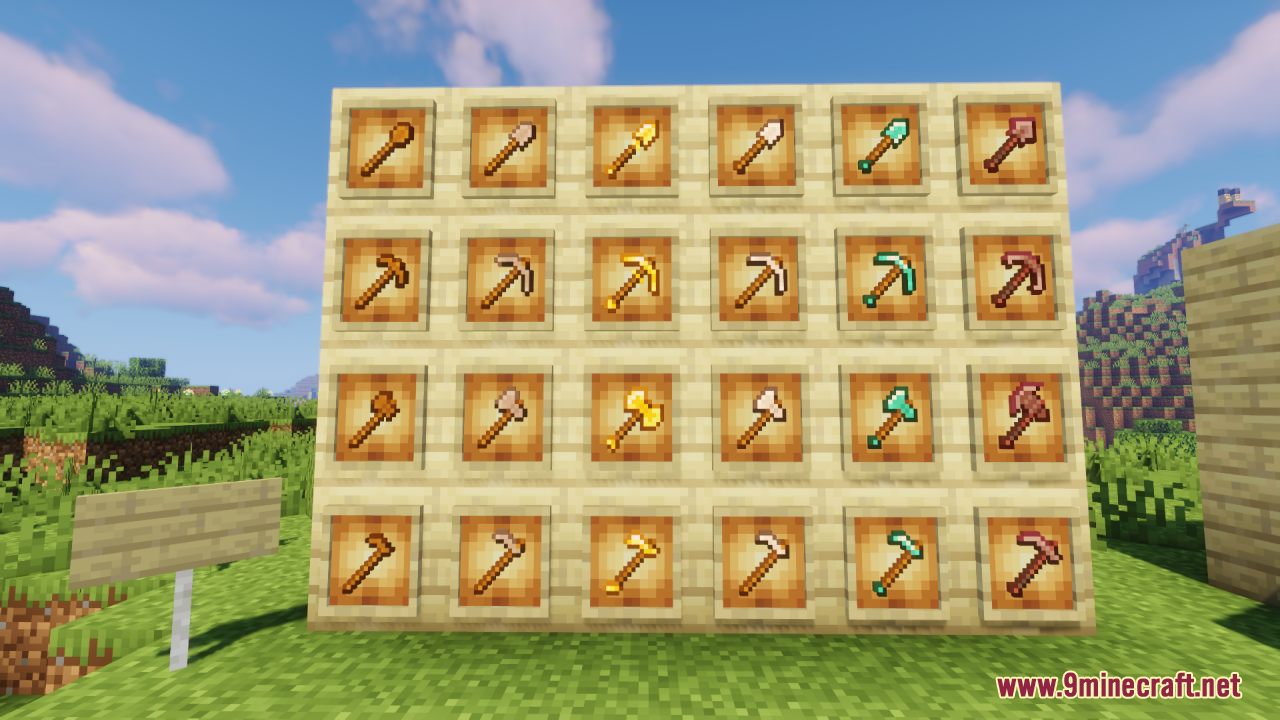
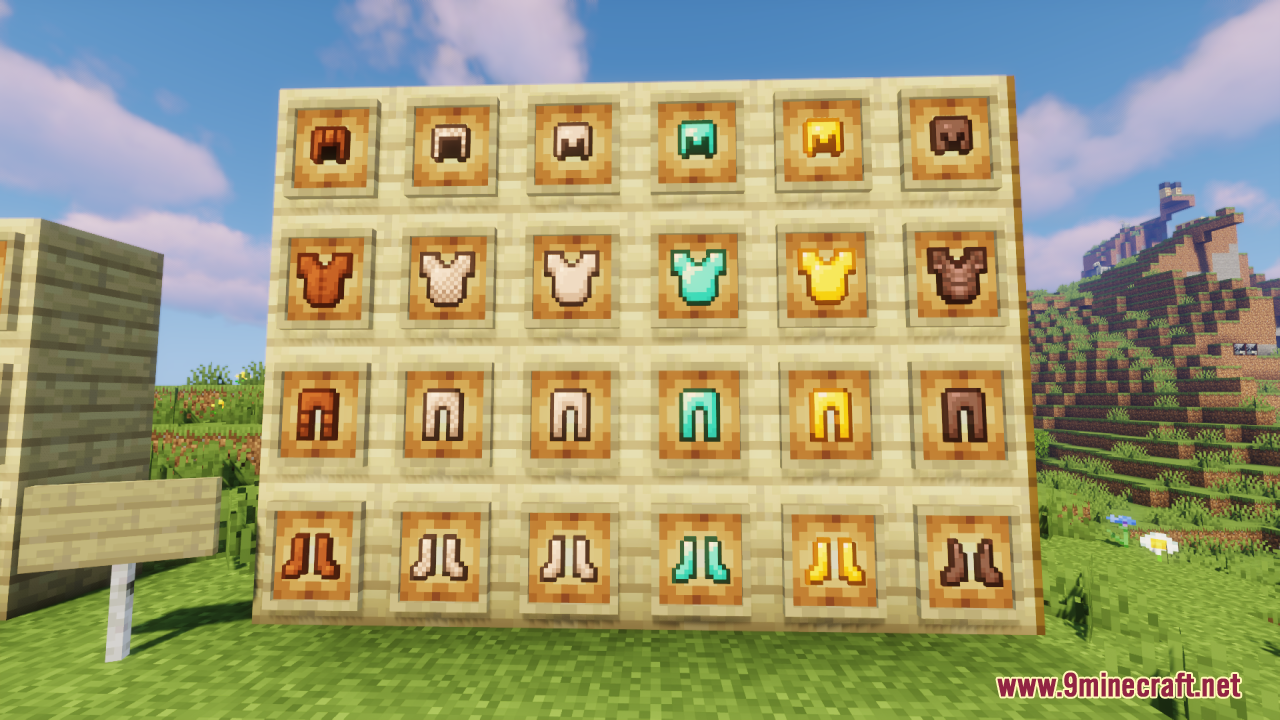
12 images from the Plain Precious Resource Pack page.
You May Also Like
Wikis that share the most with this one
Plain GrinderPlain Cars PackPirates Of The Caribbean Mash Up Resource PackPixel Consistency Resource PackPixel Perfection Fidelity Resource PackPixel Perfection Legacy Resource PackPixellated Pocket Spirits Resource PackPixels Simple Hud Resource PackPixions Dust Dyes Resource PackPixlli Resource PackPlana Pollachius Resource PackPlanks 3D Resource Pack
More resource pack wikis on the site
Pirate Boats Resource PackPiplup Totem of Undying Resource PackPinku’s Pink GUI Pack Resource PackPinku’s Green GUI Pack Resource PackPink Sweet GUI Resource Pack Pink Slime Resource PackPink Girlfriend Totem of Undying Resource PackPink Enchantment Glint Resource PackPiglin-Chan Resource PackPerfect Clear Glass Resource PackPea Toons Shader Resource PackPDB3Ds Blocky Armor Stands Resource Pack
The most downloaded mods that have a wiki here
A few wikis from each of the other kinds