

 DownloadOvergrown Flowery Hotbar Resource Pack
Get the files on 9Minecraft
Guides
Step-by-step, in-game.
Customize the Hotbar Flower ColorsEditing the Texture File The Overgrown Flowery Hotbar Resource Pack stores its hotbar textures in the…Fix Hotbar Elements Not Displaying CorrectlyCommon Display Issues If flowers, vines, or other hotbar elements appear broken, corrupted, or misaligned: 1. Reload…Layer This Pack With Other GUI Resource PacksUnderstanding Pack Load Order The Overgrown Flowery Hotbar Resource Pack is designed to work alongside other GUI…Restore the Default Hotbar if You Want to Switch BackDisabling the Resource Pack If you decide the Overgrown Flowery Hotbar isn't for you, removing it is straightforward.…
Frequently asked questions
How do I enable the overgrown hotbar after installing the pack?
Once installed, the pack should activate automatically in your resource packs menu. Open Settings > Resource Packs, find Overgrown Flowery Hotbar in the Available list, and move it to the Selected list. Make sure it's positioned at the top of your selected packs if you're using multiple GUI packs.
Can I use this with other resource packs?
Yes, this pack is designed to layer with other GUI resource packs. Load it on top of any other packs in your resource pack list to ensure the hotbar displays correctly while keeping other UI elements from your other packs.
The hotbar looks broken or parts are missing. What do I do?
Check that this pack is loaded last (highest priority) in your resource pack list. If it's still broken, try deleting the pack folder and reinstalling it. Also verify you're using a compatible Minecraft version.
How do I change the flower colors in the hotbar?
Open the pack folder and navigate to the textures directory where you'll find the hotbar texture files. Edit these image files with an image editor to customize the flower colors, then reload your resource packs in-game.
See all 10 Overgrown Flowery Hotbar questions ›
Gallery
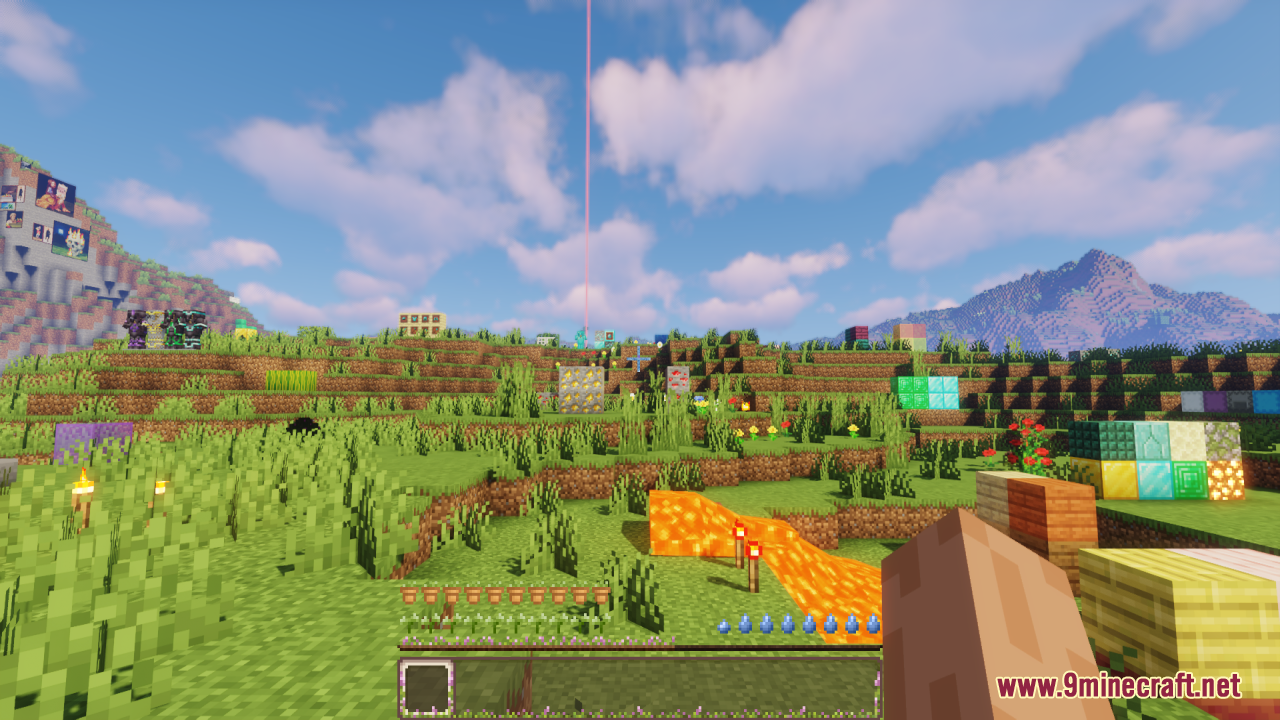
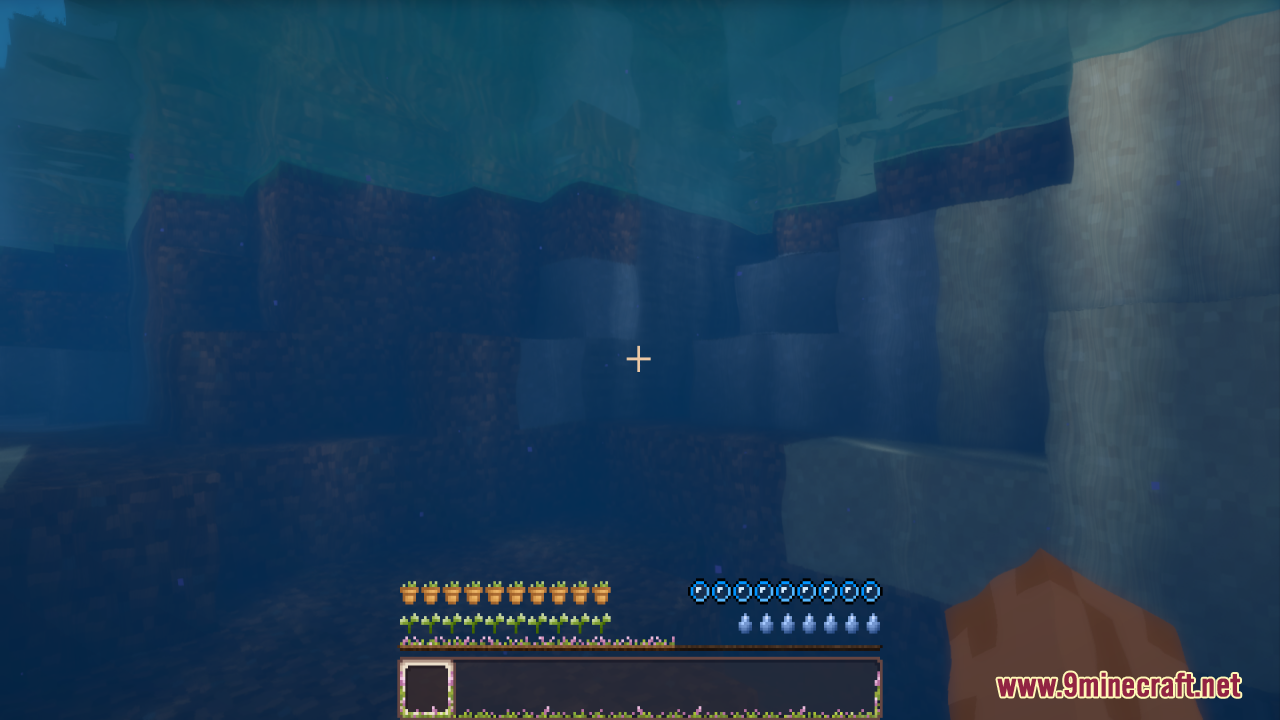
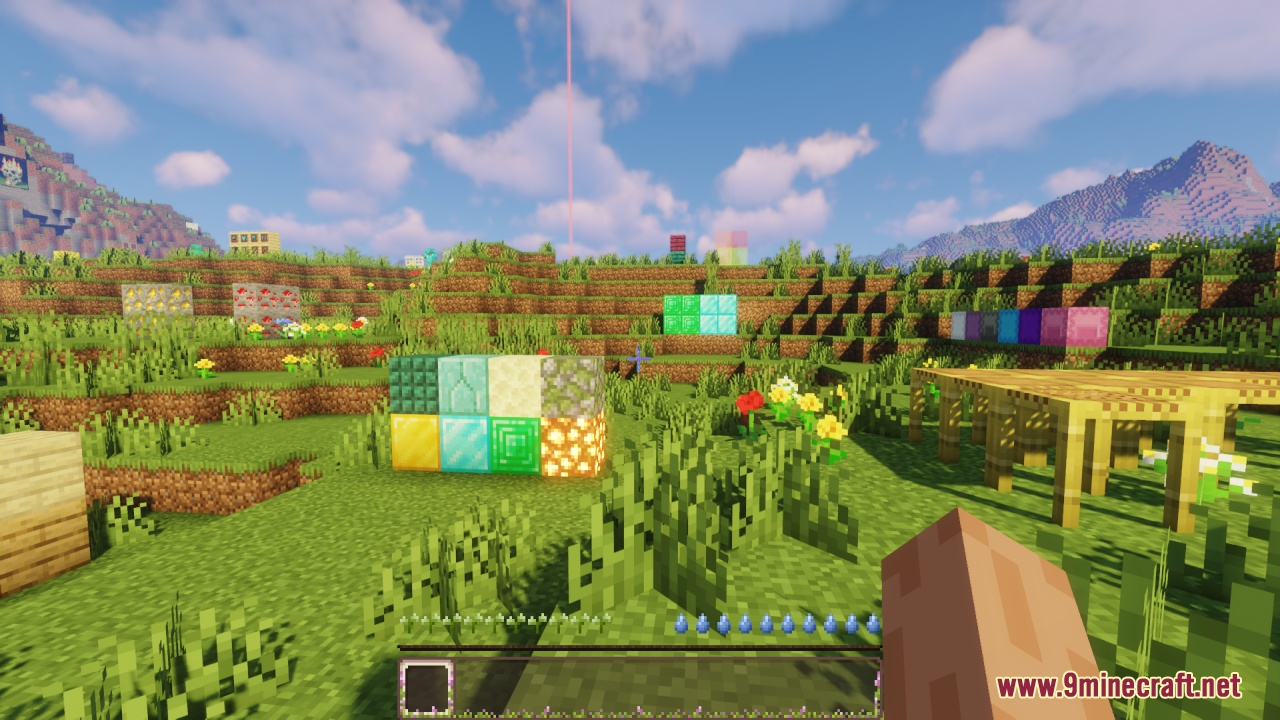
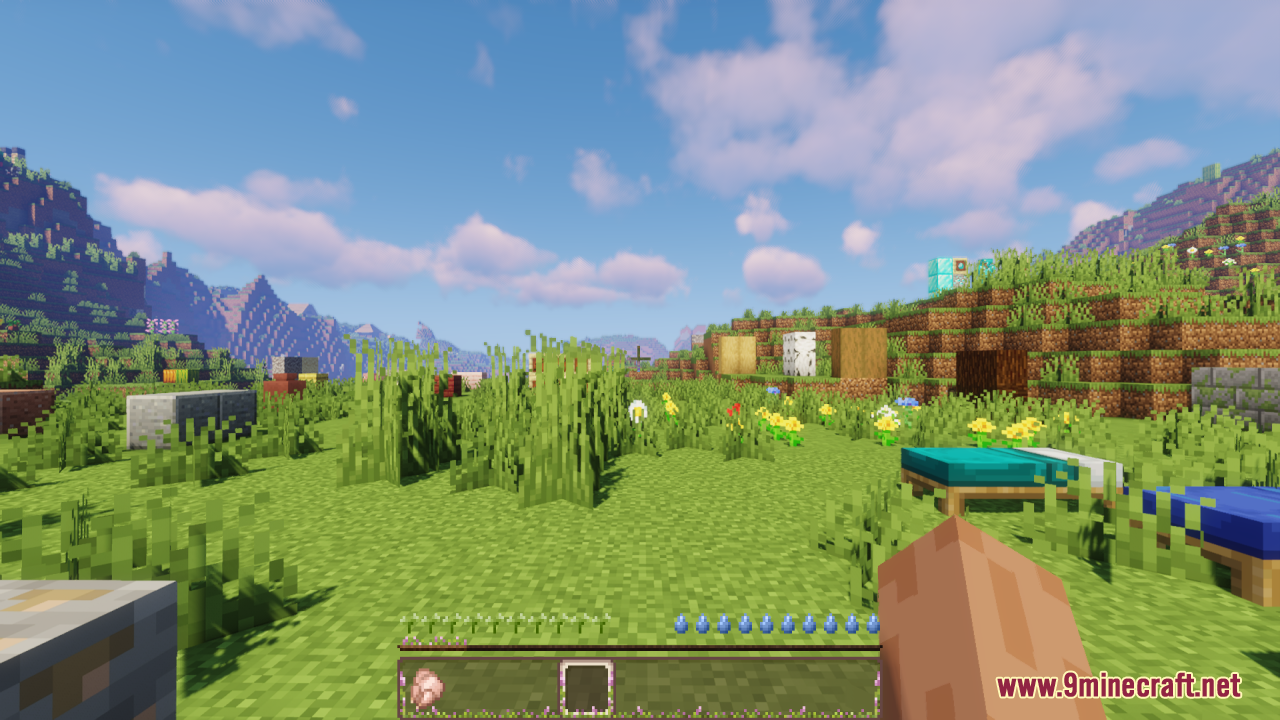
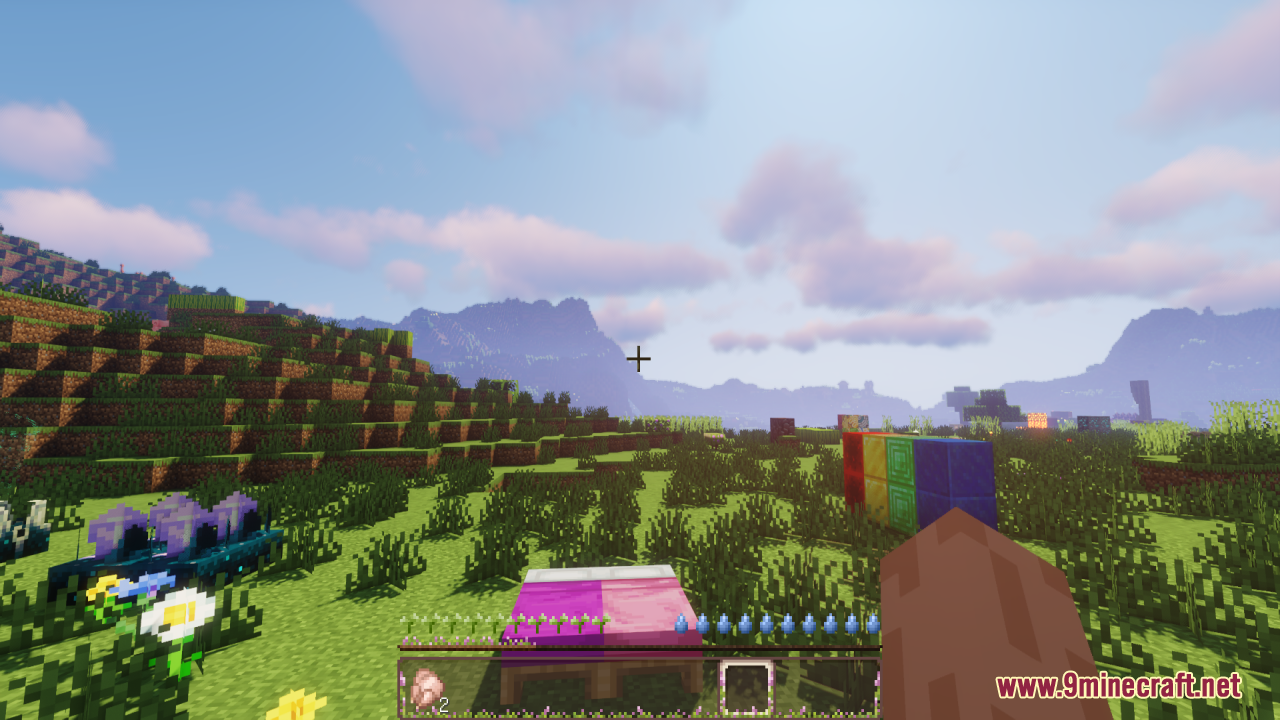
6 images from the Overgrown Flowery Hotbar Resource Pack page.
You May Also Like
Wikis that share the most with this one
Auto Hide Hotbar ModImmersive Hotbar ModStarry GUI and HotbarSimple Hotbar Resource PackOvergrown Alpine Heights ModCute Hotbar Icons Resource PackFrogcrafting Hotbar Resource PackOvergrown Moss Carpet Resource PackVines & Leaves Hotbar Resource PackDeltarune Flowery JARONA Resource PackAncient Overgrown Cartography Data PackLuvstar’s Nyan Cat Hotbar Resource Pack
Wikis on the same theme: flower
 Enough Of Sprouts Resource Pack
More resource pack wikis on the site
Outstanding Outlined Ores Resource Pack Outlinedores By Drafys Resource PackOutlined Ores Resource Pack
 Our Story FTB Quest & Mod Theme Resource PackOTTERBOAT Resource PackOs Crops Resource PackOs Colorful Grasses Resource Pack
 Os Colorful Grasses Official Resource PackOs’ Carved Wood Resource PackOs’ Bookshelves Resource PackOs’ 3D Iron Bars Resource PackOriginal Pokemon Battle Music Resource Pack
Outlinedores By Drafys Resource PackOutlined Ores Resource PackOur Story FTB Quest & Mod Theme Resource PackOTTERBOAT Resource PackOs Crops Resource PackOs Colorful Grasses Resource PackOs Colorful Grasses Official Resource PackOs’ Carved Wood Resource PackOs’ Bookshelves Resource PackOs’ 3D Iron Bars Resource PackOriginal Pokemon Battle Music Resource PackThe most downloaded mods that have a wiki here
A few wikis from each of the other kinds