

 DownloadDigital Dreams Photorealistic Ressource Pack Resource Pack
Get the files on 9Minecraft
Contents (8)
Guides
Step-by-step, in-game.
Build a Photorealistic Modern City Using Digital DreamsChoosing Your Blocks Digital Dreams transforms common blocks into realistic building materials. For modern…Choose the Right Texture Resolution for Your ComputerUnderstanding Resolution Options Digital Dreams offers multiple texture resolution versions. Higher resolutions show…Optimize Digital Dreams for Recording and Cinematic ShotsPreparation for Video Digital Dreams excels in cinematic content. To capture the best footage, configure your world…Set Up Digital Dreams with Shaders for Best ResultsWhy Shaders Matter Digital Dreams Photorealistic Resource Pack is designed to work alongside shader mods. Shaders add…
Items
A
 Apple
 Arrow
B
 Bamboo
 Beetroot
 Bell
 Bread
 Brick
 Brush
 Bucket
C
 Cake
 Carrot
 Cocoa Beans
 Cooked Chicken
 Cooked Mutton
 Cookie
D
 Diamond Axe
 Diamond Hoe
 Diamond Pickaxe
 Diamond Shovel
 Diamond Sword
E
 Egg
 Ender Pearl
 Eye of Ender
G
 Golden Axe
 Golden Hoe
 Golden Pickaxe
 Golden Shovel
 Golden Sword
H
 Honeycomb
I
 Iron Axe
 Iron Hoe
 Iron Pickaxe
 Iron Shovel
 Iron Sword
N
 Netherite Axe
 Netherite Hoe
 Netherite Pickaxe
 Netherite Shovel
 Netherite Sword
R
 Raw Beef
 Raw Chicken
 Raw Cod
S
 Stone Axe
 Stone Hoe
 Stone Pickaxe
 Stone Shovel
 Stone Sword
W
 Water Bucket
 Wooden Axe
 Wooden Hoe
 Wooden Pickaxe
 Wooden Shovel
Blocks
152 blocks · showing 24. Browse all →
 Acacia Log
 Acacia Planks
 Allium
 Amethyst Cluster
 Andesite
 Azure Bluet
 Bamboo Mosaic
 Bamboo Planks
 Bedrock
 Birch Log
 Birch Planks
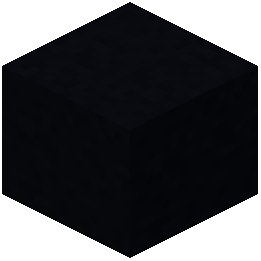 Black Concrete
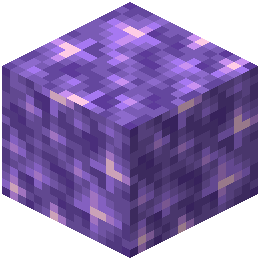 Block of Amethyst
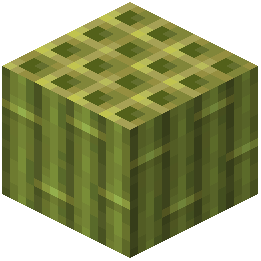 Block of Bamboo
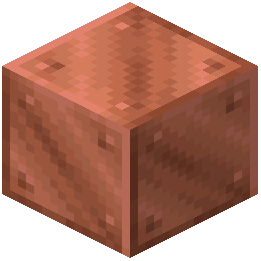 Block of Copper
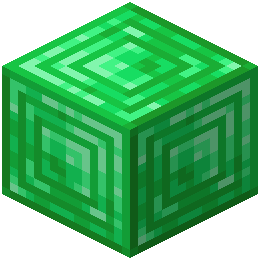 Block of Emerald
 Block of Gold
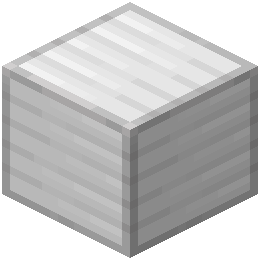 Block of Iron
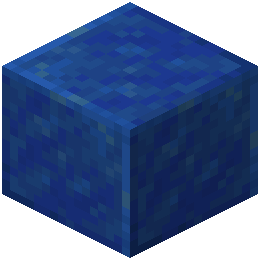 Block of Lapis Lazuli
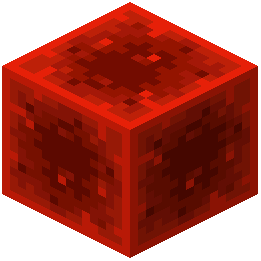 Block of Redstone
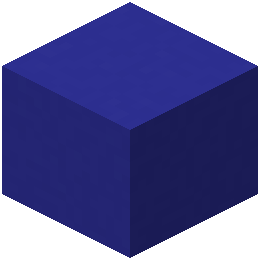 Blue Concrete
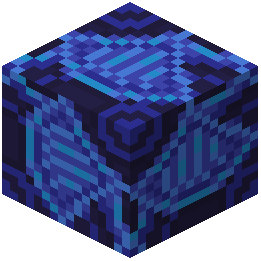 Blue Glazed Terracotta
 Blue Orchid
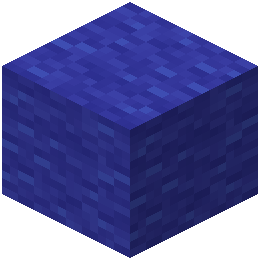 Blue Wool
What this pack changes
Every texture group the pack replaces, counted from the pack itself.
| Area | Textures replaced |
|---|---|
| Blocks | 566 |
| Mobs & entities | 58 |
| Items | 56 |
| Models | 39 |
| Paintings | 9 |
| GUI & menus | 1 |
Pack format 34 (Minecraft 1.21.2)729 texture files in total
Extra features
Custom block/item models
Reworked GUI
Frequently asked questions
Do I need shaders to use Digital Dreams or does it work without them?
Digital Dreams works without shaders, but shaders unlock the full potential of the detailed textures by adding realistic lighting, shadows, and reflections that make the photorealistic surfaces really stand out. Without shaders, the textures still look much better than default, but you'll miss the dynamic lighting effects that bring them to life.
What texture resolution should I pick if my computer isn't very powerful?
Start with the lower resolution option (typically 32x or 64x) if you have less than 8GB of RAM or an older graphics card, as higher resolutions consume more VRAM and can cause lag. You can always test different settings and work your way up to find the best balance between visual quality and performance for your system.
Why do some blocks look weird or have misaligned textures?
This usually happens when Digital Dreams conflicts with other resource packs or mods that modify textures—load Digital Dreams last in your resource pack order so it overrides others. If textures still look off on specific blocks, check that you're using a compatible Minecraft version, as texture formats can change between updates.
Can I use Digital Dreams for recording videos and streaming?
Yes, Digital Dreams is popular for cinematic content because the detailed textures photograph well on camera, especially when paired with shaders and good lighting setups. For best results when recording, use a higher texture resolution and enable shaders, but monitor your frame rate to ensure smooth playback.
Does Digital Dreams work with mod-added blocks or only vanilla blocks?
Digital Dreams only retextures vanilla Minecraft blocks, so blocks from other mods will keep their original textures unless those mods have their own resource pack compatibility. If you want a cohesive look, you may need to find additional resource packs that cover mod blocks in a similar photorealistic style.
How do I make Digital Dreams look good in dark caves and underground?
Pair Digital Dreams with a shader pack that has good cave lighting and ambient occlusion to add depth and visibility to underground areas without washing out the texture details. You can also place strategic lighting using torches, lanterns, or other light sources to highlight the detailed surfaces in dark spaces.
Will Digital Dreams slow down my game if I'm already using a shader pack?
Digital Dreams itself has minimal performance impact since it's just textures, but combining it with shaders does increase GPU load—the higher your texture resolution, the more VRAM it uses alongside your shader effects. Test your frame rate with both enabled and lower texture resolution if needed to maintain smooth gameplay.
Can I use Digital Dreams for building modern or contemporary structures?
Yes, Digital Dreams works great for modern builds because the metal, concrete, and glass textures have realistic industrial details that suit contemporary architecture. The distinct surface qualities of each block make it easier to create visually interesting modern designs compared to default textures.
What's the difference between the texture resolution options and which should I pick?
Higher resolutions (like 128x or 256x) show more fine detail but use significantly more VRAM and can cause lag on weaker computers, while lower resolutions (32x or 64x) are lighter but show less detail. Choose based on your hardware: test each option and pick the highest resolution where you still get smooth, playable frame rates.
Why do my textures look blurry or pixelated even with Digital Dreams installed?
This usually means you're using a texture resolution that's too low for your display, or your shader pack's texture filtering settings are reducing sharpness. Try increasing the texture resolution option in Digital Dreams, and check your shader settings to ensure texture filtering is set to sharp or linear rather than blurry interpolation.
You May Also Like
Wikis that share the most with this one
Digital Lens Feed Moody Dreams ShadersCartoon Dreams ShadersDigital Quest ChroniclesDigital Frontier Fusion ModFluorite The Realm Of DreamsVintage Digital Glow ShadersGensokyo Reverie Of Lost DreamsCreate Create Dreams N’ Desires No Diamond Recipes Data PackRealism Mats Resource PackAmstellhd Zombie Apocalypse Resource PackFeatured Old Textures And New Resource Pack
Wikis on the same theme: metal
 High On Animations Resource Pack
More resource pack wikis on the site
Diamond To Malachite Resource PackDiamond Smp Pvp Default Resource Pack Diagonal Rails Resource PackDev’s Better Wither Hearts Resource PackDev’s Heart Resource PackDetailed Worlds Resource PackDetailed Animations Tester Resource PackDetailed Animations Resource PackDetail BrushDestiny 128X Resource PackDemon Eye Phantoms Resource PackDeltarune Flowery JARONA Resource Pack
The most downloaded mods that have a wiki here
A few wikis from each of the other kinds
Gallery
9 images from the Digital Dreams Photorealistic Ressource Pack Resource Pack page.


