

 Smooth GUI
 DownloadDark Smooth GUI Resource Pack
Get the files on 9Minecraft
Guides
Step-by-step, in-game.
Frequently asked questions
What does the Dark Smooth GUI Resource Pack do?
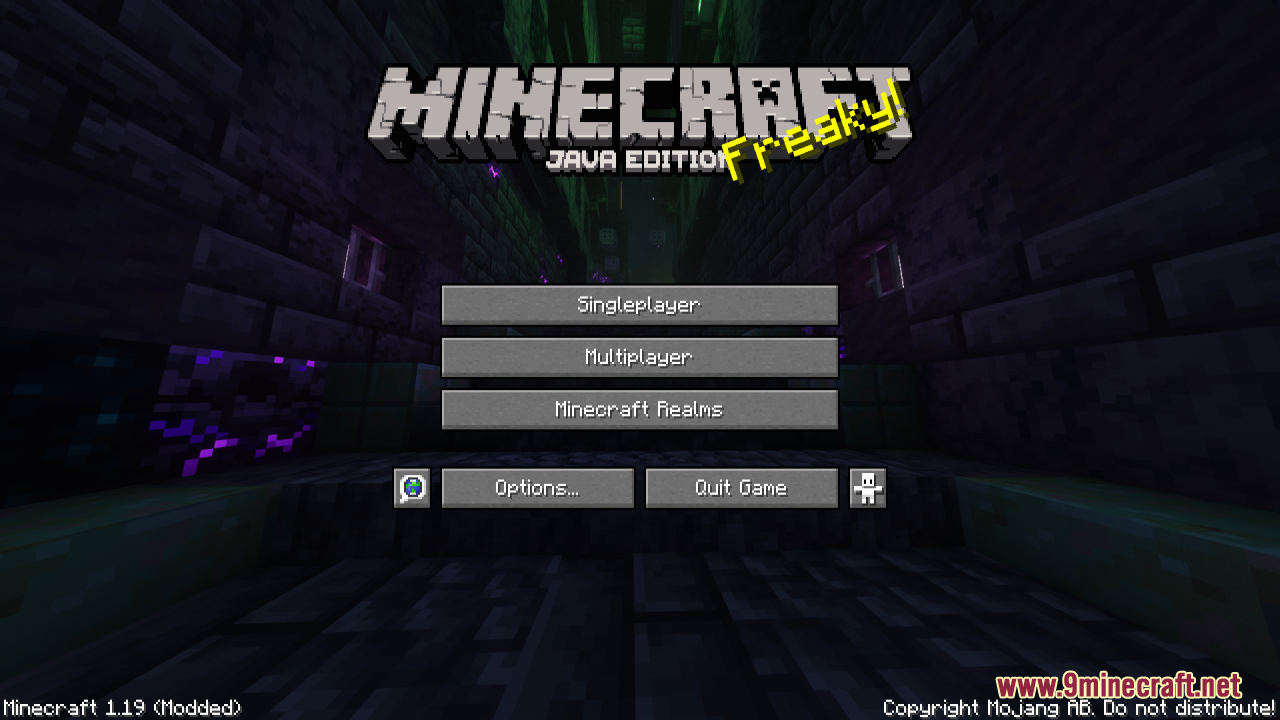
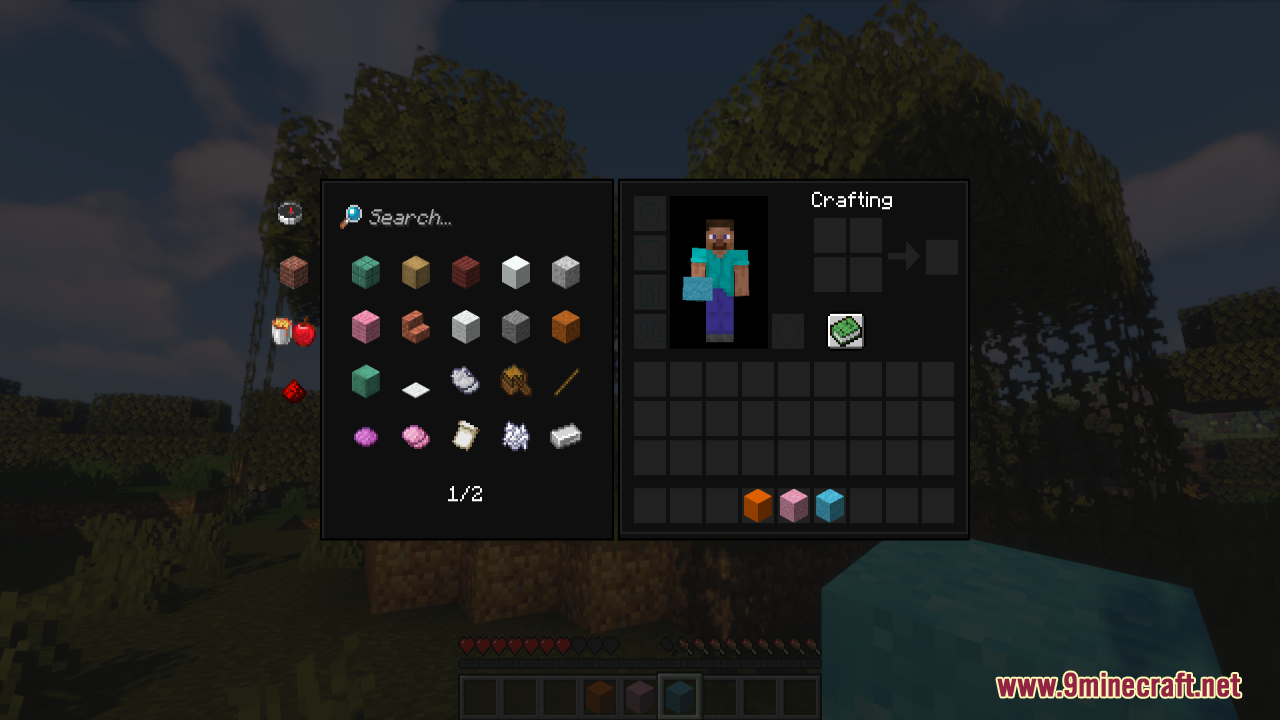
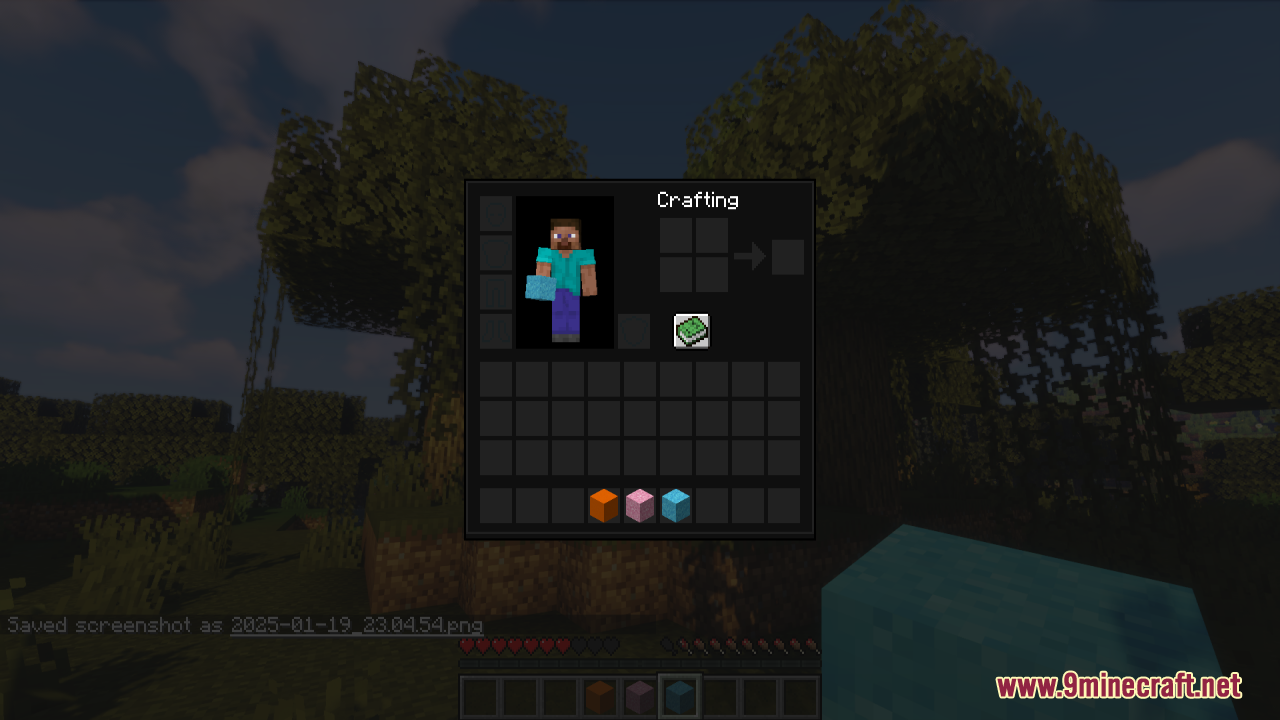
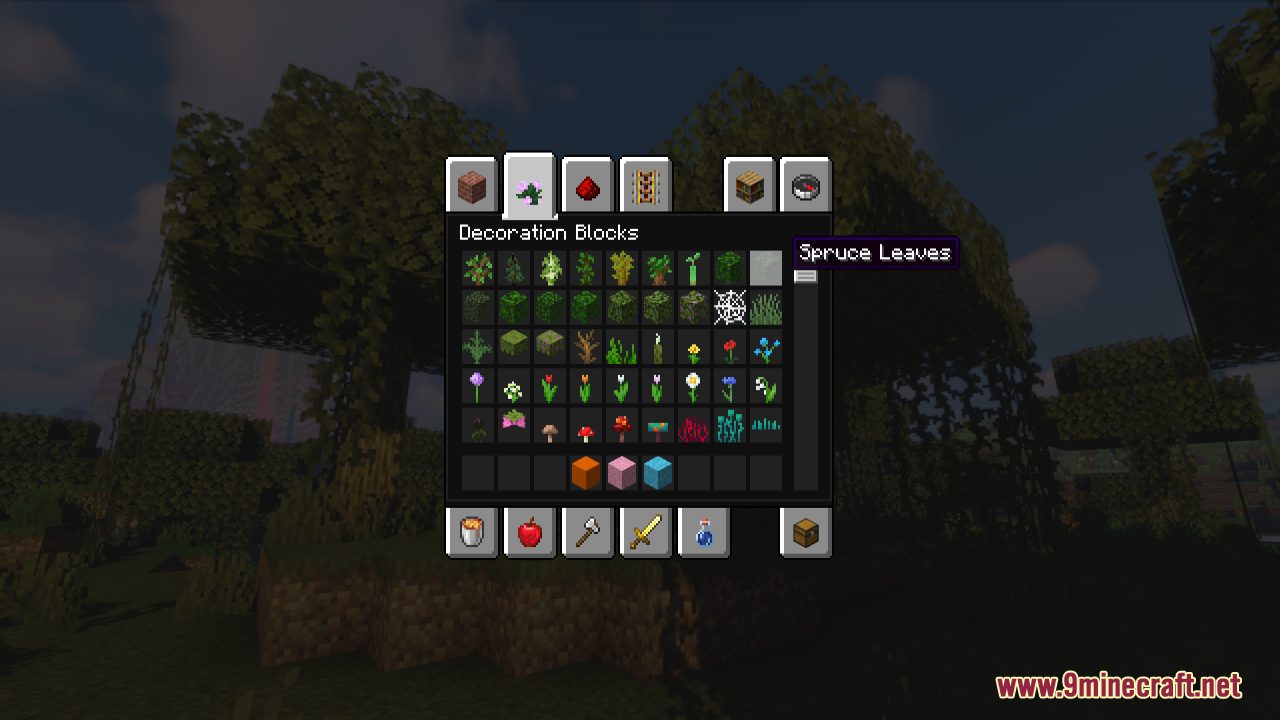
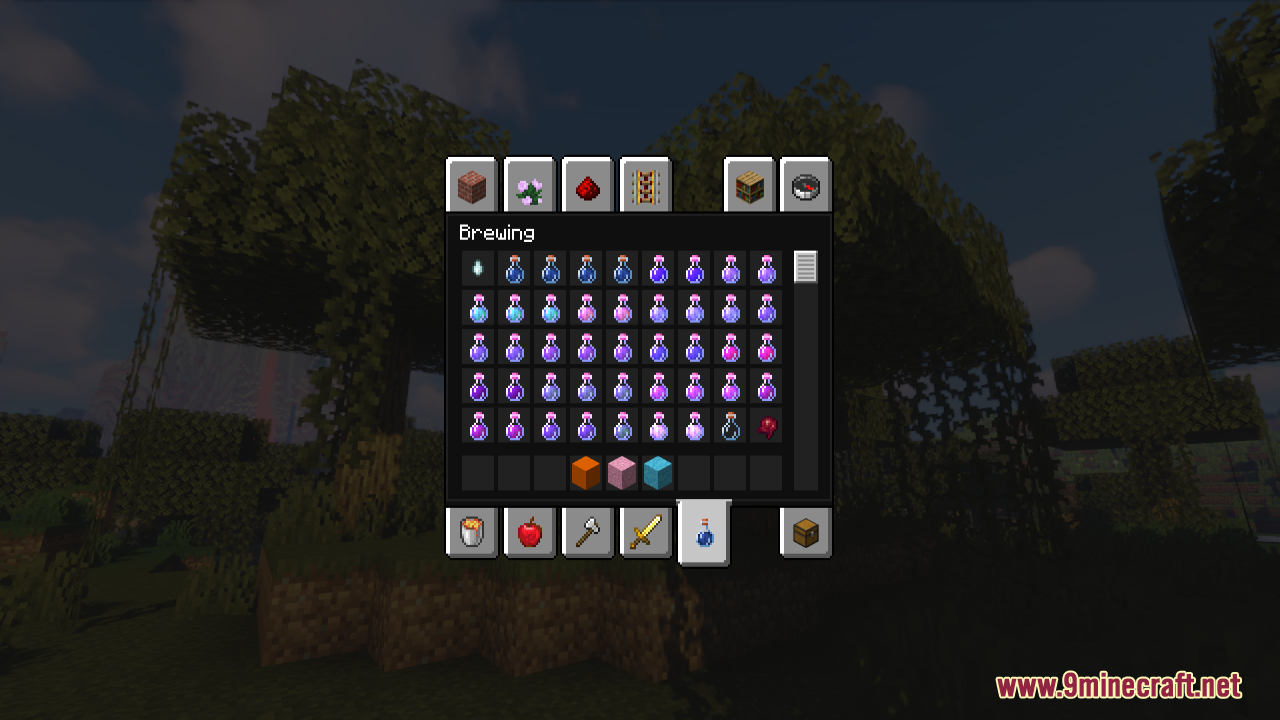
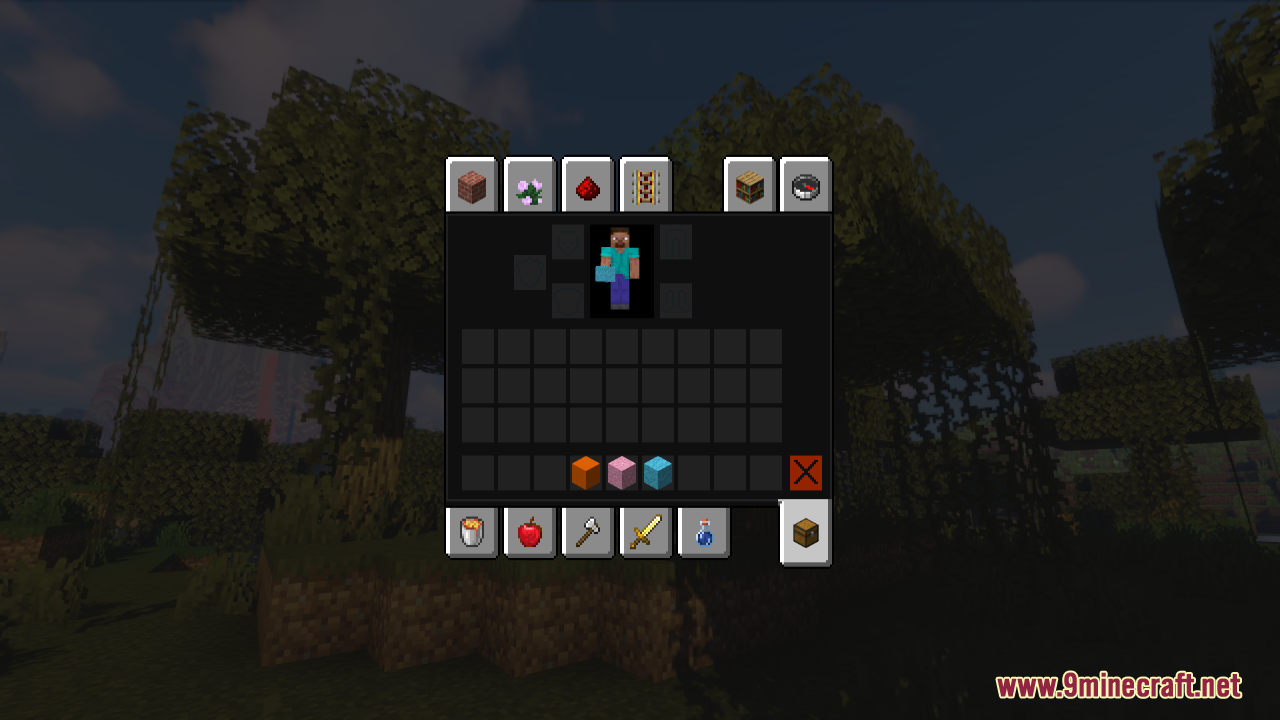
It replaces the default interface with a sleek, smooth dark GUI across every container and screen in the game. This gives Minecraft a modern, minimalistic look.
Which parts of the game does this pack affect?
It changes the GUI for all containers and screens, not just a single menu. That means the dark styling applies consistently throughout the interface.
What kind of aesthetic does the pack aim for?
It targets a modern and minimalistic aesthetic with a subtle, polished appearance. The goal is a clean alternative to the default interface.
Does the pack overwhelm the classic Minecraft feel?
No, it is designed to enhance the experience without overwhelming the classic Minecraft feel. The dark GUI stays simple and clean rather than flashy.
See all 6 Dark Smooth GUI questions ›
Gallery
7 images from the Dark Smooth Gui Resource Pack page.
You May Also Like
Wikis that share the most with this one
 Smooth Font
More resource pack wikis on the site
Dark Red GUI Resource PackDark OreUI Recreation Resource PackDark Mode Skyblock Resource PackDark Grass Resource PackDark Coffee GUI Resource PackDark Anime Sky Resource PackDandelion X Resource PackDainty Order Resource PackDainty OrderDaggers Resource PackCyrillic Patchwork Blockbench Resource PackCyan Pvp Pack Resource Pack
The most downloaded mods that have a wiki here
A few wikis from each of the other kinds