

 DownloadCatppuccin UI Resource Pack
Get the files on 9Minecraft
Guides
Step-by-step, in-game.
Adjust UI Scale and Text ReadabilityWhy Adjust UI Elements The Catppuccin UI Resource Pack's clean design may need scaling adjustments based on your…Customize Colors to Match Your Preferred Catppuccin FlavorUnderstanding Catppuccin Flavors The Catppuccin UI Resource Pack includes multiple color flavor variants—each…Ensure Compatibility with Other Resource PacksUnderstanding Pack Conflicts The Catppuccin UI Resource Pack modifies interface textures and colors. When combined…Troubleshoot Missing or Corrupted UI ElementsCommon UI Issues Occasionally, UI elements may fail to load correctly—buttons might be invisible, text could…
Frequently asked questions
How do I apply the Catppuccin UI Resource Pack after downloading it?
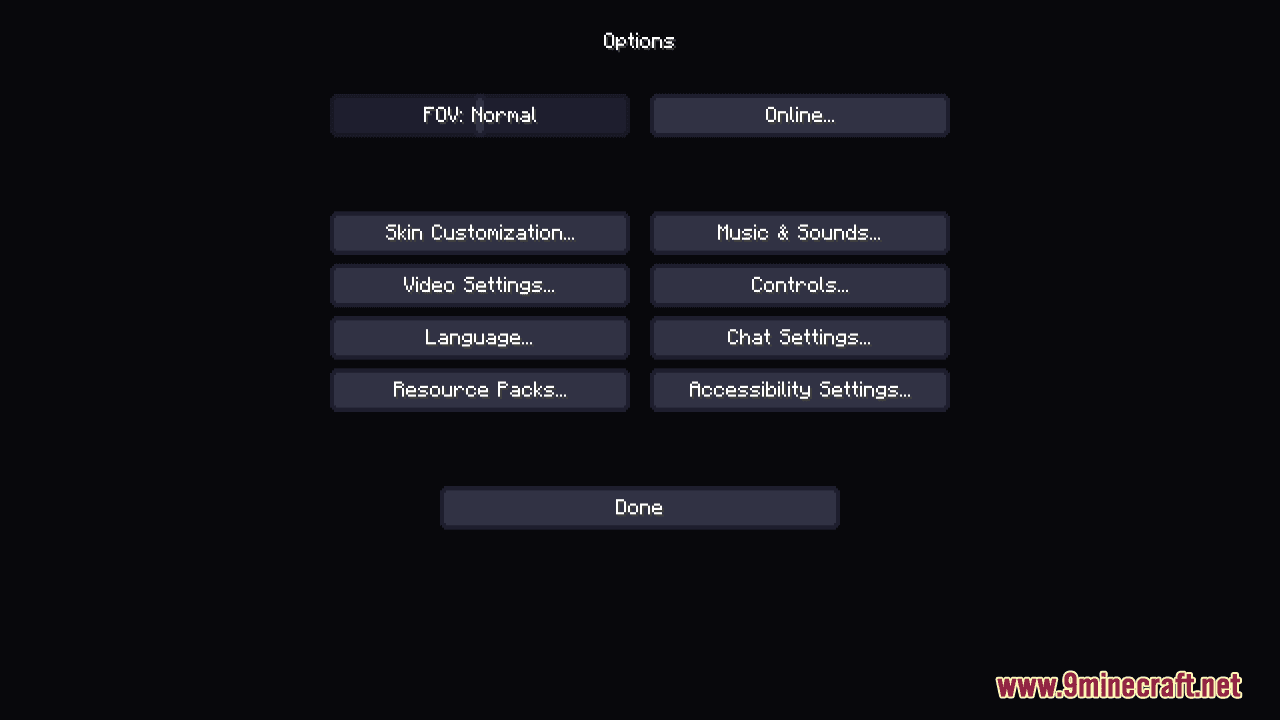
Place the resource pack file in your resourcepacks folder, then open Minecraft, go to Options > Resource Packs, and move Catppuccin UI from Available to Selected. The changes take effect immediately.
What's the difference between the Catppuccin flavors and which one should I pick?
Each flavor (Mocha, Macchiato, Frappe, Latte) uses the same Catppuccin color palette but with different base tones—darker or lighter overall. Choose based on your preference for contrast and eye comfort; you can always switch between them.
Can I use Catppuccin UI with other resource packs at the same time?
Yes, but the pack order matters—place Catppuccin UI higher in your resource pack list if you want its UI elements to take priority, or lower if you want another pack's textures to show through for specific elements.
The UI text is too small/large for me. How do I fix it?
Go to Options > Accessibility and adjust the GUI Scale slider to your preference; this works independently of the resource pack and affects all UI elements uniformly.
See all 10 Catppuccin UI questions ›
Gallery
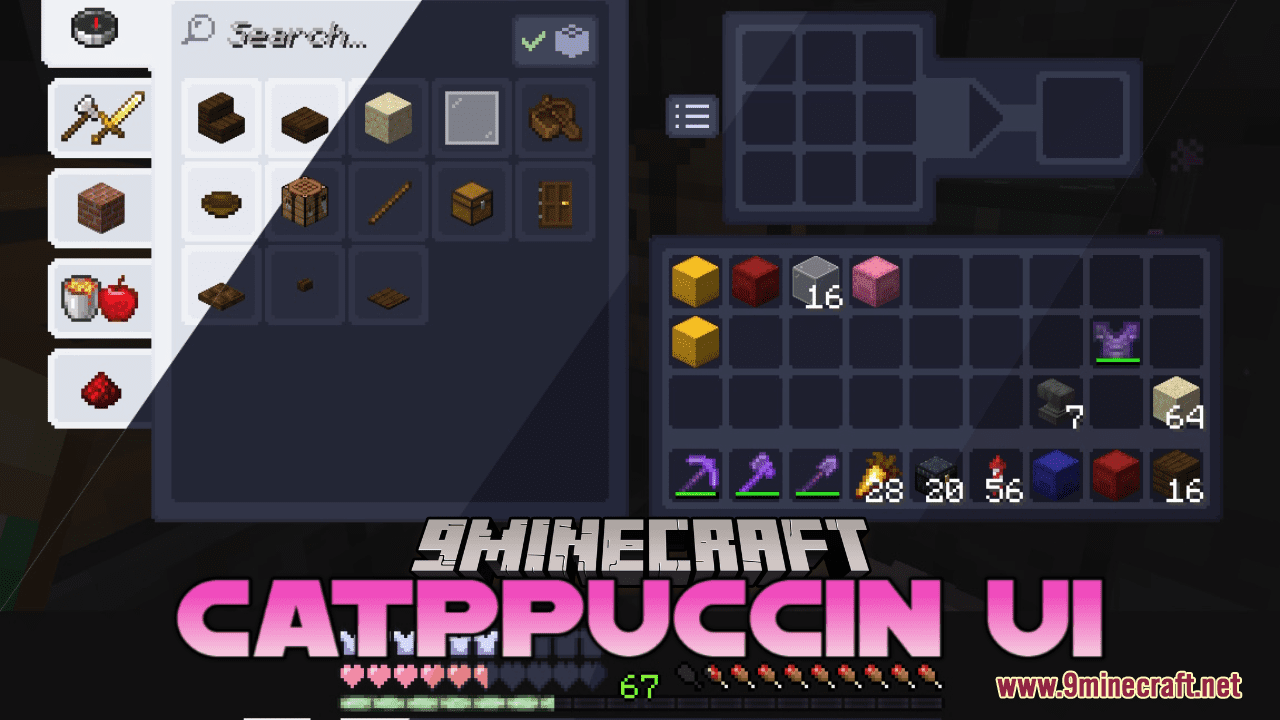
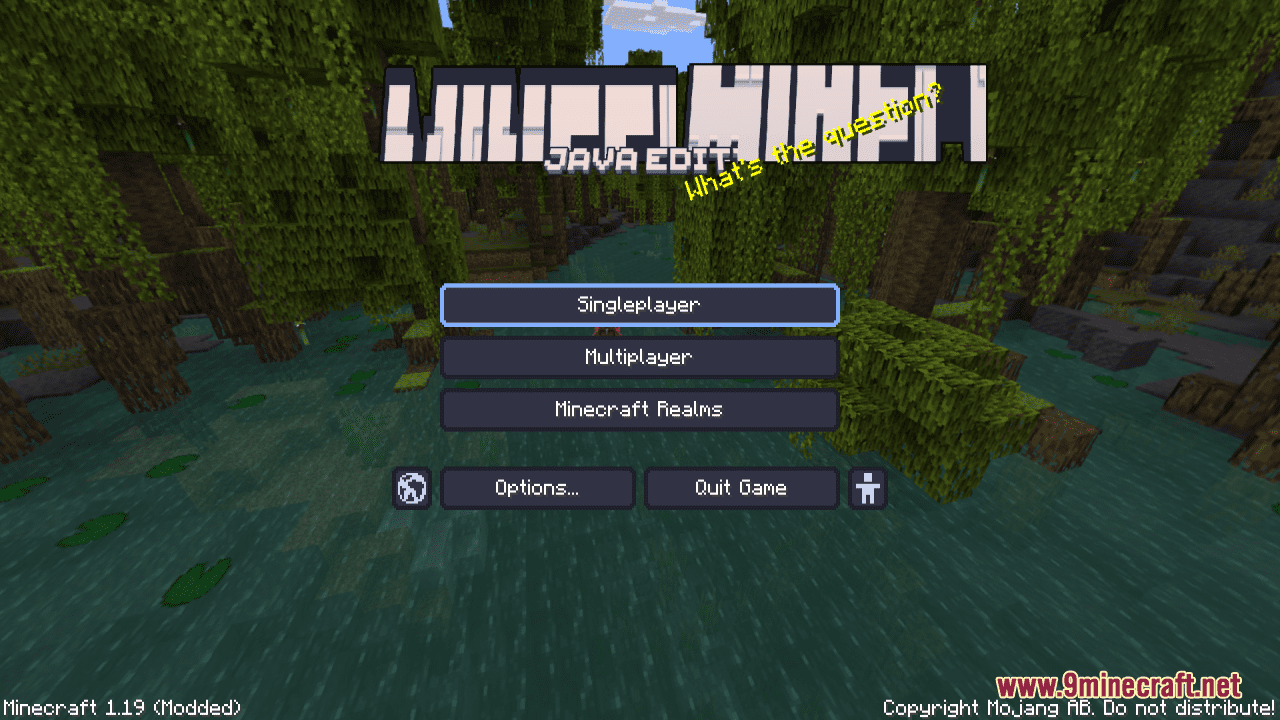
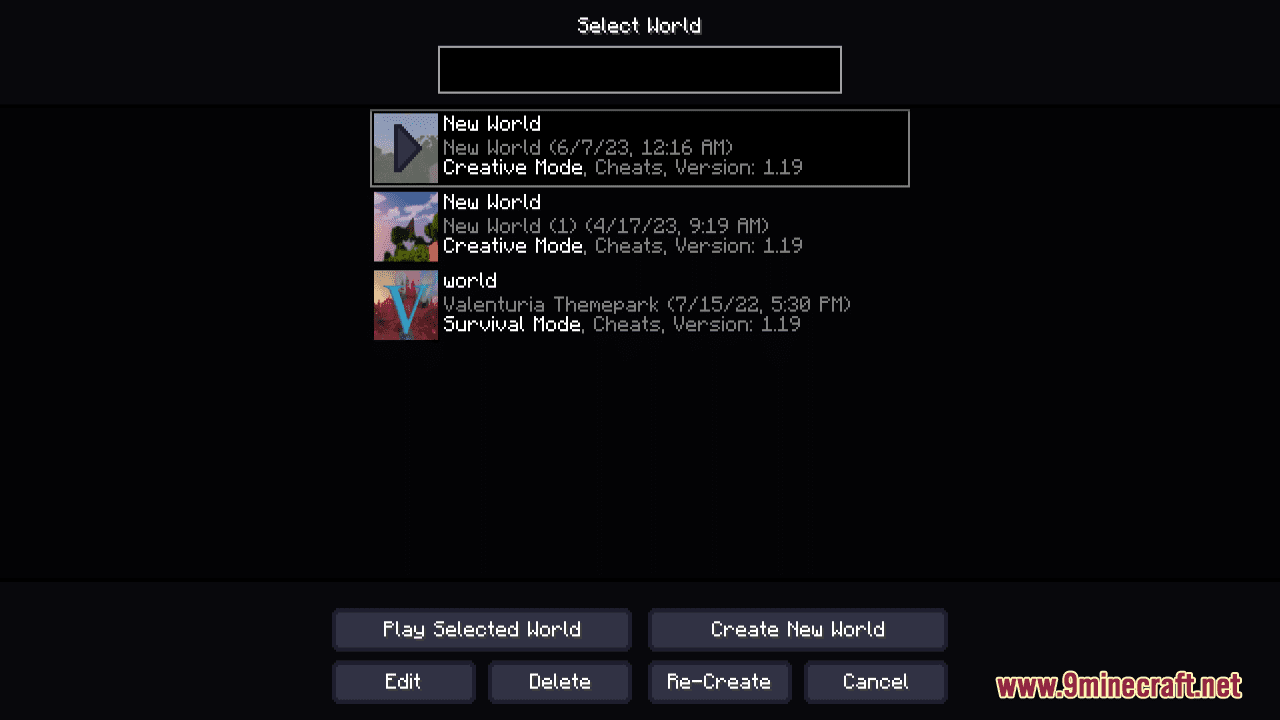
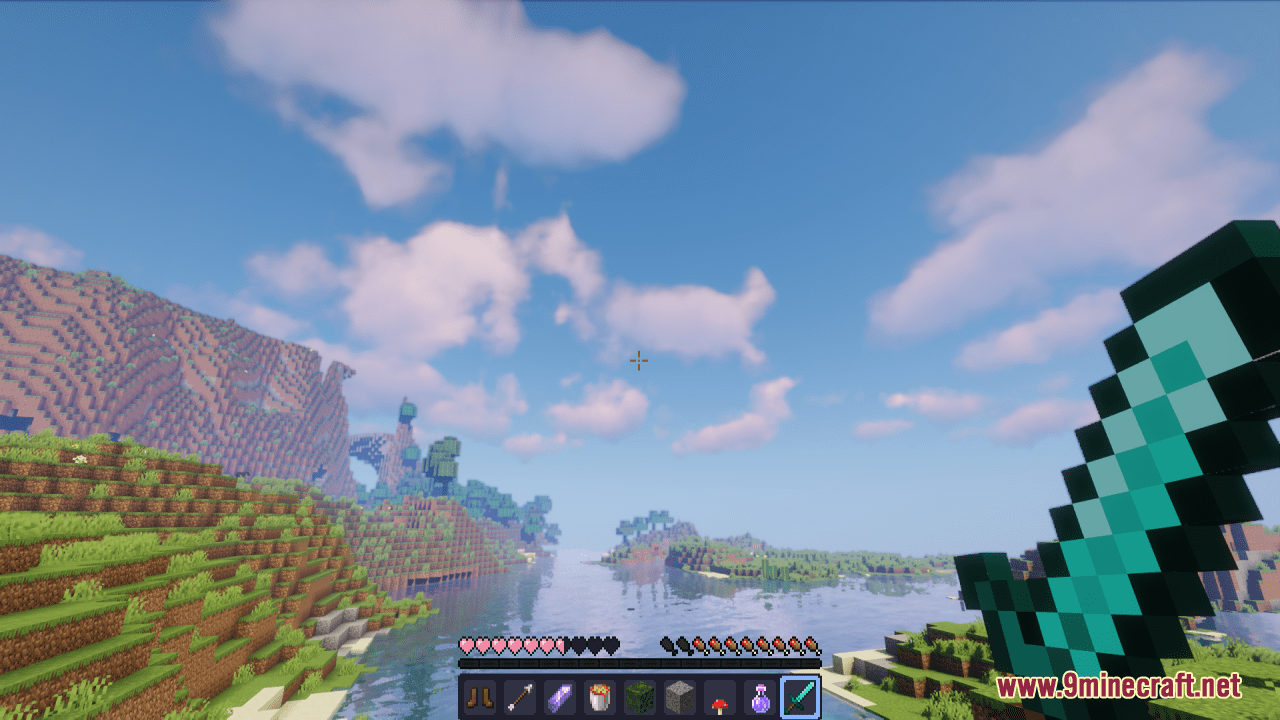
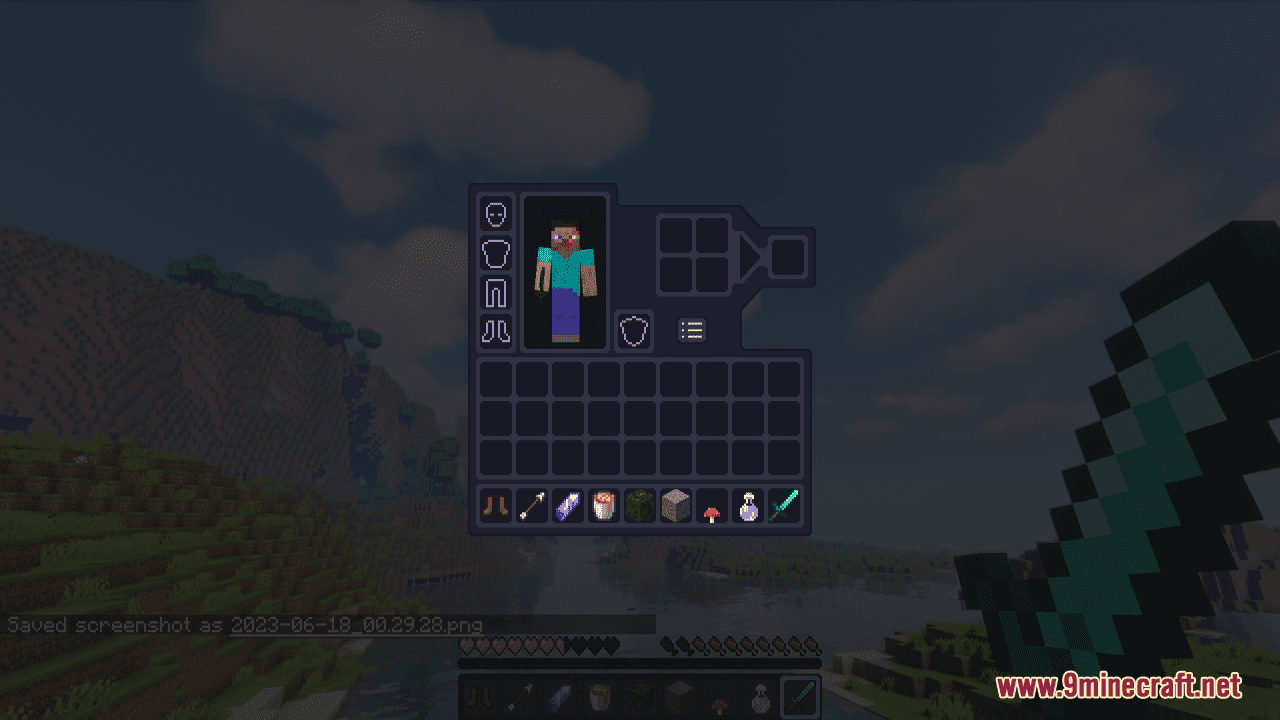
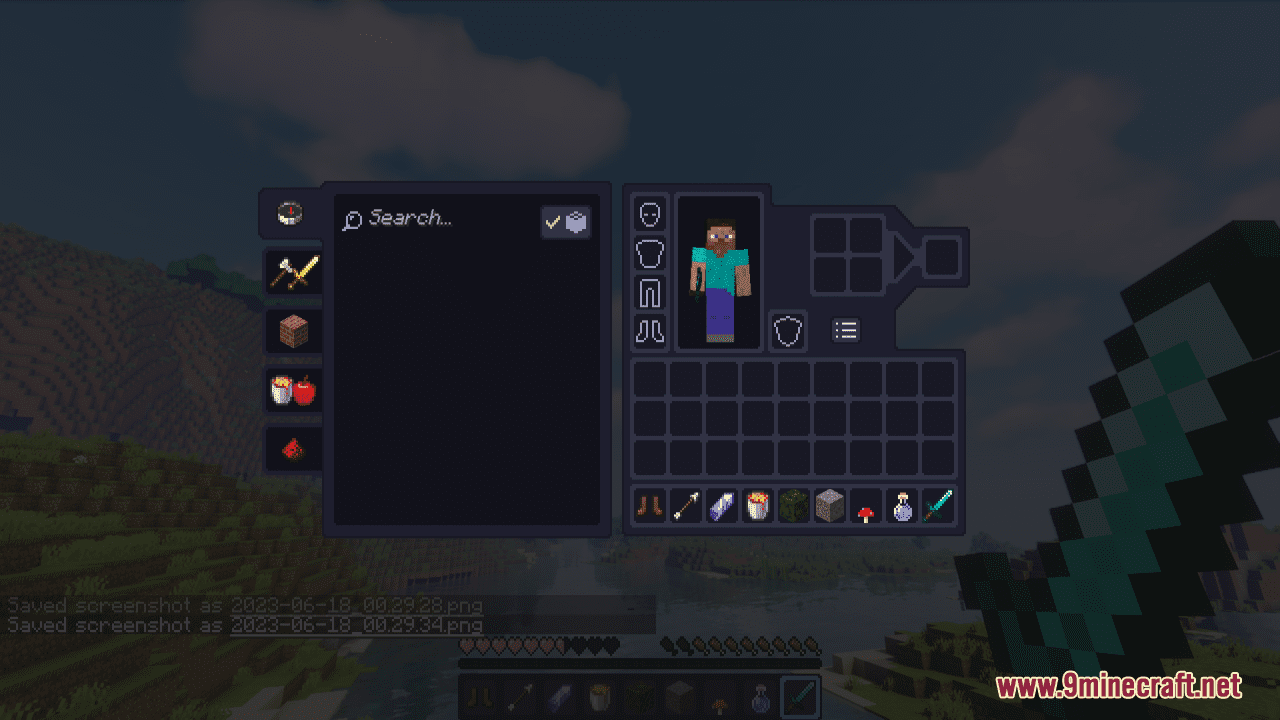
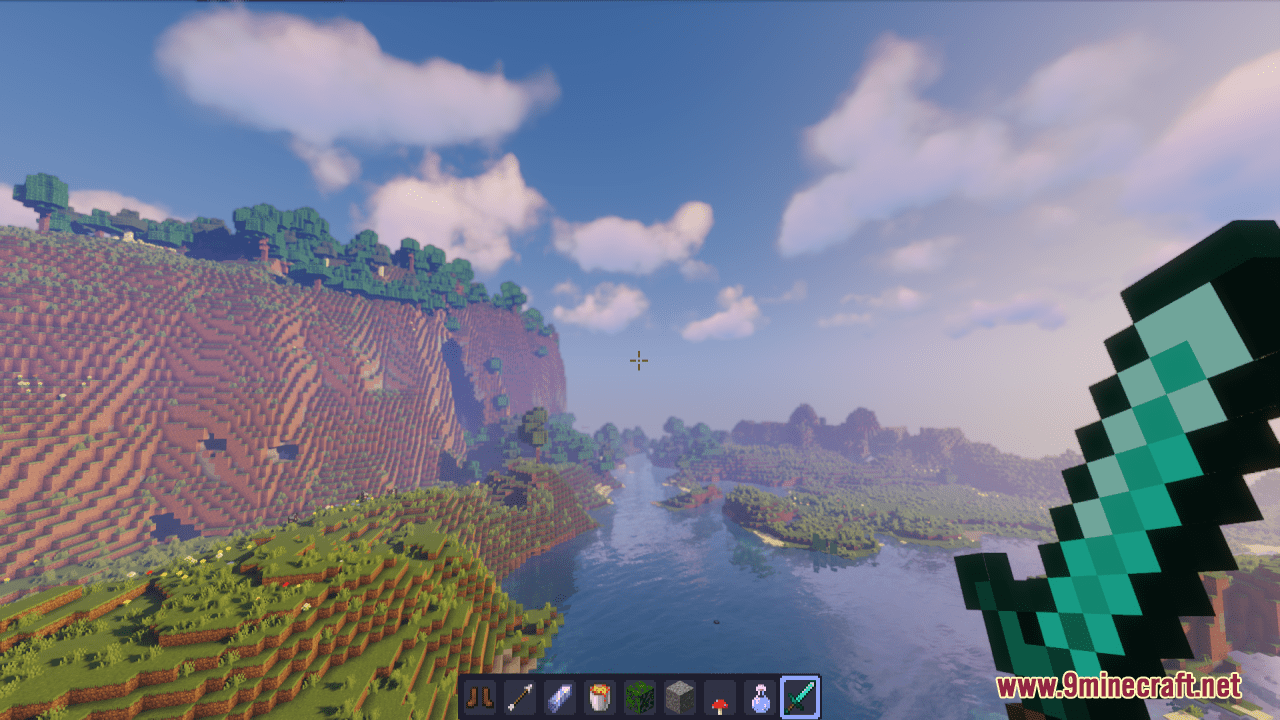
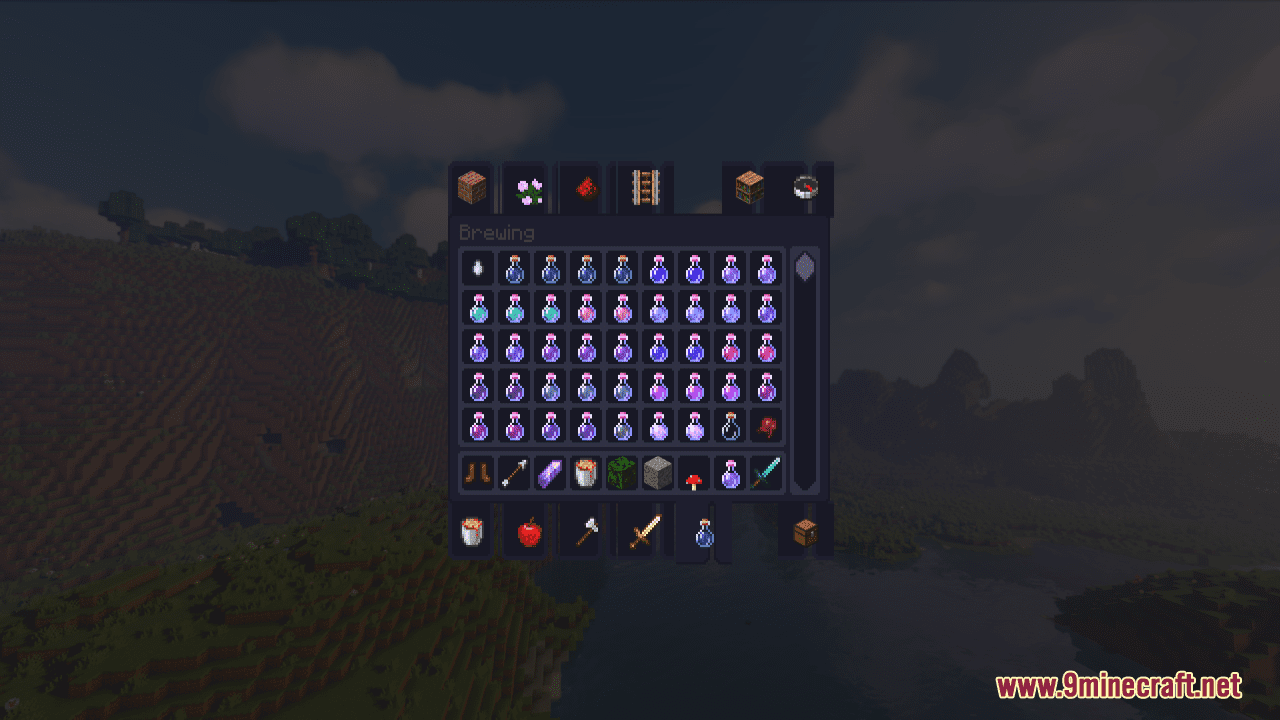
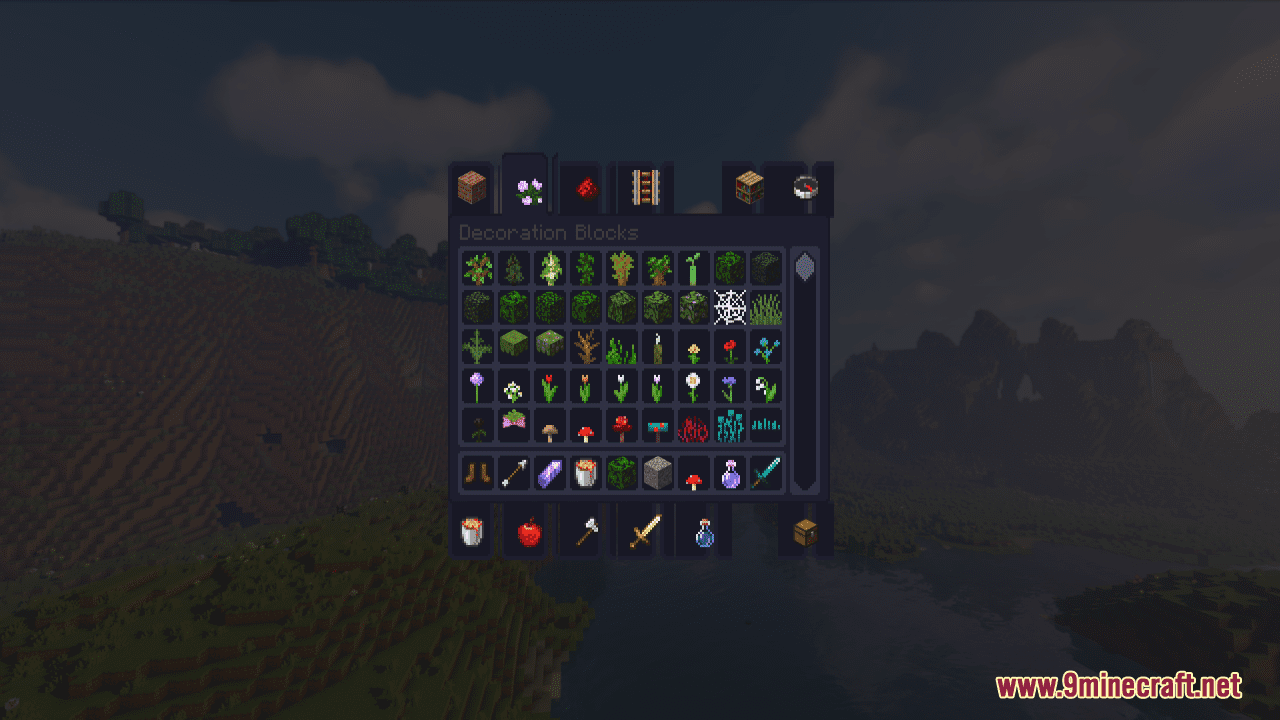
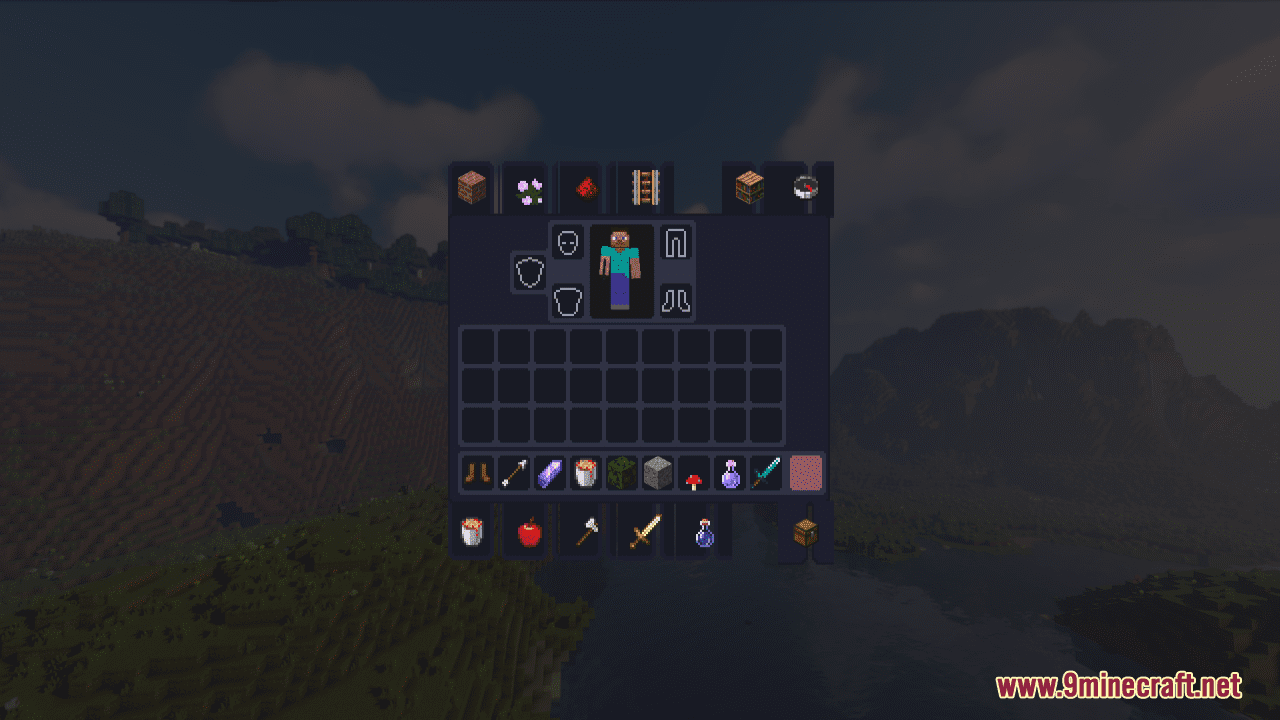
12 images from the Catppuccin Ui Resource Pack page.

You May Also Like
Wikis that share the most with this one
Fat Cat Resource PackFat Cats Resource PackOre Grids Resource PackXray Java Resource PackHalf Sized Resource PackSmart Boost Resource PackCat Creepers Resource PackCatgirl Beds Resource PackX-Ray Vision Resource PackRealistic Cats Resource PackBlockception Full Resource PackVery Big Spy Glass Resource Pack
Wikis on the same theme: cat
Warrior Cats Herbs Resource PackMeowmrow Kittycat UI Resource Pack Prominence Of Minecraft Resource PackVisible Shield Cooldown Resource Pack
 Extra Data Models Trivia Resource PackMrblueyeti’s Better Cats Resource Pack
 Unreadable Language Pack Resource PackLuvstar’s Nyan Cat Hotbar Resource PackFlowering Crops Growth Marker Resource PackSuren’s Sophisticated Storage Resource PackExcalibur Sophisticated Support Resource PackVanilla Sophisticated Backpacks Resource Pack
Prominence Of Minecraft Resource PackVisible Shield Cooldown Resource PackExtra Data Models Trivia Resource PackMrblueyeti’s Better Cats Resource PackUnreadable Language Pack Resource PackLuvstar’s Nyan Cat Hotbar Resource PackFlowering Crops Growth Marker Resource PackSuren’s Sophisticated Storage Resource PackExcalibur Sophisticated Support Resource PackVanilla Sophisticated Backpacks Resource PackMore resource pack wikis on the site
Cassette Music Disc Resource PackCassette Music Disc 9Minecraft Resource PackCartooncraft Resource PackCartoon Texture Concept Update 120 Resource PackCarrot Farmer Totem Of Undying Resource PackCapeless Wings Resource PackCanon PC Wallpapers Resource PackCanoe Boats Resource Pack Candy Cane Fun Resource PackC4Music Resource PackC Strifiky Resource PackBww Resource Pack
The most downloaded mods that have a wiki here
A few wikis from each of the other kinds