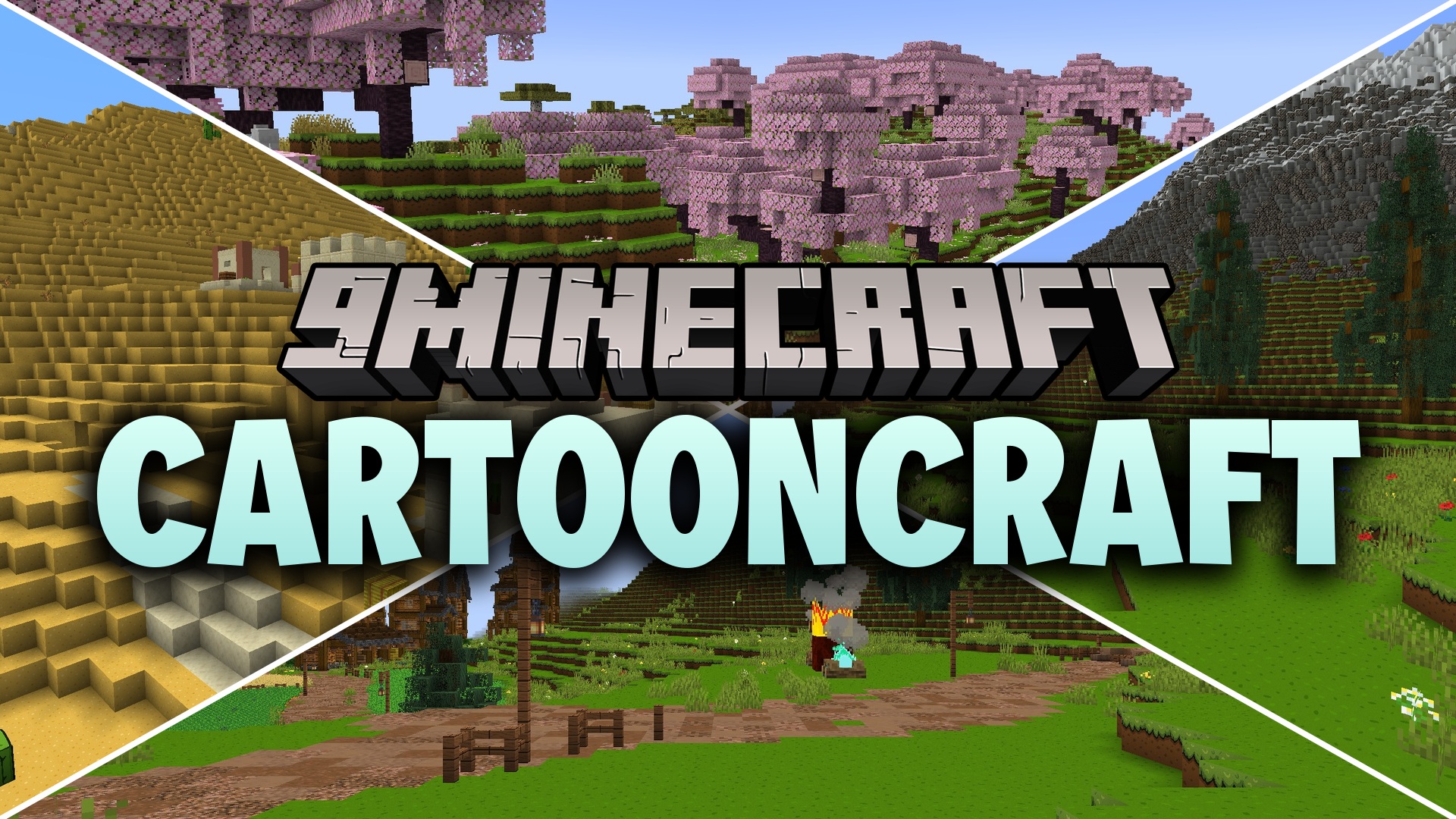
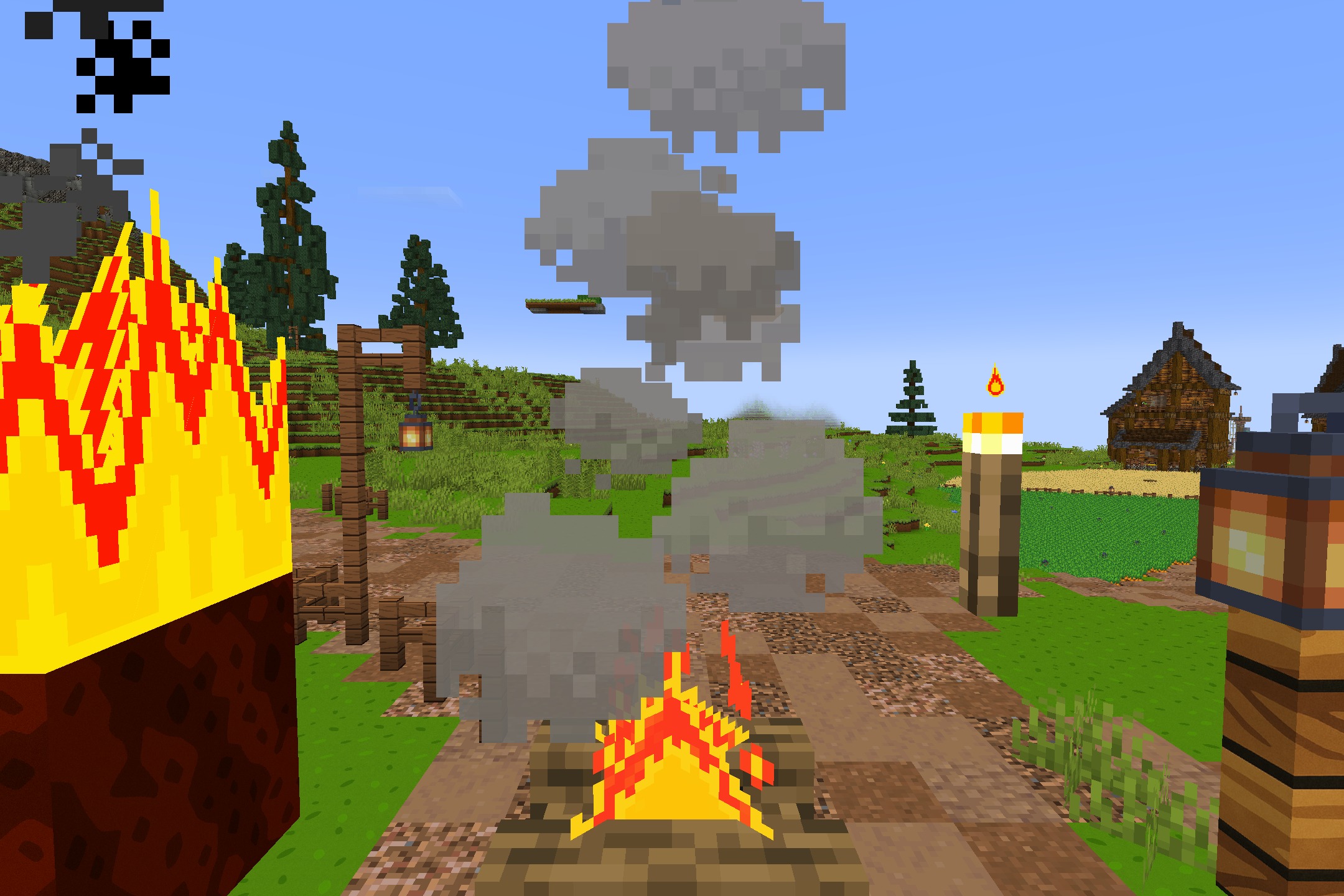
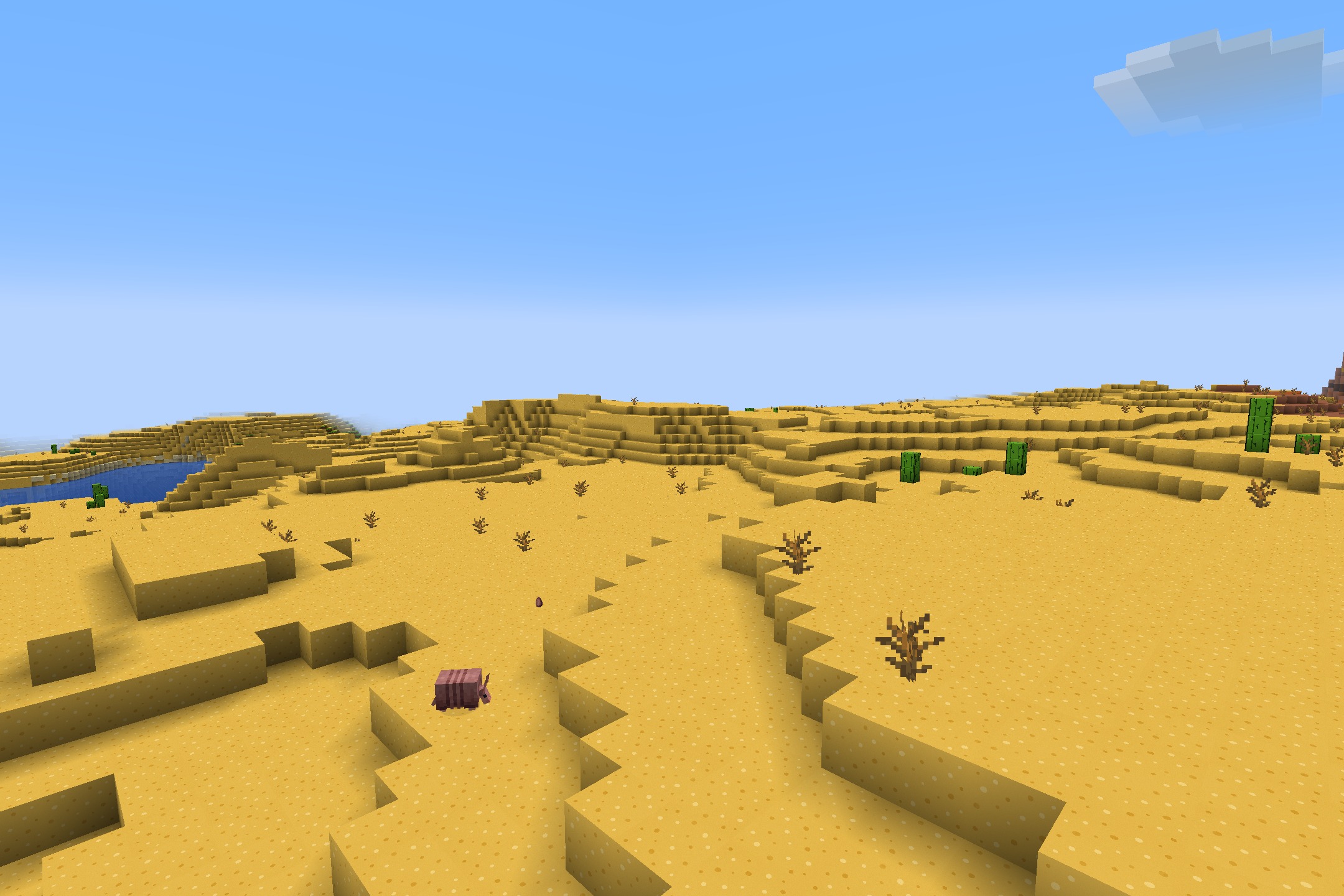
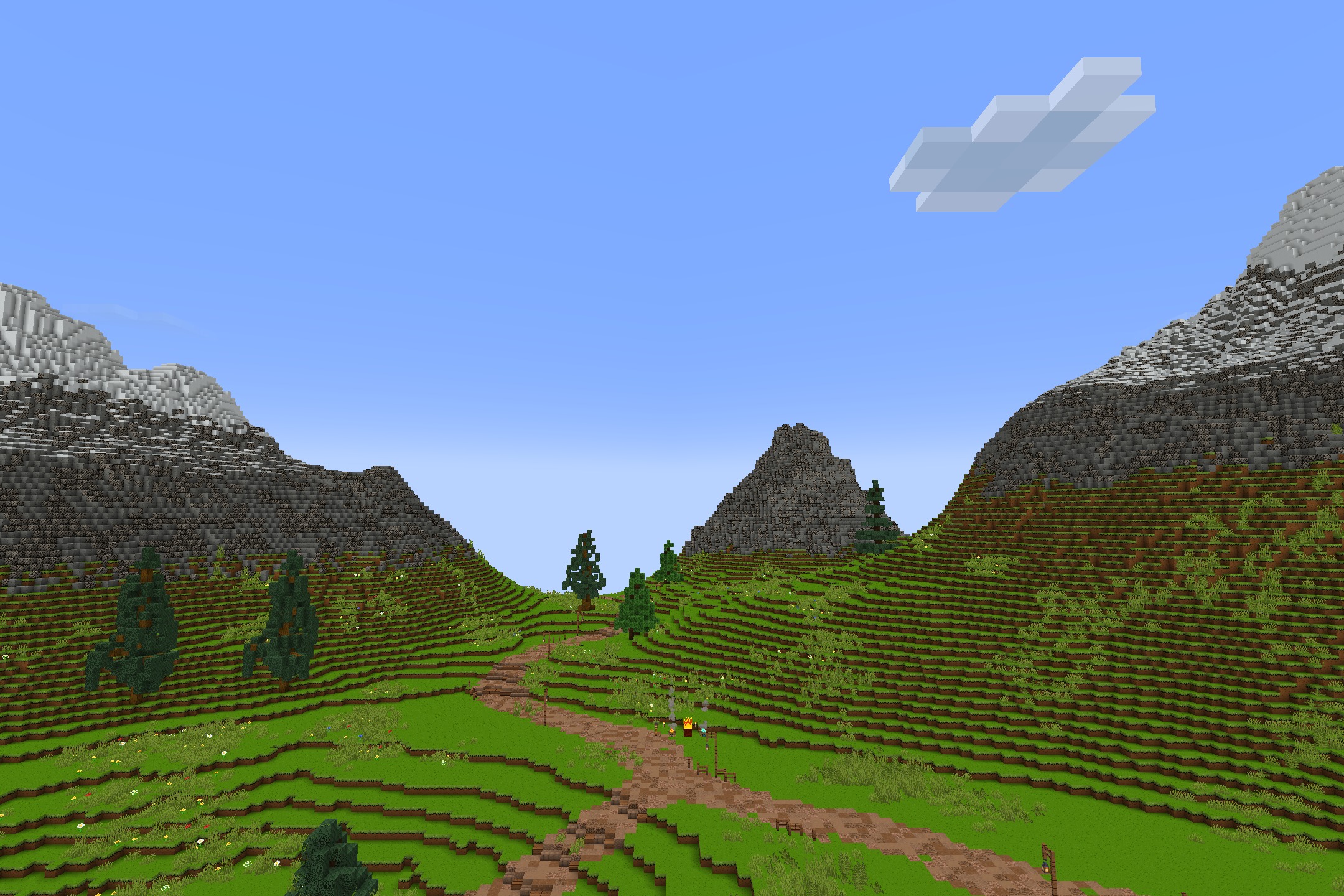
DownloadCartooncraft Resource Pack
Get the files on 9Minecraft
Contents (8)
Guides
Step-by-step, in-game.
Building Cheerful Structures with CartoonCraftChoosing Your Materials CartoonCraft's bright textures make certain blocks ideal for friendly builds. Wooden planks…Creating Themed Worlds with CartoonCraftPlanning Your Theme CartoonCraft's bright, friendly aesthetic works best for specific world themes. Desert villages,…Getting Started with CartoonCraft TexturesApplying the Resource Pack Once installed, CartoonCraft needs to be activated in your world settings. Open your…Optimizing CartoonCraft PerformanceTexture Quality Settings CartoonCraft uses simplified artwork, which generally runs smoothly on most systems.…
Items
 Diamond Sword
 Fire Charge
 Firework Rocket
 Gold Nugget
 Golden Sword
 Iron Nugget
 Iron Sword
 Lingering Potion
 Netherite Sword
 Potion
 Splash Potion
 Stone Sword
 Wooden Sword
Blocks
71 blocks · showing 24. Browse all →
 Acacia Leaves
 Acacia Log
 Andesite
 Anvil
 Beacon
 Bedrock
 Birch Leaves
 Birch Log
 Birch Planks
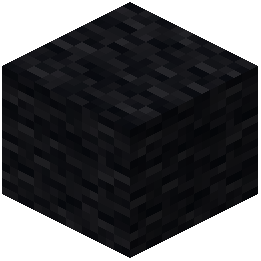 Black Wool
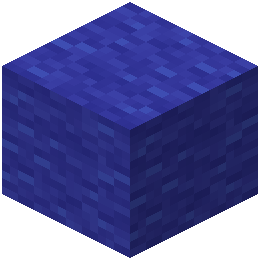 Blue Wool
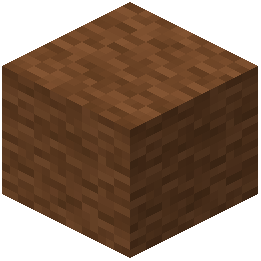 Brown Wool
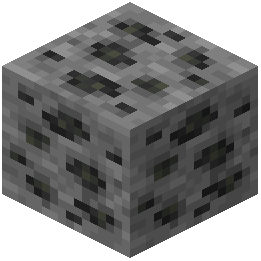 Coal Ore
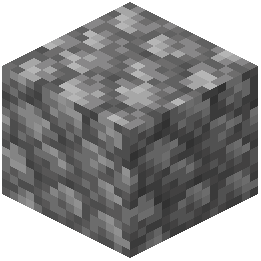 Cobblestone
 Crimson Door
 Crimson Fungus
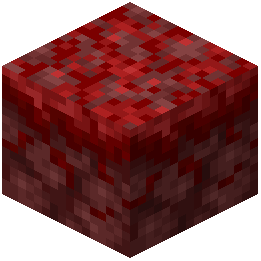 Crimson Nylium
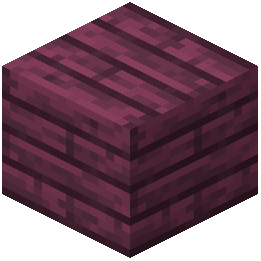 Crimson Planks
 Crimson Roots
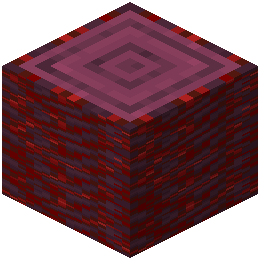 Crimson Stem
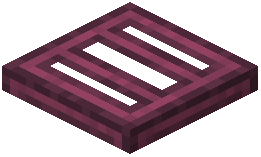 Crimson Trapdoor
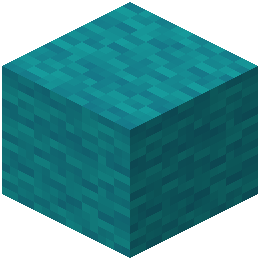 Cyan Wool
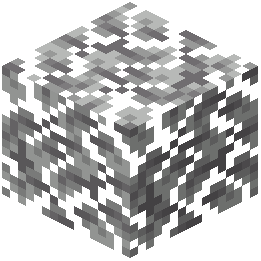 Dark Oak Leaves
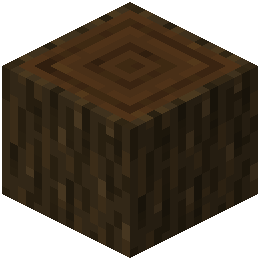 Dark Oak Log
What this pack changes
Every texture group the pack replaces, counted from the pack itself.
| Area | Textures replaced |
|---|---|
| Blocks | 129 |
| Mobs & entities | 32 |
| Paintings | 30 |
| Particles | 20 |
| Items | 16 |
| Sky & weather | 6 |
| Biome colours | 2 |
| Effect | 1 |
| GUI & menus | 1 |
| Misc | 1 |
Pack format 34 (Minecraft 1.21.2)238 texture files in total
Extra features
Custom block/item models
Reworked GUI
Frequently asked questions
How do I activate CartoonCraft textures in my world?
Open your world, go to Settings > Resource Packs, and move CartoonCraft from the available list to the active list on the right side. The textures will apply immediately to all blocks and items.
Does CartoonCraft work with other resource packs?
Yes, you can stack CartoonCraft with other packs by ordering them in your resource pack list—packs higher in the list override those below. This lets you combine CartoonCraft's cartoon style with other visual mods.
Why do my textures look blurry or pixelated with CartoonCraft?
Check your GUI scale and texture filtering settings in Video Settings; CartoonCraft's hand-drawn style works best with linear filtering enabled. If performance is low, try lowering your render distance or enabling mipmaps.
Can I use CartoonCraft on a multiplayer server?
Yes, CartoonCraft is client-side only, so you can use it on any server without the server needing to install it—only your game will see the cartoon textures.
Do mobs and entities look different in CartoonCraft?
Yes, CartoonCraft reskins mobs and entities with the same bright, hand-drawn cartoon style as blocks and items, giving them a friendly and playful appearance.
Will CartoonCraft slow down my game?
CartoonCraft is lightweight and shouldn't impact performance significantly, but if you experience lag, try reducing your render distance or disabling fancy graphics in Video Settings.
How do I make a themed world that matches CartoonCraft's style?
Use bright, solid-colored blocks like wool, concrete, and terracotta as your base materials, and stick to cheerful biomes like meadows, forests, and deserts; the cartoon textures will automatically enhance the playful look.
Does CartoonCraft change the UI or menus?
CartoonCraft primarily focuses on block and item textures; some UI elements may receive subtle cartoon styling, but the main interface remains largely unchanged.
Can I use CartoonCraft with shaders?
Yes, CartoonCraft works with shader packs, though the combination may look different than expected—test it in a creative world first to see if the bright cartoon style complements your chosen shader.
What should I do if some textures look wrong or don't match?
Make sure CartoonCraft is the topmost active resource pack in your list, and try reloading your textures by pressing F3 + T (or going to Settings > Resource Packs and reapplying the pack).
You May Also Like
Wikis that share the most with this one
Wikis on the same theme: nether
Fire RekindledStriderZ Resource PackFabulous 3D Resource PackMatralys 16X Resource PackVisible Ores Resource PackBluxy Crystal Resource PackLuminance Pvp Resource PackOutlined Ores Resource Pack Viking Armory Resource PackBlue Netherite Resource PackChaos Pvp Pack Resource PackTiny Tools Txf Resource Pack
More resource pack wikis on the site
Cartoon Texture Concept Update 120 Resource PackCarrot Farmer Totem Of Undying Resource PackCapeless Wings Resource PackCanon PC Wallpapers Resource PackCanoe Boats Resource Pack Candy Cane Fun Resource PackC4Music Resource PackC Strifiky Resource PackBww Resource PackBushy Pink Petals Wildflowers & Leaf Litter Resource PackBushy Leaf Litter Resource PackBunji 4K Resource Pack
The most downloaded mods that have a wiki here
A few wikis from each of the other kinds
Gallery
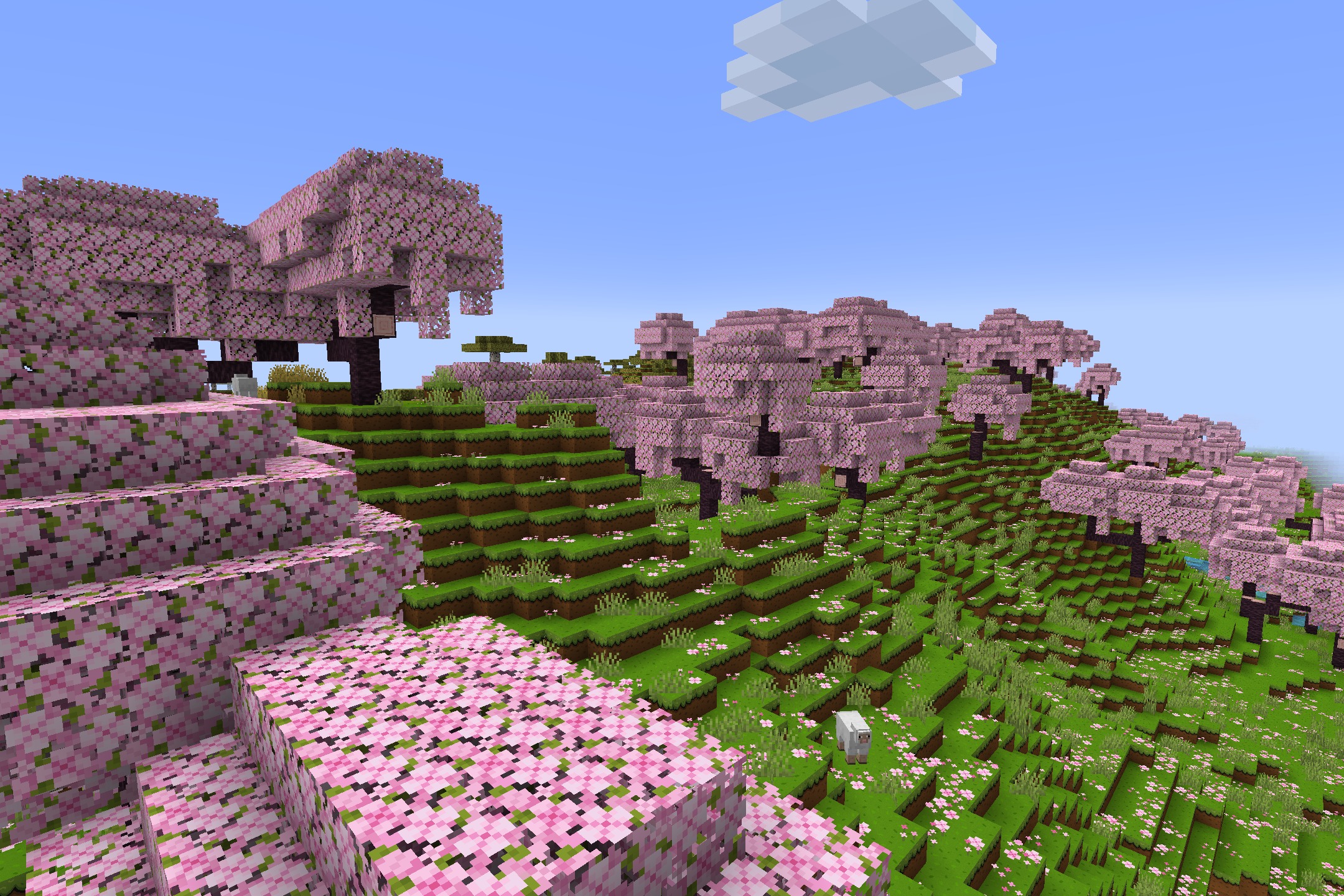
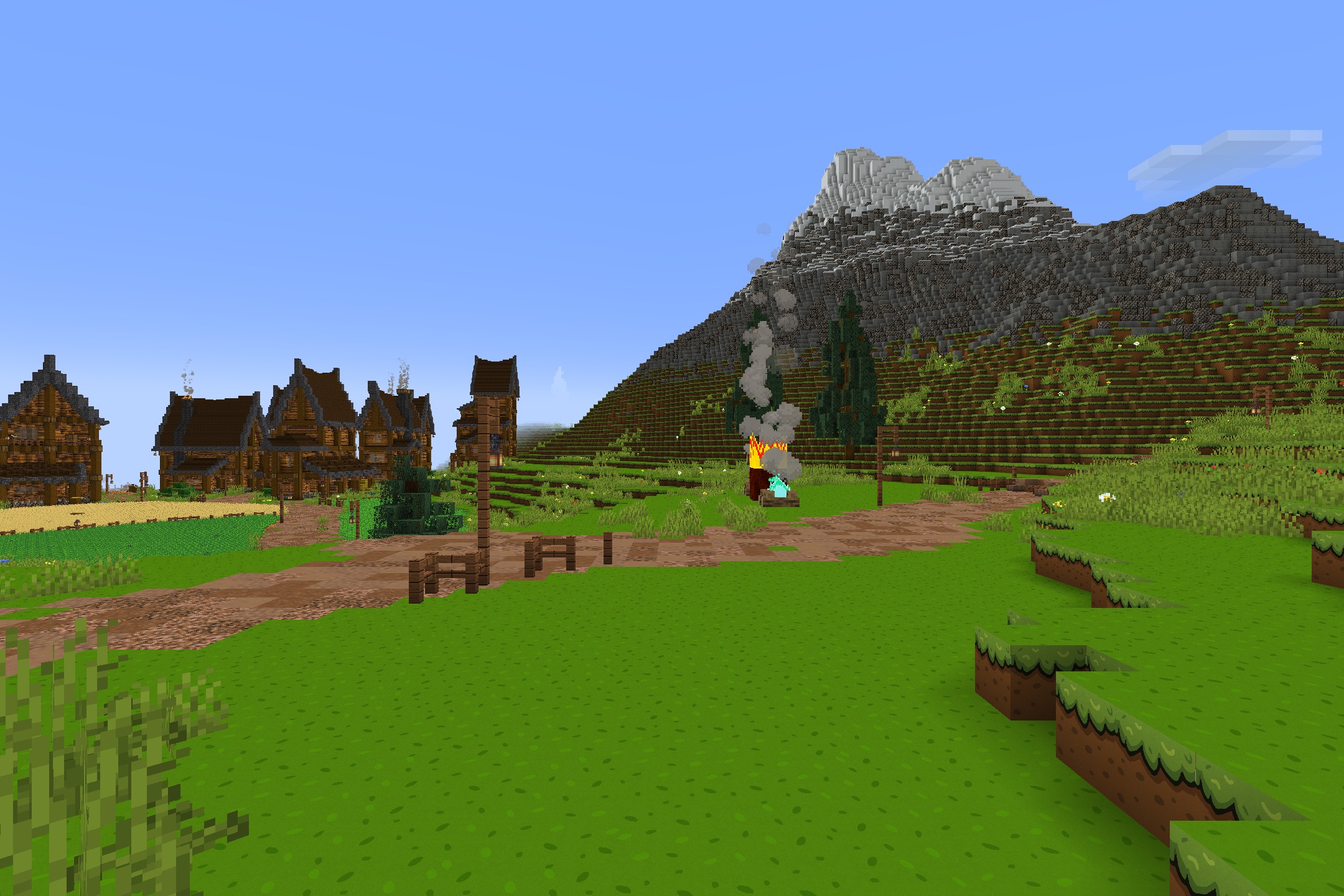
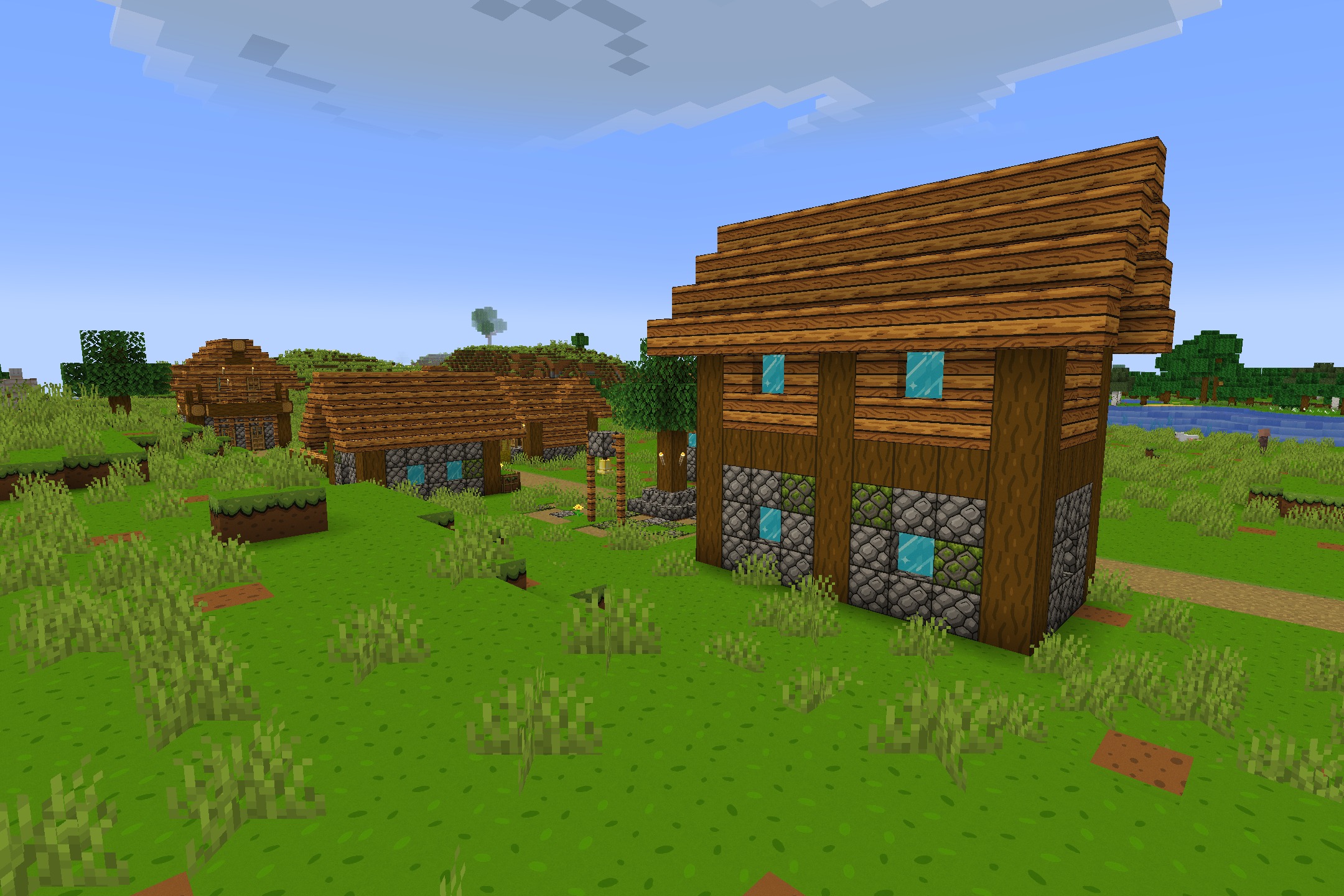
11 images from the Cartooncraft Resource Pack page.