

 DownloadBetter Enchanting Table Resource Pack
Get the files on 9Minecraft
Guides
Step-by-step, in-game.
Combine This Resource Pack with Other Mods or PacksCompatibility Basics The Better Enchanting Table Resource Pack is purely visual and does not alter enchanting…Install and Activate the Resource Pack in Your WorldLocate Your Resource Packs Folder Resource packs are stored in a dedicated folder within your Minecraft directory.…Understand What Changes and What Stays the SameVisual Improvements Only The Better Enchanting Table Resource Pack enhances three main visual elements: Book model :…Verify the Enhanced Enchanting Table is Displaying CorrectlyCheck Your Resource Pack is Active The improved model and textures only appear when the resource pack is properly…
Frequently asked questions
Why doesn't my enchanting table look different after installing this?
Make sure the resource pack is activated in your world settings—go to Resource Packs, find the pack in the Available list, and move it to Active. The enchanting table won't update visually until the pack is enabled and you reload your world or chunks.
Does this change how enchantments work or what I can enchant?
No, this is purely visual. The enchanting mechanics, available enchantments, and costs remain exactly the same—only the model and textures of the table itself are improved.
Can I use this with other resource packs at the same time?
Yes, but pack order matters. Place this pack higher in your Active list than conflicting packs if you want its enchanting table design to take priority; packs lower in the list override those above them.
Will this work with my modded enchantments or custom enchanting mods?
This pack only changes the visual appearance of the enchanting table block, so it's compatible with mods that add new enchantments or alter enchanting mechanics. However, if another mod changes the table's model, there may be visual conflicts.
See all 10 Better Enchanting Table questions ›
Gallery
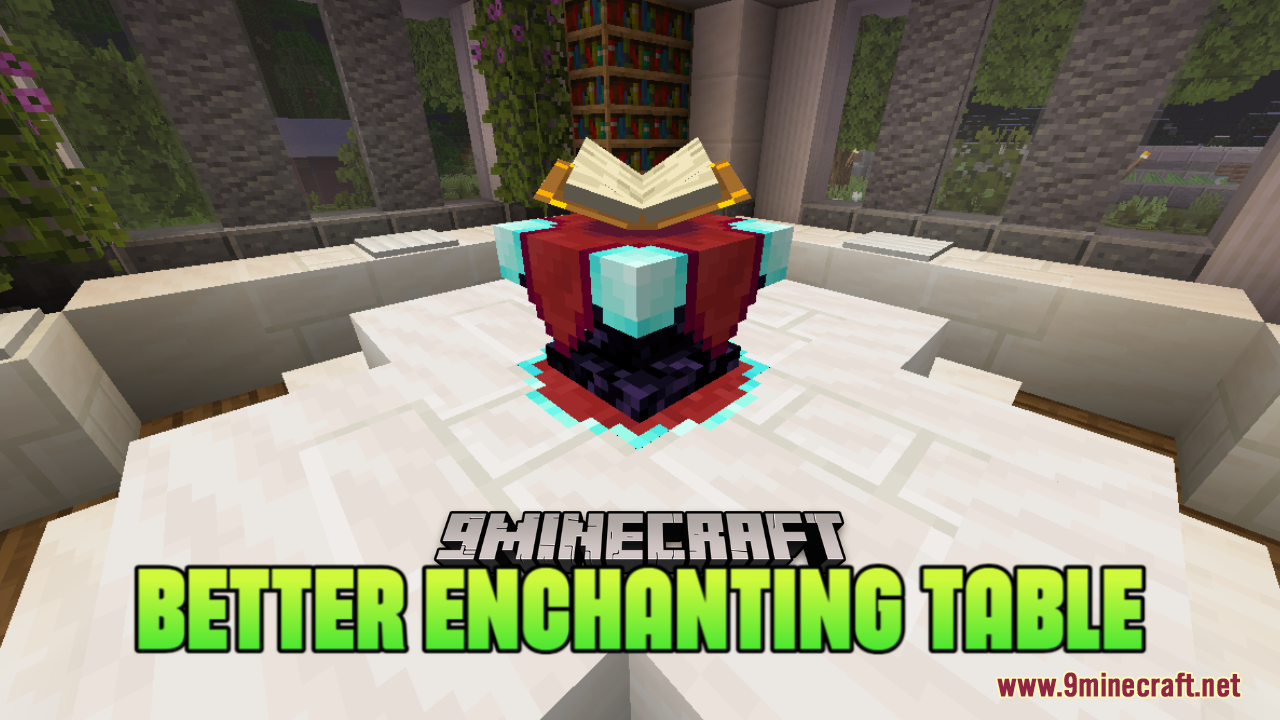
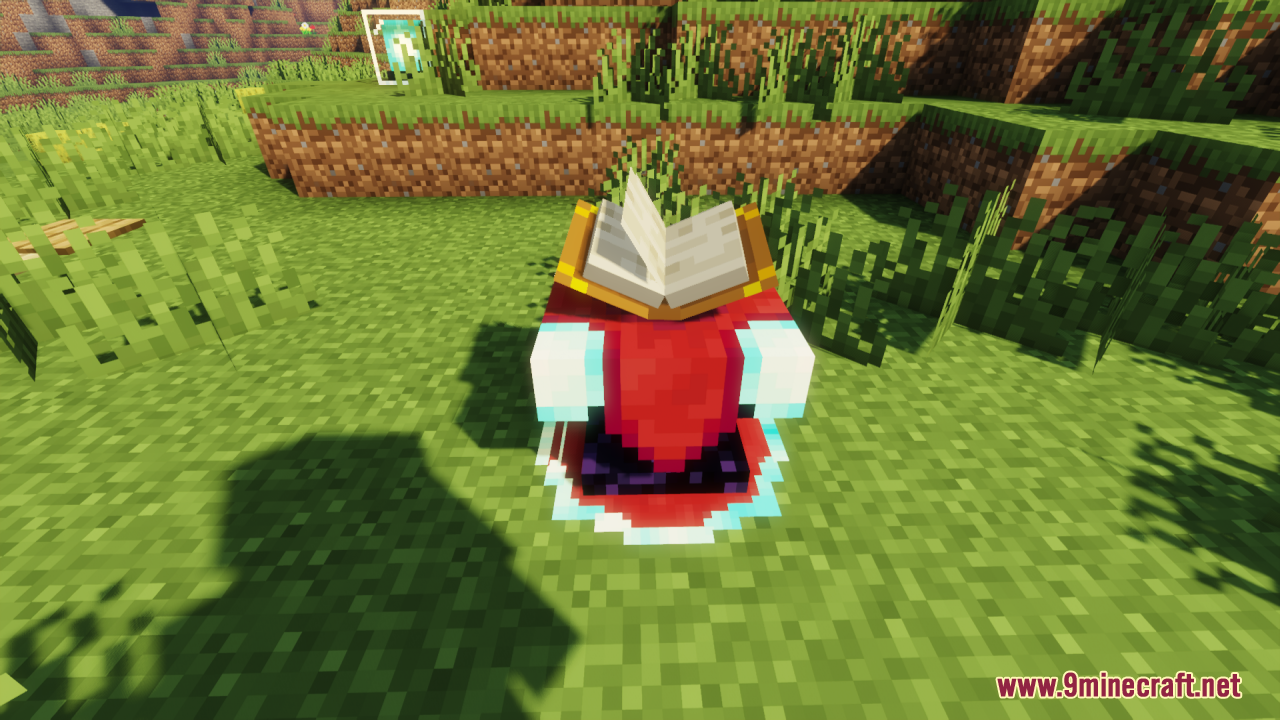
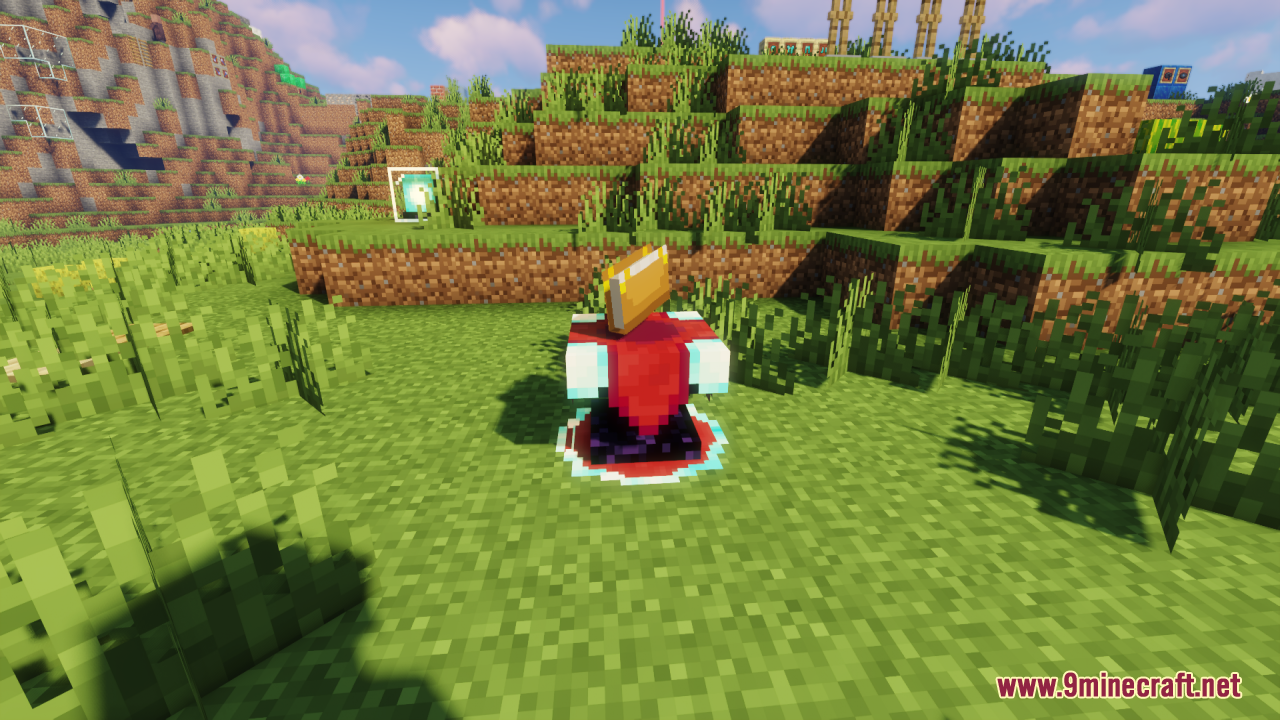
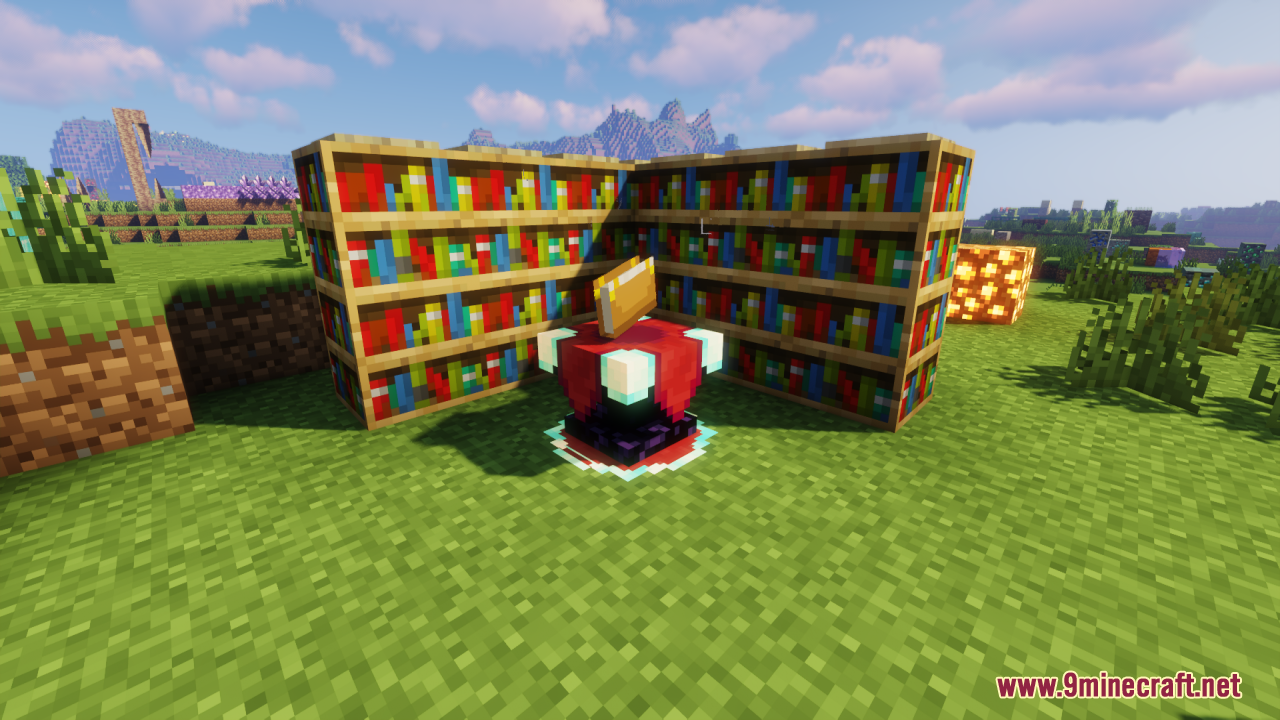
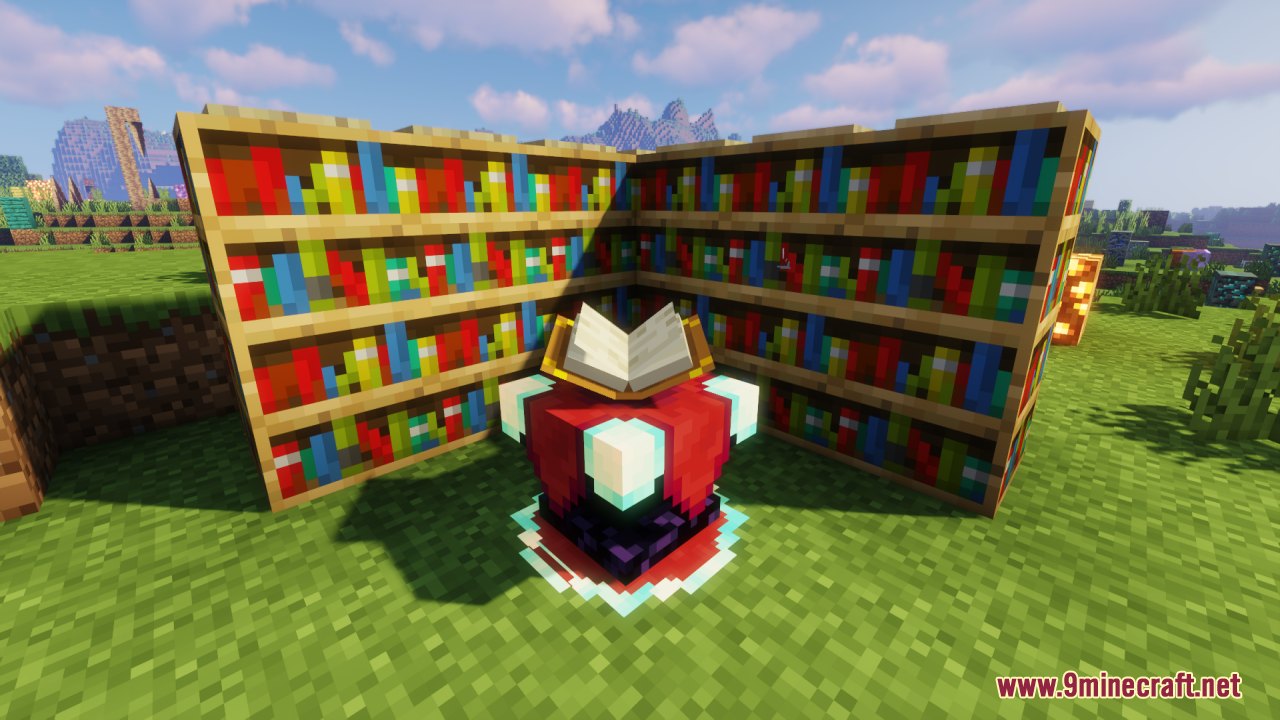
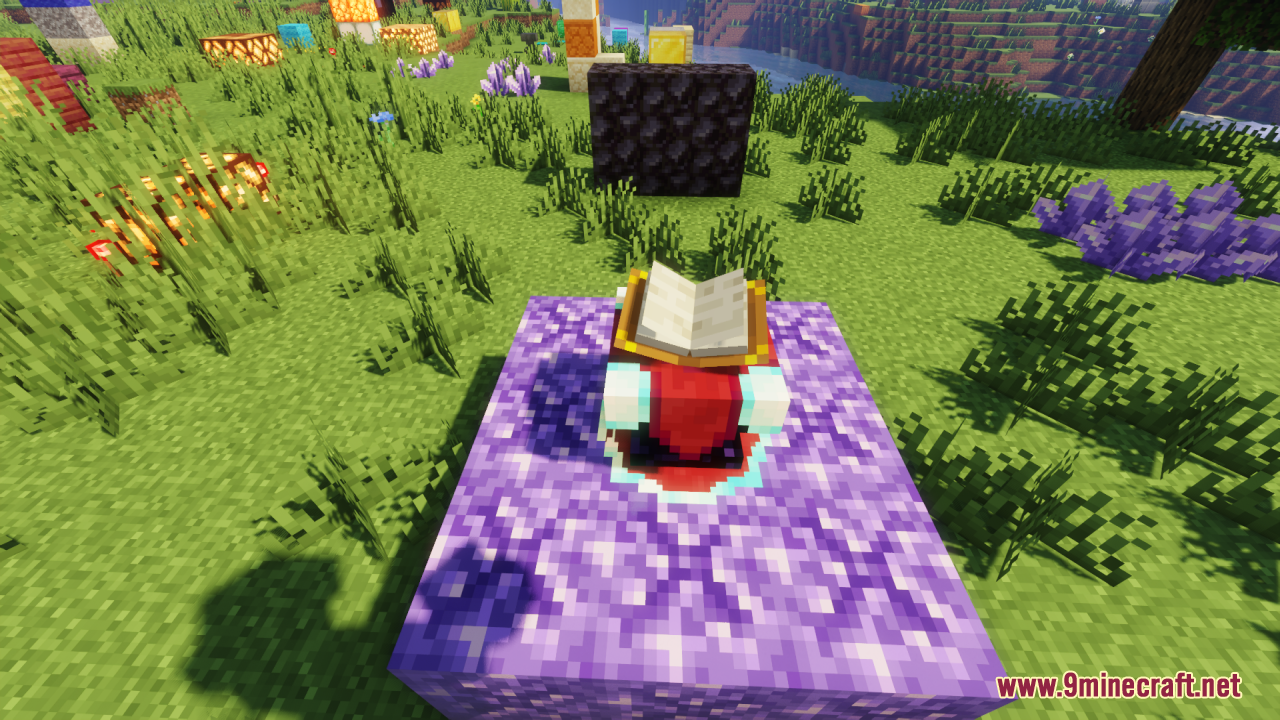
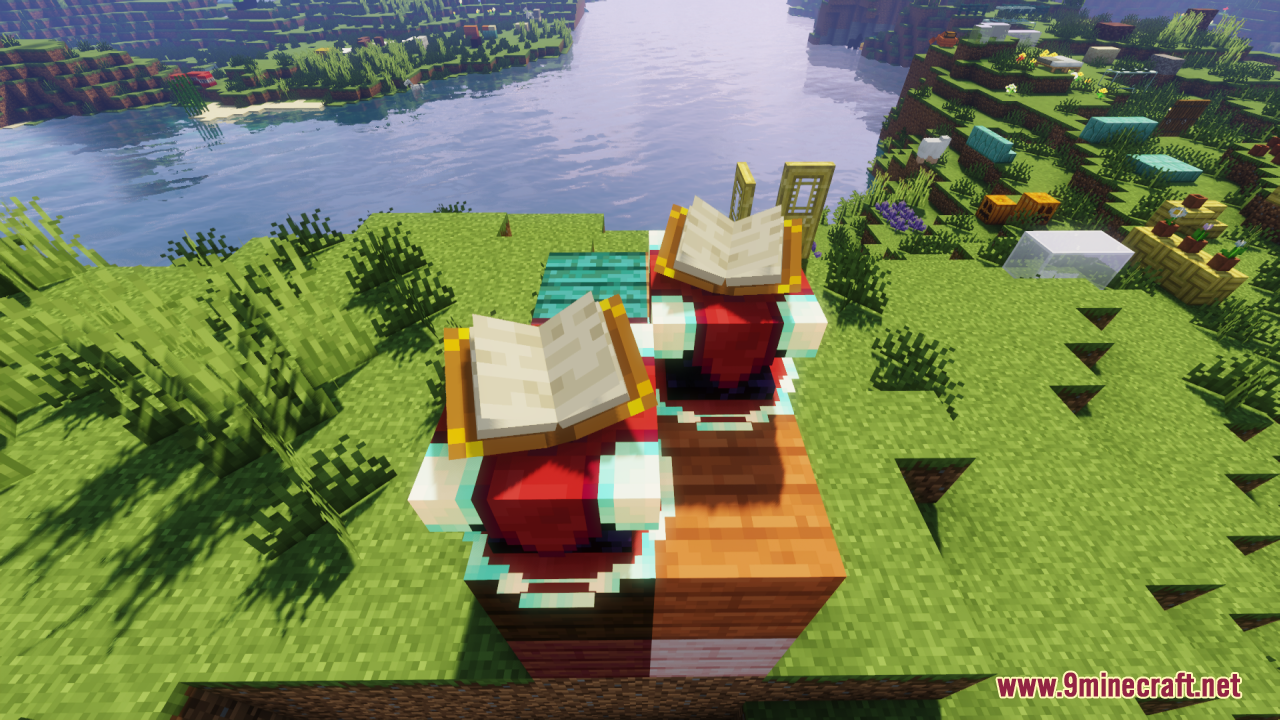
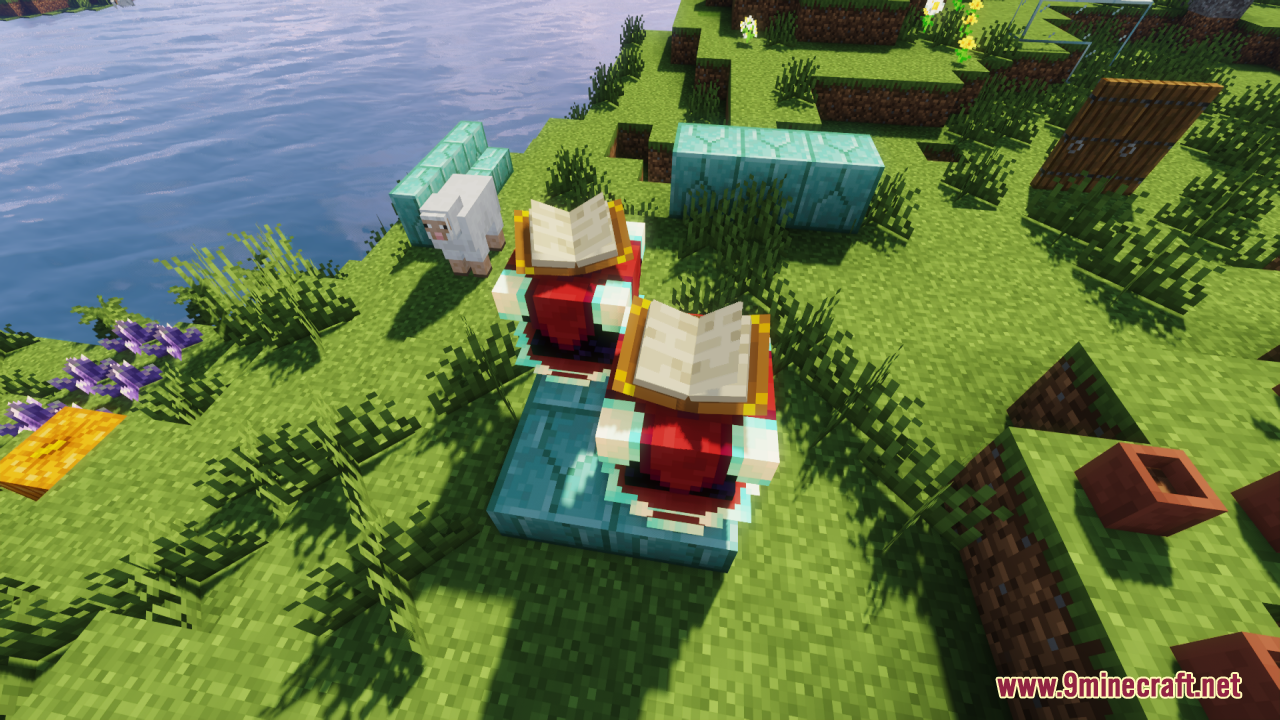
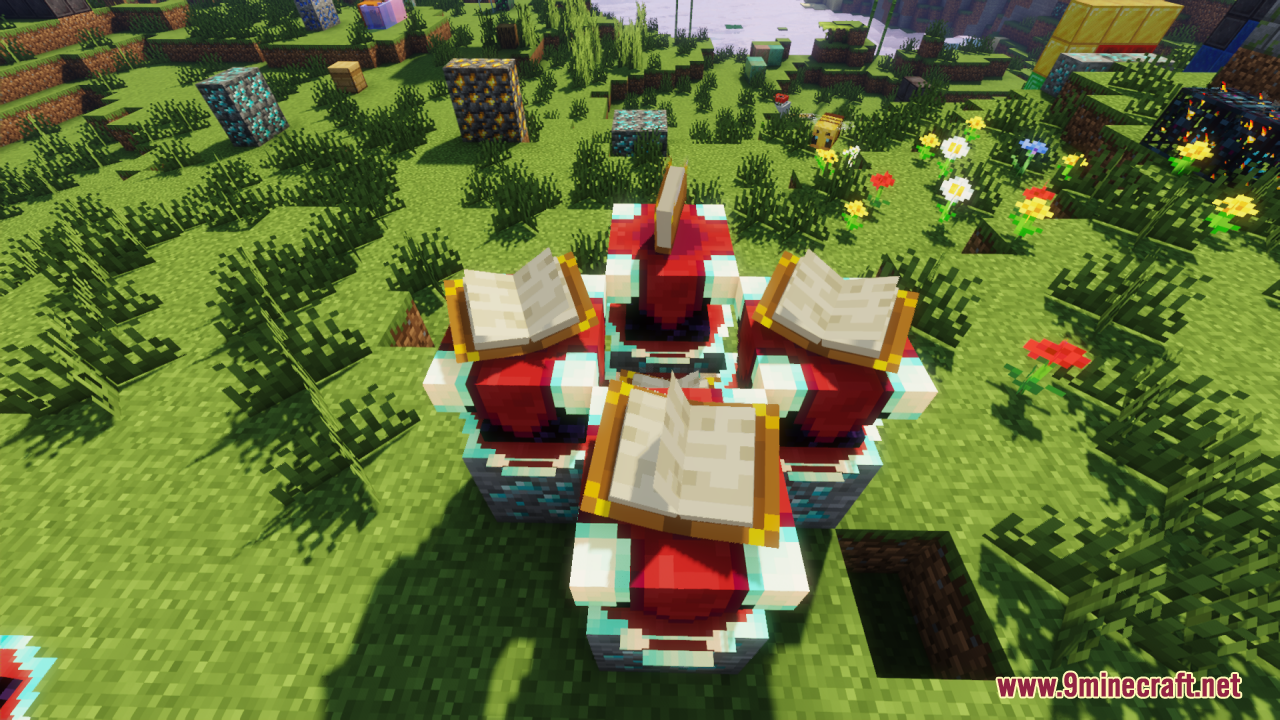
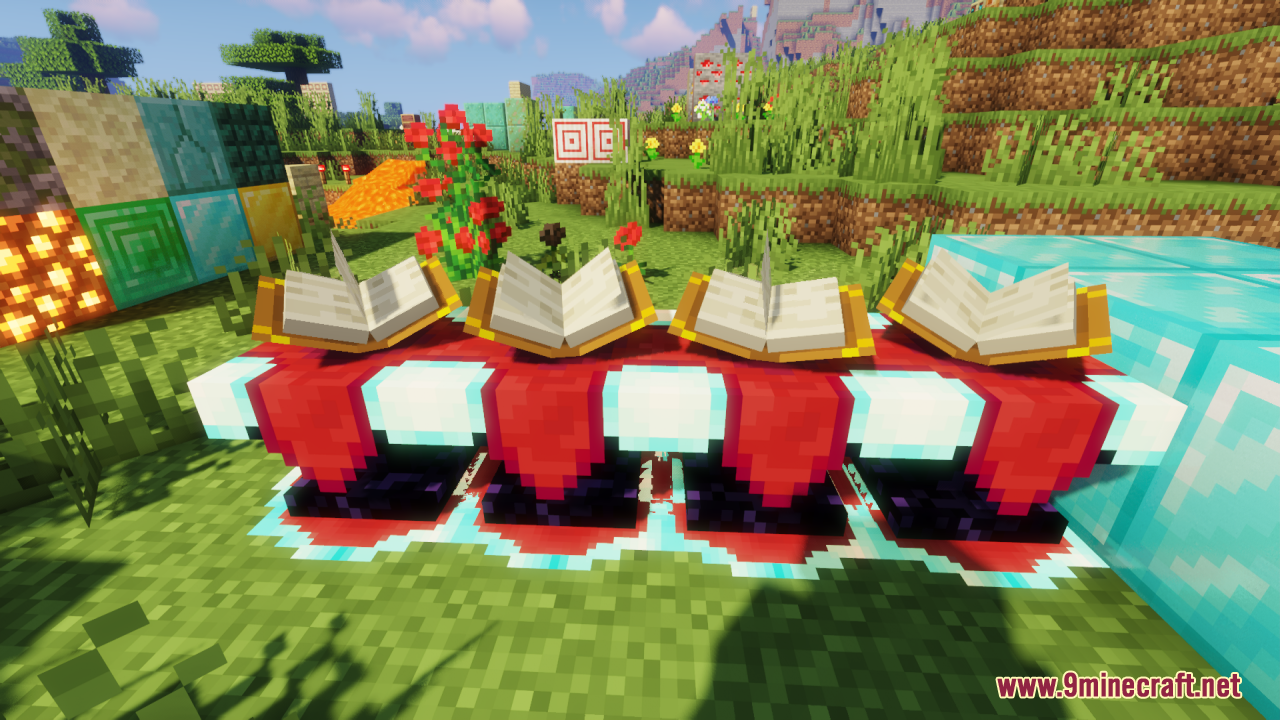
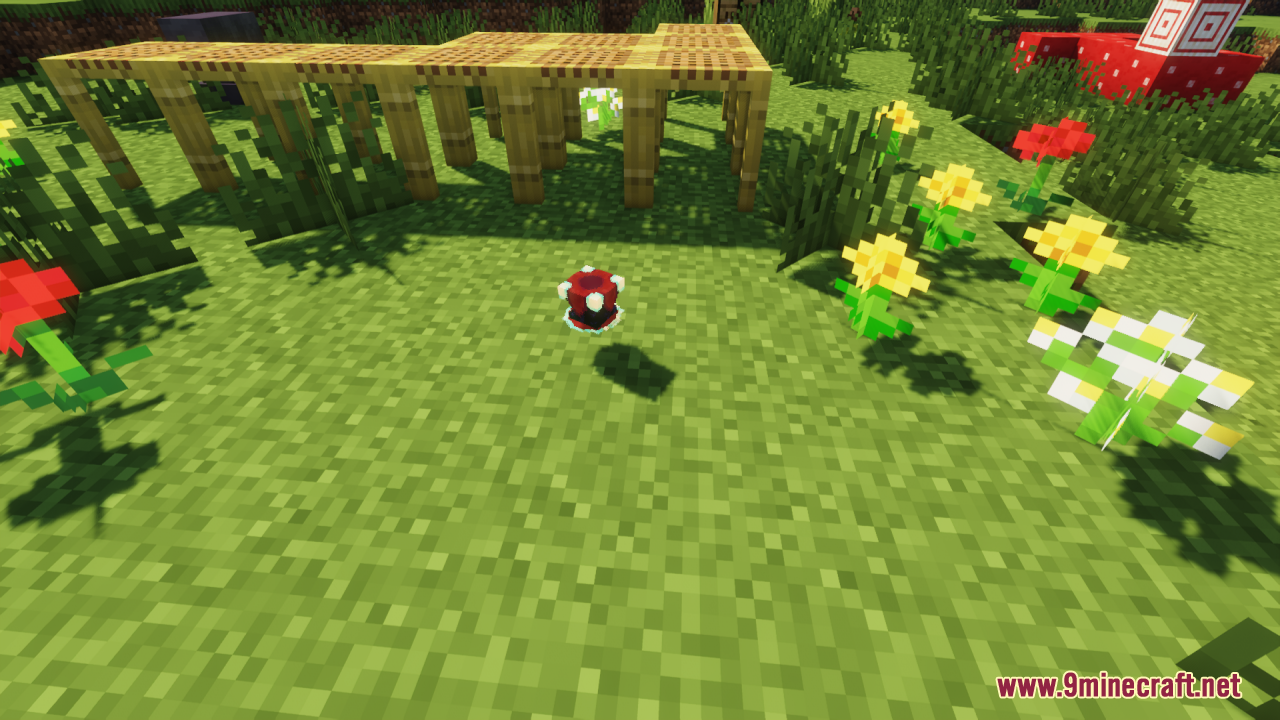
12 images from the Better Enchanting Table Resource Pack page.

You May Also Like
Wikis that share the most with this one
Wikis on the same theme: enchant
Bunji 4K Resource PackXali's Enchanted BooksAlices Box Resource PackFresh Food Resource PackClassic Glint Resource PackGlowing Items Resource PackLuminance Pvp Resource PackBrighter Glint Resource PackPurplefied Gui Resource PackVisual Enchants Resource PackEnchanted Covers Resource PackNo Enchant Glint Resource Pack
More resource pack wikis on the site
Better Dogs Resource PackBetter Dogs 9minecraft Resource PackBetter Diminishing Tools Resource PackBetter Crops 9Minecraft Resource PackBetter Combat Particle Enhancements Compact Resource PackBetter Colors Saturation VibrancyBetter Clearer Glass Resource PackBetter Clear Glass Resource PackBetter Bucket 3D Resource PackBetter Bubbles Resource PackBetter Bows Resource PackBetter Books Resource Pack
The most downloaded mods that have a wiki here
A few wikis from each of the other kinds