

 DownloadBetter 3D Craft Resource Pack
Get the files on 9Minecraft
Contents (8)
Guides
Step-by-step, in-game.
Enable 3D Models for Specific BlocksActivating Block Models The Better 3D Craft Resource Pack applies 3D models automatically once installed, but you can…Identify Which Blocks Have 3D ModelsFinding Enhanced Blocks In-Game Better 3D Craft includes over 70 blocks with 3D models. To discover which ones: 1.…Optimize Performance with 3D ModelsReducing Visual Lag While 3D models enhance appearance, they can impact performance on lower-end systems. Optimize…Troubleshoot Missing or Broken 3D ModelsCommon Issues and Solutions If 3D models aren't displaying correctly: Models appear flat or invisible: Verify the…
Items
 Book
 Bucket
 Cookie
 Lava Bucket
 Melon Slice
 Milk Bucket
 Totem of Undying
 Water Bucket
 Written Book
Blocks
A
 Acacia Planks
B
 Birch Planks
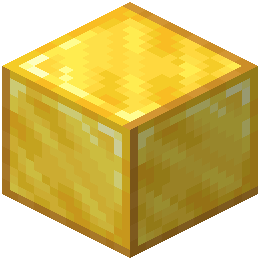 Block of Gold
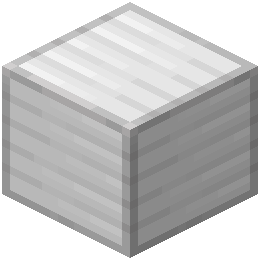 Block of Iron
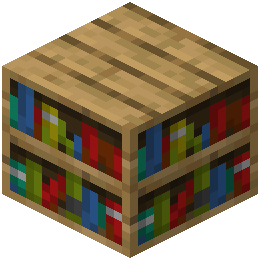 Bookshelf
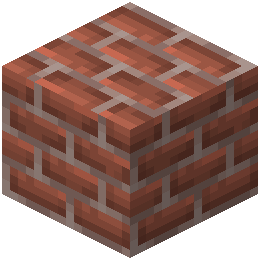 Bricks
C
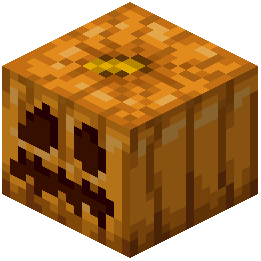 Carved Pumpkin
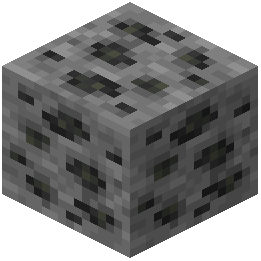 Coal Ore
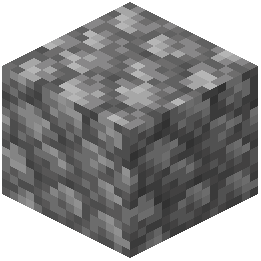 Cobblestone
 Cracked Polished Blackstone Bricks
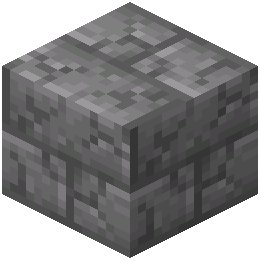 Cracked Stone Bricks
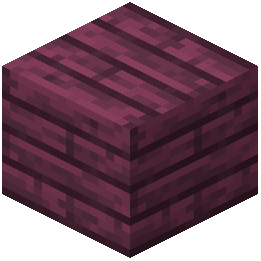 Crimson Planks
D
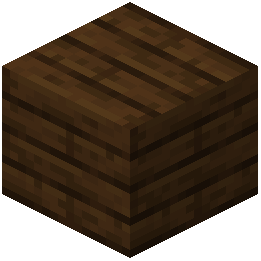 Dark Oak Planks
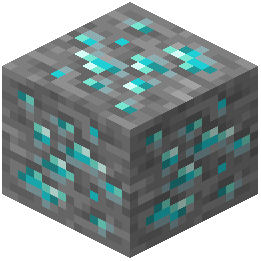 Diamond Ore
E
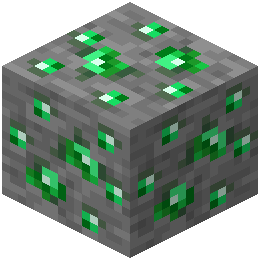 Emerald Ore
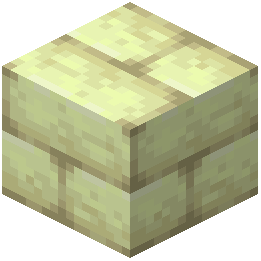 End Stone Bricks
G
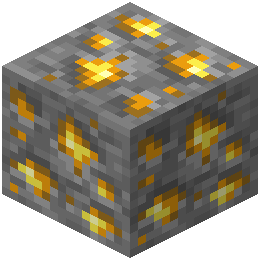 Gold Ore
I
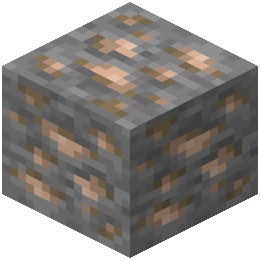 Iron Ore
J
 Jack o'Lantern
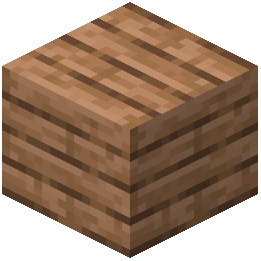 Jungle Planks
L
 Ladder
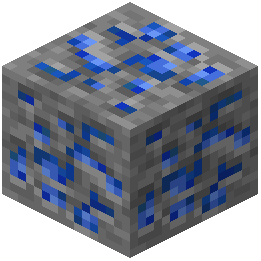 Lapis Lazuli Ore
M
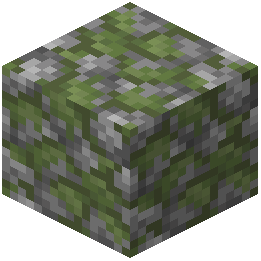 Mossy Cobblestone
O
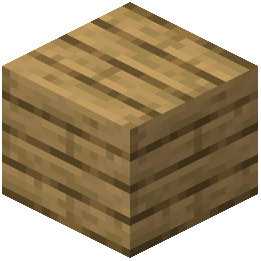 Oak Planks
P
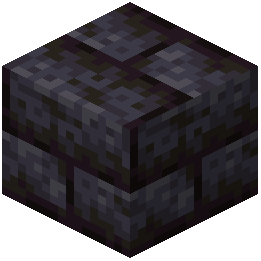 Polished Blackstone Bricks
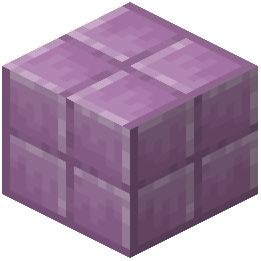 Purpur Block
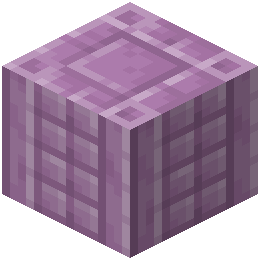 Purpur Pillar
Q
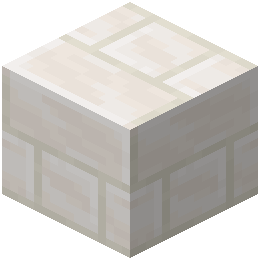 Quartz Bricks
R
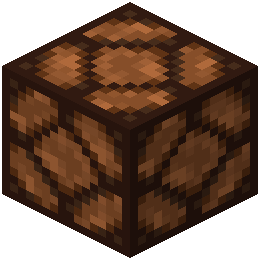 Redstone Lamp
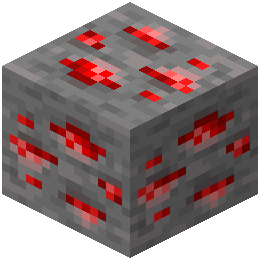 Redstone Ore
S
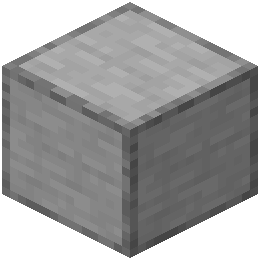 Smooth Stone
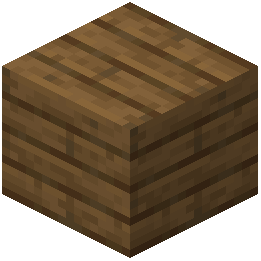 Spruce Planks
 Stone
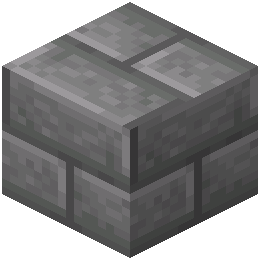 Stone Bricks
W
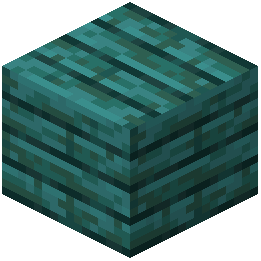 Warped Planks
What this pack changes
Every texture group the pack replaces, counted from the pack itself.
| Area | Textures replaced |
|---|---|
| Blocks | 88 |
| Items | 18 |
Pack format 75 (Minecraft 1.21.9)106 texture files in total
Extra features
Custom block/item models
Frequently asked questions
How do I know if the 3D models are actually working?
Load a world and look for blocks that appear noticeably more detailed and dimensional than usual—common examples include crafting tables, furnaces, and various wood types. If blocks still look flat, check that the resource pack is enabled in your resource pack menu and ranked above any conflicting packs.
Which blocks get 3D models from this pack?
The pack adds 3D models to over 70 blocks and items, including crafting tables, furnaces, barrels, various wood and stone variants, and decorative blocks. Check the mod's block list or take screenshots in-game to see the full range—not every block receives a model.
Does this mod work with shaders?
Yes, the pack is compatible with most shader packs, though visual quality and performance depend on your specific shader and GPU. Test with your preferred shader to ensure the 3D models render correctly without visual glitches.
Why are some of my 3D models not showing up?
This usually happens if another resource pack is overriding the models or if the pack isn't fully loaded. Ensure Better 3D Craft is positioned above conflicting packs in your resource pack list, and try reloading the world or restarting the game.
Is this pack heavy on performance?
The 3D models add some rendering overhead, but the impact is usually minor on modern systems. If you experience lag, try disabling models for specific block categories or lowering your render distance.
Can I disable 3D models for certain blocks?
Some versions allow selective enabling/disabling through configuration files or in-game settings, though this depends on how the pack is structured. Check the pack's config folder or settings menu for customization options.
Does this work with other resource packs at the same time?
Yes, you can stack it with other packs, but resource pack load order matters—place Better 3D Craft higher in the list if you want its models to take priority. Packs that modify the same blocks may conflict, so test combinations before committing to a world.
Will this pack work on multiplayer servers?
Yes, resource packs are client-side only, so you can use this on any server without admin permission. Other players won't see your 3D models unless they also install the pack.
Do the 3D models affect gameplay or block hitboxes?
No, the models are purely visual and don't change how blocks function, their hitboxes, or any game mechanics. You can interact with 3D-modeled blocks exactly as you would with vanilla blocks.
What Minecraft versions does this pack support?
Compatibility varies by pack version, so check the pack's description or documentation for which Minecraft versions are supported. Installing the pack on an unsupported version may cause models to fail or not load at all.
You May Also Like
Wikis that share the most with this one
Wikis on the same theme: metal
 High On Animations Resource Pack
More resource pack wikis on the site
Better 3D Beds Resource PackBest Saturation Resource PackBerkao Bedwars Pack Resource PackBee’s Cozier Beds Resource PackBedwars Remastered Resource PackBedrock Ore UI JE Resource PackBed Wars Texture 16X16 Pixel Resource PackBeautiful Sky Resource PackBeautiful Enchanted Books Resource PackBd Hill Reforge The Sword Edge Resource PackBB’s Bosses of Mass Destruction Tweaks Resource PackBarebones Bossbars Resource Pack
The most downloaded mods that have a wiki here
A few wikis from each of the other kinds
Gallery
12 images from the Better 3D Craft Resource Pack page.


