DownloadCraft Find
Get the files on 9Minecraft
Guides
Step-by-step, in-game.
Craft Recipes Using Items Stored Across Multiple ContainersAccess the Crafting Grid Open your unified workbench. The crafting interface works like vanilla Minecraft's crafting…Find Items Across Your Entire Storage SystemUse the Search Function Open your unified workbench and locate the search bar. Type the name of any item you're…Optimize Your Storage System's PerformanceUnderstand Configuration Settings The mod offers three main settings: Storage Search Radius controls how far the…Set Up Your First Unified Storage WorkbenchPlace Your Main Container Start by placing a chest or barrel in your storage area—this will be your primary…
Recipes
Every recipe the mod adds, grouped by how it is made.
Blocks
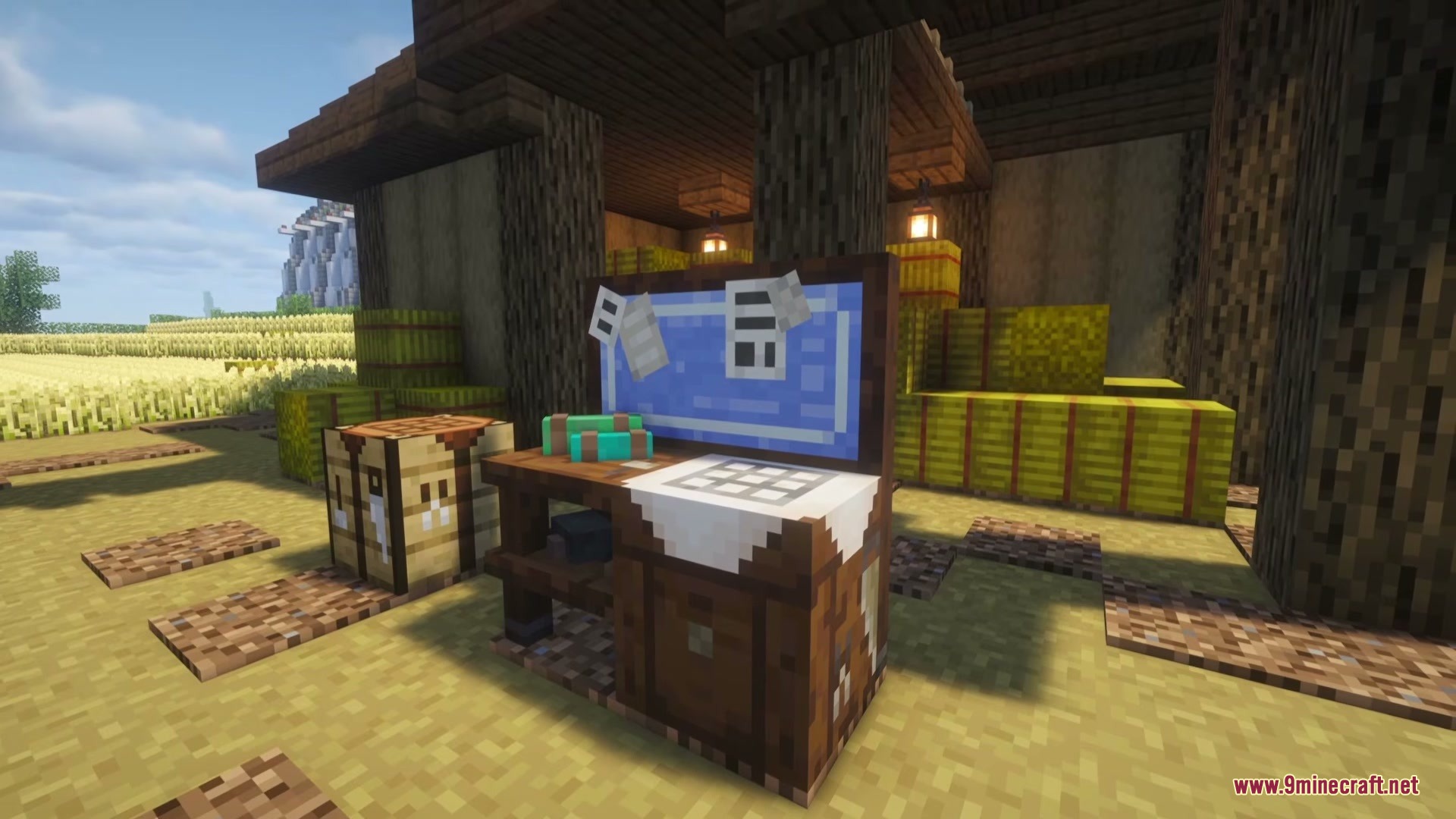
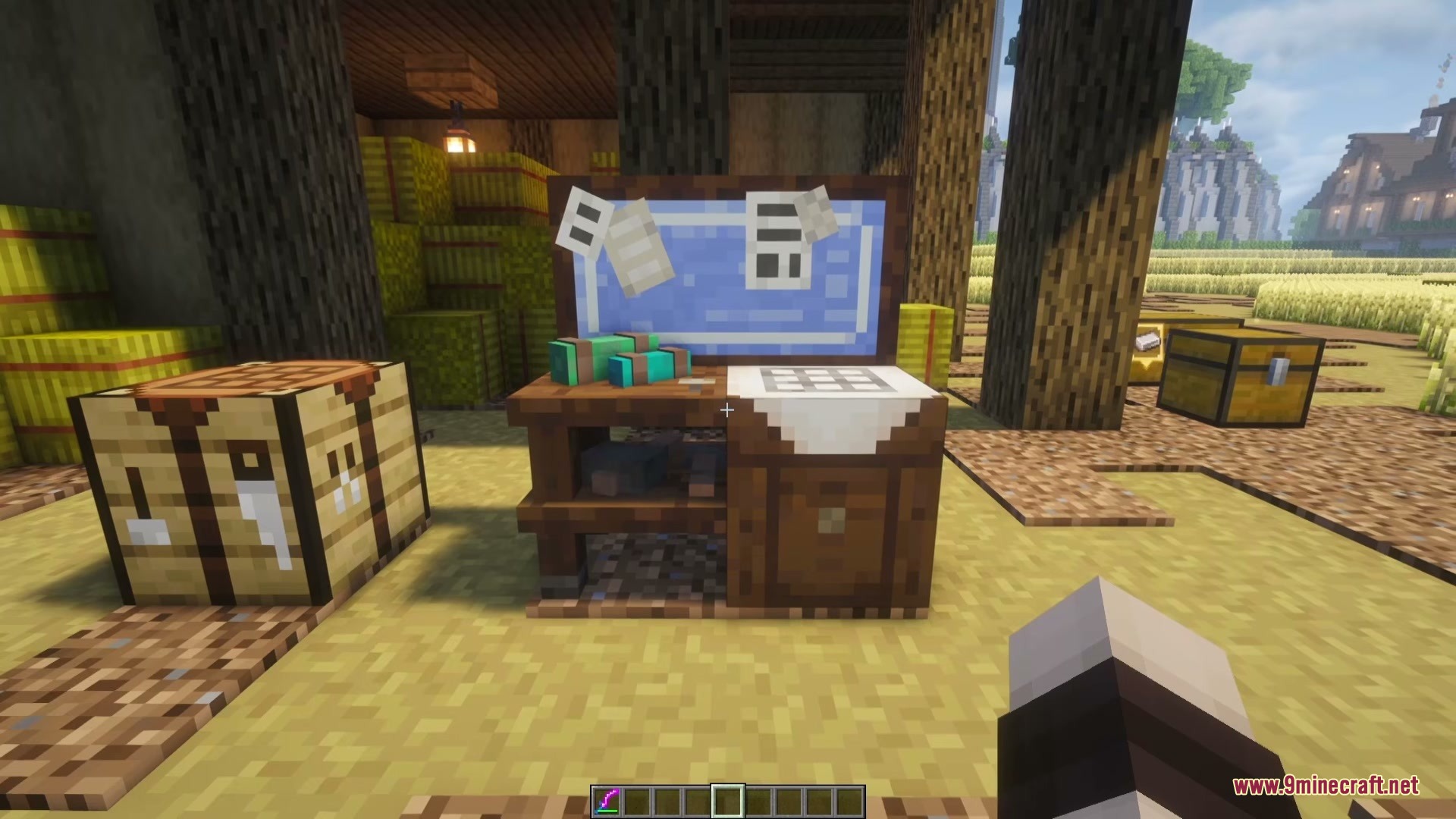
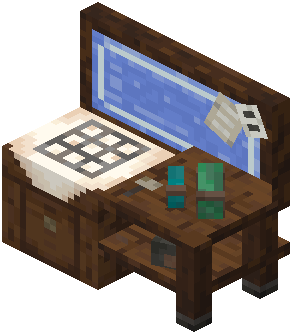 Storage Workbench
Frequently asked questions
How do I create a unified workbench?
Place a chest or barrel, then place additional containers (chests, barrels, or shulker boxes) within the storage search radius around it. The mod automatically connects them into one workbench—no crafting recipe or activation needed.
Why isn't my container connecting to the workbench?
Check that your container is within the storage search radius (default 16 blocks from the main container). If you've recently placed it, wait for the container scan interval to complete, or try opening and closing the workbench to force an update.
Can I craft with items spread across multiple chests?
Yes—the mod pulls crafting ingredients directly from all connected containers into your crafting grid automatically. Just place items in your recipe slots as normal, and it will gather what you need from nearby storage.
How do I find where a specific item is stored?
Search for the item by name or ID in the workbench interface, then click on it. Connected chests will highlight in the world, and a 3D marker will float above the container holding that item.
Can I sort my stored items?
Yes—the mod lets you sort by alphabetical name or by total item count, making it easier to browse large inventories.
Does this work with the vanilla Recipe Book?
Yes, the mod integrates with the Recipe Book and shows you what recipes you can craft using all items stored across your connected containers.
What's the difference between storage search radius and container scan interval?
Storage search radius determines how far the workbench looks for containers (spatial range), while container scan interval controls how often it checks for newly placed or broken containers (time-based updates).
Will this mod slow down my world if I have many containers?
The mod is designed for performance, but you can adjust the container scan interval and storage search radius in the configuration to reduce lag if you have a very large storage system.
Can I highlight more than the default number of containers at once?
Yes—adjust the maximum highlighted containers setting in the configuration to show more chests when you search for an item, though higher numbers may impact performance.
Does the mod work with shulker boxes?
Yes, shulker boxes are fully supported and connect to your unified workbench just like chests and barrels.
You May Also Like
Wikis that share the most with this one
Wikis on the same theme: storage
More mod wikis on the site
 Cozy Homestead Essentials Mod
The most downloaded mods that have a wiki here
A few wikis from each of the other kinds
Gallery
5 images from the Craft Find Mod page.