

 DownloadBetter 3D Beds Resource Pack
Get the files on 9Minecraft
Guides
Step-by-step, in-game.
Activating Better 3D Beds in Your WorldEnable the Resource Pack Once installed, the Better 3D Beds Resource Pack must be activated in your world settings to…Customizing Bed Colors with Better 3D BedsUnderstanding Bed Variants Better 3D Beds enhances all standard Minecraft bed colors with improved 3D geometry. The…Troubleshooting Beds That Don't Look 3DCheck Resource Pack Priority If your beds appear flat or the 3D models aren't showing, the resource pack may be…Using Better 3D Beds with Other Resource PacksLayering Packs Correctly Better 3D Beds can work alongside other resource packs, but order matters. The pack…
Frequently asked questions
How do I enable Better 3D Beds in my world?
Open your world, go to Resource Packs in the settings menu, and move Better 3D Beds from the Available list to the Selected list. Make sure it's positioned above any conflicting packs, then apply the changes and reload your world.
My beds still look flat even though I installed the pack
Check that Better 3D Beds is actually enabled in your Resource Packs menu and positioned above other packs that might override it. If you're using Optifine or similar, try disabling custom entity models temporarily to see if that's causing a conflict.
Can I use Better 3D Beds with other resource packs?
Yes, but pack order matters—place Better 3D Beds above other packs in your Resource Packs list so its bed models take priority. If another pack also modifies beds, you'll need to choose which one to prioritize.
How do I change bed colors with this pack?
Better 3D Beds respects Minecraft's standard bed color system, so beds automatically display in their correct colors based on the dye used when crafting them. No additional customization is needed beyond normal bed crafting.
See all 10 Better 3D Beds questions ›
Gallery
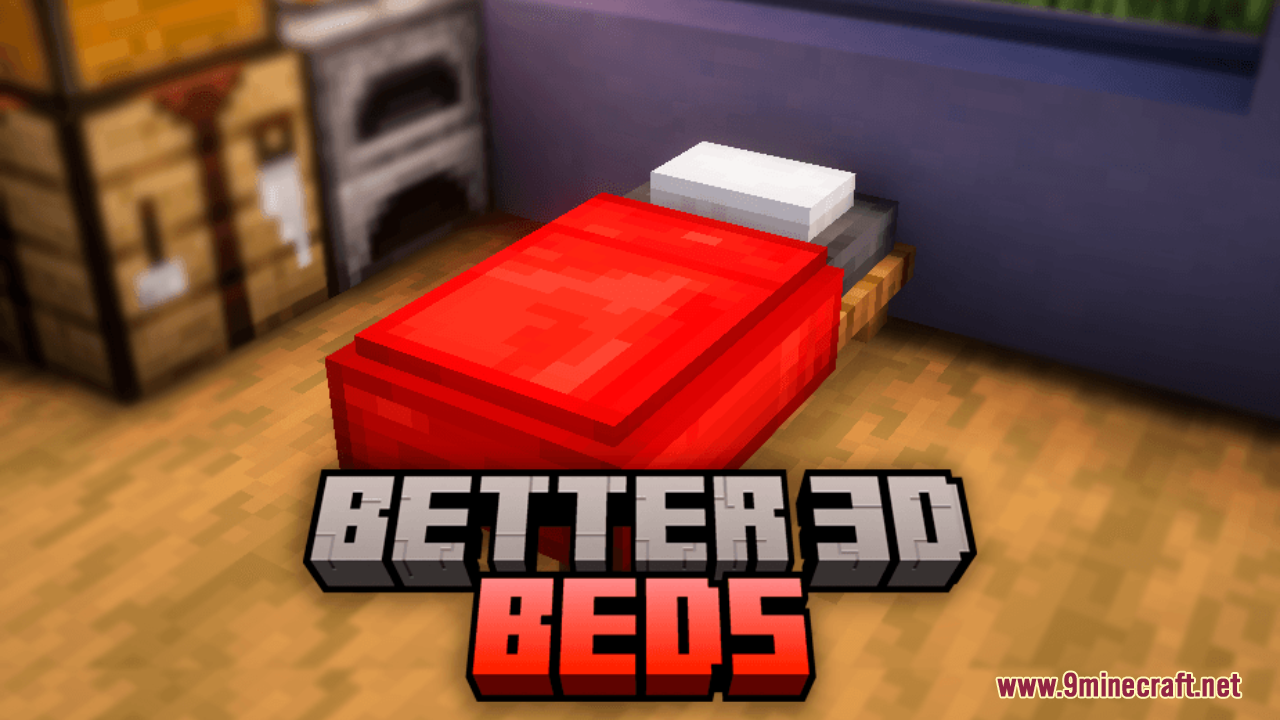
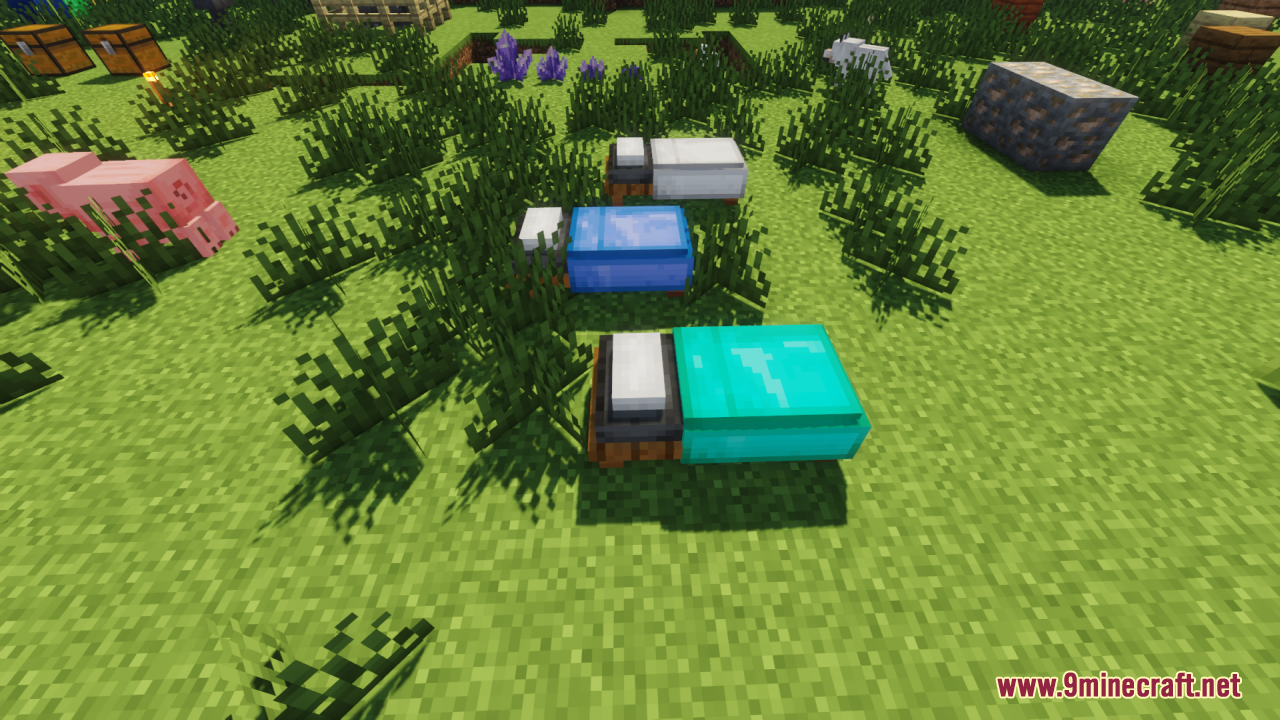
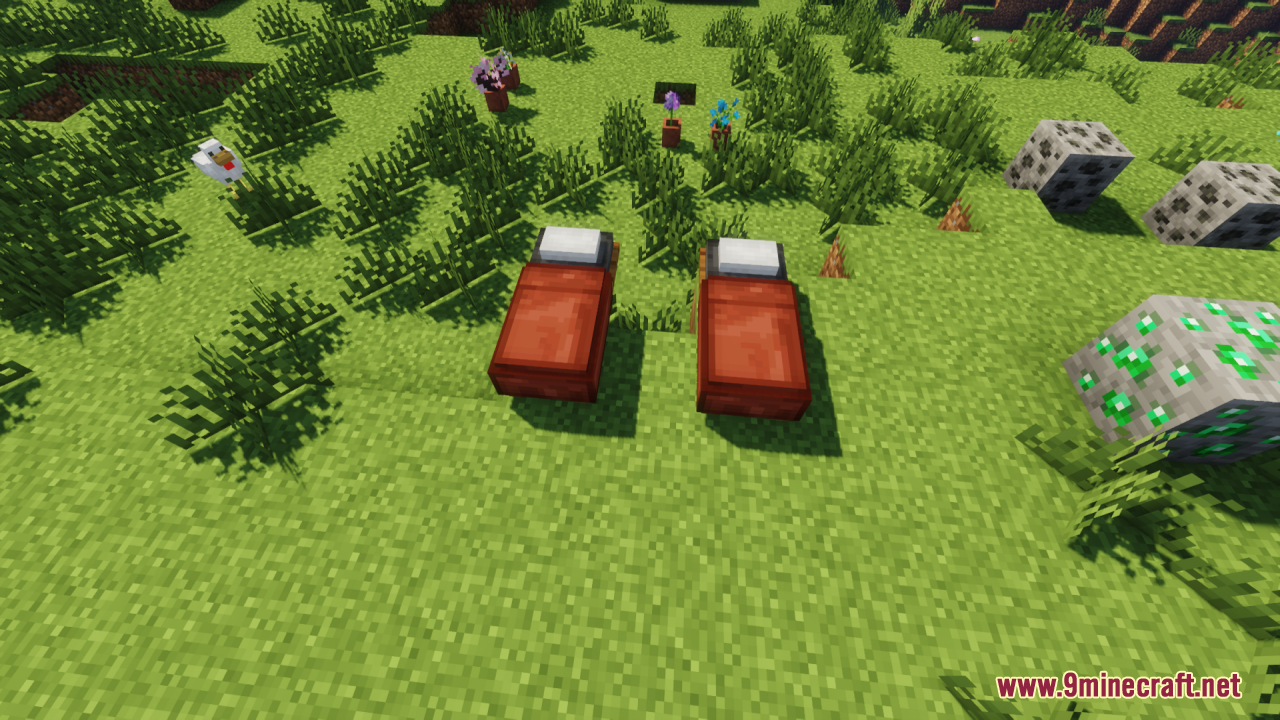
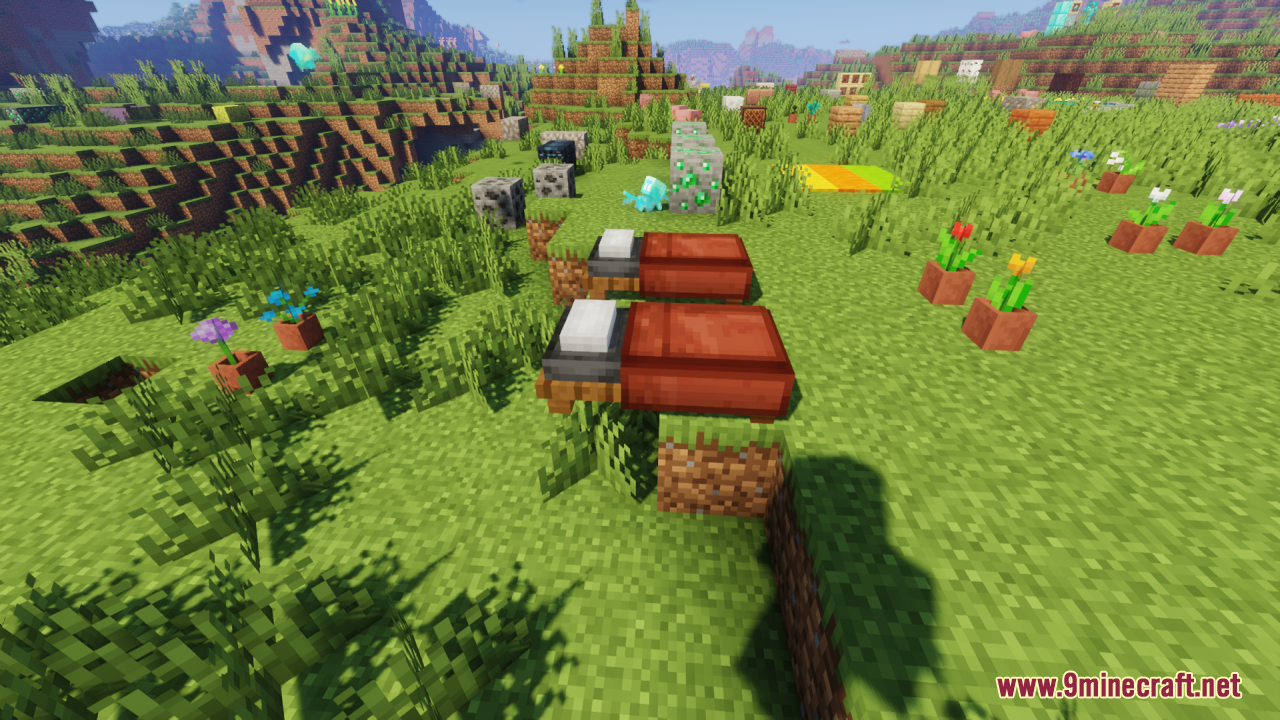
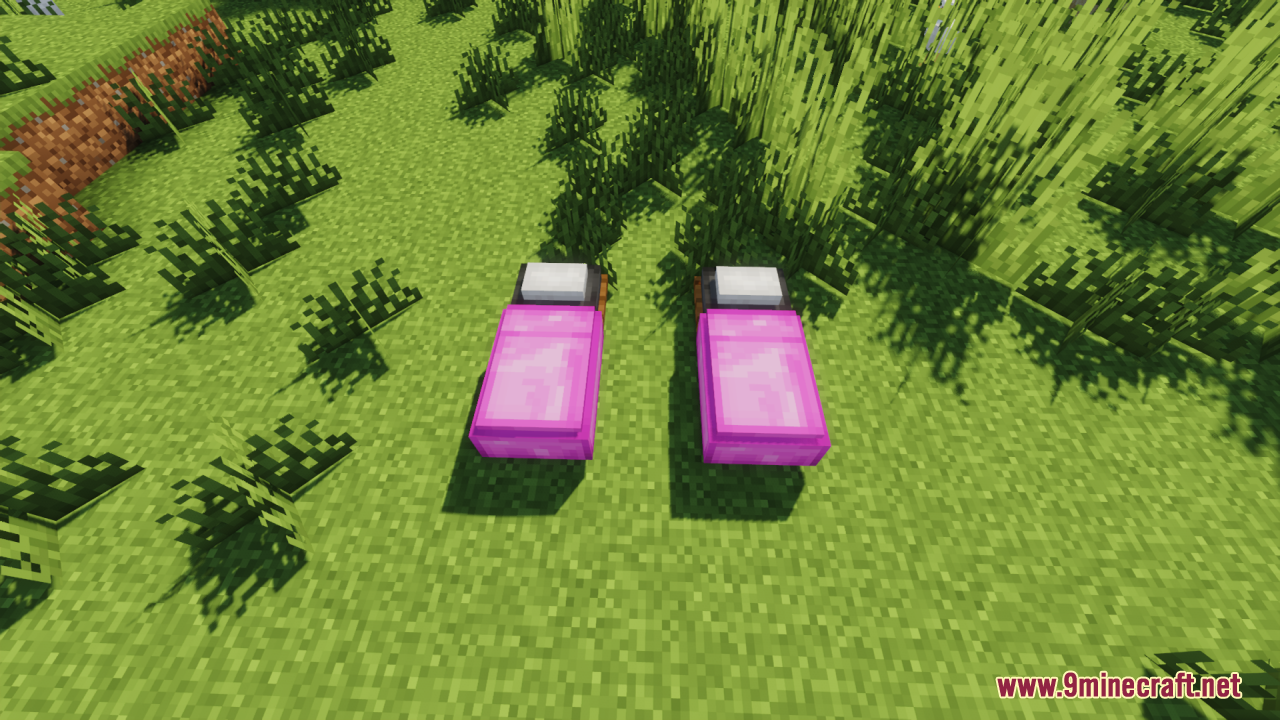
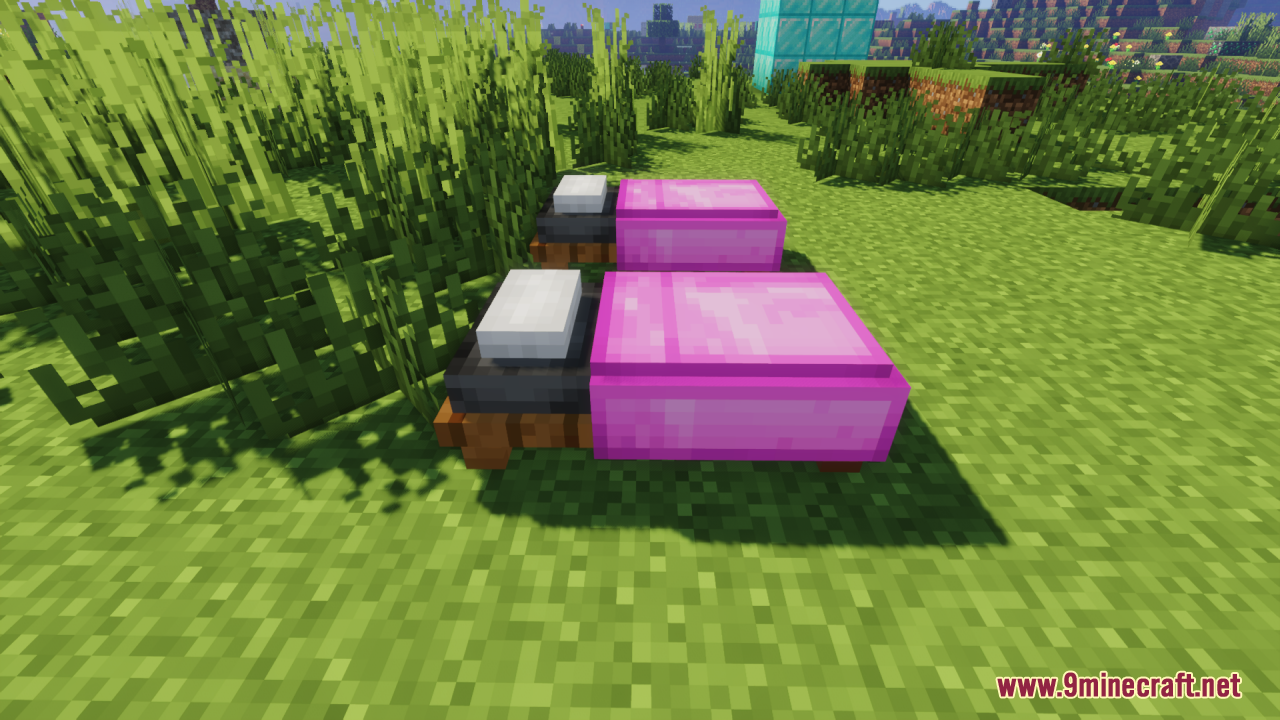
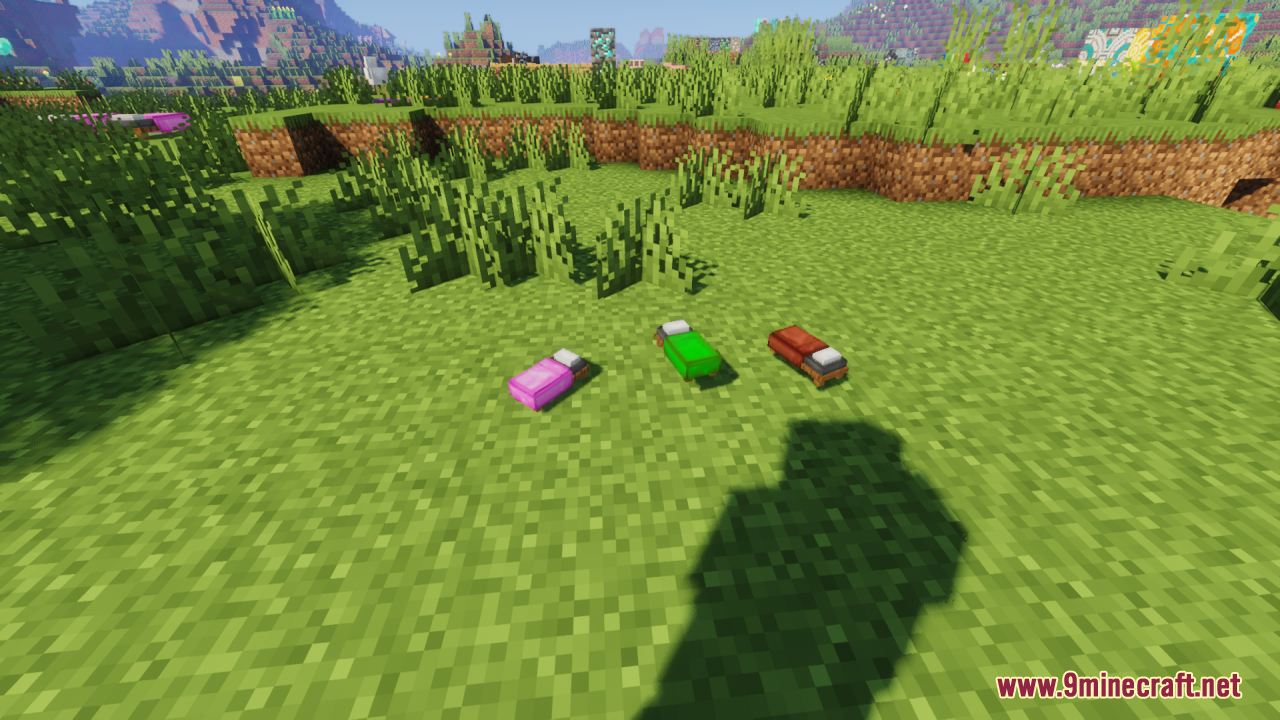
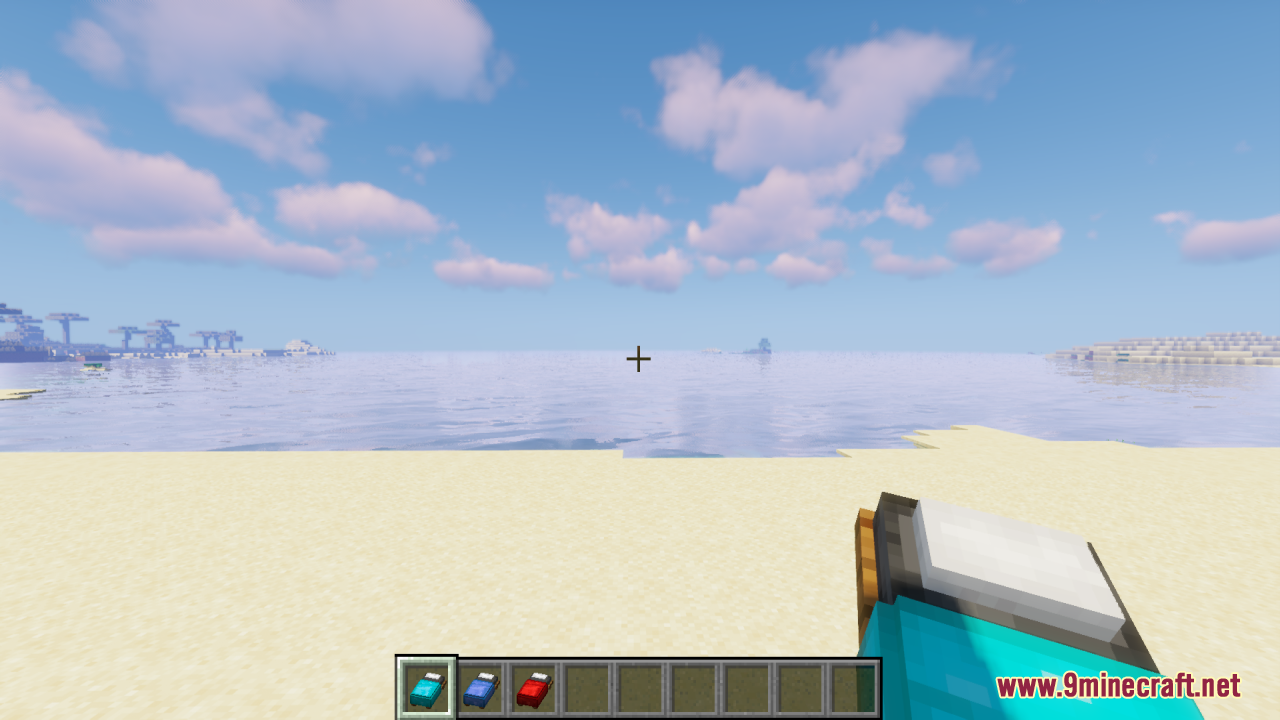
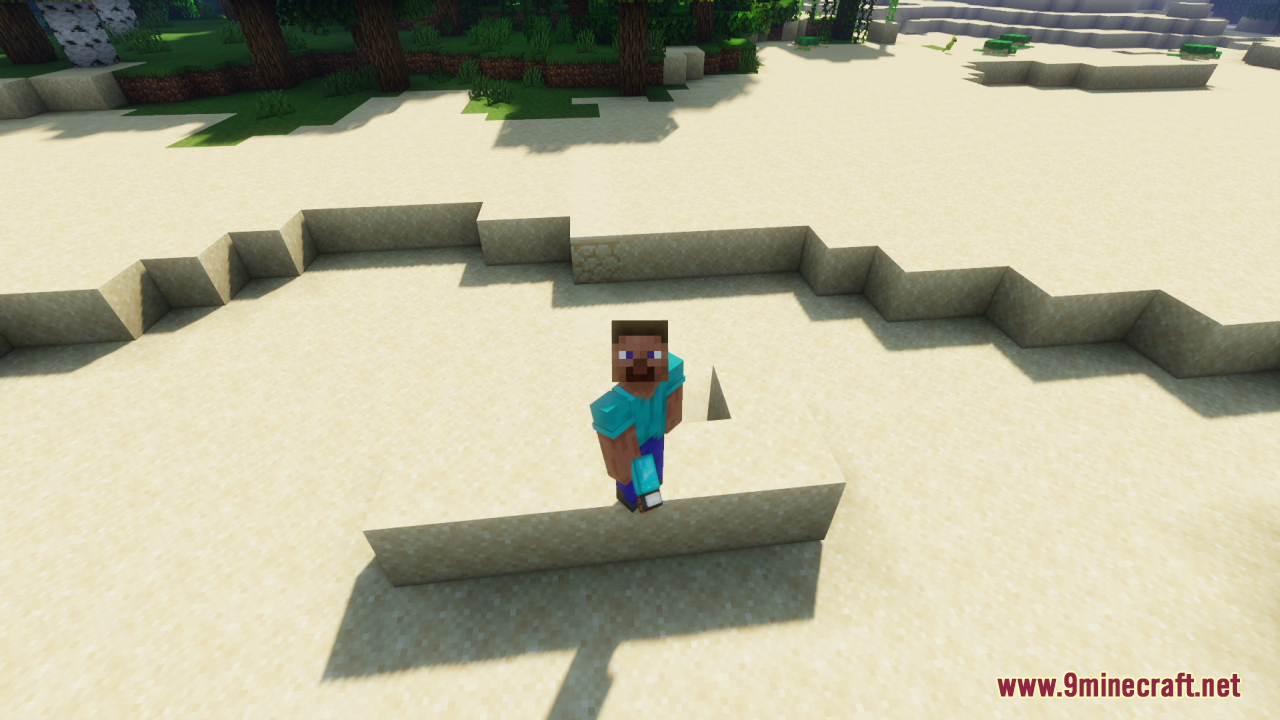
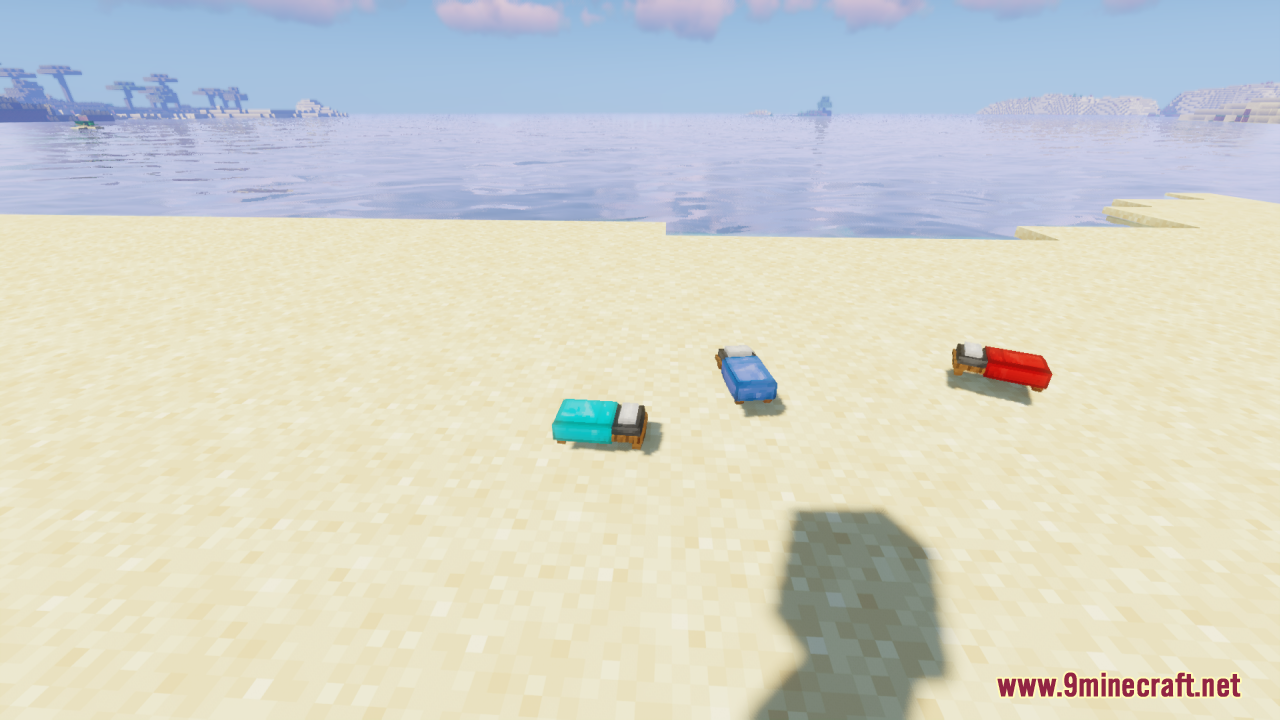
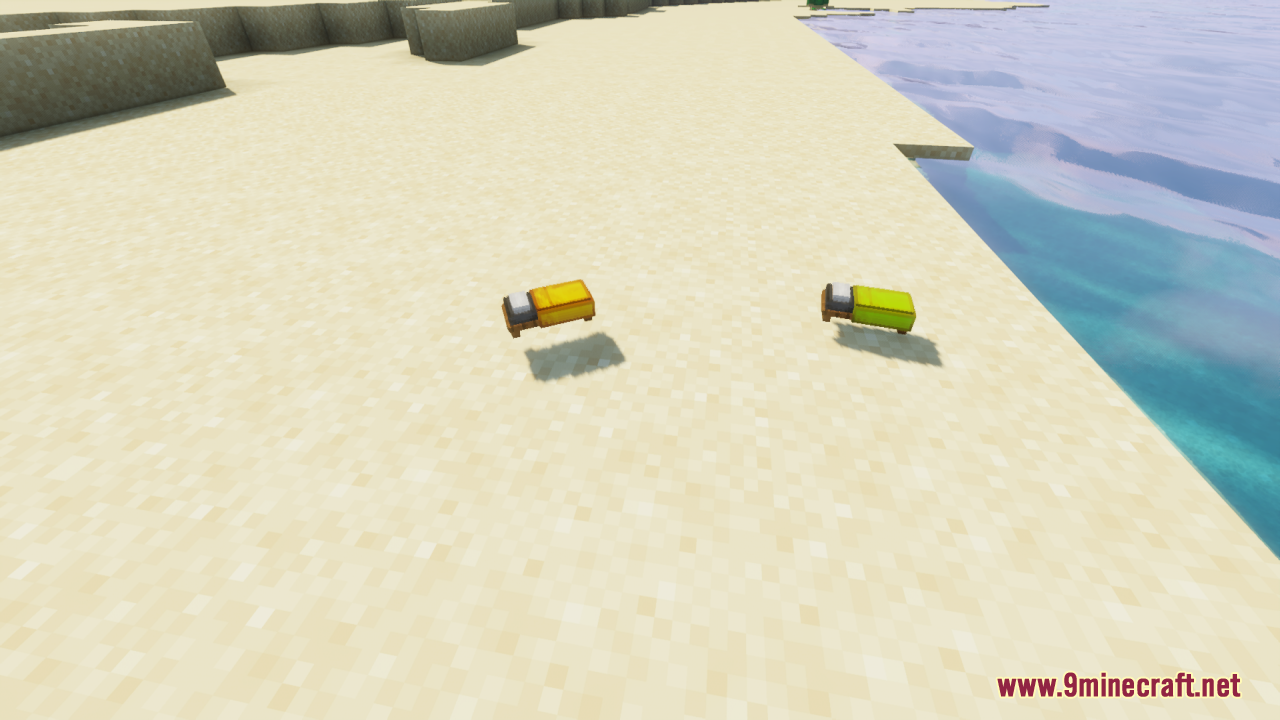
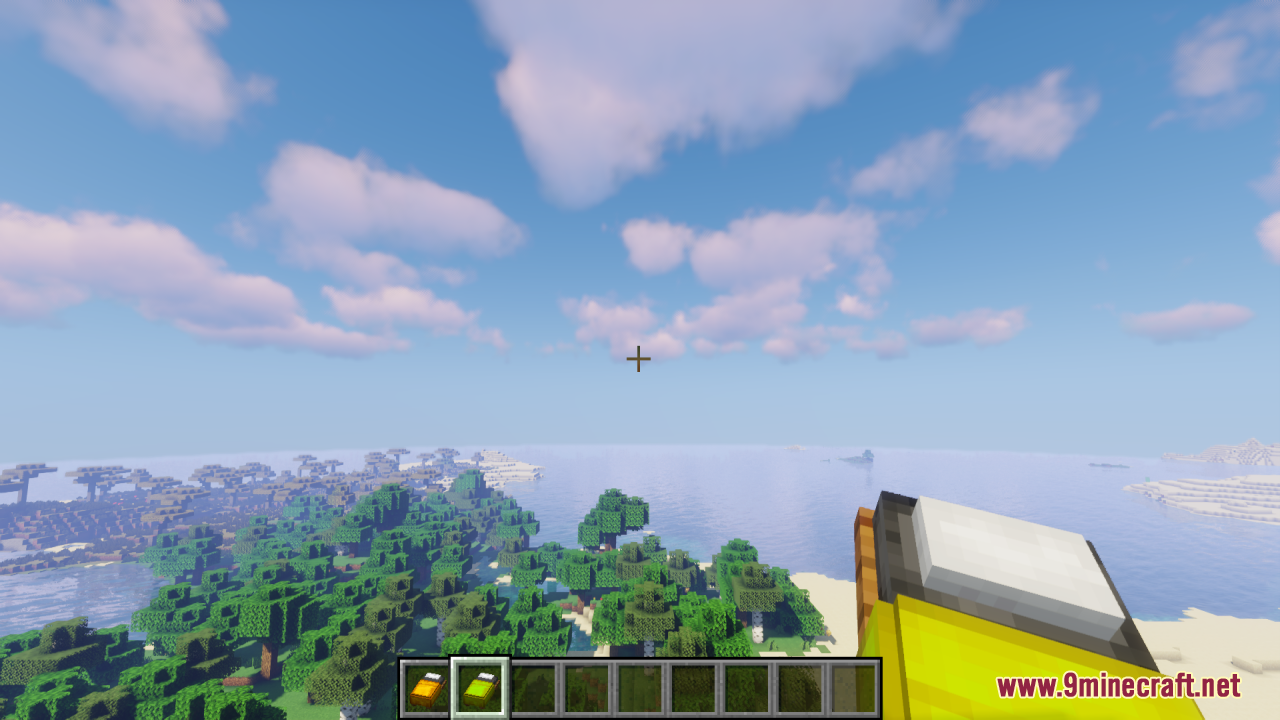
12 images from the Better 3D Beds Resource Pack page.
You May Also Like
Wikis that share the most with this one
More resource pack wikis on the site
Best Saturation Resource PackBerkao Bedwars Pack Resource PackBee’s Cozier Beds Resource PackBedwars Remastered Resource PackBedrock Ore UI JE Resource PackBed Wars Texture 16X16 Pixel Resource PackBeautiful Sky Resource PackBeautiful Enchanted Books Resource PackBd Hill Reforge The Sword Edge Resource PackBB’s Bosses of Mass Destruction Tweaks Resource PackBarebones Bossbars Resource PackBarebones Betterpvp Resource Pack
The most downloaded mods that have a wiki here
A few wikis from each of the other kinds