

 DownloadFull Brightness Toggle Mod
Get the files on 9Minecraft
Guides
Step-by-step, in-game.
How to Change the Full Brightness Toggle KeybindIf the default G key clashes with another mod or is awkward for your keyboard layout, you can rebind it like any…How to Toggle Full Brightness On and Off In-GameFull Brightness Toggle is designed around a single keypress, so the fastest way to use it is to bind a key you can…How to Use Full Brightness Safely on Multiplayer ServersFull Brightness Toggle is a client-side mod, meaning it changes only what you see. That also means server rules, not…Troubleshooting Full Brightness Toggle Not WorkingIf pressing the toggle key does nothing or the brightness reverts immediately, work through these checks in order.…
Frequently asked questions
How do I turn on full brightness?
Press the G key while in-game to toggle the brightness effect on. Press G again to turn it back off.
What key toggles full brightness by default?
The default toggle key is G. You can change it in the Controls settings if it conflicts with another key.
How do I change the full brightness keybind?
Open Options, go to Controls, find the Full Brightness Toggle entry, and assign a new key. Make sure the new key isn't already used by another action.
Why is full brightness not working when I press G?
The key may be rebound or conflicting with another mod's keybind. Check your Controls settings and make sure the mod is actually enabled for your game instance.
See all 10 Full Brightness Toggle questions ›
Gallery
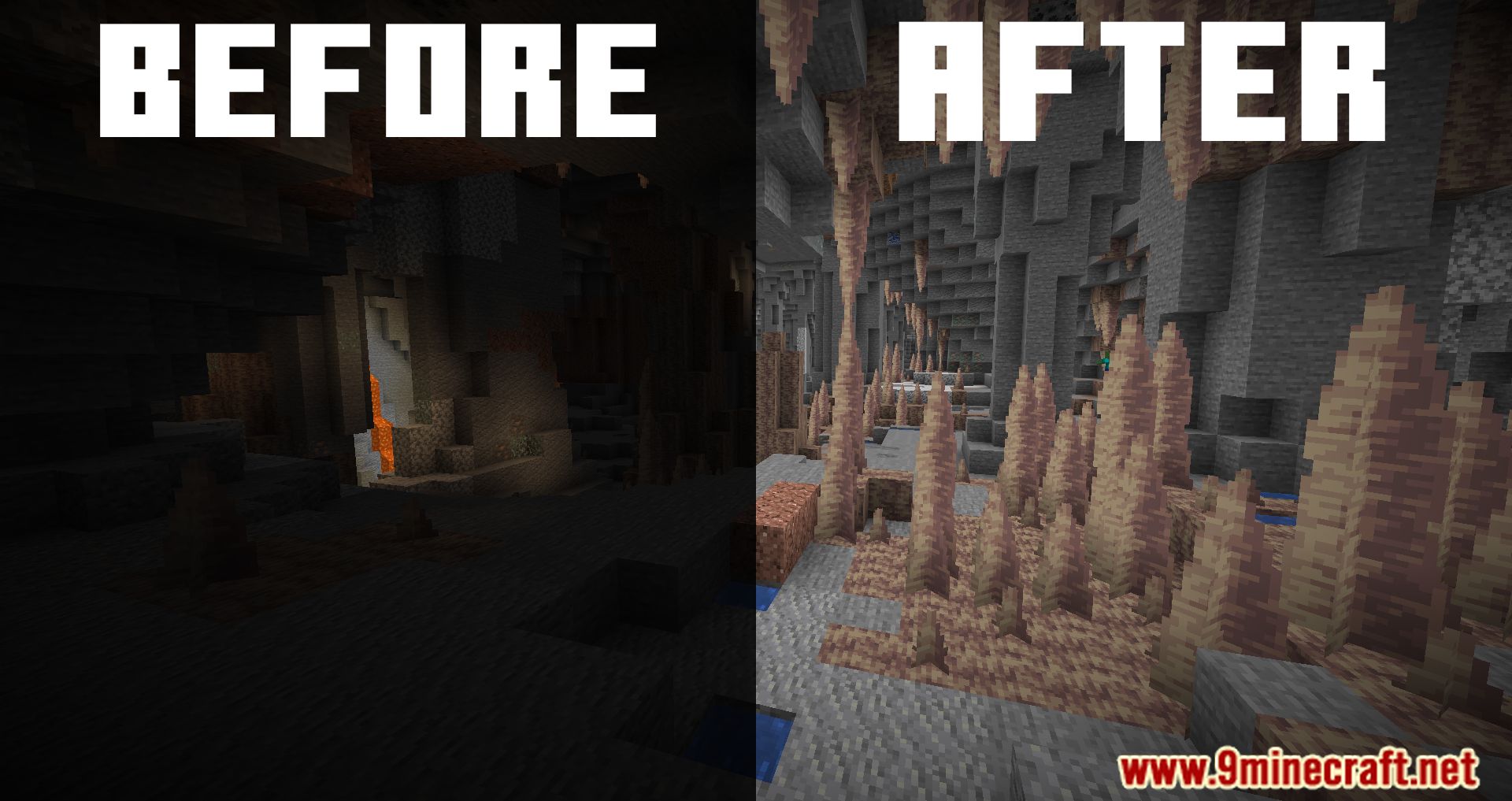
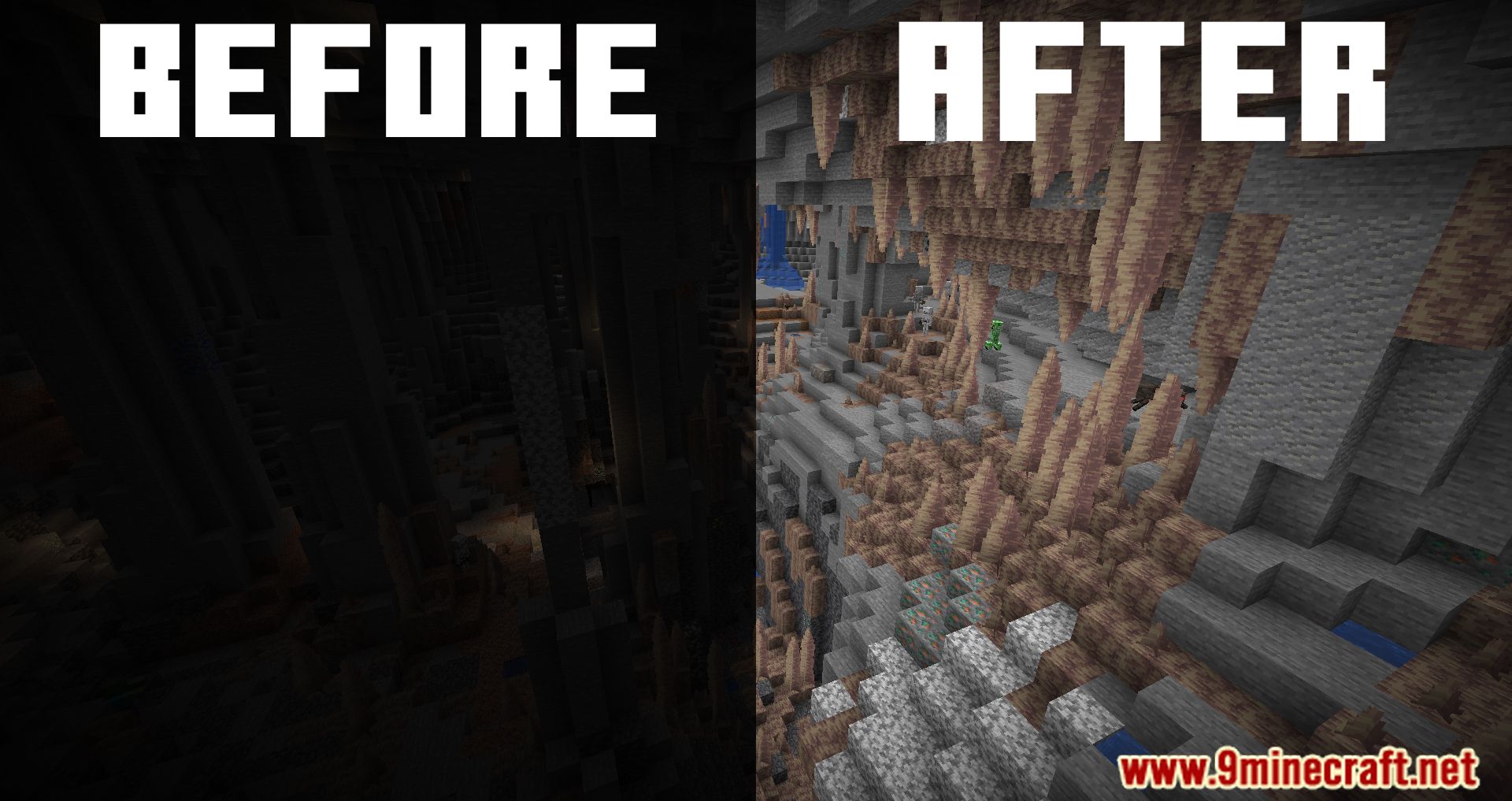
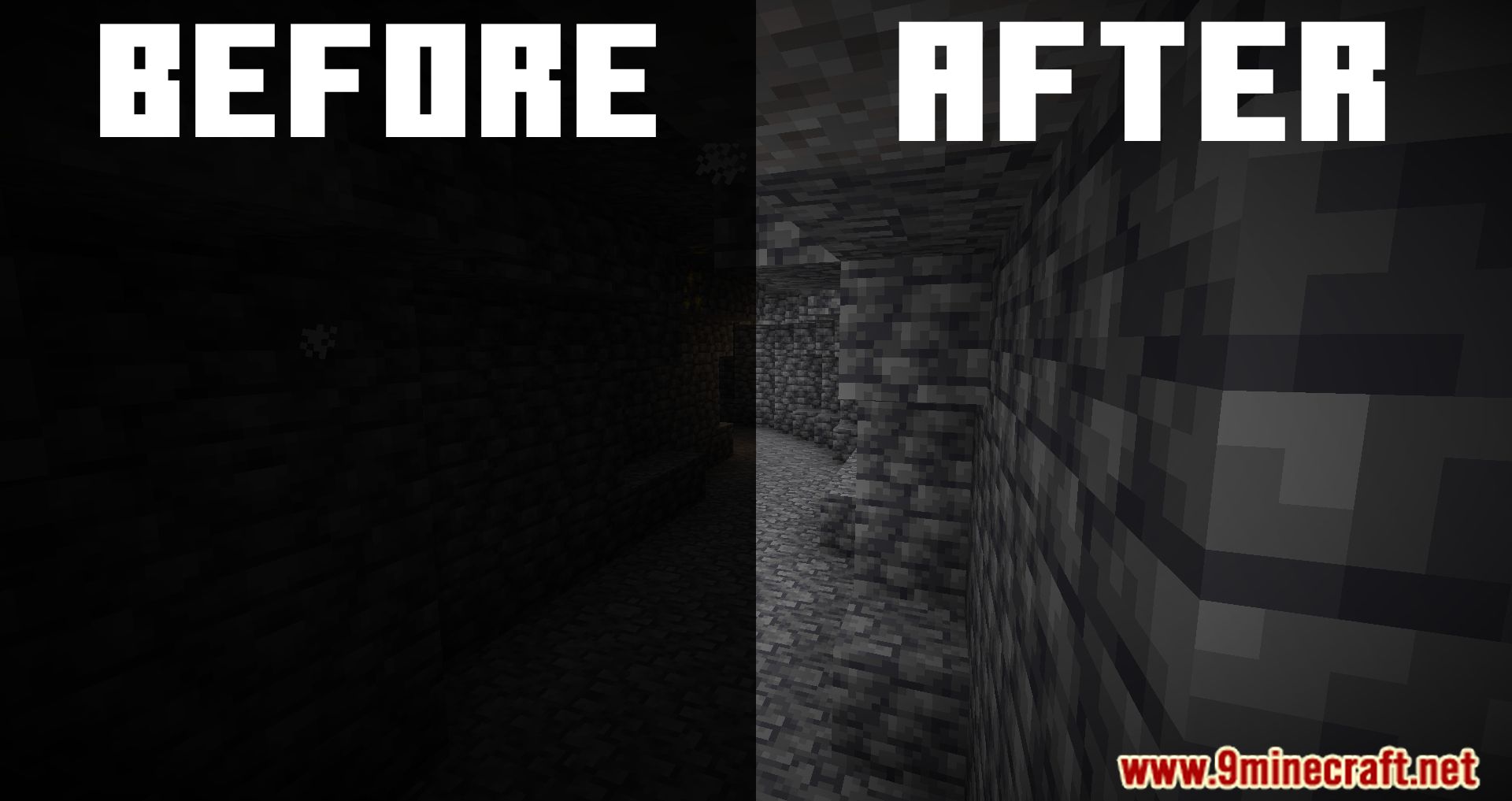
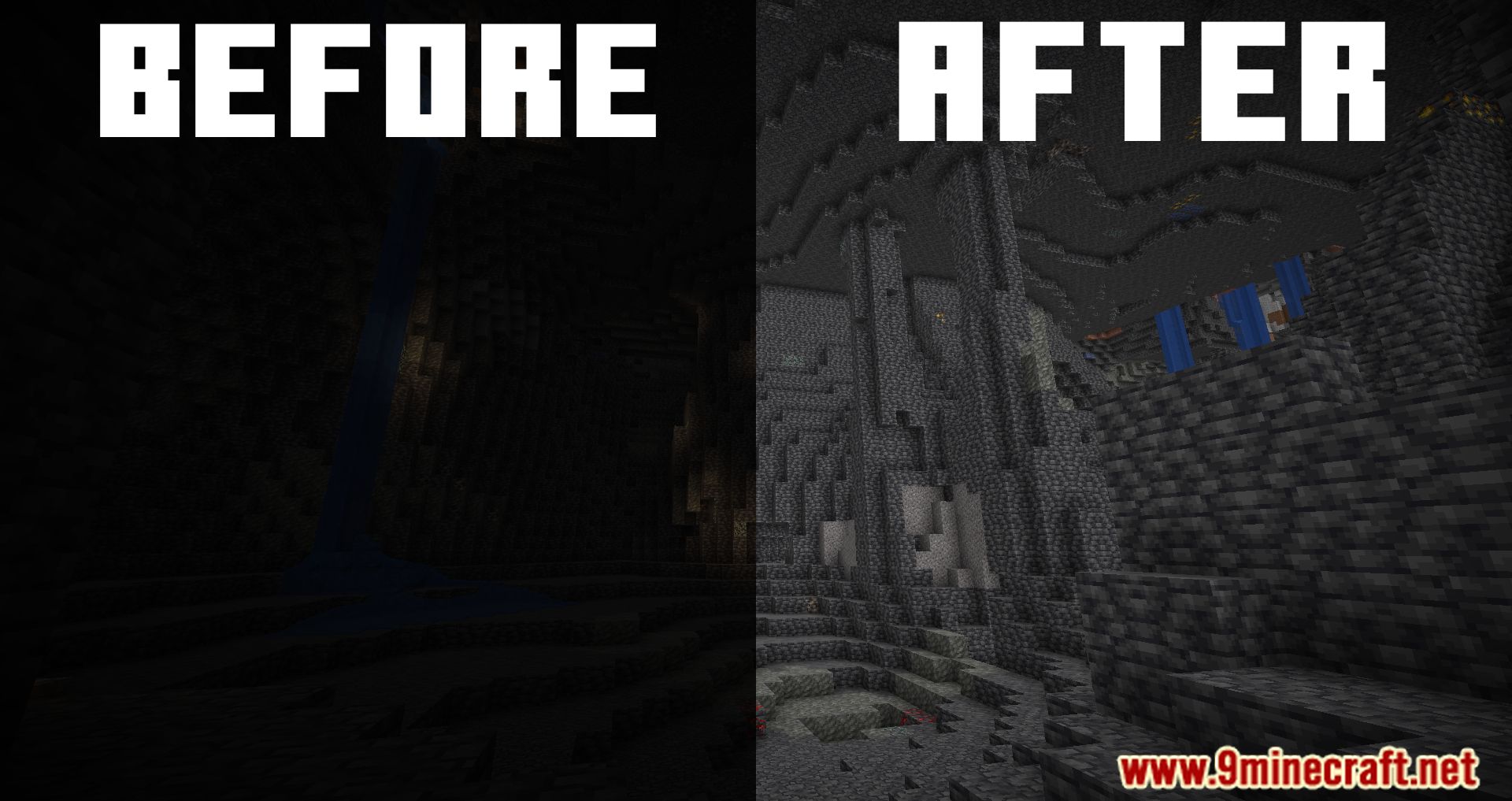
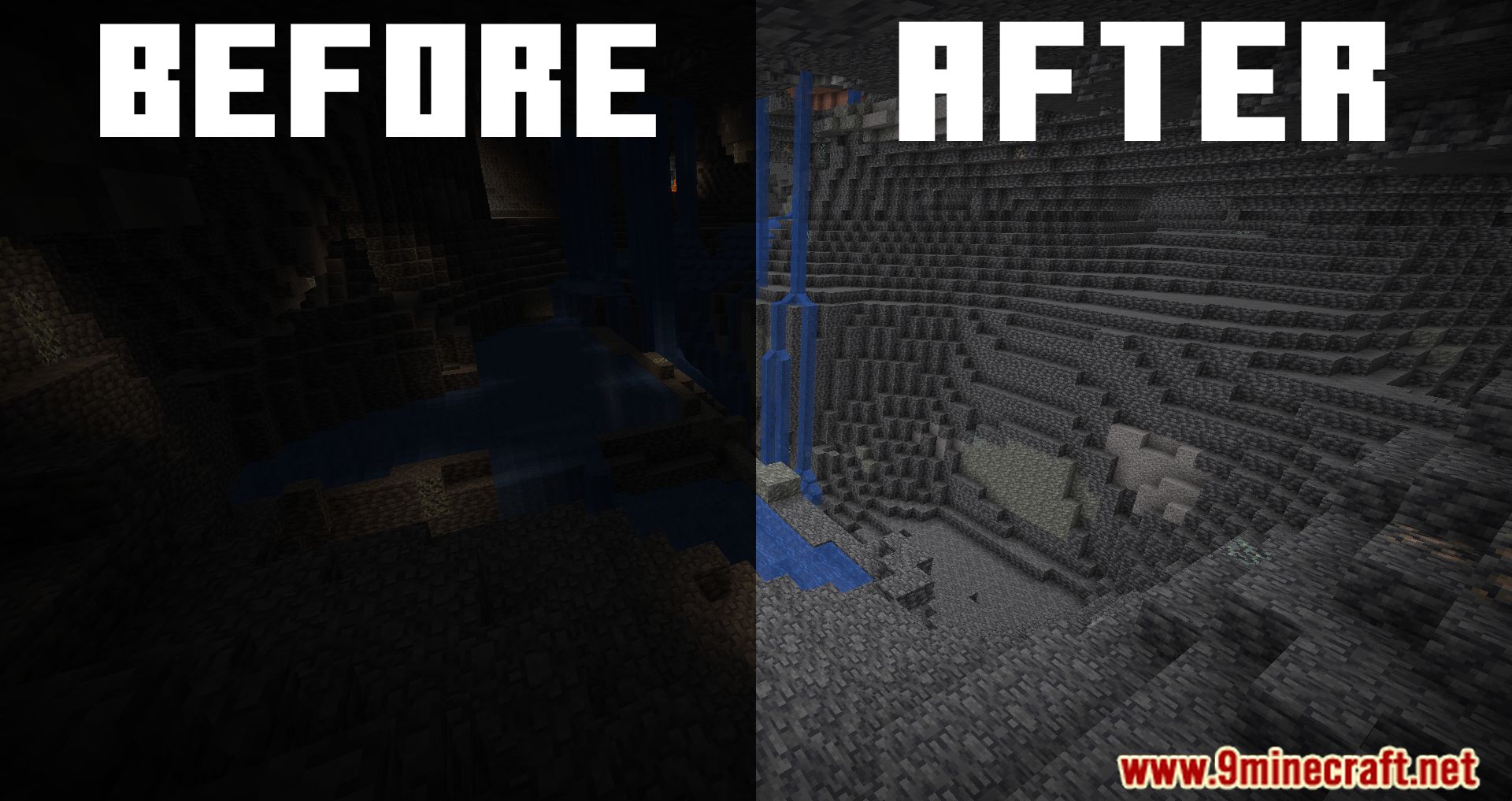
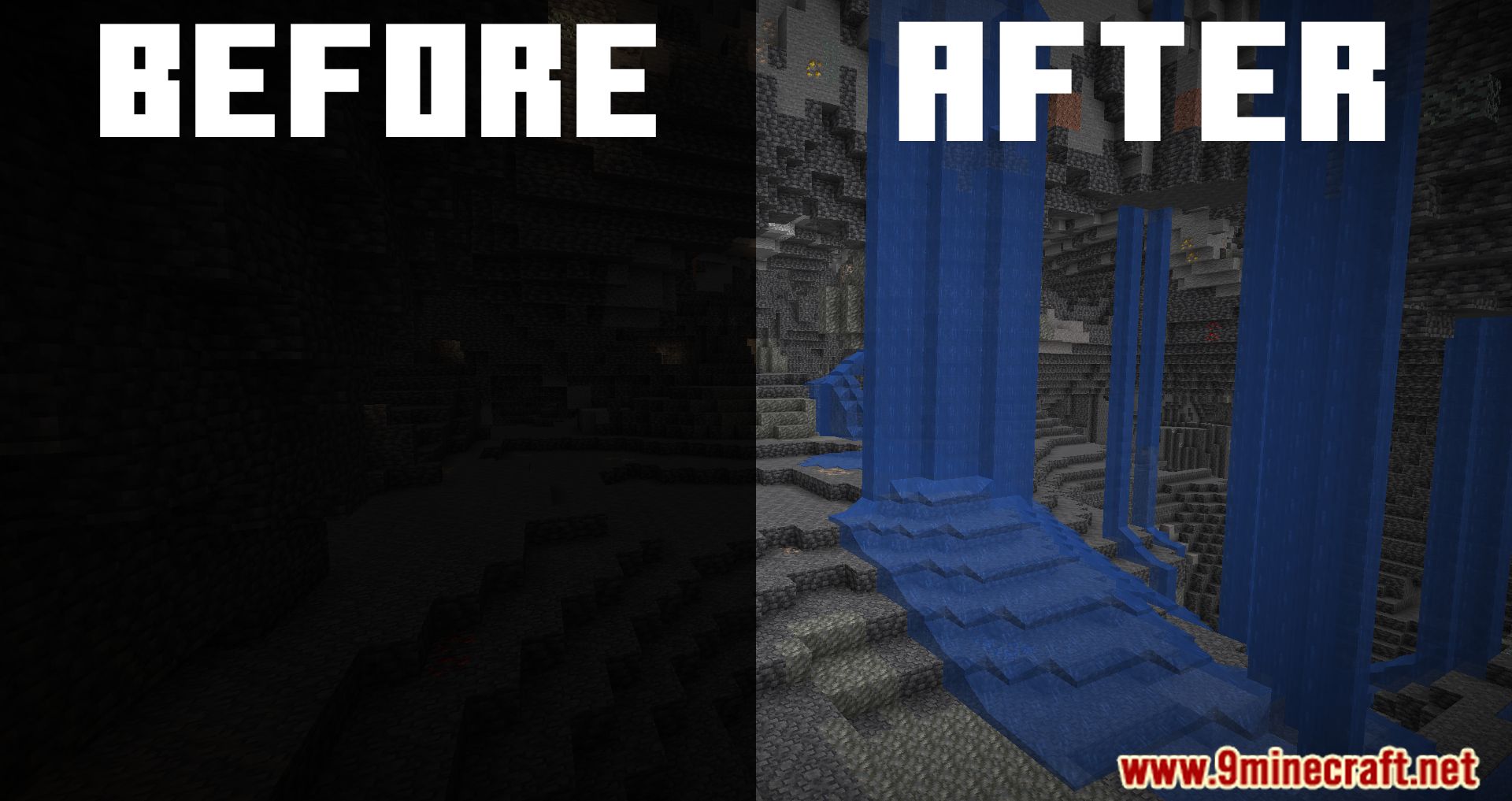
7 images from the Full Brightness Toggle Mod page.

You May Also Like
Wikis that share the most with this one
 Simple Brightness Shaders
More mod wikis on the site
The most downloaded mods that have a wiki here
A few wikis from each of the other kinds