

 Simple Voice Chat
 DownloadSimple Voice Chat Plugin
Get the files on 9Minecraft
Guides
Step-by-step, in-game.
Configuring Voice Chat on a Server Panel (Including Aternos)What the Server Needs The voice chat plugin runs on the server, but each player still needs the matching client mod.…Fixing Voice Chat When Nobody Can Hear YouCheck the Obvious First Press V and confirm you are not muted and that voice chat itself is enabled (there is a…How to Create and Use Group Chats to Talk Across the MapWhy Use a Group Proximity chat only reaches players standing near you. Group chats let you talk to specific players…How to Set Up Push-to-Talk vs Voice ActivationChoosing Your Microphone Mode Open the voice chat settings by pressing V , then click the settings/gear button. Look…
Frequently asked questions
How do I start talking to people in simple voice chat?
Once the mod is installed on both the server and your client, just talk into your microphone and nearby players will hear you if voice chat is enabled. Press V to open the voice chat GUI and check that you aren't muted and that your microphone is set to the correct input device.
What key opens the voice chat menu?
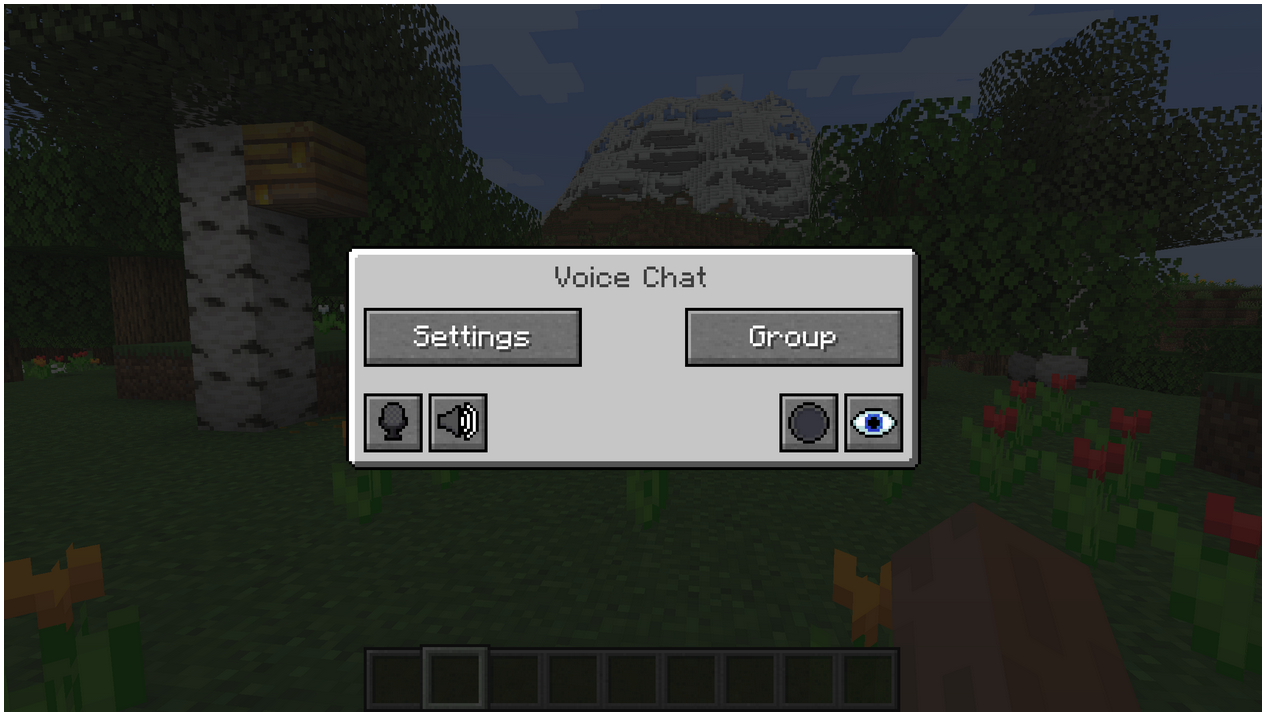
Press V to open the main voice chat GUI, where you can access settings, group chats, mute, disable voice chat, start recordings, and hide icons. Press G to jump straight into the group chat interface.
How do I switch between push to talk and voice activation?
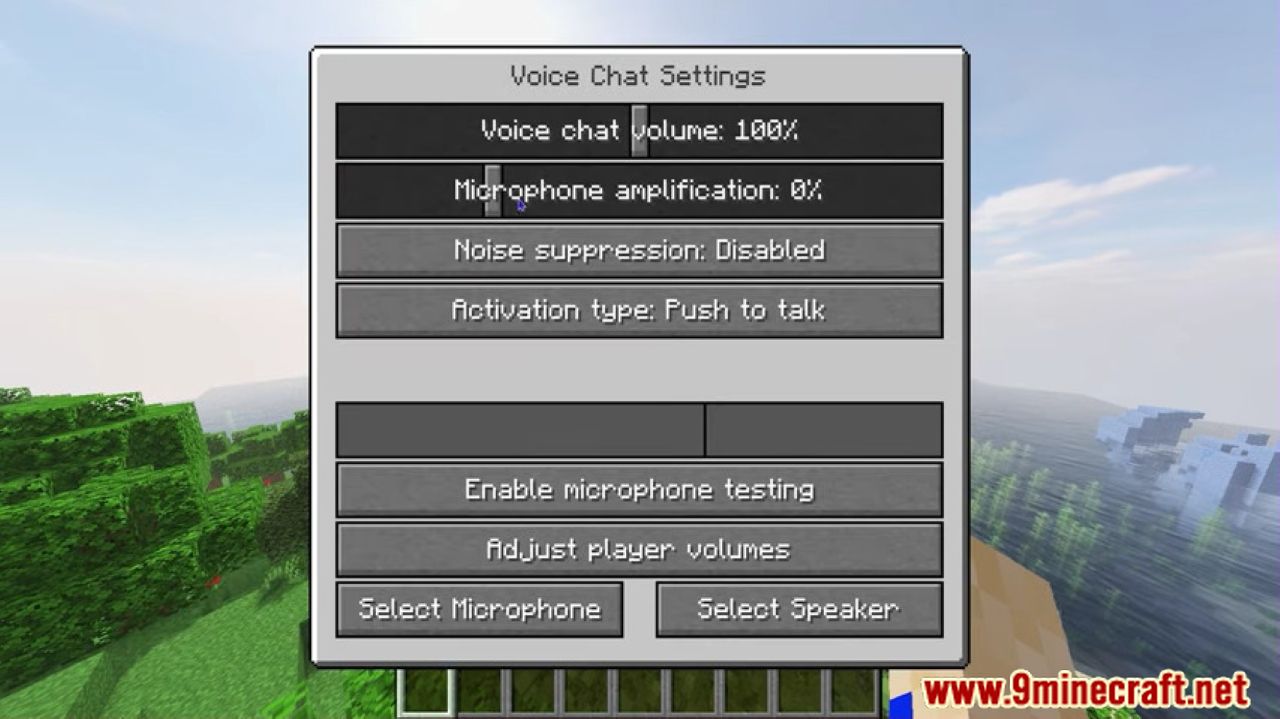
Open the voice chat settings with V, go to the microphone/audio settings, and change the activation mode between push-to-talk and voice activation. In push-to-talk mode you hold down the assigned key to speak, while voice activation opens your mic automatically when it detects sound.
How do I create a group chat so I can talk to players far away?
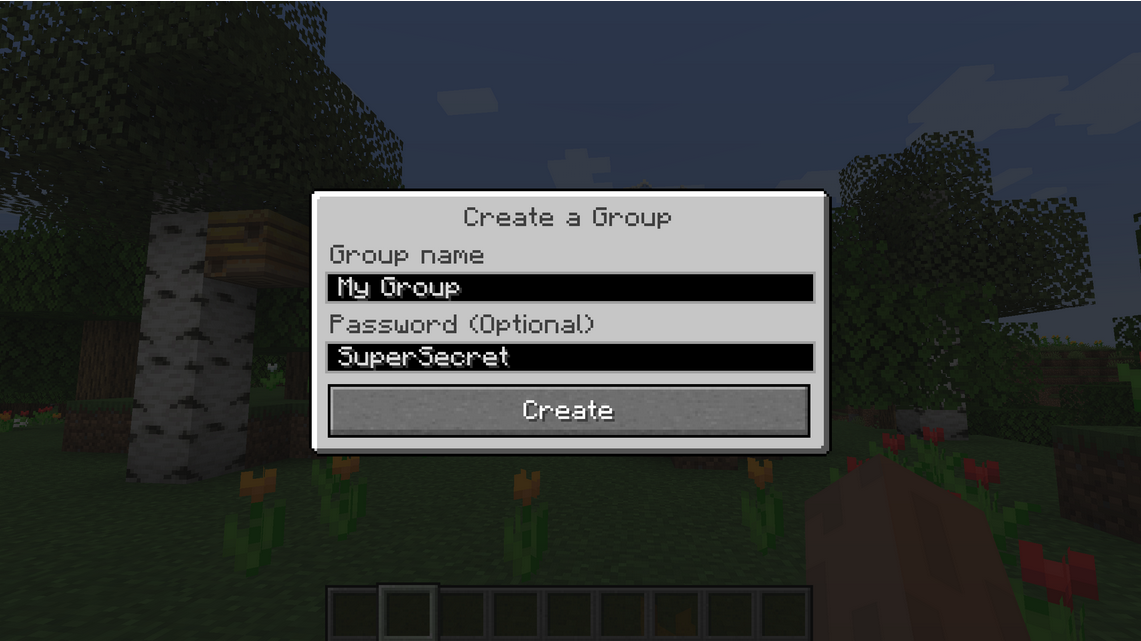
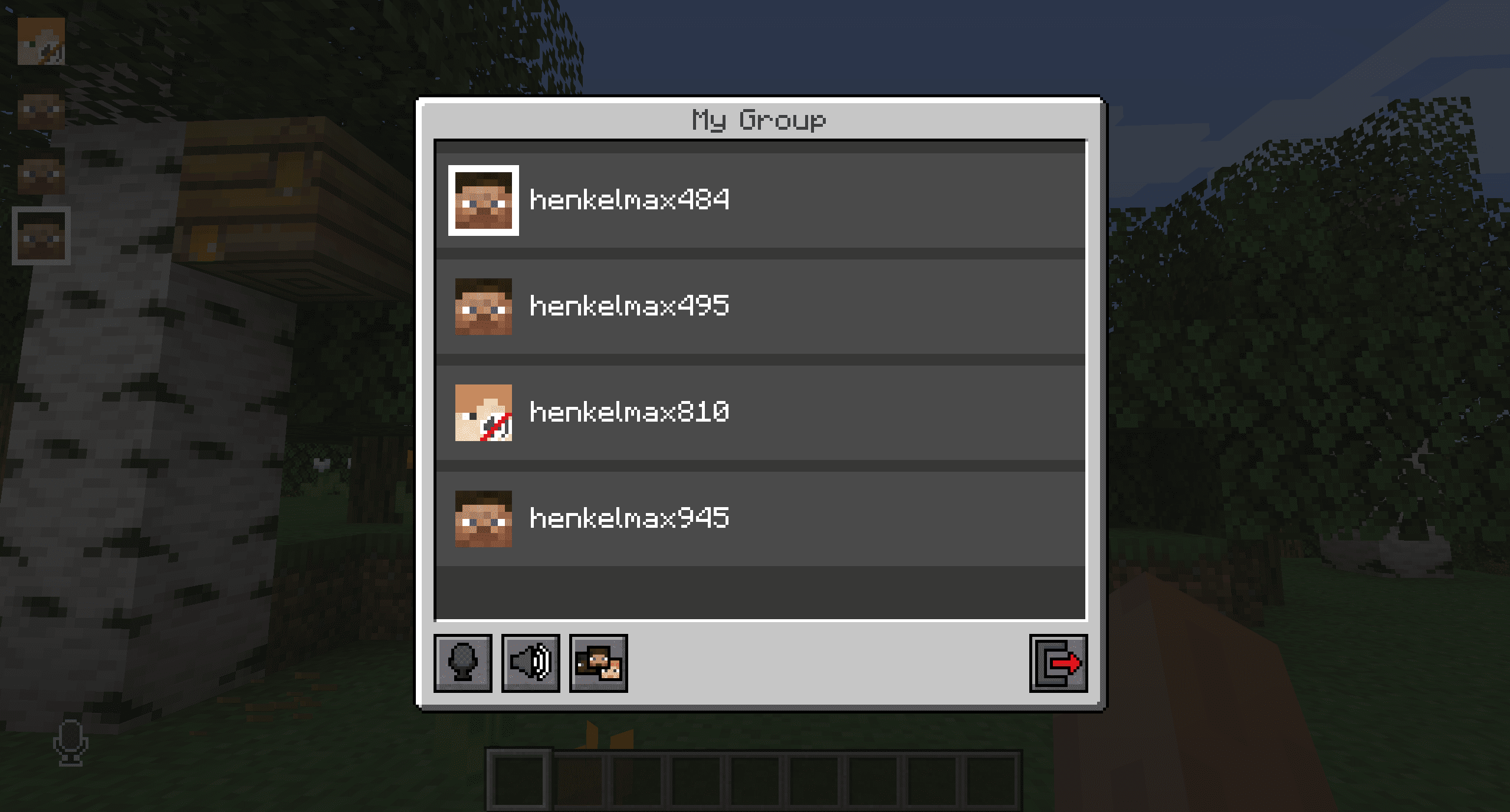
Press G or click the group button in the voice chat GUI, type a name into the text field, and press the button next to it to create the group. Anyone who joins that same group can hear you regardless of distance, and you'll be dropped into the group chat interface once it's created.
See all 20 Simple Voice Chat questions ›
Gallery
9 images from the Simple Voice Chat Plugin page.
You May Also Like
Wikis that share the most with this one
Simple Voice Chat ModSimple Voice Radio PluginSimple Voice Chat Discord Bridge ModSimple Voice Chat Enhanced Groups ModCustomizable Player Models Simple Voice Chat Compat ModNexa AI Chat PluginReplay Voice Chat ModHypixel Simple Chat ModInteractive Chat PluginBlue Map Web Chat PluginSuper Simple Voice RadioUniversal Chat Link Plugin
More plugin wikis on the site
Silk Spawners 9minecraft PluginSilent Sentry Protection PluginSign Shop PluginSet Homes Two PluginServerSelectorX Plugin Server Integration with Discord PluginSentinel Bytecode Protection PluginScreamingBedWars PluginRobbot NPC Spawner PluginRealm Tint AFK PluginRarefied Horizons Plugin
 R Authorization Plugin
Server Integration with Discord PluginSentinel Bytecode Protection PluginScreamingBedWars PluginRobbot NPC Spawner PluginRealm Tint AFK PluginRarefied Horizons PluginR Authorization PluginThe most downloaded mods that have a wiki here
A few wikis from each of the other kinds