

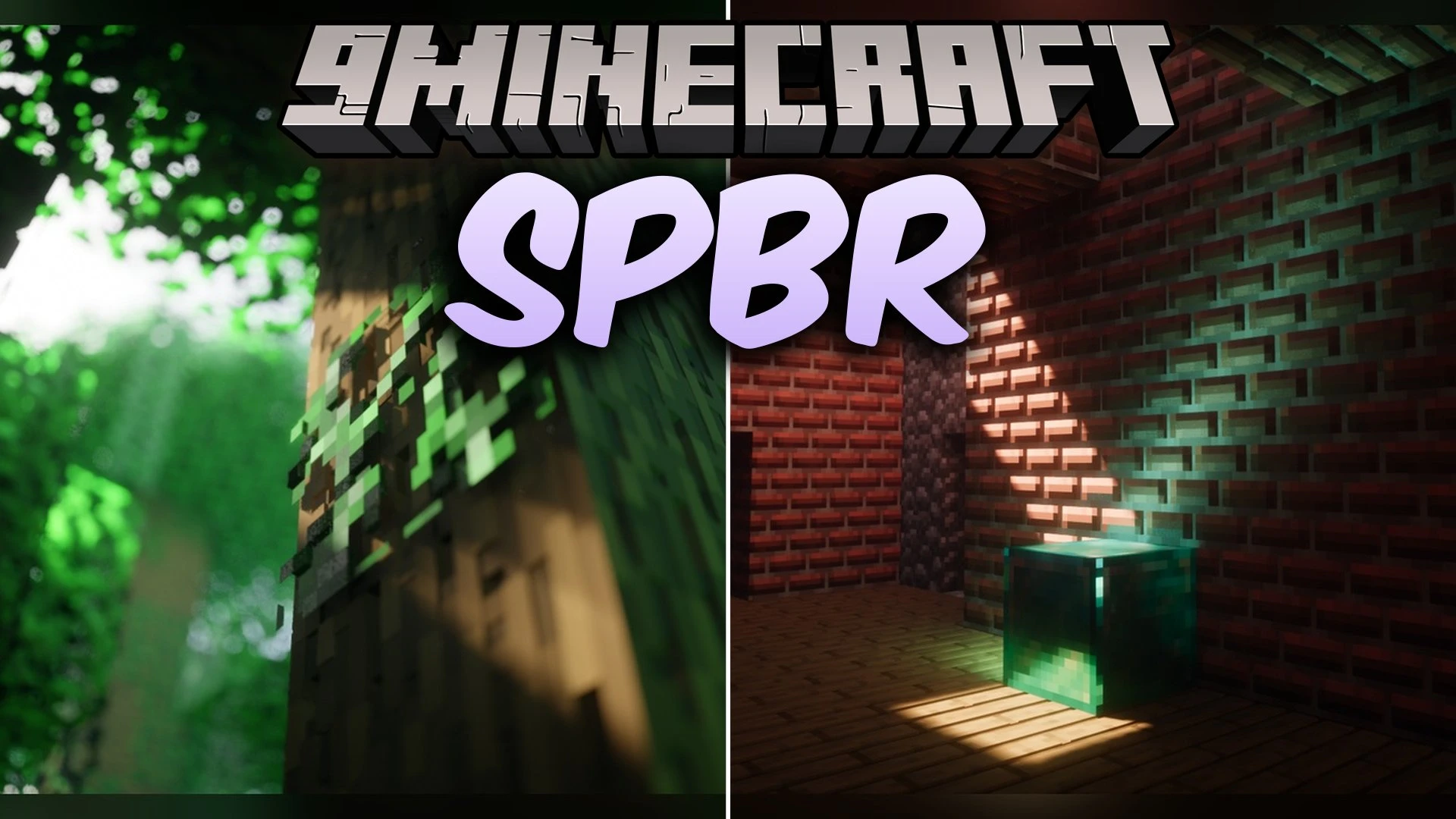
 DownloadSpbr Model
Get the files on 9Minecraft
Guides
Step-by-step, in-game.
Build and Fill a Composter to See Layer ProgressionWatching Organic Material Stack The composter now features animated visual layers that rise as you add organic…Examine Enhanced Copper Bars and Brown MushroomsViewing Reworked 3D Models Copper bars and brown mushrooms receive multi-sided 3D model updates that add depth and…Inspect Individual Books in a Chiseled BookshelfSeeing Books on All Six Sides Chiseled bookshelves now render actual 3D book models in each of their six individual…View Detailed Redstone Component StatesUnderstanding Comparator Modes Redstone comparators now display distinct visual differences between their operating…
Items
464 items · showing 24. Browse all →
 Abandoned Camp Map
 Acacia Boat
 Acacia Door
 Allay Spawn Egg
 Amethyst Shard
 Apple
 Archer Pottery Shard
 Armadillo Scute
 Armadillo Spawn Egg
 Armor Stand
 Arms Up Pottery Shard
 Arrow
 Axolotl Spawn Egg
 Baked Potato
 Bamboo
 Banner Pattern (Flower)
 Banner Pattern (Guster)
 Banner Pattern (Skull)
 Banner Pattern (Mojang)
 Banner Pattern (Creeper)
 Banner Pattern (Globe)
 Banner Pattern (Flow)
 Banner Pattern (Piglin)
 Barrier
Blocks
565 blocks · showing 24. Browse all →
 Acacia Hanging Sign
 Acacia Leaves
 Acacia Log
 Acacia Planks
 Acacia Sapling
 Acacia Shelf
 Acacia Sign
 Acacia Trapdoor
 Activator Rail
 Allium
 Amethyst Cluster
 Andesite
 Anvil
 Attached Melon Stem
 Attached Pumpkin Stem
 Azalea Leaves
 Azure Bluet
 Bamboo Fence
 Bamboo Fence Gate
 Bamboo Hanging Sign
 Bamboo Mosaic
 Bamboo Planks
 Bamboo Shelf
 Bamboo Sign
What this pack changes
Every texture group the pack replaces, counted from the pack itself.
| Area | Textures replaced |
|---|---|
| Blocks | 3,731 |
| Items | 2,541 |
| Armor trims | 2,280 |
| Mobs & entities | 1,975 |
| Models | 45 |
| GUI & menus | 6 |
| Particles | 3 |
| Misc | 1 |
Pack format 65–120 (Minecraft 1.21.6–1.21.9)10,582 texture files in total
Extra features
Custom block/item models
Reworked GUI
Frequently asked questions
Do I need to enable anything after installing the pack or does it just work?
The pack works automatically once you select it in your resource packs menu—no additional setup or commands needed. Just make sure animated textures are enabled in your video settings to see the full effect on blocks like composters and redstone components.
Why do some of my blocks still look flat even with the pack on?
The mod only enhances the 238 blocks it includes custom models for; vanilla blocks outside this list won't change appearance. Check the mod description or wiki to see which blocks have been updated.
Can I use this with other resource packs at the same time?
Yes, but pack order matters—place SPBR Model higher in your resource pack list to ensure its textures and models take priority over conflicting packs. If you still see flat textures, the other pack may be overriding specific blocks.
The composter layers aren't showing up. What's wrong?
Make sure animated textures are turned on in your video settings, as the layering effect relies on animation frames. Also verify you're adding organic items (seeds, crops, etc.) to the composter—the visual layers update as you fill it.
Do the books in a chiseled bookshelf actually look different from each other?
Yes—each of the six individual slots shows a distinct 3D book model, so you'll see variety in spine color and thickness depending on what you place. The visual difference helps you see exactly which slots are filled.
How do I see the redstone comparator's subtract mode visually?
Place a comparator and right-click it to cycle through its modes; the front torch will change appearance to show whether it's in normal or subtract mode. The updated textures make the state change much clearer than vanilla.
Will this pack affect my game performance or FPS?
The pack adds extra texture detail and 3D models, so performance impact depends on your hardware, but it's generally lightweight since it works within Minecraft's standard resource pack system. If you experience lag, try lowering your render distance or disabling animated textures.
Do activator rails look different when powered versus unpowered?
Yes—the mod includes separate models for flat, powered, and slope-placed activator rails, so you can visually confirm their state at a glance. Place them on flat ground or slopes to see the raised rail details.
Are the copper bars and brown mushrooms the only multi-sided 3D models in the pack?
No—the pack includes 238 custom 3D models across various blocks and items, but copper bars and brown mushrooms are specifically highlighted examples of multi-sided reworks. Check the full feature list to explore other enhanced blocks.
What Minecraft version do I need to use this pack?
You need a version that supports animated textures; check the mod's requirements section for the specific version range. Most modern versions of Minecraft Java Edition should work, but verify compatibility before downloading.
Gallery
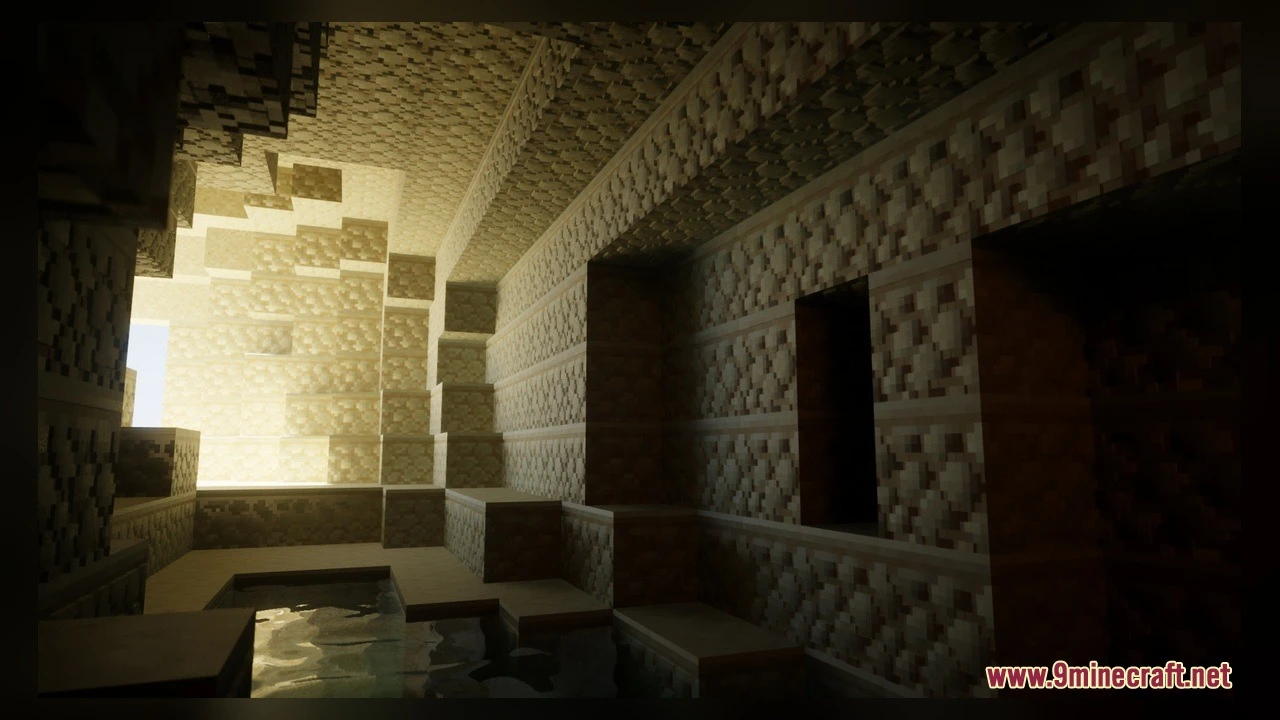
5 images from the Spbr Model page.
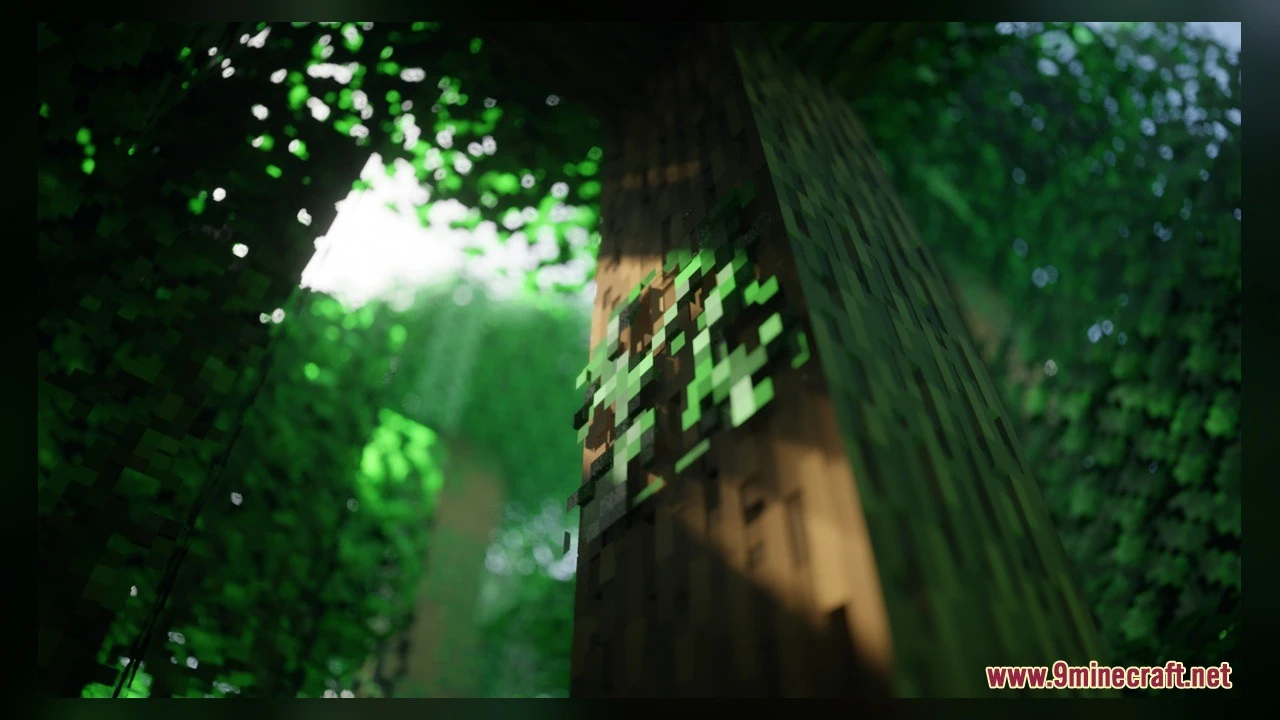
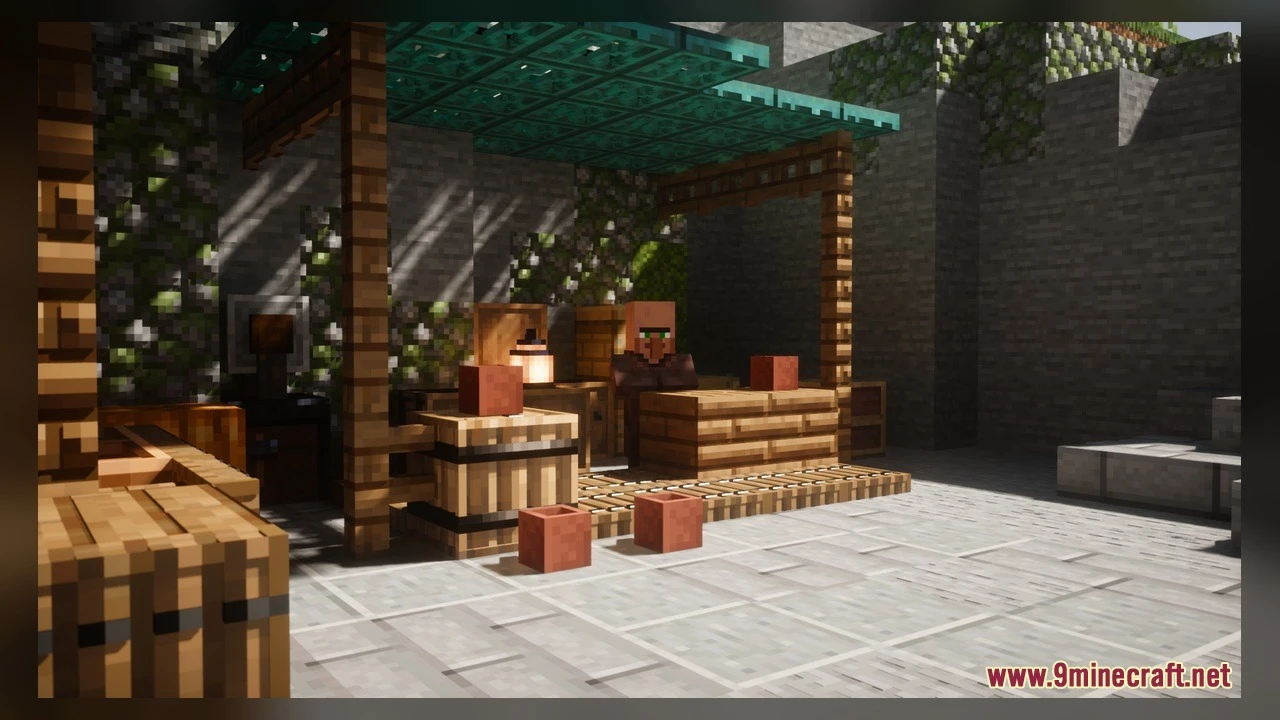
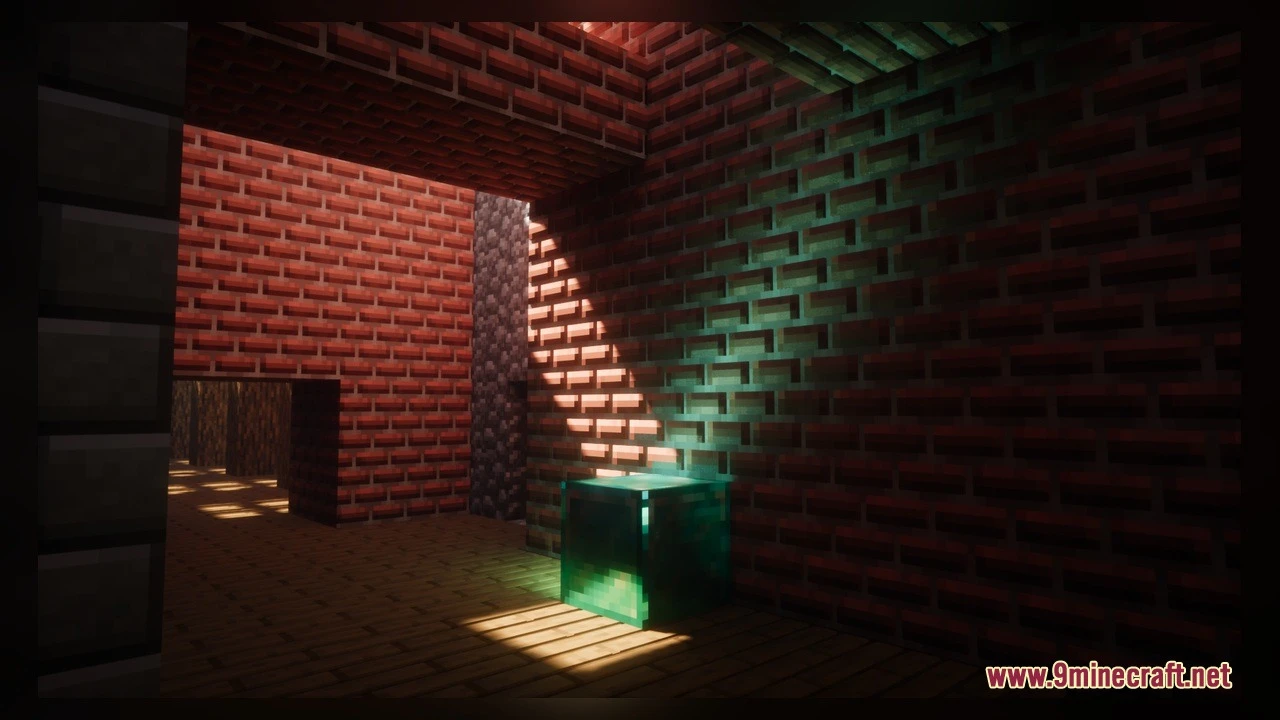
You May Also Like
Wikis that share the most with this one
Wikis on the same theme: mobs
More mod wikis on the site
The most downloaded mods that have a wiki here
A few wikis from each of the other kinds