

 DownloadWWaypoints Mod
Get the files on 9Minecraft
Guides
Step-by-step, in-game.
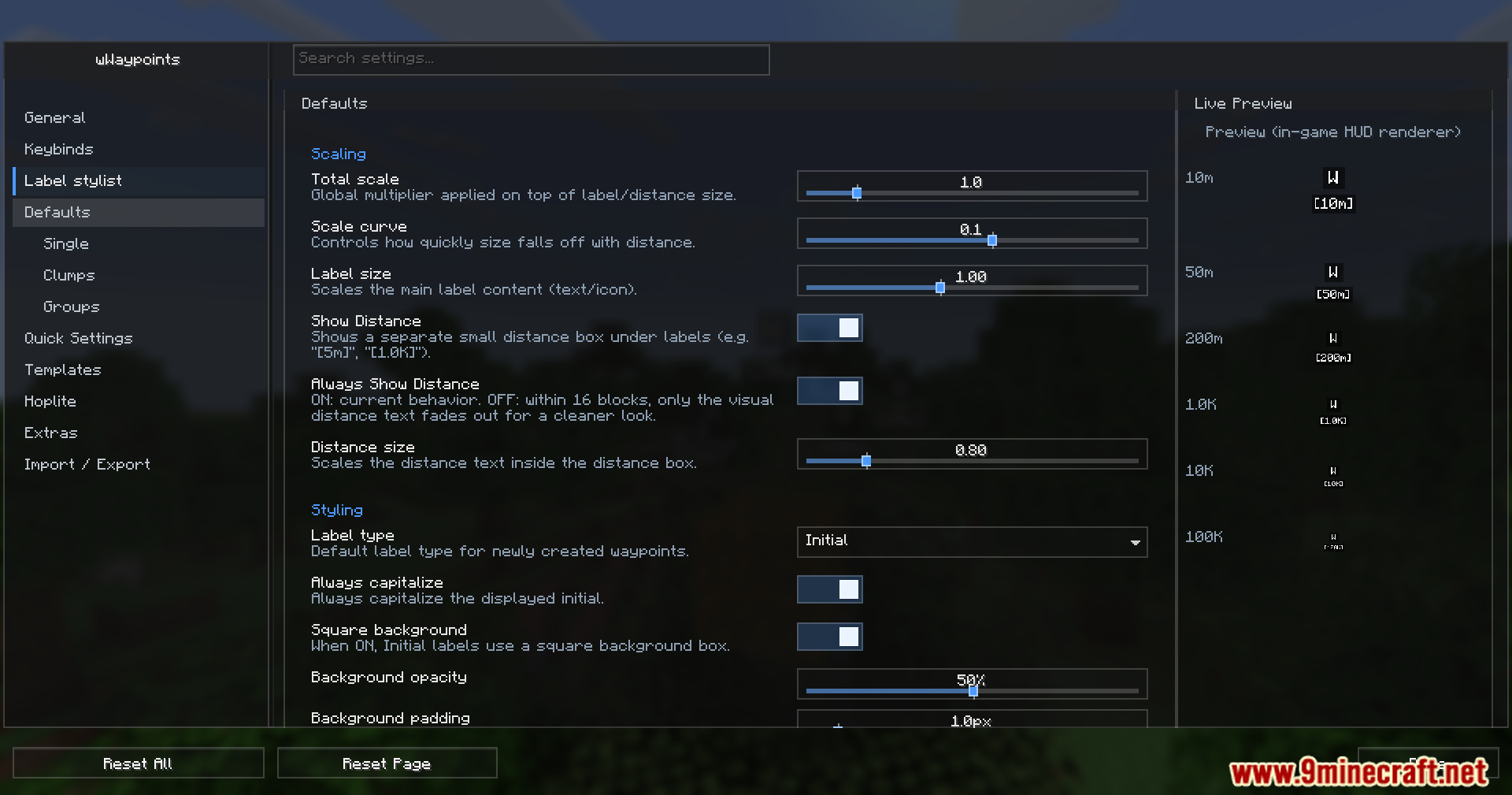
Configure Waypoint Appearance and Keyboard ControlsCustomizing Waypoint Labels Waypoint labels are the text and icons that appear in your world. Access the appearance…Create and Manage Multi-Block Waypoint MarkersSetting Up a Multi-Block Marker Multi-block markers let you highlight large areas—perfect for marking bases, farms,…Organize Waypoints with Folders and CategoriesCreating and Using Folders Folders help you sort waypoints by project, location, or purpose. Open your waypoint menu…Use Block Highlighting for Building and Trap SetupEnabling Block Highlights Block highlighting helps you visualize specific blocks in your world—essential for trap…
Frequently asked questions
How do I create my first waypoint?
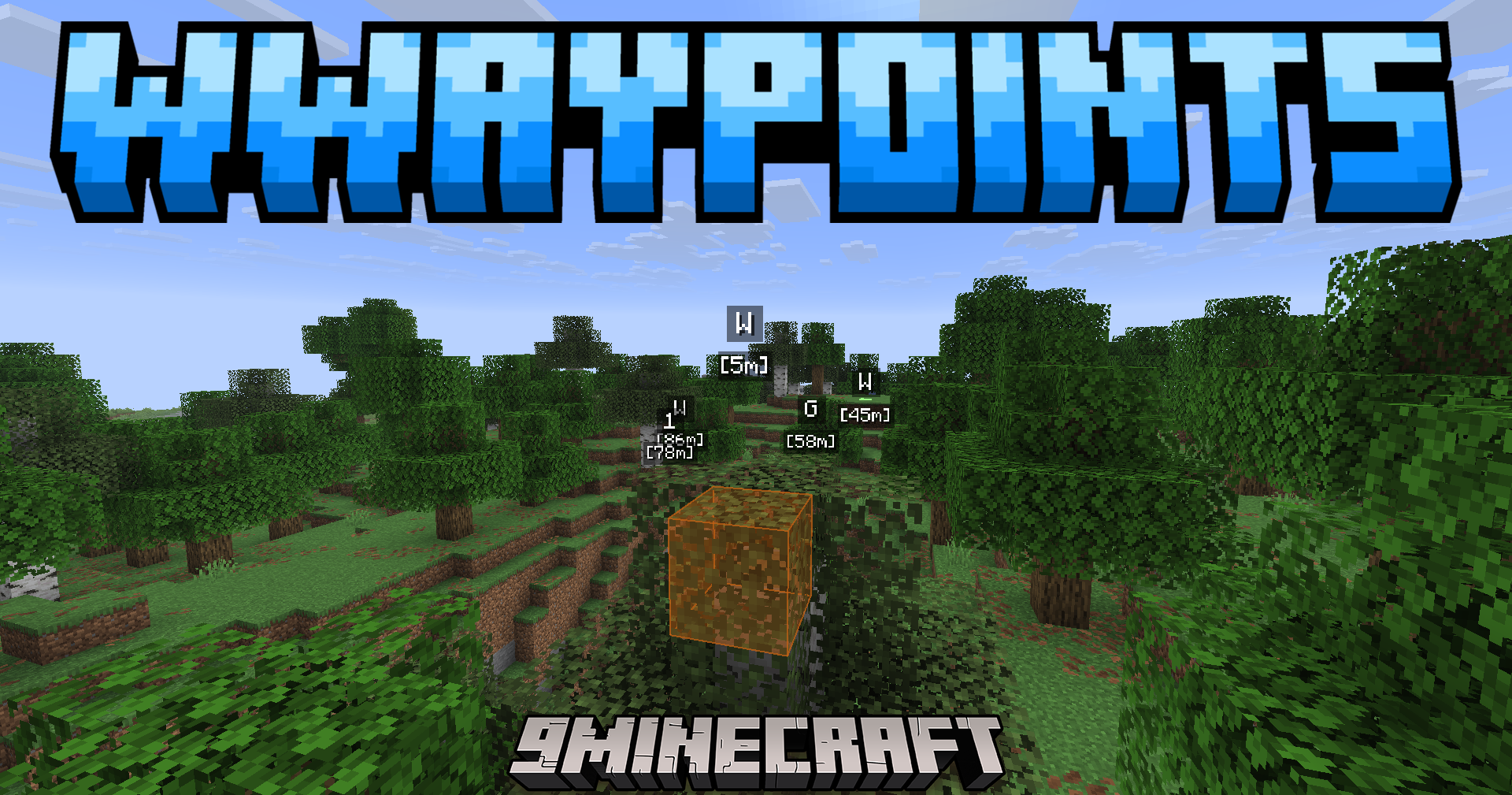
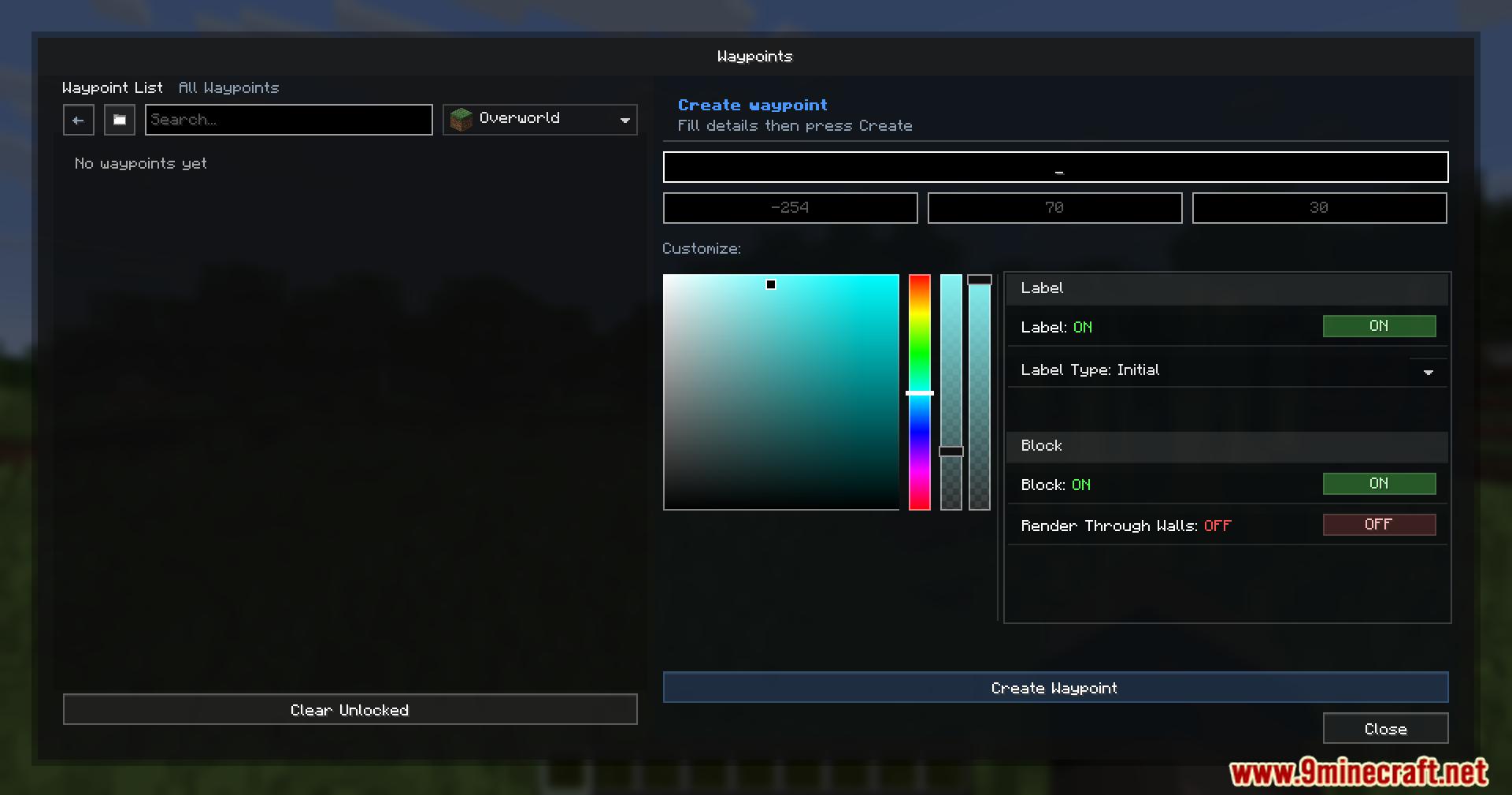
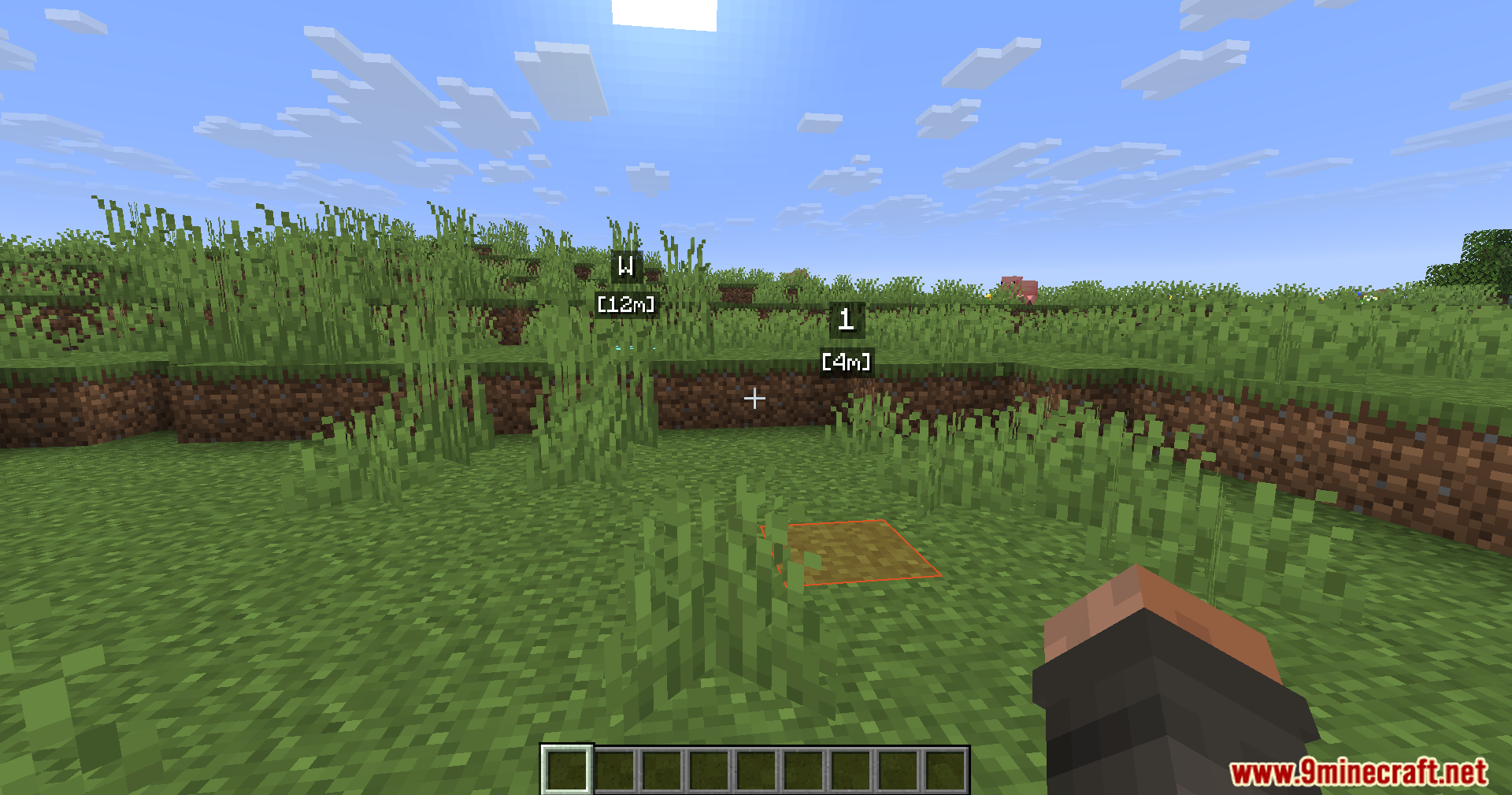
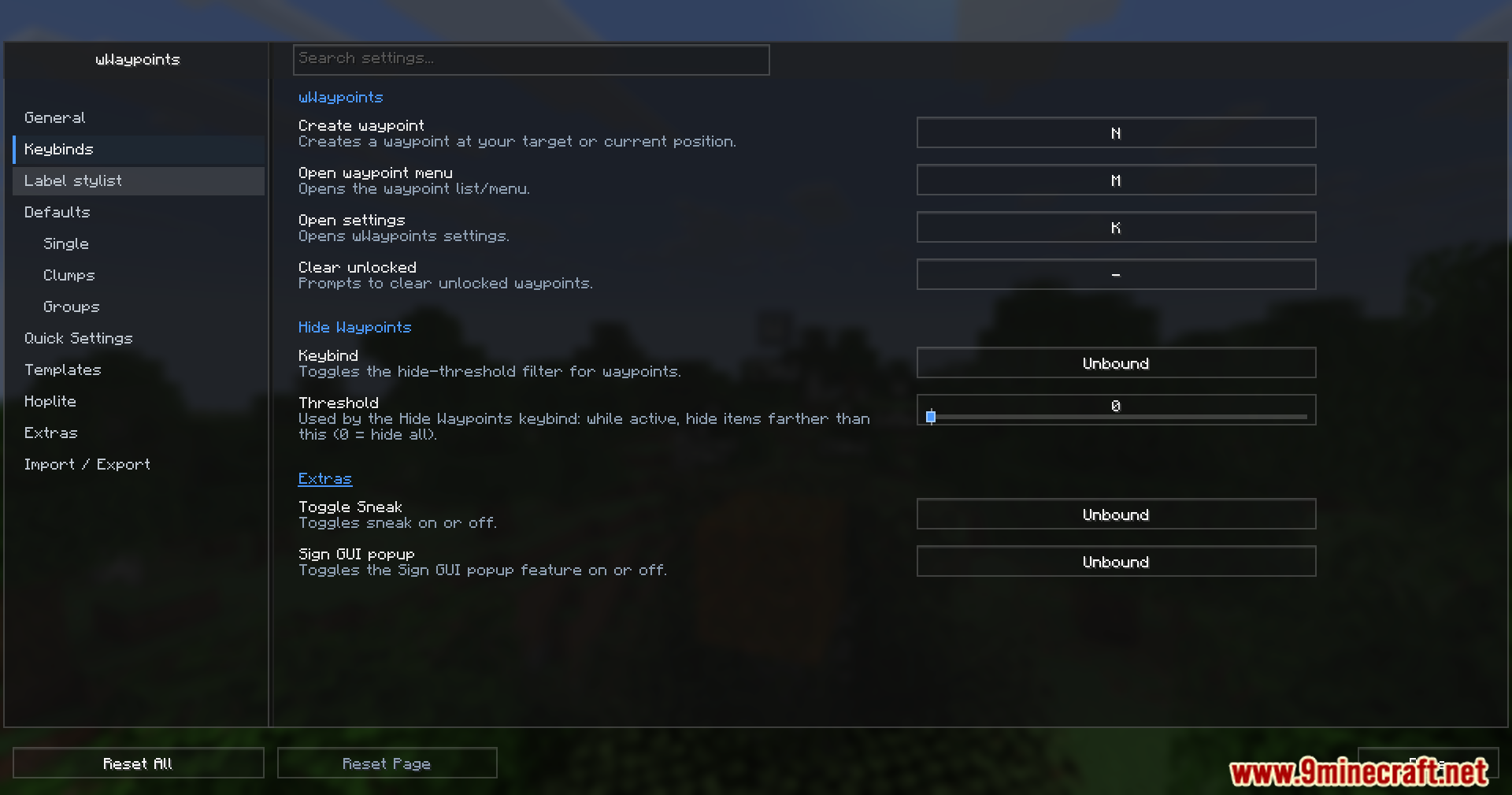
Open the main menu using your configured waypoint key, then enter a name, coordinates, and choose an icon and color for your marker. Click create, and your waypoint will appear in the world and in your waypoint list.
What's the difference between a regular waypoint and a multi-block marker?
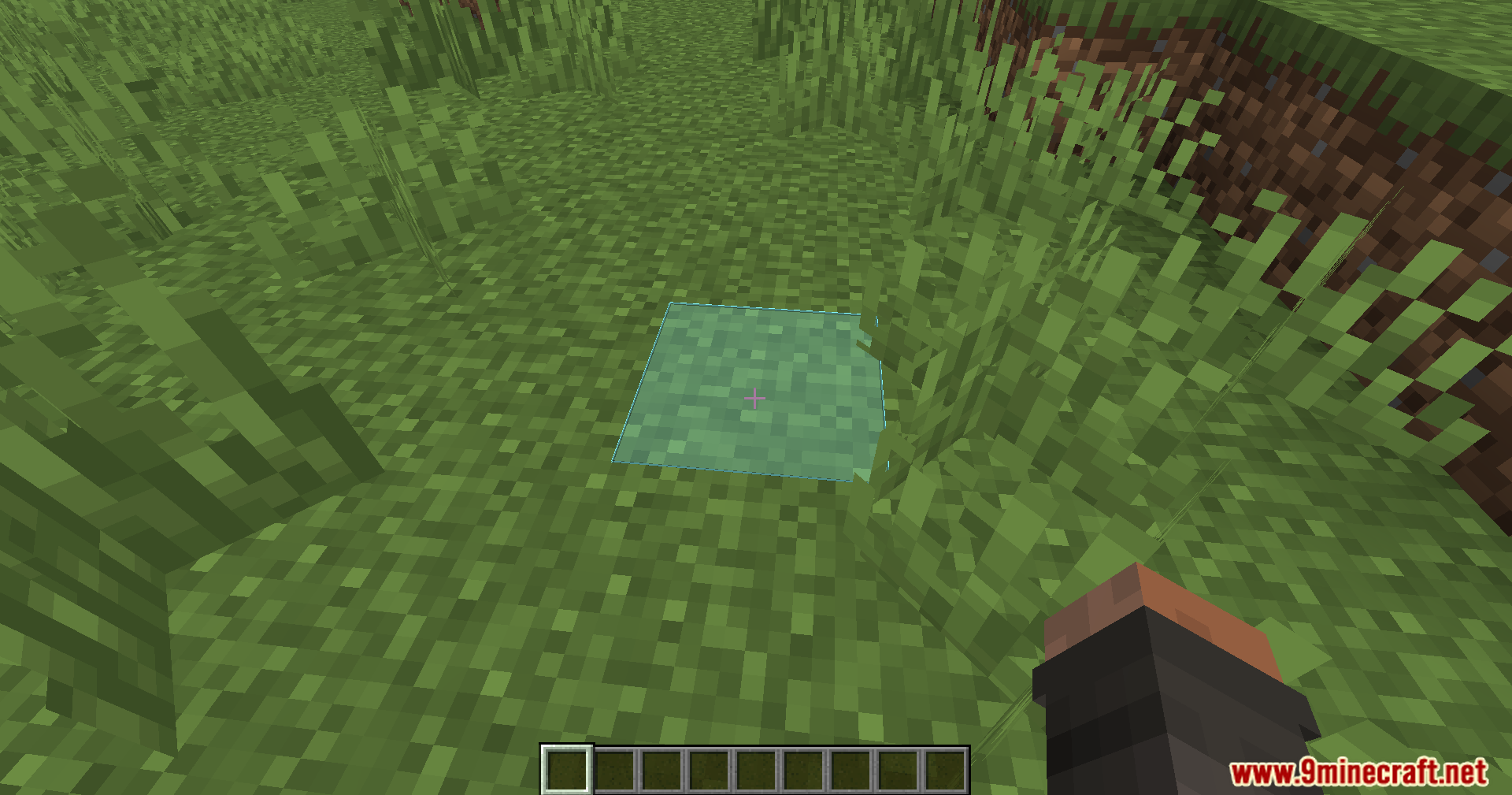
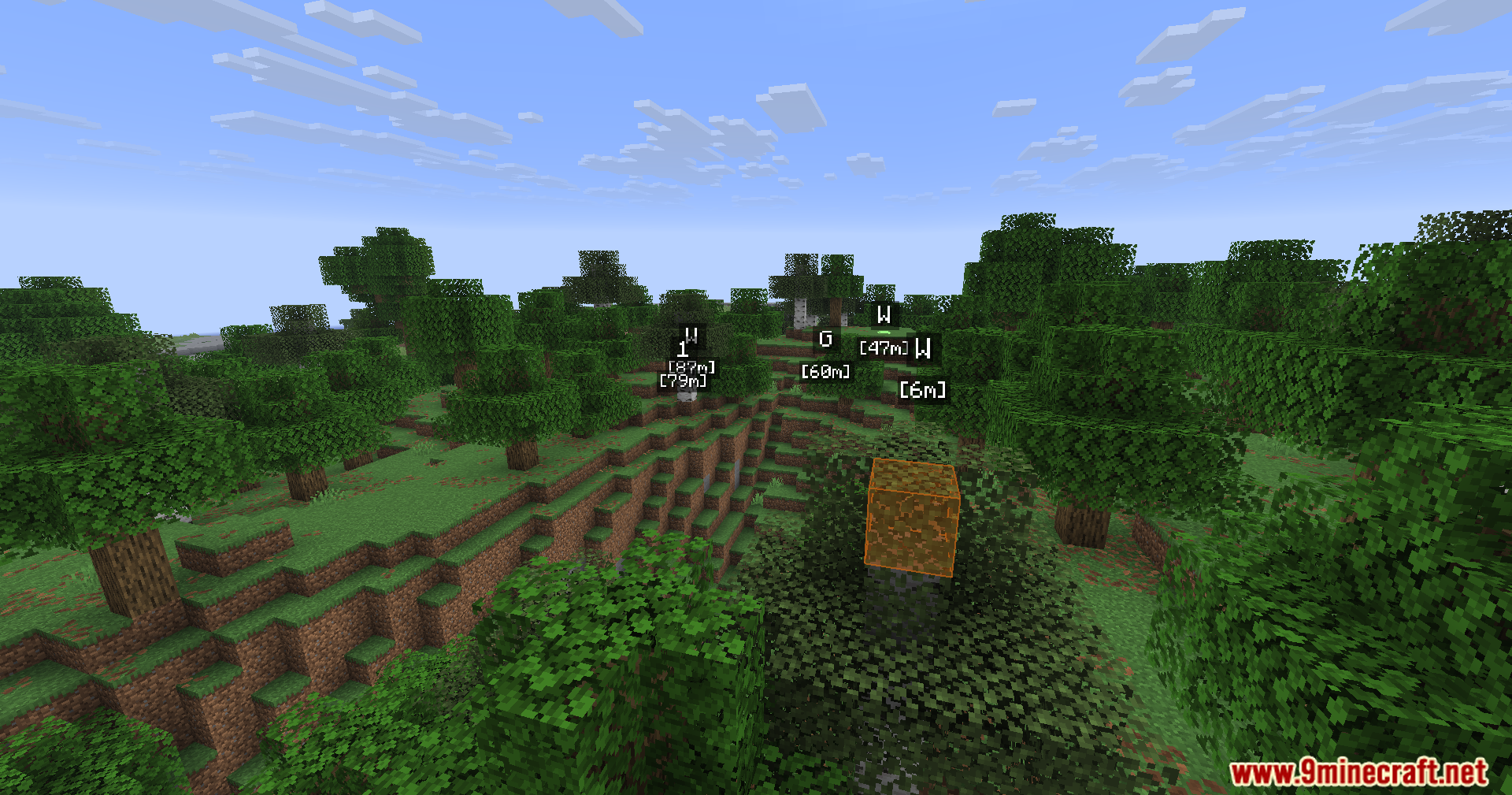
Regular waypoints mark a single location, while multi-block markers cover multiple blocks at once. To create a multi-block marker, hold down your create waypoint key while moving your character to define the area you want to highlight.
How do I organize waypoints so my list doesn't get messy?
Create custom folders in the waypoint management menu and assign waypoints to them by category—for example, separate folders for bases, farms, traps, or resources. This keeps your list clean and makes waypoints easier to find.
Can I change the color and icon of a waypoint after I create it?
Yes, open your waypoint list, select the waypoint you want to edit, and use the color picker and icon selector to customize its appearance without losing its location or data.
See all 10 WWaypoints questions ›
Gallery
11 images from the Wwaypoints Mod page.
You May Also Like
Wikis that share the most with this one
Wikis on the same theme: cat
More mod wikis on the site
The most downloaded mods that have a wiki here
A few wikis from each of the other kinds