

 DownloadWoven Essence Persona
Get the files on 9Minecraft
Guides
Step-by-step, in-game.
Craft and Use Gas Masks with Brewable FiltersCraft a Gas Mask Create a gas mask on the Sewing Table using the appropriate materials. Once equipped, the mask…Dye Individual Layers on Clothing ItemsAccess the Dyeing Interface Once you've crafted a clothing item on the Sewing Table , place it back into the result…Equip and Manage Modular Attachments on Vests and BeltsEquip Your Tactical Gear Wear a vest or belt that has modular attachment slots. These pieces of equipment are…Use the Quick Access Bar to Swap Items to Your HandOpen the Quick Access Screen The Quick Access overlay appears in the bottom right corner of your screen when you have…
Recipes
Every recipe the mod adds, grouped by how it is made.
Crafting · 8atelier:sewing_table · 38atelier:dyeable_transform · 6minecraft:stonecutting · 3minecraft:smelting · 1
Items
A
 Advanced Gas Filter
 Armor Vest
B
 Balaclava
 Bandage
 Belt
 Beret
 Bioplastic
 Biopolymer
 Biopolyster
C
 Ceramic Plate
 Cigarette
 Cotton Seeds
 Cowboy Hat
D
 Detonator
E
 Elbow Pad
 Eye Patch
F
 Fabric
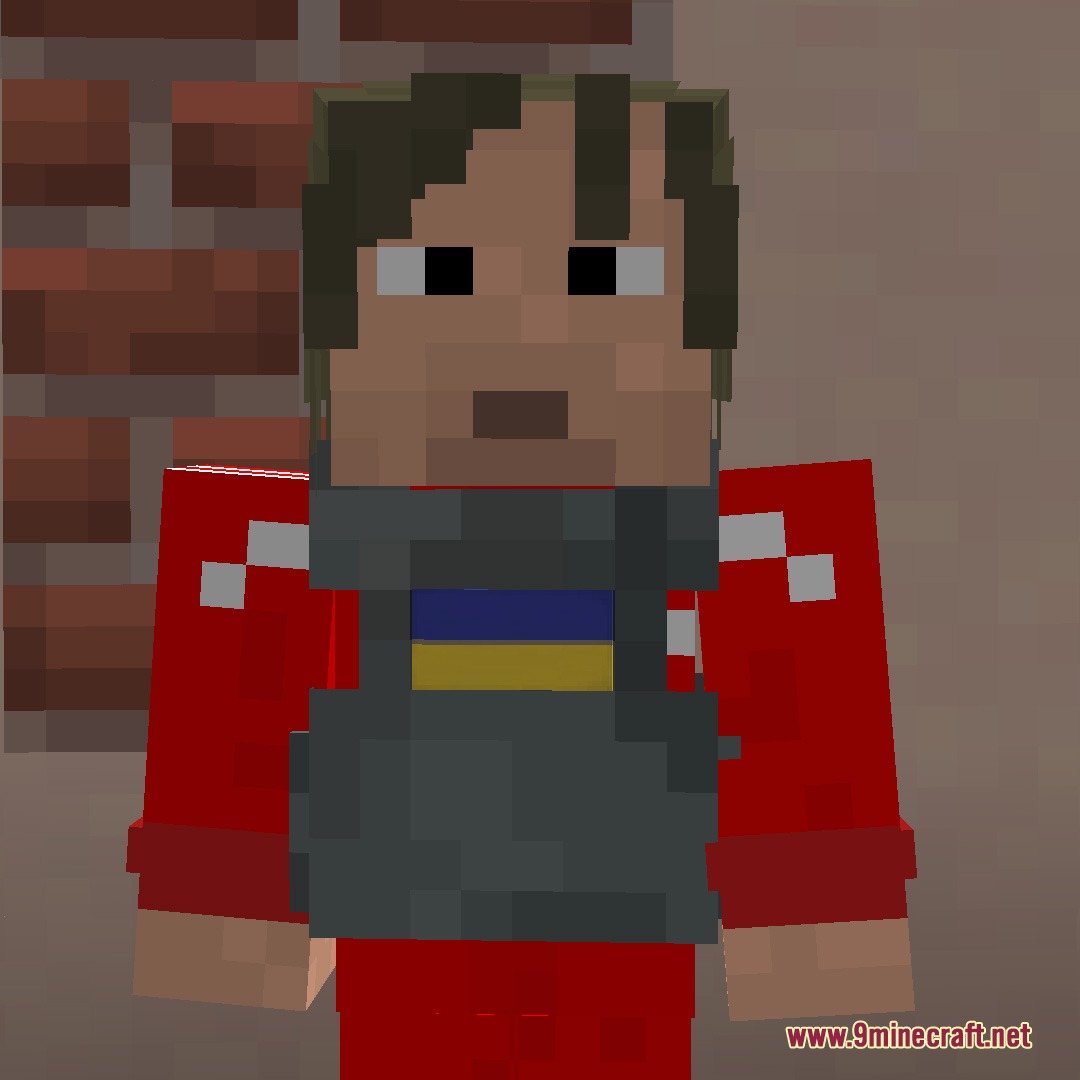
 Field Jacket
G
 Gas Filter
 Gas Mask A
 Gas Mask B
 Gas Mask C
H
 Hazmat Suit
 Holster
I
 Iron Plate
K
 Knee Pads
L
 Leather Glove
M
 Military Tunic
N
 Netherite Plate
 Night Vision Bi-Ocular
 Night Vision Binoculars
P
 Pack of Cigarettes
 Pants
 Papakha
 Peaked Cap
 Phantom Cloth
 Plate Carrier
 Pork Pie
 Pouch
S
 Ski Mask
 Sling
 Spool of Cotton
T
 Tactical Boots
 Tactical Helmet A
 Tactical Helmet B
 Tactical Helmet C
 Tank Top
U
 Union Kepi
 Ushanka
 Utility Cap
 Utility Vest
W
 Webbing
 Welding Goggles
 Wooden Plate
Blocks
 Cotton
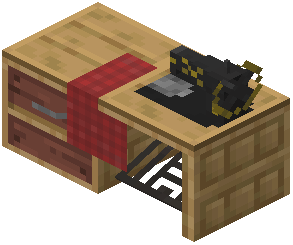 Sewing Table
 Wild Cotton
Configuration
Every setting in the mod config file, with what it changes.
| Option | What it does |
|---|---|
align | Align |
bombvest | Bomb Vest |
capacities | Capacities |
enabled | Enabled |
eyePatch | Eye Patch |
eyesLevel | Eyes level |
fppOverlays | First Person overlays |
general | General |
halalMode | Halal Mode |
hazmatRadProtect | Hazmat protects from radiation |
itemsBlacklist | Items Blacklist |
keybindsHint | Keybinds hint |
kneePadsProtection | Knee Pads fall damage protection |
maxExplosionPower | Max explosion power |
mode | Mode |
modules | Modules that can be equipped/unequipped via Quick Access |
nightVisionDevices | Night Vision Devices |
pouch | Pouch |
quickAccessGui | Quick Access GUI |
redstoneConsume | Redstone consumtion rate |
thirdPerson | Third Person |
warium | Warium |
webbing | Webbing |
offsetX | X offset |
Frequently asked questions
Where do I find cotton to start crafting clothes?
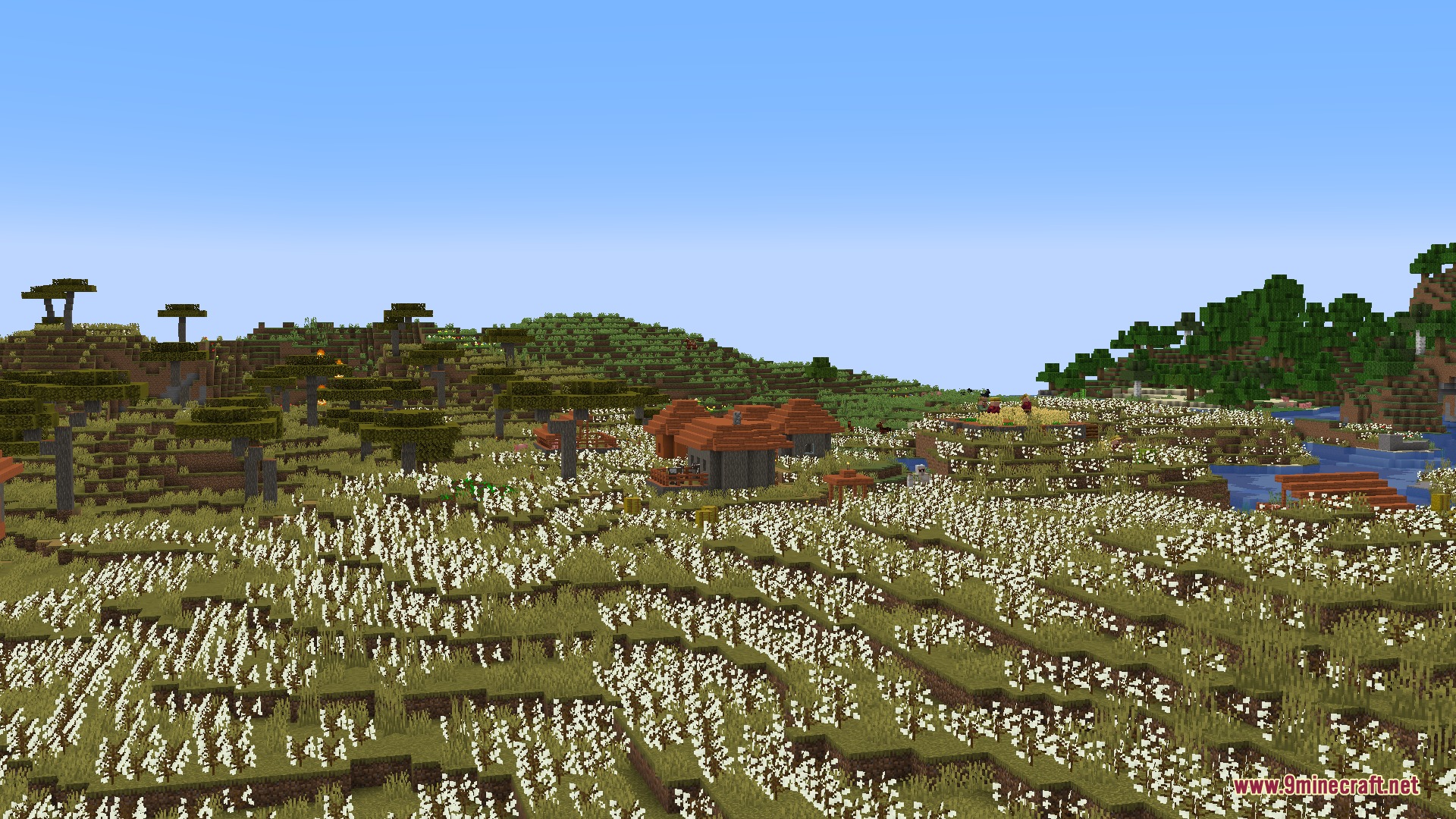
Wild Cotton plants spawn naturally in Savanna biomes—break them to collect Cotton Seeds and raw cotton fibers. You can also plant Cotton Seeds in farmland to grow your own cotton supply over time.
How do I craft a Sewing Table?
Craft a Sewing Table using wood planks and iron ingots at a regular crafting table. Once placed in your world, right-click it to open the clothing menu and begin crafting outfits.
Can I change the color of just one part of my clothing?
Yes—after crafting an item on the Sewing Table, place it back in the result slot and you'll see individual color layers listed. Right-click each layer with a dye to color that specific part independently.
How do I add pouches or armor plates to my vest?
Equip the vest, then use Mouse Scroll Wheel + Right Click to open the modular attachment menu. Select an empty slot and insert compatible modules like pouches, armor plates, or webbings.
What's the Quick Access bar and how do I use it?
The Quick Access bar appears in the bottom right corner and lets you store extra items in equipped gear. Press the grave accent key (`) plus a number to instantly swap that item to your main hand.
How do gas mask filters work?
Craft a gas mask, then brew filters by combining milk and brewed potions on the Sewing Table. Equip the mask with a filter inserted to block negative potion effects like poison or nausea.
Can I put banner patterns on my clothes?
Yes—banner patches are wearable items that display banner designs directly on your outfit. Craft or obtain a banner patch and equip it as you would other gear.
How do I use the TNT pouch detonator?
Attach a TNT pouch to your vest or belt using the modular attachment system, fill it with TNT, then equip the detonator item and right-click to trigger explosives remotely.
Do I need armor plates to make vests protective?
Vests provide storage and utility by default, but you can insert armor plates into their modular slots to gain protection against arrow damage specifically.
Can I remove items from pouches without unequipping them?
Yes—while wearing a pouch or vest with storage, use Mouse Scroll Wheel + Right Click to open the attachment menu and withdraw items directly without removing the gear.
Gallery
5 images from the Woven Essence Persona Mod page.
You May Also Like
Wikis that share the most with this one
Wikis on the same theme: armor
More mod wikis on the site
The most downloaded mods that have a wiki here
A few wikis from each of the other kinds