

 DownloadWarden Anger Indicator Mod
Get the files on 9Minecraft
Guides
Step-by-step, in-game.
Farming or Looting Deep Dark Without Constant Warden ThreatsStrategic Timing and Positioning The anger indicator helps you identify safe windows for looting. When anger is low…Preparing for Combat When Warden Anger Is HighRecognize the Warning Signs When the anger indicator reaches high levels, combat is unavoidable. The warden will…Sneaking Past a Warden Without Triggering ItMinimize Noise and Vibrations The warden detects vibrations through sculk sensors. To keep anger low: Crouch-walk…Understanding Warden Anger LevelsWhat the Numbers Mean The anger indicator displays a numerical value above the warden's head. This number represents…
Frequently asked questions
How do I know if the mod is working?
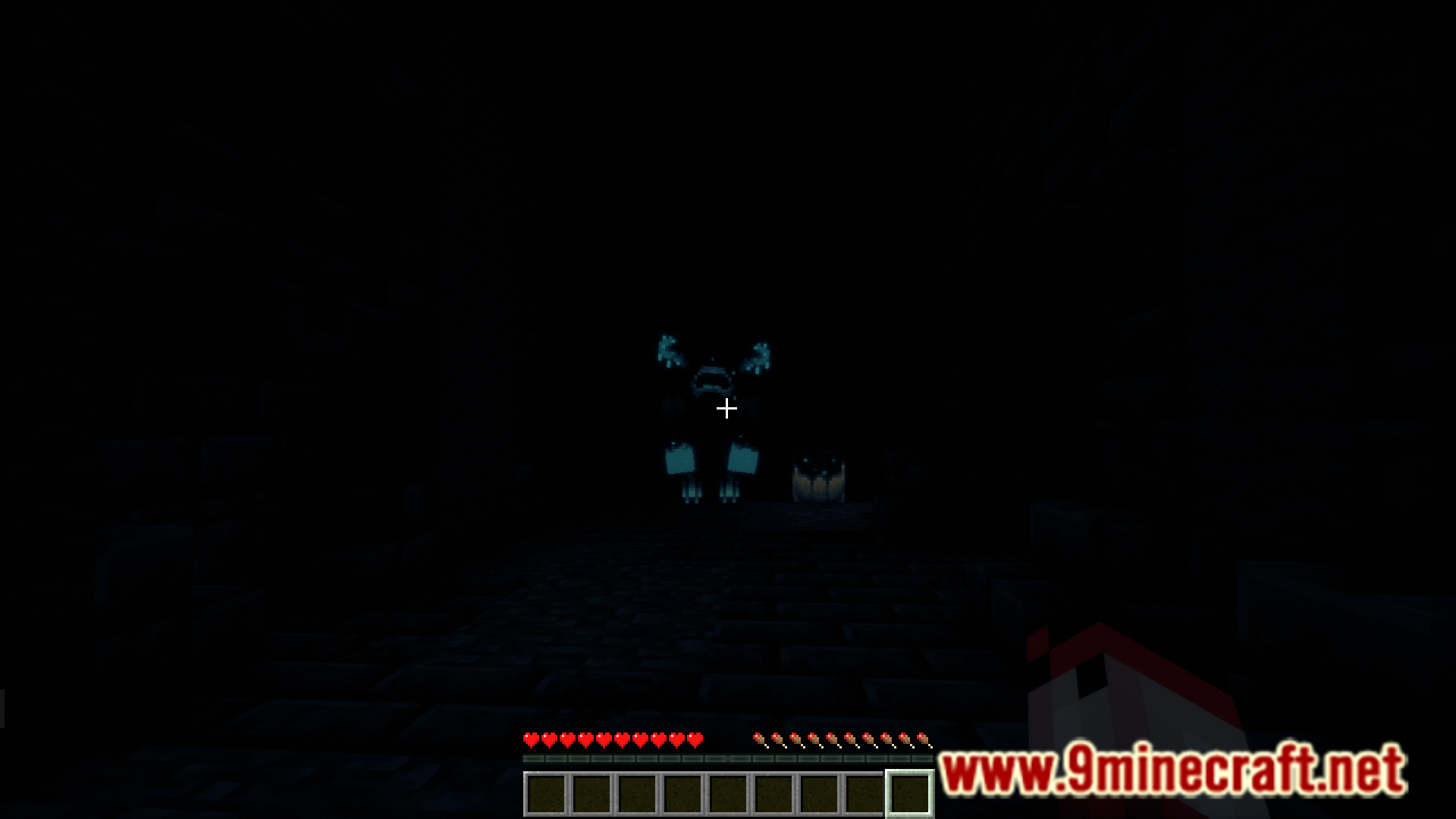
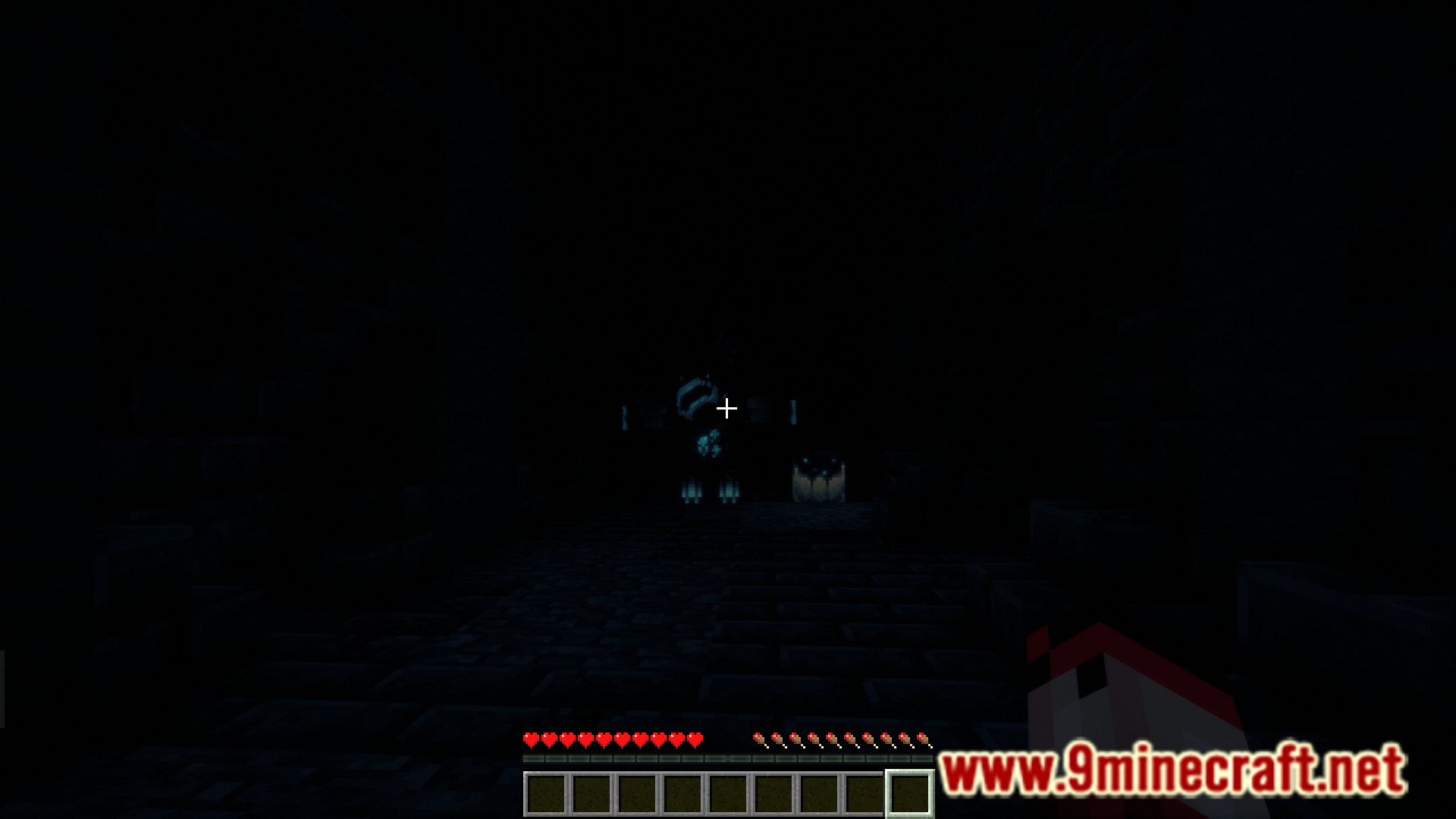
When you encounter a warden, look directly above its head—you should see a number displayed. This number is the warden's current anger level, and it will change as the warden reacts to your actions.
What does the anger number mean?
The number represents the warden's anger level on a scale where higher values mean the warden is more hostile and more likely to attack you. At low anger levels, the warden is calm; at high levels, it will actively hunt you down.
Can I hide the anger indicator?
Check your mod's configuration file or in-game settings menu—most versions allow you to toggle the indicator on and off or adjust its display distance so it only shows when you're close enough.
Does the indicator show through walls or fog?
The indicator typically displays only when you can see the warden, though this depends on your mod version's settings; check the configuration if you want to change visibility behavior.
See all 10 Warden Anger Indicator questions ›
Gallery
6 images from the Warden Anger Indicator Mod page.



You May Also Like
Wikis that share the most with this one
Wikis on the same theme: level
More mod wikis on the site
The most downloaded mods that have a wiki here
A few wikis from each of the other kinds