
 DownloadEnhanced Attack Indicator
Get the files on 9Minecraft
Contents (6)
Guides
Step-by-step, in-game.
How to Change the Attack Indicator Style in Enhanced Attack IndicatorThe main reason players install this mod is to move past the plain vanilla crosshair charge bar. Enhanced Attack…How to Configure When the Attack Indicator AppearsBy default the vanilla indicator only shows in certain conditions, which can leave you guessing about your swing…How to Make the Attack Indicator Easier to See During CombatA common complaint with the vanilla indicator is that it is easy to lose against bright terrain or during fast…How to Reset Enhanced Attack Indicator to Default SettingsIf you have experimented with styles and display toggles and now want the familiar vanilla-like behaviour back, you…
Configuration
Every setting in the mod config file, with what it changes.
| Option | What it does |
|---|---|
weaponCoolDownImportanceAttack Cooldown Priority | Sets how prominently the attack cooldown indicator is displayed |
disableAxesDisable Axe's Attack Cooldown | Turns off attack cooldown display for axes |
disablePickaxesAndShovelsDisable Pickaxe's & Shovel's Attack Cooldown | Turns off attack cooldown display for pickaxes and shovels |
showBlockBreakingShow Block Breaking Progress | Toggles the block breaking progress indicator |
showFoodAndPotionsShow Food & Potions | Toggles the food and potion use progress indicator |
showItemCooldowns | Toggles display of item cooldown progress |
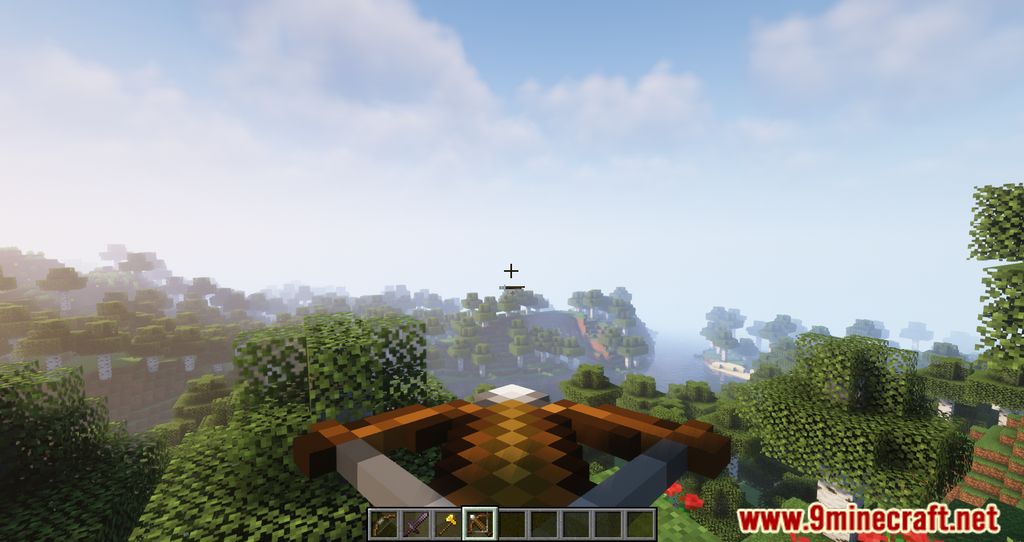
showRangeWeaponDrawShow Ranged Weapon Draw | Toggles the bow and crossbow draw progress indicator |
showItemContainerFullnessShow Shulker Fullness | Toggles the shulker box fullness indicator |
showSleepShow Sleep Progress | Toggles the sleep progress indicator |
Other settings in this file
3 more options the mod ships without its own description. Names are taken straight from the config file.
- FIRST
- LAST
- MIDDLE
Frequently asked questions
How do I open the Enhanced Attack Indicator settings?
Open the mod list from the pause menu, select  Enhanced Attack Indicator, and click the config button. You can also reach the same settings screen through the Mods menu on the title screen.
Why is my attack indicator not showing up at all?
The indicator only appears when a valid attack target is in range and your attack is charging, so it stays hidden while you are just walking around. Check that the display mode is not set to a style that only shows during cooldown, and confirm the indicator is not disabled in the config.
What is the difference between the attack indicator styles?
Each style draws the charge differently, such as a bar, a crosshair overlay, or a ring around the crosshair. Pick whichever one you can read fastest during a fight, since they all show the same attack charge timing.
Does Enhanced Attack Indicator work on servers?
Yes, it is client-side, so it works on any server without needing to be installed server-side. Other players will not see your indicator, and it will not get you kicked for having it.
See all 20 Enhanced Attack Indicator questions ›
Gallery
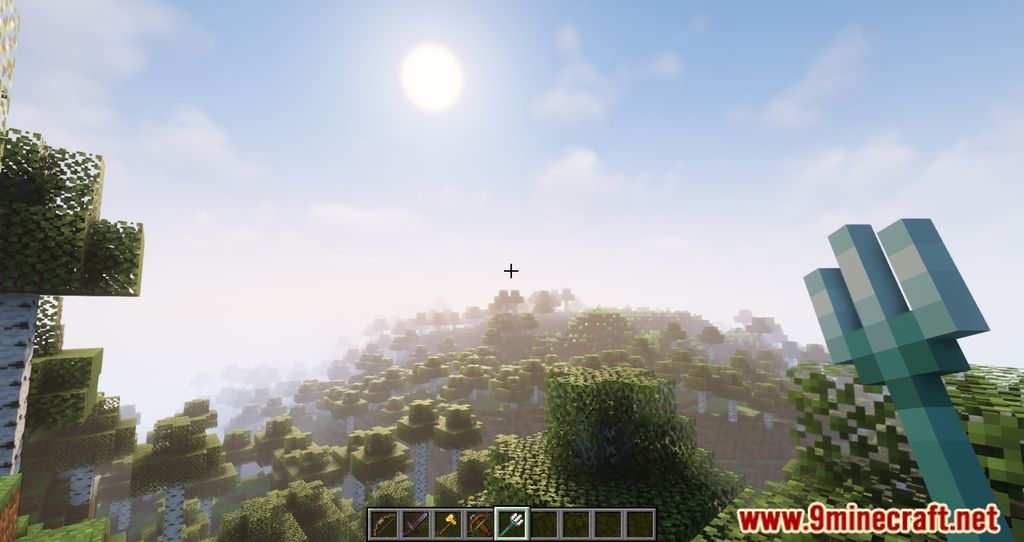
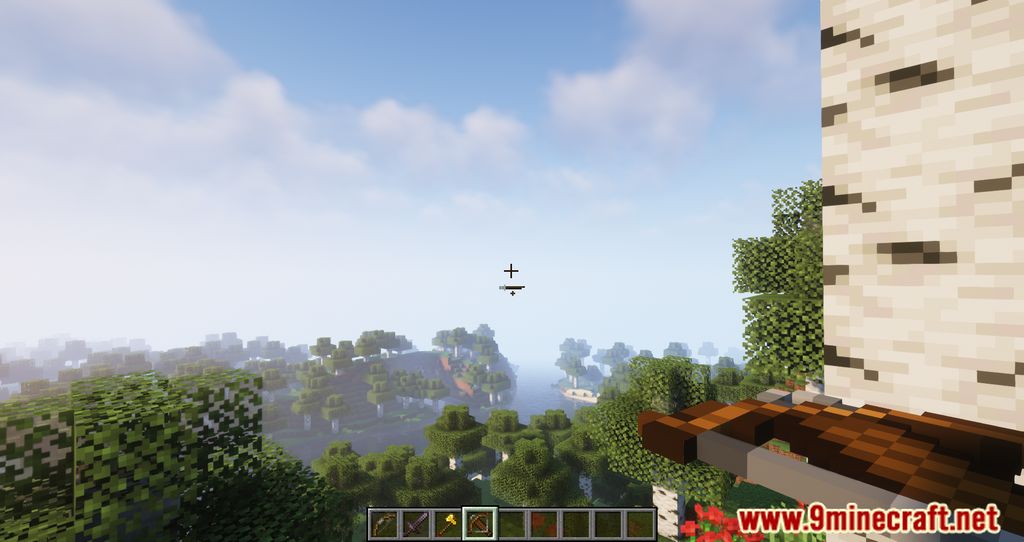
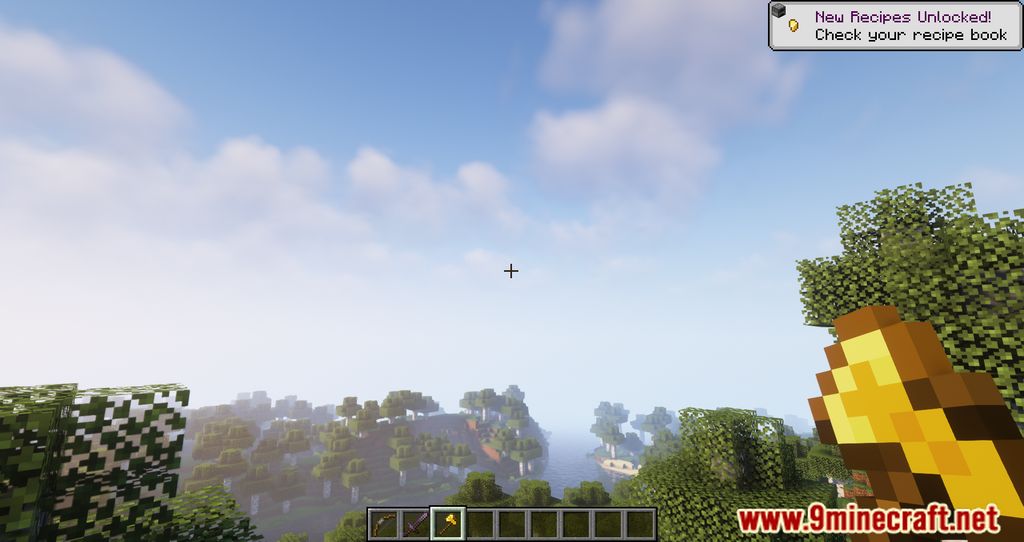
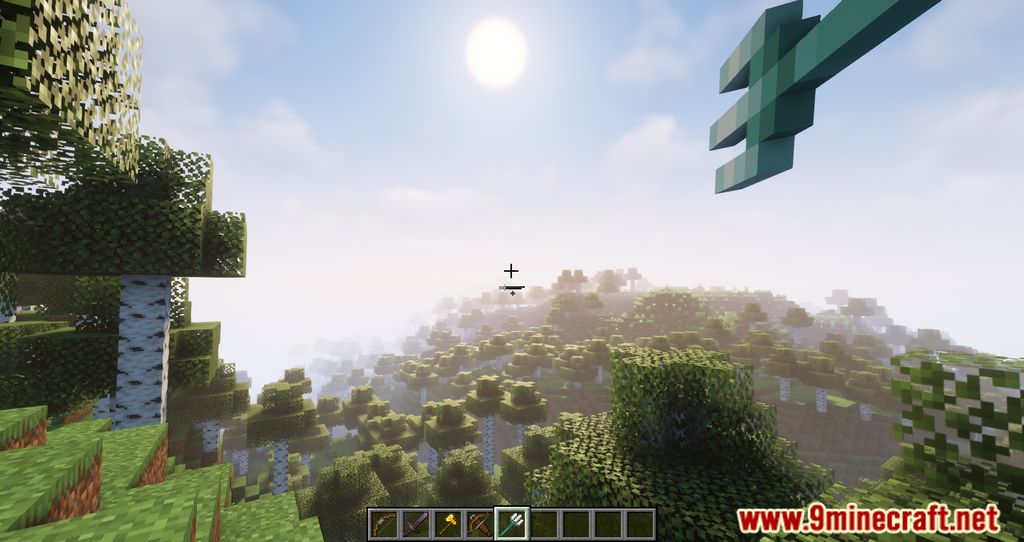
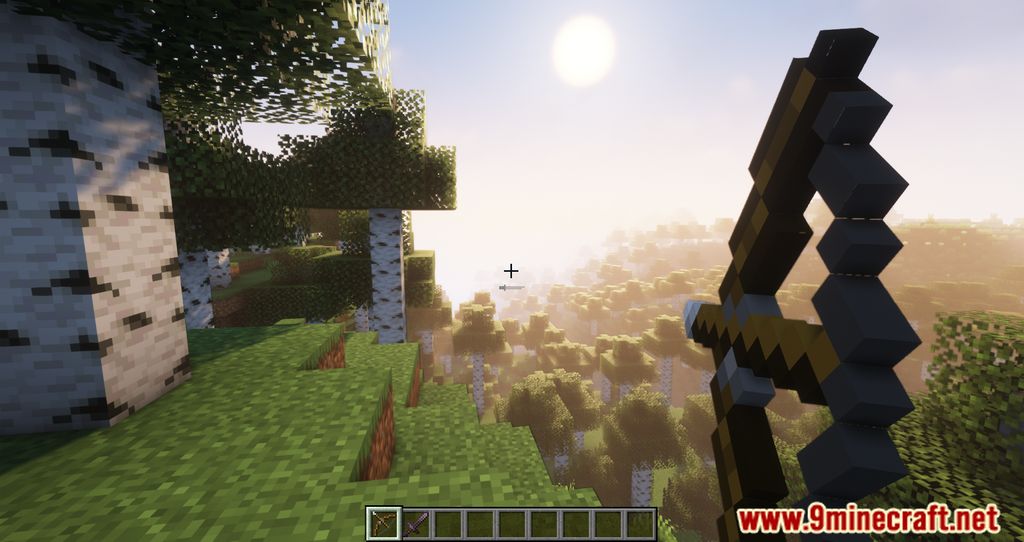
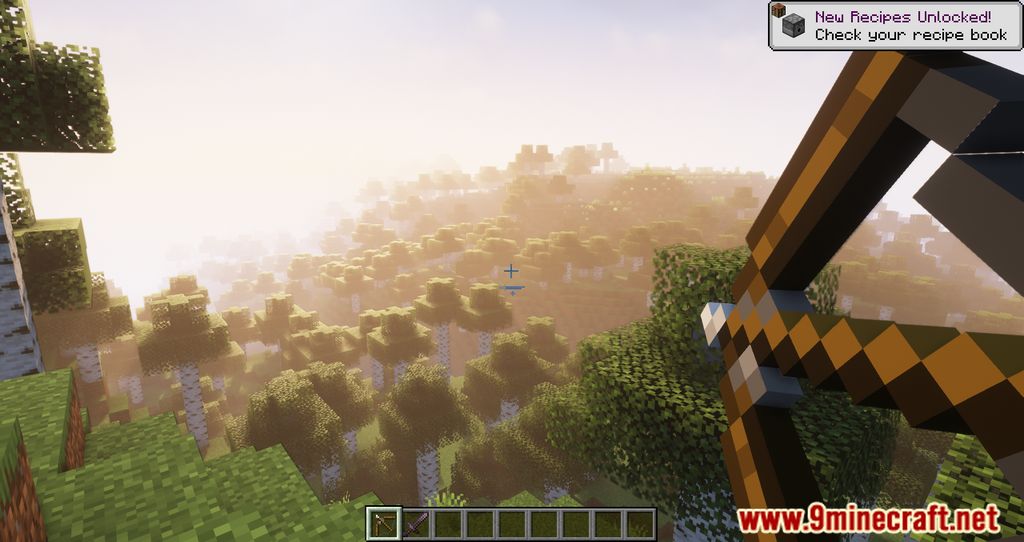
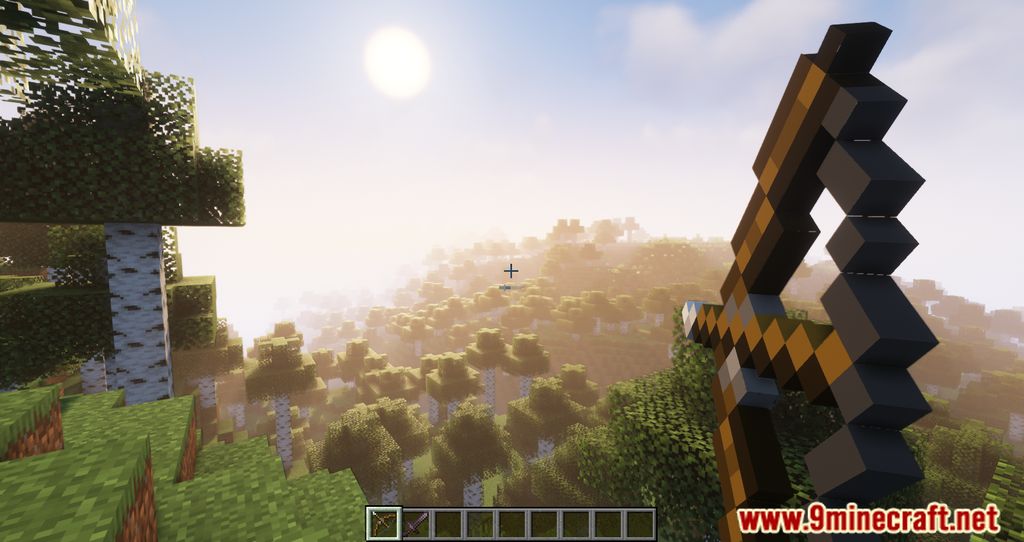
11 images from the Enhanced Attack Indicator Mod page.

You May Also Like
Wikis that share the most with this one
Wikis on the same theme: cat
More mod wikis on the site
The most downloaded mods that have a wiki here
A few wikis from each of the other kinds